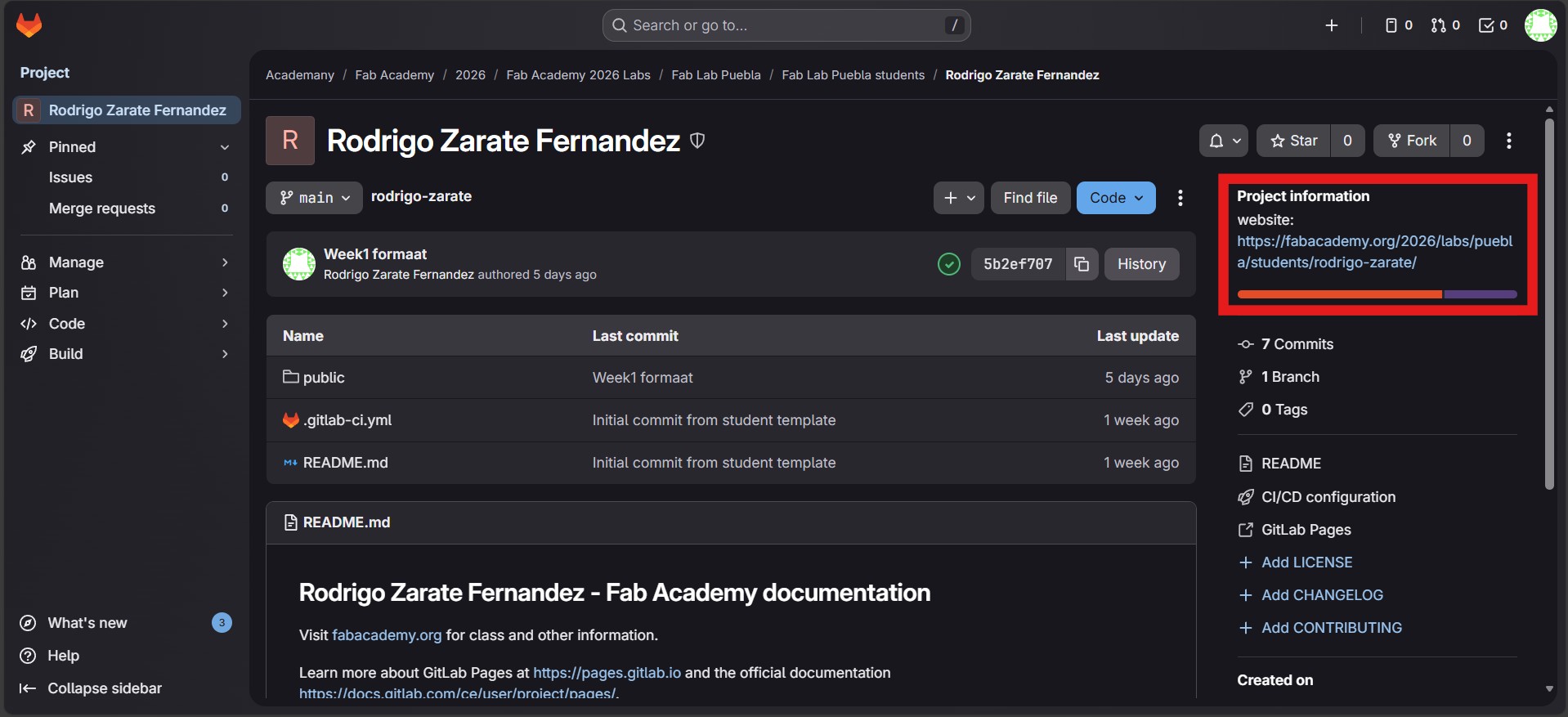
The journey begins
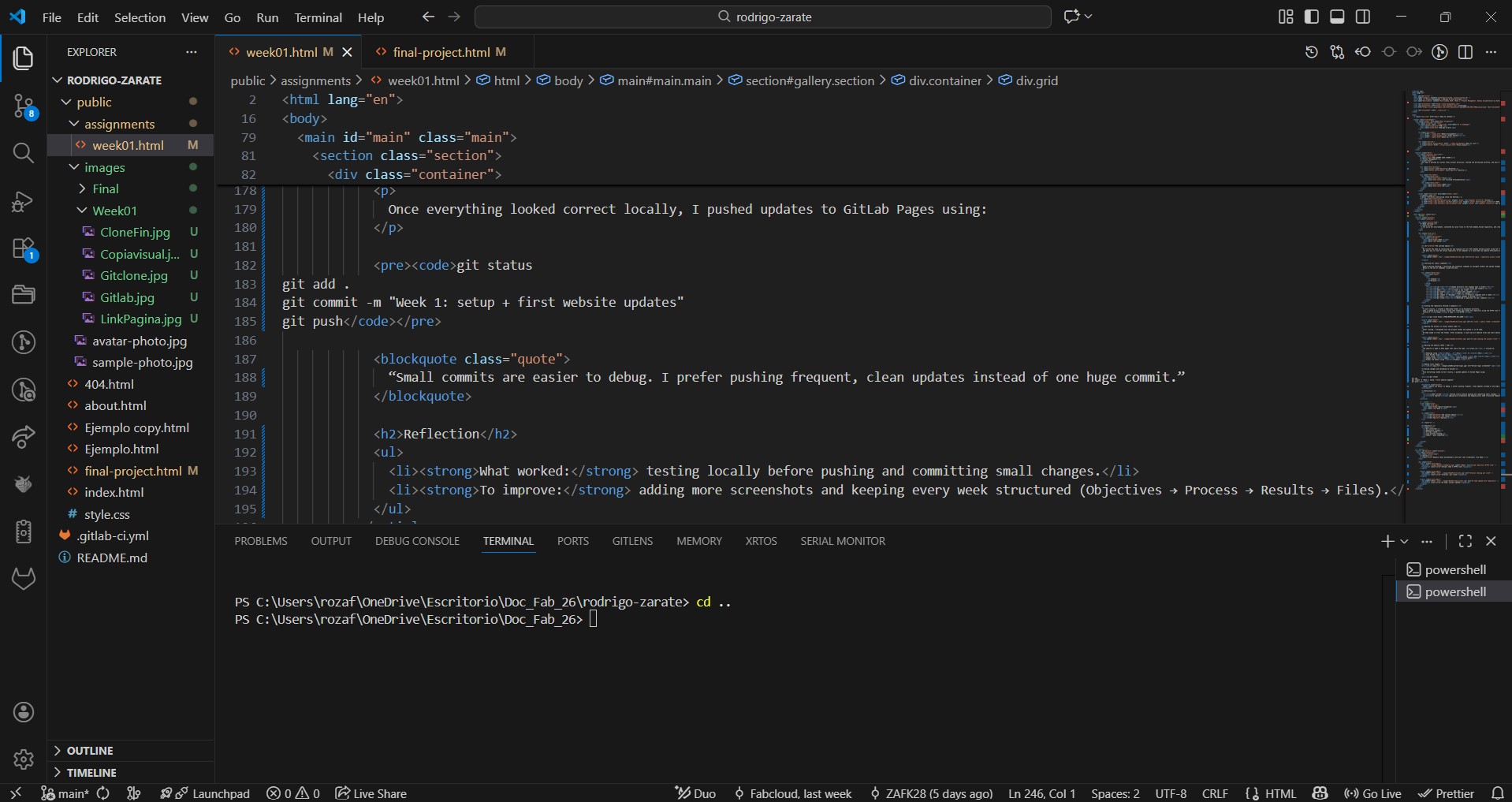
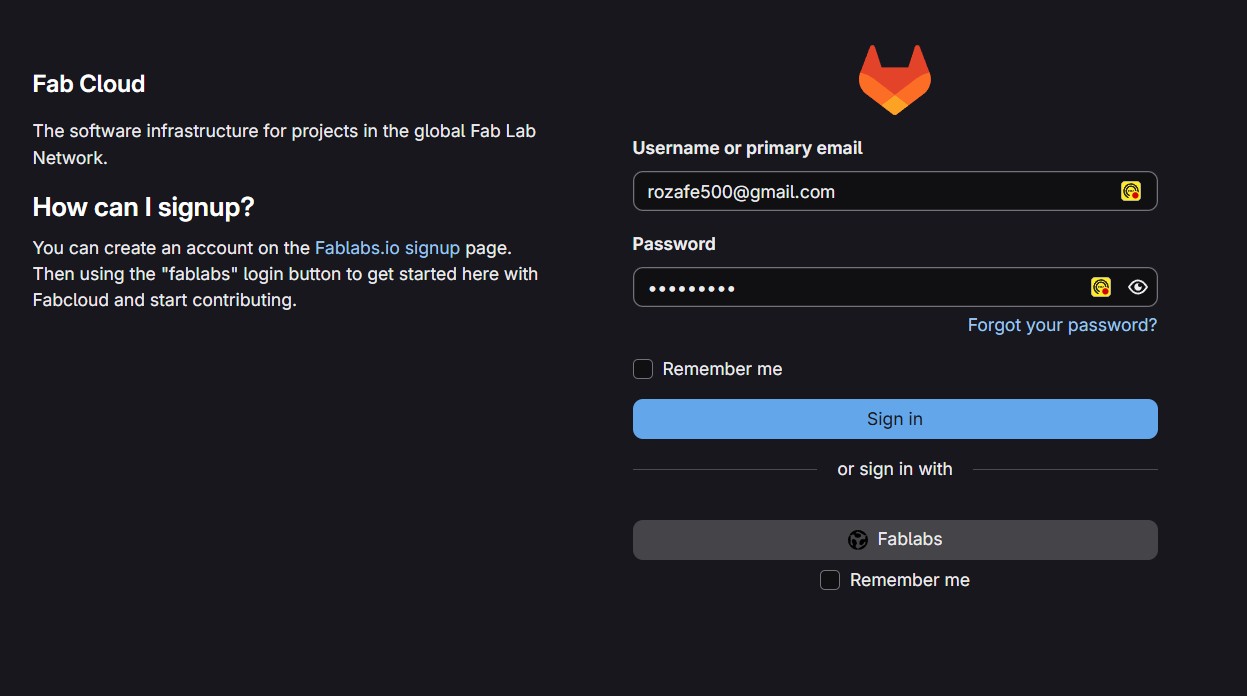
We started the week by installing Git and signing into our Fab Academy GitLab account using the credentials provided by the program. The goal was to link the online repository to my computer so I could edit my website efficiently and keep a clean version history.
Learning Git (basic commands)
Before editing anything, I practiced the essential commands to navigate folders and upload changes to GitLab. Below is the set of commands I used the most.
| Command | Purpose |
|---|---|
cd | Change directory (for example open a folder) |
dir / ls | List files and folders |
mkdir | Create a new folder |
git status | Check what changed |
git add . | Stage all changes |
git commit -m "message" | Create a snapshot with a label |
git push | Upload changes to GitLab |
git clone | Download a repository to your computer |
Cloning the repository (GitLab → Computer)
To work locally, I created a dedicated folder in my Documents directory. Then I opened my Git terminal inside that folder and cloned the repository using the HTTPS link from GitLab: Profile → Code → copy HTTPS.
git clone https://YOUR_REPOSITORY_URL_HERE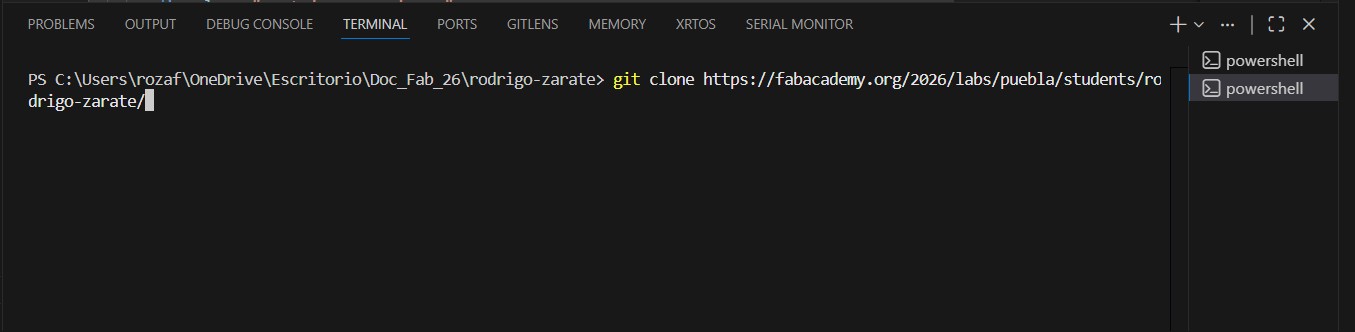
Opening the project in Visual Studio Code
After cloning, I navigated into the project folder and opened it in VS Code.
VS Code asked to trust the folder. After accepting, I could see all website files and start editing.
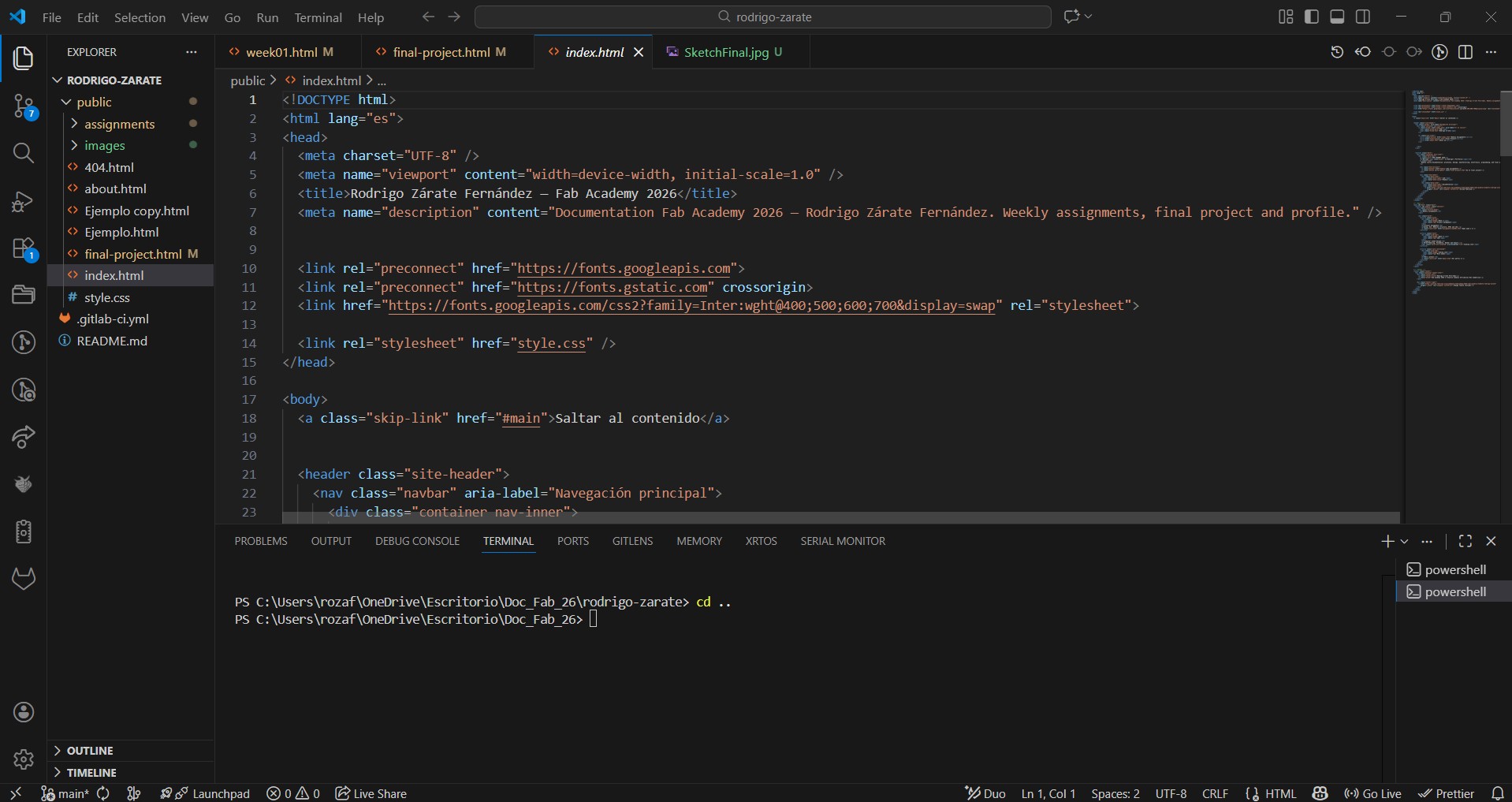
Editing the website (HTML + CSS)
The website is made of HTML pages that share the same style.css. I focused on:
- Headings using
<h1>...</h1>to<h6> - Text blocks using
<p> - Lists using
<ul>,<ol>and<li> - Images using
<img>(with relative paths) - Videos and models using
<iframe>
Adding local images
<img src="../images/week01/gitlab-login.jpg" alt="GitLab login screenshot" />Saving changes and uploading to GitLab
Once everything looked correct locally, I pushed updates to GitLab Pages using:
git status
git add .
git commit -m "Week 1: setup + first website updates"
git push
“Small commits are easier to debug. I prefer pushing frequent, clean updates instead of one huge commit.”
Reflection
- What worked: testing locally before pushing and committing small changes.
- To improve: adding more screenshots and keeping every week structured (Objectives → Process → Results → Files).