Computer-Aided Design - Assignment:
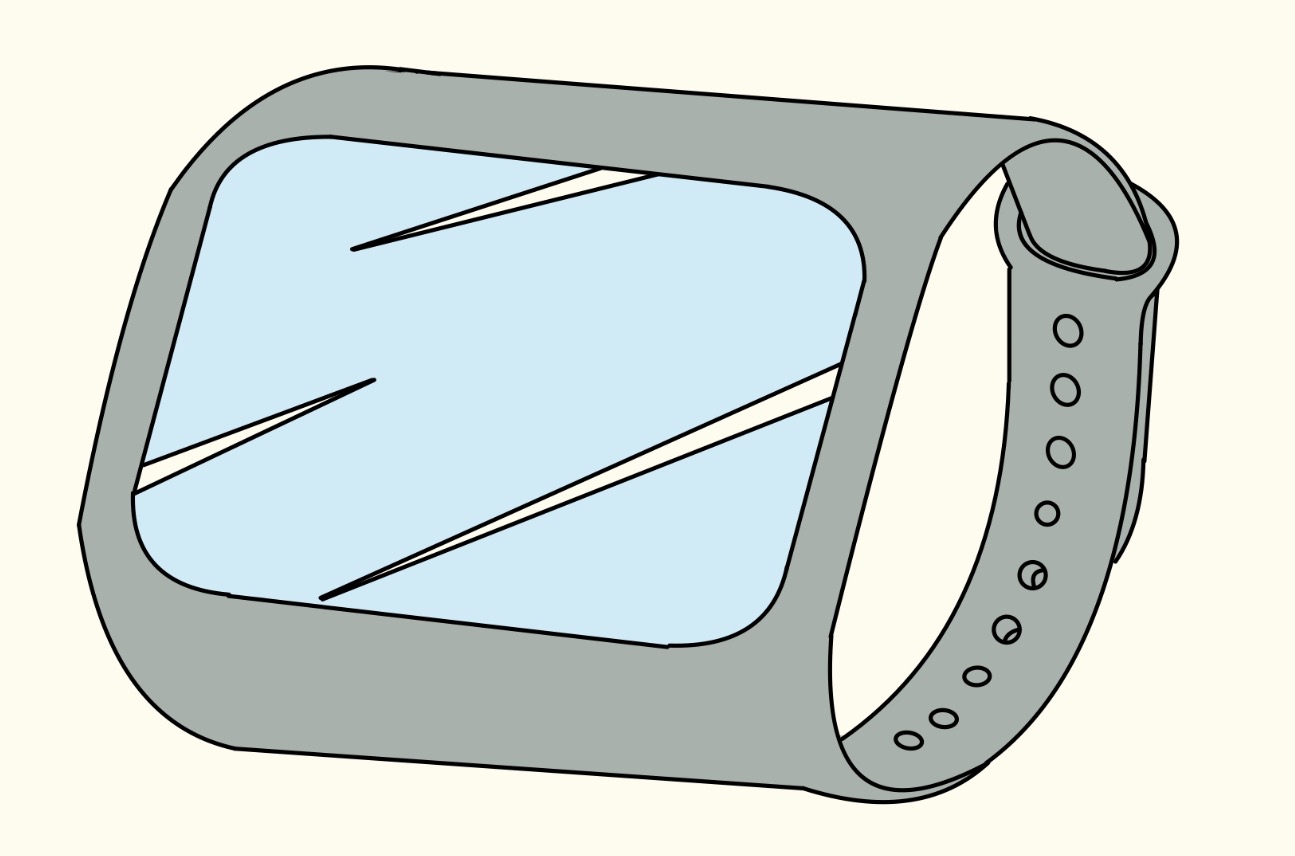
For this week we had to made some 2D and 3D modeling on more than 1 program for each, so we can compare those programs and give a general review. For all the examples I used the following sketch I originally drew on my Ipad for reference.
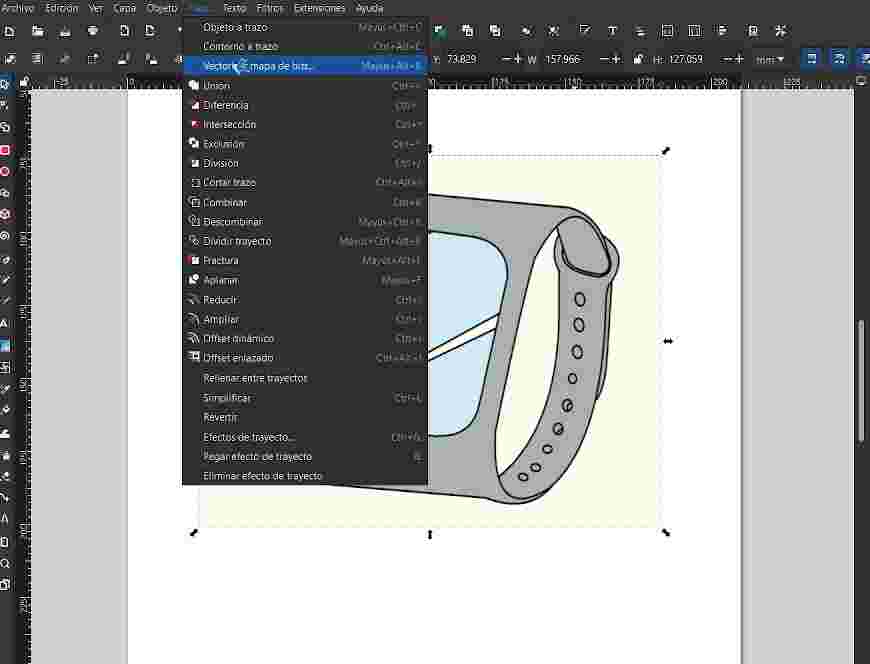
Inkscape is an open-source vector graphics editor used for creating and editing SVG designs, I started by importing the image on the document and then going to the section stroke and go on the option to vectorize a bit map
In my first attempt I dont really know why the program didn´t work out and also didn´t gave me a preview, so I had to create a new document again and then I could go on.
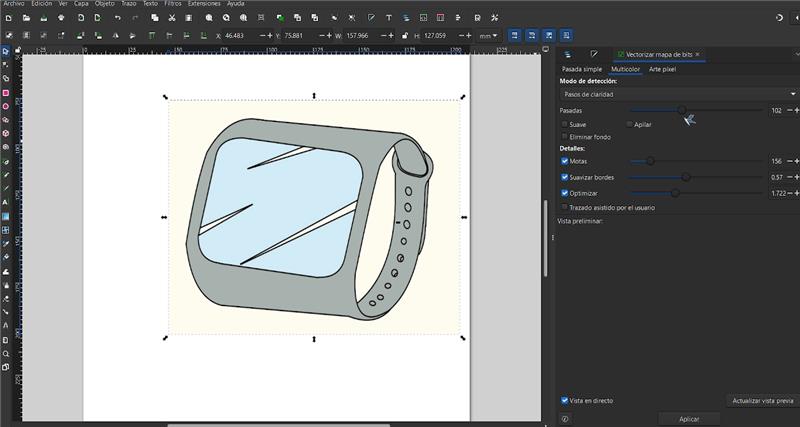
When I get to use it, I gave it some tries until I finally get the version I wanted by changing some parameters the program gives to you.
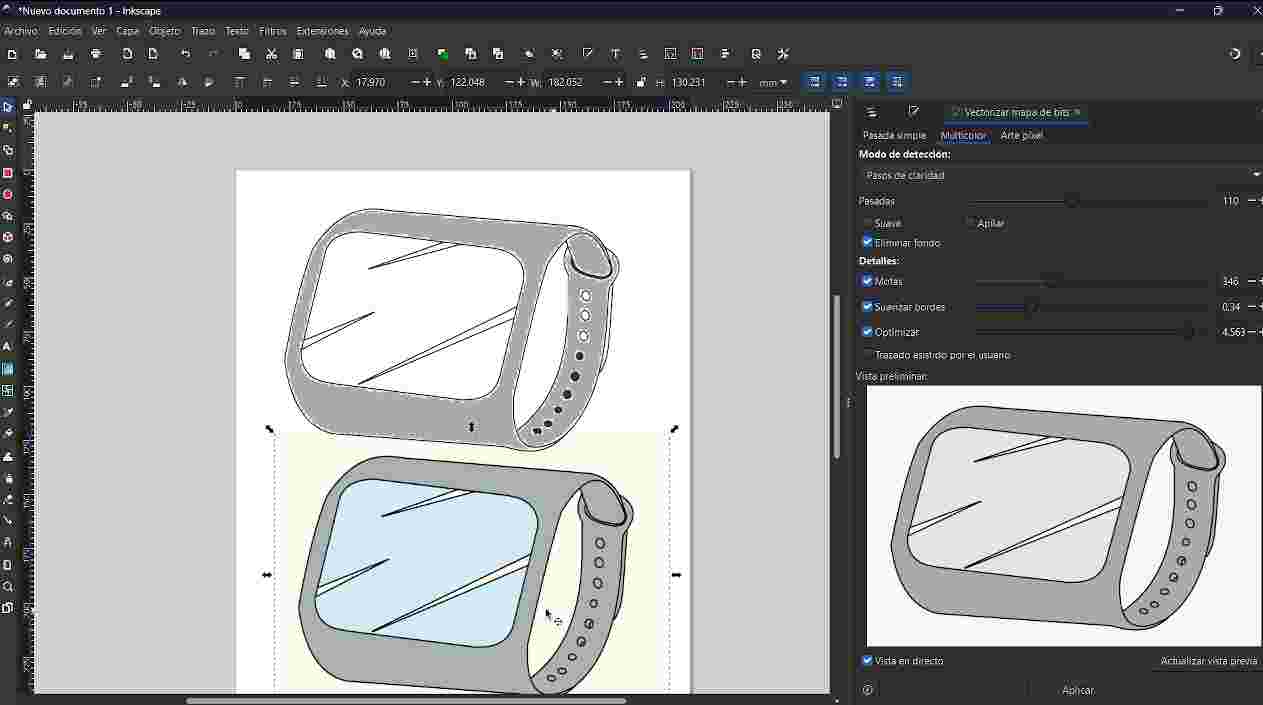
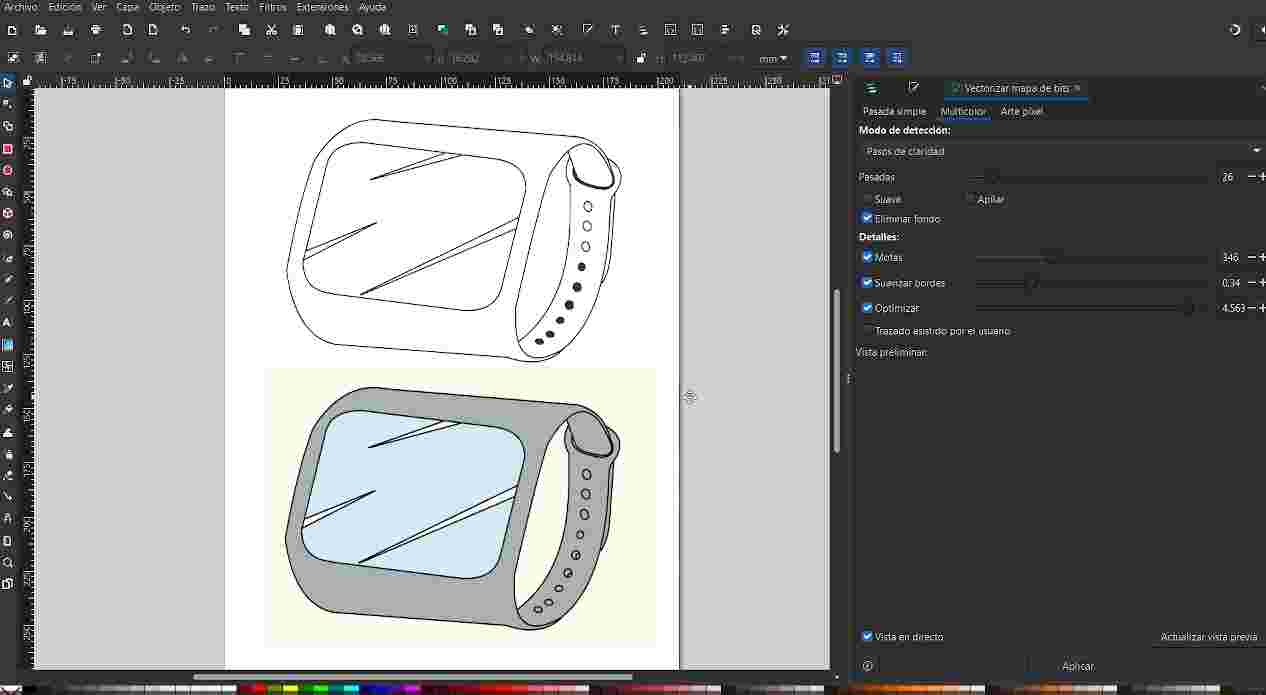
For Inkscape I like how easy you can start to vectorize the image, the only thing I really don´t like is I didn´t manage to get the circles without filling the holes.
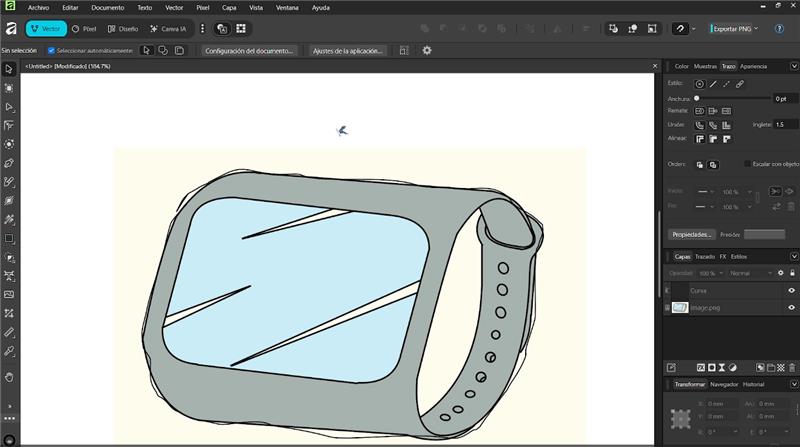
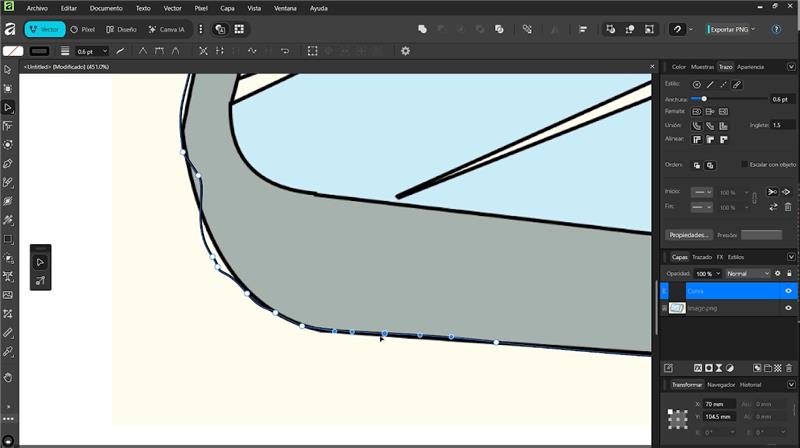
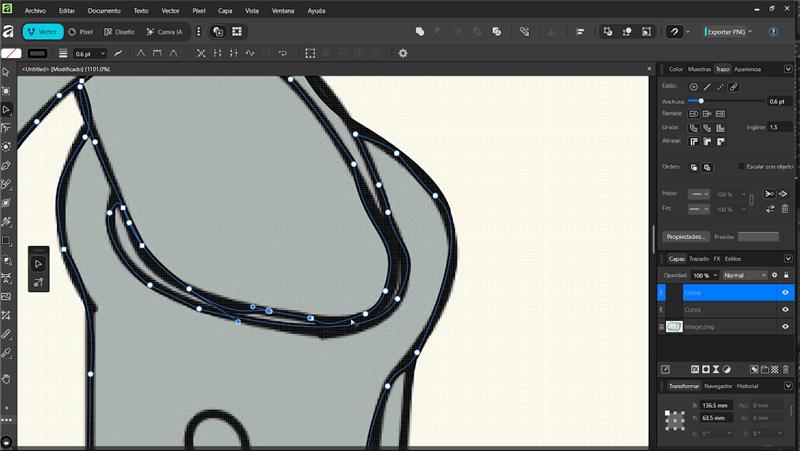
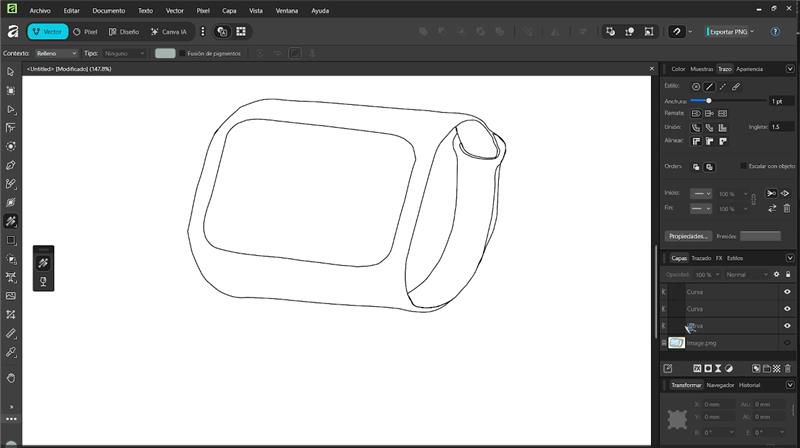
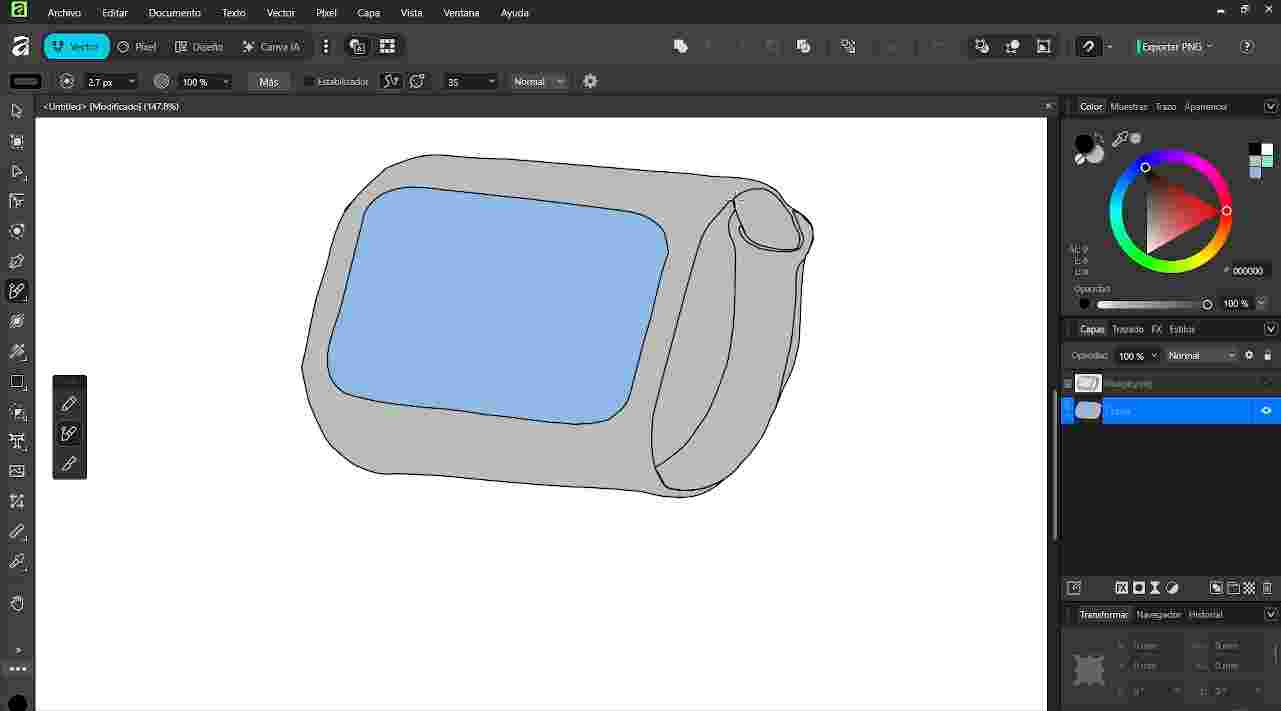
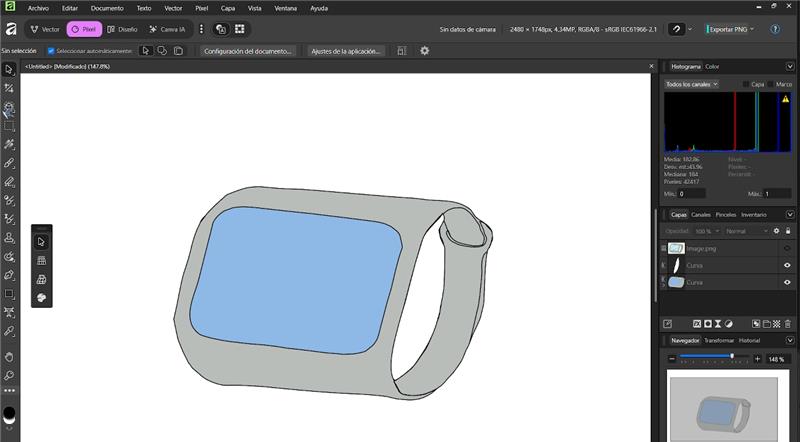
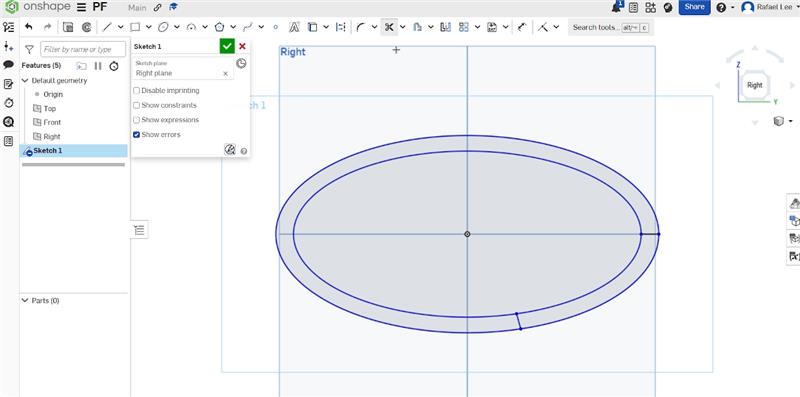
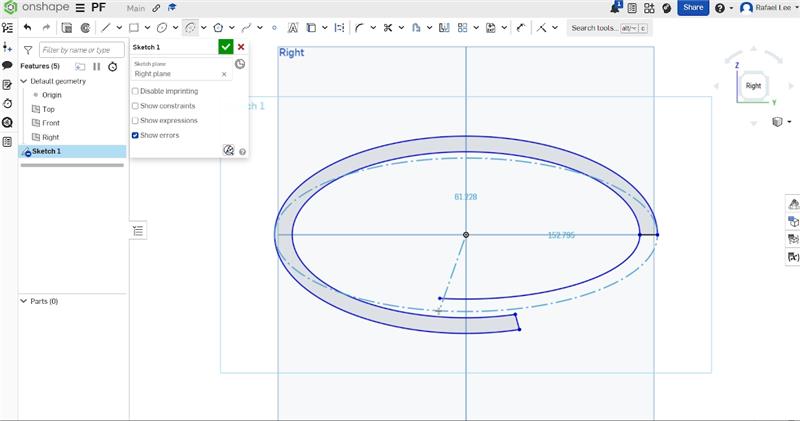
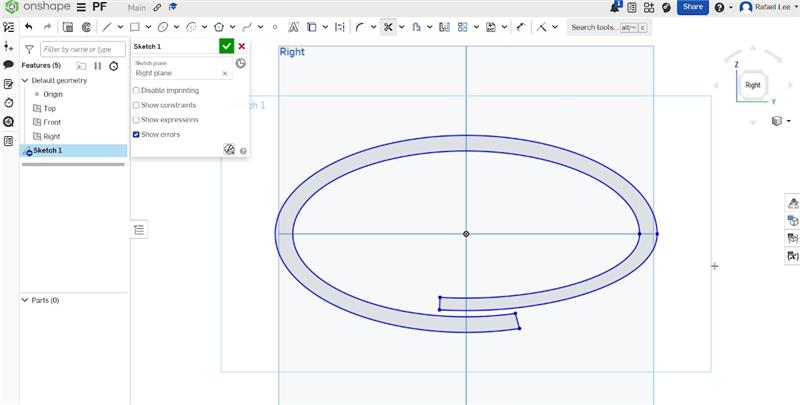
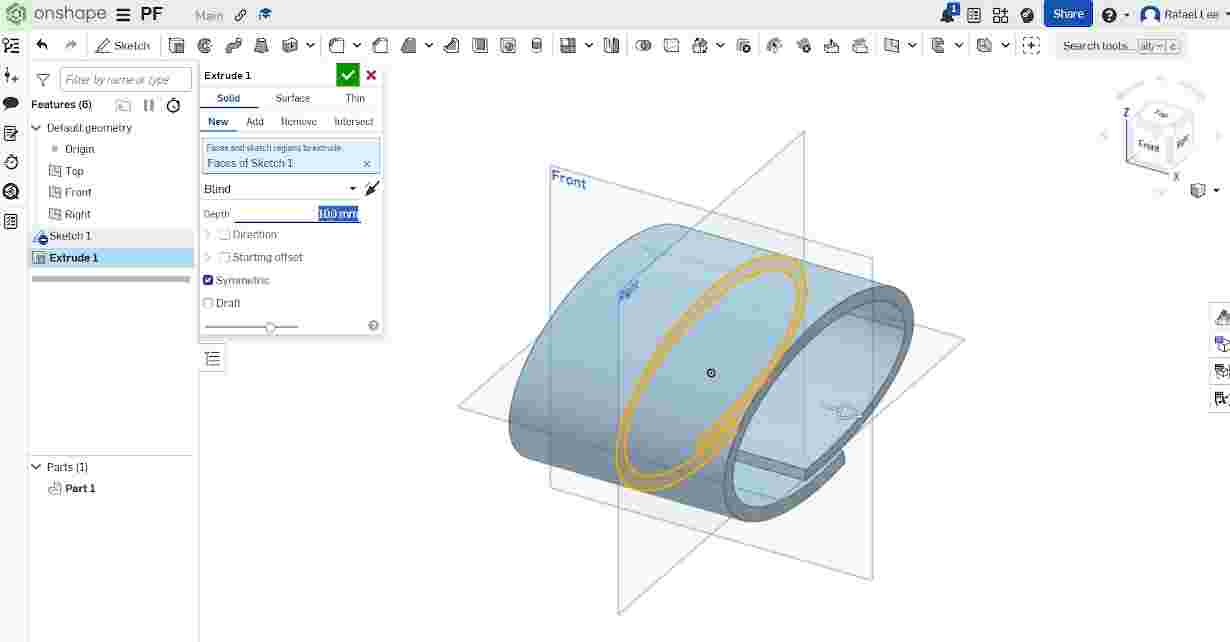
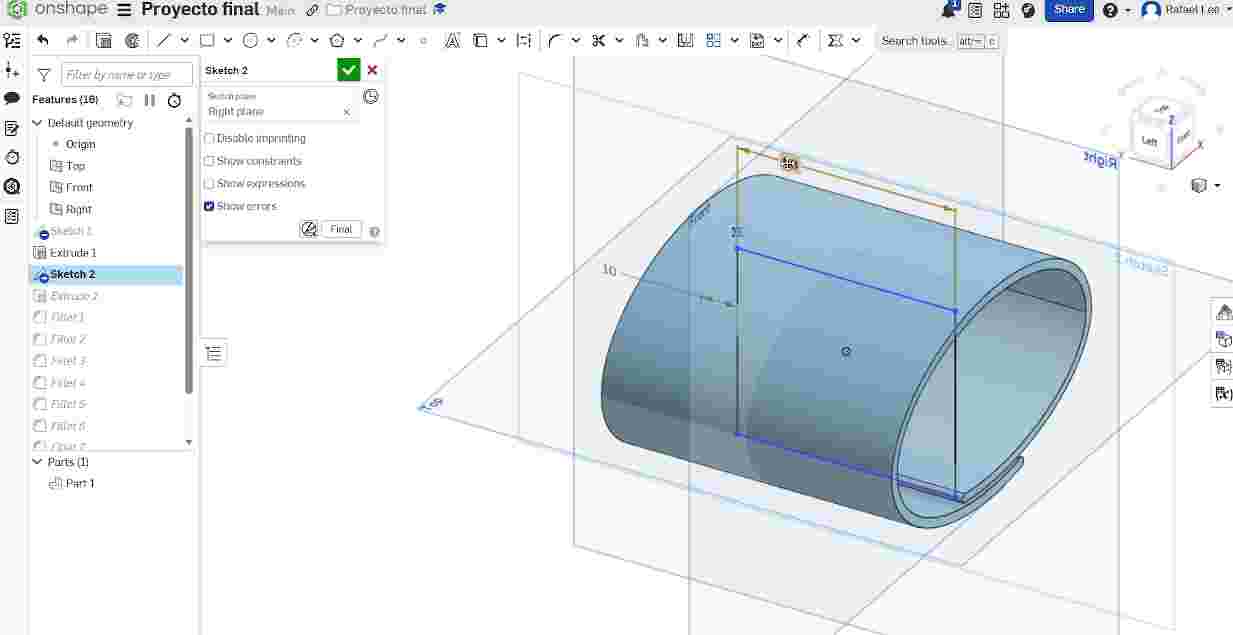
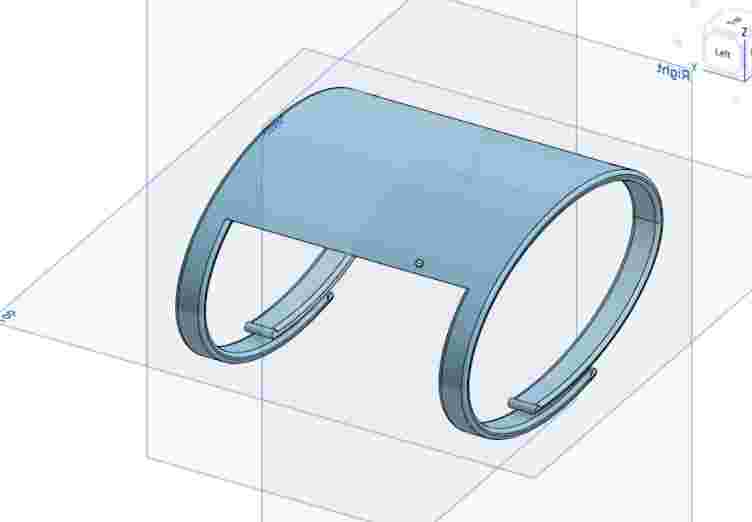
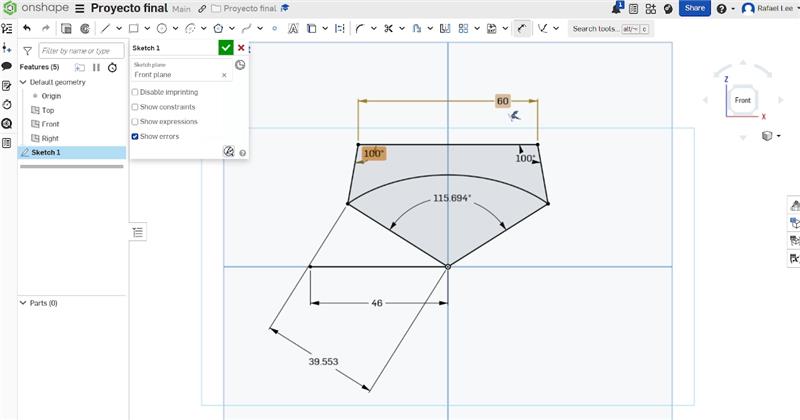
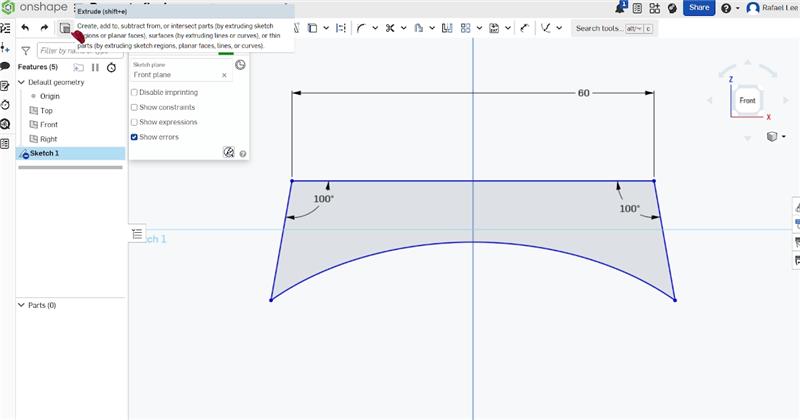
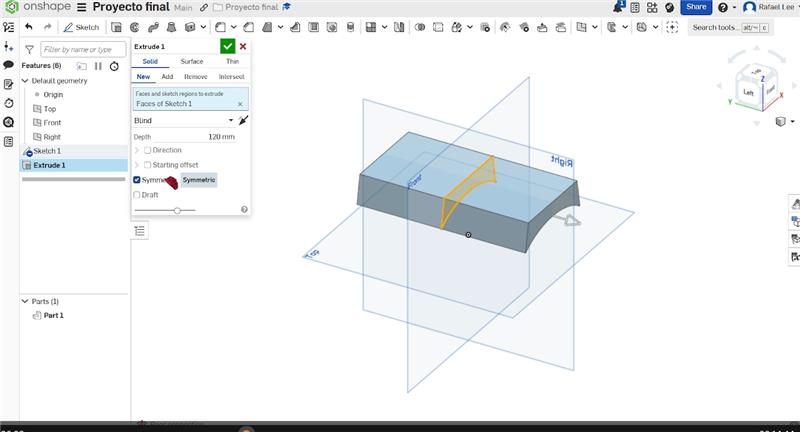
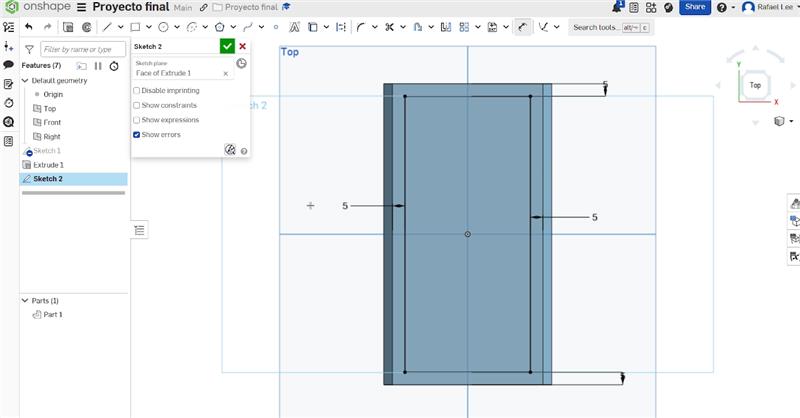
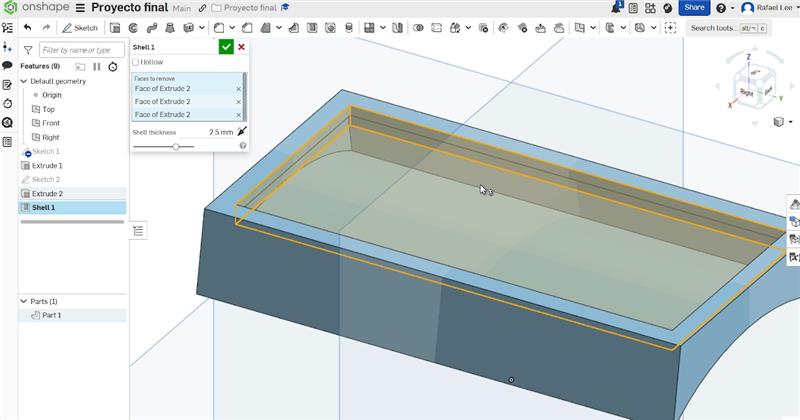
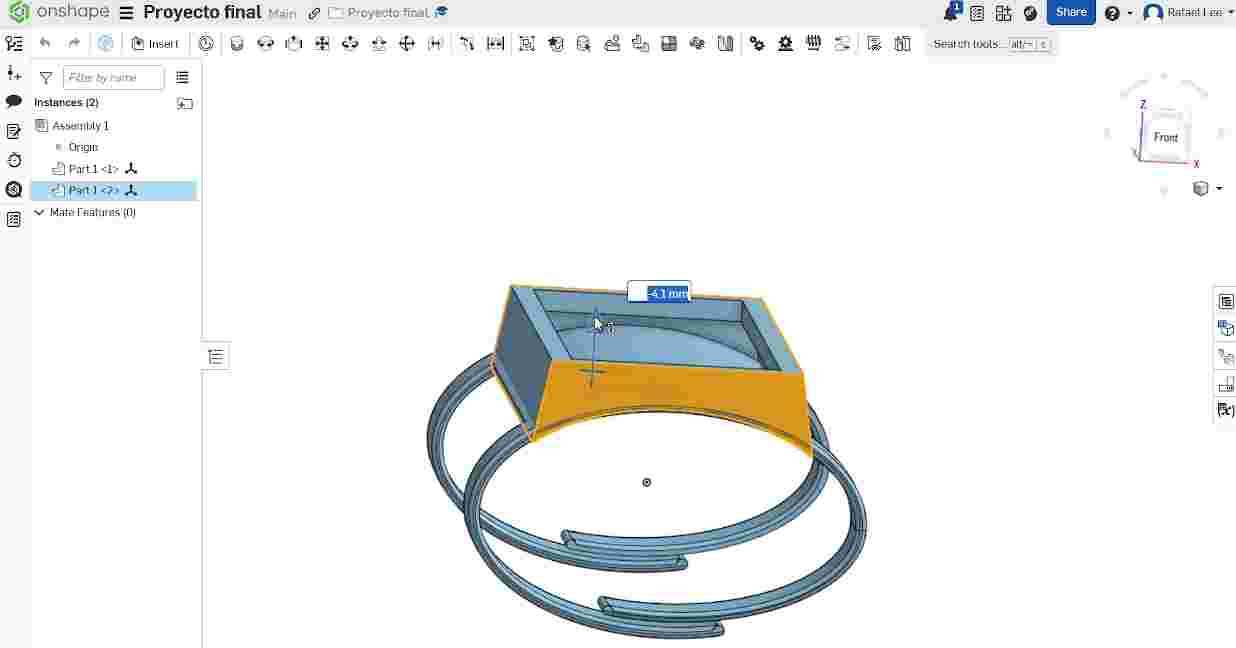
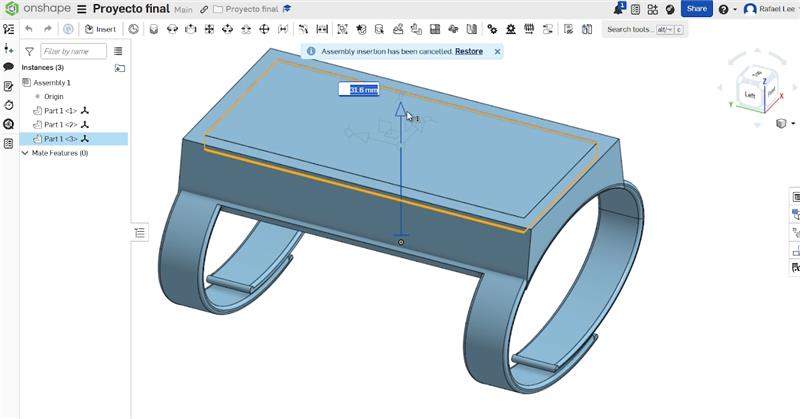
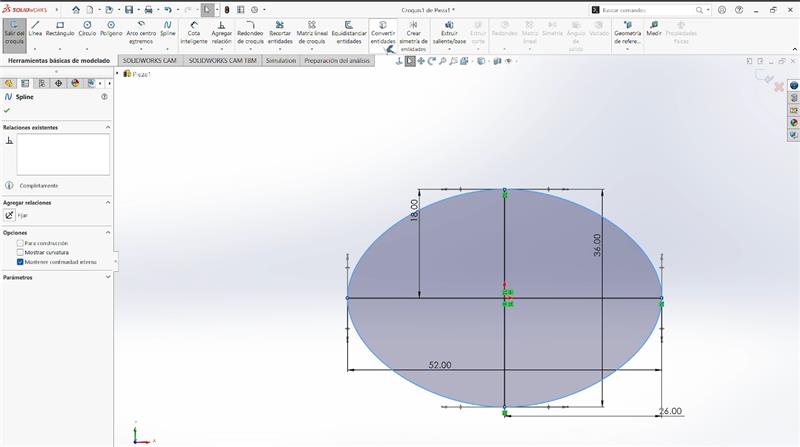
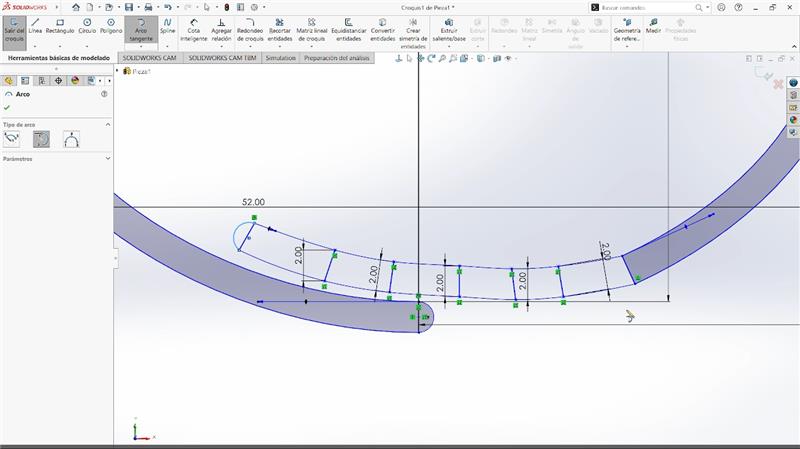
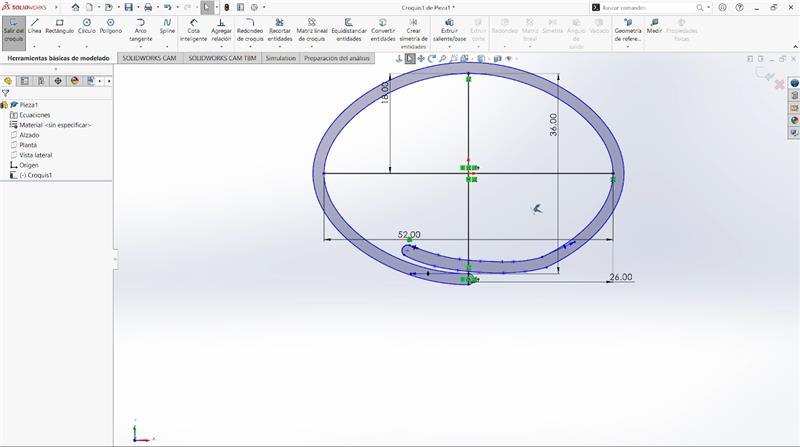
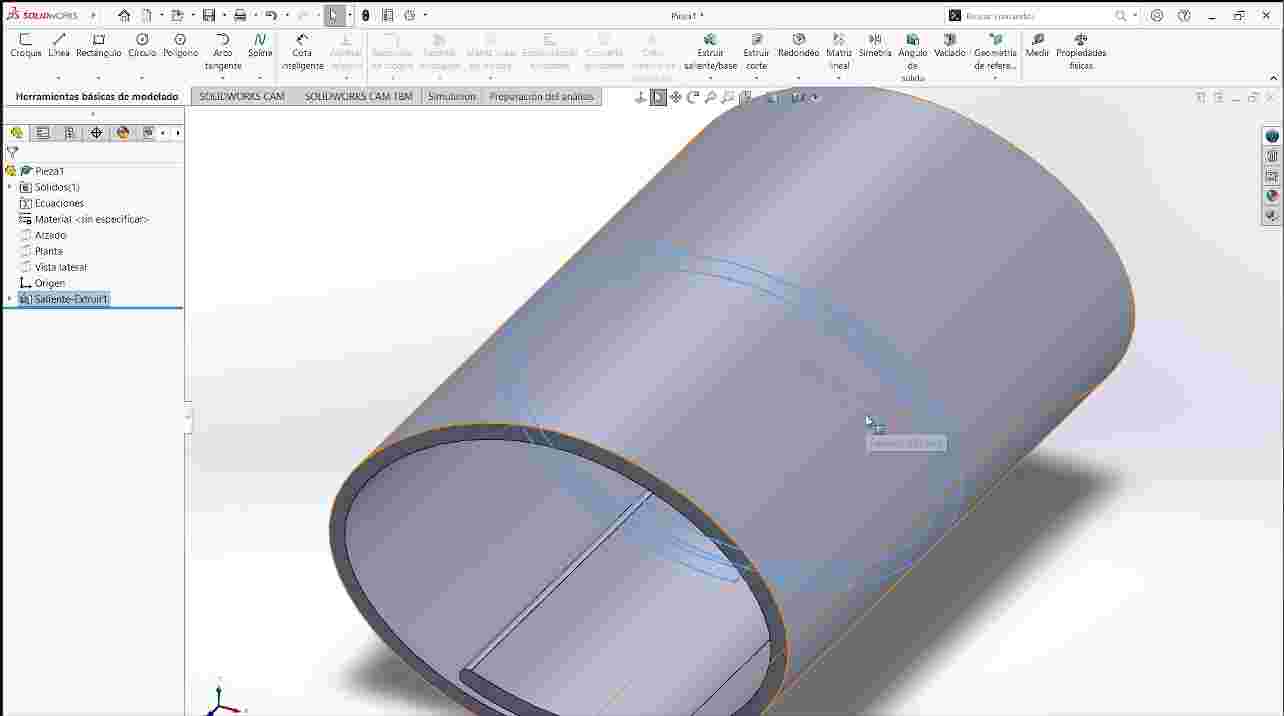
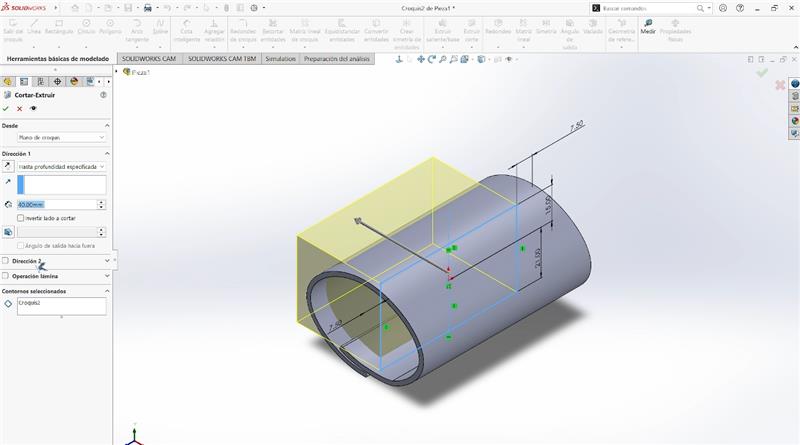
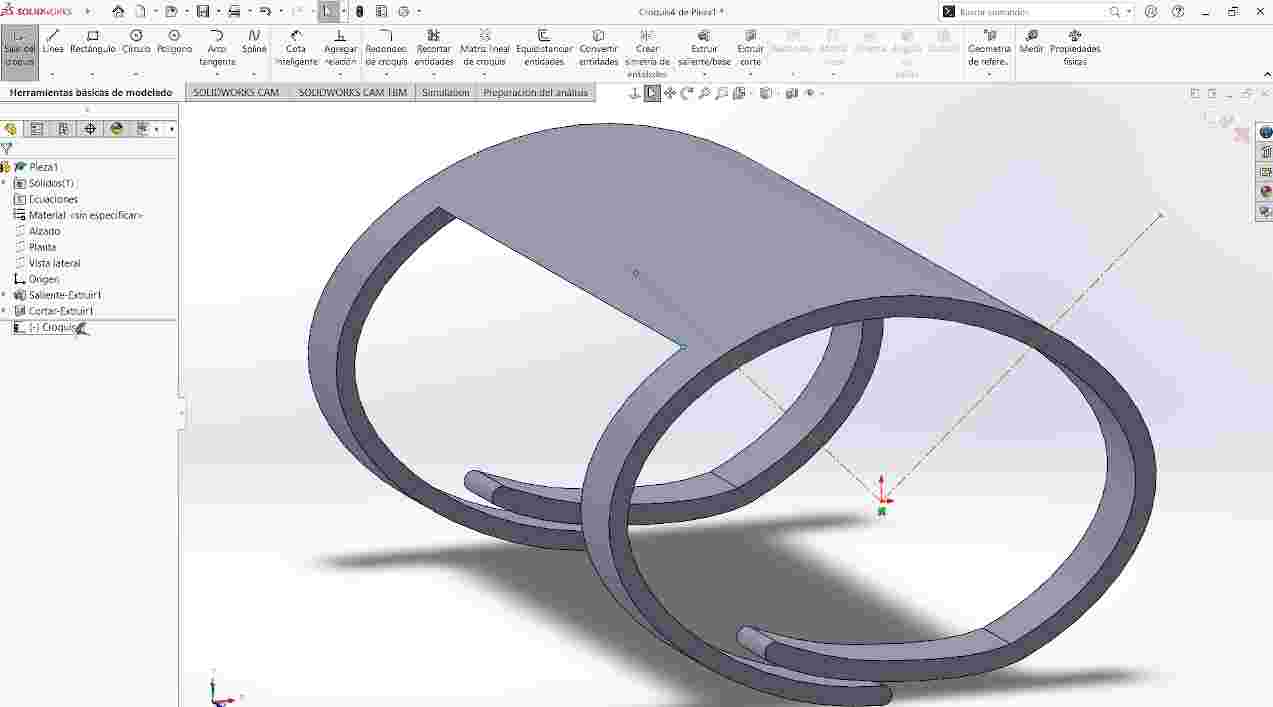
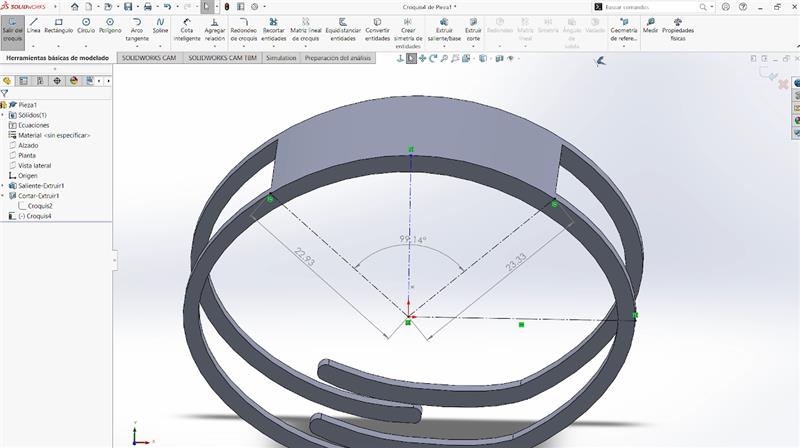
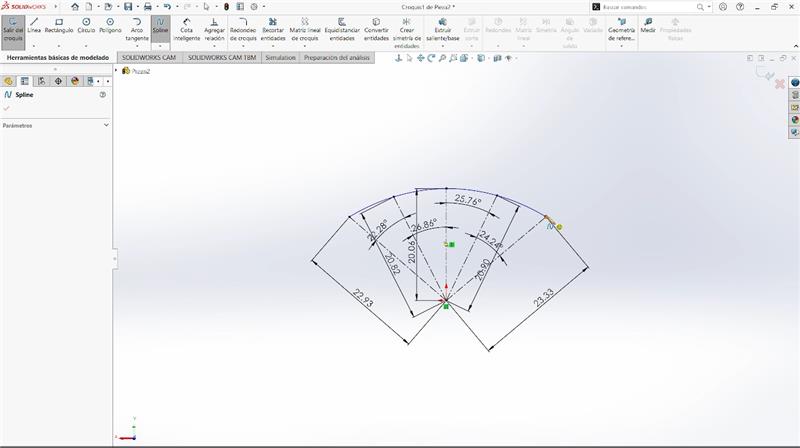
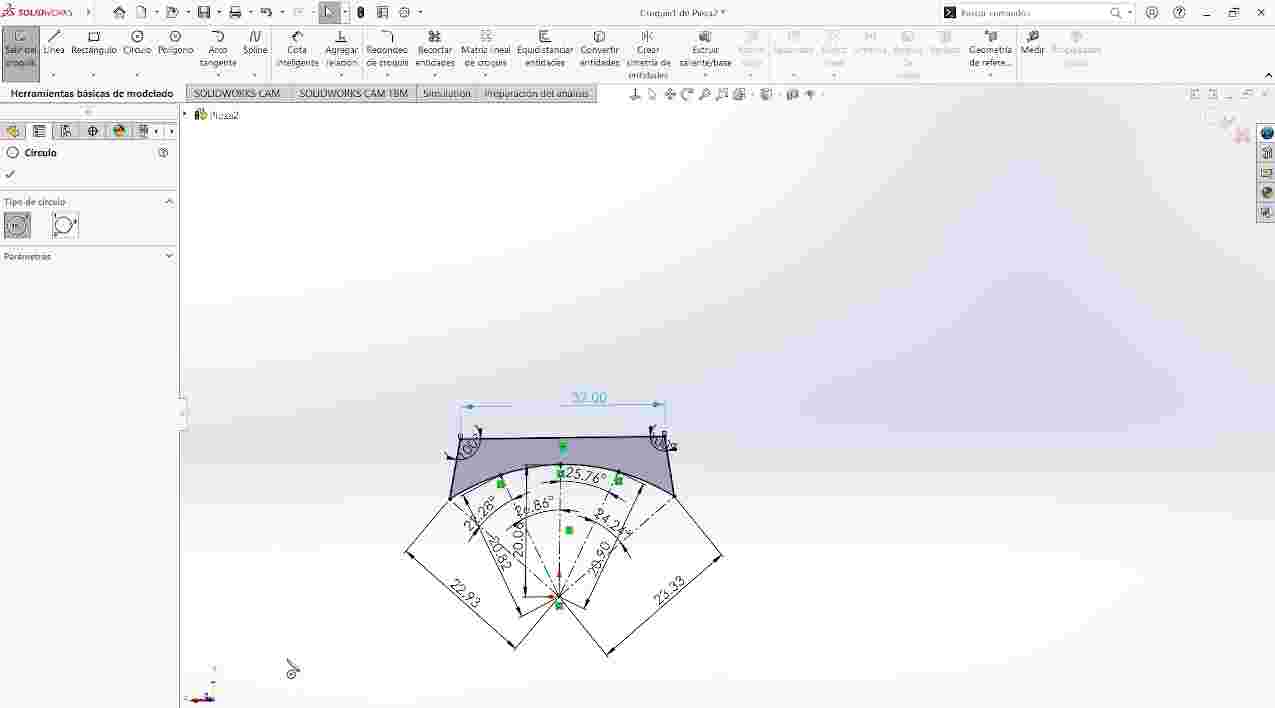
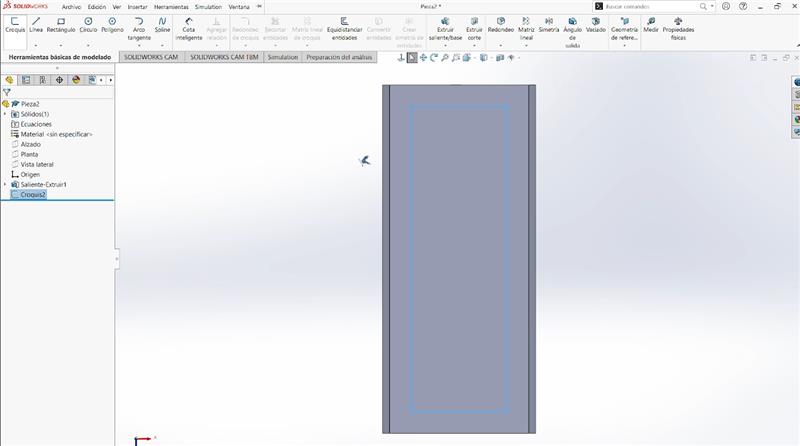
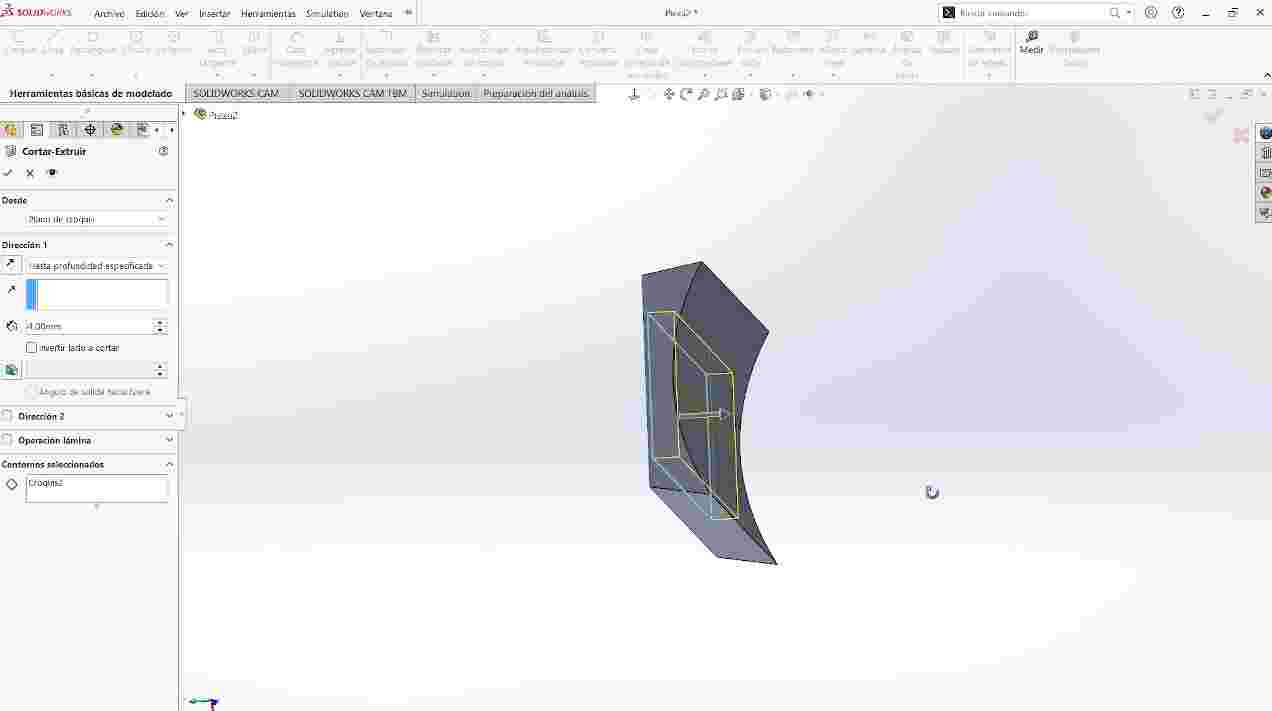
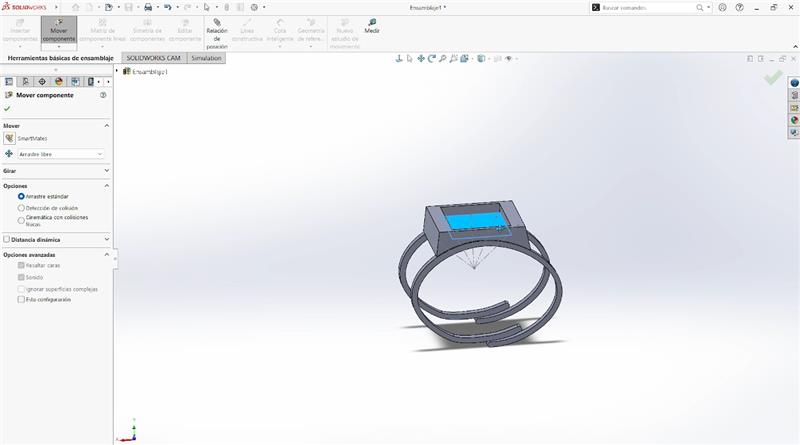
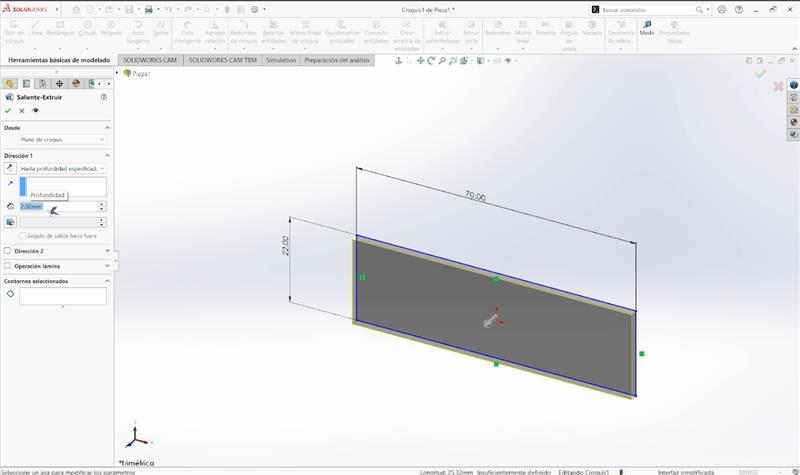
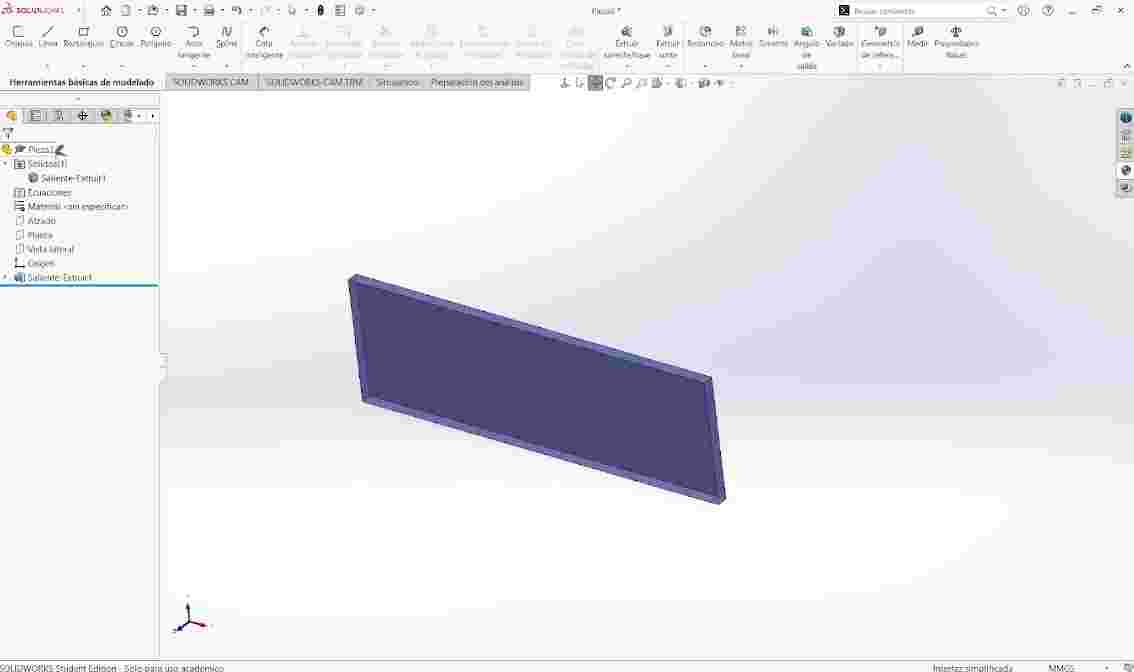
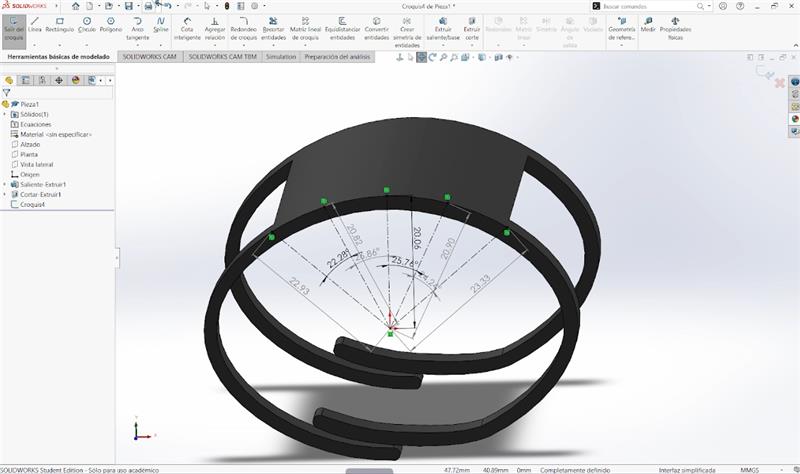
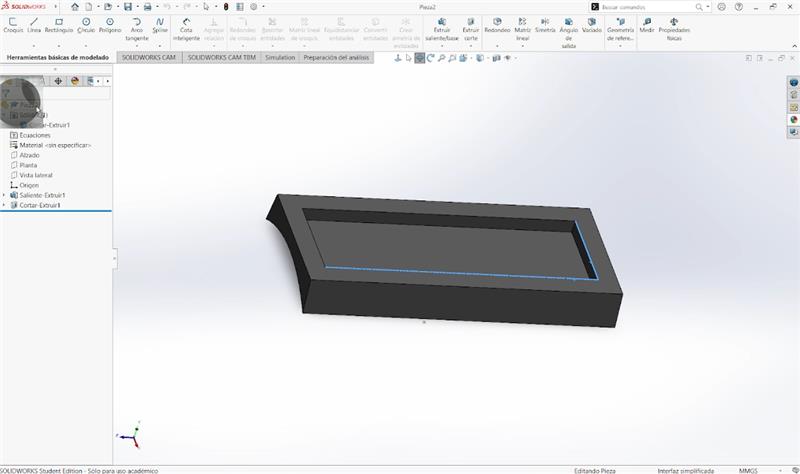
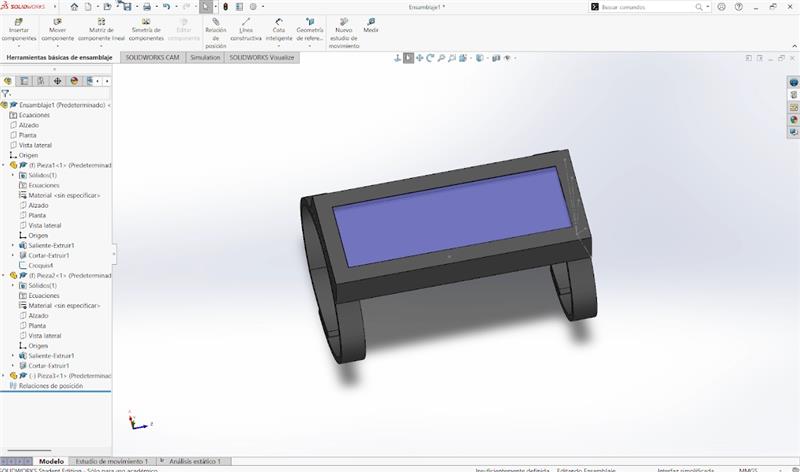
Working from a 2D design to create a 3D model shows how flat shapes can be transformed into objects with volume and functionality. While 2D focuses on dimensions and outlines, 3D requires considering depth, assembly, and real-world constraints. This process helps better understand how designs move from concept to physical objects.
Files
Here you can find my files of the SolidWorks 3D design
└── SW
    ├── Proyecto Fab Rafael - Pieza1-1.STL
    ├── Proyecto Fab Rafael - Pieza2-1.STL
    ├── Proyecto Fab Rafael - Pieza3-1.STL
    └── Proyecto Fab.STL
Image and video compression
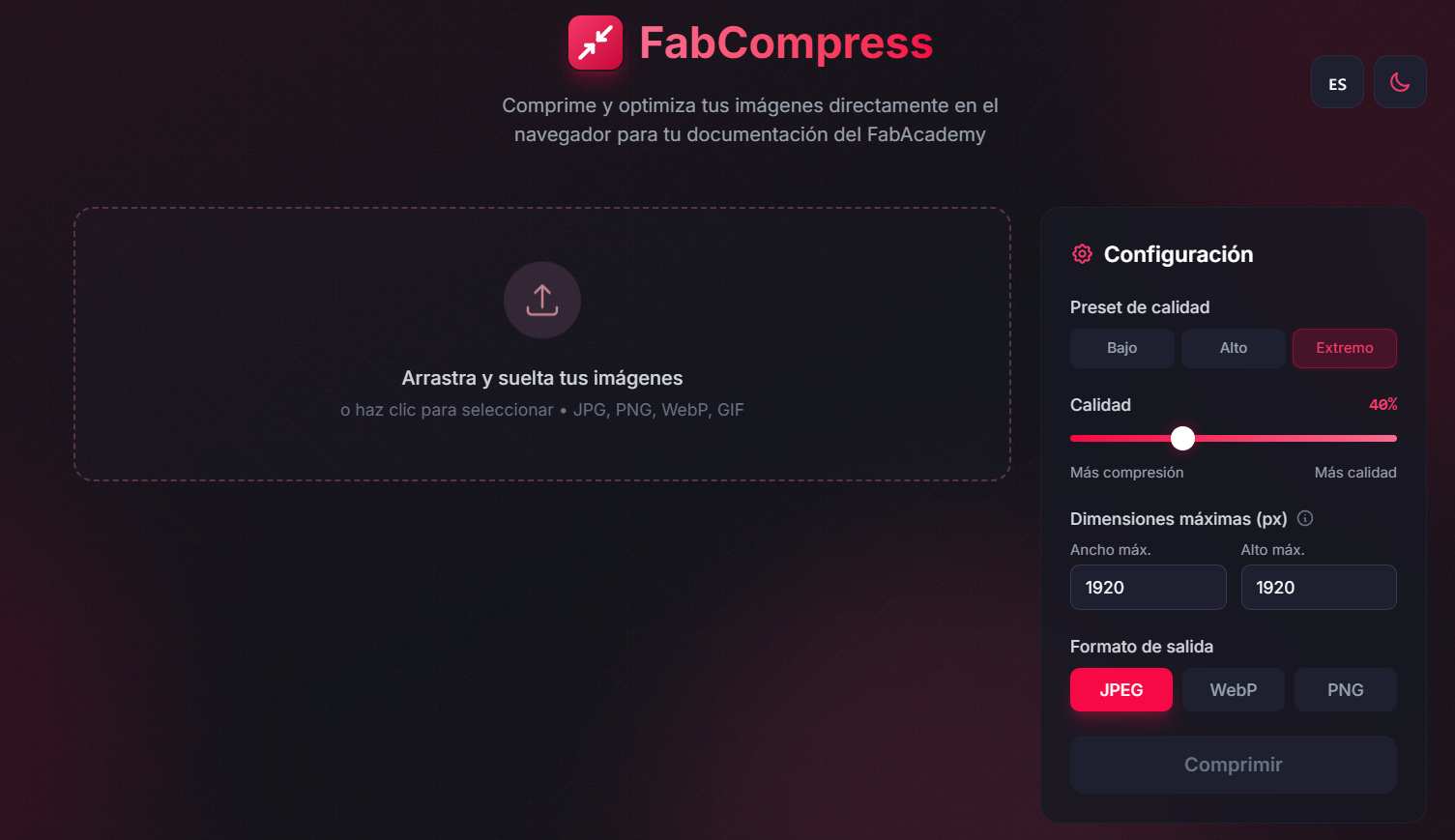
For Image compression I use the site my evaluator gave me, FabCompress where you just need to enter and charge your images, select either more compression or more quality, and just download the result.
For video compression is a completely different process, I use the FFmpeg program, we need to download it, follow the nex steps
- Extract the ZIP file: Unzip the contents to a folder (e.g.,
C:\ffmpeg). - Add FFmpeg to the System PATH:
- Right-click "This PC" > "Properties" > "Advanced system settings".
- Go to "Environment Variables", select "Path", and click "Edit".
- Click "New" and add the path to the
binfolder (e.g.,C:\ffmpeg\bin).
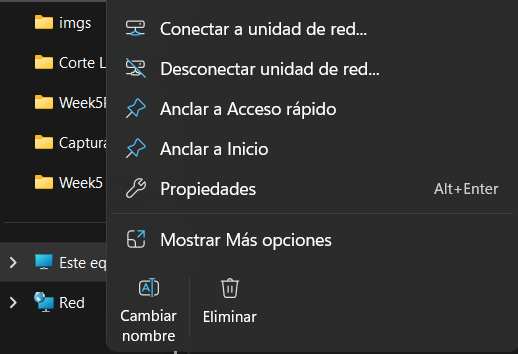

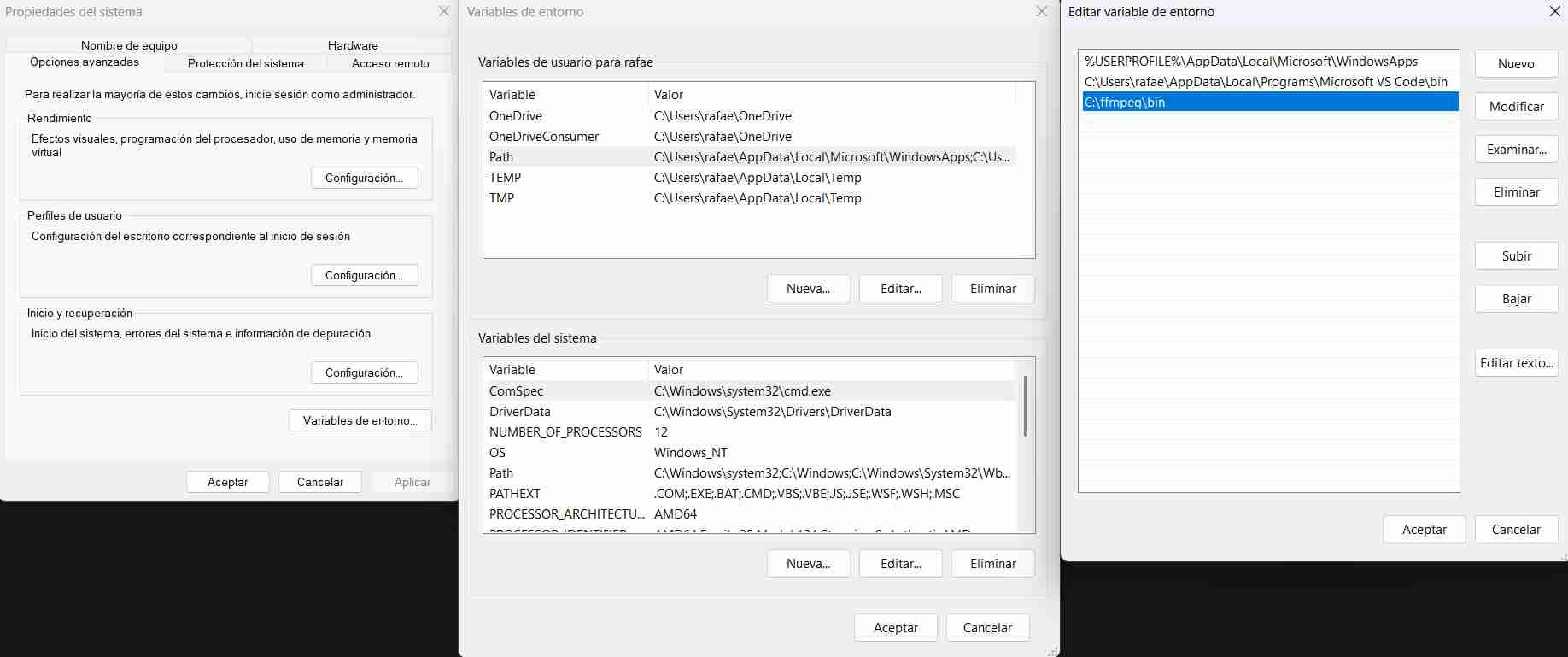
Then, we need to go to a terminal to compress, and start following the command
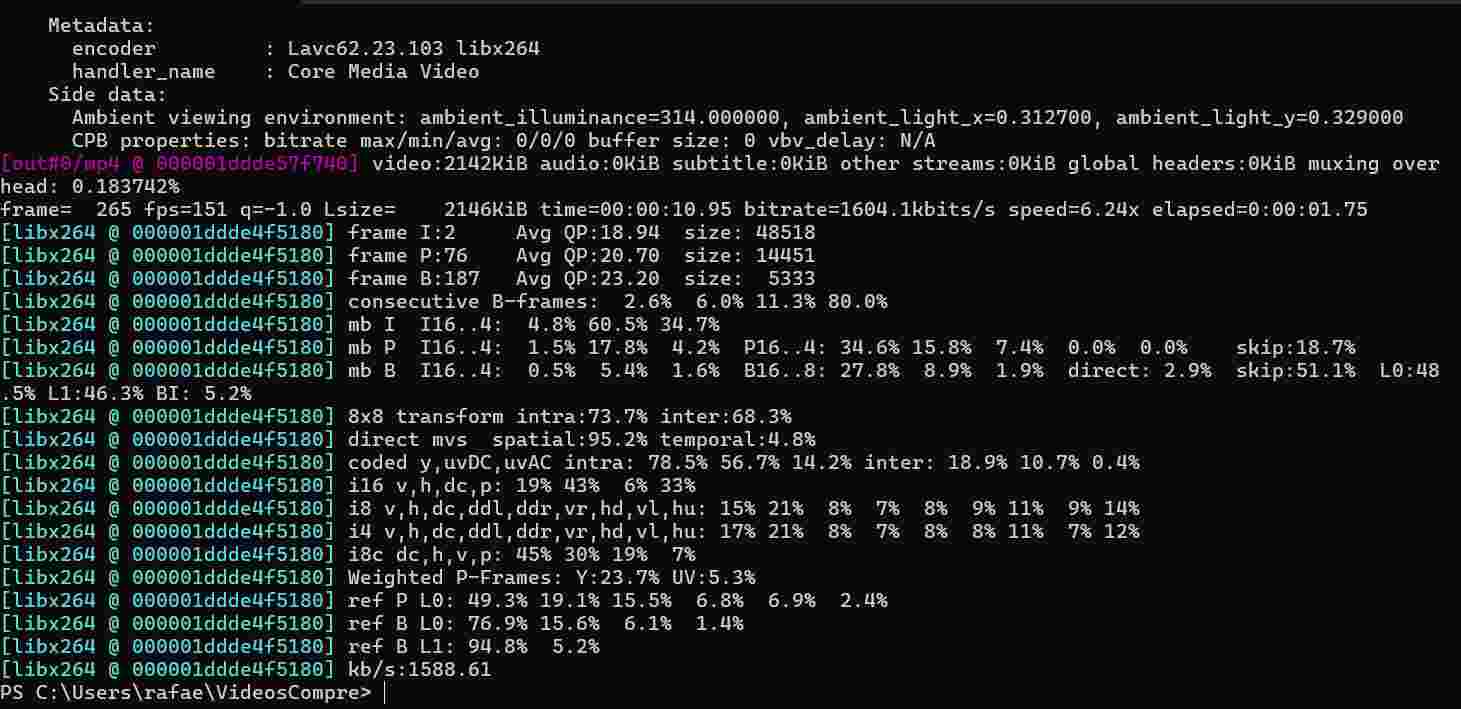
-i input.mp4 -vcodec libx264 -crf 28 output.mp4, that has the following parameters:
- -i input.mp4: Specifies the input file.
- -vcodec libx264: Uses the H.264 video codec for high efficiency.
- -crf 28: Constant Rate Factor.
- Scale: 0 (lossless) to 51 (worst quality).
- Recommended: 23-28 for quality/size balance.
- output.mp4: The name of the output file.
cd "Folder name"