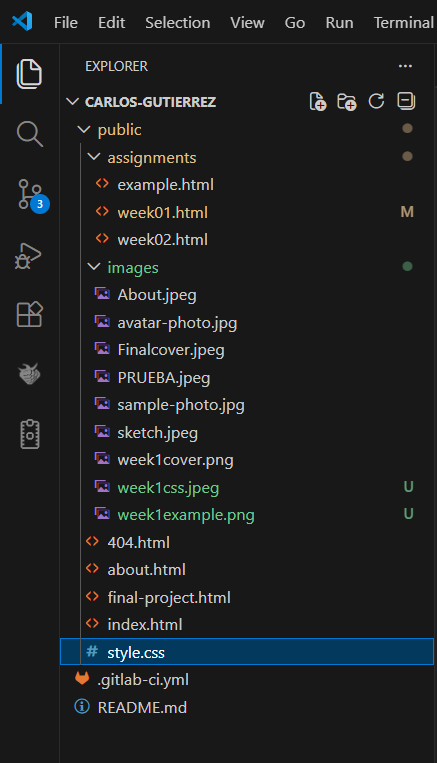
This week I worked on defining my final project idea and started getting used to the documentation process. For this week we were taught how to create and develop a website using git and the programming or marking languages: html, css, and javascript.
Terminal & Workflow Fundamentals
What is the Terminal?
The Terminal (or Command Line) is a text-based interface used to interact with your computer's operating system. Instead of clicking icons, you type commands. It is faster, more powerful, and essential for using Git.
- How to open it: In Windows, search for "PowerShell" or "CMD". In VS Code, use the shortcut Ctrl + `.
- Create a folder: Use the command
mkdir folder_name(Make Directory).
Why this format? (Local vs Cloud)
We work with Git because it allows distributed version control. Unlike OneDrive or Google Drive, Git tracks every single change specifically.
| Feature | Git (Local Working) | Cloud (OneDrive/Drive) |
|---|---|---|
| Version Control | Total (Commits record history) | Limited (Auto-save overwrites) |
| Safety | No sync conflicts (Local isolation) | High risk of corrupted files while saving |
| Limitations | Manual Push required | No control over specific versions |
Note: Commits act as "Save Points" in a game. If you break your code, you can always respawn at a previous commit.
Webpage structure
HTML
It is essentially the skeleton of the page; it defines what things exist:
- Titles
- Paragraphs
- Buttons
- Images
- Inputs
- Selections
| CODE | Function |
|---|---|
| <h1> … <h6> | Defines titles and headings |
| <p> | Creates paragraphs |
| <a href="...">Link</a> | Creates a clickable button |
| <img src="..." /> | Displays images |
| <input> | Creates input fields |
| <select> | Creates dropdown selections |
CSS
It's the page design, essentially its clothing, that defines how what is created with HTML looks:
- Colors
- Sizes
- Fonts
- Positions
- Animations
| CODE | Function |
|---|---|
color: #00ff41; |
Changes the text color |
font-size: 16px; |
Defines the size of the text |
font-family: Arial; |
Sets the font style |
margin / padding |
Controls spacing |
animation |
Adds motion effects |
JavaScript
It's the brain; it allows the page to react and coordinates the browser:
- Clicks
- Dynamic animations
- Forms
- Logic
1.- Building your repository & Git Flow
In order to be able to create a web page as cool as mine is necessary for you to follow the following steps:
Cloning the repository
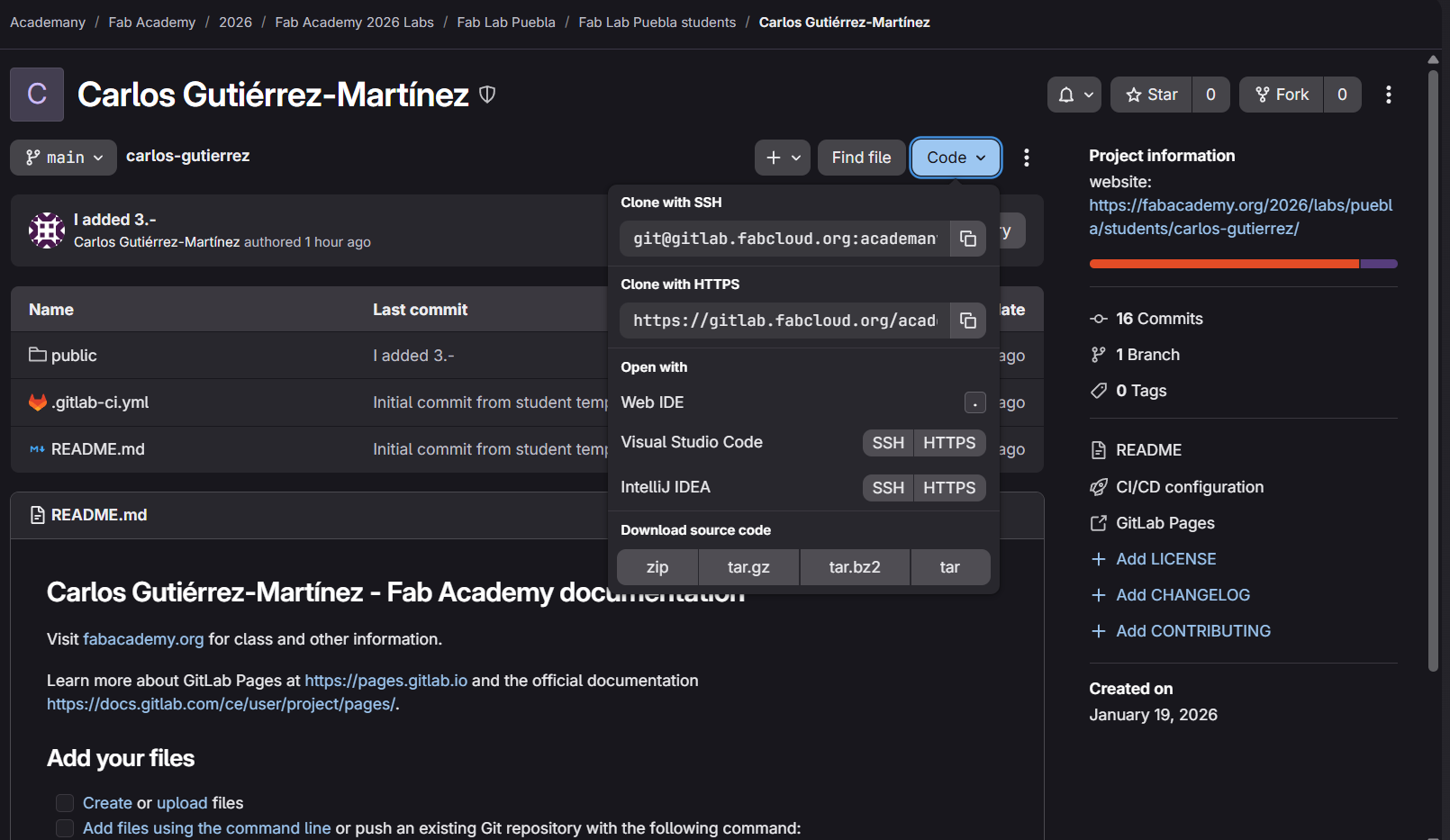
Open the terminal in Visual Studio Code and type the command git clone followed by your URL. This downloads the project from the cloud to your local machine.
Working Locally
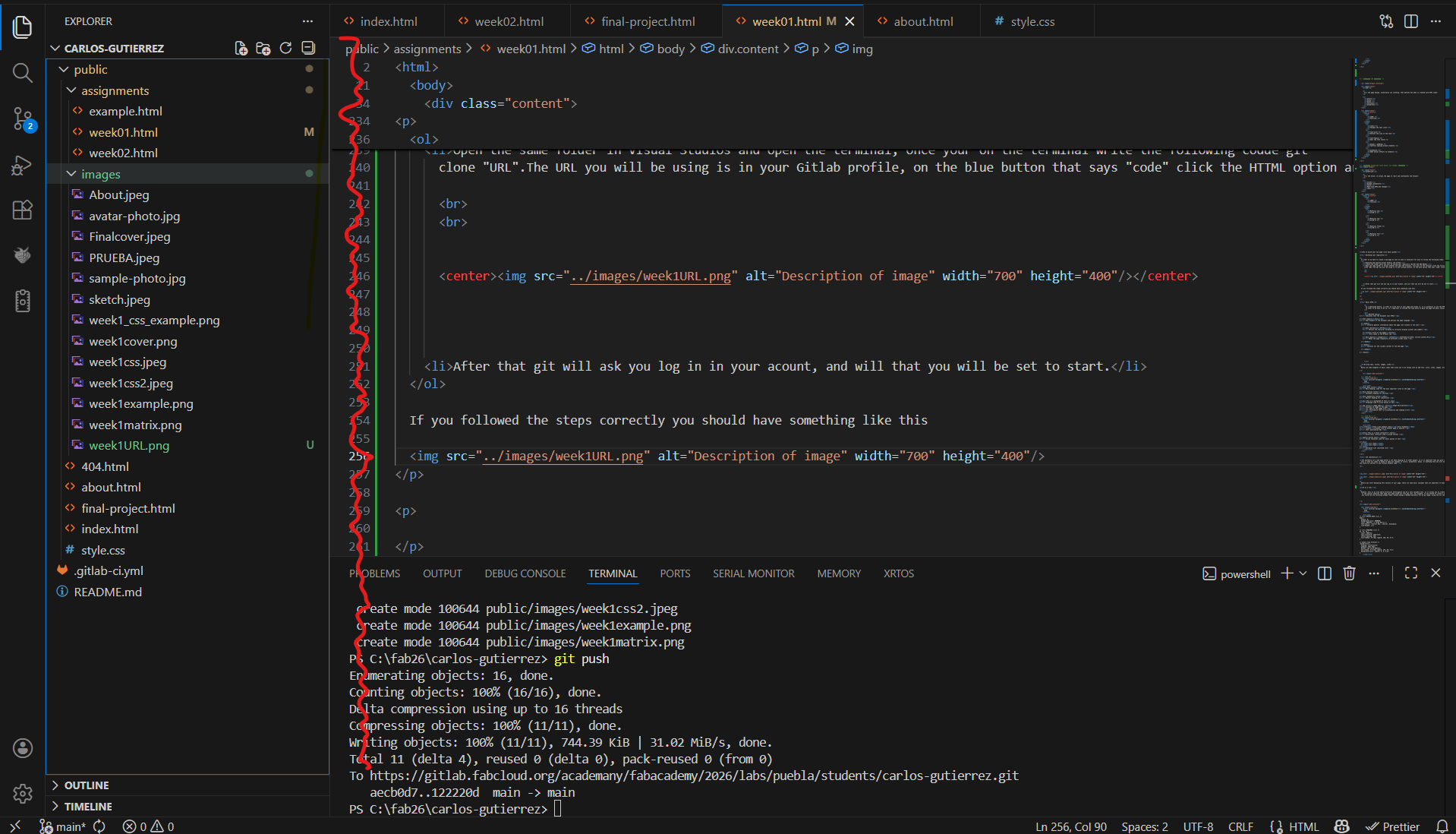
Ensure your folder is NOT in OneDrive. Open the folder in VS Code to start editing your HTML and CSS files.
Uploading changes (Git Push)
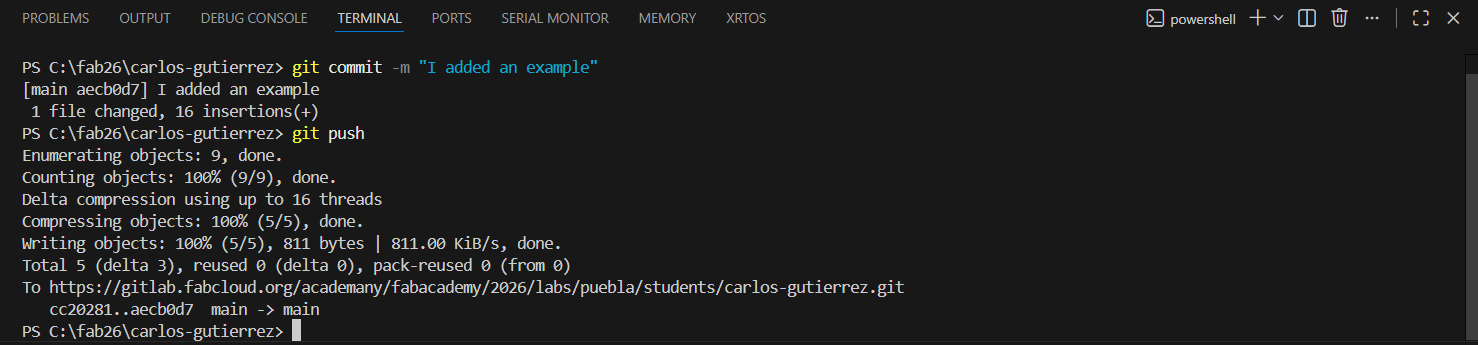
When you're done, upload your changes so everyone can see them:
git add .(Prepare files)git commit -m "Your comment"(Tag changes)git push(Upload to cloud)
2.- Basic HTML
As I mentioned before, in order to write text on your page and format it, it is essential to use the HTML programming language.
<!DOCTYPE html>
<!-- Indicates that the document uses HTML5 -->
<html lang="es">
<head>
    <meta charset="UTF-8">
    <title>Title of the page</title>
    <meta name="viewport" content="width=device-width, initial-scale=1.0">
</head>
<body>
    <!-- Visible content goes here -->
</body>
</html>
Writing text, titles, images, links
<h1>Main Title</h1>
<h2>Section Title</h2>
<p>This is a paragraph.</p>
<img src="image.jpg" alt="Description"><a href="https://www.example.com">Visit Example</a>
<div>Block container</div>
<ul>
<li>List item</li>
</ul>3.- CSS (aesthetics)
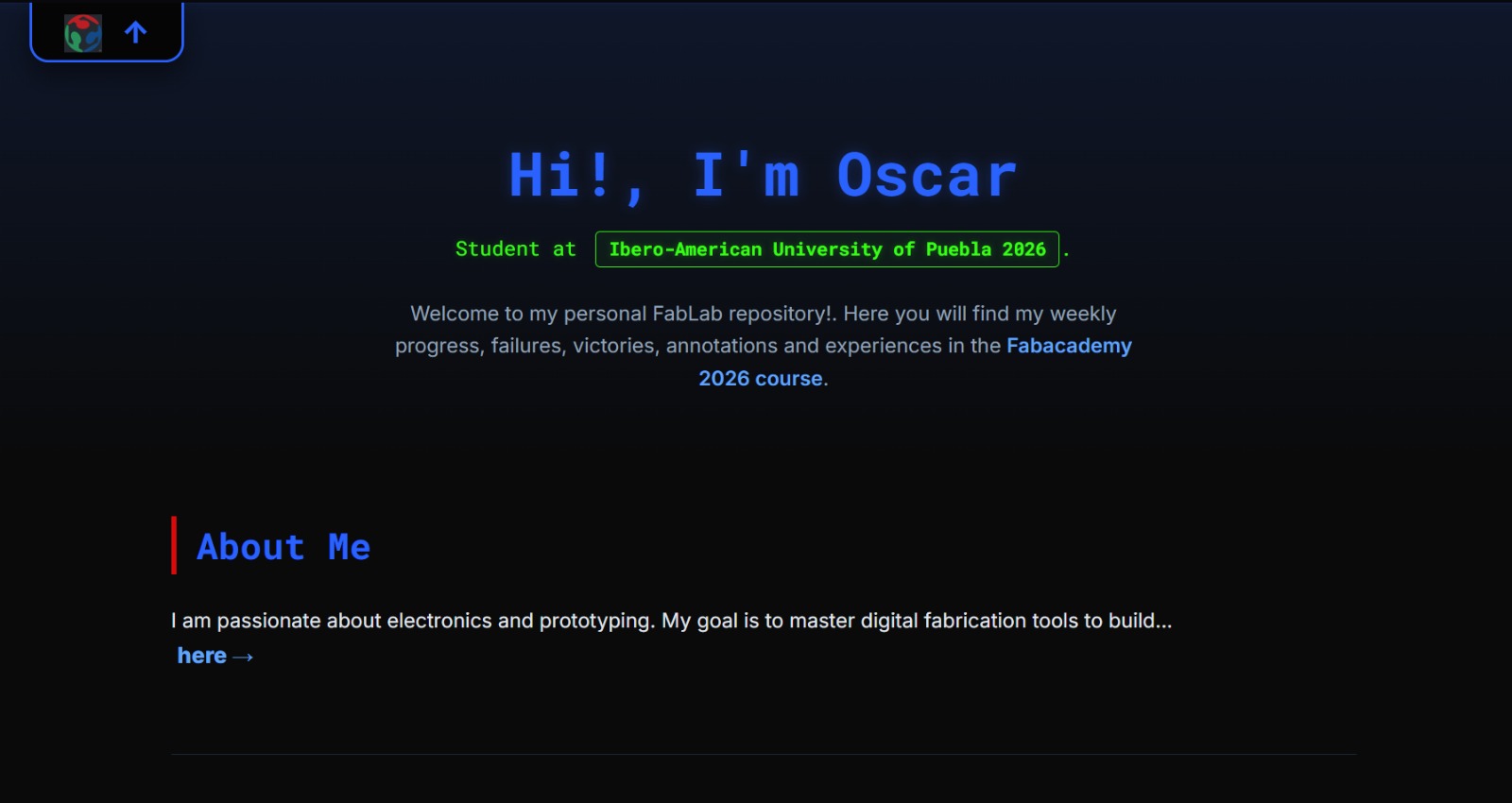
The aesthetics matter a lot... click on the style.css section in your Visual Studios code.
AI as a tool
Artificial Intelligence can be a very valuable tool... Prompt example: "Chat, please design a MATRIX aesthetic for my git page, using the css code."
/* MATRIX BASE */
body { background-color: #000; color: #00ff41; font-family: 'Courier New'; }
h1 { text-shadow: 0 0 8px rgba(0, 255, 65, 0.7); }
AI Collaboration & Design
Retro-Arcade Aesthetic Evolution
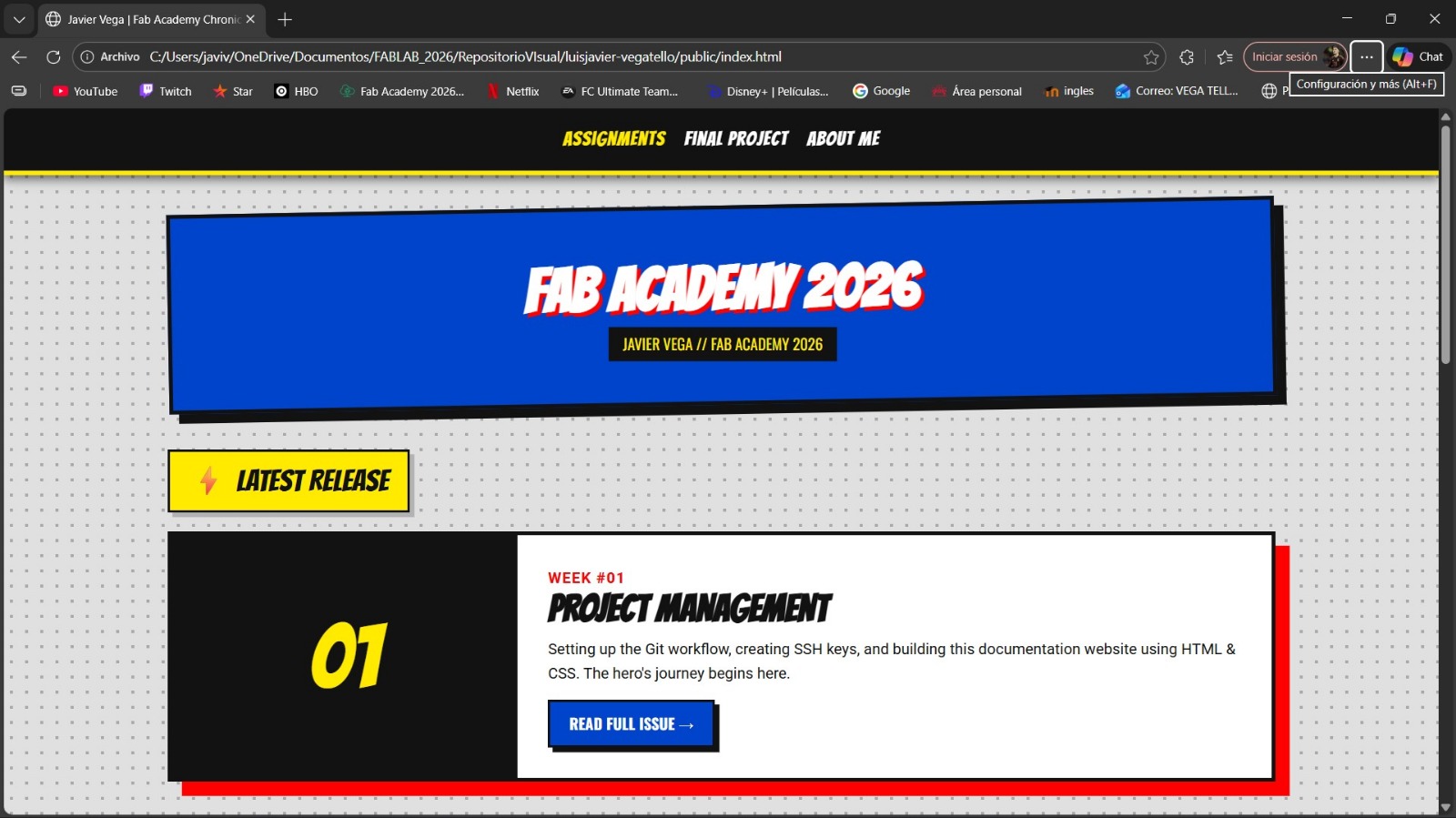
For the final aesthetic of this website, I collaborated with an AI to move from a standard "Matrix" look to a Retro-Arcade / Synthwave style.
🎨 Color Palette: Mekko Chart colors (Pink, Orange, Yellow).
👾 Typography: 'Press Start 2P' and 'Russo One'.
"Design a retro-arcade aesthetic using a Mekko chart color palette..."