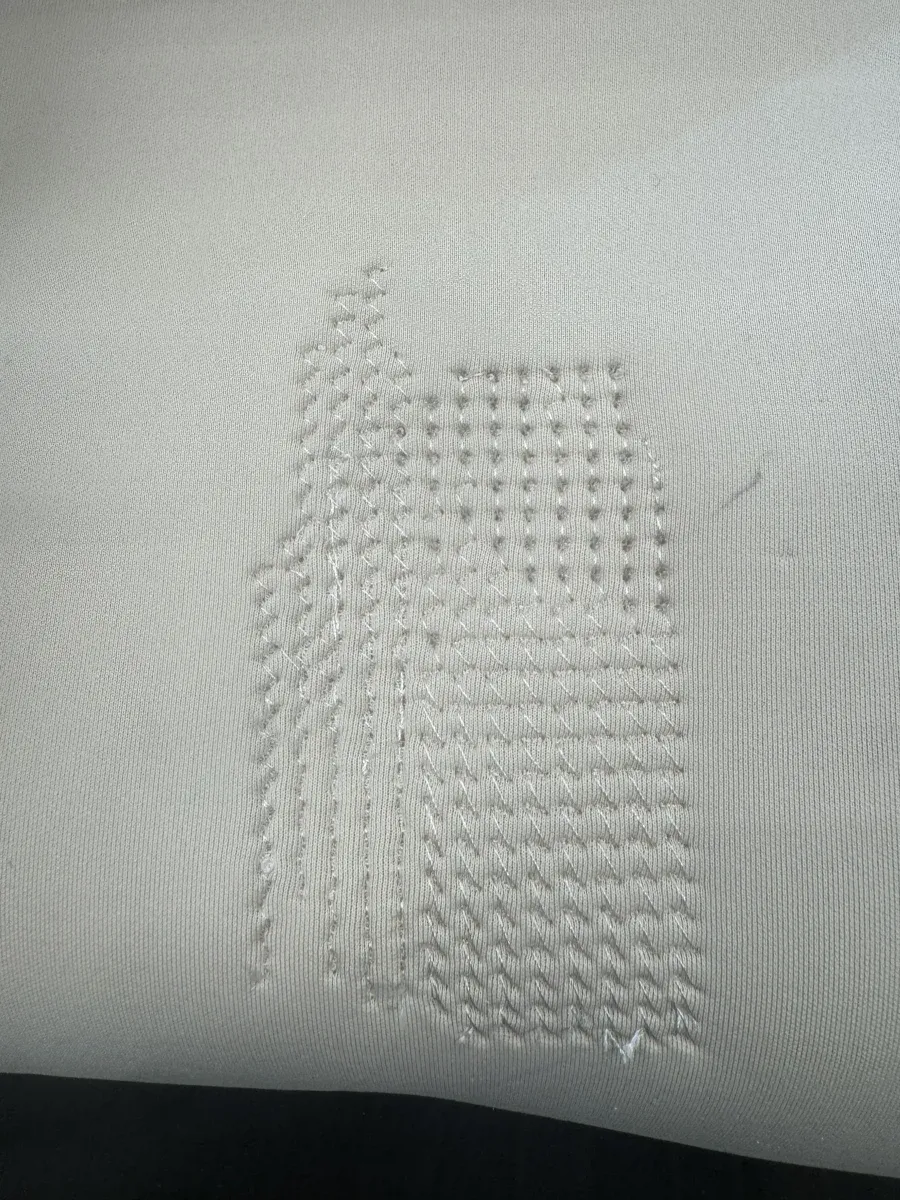
Overview
Two wildcard explorations this week: computational embroidery — generating machine-readable stitch patterns from algorithmic smell data — and pneumatic soft robotics — heat-sealed vinyl actuators that inflate with air pressure. Both share a theme: making digital processes physical and tactile.
The embroidery work connects to my app Whiff, which translates photographs into poetic smell descriptions visualised as glowing orbs. I wanted to make those smell atmospheres tangible — something you could touch, feel, hold. The soft robotics exploration was about creating objects that breathe, move, and feel alive.
Why this is a wildcard: neither process is covered elsewhere in Fab Academy. Computational embroidery uses a CAD-to-machine workflow (algorithmic SVG → Ink/Stitch → PES on a Brother embroidery machine) that none of the other weeks touch, and pneumatic soft robotics (heat-sealed vinyl actuators with a cut release layer) is a fabrication process outside cutting, milling, printing, molding, or electronics. Both are digital-design-driven manufacturing on machines and materials not used in any other assignment.
"The embroidery isn't a map of smells. It's a captured interaction between smells — stitched atmospheric movement, not categorised regions."
Part 1: Computational Embroidery
The goal: generate SVG files from smell data that can be converted to PES format for the Brother Innov-is NV870 embroidery machine. Each smell family maps to a stitch type, and the spatial arrangement reflects how smells interact atmospherically.
The Whiff App Flow
Whiff is an iOS app that translates photographs into poetic smell descriptions. The embroidery feature turns these smell atmospheres into physical textile patterns.
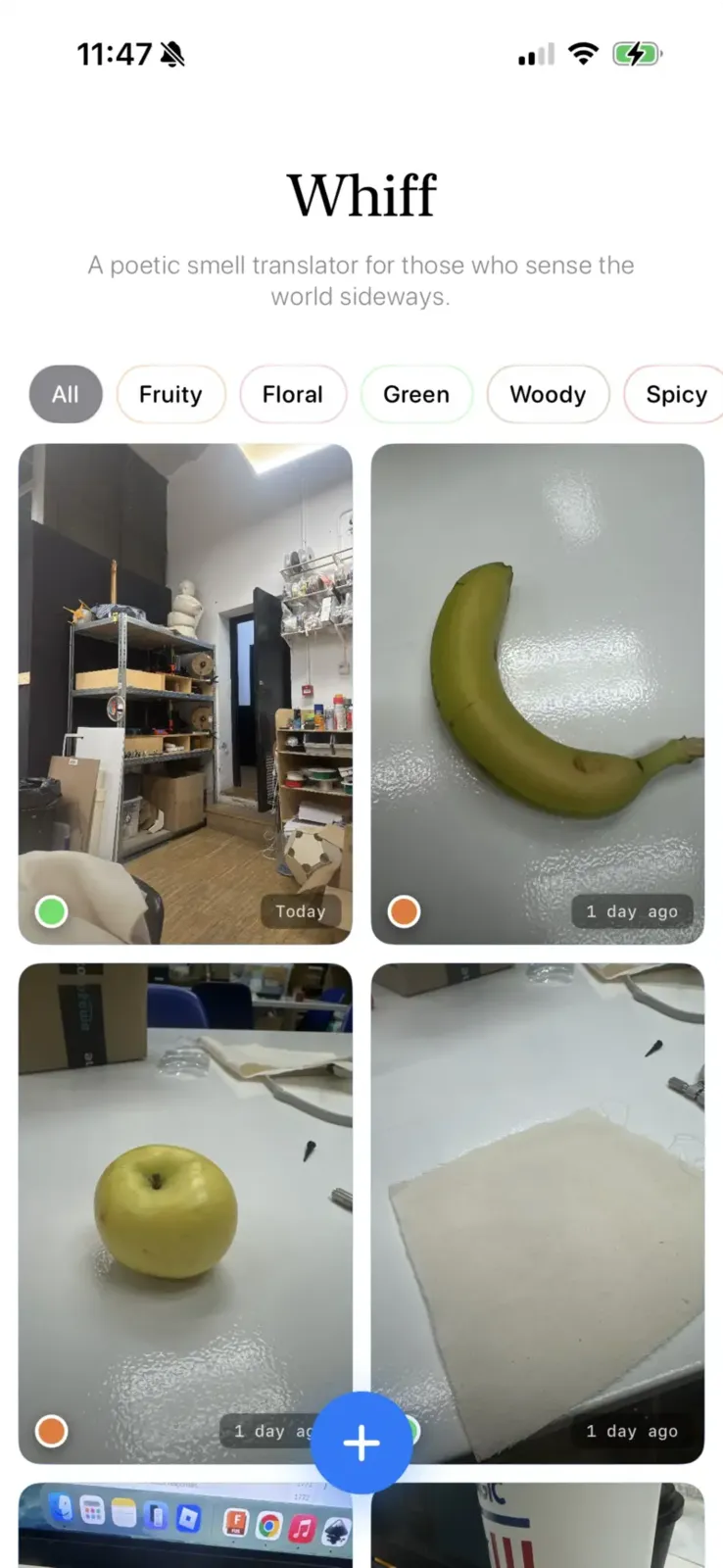
Whiff home screen — captured smells with filter chips for smell families (Fruity, Floral, Green, Woody, Spicy)
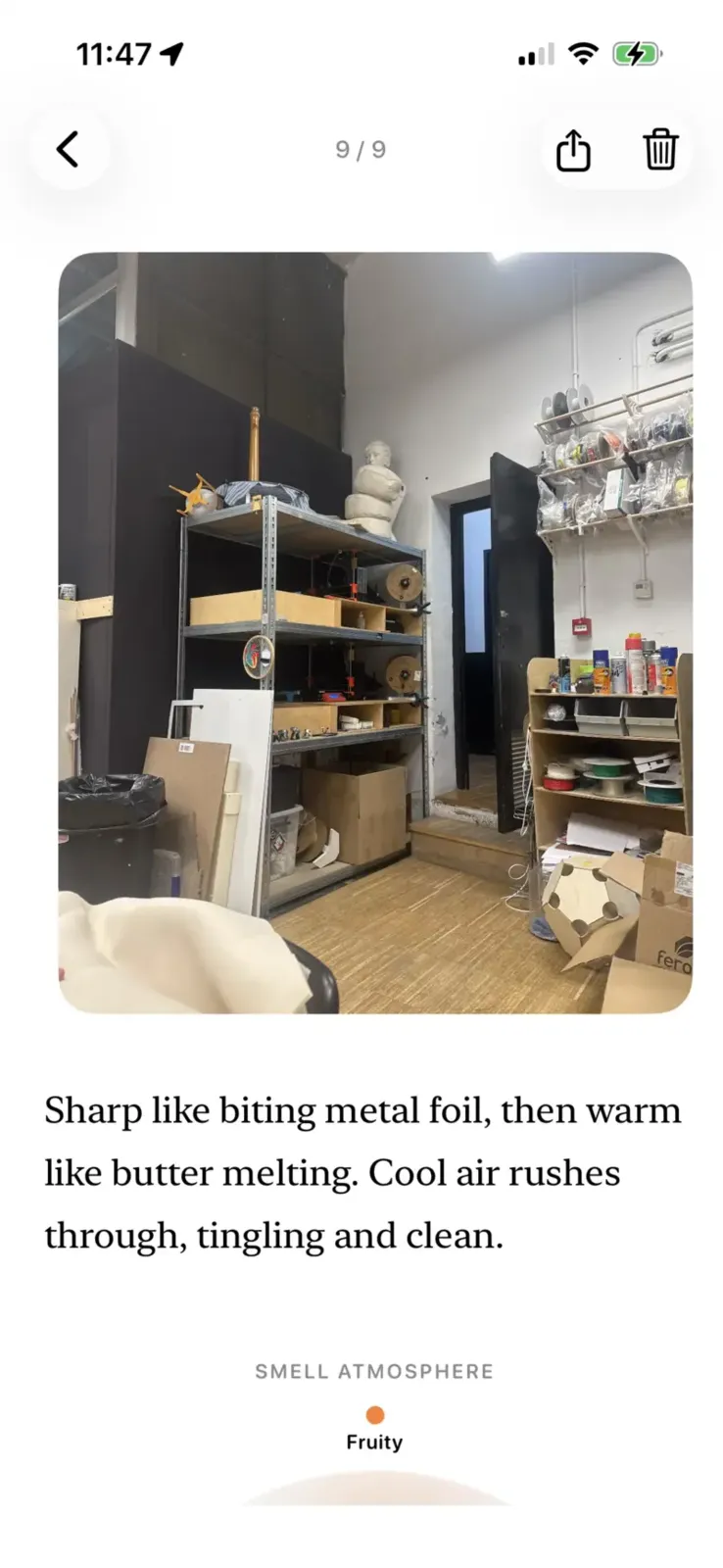
Detail view — AI-generated poetic description: "Sharp like biting metal foil, then warm like butter melting. Cool air rushes through, tingling and clean."
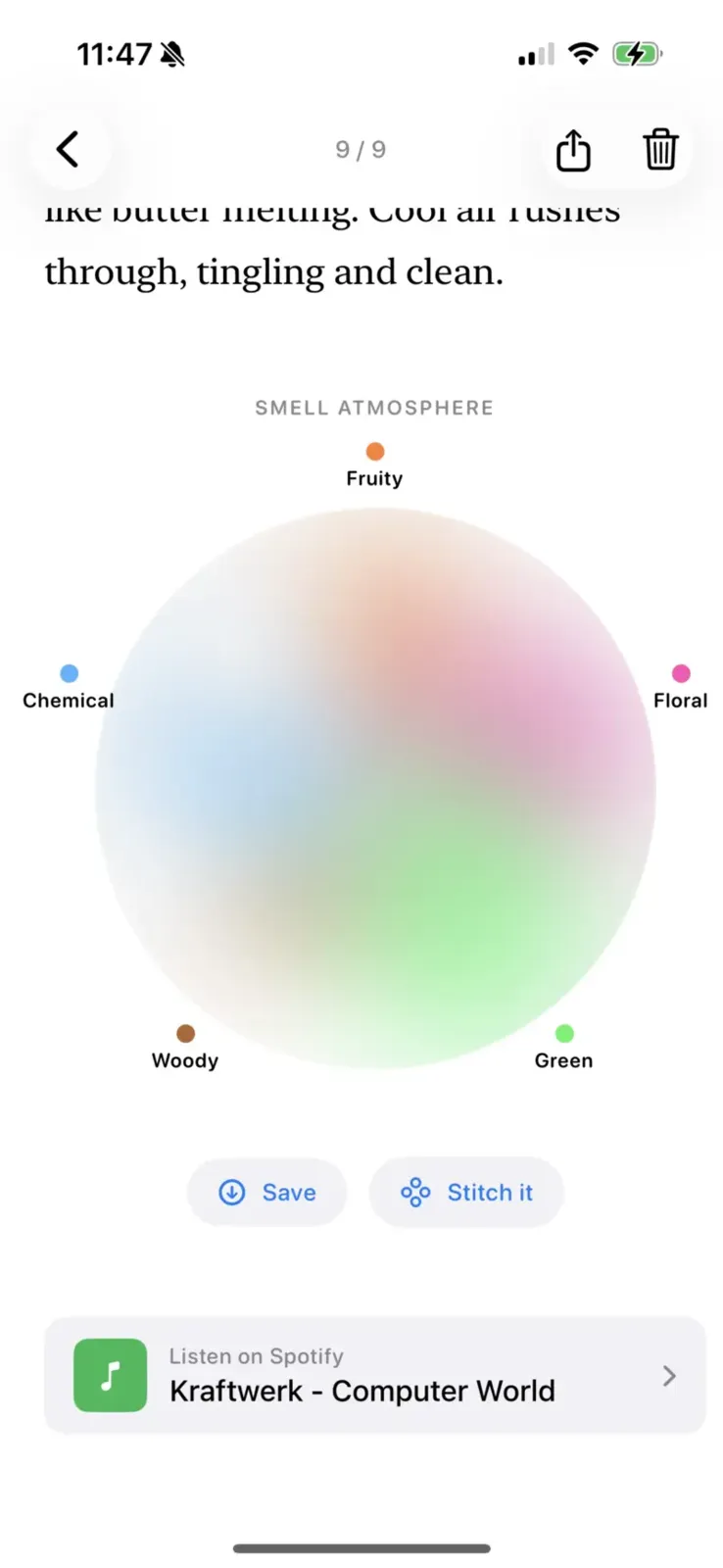
The smell orb — a gradient visualization showing the balance of smell families (Fruity, Floral, Green, Woody, Chemical). Tap "Stitch it" to generate embroidery.
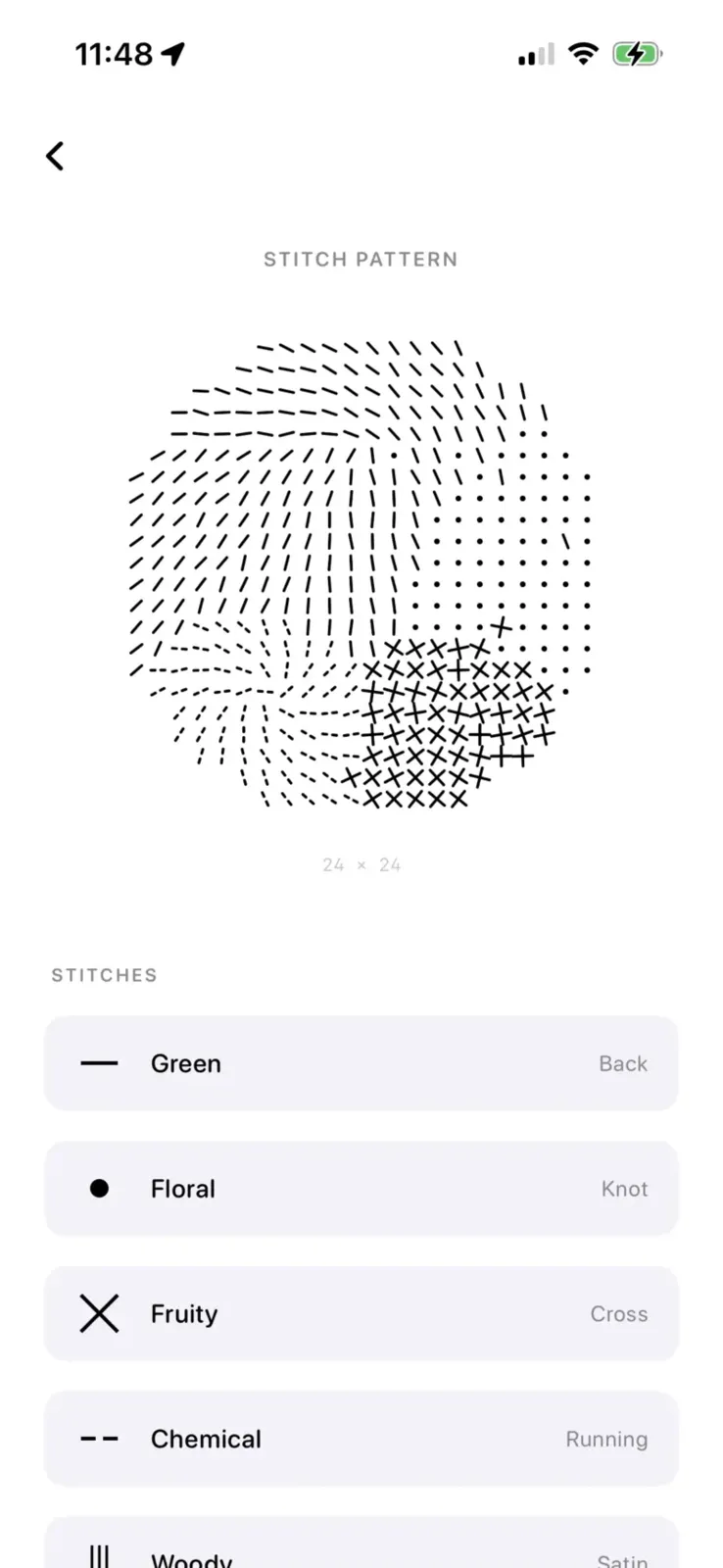
Embroidery preview — 24×24 grid with flow-rotated stitches. Legend shows smell → stitch mapping: Green = Back, Floral = Knot, Fruity = Cross, Chemical = Running, Woody = Satin.
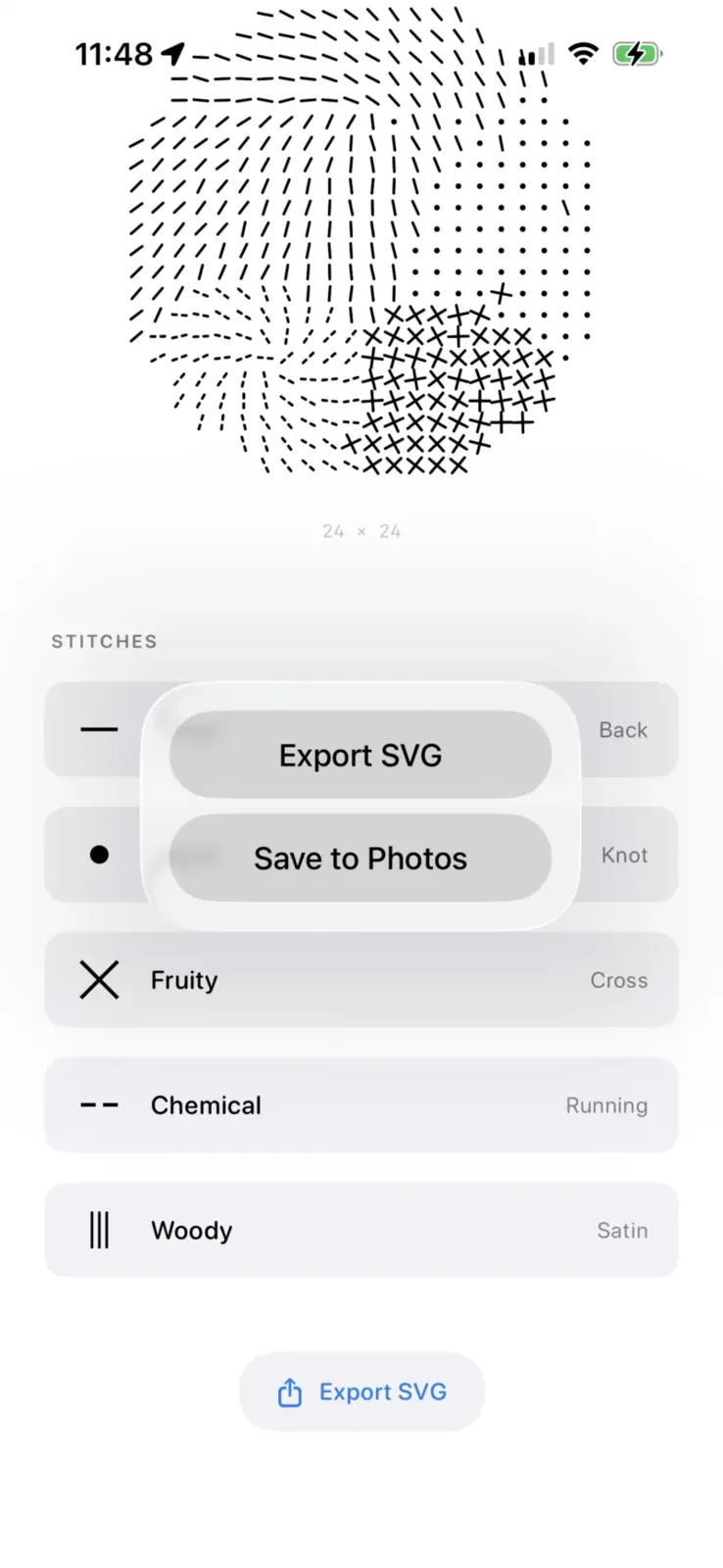
Export options — "Export SVG" for embroidery machine workflow, "Save to Photos" for sharing
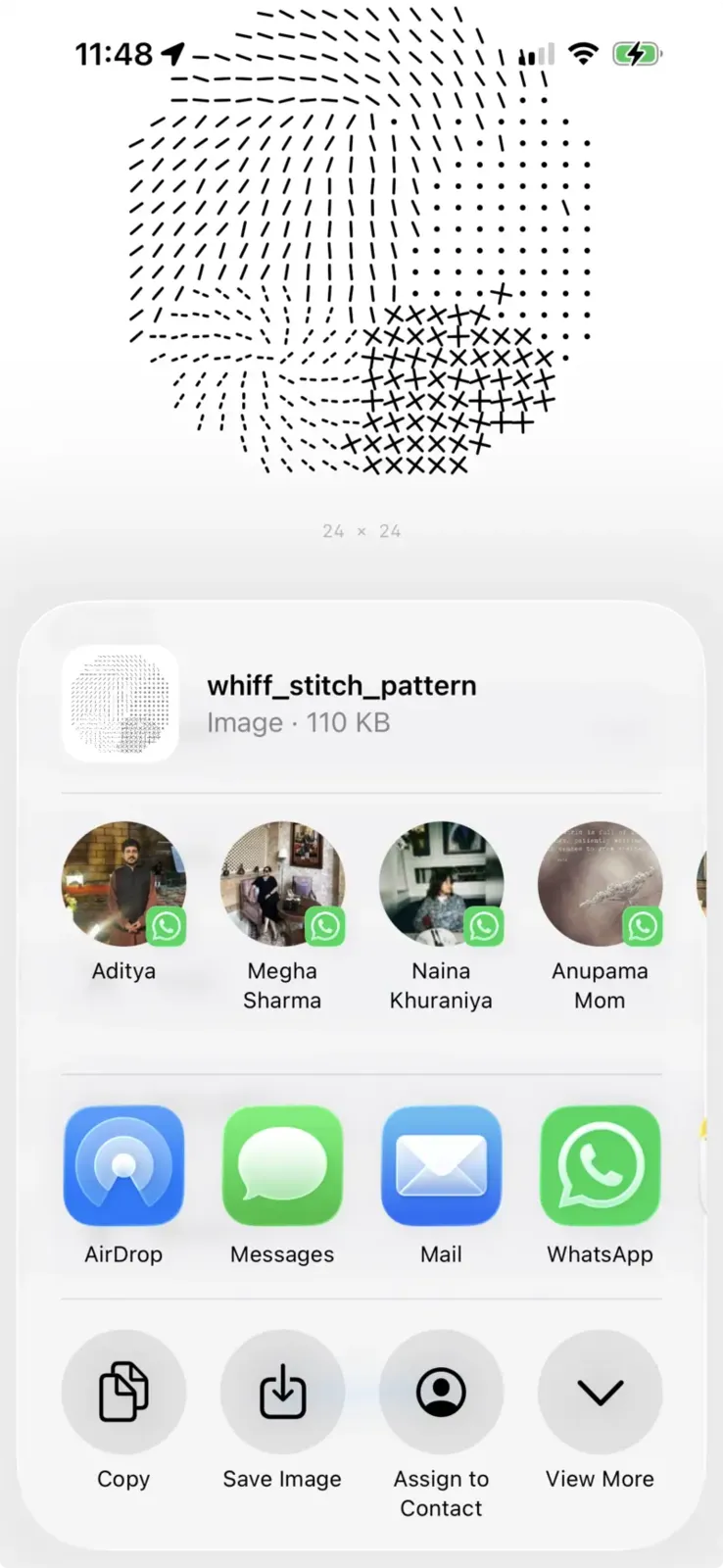
Share sheet — whiff_stitch_pattern (110 KB) ready to AirDrop to a computer for Ink/Stitch conversion
The Journey (Failures First)
Attempt 1: Direct PES generation. I tried generating PES files directly from Swift. PES is a binary format with complex header structures, colour tables, and stitch encoding. My first files produced "random blue lines" on the machine — the coordinate encoding was wrong.
Attempt 2: SVG → Ink/Stitch. The pivot that worked. Generate SVG with Ink/Stitch-compatible attributes, open in Inkscape, convert to PES via the Ink/Stitch plugin. This handles the complex binary encoding properly.
Attempt 3: Legend in SVG. I added a legend showing stitch types. Problem: Ink/Stitch embroidered the legend marks. SVG text elements need path conversion, and even then the marks got stitched. Solution: remove legend from export entirely — it lives in the app preview only.
Conceptual Evolution
The technical fixes were easy compared to the conceptual ones. My first approach was fundamentally wrong in how it thought about smell.
Version 1: Pie chart. Each smell gets a wedge. Winner-takes-all per region. Problem: feels like a data visualisation, not an atmosphere. Smells don't have hard boundaries.
Version 2: Radial diffusion. Strongest smell at centre, weaker smells radiate outward in rings. Better, but still creates "territories" — one smell dominates each zone.
Version 3: Weather system. The breakthrough. Every smell creates an influence field (how much exists here) and a movement field (how it flows through space). At each point, ALL smells contribute. The dominant smell sets the stitch type, but secondary smells can "interrupt" with their stitches, and tertiary smells influence flow direction.
Result: layered coexistence, not territories. Woody satin with floral knots blooming through. Chemical streaks cutting across green vines.
Smell → Stitch Mapping
Each smell family maps to a stitch type based on its character:
- Fruity → Cross stitch: Bouncy, radiating outward
- Floral → French knot: Airy, blooming, soft spiral flow
- Green → Back stitch: Organic, vine-like curves
- Woody → Satin stitch: Dense, grounded, vertical grain
- Spicy → Cross stitch: Sharp, radiating heat
- Chemical → Running stitch: Sharp linear streaks
- Decay → Seed stitch: Broken, scattered, sinking
Flow Rotation
The final breakthrough: stitches rotate according to flow angle. Previously, all stitches were axis-aligned (satin = vertical, back = horizontal). This looked like a grid, not an atmosphere.
Now, each cell calculates its flow angle based on the smell's characteristic direction, distance from source, and layered noise for organic variation. Every stitch rotates by this angle. Chemical areas streak horizontally. Floral areas spiral outward. Woody areas settle vertically. The embroidery shows movement.
Technical Specs
- Grid: 24 × 24 cells, 4.5mm per cell = 108mm design
- Hoop: Brother Innov-is NV870, large hoop (18cm × 13cm)
- Format: SVG with Ink/Stitch namespace → PES via Inkscape
- Influence formula: presence = strength / (1.0 + distance × 0.4)
- Layering: Primary (>40%) → stitch type; Secondary (>20%) → interruptions; Tertiary (>15%) → flow modulation
SVG → PES Workflow
The app exports SVG with Ink/Stitch-compatible attributes. The conversion workflow:
-
Export SVG from the Whiff
app (includes
inkstitch:namespace) - Open in Inkscape with Ink/Stitch plugin installed
- Check params: Extensions → Ink/Stitch → Params (preview the stitch simulation)
- Visualize: Extensions → Ink/Stitch → Visualize and Export → Simulator
- Export: File → Save a Copy → select PES format
- Transfer: Copy PES to FAT32 USB drive
- Load on machine: Insert USB, select design from external device
The SVG includes stitch-type-specific attributes:
-
Running stitch:
inkstitch:running_stitch_length_mm="3" -
Satin:
inkstitch:satin_column="true" inkstitch:zigzag_spacing_mm="0.4" -
Bean stitch (for knots):
inkstitch:bean_stitch_repeats="2"
Brother Innov-is NV870 Setup
Machine preparation follows the standard Fab Lab Barcelona workflow. We used thick spongy fabric with embroidery stabilizer backing.
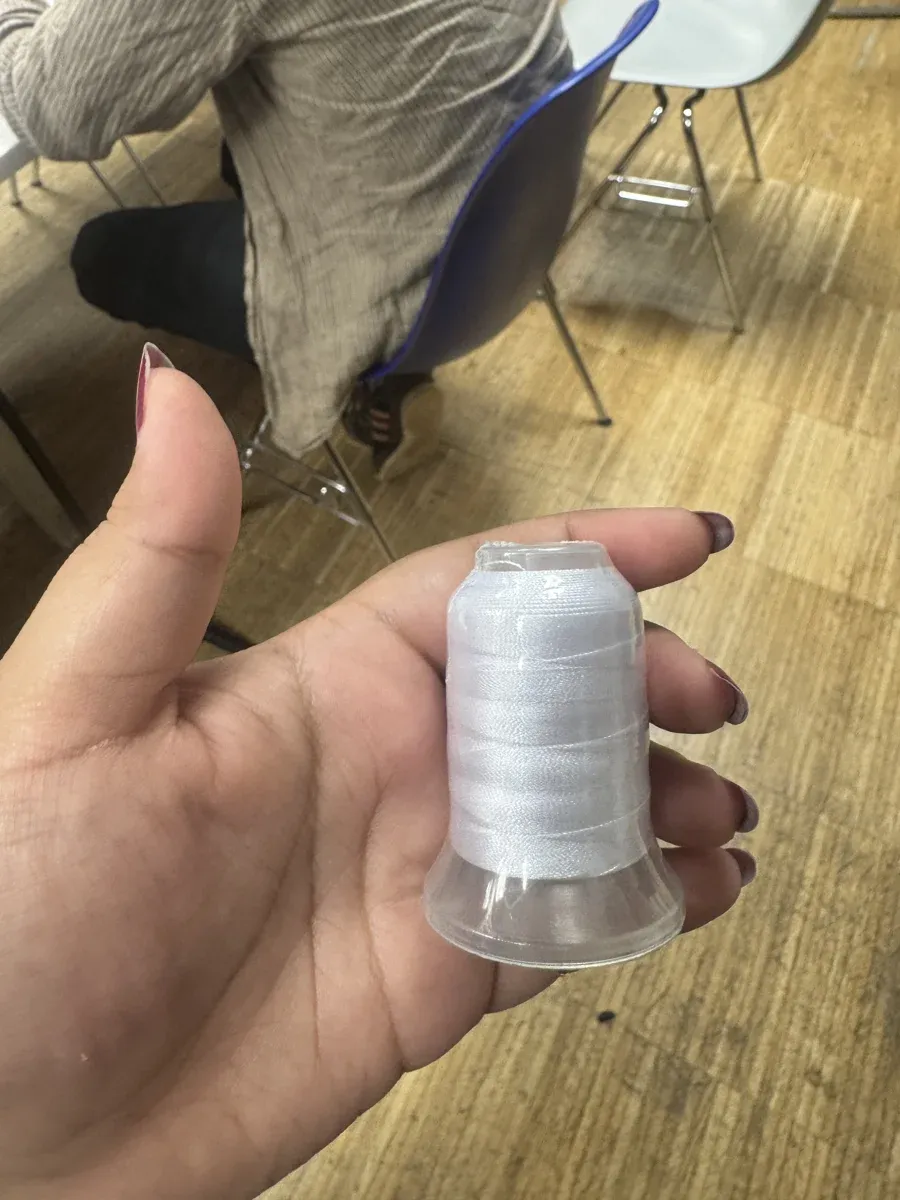
White embroidery thread — monochrome pattern for first test
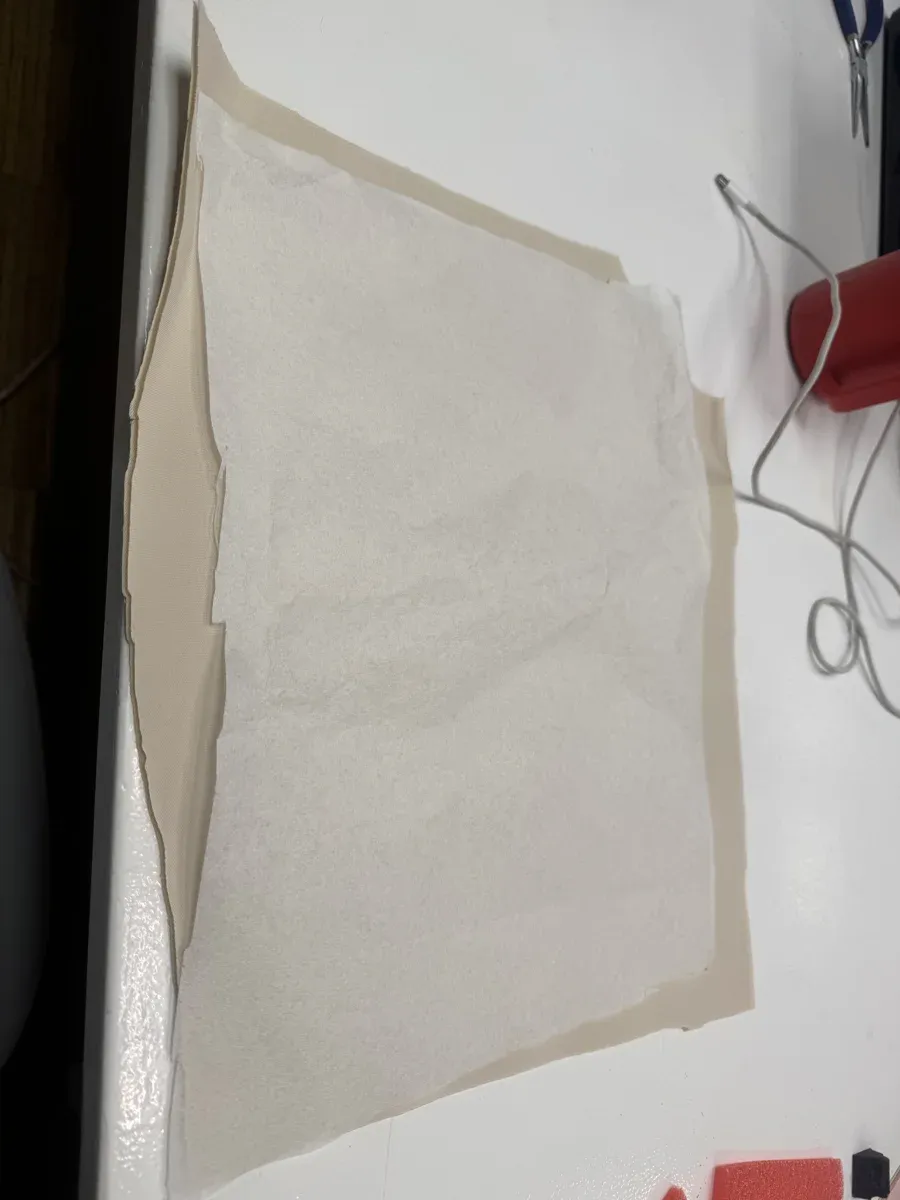
Thick spongy fabric layered with embroidery stabilizer backing
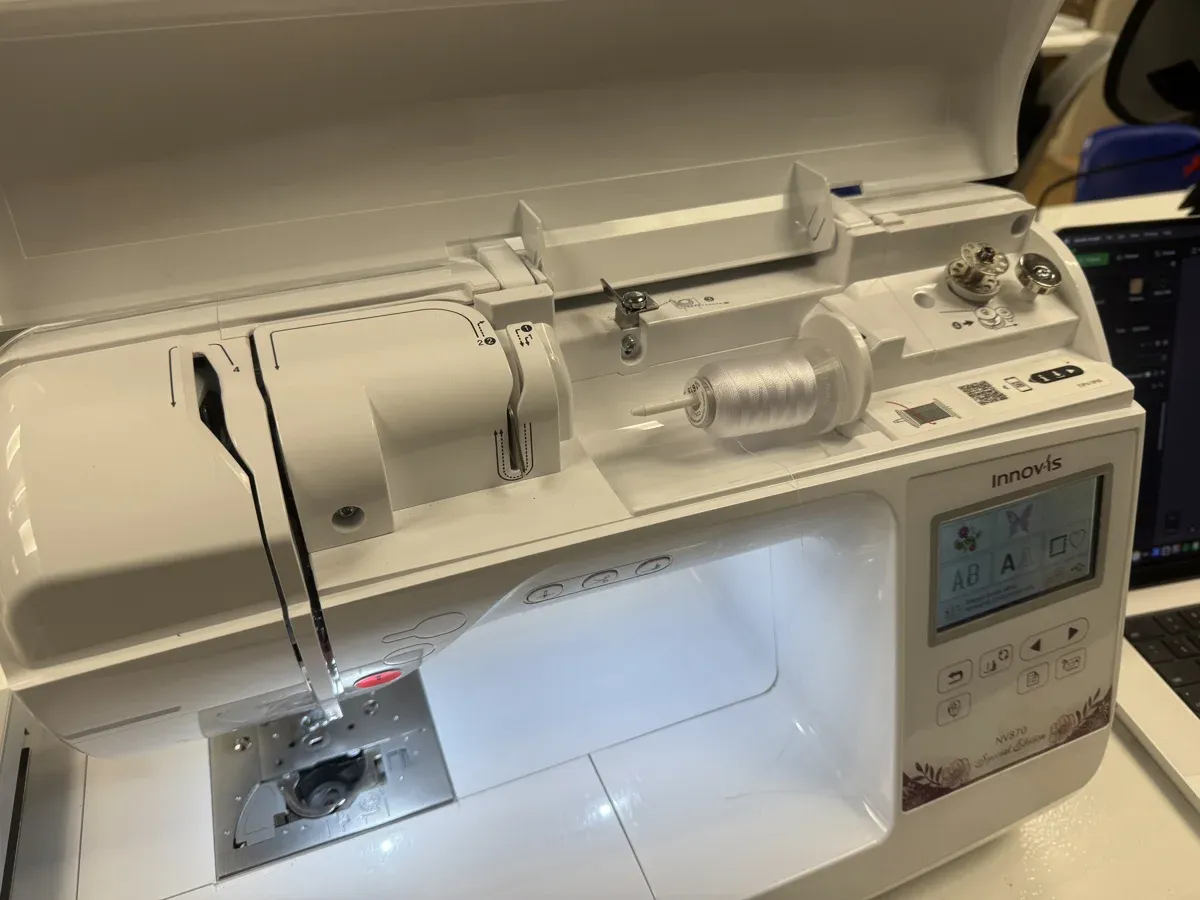
Brother Innov-is NV870 Special Edition — threaded and ready
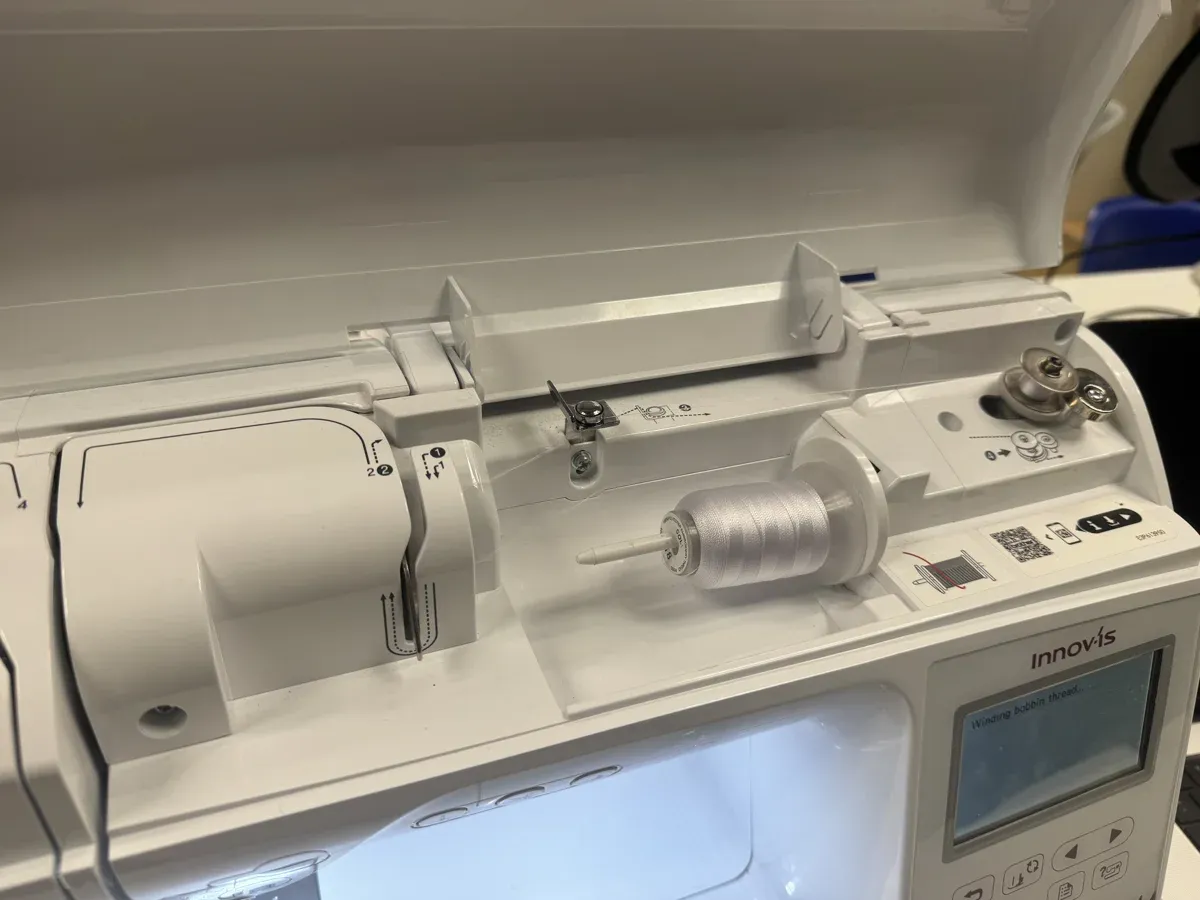
Winding bobbin thread — display shows "Winding bobbin thread..."
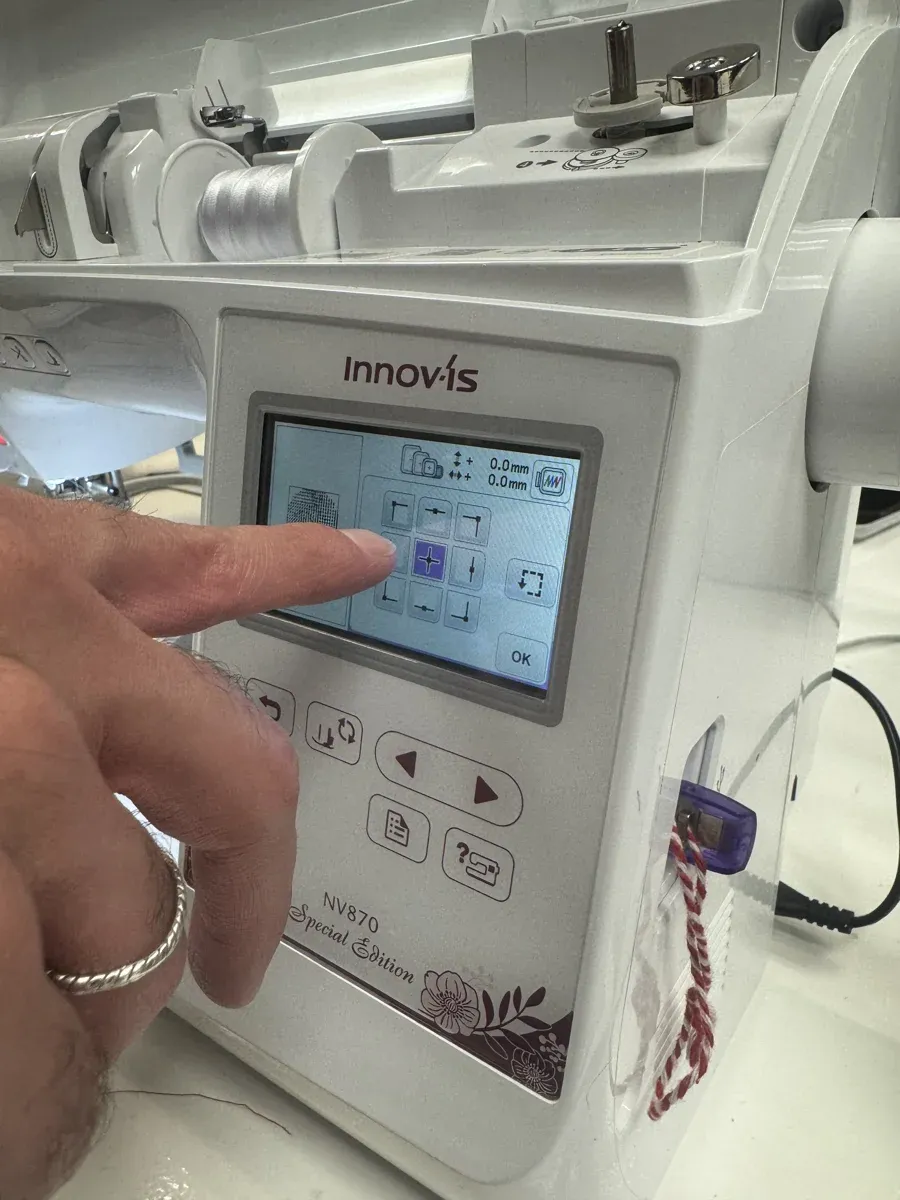
Positioning the design — arrow controls to centre the pattern in the hoop
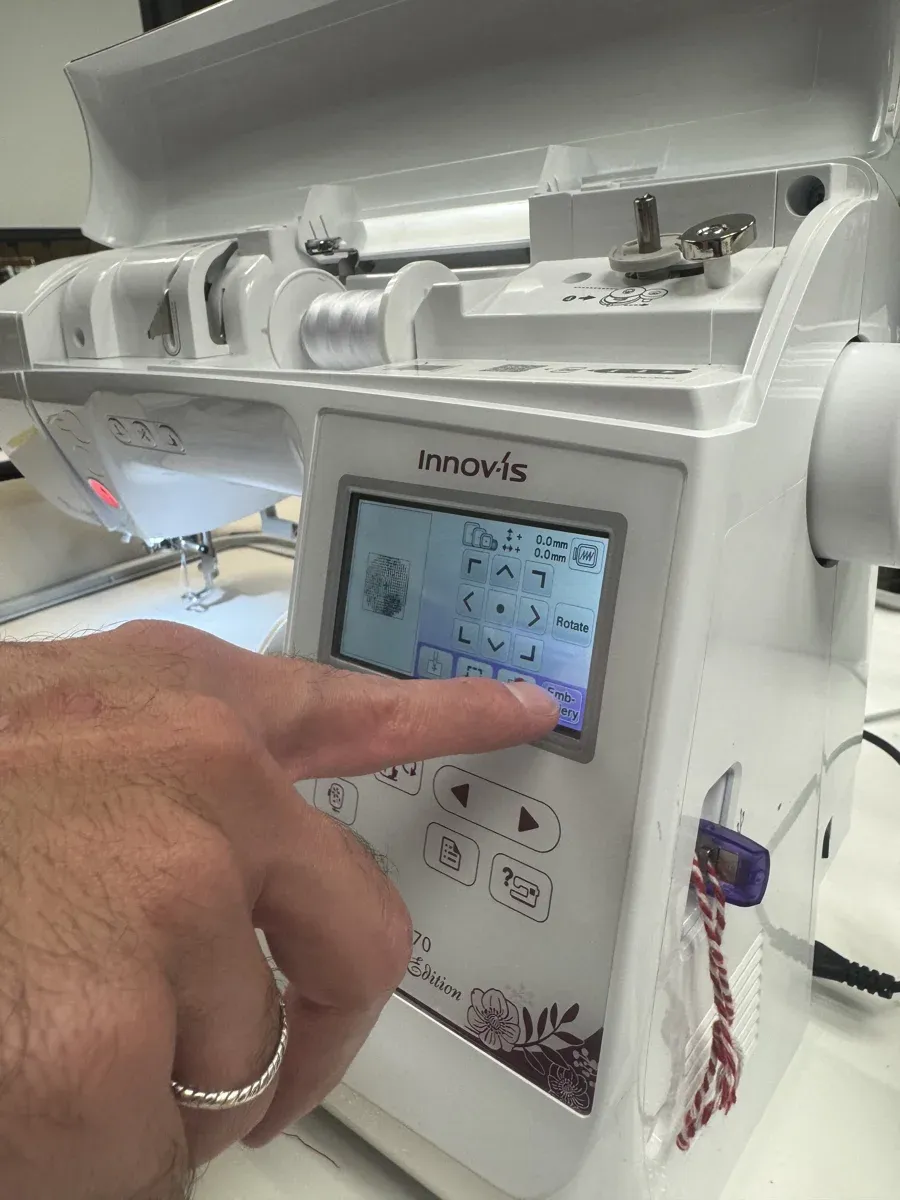
Embroidery mode — rotate and direction controls, ready to start
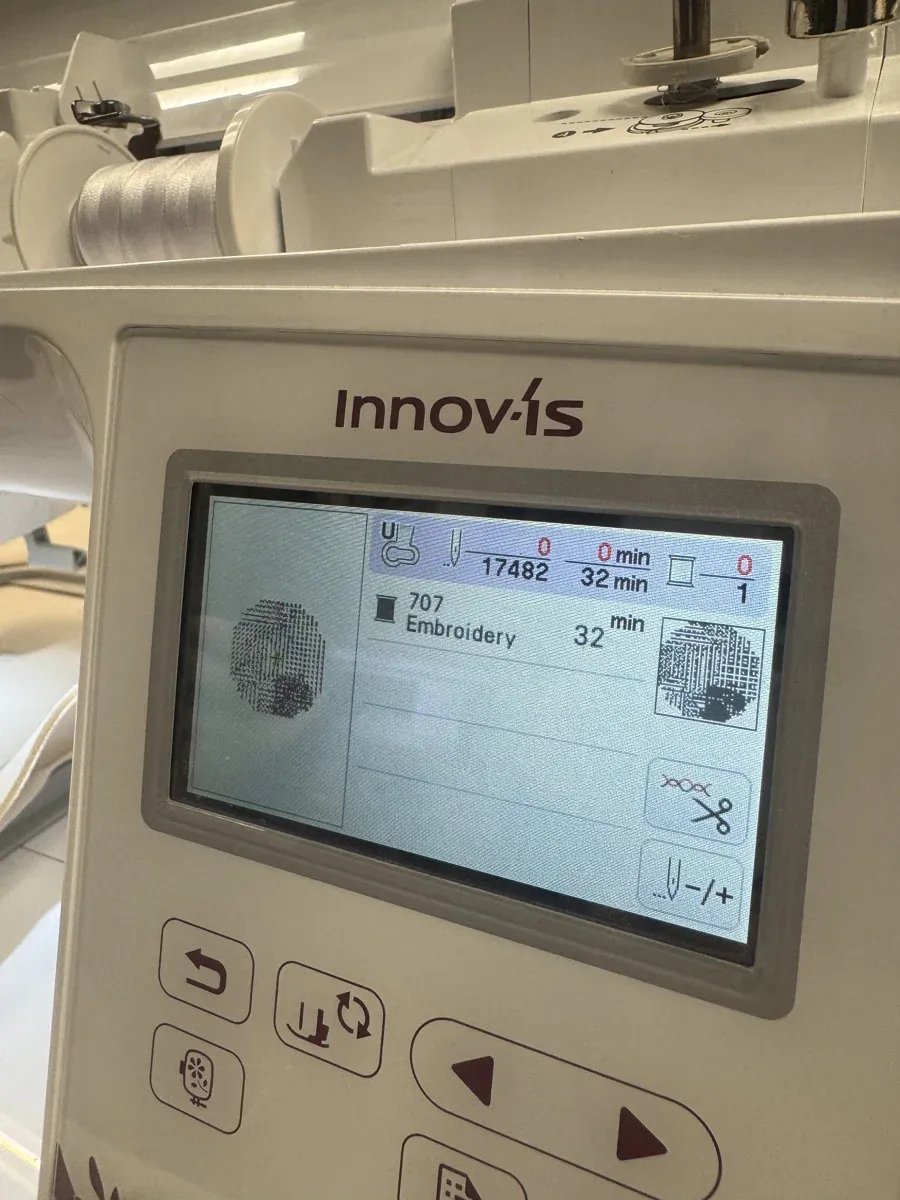
Ready to stitch — 17,482 stitches, 32 minutes estimated time, thread colour 707
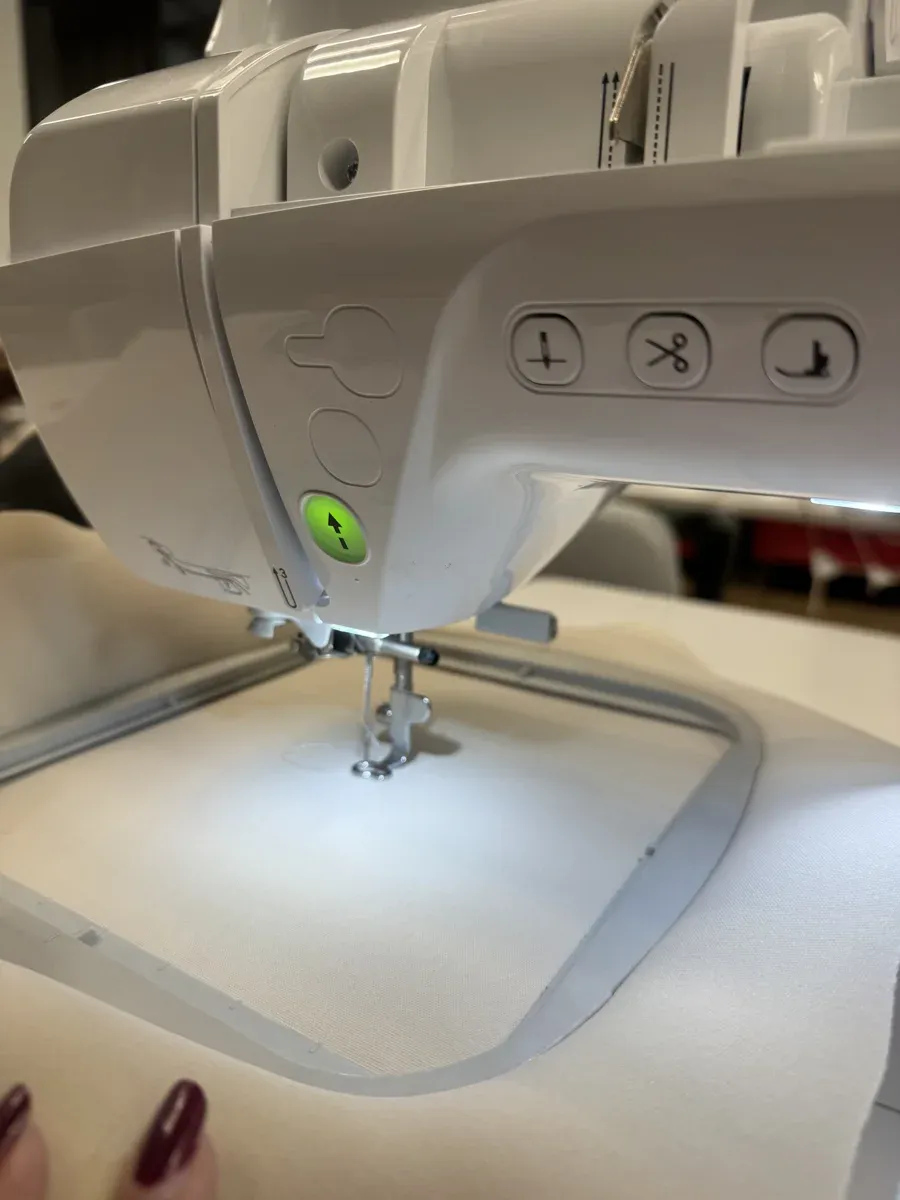
Fabric hooped and positioned under the needle — green start button lit
- Machine: Brother Innov-is NV870 Special Edition
- Fabric: Thick spongy material with embroidery stabilizer backing
- Thread: White embroidery thread (colour 707)
- Stitches: 17,482
- Estimated time: 32 minutes
The Result
The flow rotation system works. You can see different stitch types occupying different regions — running stitches (dashes), cross stitches (X), French knots (circles) — all rotating according to the flow field. The stitches curve and sweep rather than sitting on a rigid grid.
The Brother Innov-is NV870 stitching the smell pattern — 17,482 stitches in progress
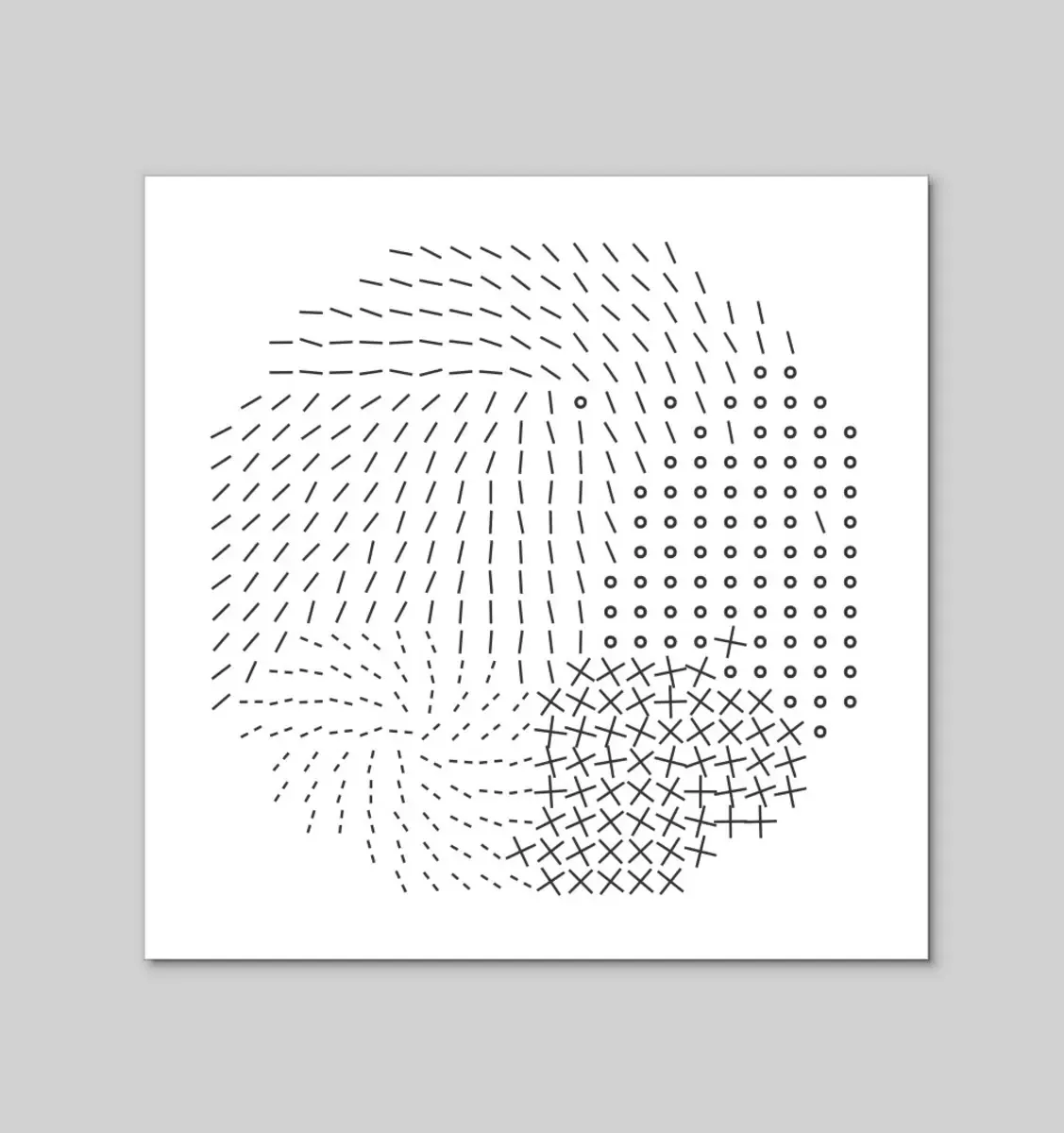
App preview — flow rotation visible in the stitch orientations. Running stitches sweep around the edges, cross stitches cluster in one region, French knots in another.
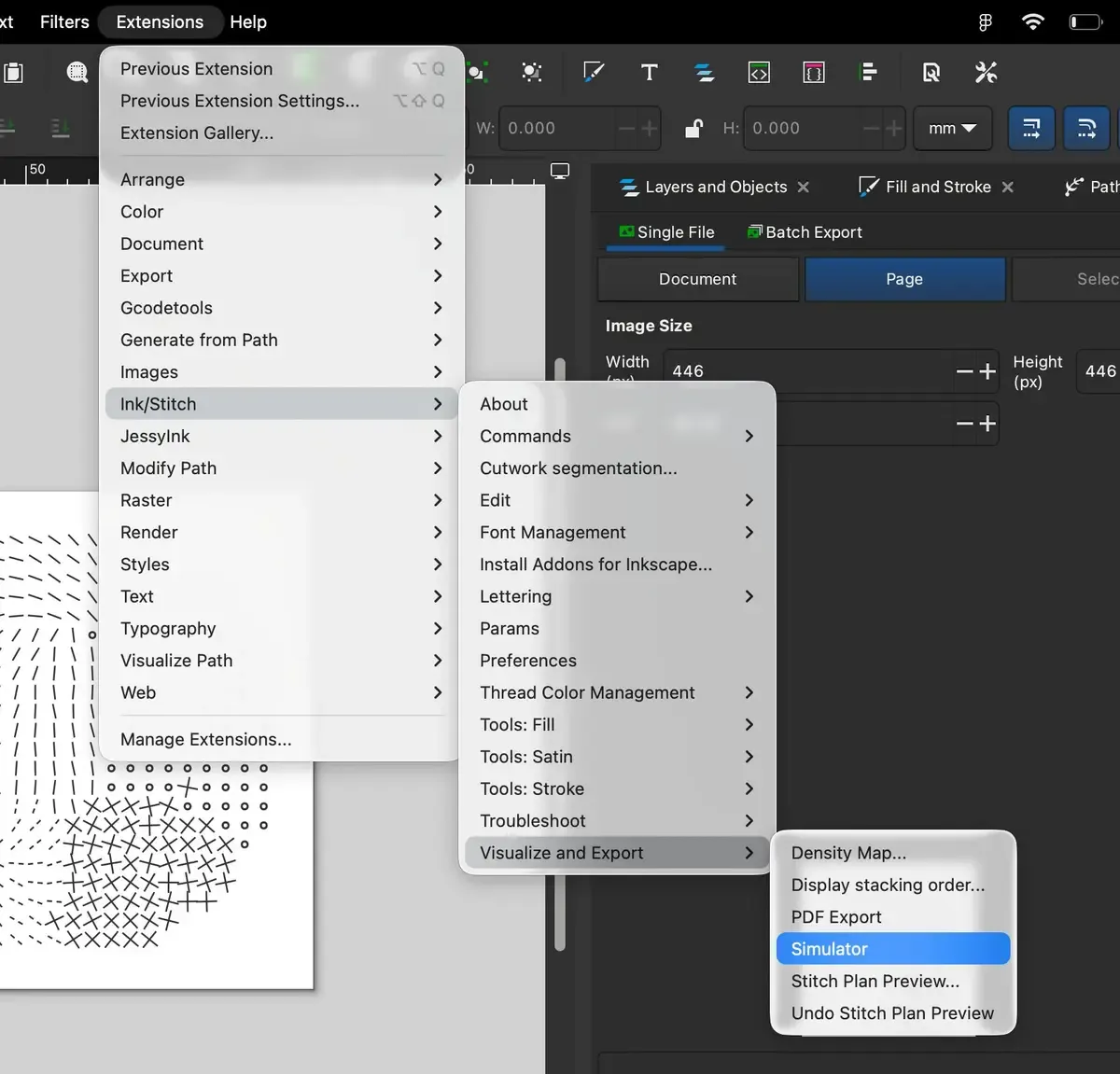
Ink/Stitch workflow in Inkscape — Extensions → Ink/Stitch → Visualize and Export → Simulator
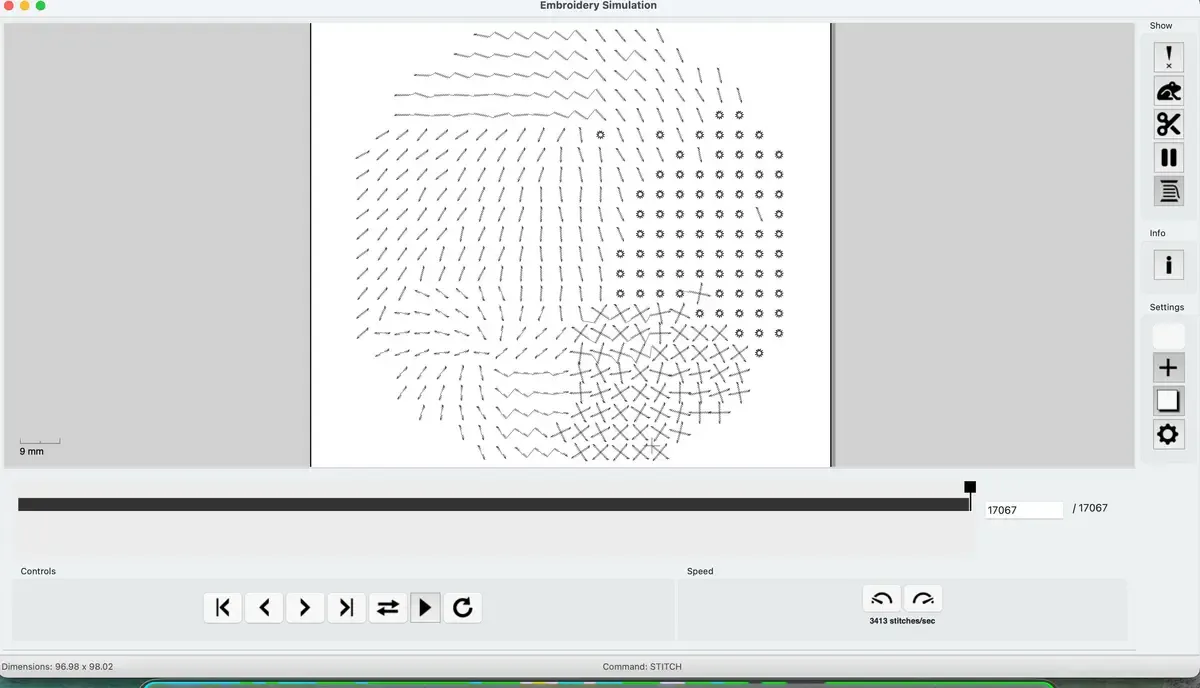
Ink/Stitch simulator preview — 17,067 stitches, 96.98 × 98.02mm design. The flow rotation translates correctly to the embroidery simulation.
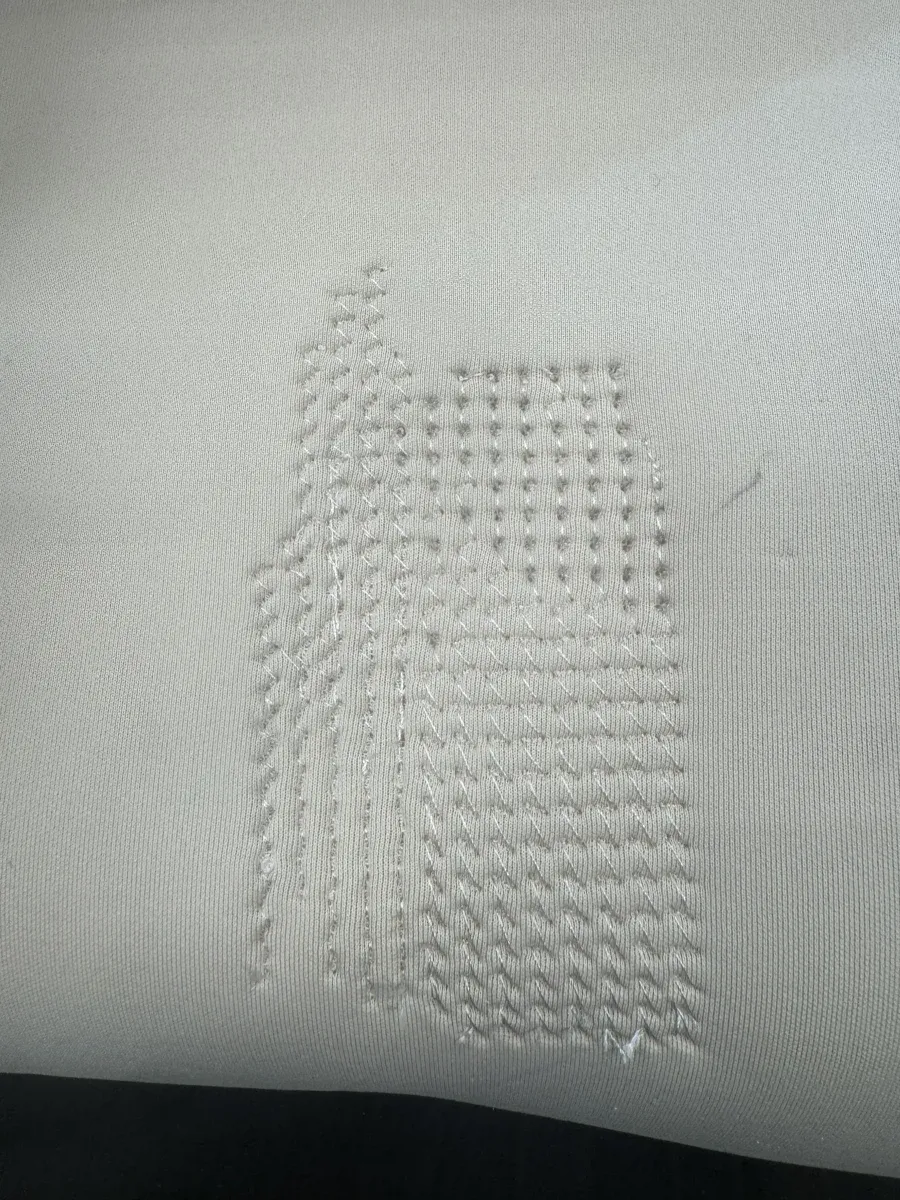
The finished embroidery (front). White thread on cream fabric — you can see the French knots (dots), cross stitches (X patterns), and running stitches creating distinct smell regions. The flow rotation is visible in how the stitches curve.
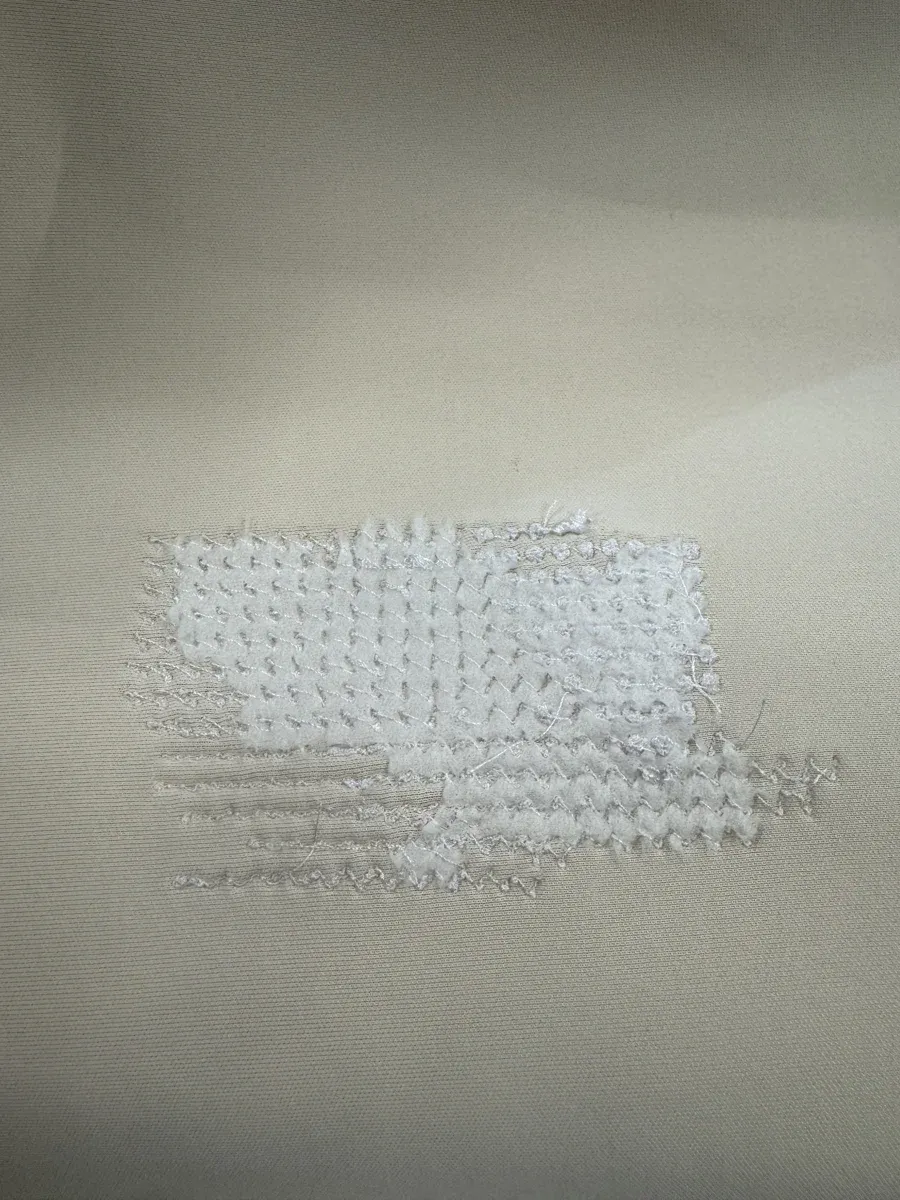
The back of the embroidery — dense stitch work with all 17,482 stitches visible.
Part 2: Soft Robotics
Pneumatic soft robotics using heat-sealed vinyl. The technique: cut a release layer (parchment paper) on the Silhouette Cameo, sandwich it between two vinyl sheets, heat seal with an iron. Where the parchment sits, the vinyl doesn't bond — creating air channels that inflate when pressurised.
Step 1: Design the Channels
Designed a serpentine channel pattern in Silhouette Studio — parallel channels connected at alternating ends to create one continuous air path. The bulbous shapes at each channel end allow for expansion without stress concentration.
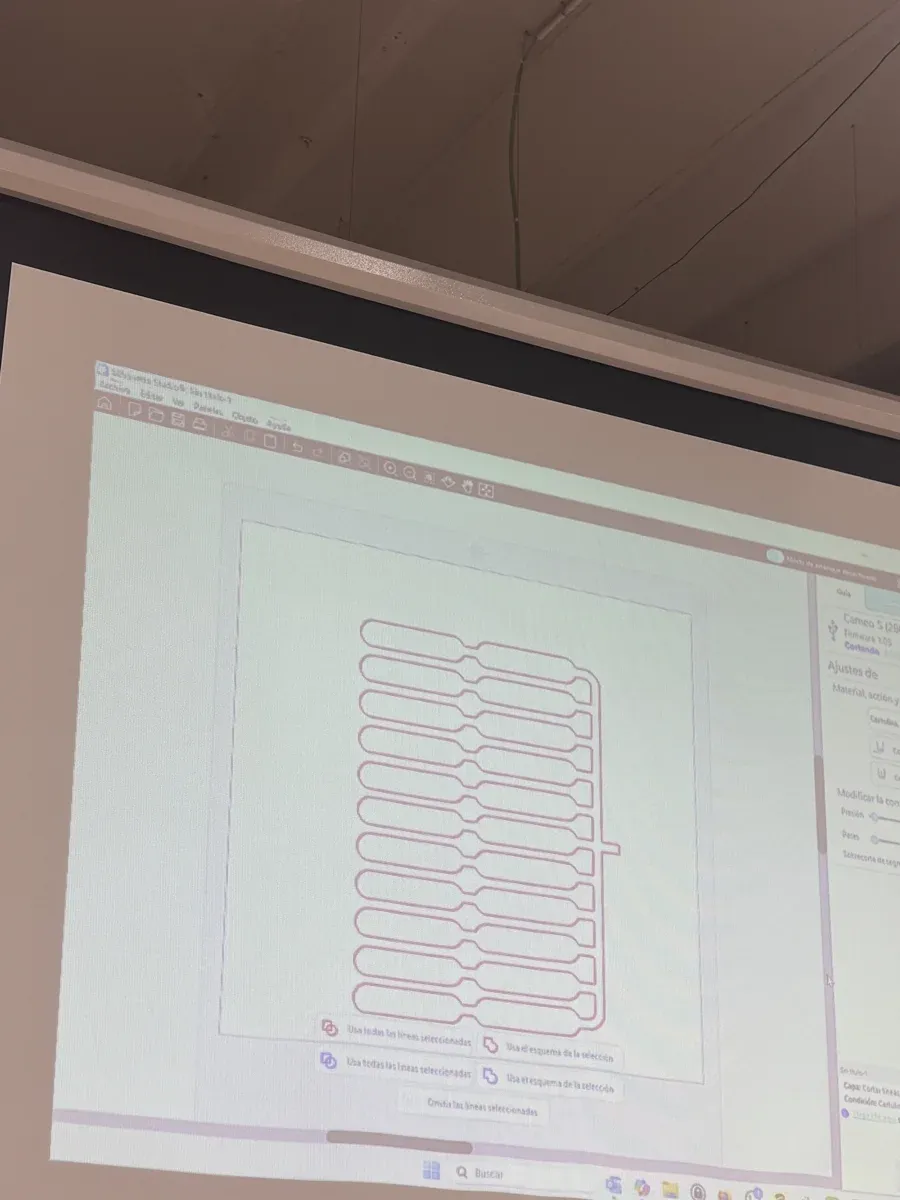
Channel pattern in Silhouette Studio — connected serpentine path with bulbous ends
Step 2: Cut the Release Layer
The key insight: you don't cut the vinyl itself. You cut a release layer (parchment/baking paper) that prevents the two vinyl sheets from bonding in certain areas. The Cameo cuts the pattern into the parchment; these shapes become the air channels.
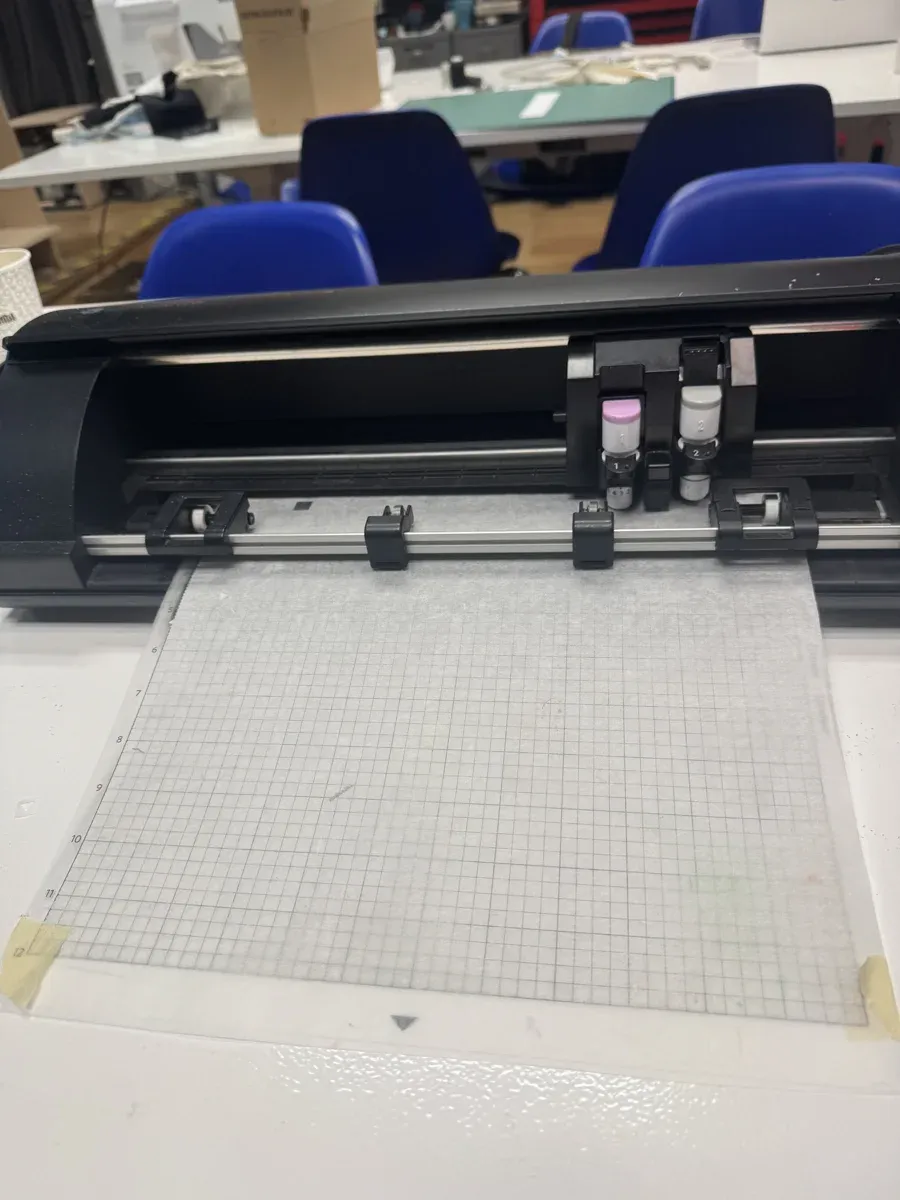
Cameo cutting the parchment paper release layer
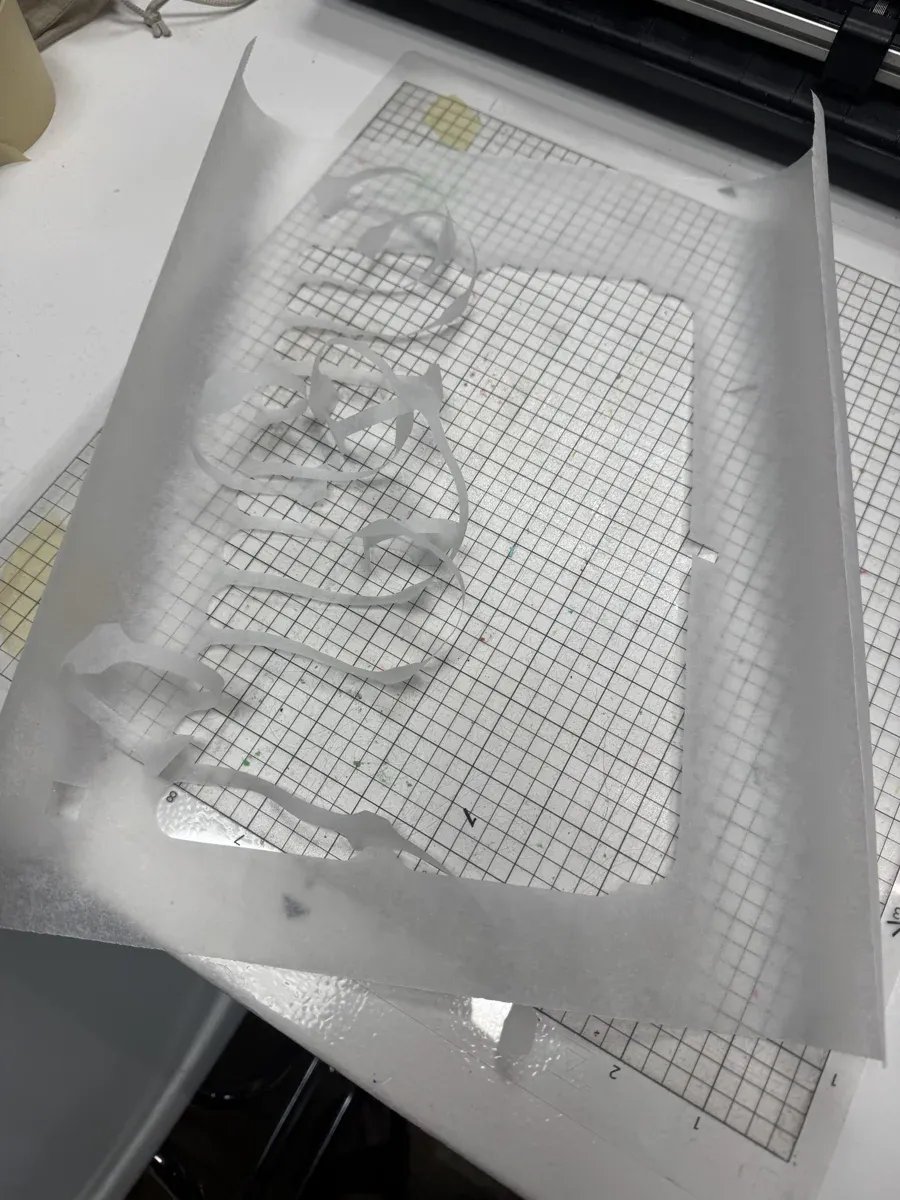
The cut release layer — these shapes will NOT bond, creating air channels
Step 3: Sandwich and Heat Seal
Stack: vinyl sheet → cut parchment → vinyl sheet. Then heat seal with an iron. The iron fuses the vinyl everywhere EXCEPT where the parchment prevents contact.
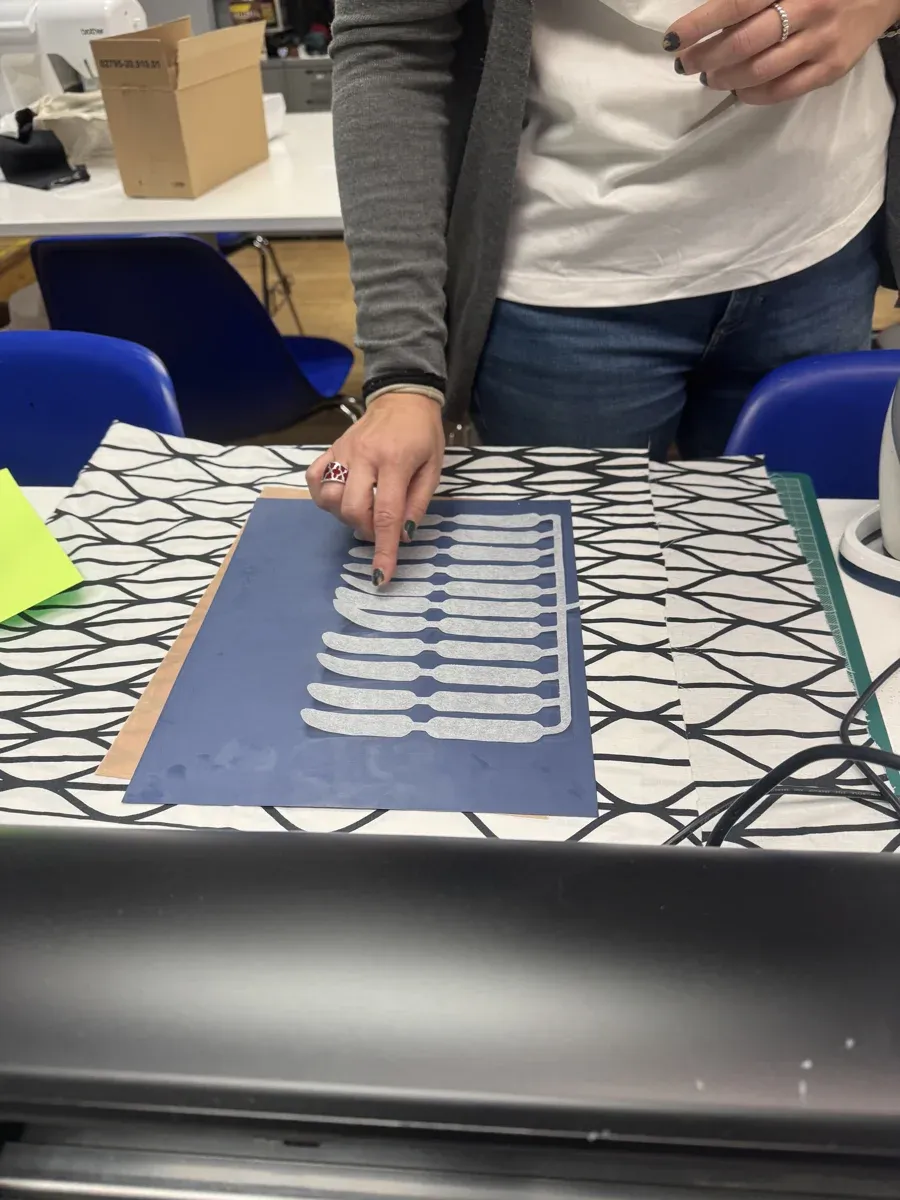
Positioning the release layer on vinyl
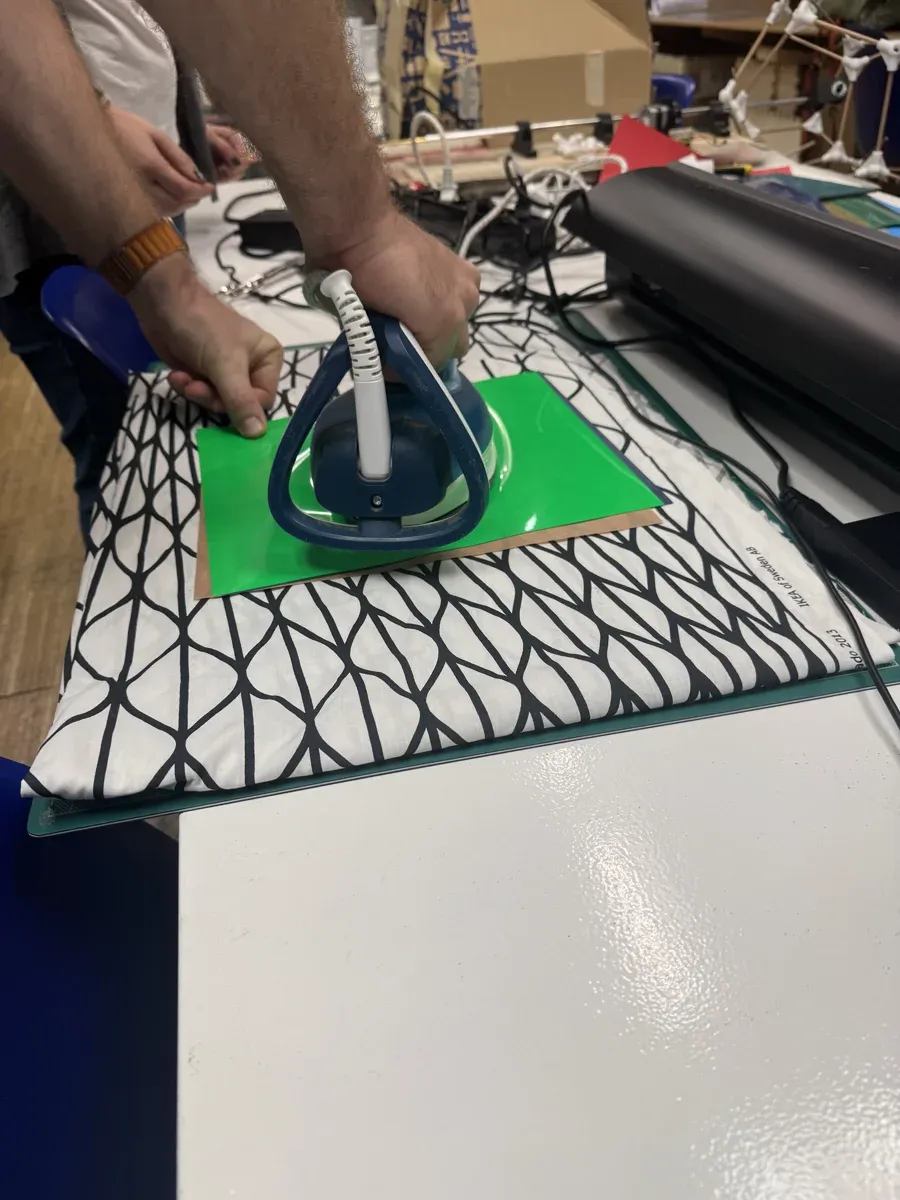
Heat sealing — iron fuses vinyl everywhere except where parchment blocks
Step 4: Test Inflation
Insert air tube and inflate with a small pump. The channels puff up following the serpentine pattern.
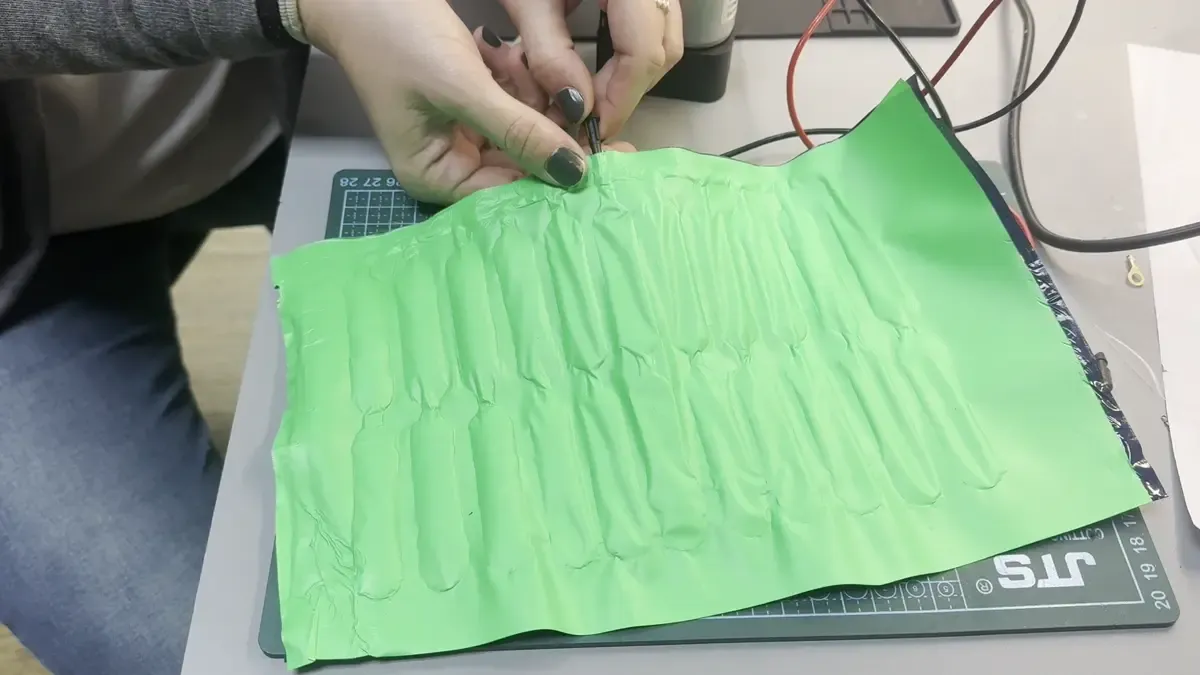
SUCCESS: Green vinyl inflating — serpentine channels puffing up
Materials Tested
- Green vinyl (thick): ✓ Success — good inflation, visible channels, holds pressure
- Blue vinyl (thin): ⚠ Partial — sealed well but harder to see structure
- Silicone sheet: ✓ Success — beautiful translucent pink, very flexible, organic leaf-like form
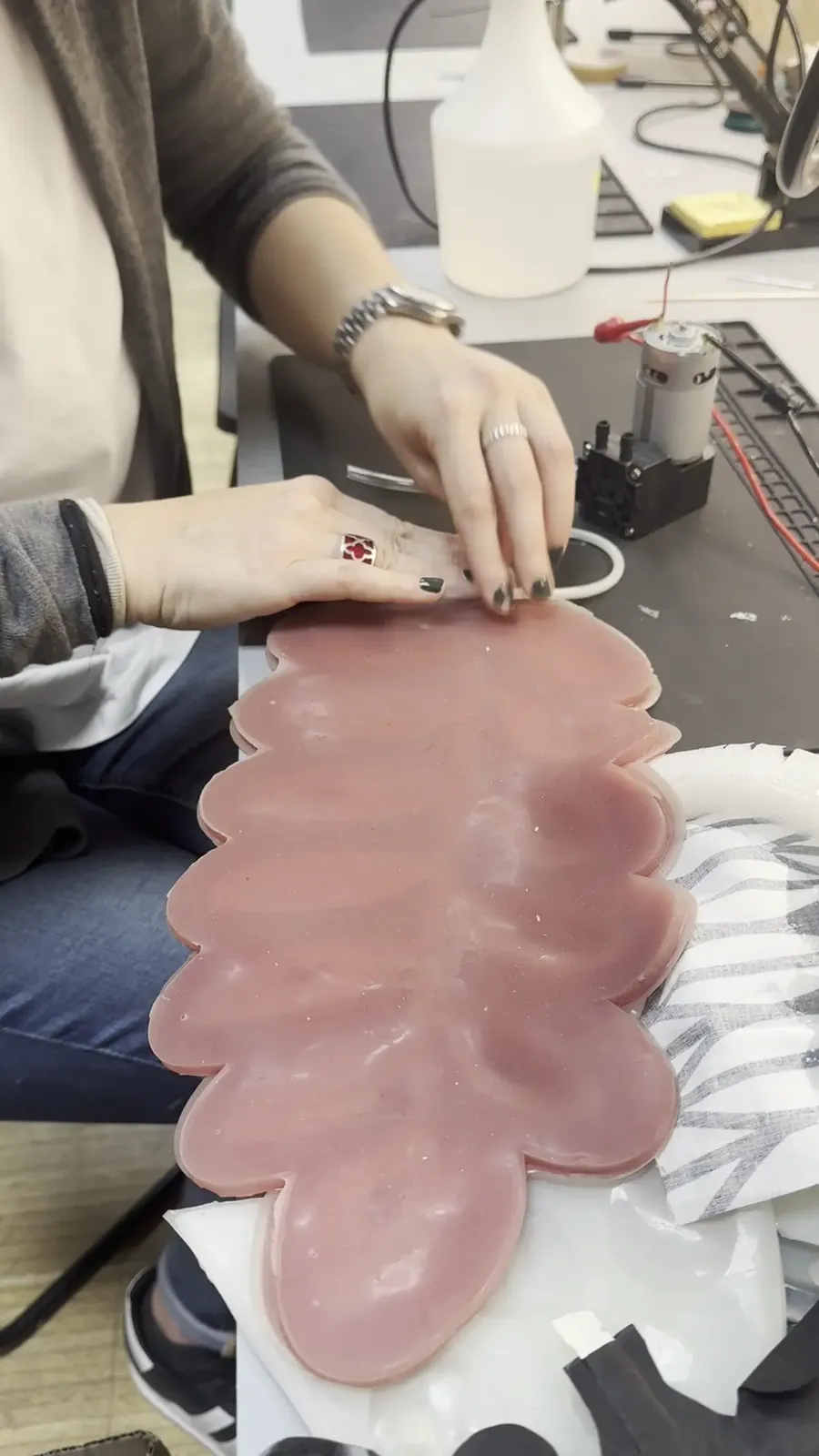
Silicone actuator — organic leaf-like form when inflated
Air Leak Problems
The biggest challenge: air leaks at the inlet. The tube-to-vinyl junction is the hardest to seal.
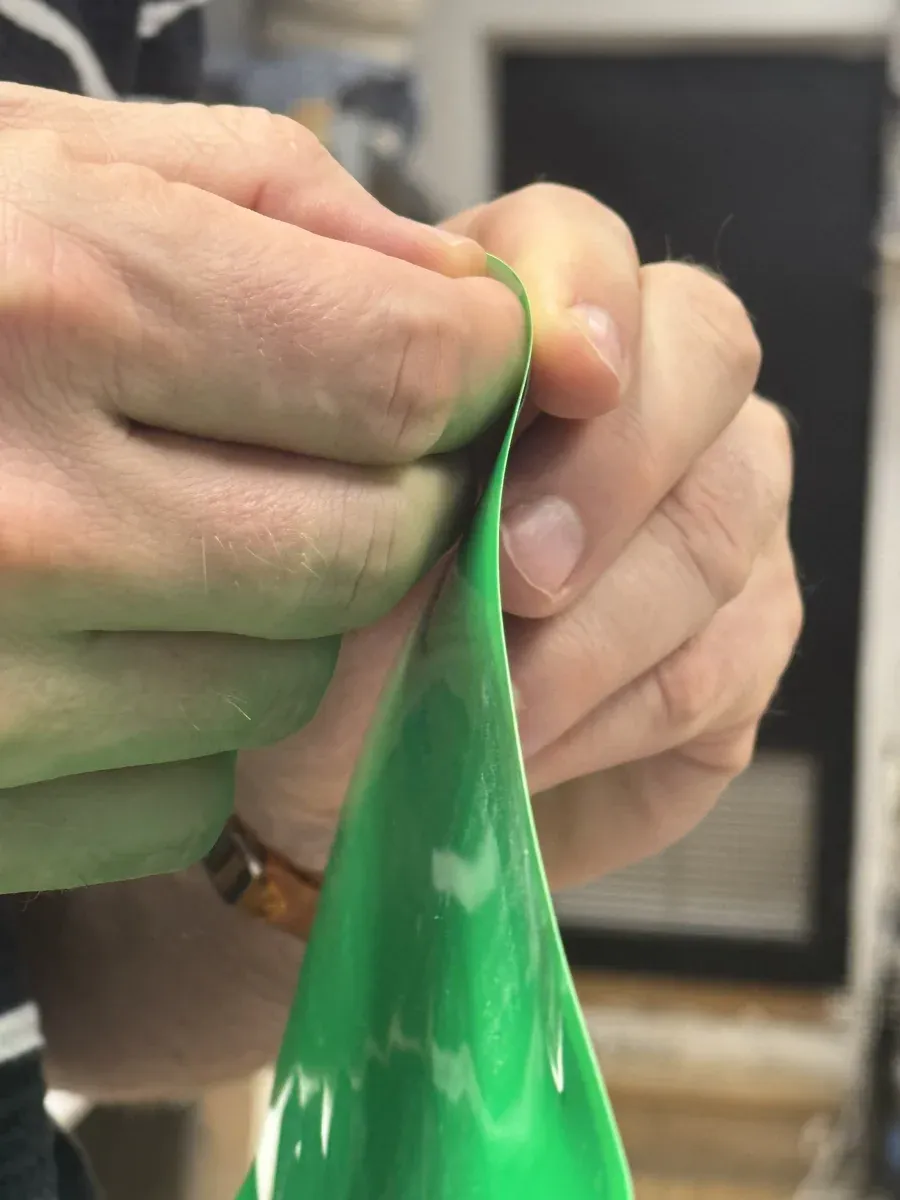
Testing seal integrity — folding to check for weak points
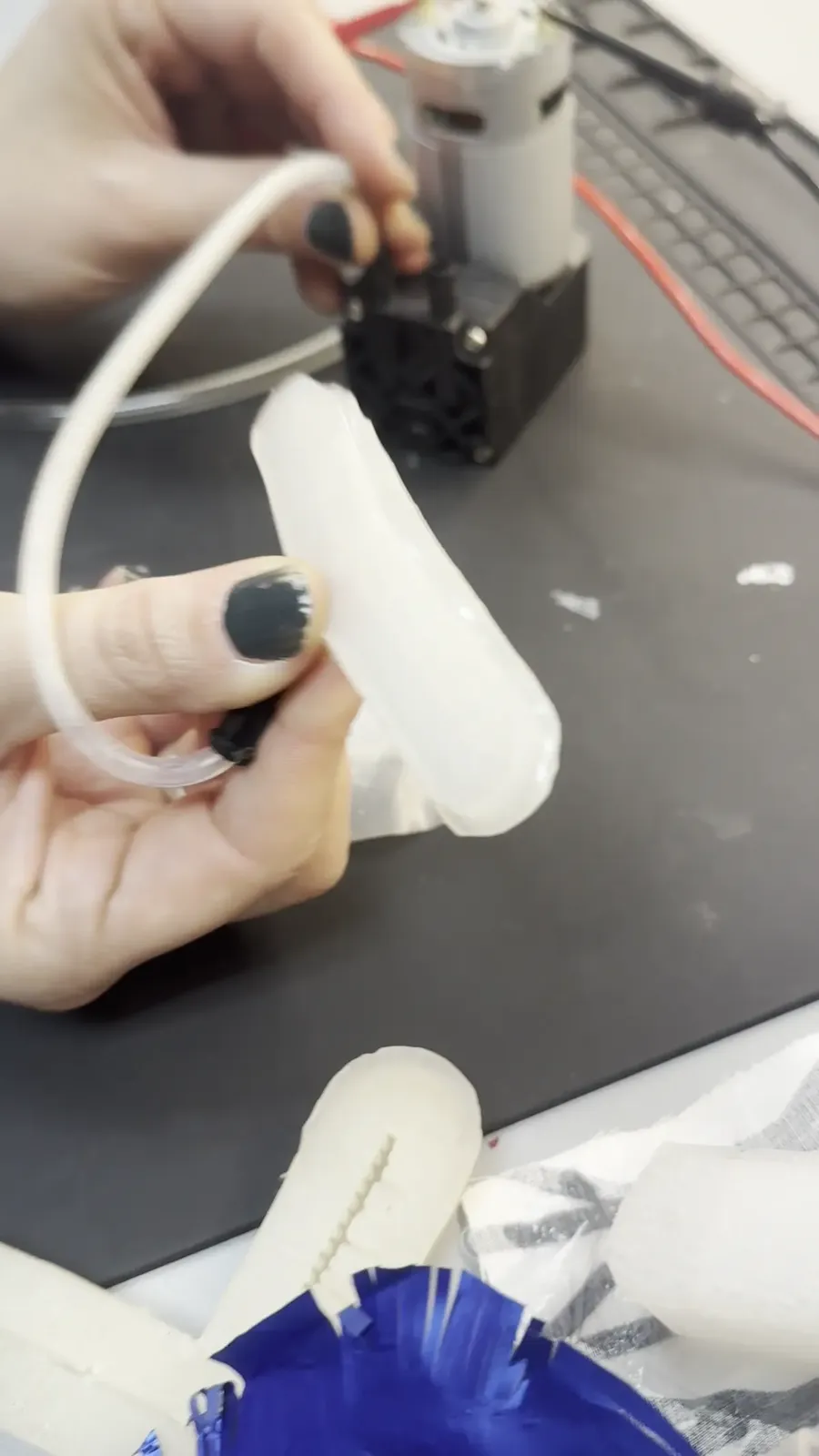
Smaller test piece with air tube — the junction is the weak point
Leak sources: Tube-to-vinyl junction (hardest), uneven edge seals, parchment shifting during ironing.
Key learning: The tube must be sealed INTO the vinyl sandwich during lamination, not inserted after.
Wins, Losses, Redirections
✓ Wins
- SVG → Ink/Stitch → PES workflow works reliably
- Weather system creates organic, non-territorial smell mapping
- Flow rotation makes stitches feel alive, not gridded
- Layered coexistence creates rich texture mixing
- Parchment paper as release layer — clean, cheap, effective
- Silicone creates beautiful organic forms
❌ Losses
- Direct PES generation from Swift failed (encoding too complex)
- Visual SVG ≠ embroidery SVG (learned the hard way)
- Legend in SVG doesn't work (text not converted, symbols get stitched)
- Post-insertion tube attachment always leaks
- Thin vinyl harder to see structure, more prone to micro-leaks
↻ Redirections
- PES direct → SVG + Ink/Stitch conversion
- Pie chart → radial diffusion → weather system
- Winner-takes-all → layered coexistence
- Axis-aligned stitches → flow-rotated stitches
- Legend in export → legend in app only
- Large soft robotics pieces → smaller test pieces to debug faster
Thematic Connection
Both explorations share a core idea: atmospheric presence. The embroidery captures smell as weather — flowing, mixing, layered. The soft robotics creates objects that breathe. Both make the invisible tangible and the static feel alive.
Future possibility: combine embroidered smell textures with pneumatic inflation to create tactile smell objects that breathe.