Introduction
This week is the week where we use our core skills and do team work to make a machine. We brainstormed several ideas for the group project which included: Selective White Board Eraser, Waste Picking Robot, Table Cleaner, Juicer etc. and had a good and healthy discussion around what project to do to learn most from the assignment as well as from team members and also finish it on time. Good that we had started this discussion early before the assignment week. Then we divided ourselves according to our strength and agreed on sharing what we learned as we move on which will make efficient use of time.
Group Website Link
Core XY
Though we had many discussions around assignment, and as recommended by instructors, we selected CNC
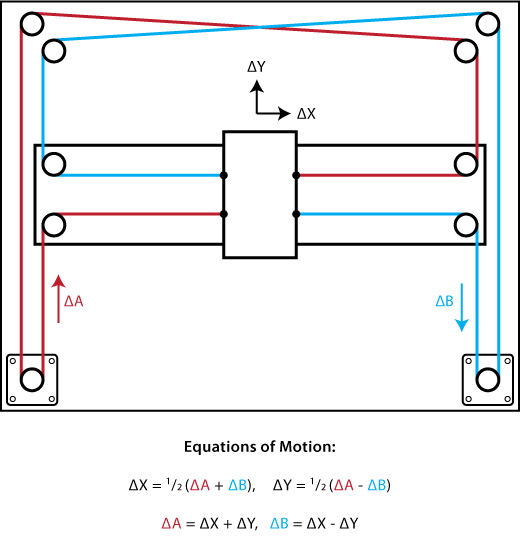
plotter as our main machine to be designed We selected core xy as the main mechanism.
Talking about Core XY, First of all Thank you to Ilan E. Moyer for the great documentation from which we could learn a lot. Please refer to this documentation for the detail theory
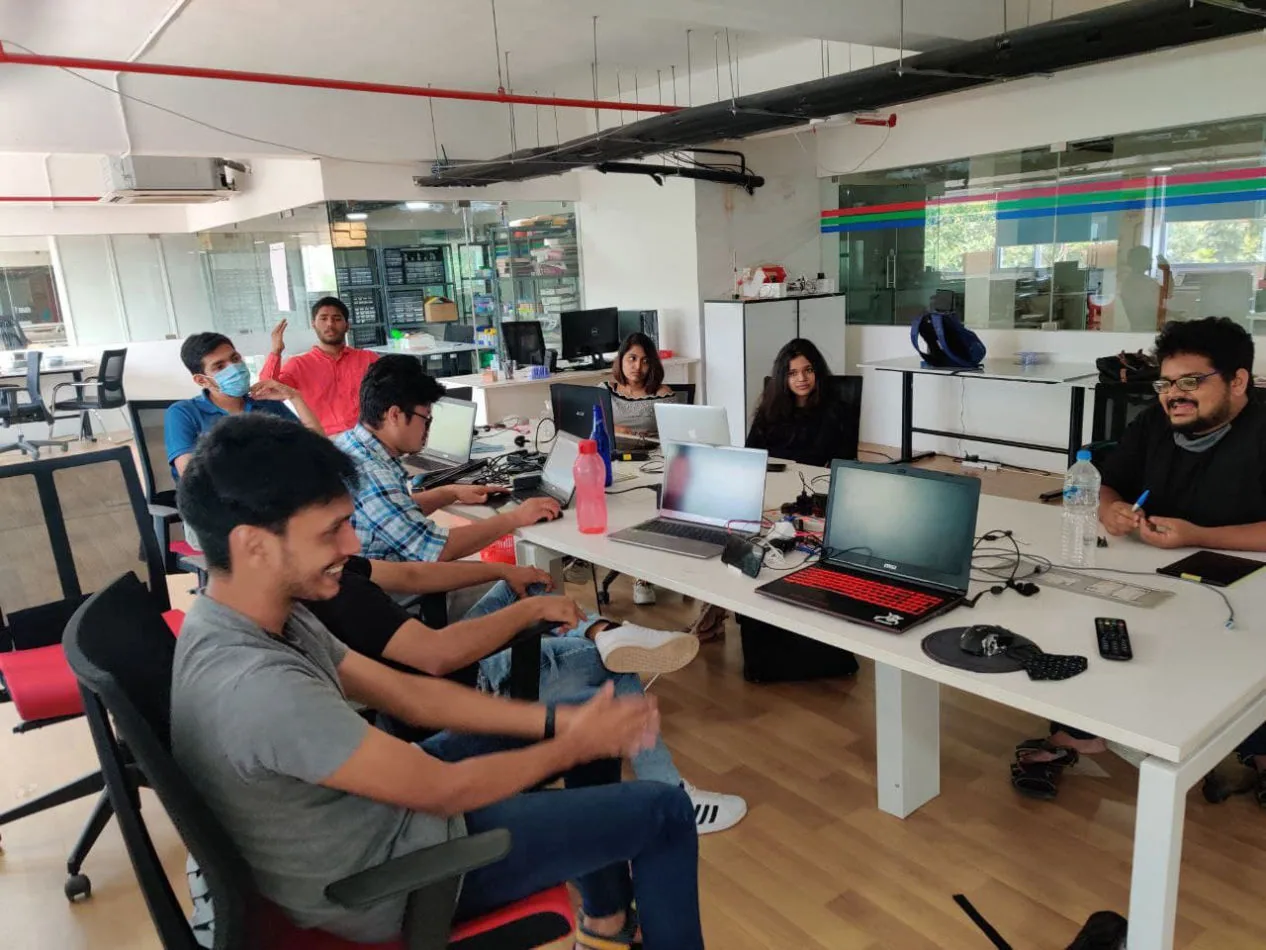
The Team.
Then we divided the team into five groups:
1. Mechanical Design
2. Fabrication
3. Electronics and programming
4. Material and management
5. Documentation
I was assigned to in Design(helping Pallab with iterationing CAD),testing parts and fabrication.
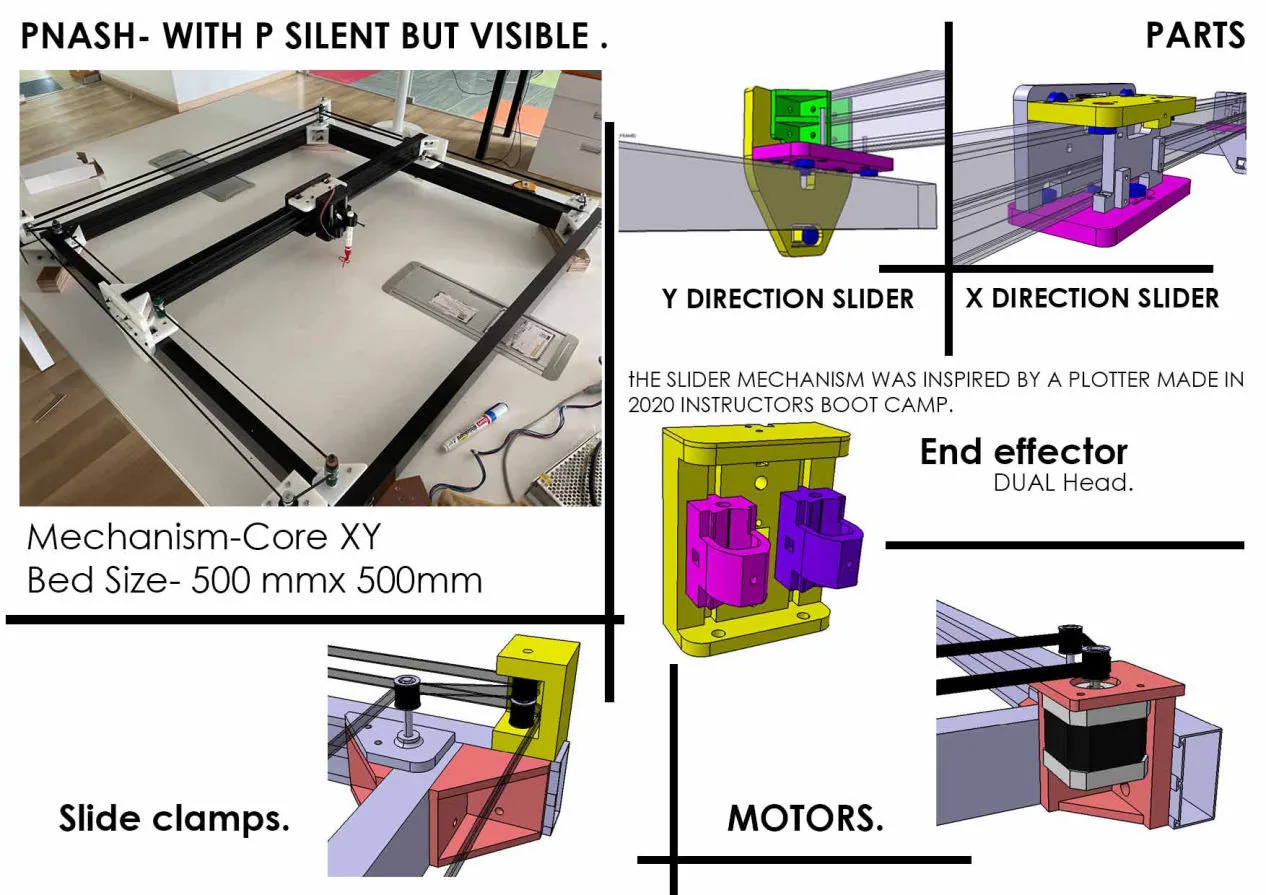
We Went through various process from designing, fabricating, testing, assembly, and most importantly prototyping a lot of mini parts as per designs.
As a team we first discussed will all about how to make it. For the driving system, timing belts with stepper motor was confirmed.
For that we got out specification of our machine size wise
Machine size: 1110mm(x) * 1060mm(y) * 175mm(z)
Bed size: 766mm(x) * 756mm(y) (Updated after designing)
Please follow this link for the group website.
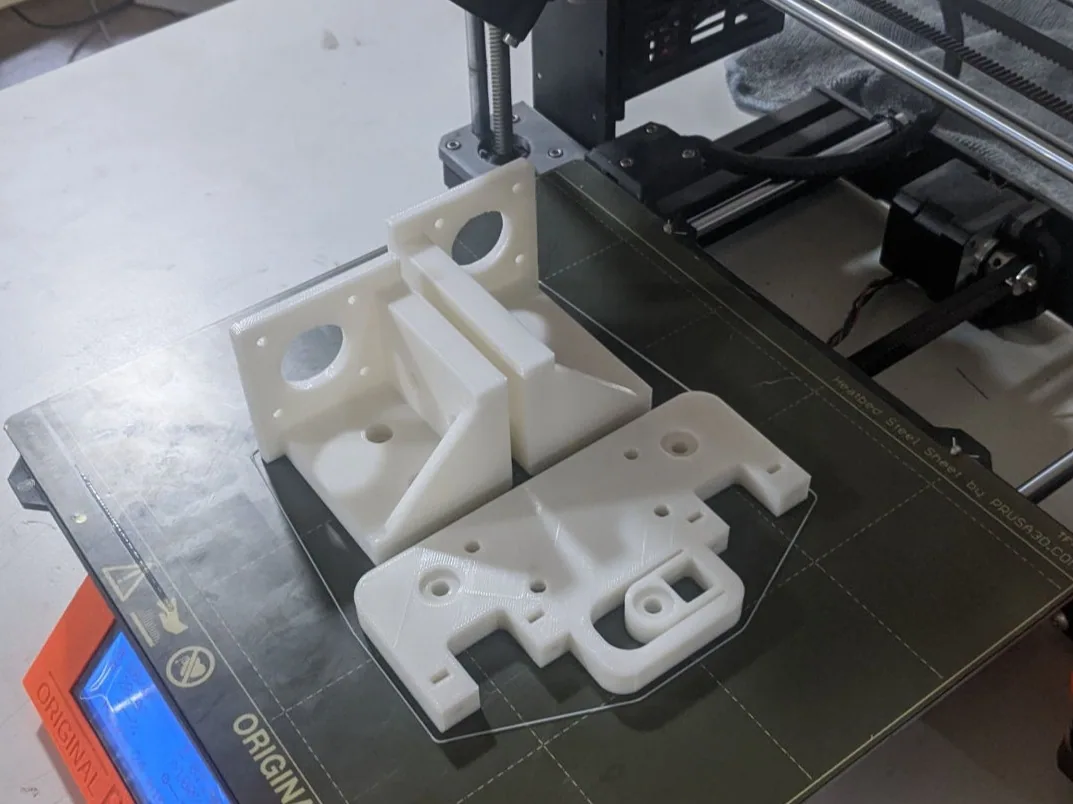
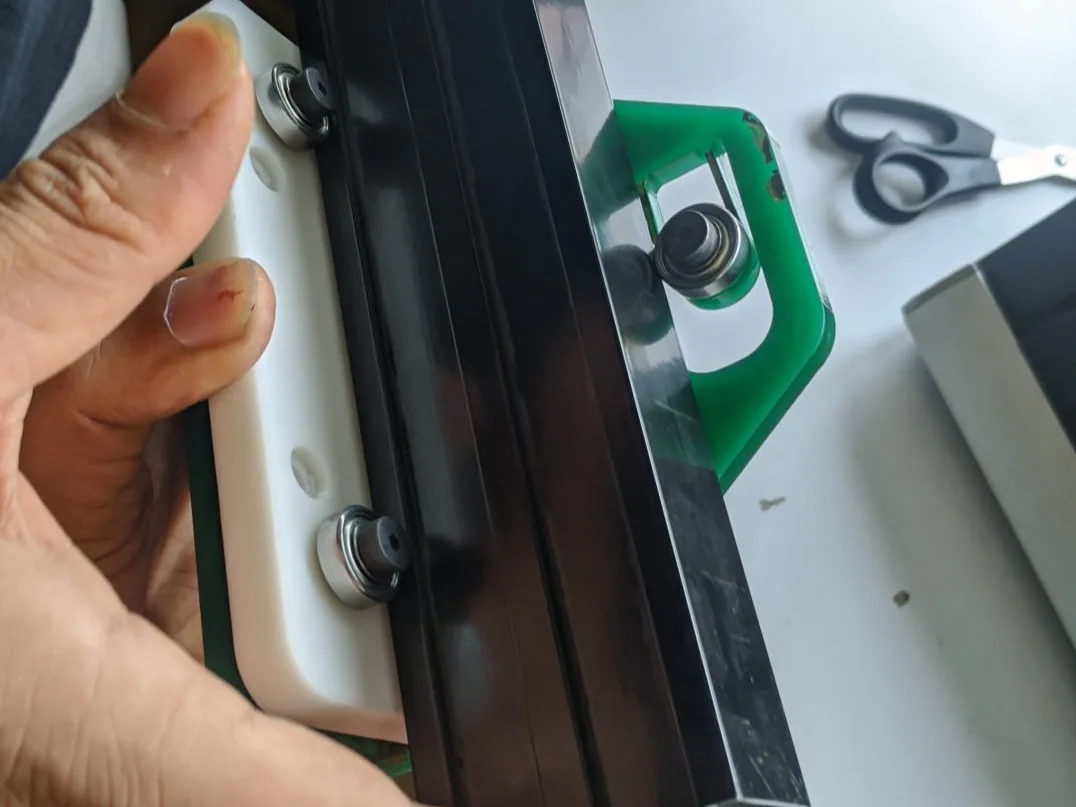
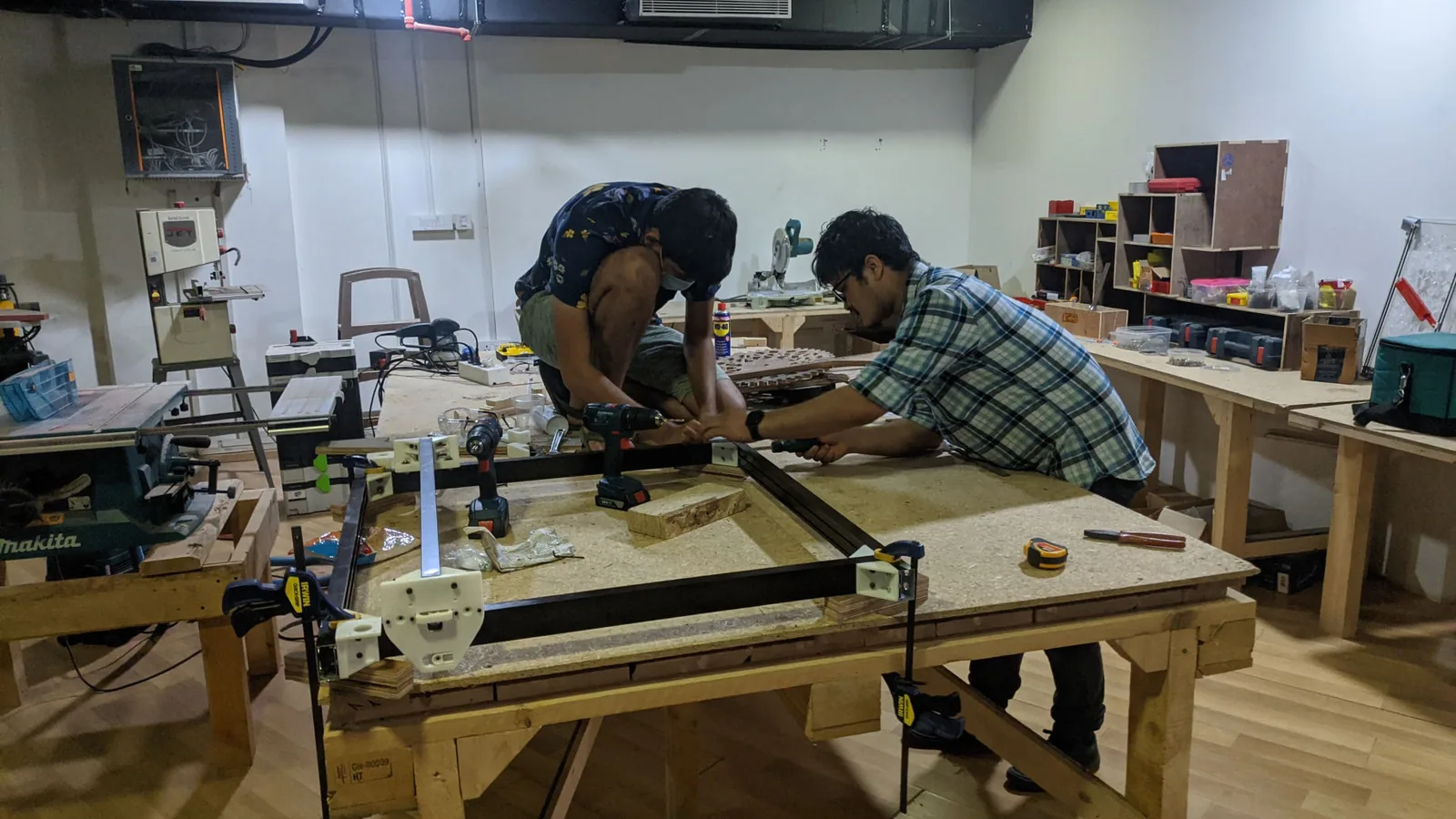
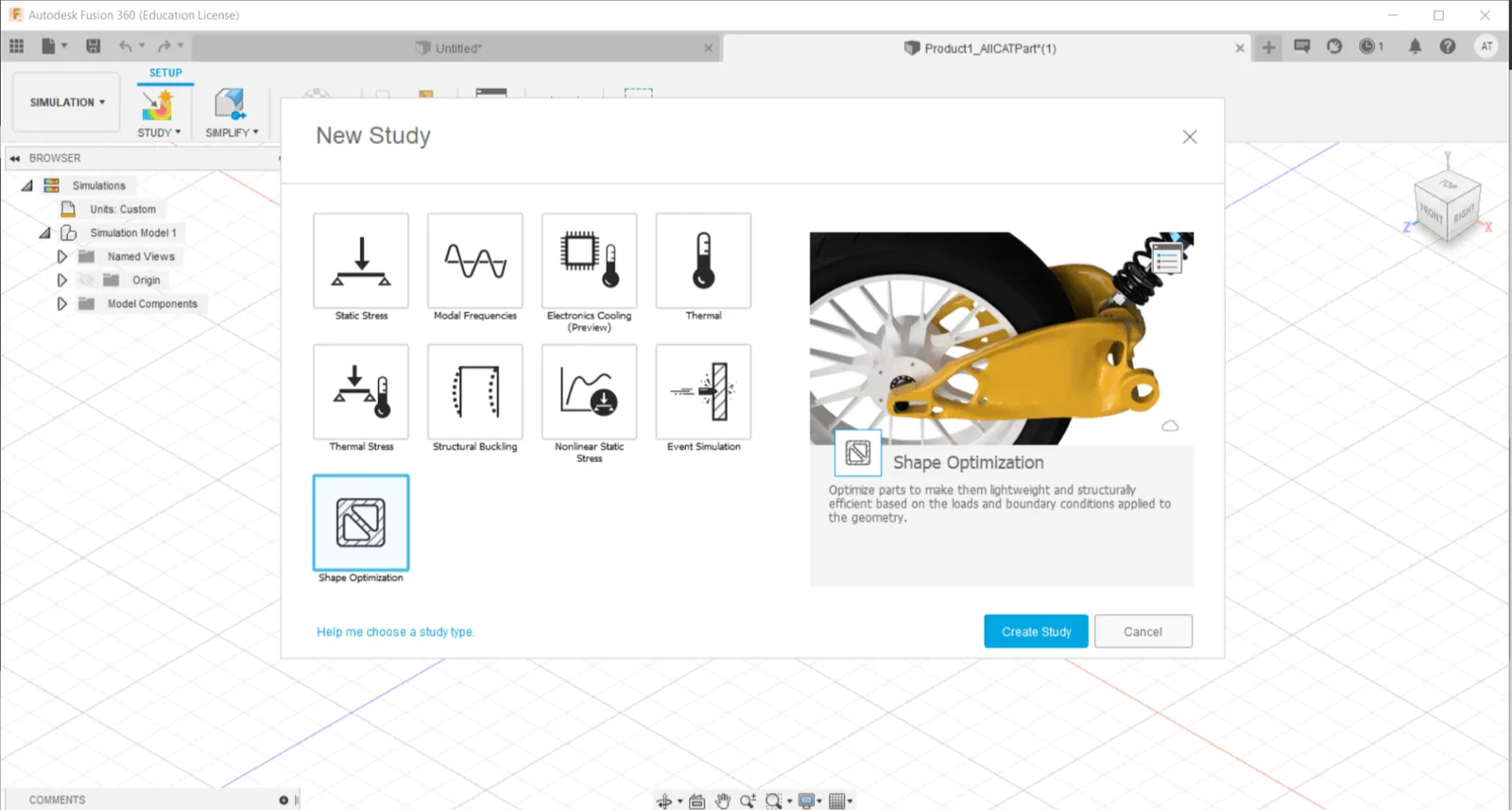
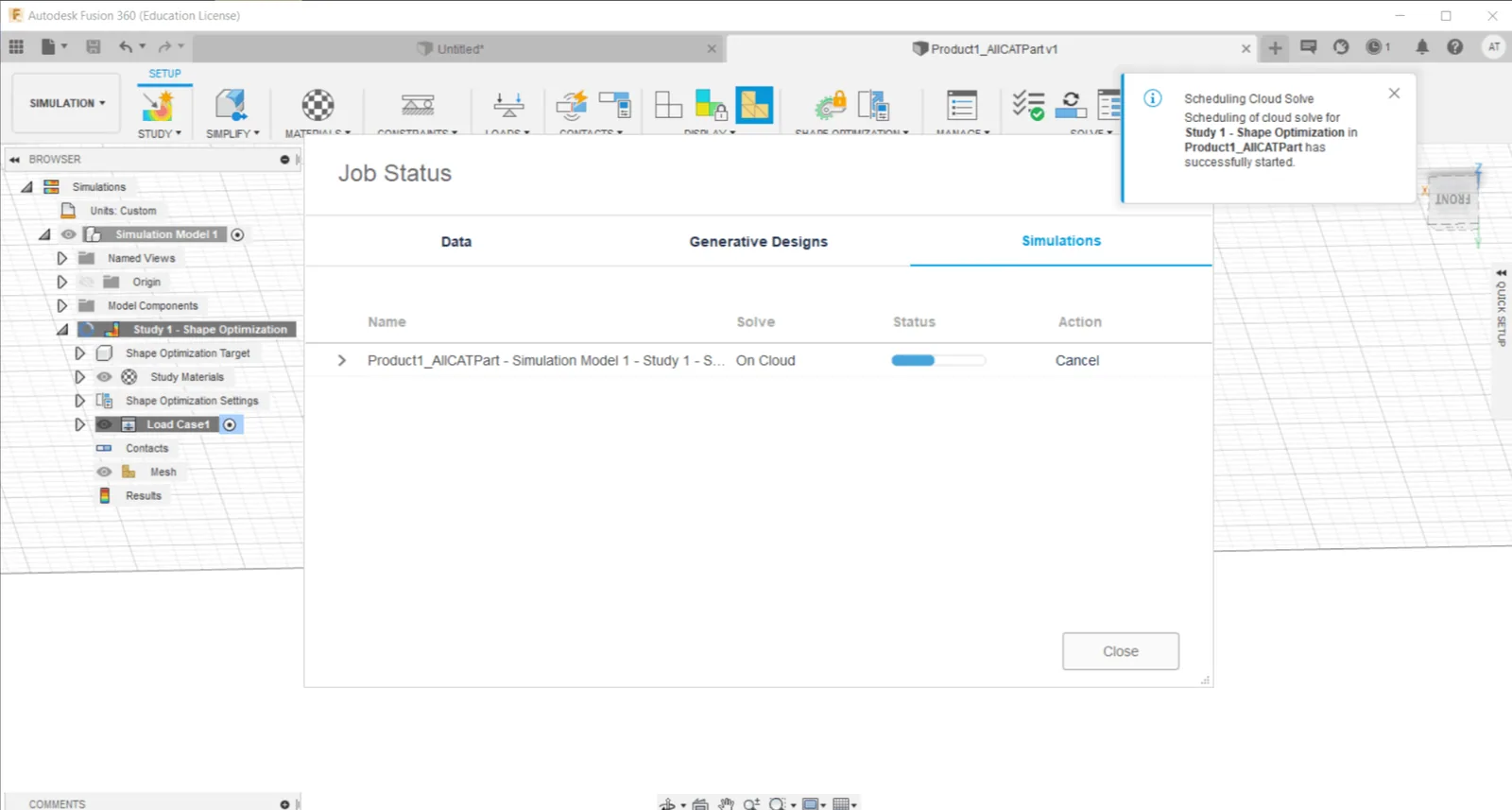
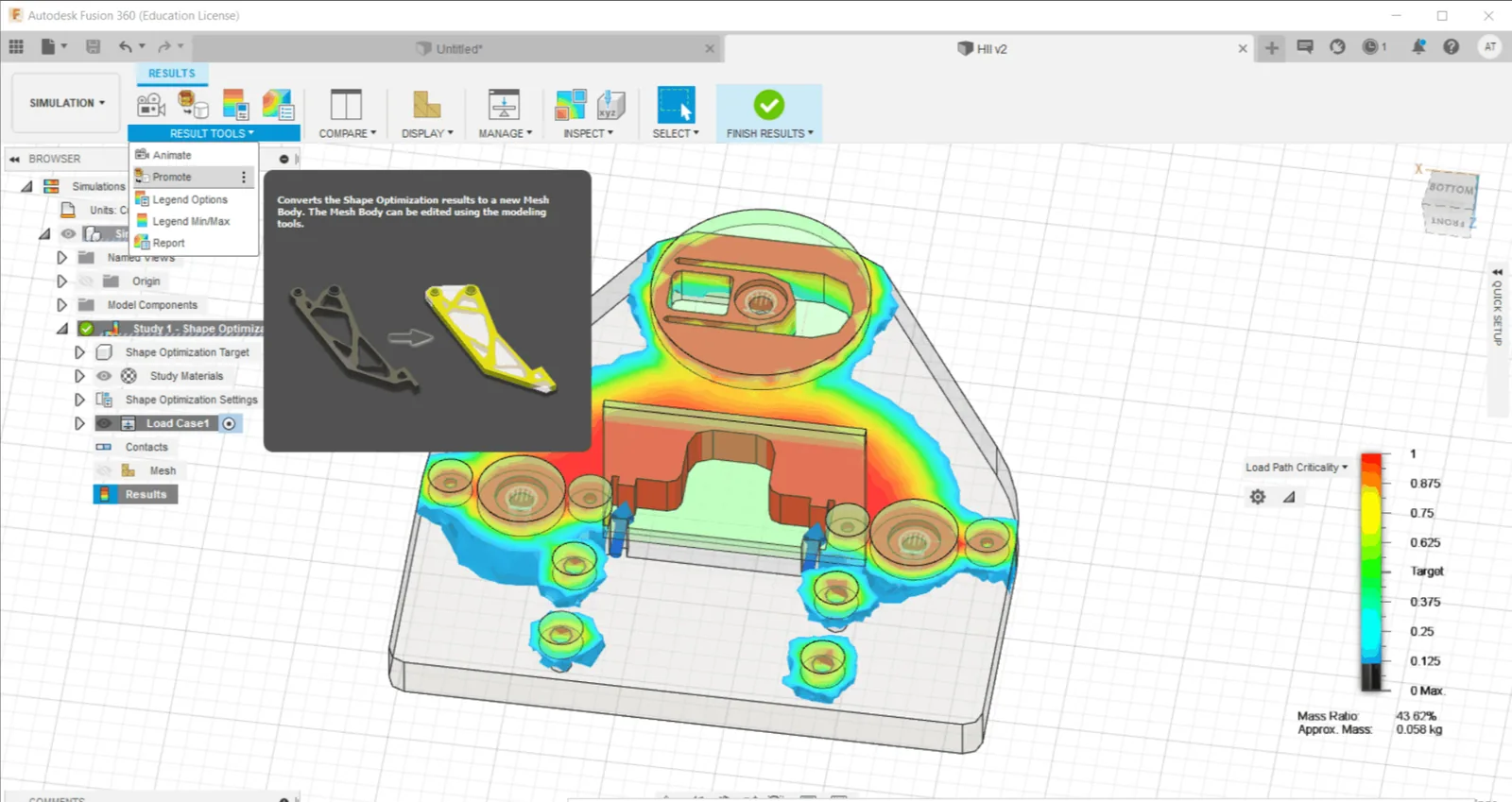
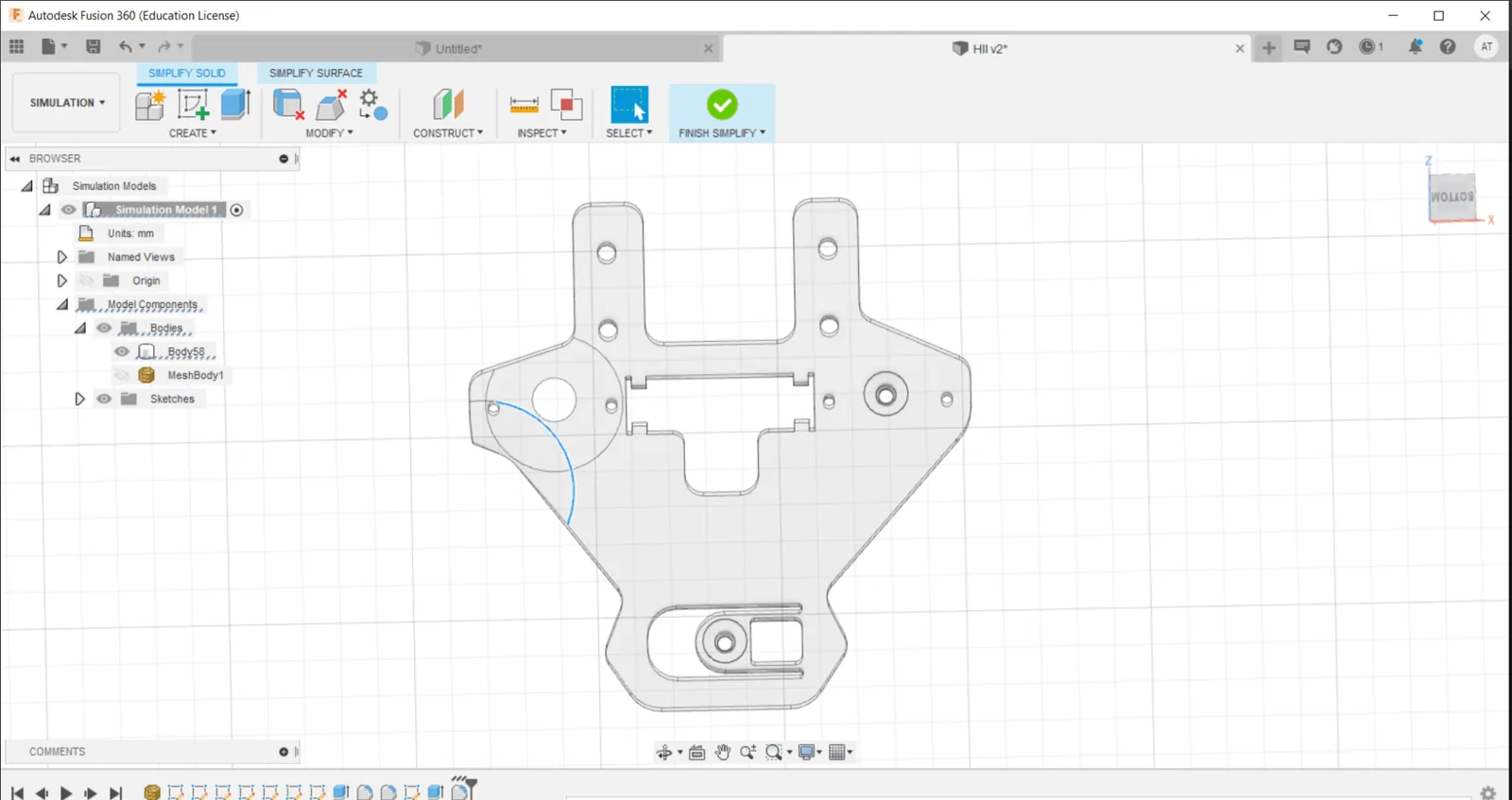
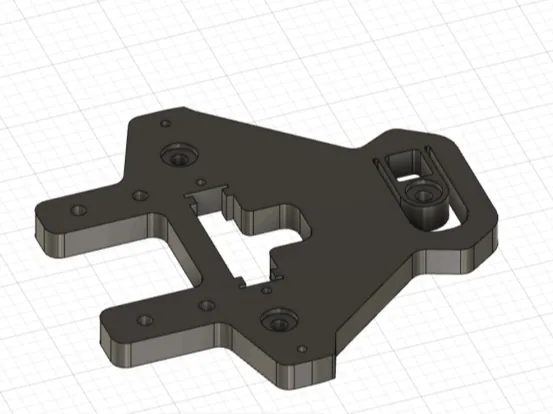
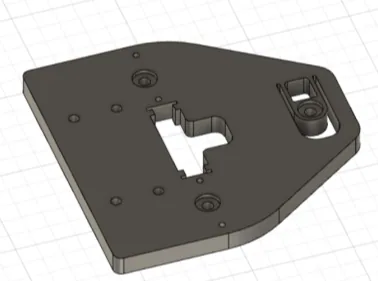
Topology/Shape Optimization
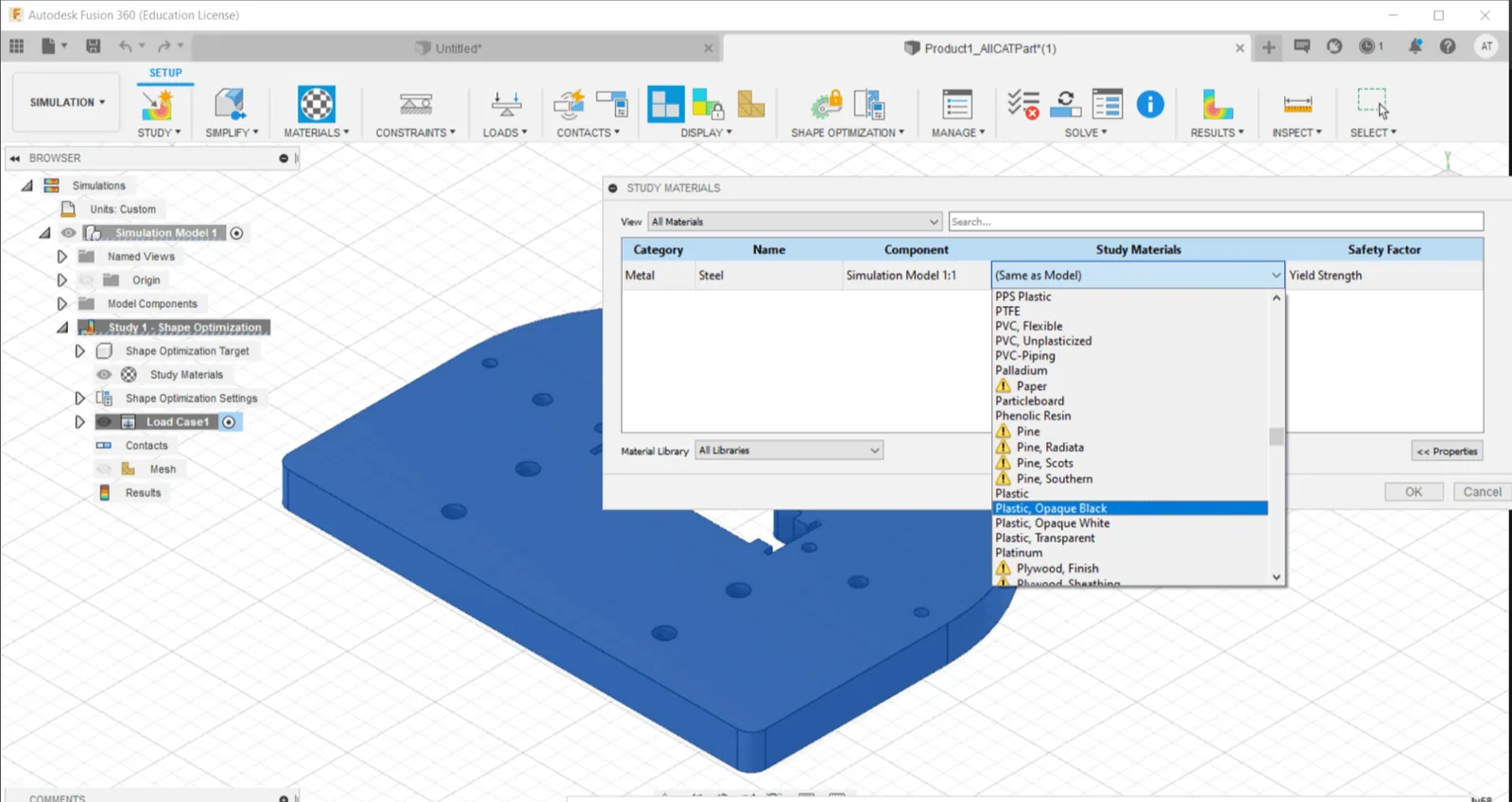
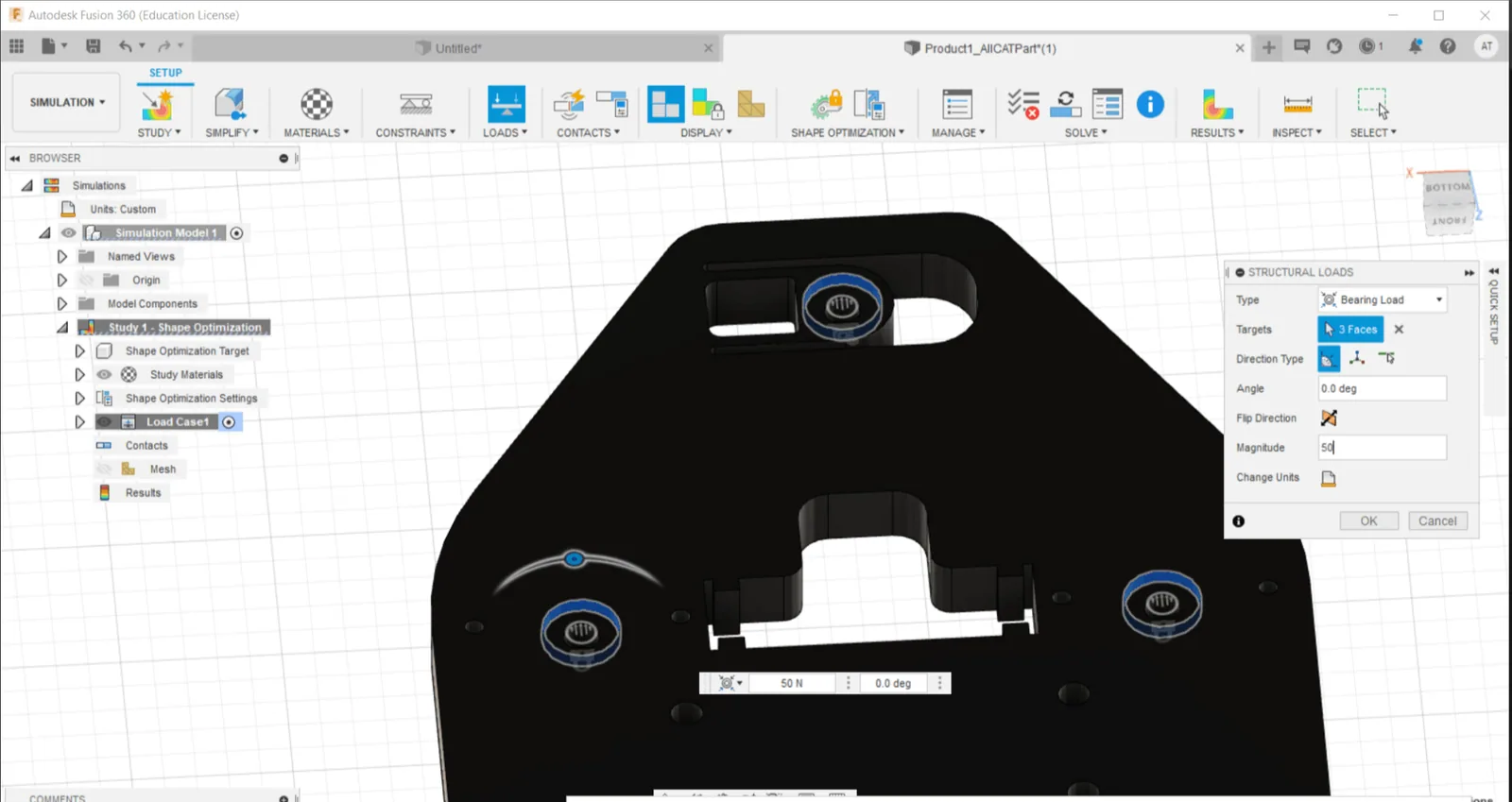
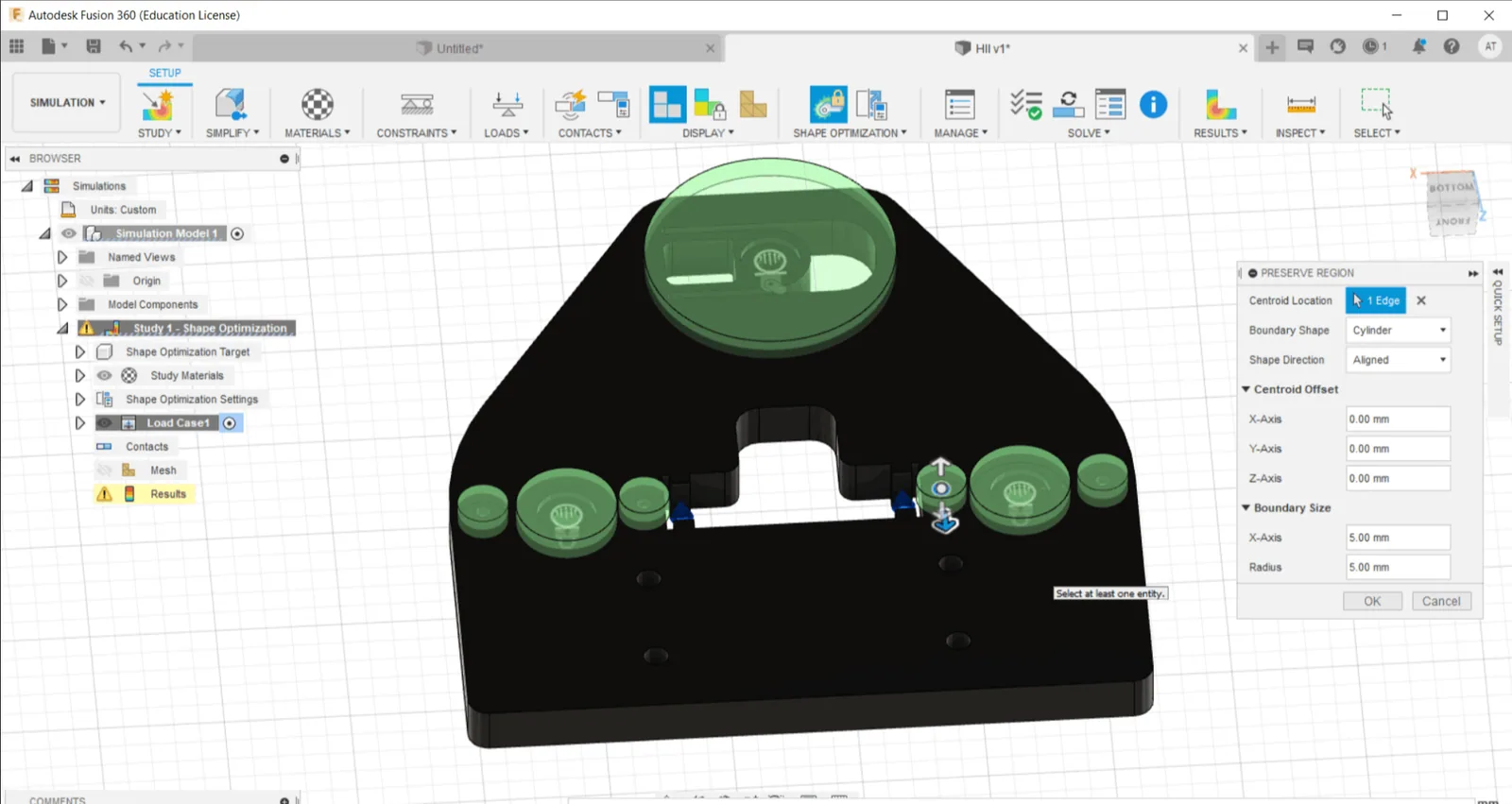
Mathematical method that optimizes material layout within a given design space, for a given set of loads, boundary conditions and constraints with the goal of maximizing the performance of the system.Saves lot of time in material saving and 3D printing time.
Topology Optimization in Autodesk Fusion 360 Tutorial.
Why Shape Optimization?
>>Saves lot of 3D printing material.
>>Faster 3D printing.
>>Cool looking ; )