1.Principles,Practices & Project Management
Objectives
Individual Assignment
1) Plan and sketch a potential final project2)Work through a git tutorial3)Build a personal site in the class archive describing you and your final project 4)Read the fab charter.
Building A Personal Website
>> Choose a online learning platform to learn and test web-pages. I Suggest w3schools.com Since It has a well structured documentation, on-site simulator, style sheets.
>>Secondly Choose an HTML editor.
--UI and UX should be simple.
--Text editor should highlight the code so that I could avoid some of mistakes.
Example-----Atom,GNU-Emacs,Bracket,Sublime,Visualstudio.Microsoft(All time Favorite)
>>If you are good at HTML and have some base download templates and edit them or use drag and drop website builders(Saves Lots of time But Hard to edit the generated code) like Mobirise or Hugo.
Website Development.
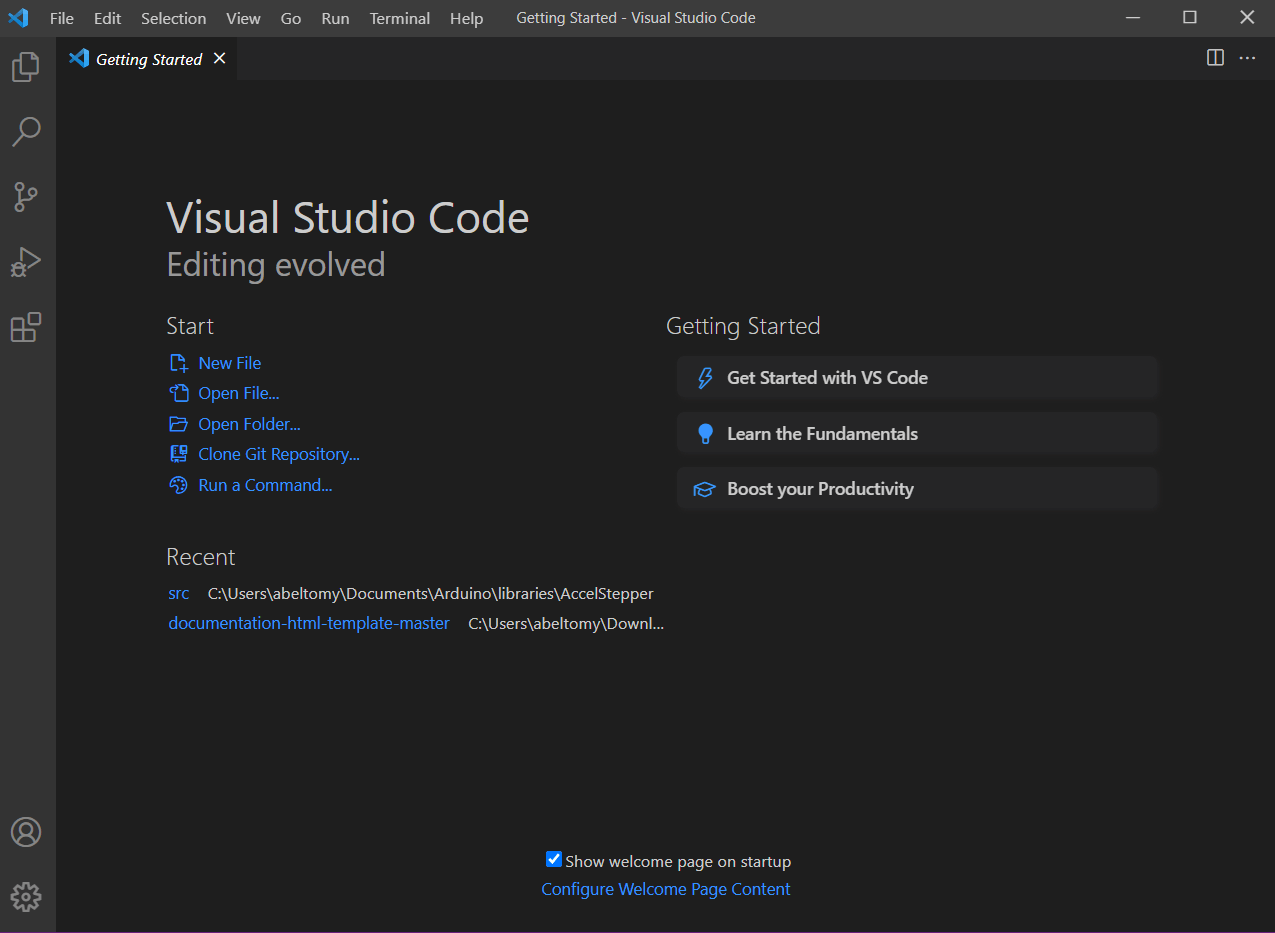
To start of I download VS code. After installing VS code I'm gonna need a live server program luckily that available in vs code IDE as an additional install able extensions.Those can be found by searching the name on the search bar,then install and also installed a spell checker extension which help to clear the spelling of words during documentation.After that I hosted the web page in my pc's local server by clicking go live button from the left bottom tab of the VS code.
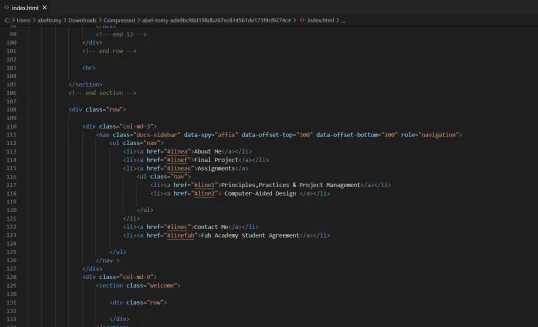
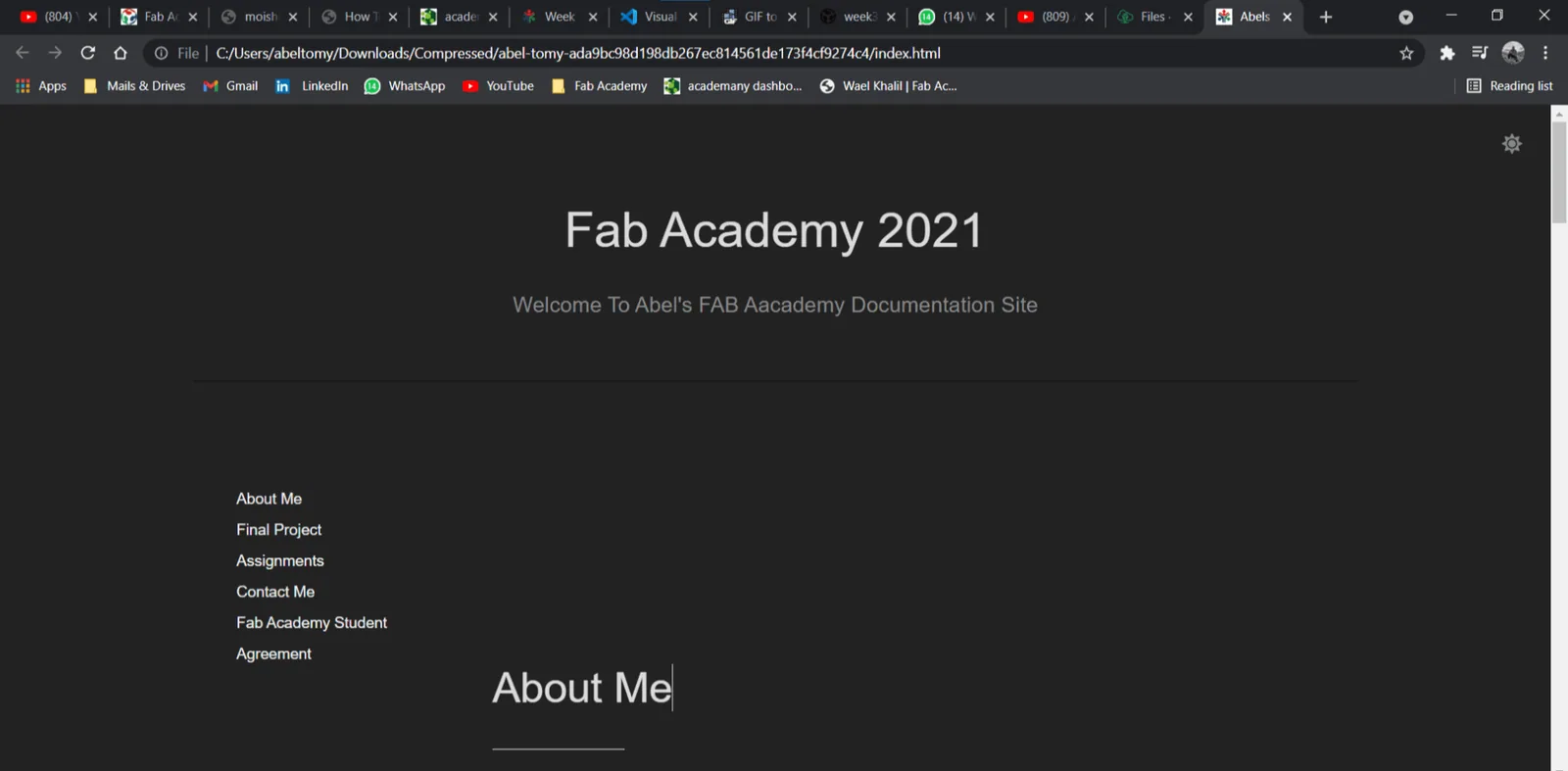
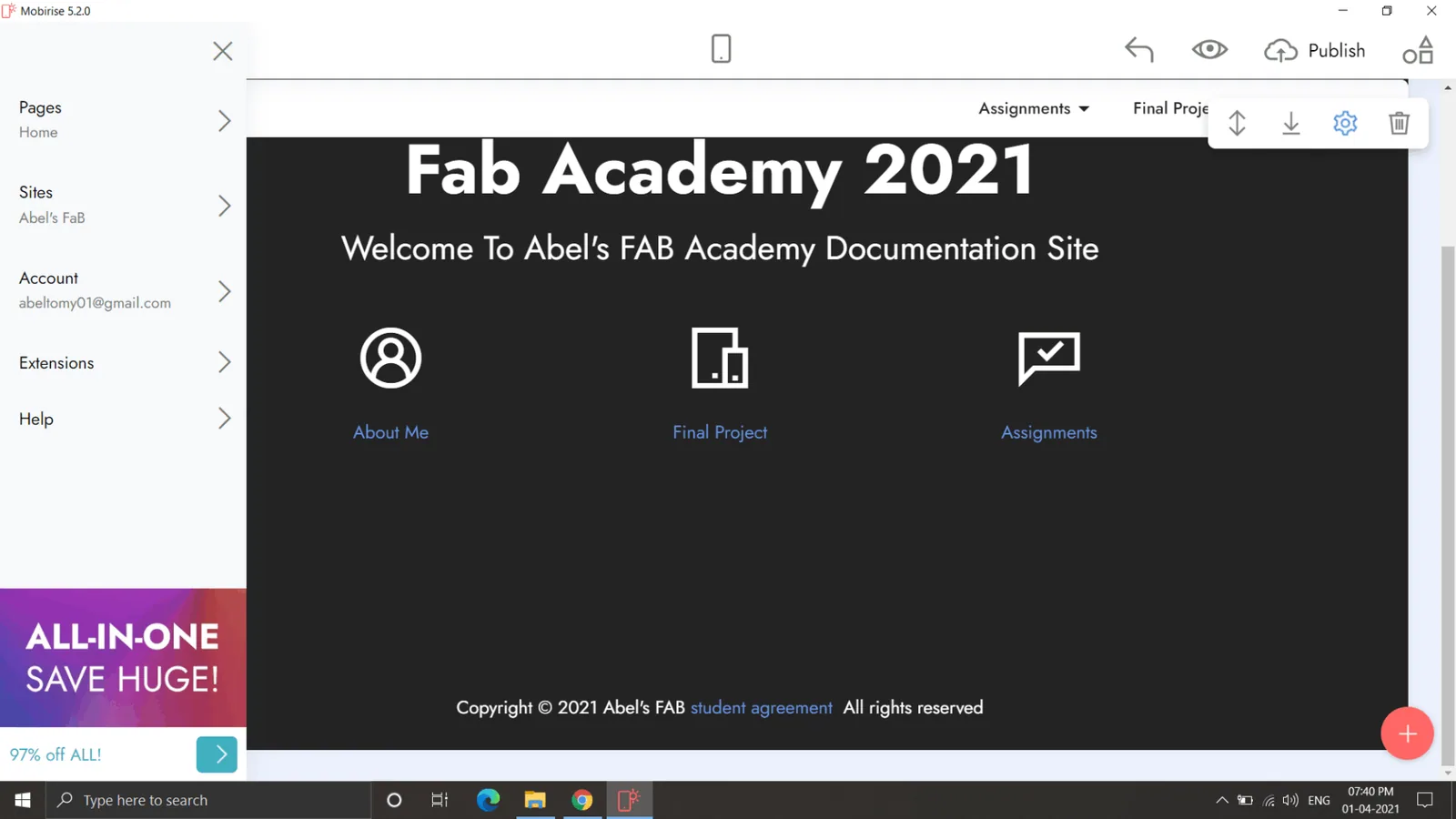
Since i got base in HTML coding and i don't want to spend more time on HTML coding i used Mobirise for .html generation and page management.its Easy Peasy Just Drag and Drop and Start Writing.
Important
Always Compress Images, videos or any gifs. Since Repo Memory Is precious.
**Smart JPEG and PNG compression tinyjpg.
**All in for Gif - ezgif.
**Videos Can be embedded from YouTube or vimeo
Git And GitLab.
>>The Fab Academy uses GitLab for the student archive. All students have their own place setup at the gitlab.fabcloud server.The first step is to install GitBash(Windows).
>>To know more About Git and Version Control Click Here
>>Check out official documentation.
>>Git Cheat-sheet.(Highly Recommended).
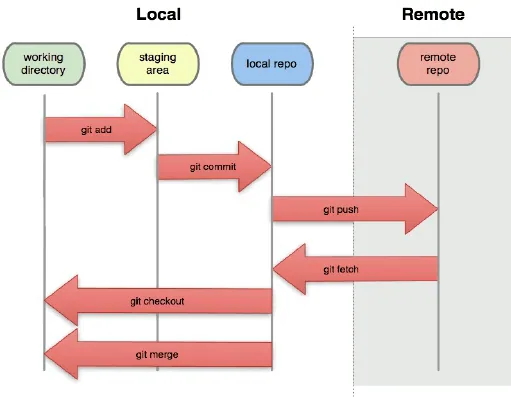
Git is a distributed revision control system used to manage work flows between multiple people working on the same file. Every Git directory on every computer is a full-fledged repository with complete history and full version tracking abilities, independent of network access or a central server. Git enables us to work on the same repository from different machines. Git tracks all the changes in the file and helps sync them with all the users.[Wiki]
Configuring Git
>>Check out official documentation.
>>Git Cheat-sheet.(Highly Recommended)
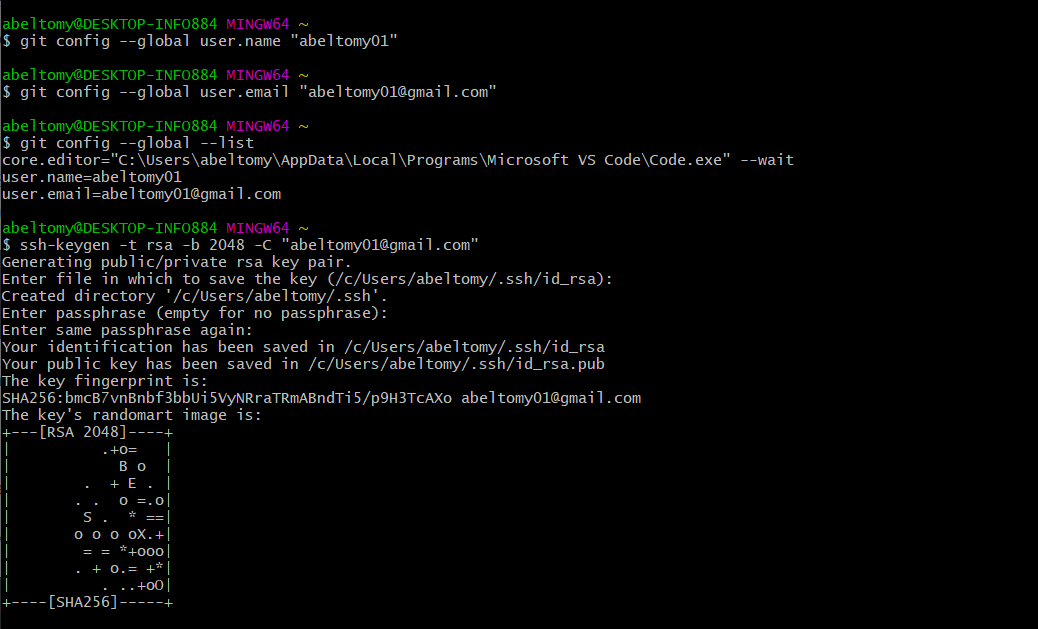
1.Setting-up of Git by initializing Git repository.Open GitBash.
git config –-global user.name “your_username”
git config -–global user.email “your_email”
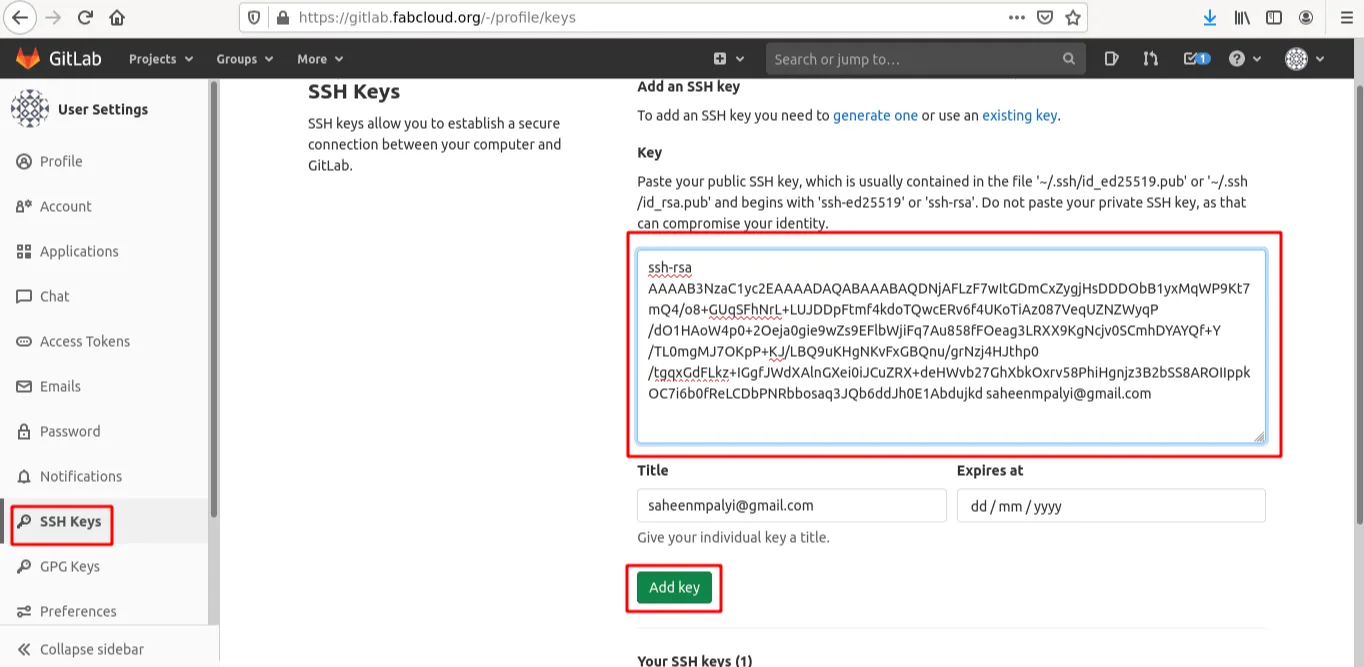
3)Setting up SSH key and .pub folder
I used the GitLab tutorial for further details this is used to communicate between servers in a safe way. This way I don’t need to supply my username or password each time. It’s, as far as I understand, a remote program with an encryption key. We generated an public and an encryption key.
ssh -V & ssh-keygen -t rsa -b 2048 -C "your_email"
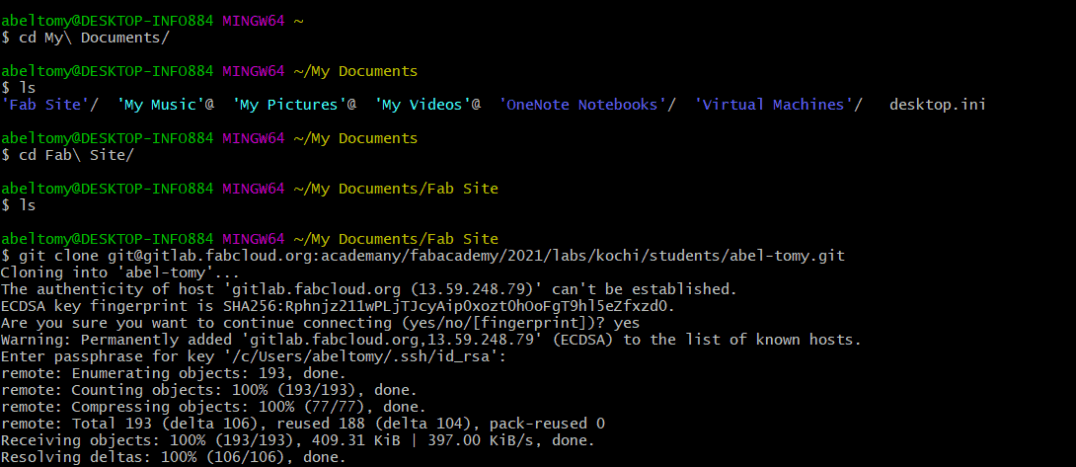
Cloning the git repository locally
>>Go through Git-Repository Documentation.
git@gitlab.com:gitlab-tests/sample-project.git
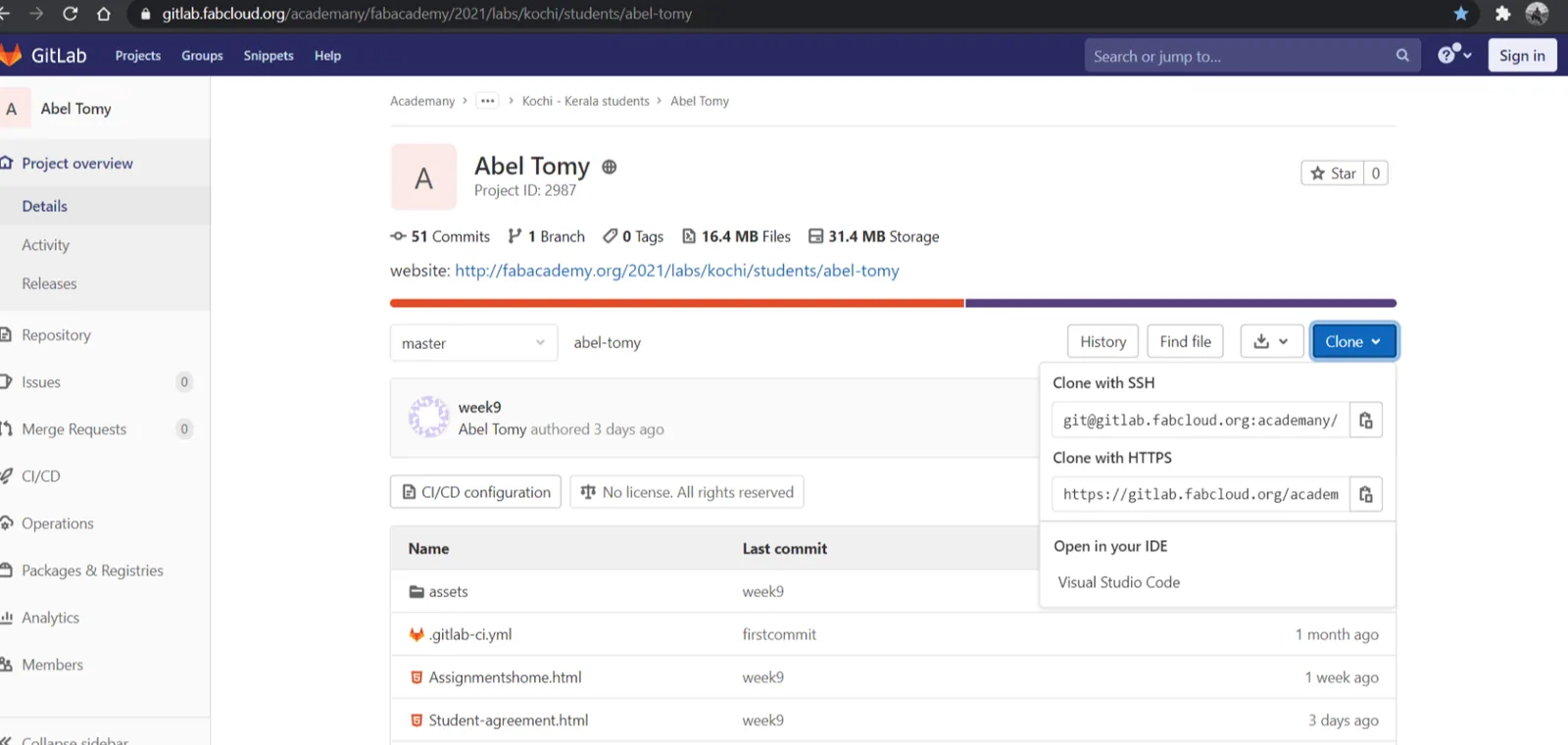
info::you can copy the clone(using SHH) link from the Fabcloud.
Add, Commit and Push
The local clone of my git repository is connected with my GitLab. Now I can locally change my documents and I can push them when I want to my git repository online. With commands in the terminal I can communicate with GitLab. The basic idea is that you have version control, so when ever I change something.
Important Commands For Git.
git status --> this shows me the status of git, so which files changed, if there's something waiting to be push or pulled etc.
git add --> this adds all the files that were changed to the list, it's like making a grocery list
git add [filename] --> this only adds this specific file to the grocery list
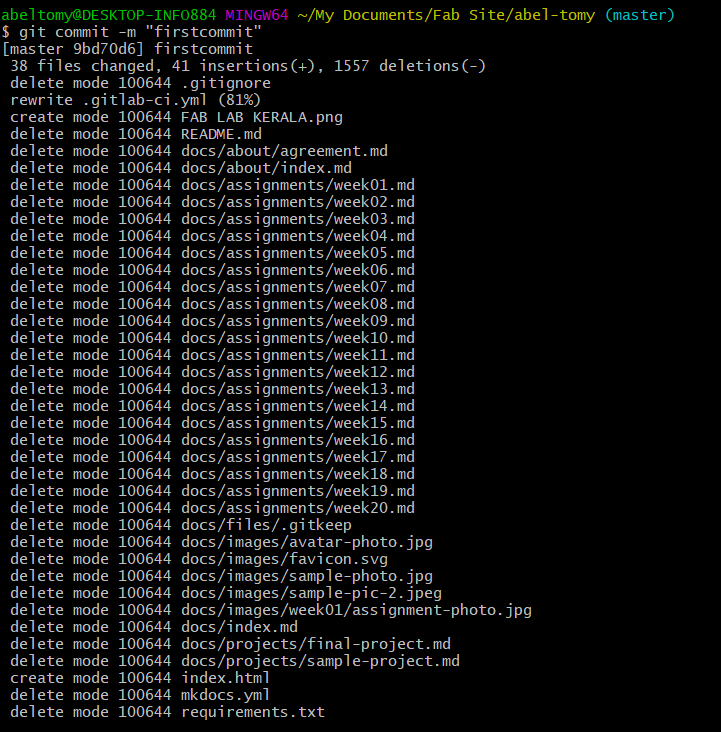
git commit --> this moves the files I added from my workspace to my local repository
git commit -m 'message' --> you always need to add a message to your commit. Easiest is to use -m 'message' otherwise vim opens.
git commit -a --> this adds and commits in one go
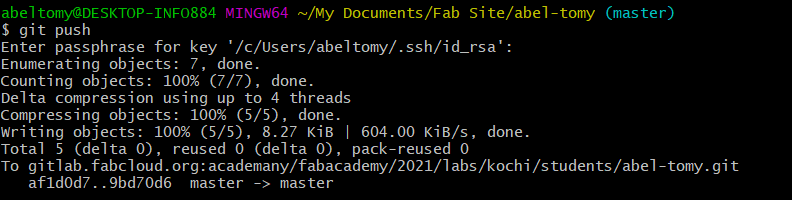
git push --> this pushes the files to the remote repository on GitLab
git pull --> works the other way around from push, so it updates my local workspace with the latest version
git fetch --> this is almost the same as git pull, but git fetch updates the local repository
Important
Before pusing Just check the file size of local repo to just make sure that nothing else is there.
Steps involved in every Pushing.
Type git add --all to add the files to the index.
Type git commit -m "Initial comment" commit these files to the next push.
Type git pull to get an updated copy of the repository.
Type git push push the indexed files into the server.
Thinking About Final Project
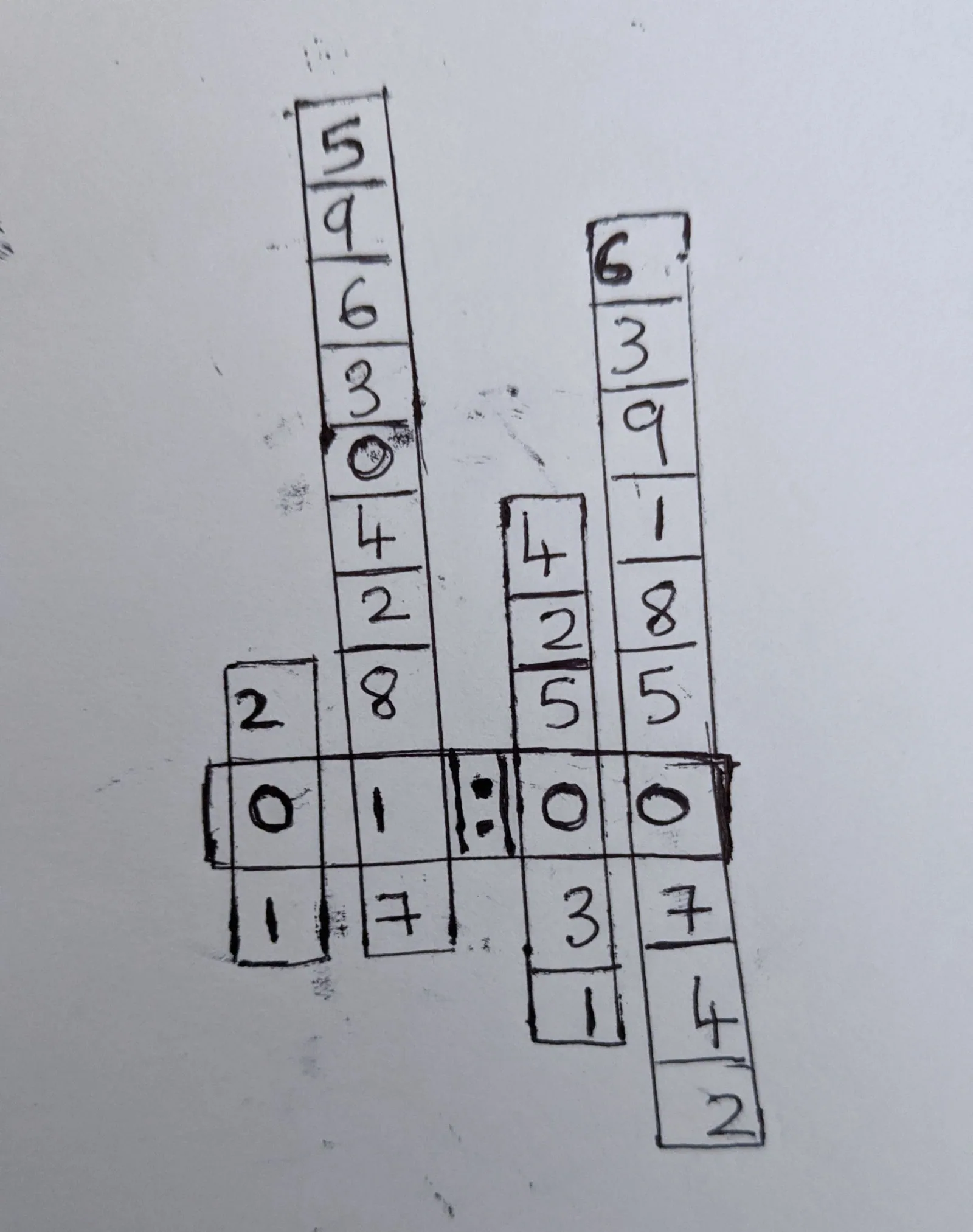
This clock which uses 4 vertical slides that contain the numbers. Four stepper motors position the slides so that correct time is shown in the display area of the clock.and i like to add more functionality to it (thinking).
>>>Add On's
**add 3 notification thing to notify my mom when i am busy,free,not much busy so she can call me and real time update in my phone .
**World clock to notify my mom when i am traveling.