1. Project Management
This week the project as about Project management and how to use Github to sync my files from the Github to local machine. This task was little but tricky since I hade to learn how to use the Command-line Github commands instead of GUI interface.
Research
Since I'm using Macbook Pro, I had to do some research on how to use Github command CLI. So I noticed that it was not install so I did the following:
1. I opened Terminal
2. I created a folder my Desktop called FabLab2026
3. I typed the following command to close my remote REPO to local machine:
git clone https://gitlab.fabcloud.org/academany/fabacademy/2026/labs/vujade/students/musaed-alkout
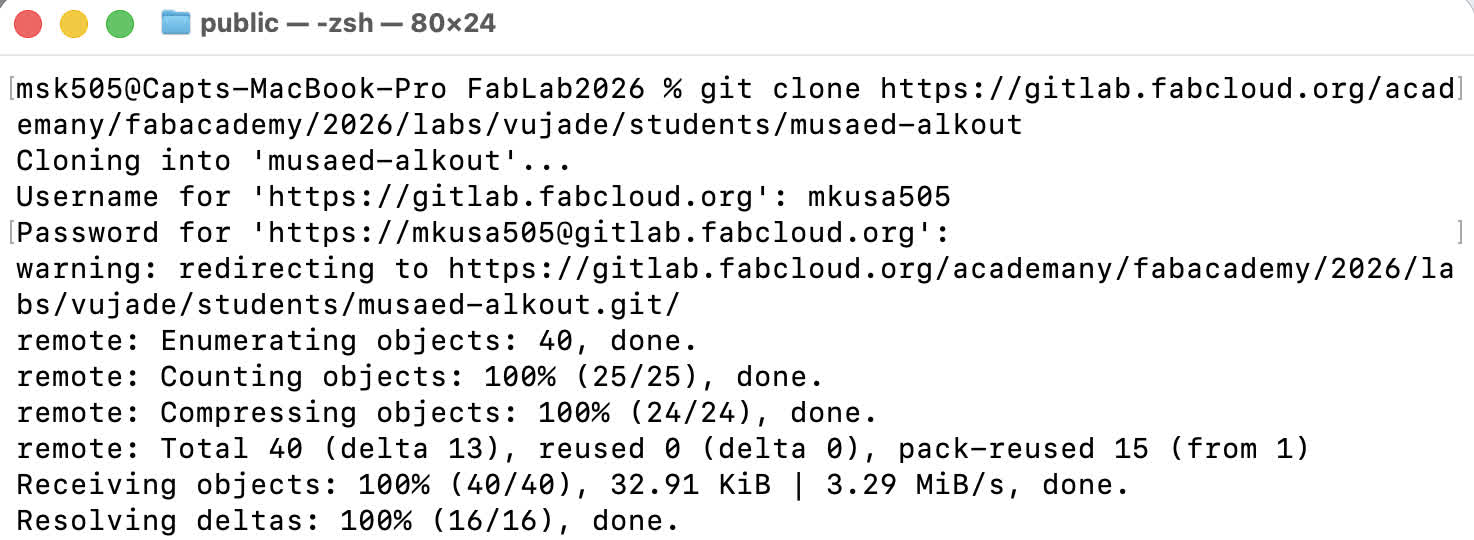
I then checked my folder and I noticed that all my repo files have been copied locally
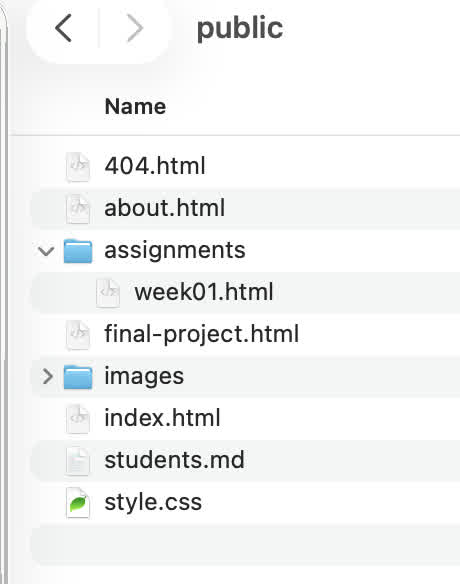
I then used my default viewer to edit this page and other pages.
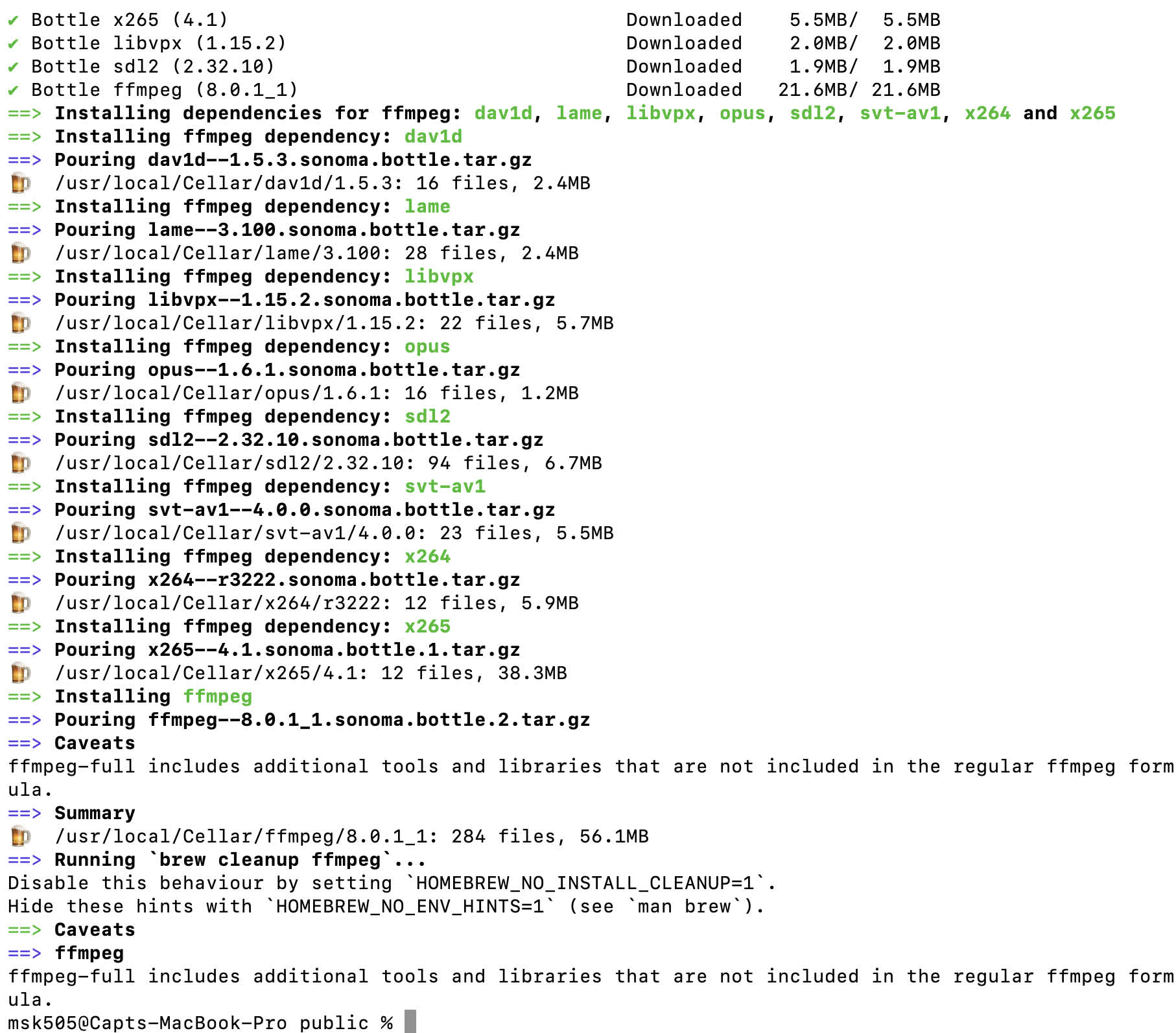
Since I had to include some images, I had to compress them for size, so I used ffmpeg. I needed to install it on my Macbook, so I used the following command brew install ffmpeg and got the following results
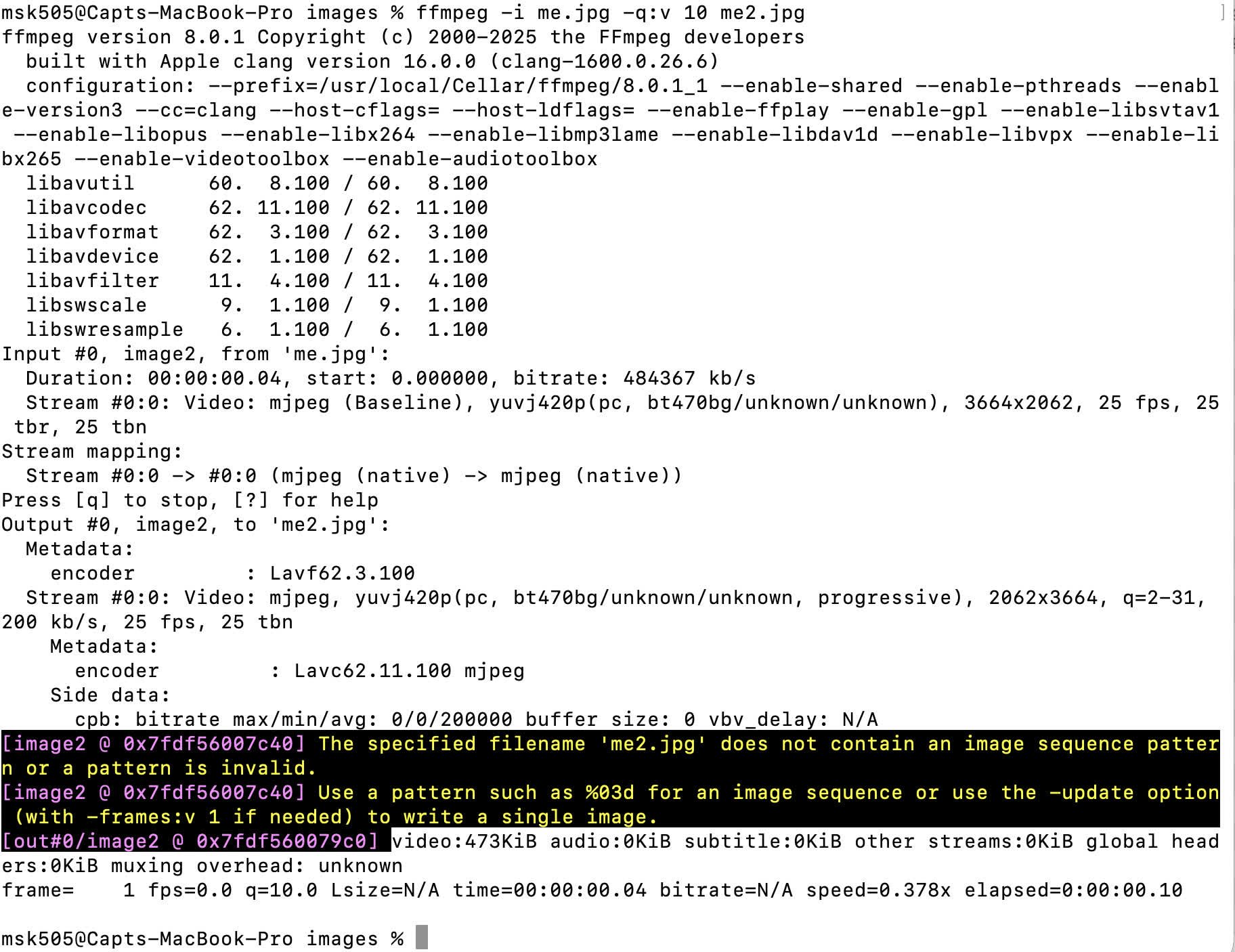
After that I used it to compress my Avatar image by using this command: ffmpeg -i me.jpg -q:v 10 me2.jpg and got the following results:
Finally when I was done with all the modifications, I used to following commands to push all the changes back to the repo:
1. git add *
2. git push
3. git commit -m "Initial Changes"
And thats all it on how to setup, Pull, Push and commit Github commands on mac.