Introduction
The goal of this group assignment was to understand the working principles of our lab's CNC router and test different machining parameters. We explored lab's safety,machine safety, tool setup, fixturing methods, and tested different speeds, feeds, and toolpaths. These experiments helped us understand how the machine behaves with different settings.
 |
 |
Forest CNC Router
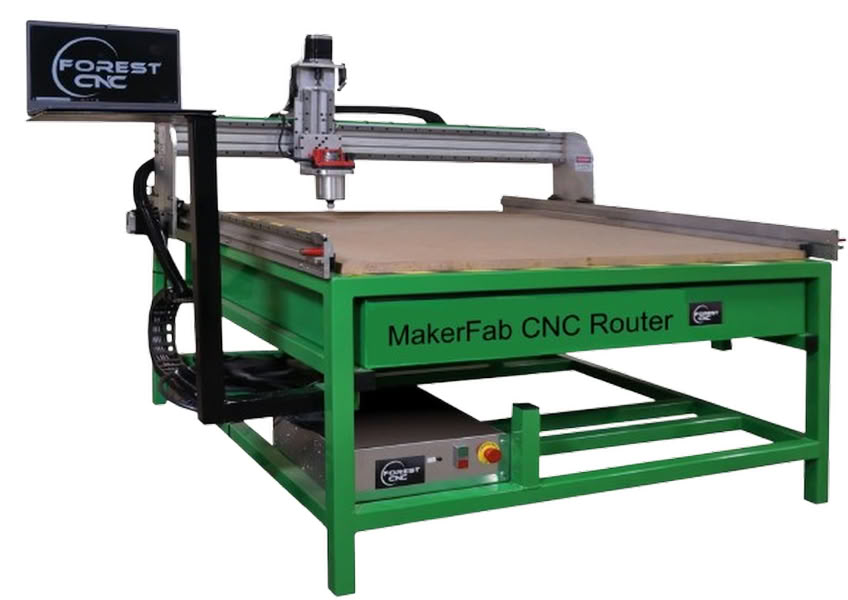
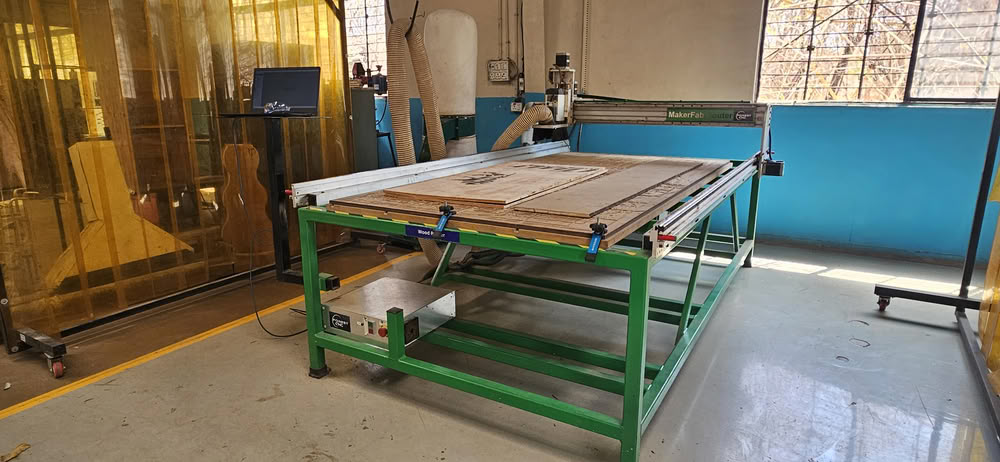
A Forest CNC router is a computer-controlled machine used to cut, carve, and shape different materials such as wood, plywood, MDF, and acrylic. It works using CNC (Computer Numerical Control) technology, where a computer program controls the movement of the cutting tool. A digital design is first prepared on a computer and then converted into machine instructions. The machine follows these instructions and moves the rotating cutting tool along the X, Y, and Z axes to remove material and create the desired shape.
Forest CNC routers are commonly used in digital fabrication labs, furniture production, and prototyping. The machine usually has a large working bed where the material sheet is fixed properly before machining. Because the machine follows programmed instructions, it can produce large and complex parts with high accuracy and repeatability. This makes CNC routers very useful for making large structures such as shelves, cabinets, and other press-fit assemblies.
MakerFab Forest CNC Router Specifications
| Specification | Details |
|---|---|
| Machine Type | MakerFab Series CNC Router |
| Manufacturer | Forest Scientific |
| Frame Construction | Heavy Duty Welded Steel Frame |
| Working Area Options | 24"x20", 48"x20", 48"x48", 48"x96", 60"x120" |
| Number of Axes | 3 Axis (X, Y, Z) |
| Router Power | 3-1/4 HP Router |
| Z Axis Travel | Approximately 8.5 inches |
| Table Type | MDF Table with Aluminum T-Slot Clamping System |
| Power Requirement | 110V, 20A |
| Included Components | Control Computer, CAD/CAM Software, Tooling Set |
| Additional Features | Auto Z Sensing, Homing Sensors for X Y Z |
| Applications | Wood, MDF, Plywood, Plastics, Educational Fabrication |
Difference between drilling and end milling
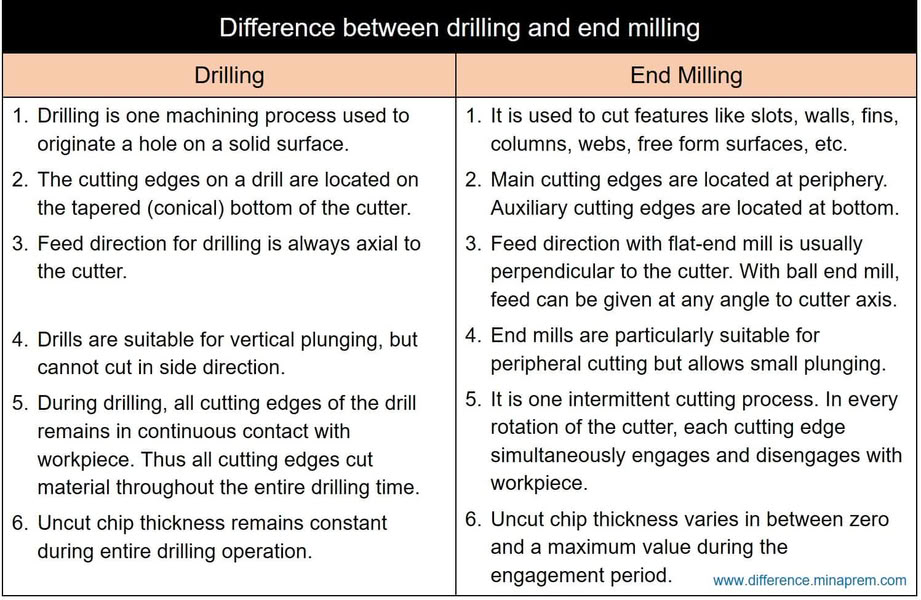
End mill types are as follows:
1.Flat end mill
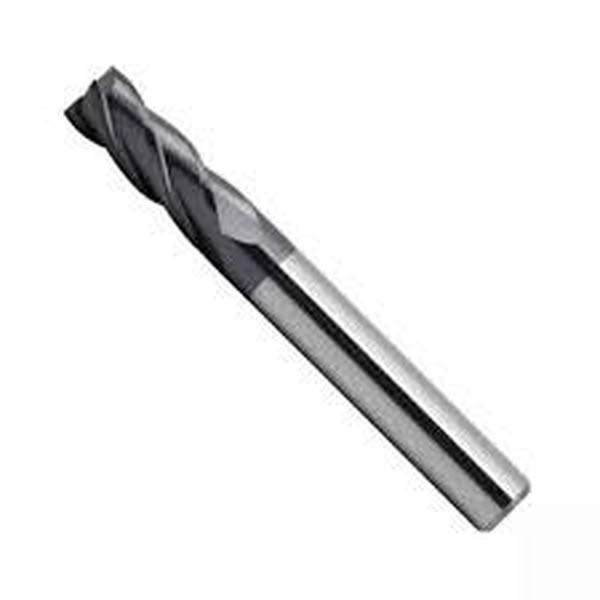
A flat end mill is one of the most commonly used milling tools in CNC machining. It has a flat cutting bottom that allows it to create flat surfaces and sharp edges. This tool is widely used for profile cutting, slotting, and general material removal. Flat end mills are suitable for machining materials such as wood, MDF, and plastics.
2.Ball nose end mill
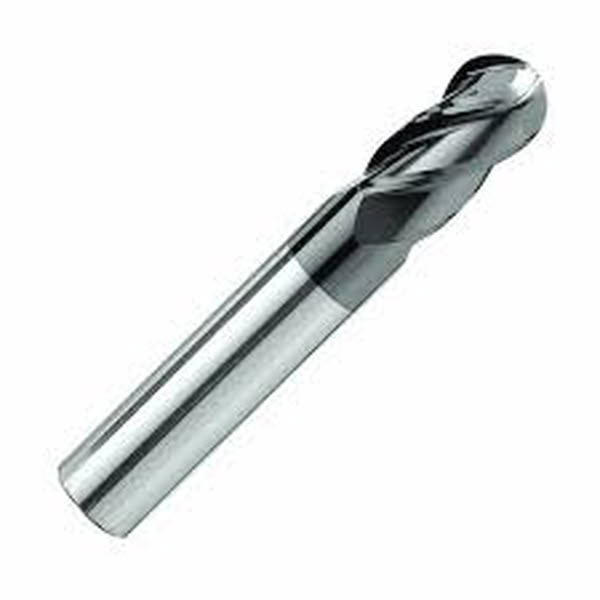
A ball nose end mill has a rounded cutting tip that helps produce smooth curved surfaces. It is mainly used for 3D carving and contour machining where smooth finishes are required. This tool is commonly used when creating complex shapes and detailed surface designs.
3. V-Bit end mill
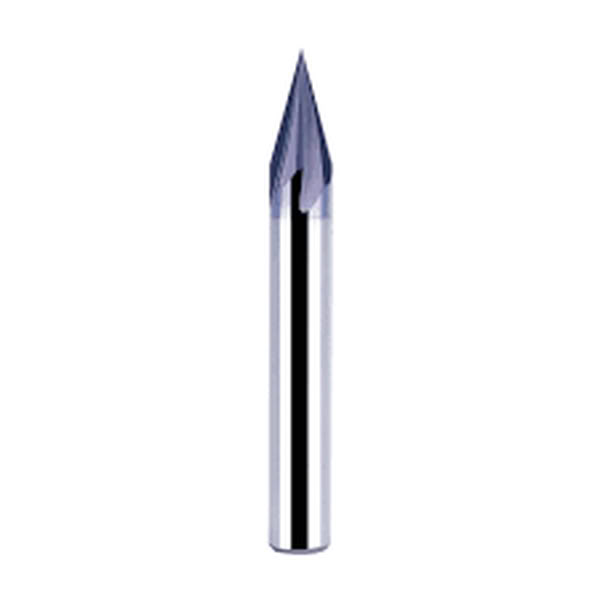
A V-bit end mill has a pointed cutting tip with angled sides. It is mainly used for engraving and decorative carving. This type of tool is often used in sign making, text engraving, and detailed design work on wood or acrylic materials.
4.Upcut end mill
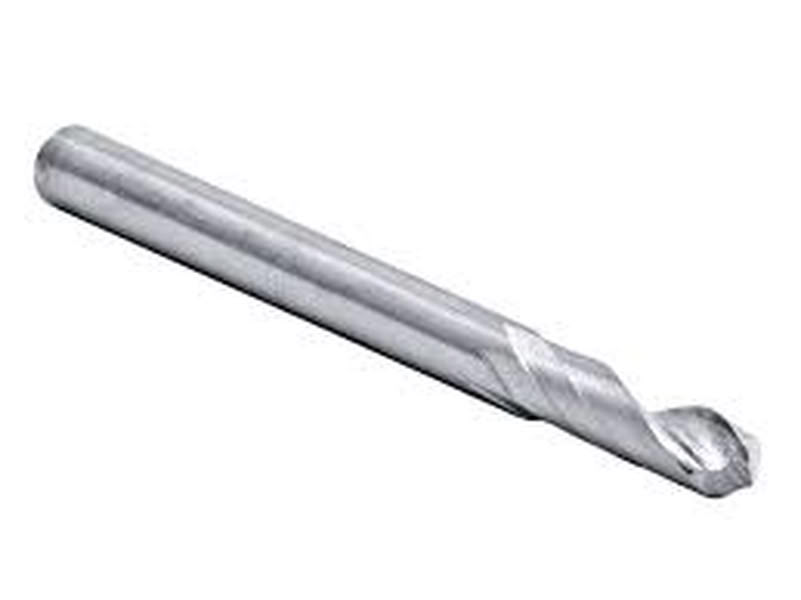
An upcut end mill pulls the chips upward while cutting. This helps remove material quickly and keeps the cutting area clean. It is commonly used for deep cuts and fast material removal in wood and plastics.
5.Downcut end mill
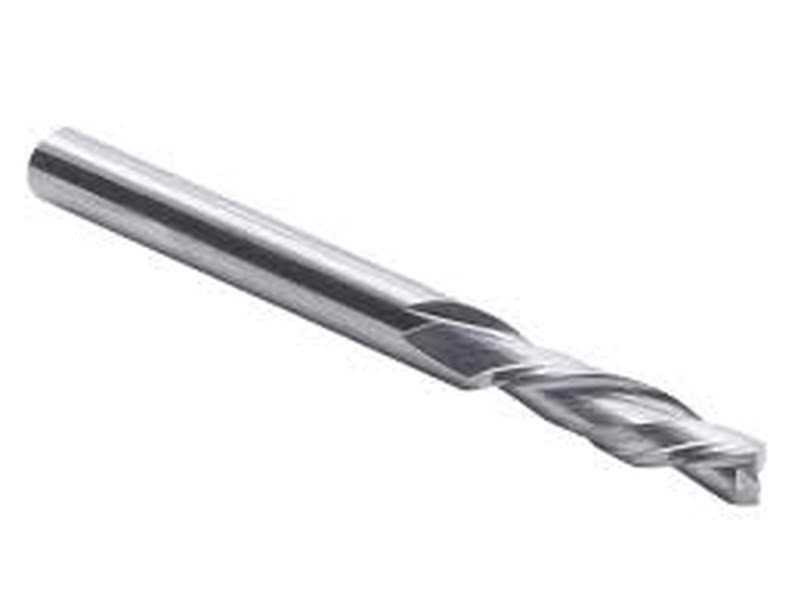
A downcut end mill pushes chips downward during cutting. This helps produce a cleaner top surface and reduces tear-out. It is often used when cutting plywood or laminated materials.
6.Compression end mill
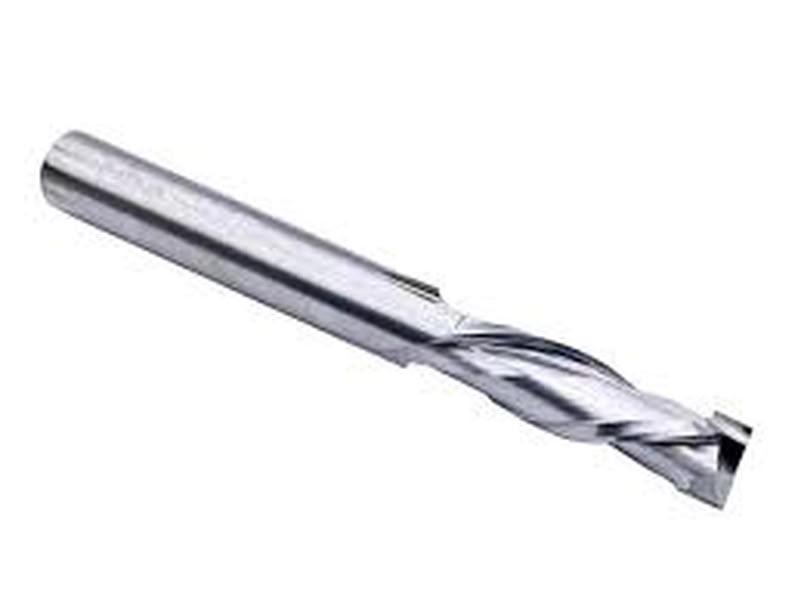
A compression end mill combines both upcut and downcut flutes. This design keeps both the top and bottom surfaces clean during cutting. It is widely used for cutting plywood, laminated boards, and MDF where clean edges are important.
7.Roughing end mill
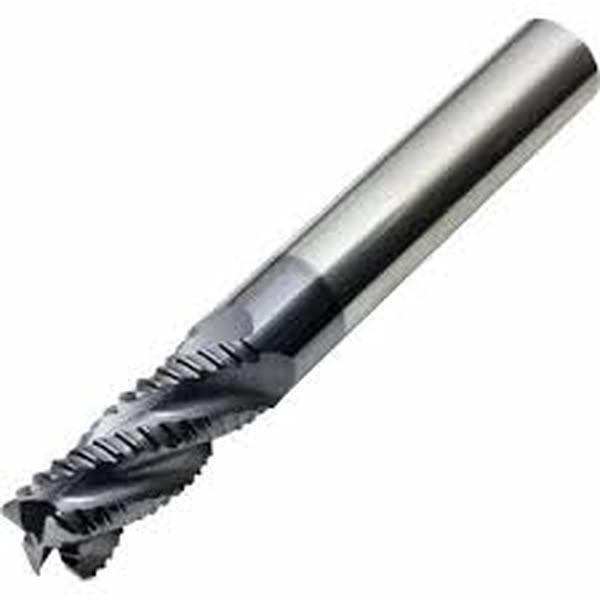
A roughing end mill has serrated cutting edges designed for removing large amounts of material quickly. It is used in the initial machining stages before finishing operations.
Flute types of end mills
| Flute Type | Description |
|---|---|
| Single Flute | Single flute end mills are well-suited for rapid cutting, especially when working with soft materials, due to their large chip clearance that ensures smooth operation. |
| Two Flute | Two flute end mills are commonly used for slotting operations, offering good chip ejection and a balance between cutting speed and stability. |
| Three Flute | Three flute end mills provide an optimal balance between cutting strength and chip removal efficiency, making them ideal for shallow cavity work. |
| Four / Multiple Flute | End mills with four or more flutes provide smoother finishes and can handle faster feed rates. However, they have limited space for chip removal, which may affect performance in certain materials. |
Safety Training measures:-
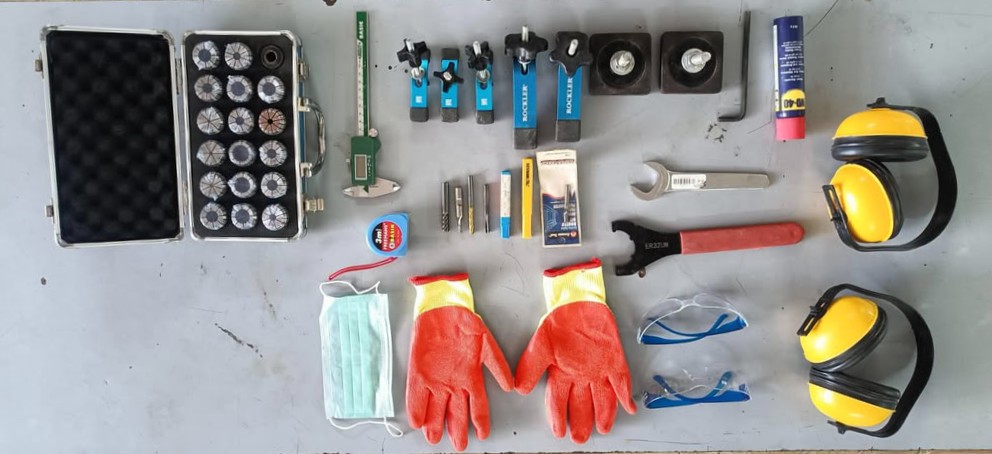
- Always wear safety goggles while operating the CNC machine to protect eyes from dust and small debris.
- Avoid wearing loose clothing, jewelry, or untied hair near the machine as they can get caught in moving parts.
- Ensure the material is properly fixed using clamps or screws before starting the machining process.
- Check that the correct end mill is installed and tightened properly in the spindle.
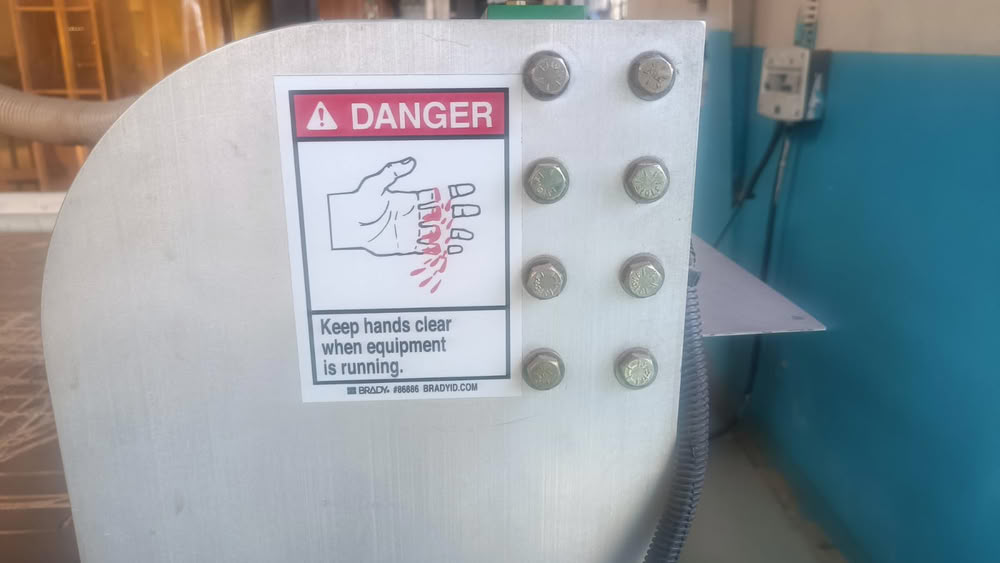
- Keep hands away from the spindle and cutting tool while the machine is running.
- Always set the correct origin (X, Y, Z) and verify the toolpath before starting the job.
- Do not leave the machine unattended while it is operating.
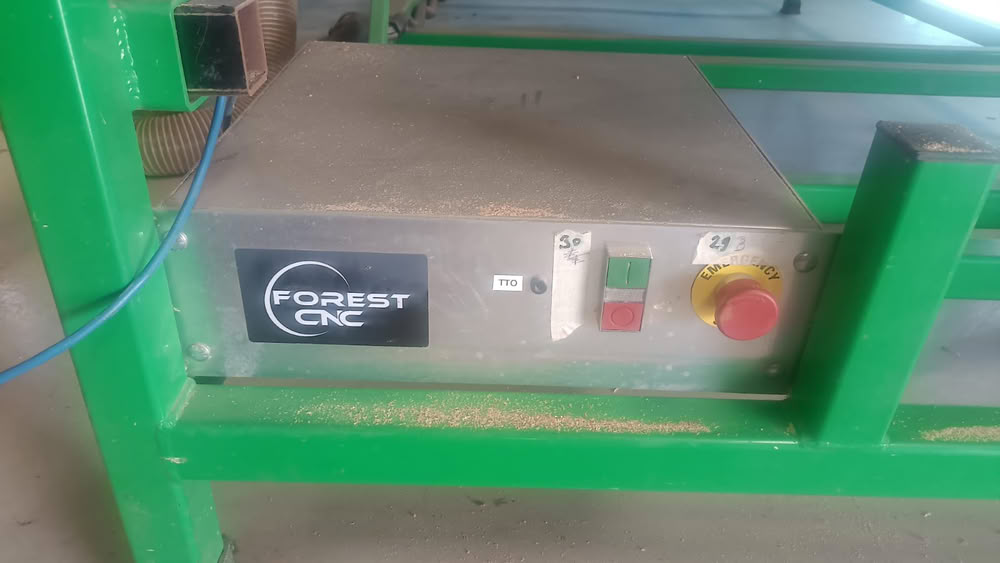
- Be aware of the location of the emergency stop button in case the machine needs to be stopped immediately.
- Clean the machine bed and surrounding area before and after machining to avoid accidents.
 |
 |
 |
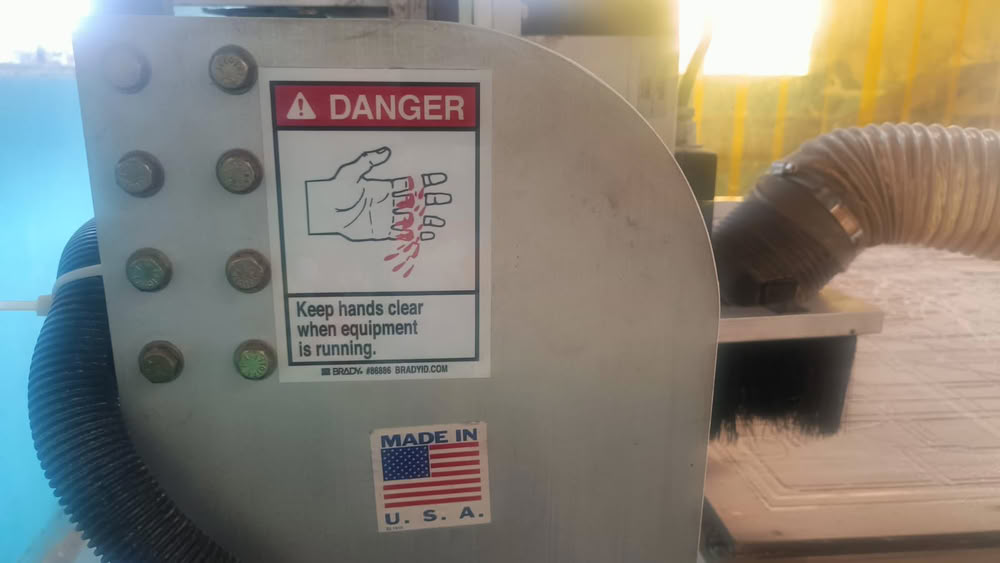 |
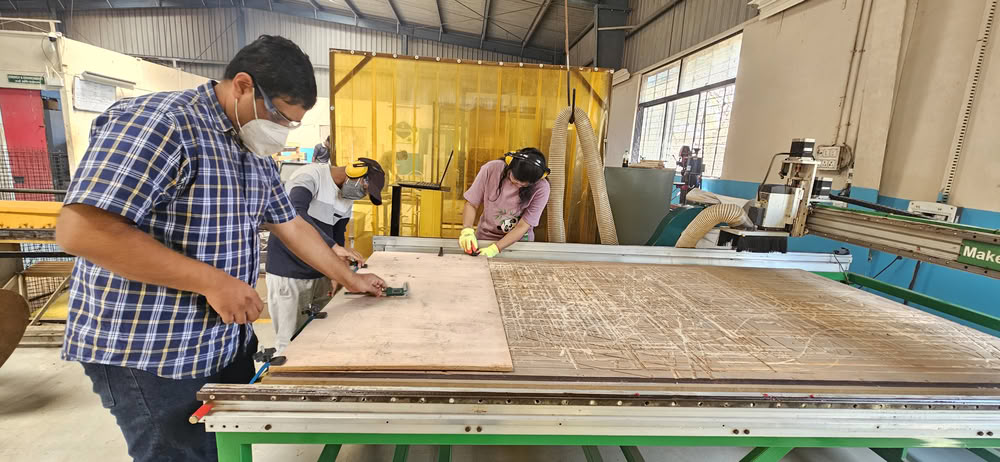
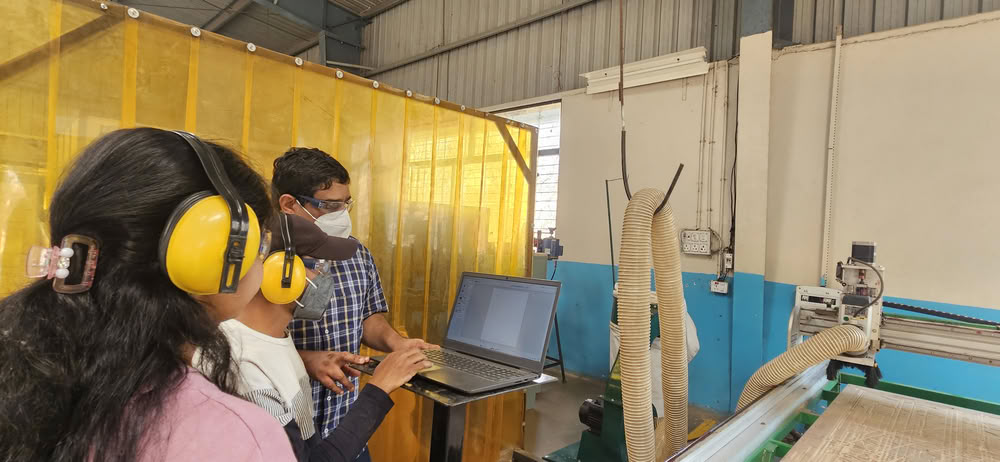
Before operating the CNC router, our group received safety training to understand the correct and safe way to use the machine. Since the CNC router works at high speed and uses sharp cutting tools, it is important to follow safety rules to prevent accidents and machine damage.
During the training, we learned about the basic safety procedures such as wearing safety goggles, avoiding loose clothing, and keeping hands away from the moving spindle and cutting tool. We were also instructed to properly fix the material on the machine bed using clamps or screws to avoid movement during machining.
Our instructor also showed us the location of the emergency stop button, power controls, and how to safely start and stop the machine. We were advised to always stay near the machine while it is running and never leave it unattended.
Machine setup, Tooling and Fixturing
Step1:-
First, we cleaned the machine bed to remove dust and debris from previous operations. This is important to ensure the material sits flat on the bed.
Step2:-
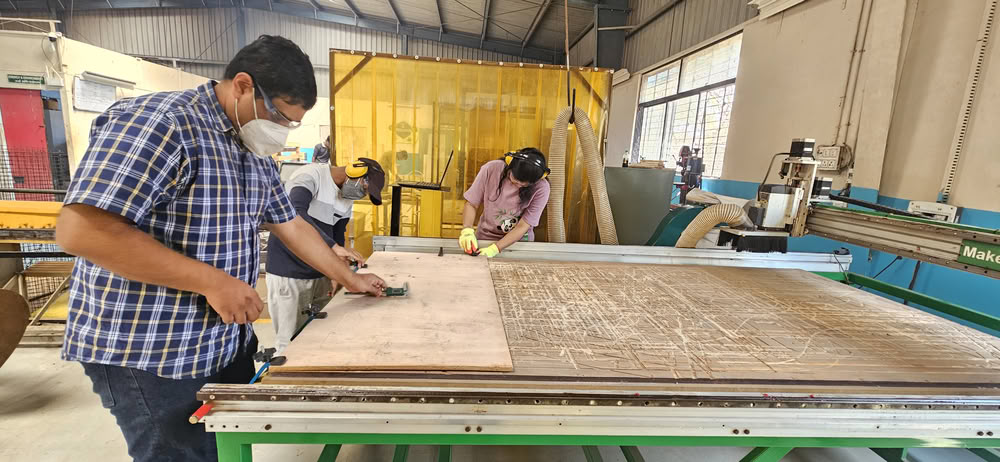
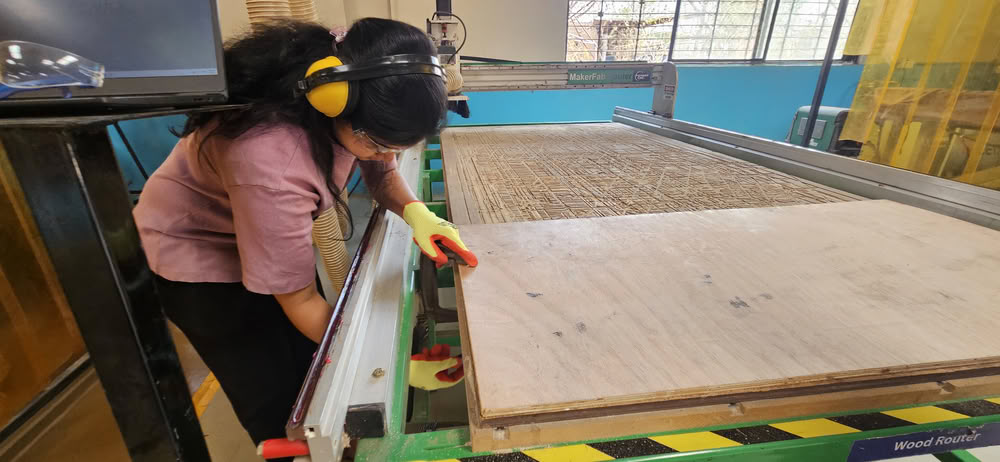
After cleaning the bed, we placed the wooden sheet on the machine table and fixed it properly using clamps. Proper fixturing is necessary to prevent the material from moving during cutting.
 |
 |
Step3:-
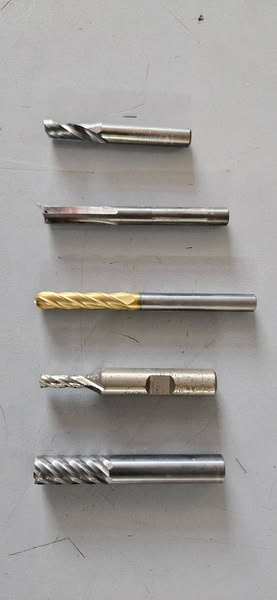
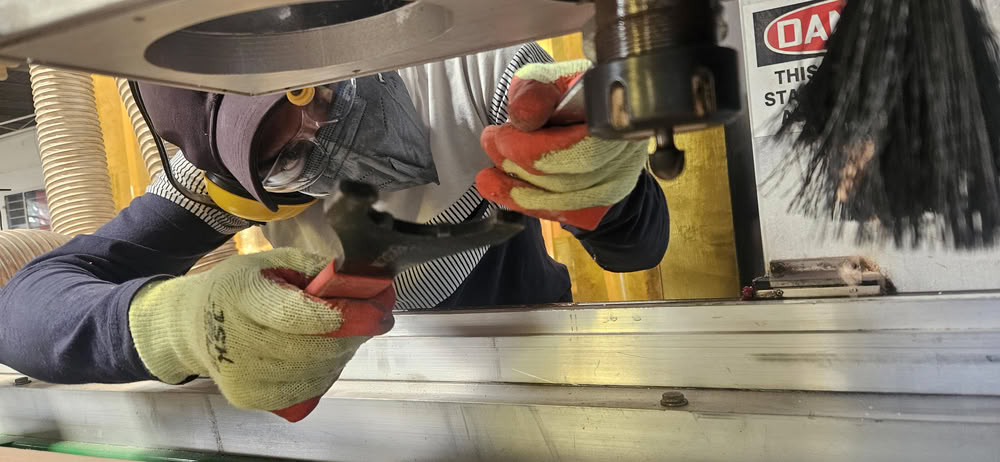
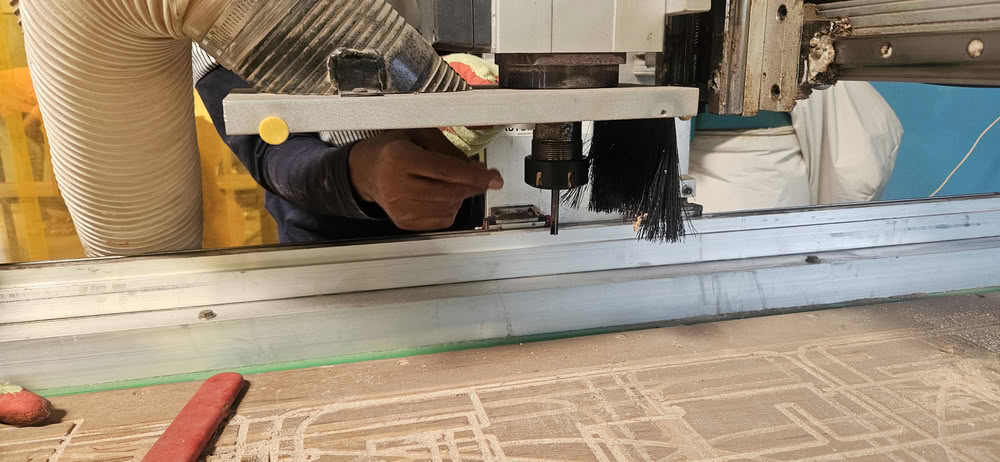
Next, we installed the required cutting tool in the spindle and tightened it properly.
We have multiple cutting tools/bits.
 |
 |
Then we moved for next steps
During the training, we learned about tooling, which involves selecting the correct end mill and properly installing it in the spindle. The tool must be tightened correctly to avoid vibration or tool breakage during machining.
We also learned about fixturing, which is the process of securely fixing the material on the CNC bed. Proper fixturing ensures that the material does not move while cutting. In our lab, we used clamps and screws to hold the wooden sheet firmly on the machine table.
Test Runouts and slot testing
To understand the machining accuracy of the CNC router and determine the correct press-fit tolerance, we created several test designs using VCarve software. In this test, different slot widths and projections were designed to evaluate how the CNC machine cuts the material and how well the parts fit together.
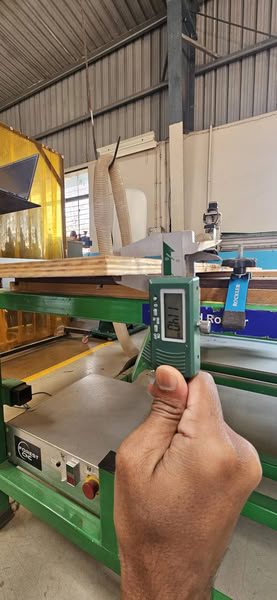
First, we measured the thickness of the plywood sheet using a caliper. Based on this measurement, we designed a small test piece containing multiple slots with slightly different widths. The slot sizes were varied around the actual material thickness to observe which slot provides the best press-fit connection.
 |
Toolpath generation using VCarve
VCarve is a CAD/CAM software used to create toolpaths for CNC machines. In this assignment, VCarve was used to prepare the machining files for the design. First, the 2D design was imported into VCarve and the material size and thickness were defined according to the sheet that would be used on the CNC machine. After that, different toolpaths such as profile cutting and pocket cutting were created. The correct end mill was selected, and parameters like cutting depth, pass depth, spindle speed, feed rate, and step-over were adjusted based on the material and tool. Test runouts were also performed in VCarve to check slots and projections to ensure proper press-fit assembly. Finally, the toolpaths were simulated to verify the cutting process before exporting the G-code for the CNC machine.
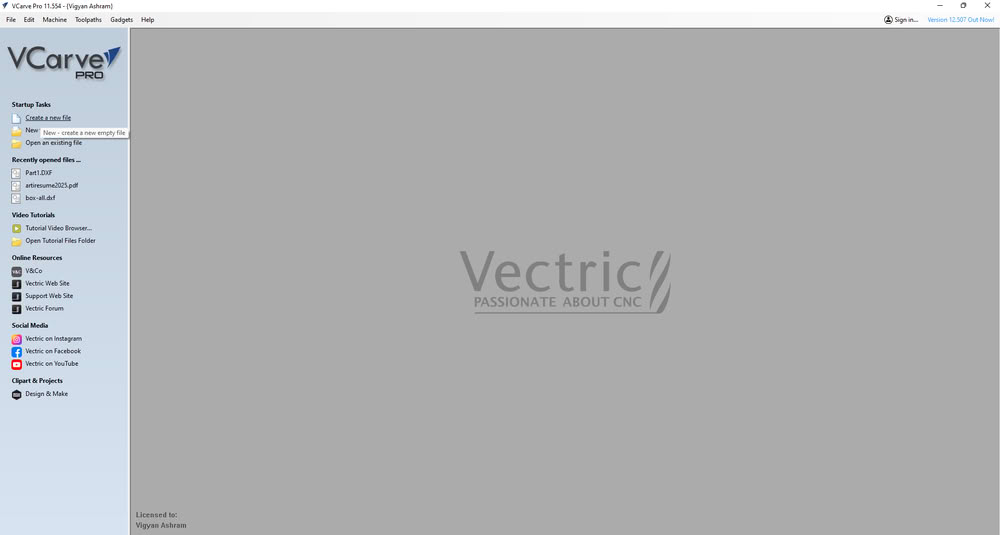
First, we opened the software and clicked on New File.
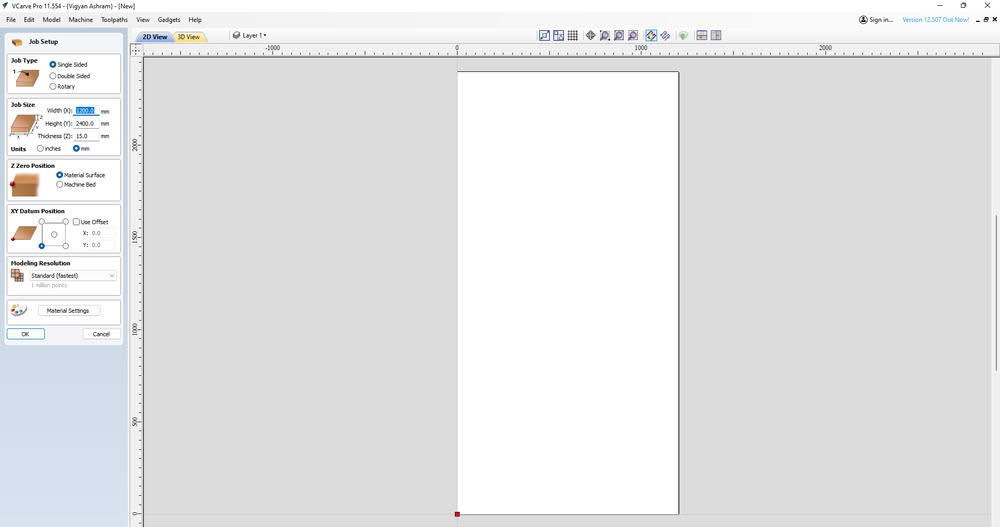
Then we set up the job settings such as job size, material thickness, and job position according to the material sheet.
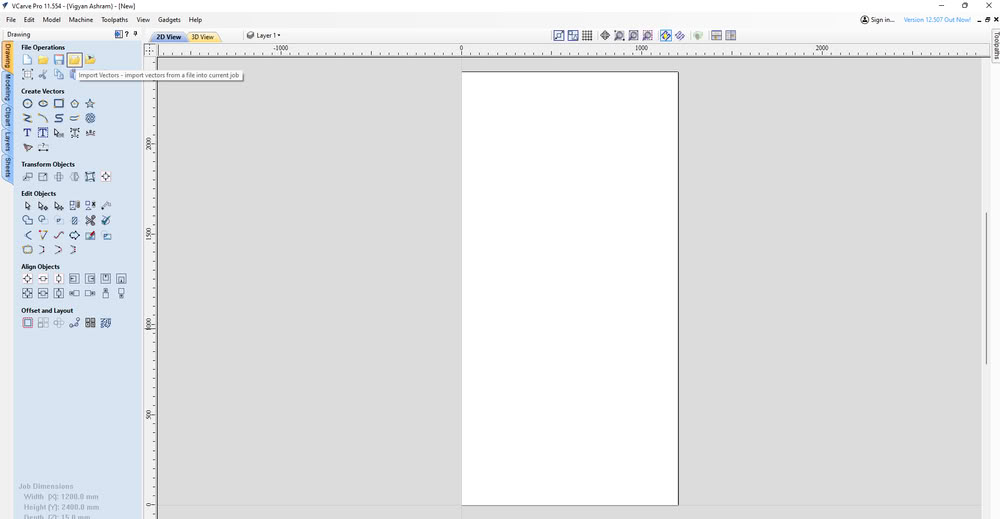
After setting the job, we selected the Import Vector File option to import my design file.
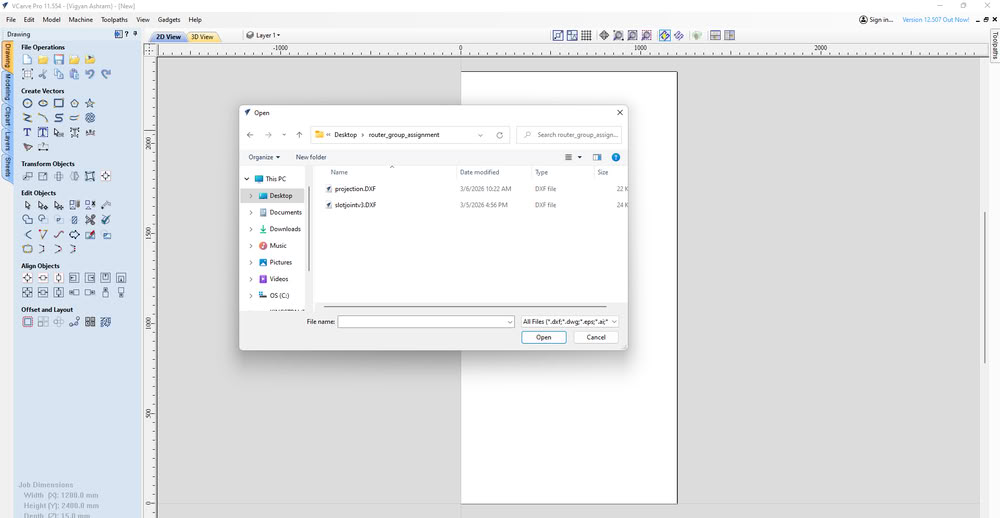
Once imported, the design appeared on the workspace.
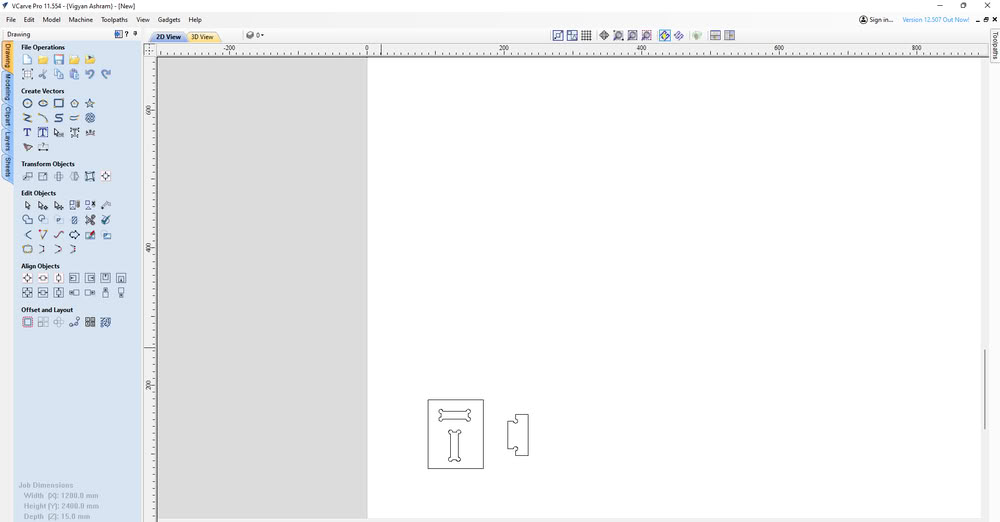
When we tried to open the Toolpath option, a warning appeared indicating that there were multiple open contours in the design. To fix this, I used the Join Vector option to close all the open vectors.
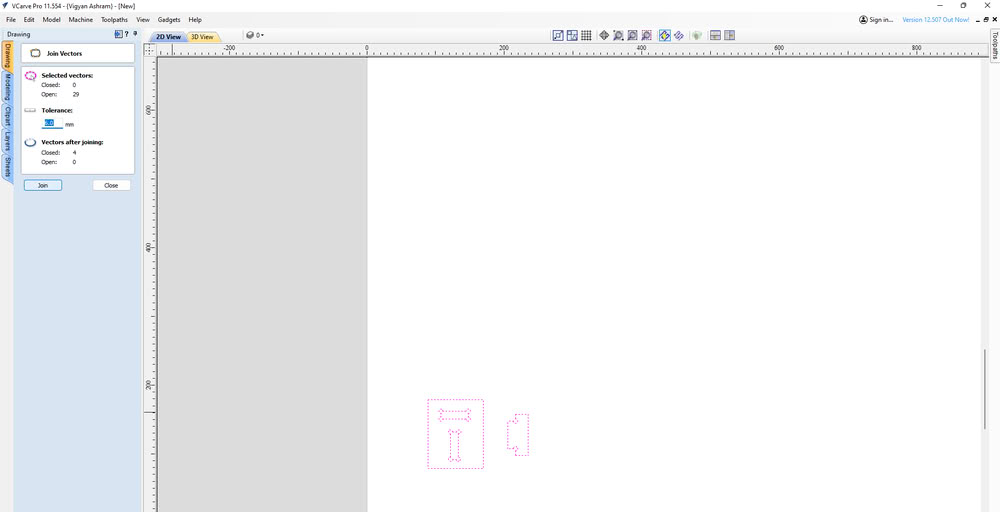
After closing the vectors, we selected the design and add dog bone and I opened the Toolpaths tab.
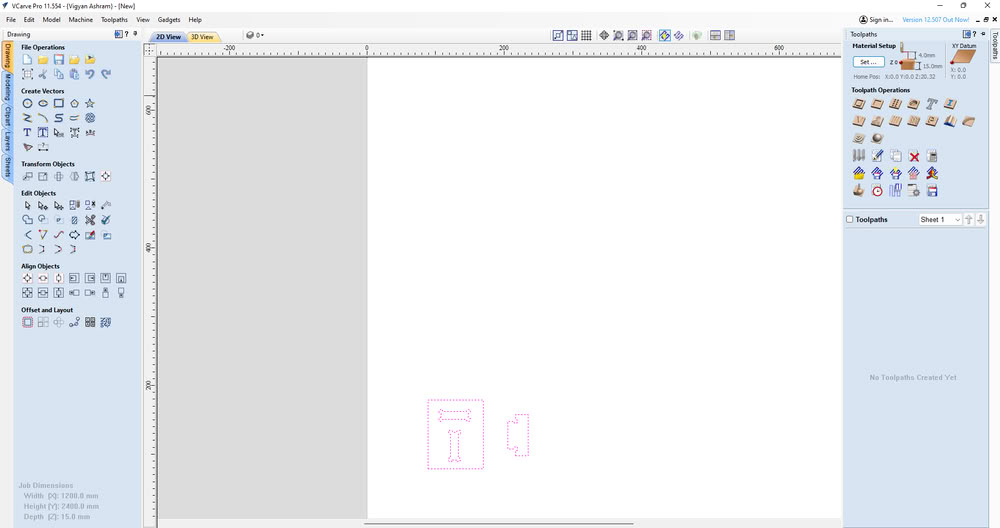
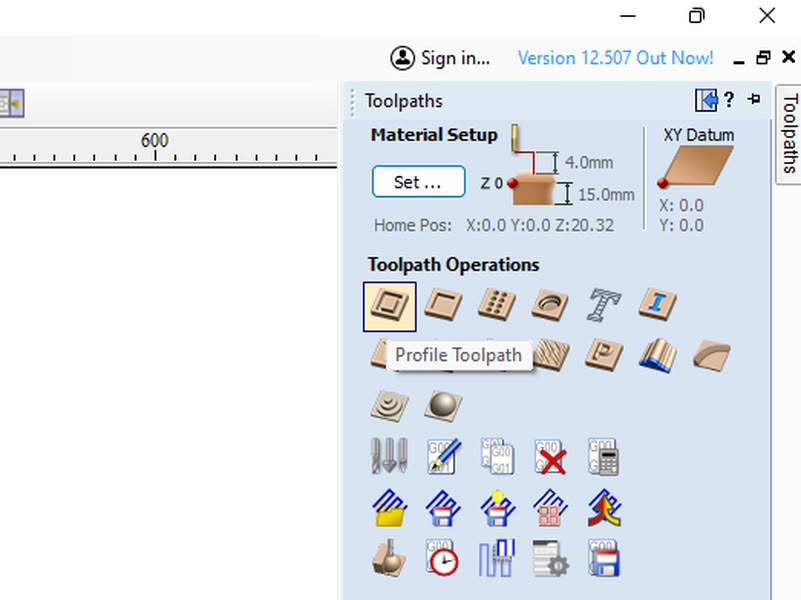
then chose the Profile Toolpath option because the goal was to cut the material.
On the right side panel, we set the cutting parameters such as cutting depth, selected the end mill tool, chose Outside Cut, and gave a name to the toolpath.After configuring these settings, I clicked Calculate to generate the toolpath.
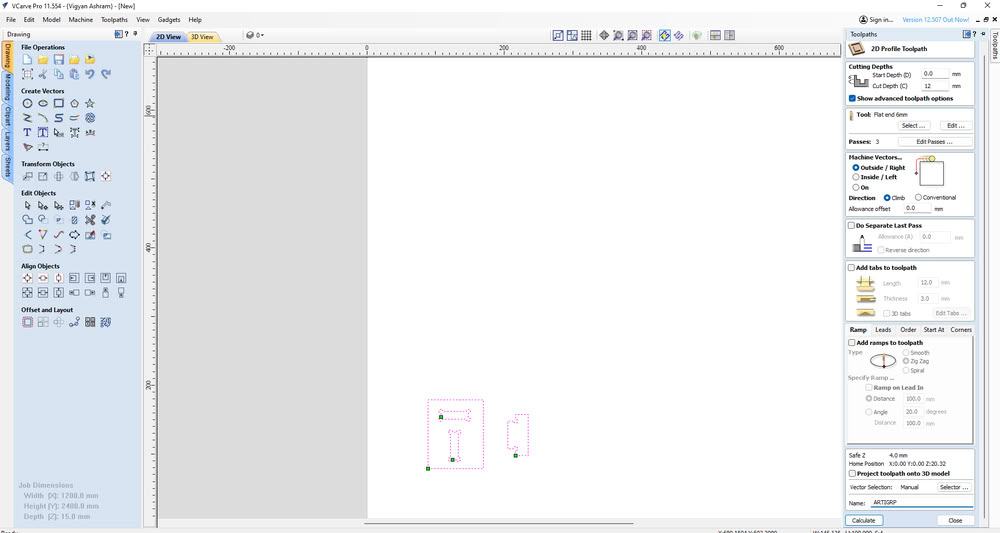
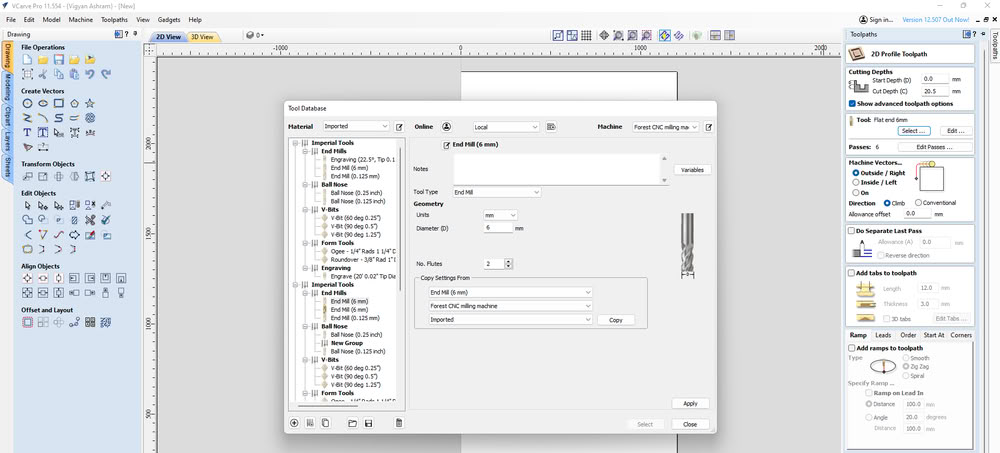
In tool section we select proper tool which is 6mm flat end mill.
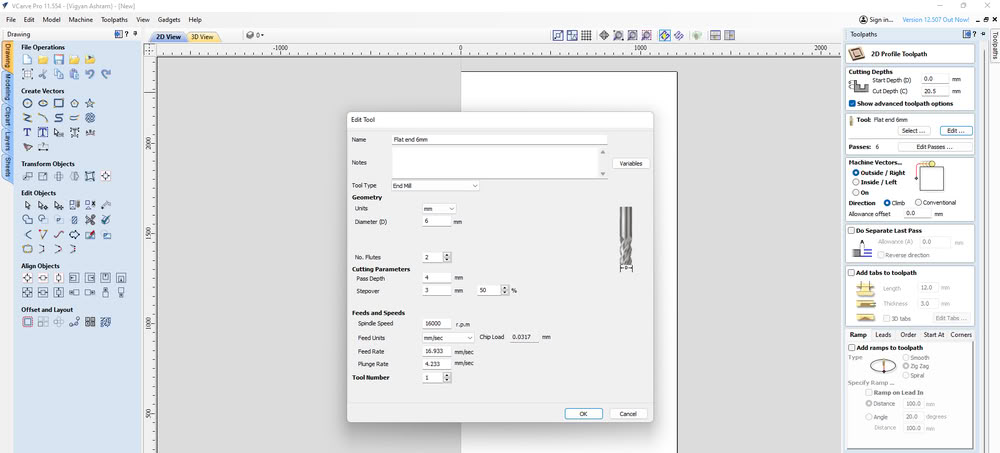
In the Edit Tool option, parameters such as RPM, feed rate, and plunge rate can be adjusted according to the tool type and material being machined. These settings control the spindle speed and the movement speed of the tool during cutting and plunging operations in the CNC wood router.
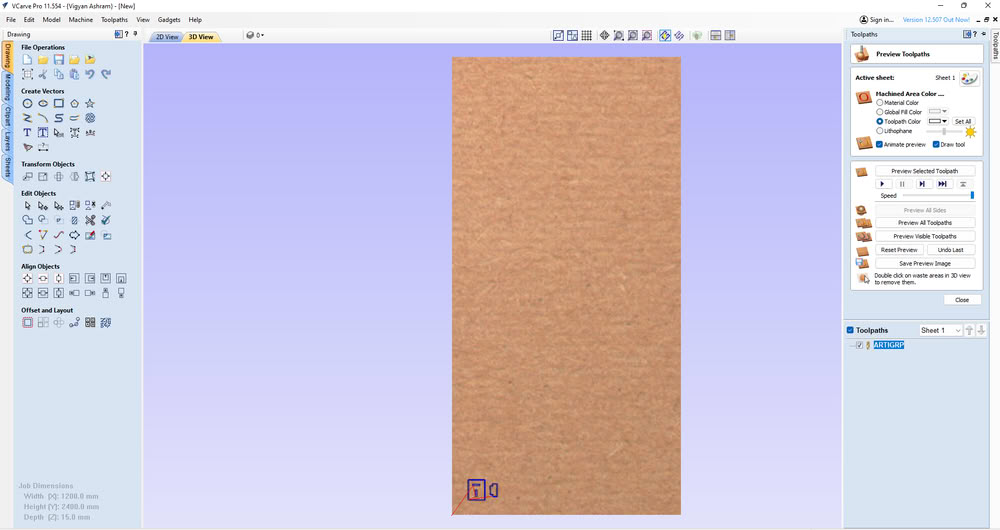
Then we moved to the 3D View to preview the cutting simulation of the design.
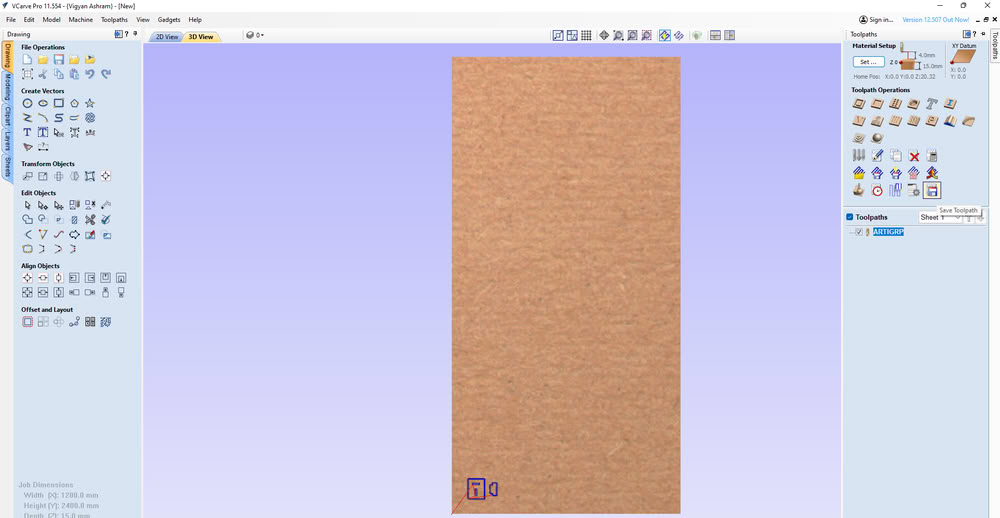
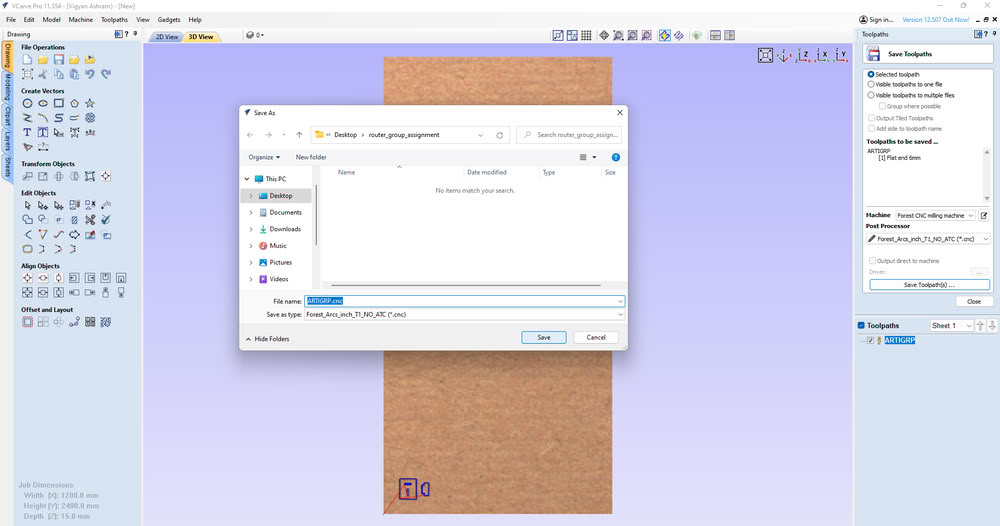
Finally, we clicked on Save Toolpath to generate the CNC file, which was later used in the router control software for machining.
Machine Setup:-
 |
 > >
|
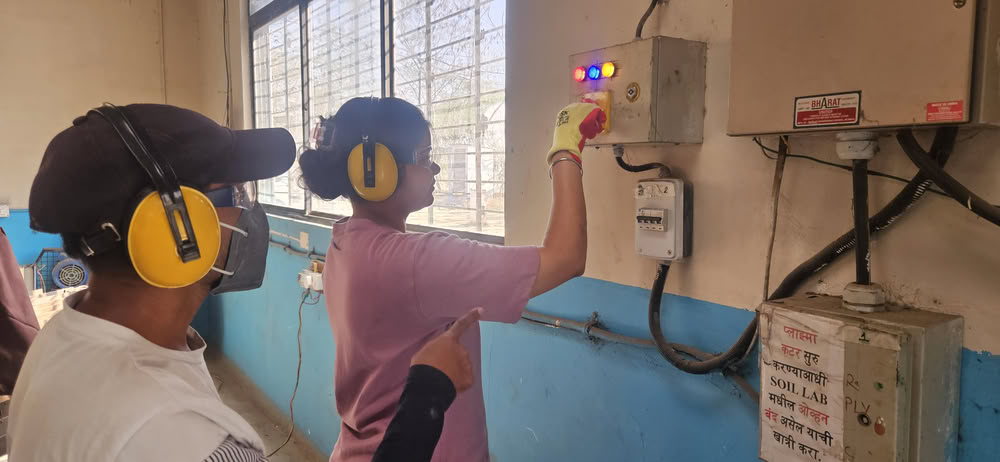
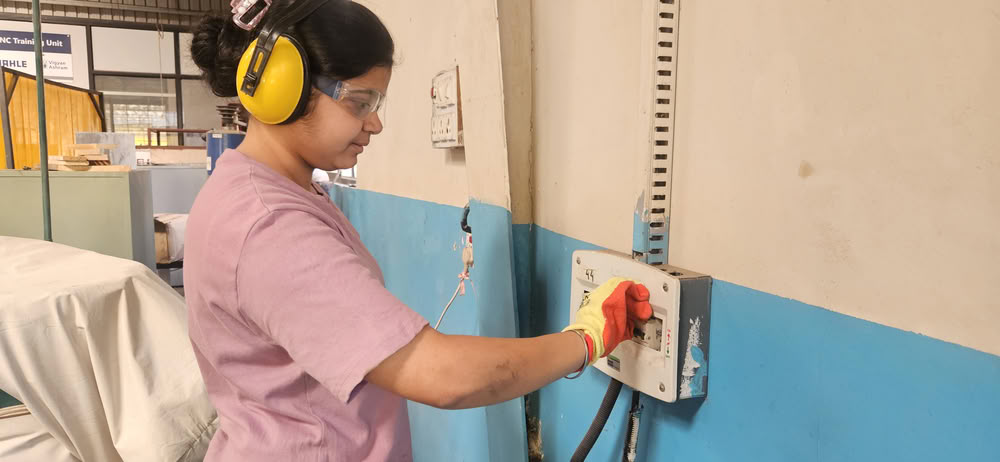
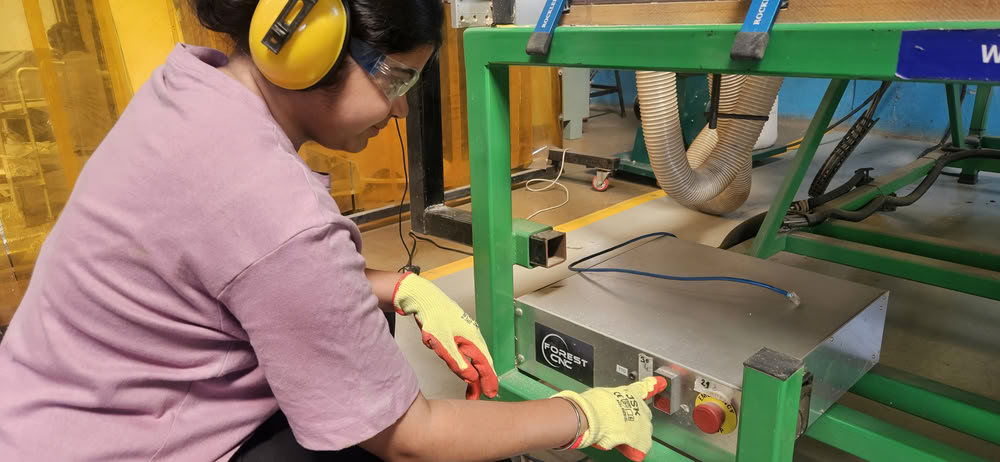
| For the machine setup, first the main MCB was turned on to supply power to the machine.The router operates on a three-phase power supply, so the phase switch was set to Phase 3. | After that, the router MCB was turned on. |
 |
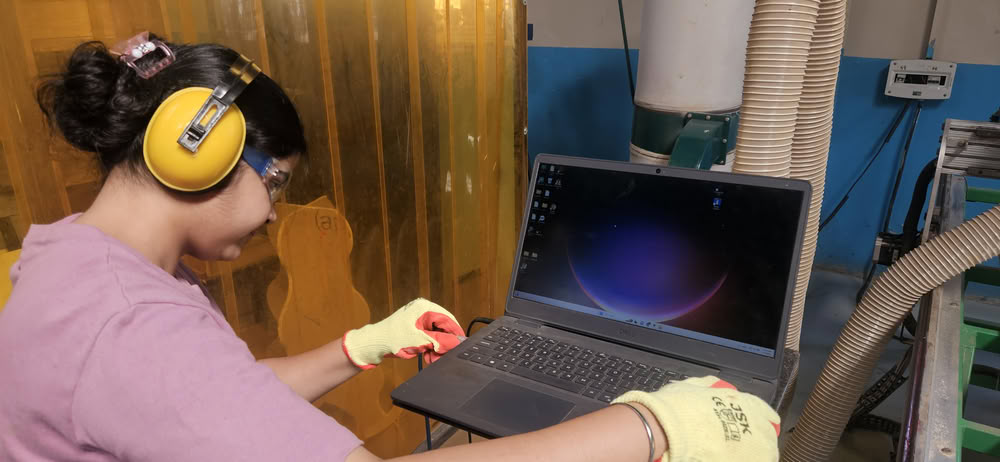 |
| The green start button was pressed to power up the machine. | Once the machine was started, an Ethernet cable was connected between the laptop and the CNC router to establish communication. |
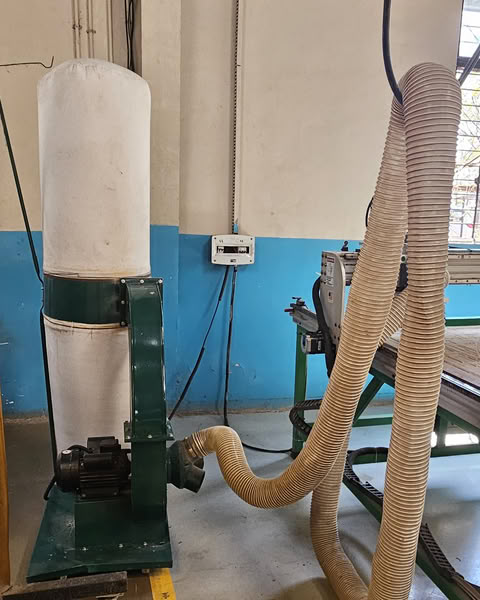
Before starting the wood router, the dust collector was switched on to collect wood dust and chips generated during machining, ensuring a clean workspace and safe operation.
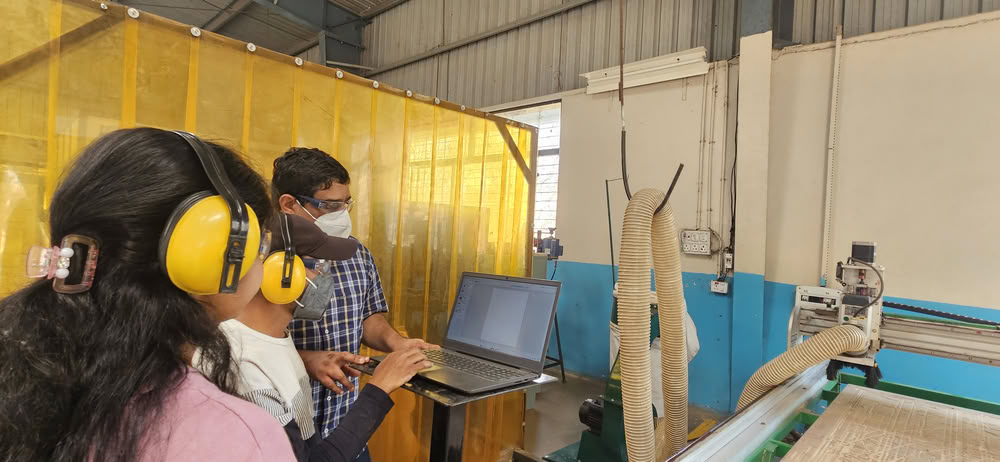 |
| After confirming the connection, the setup was ready and the process moved to the next steps. |
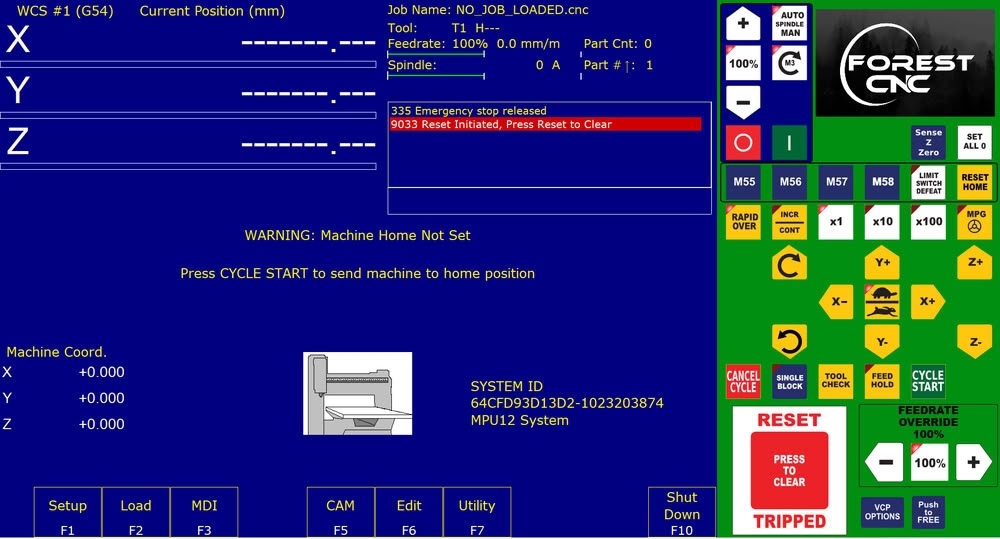
we opened the Router Control Software and first pressed the Reset button to initialize the machine.
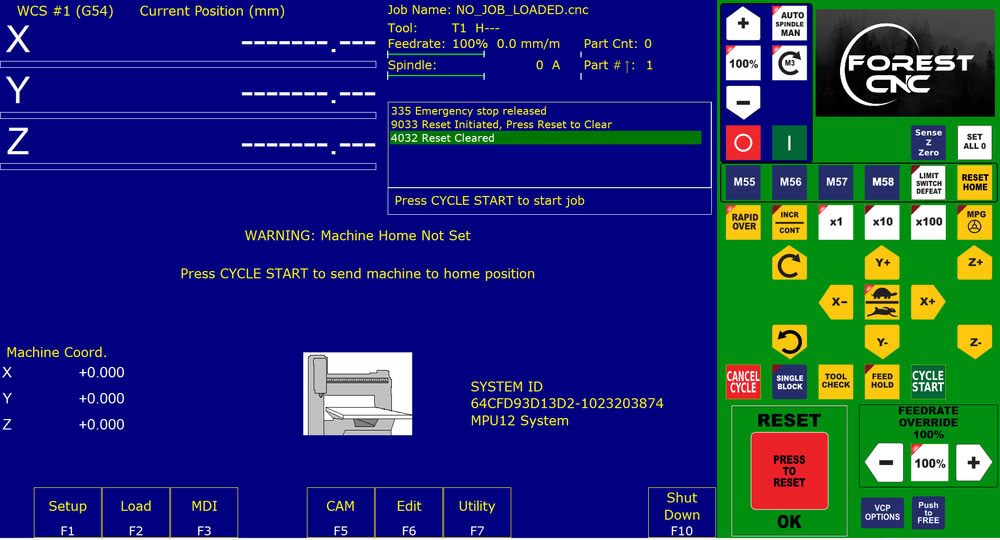
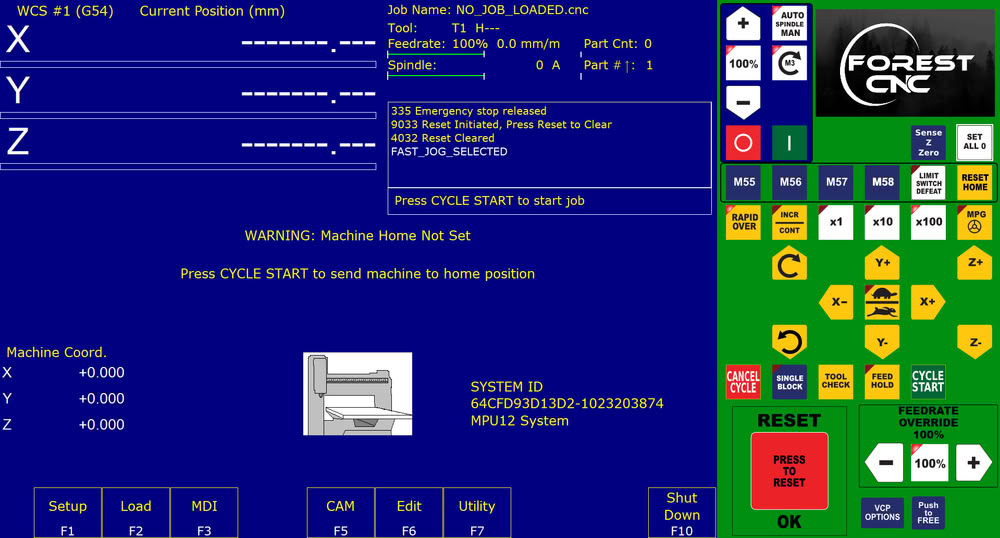
Then we clicked on the Reset Home option to move the machine to its home position.
After that, we loaded the CNC file that needed to be cut on the router.
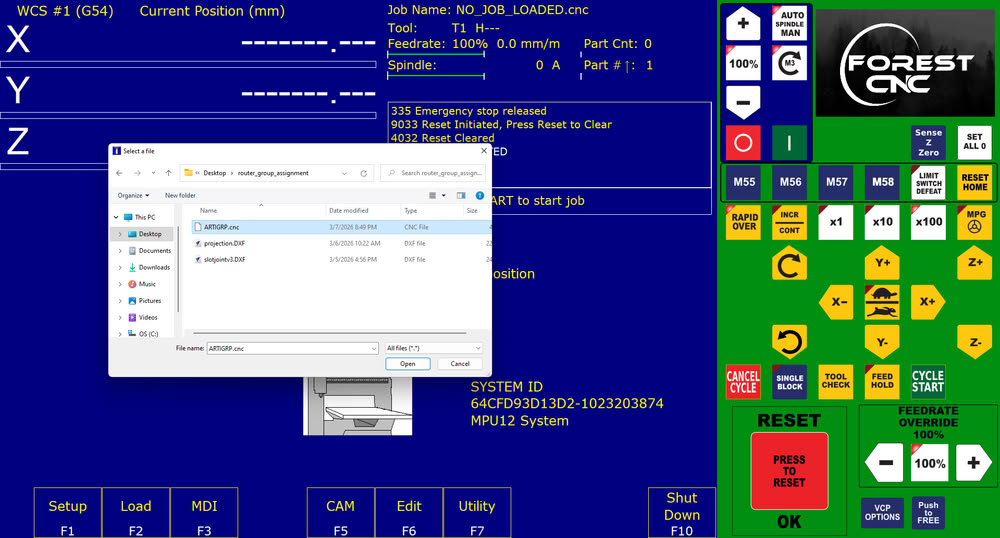
File gets loaded successfully.
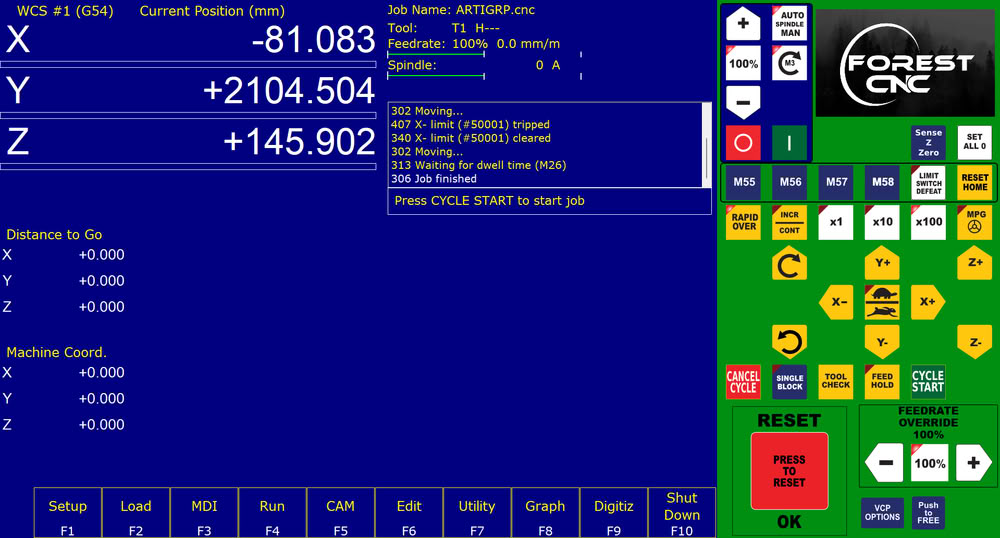
Then we set all to 0 means touch the bit to the plywood to set origin point.
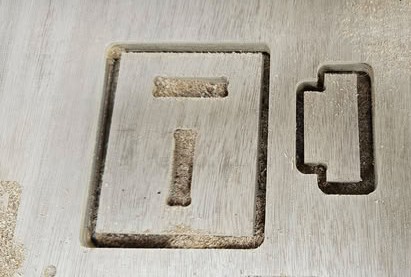
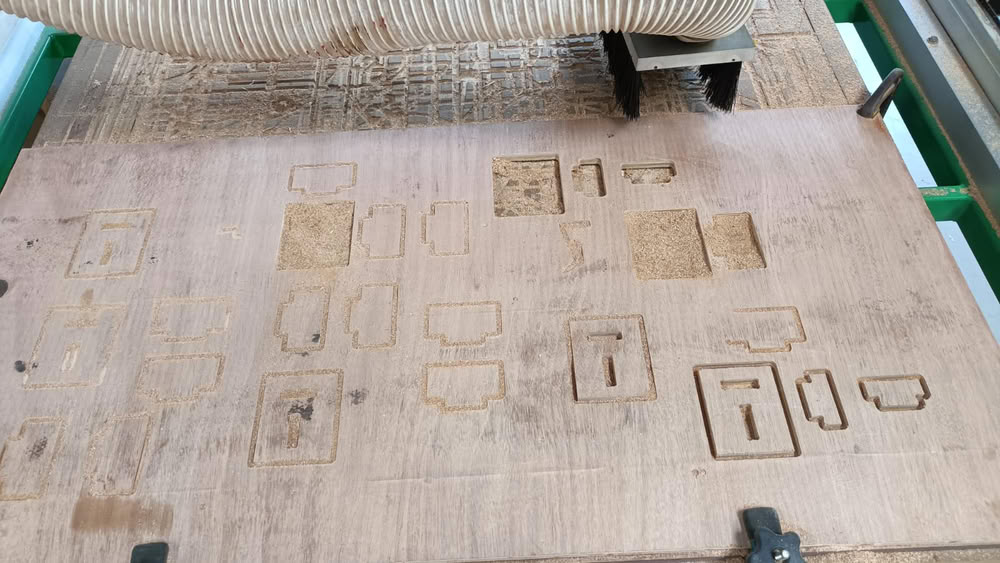
The job was cuts successsfully. but we forgot to cut one more piece of projection, so I cut it using router.
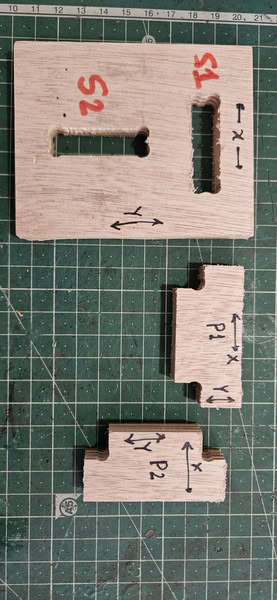
Here is the slots and projection parts.
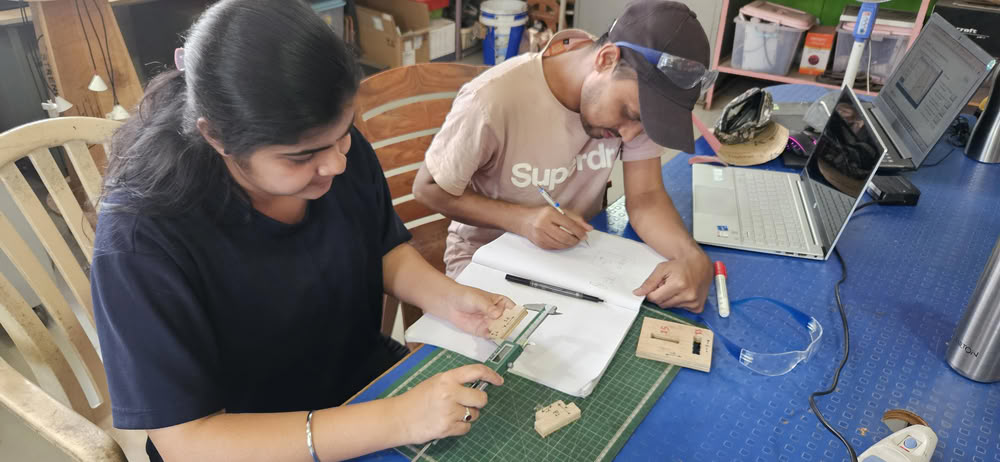
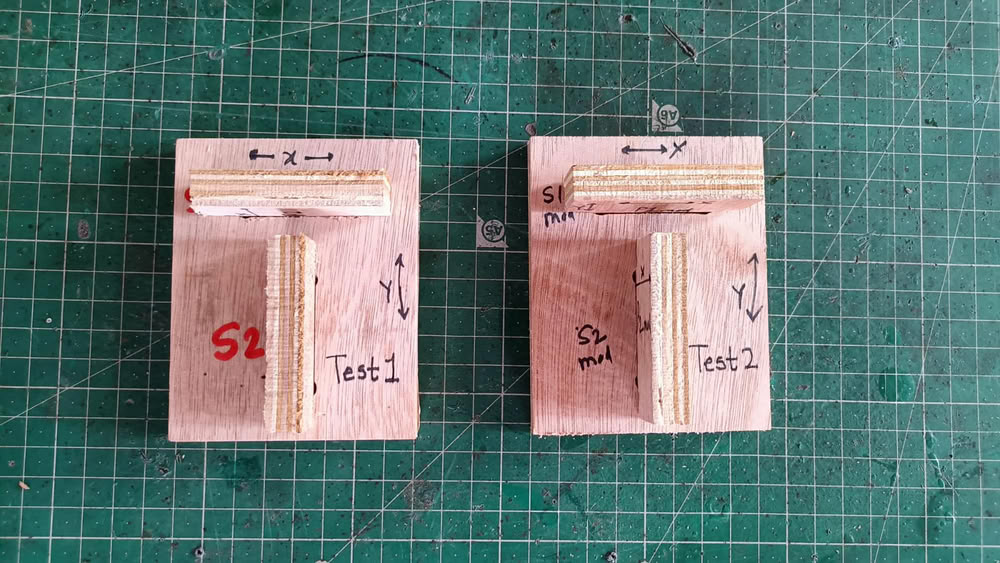
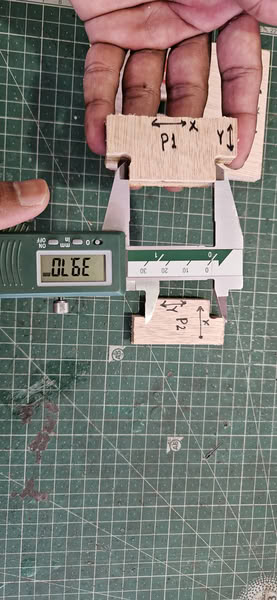
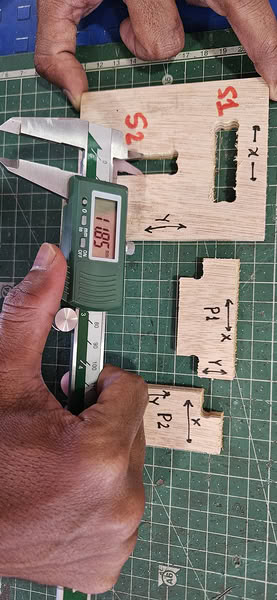
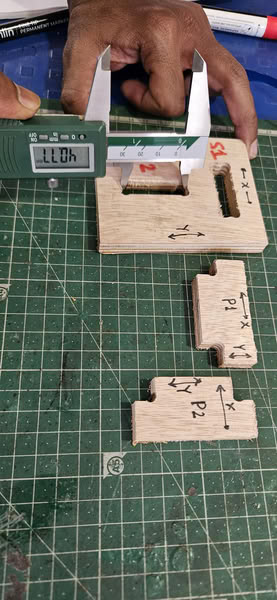
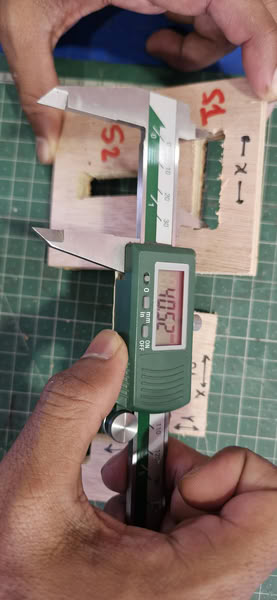
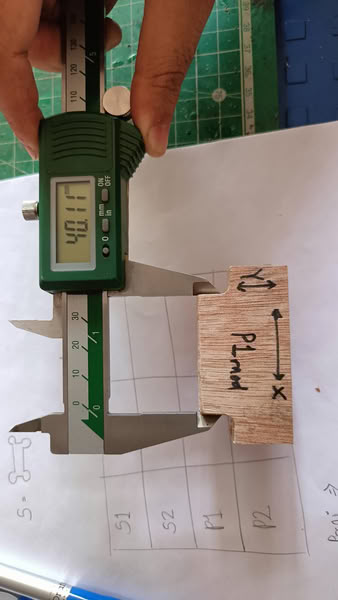
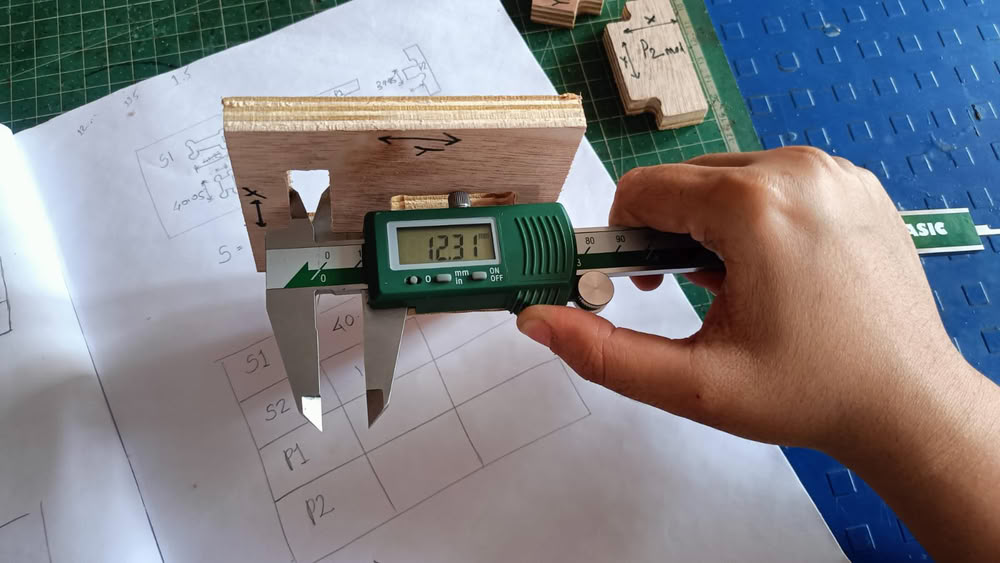
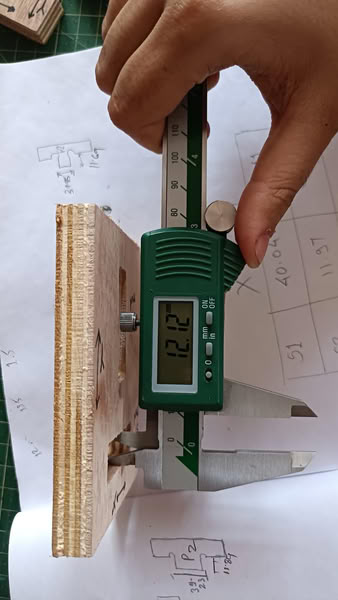
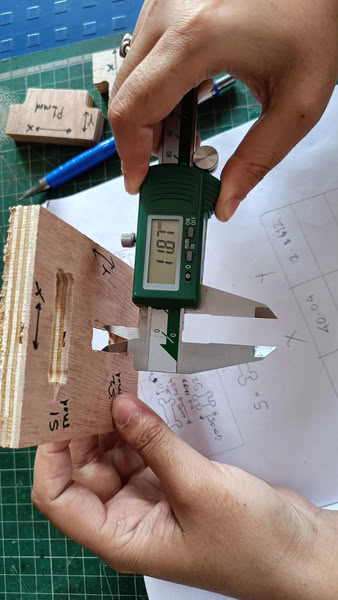
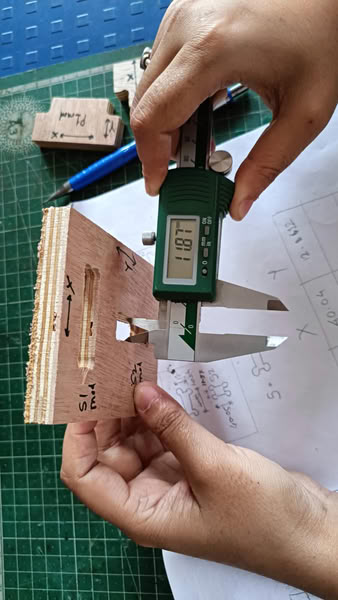
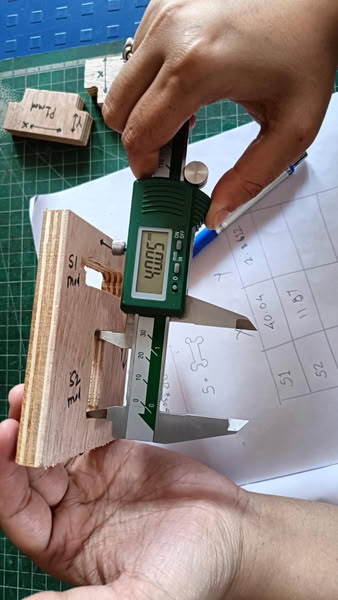
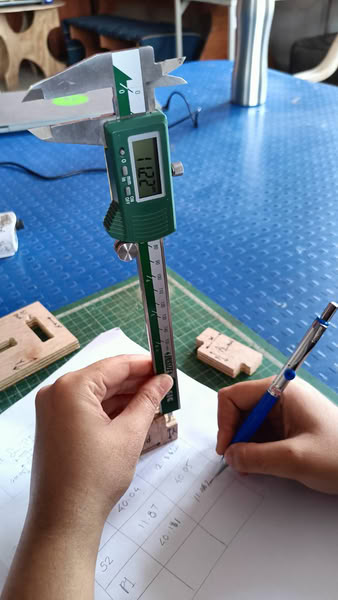
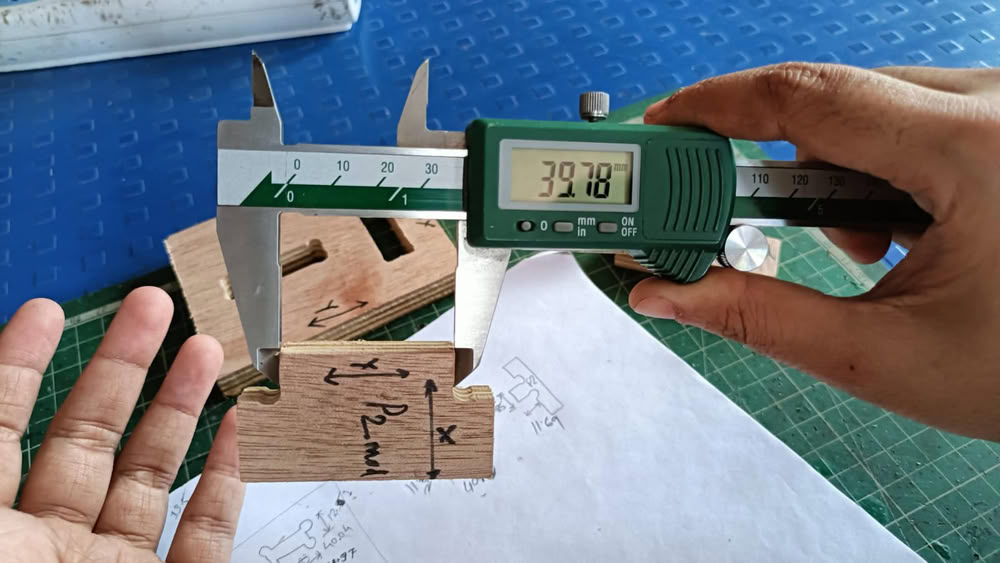
Then we measured all the slot, projection sides with x,y axes sides. Projection parts do not get fixed inside slots properly,so we update the slot design and took test 2.
 |
 > >
|
 |
 > >
|
Test 2
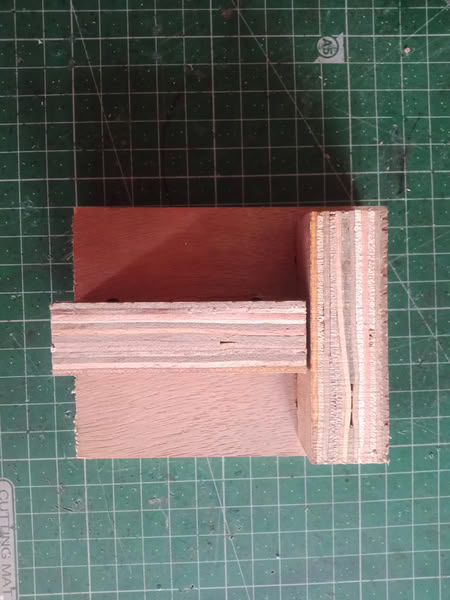
Here is no. test2. Projection parts successfully fitted inside slots.
 |
 > >
|
 |
 > >
|
 |
 > >
|
 |
 > >
|
Test results
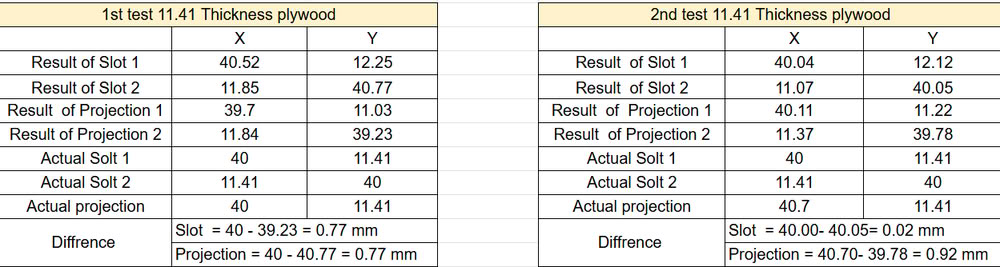
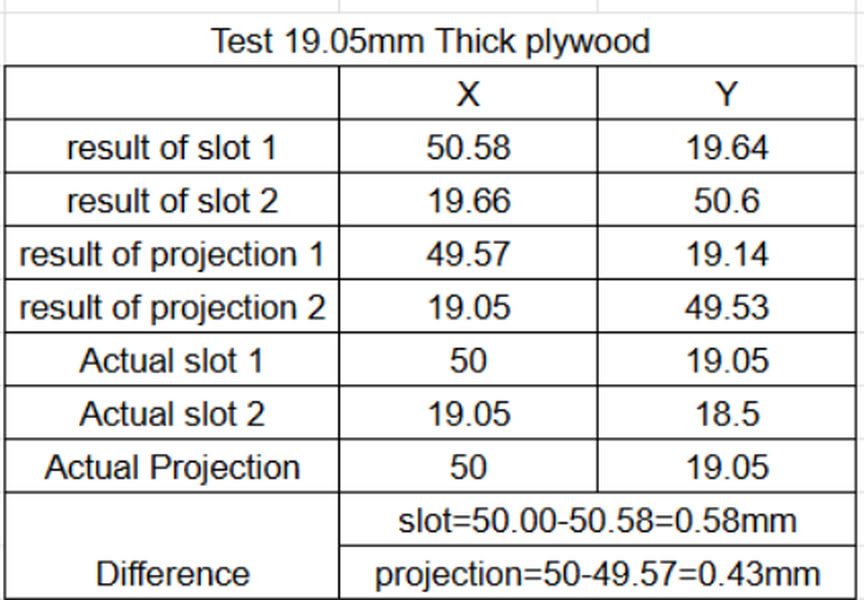
We also took test on the 19.05mm plywood which we are using for individual assignments. So here is the chart which shows measurements.
Key Learnings from mistakes:-
Slight burning marks were observed on the plywood edges due to friction between the tool and the material. This is happened because, the tool was not fixed properly, it rubbed against the plywood, which generated heat and caused minor burning and plywood get stucked with tool during changing position.
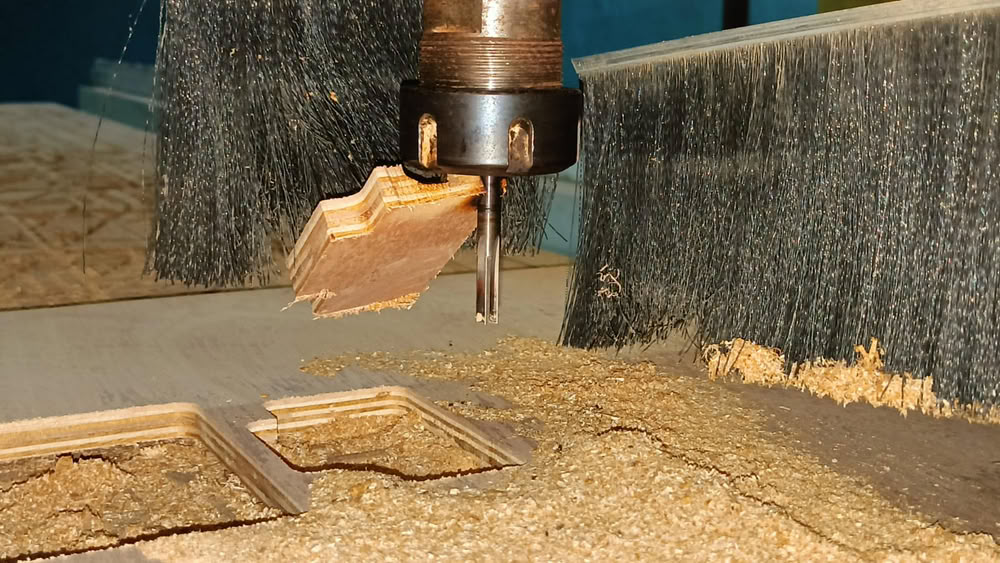
We performed several test cuts on plywood to check slot fitting, pocket depth, and machining accuracy. These tests helped us determine the correct tolerance for press-fit joints before machining the final parts.