Introduction
we explored different application development tools such as Thingspeak, Processing. We compared each of these tools and discussed how we understood and used them.
Task:-
Compare as many tool as possible
1. Processing:-
Processing is an open-source graphical programming environment and development platform mainly used for visual arts, interactive applications, animation, and hardware communication. It is built on the Java programming language and is widely used by designers, artists, students, and developers for creating interactive digital projects in a simple and beginner-friendly way. Processing provides an easy interface to write code for graphics, animations, sensors, LEDs, and microcontrollers such as Arduino and ESP32. In our application interface group assignment, Processing was used to create a communication interface between the computer and the custom PCB. Through serial communication, Processing sends commands and data from the laptop to the microcontroller, allowing real-time control of multiple LEDs connected on the PCB. The software helps visualize and manage outputs efficiently by providing interactive controls such as buttons, sliders, animations, and graphical elements. One of the major advantages of Processing is its ability to combine programming with visual interaction, making it highly suitable for embedded systems and interface design projects. By using Processing, we were able to build a user-friendly graphical interface that controlled LED patterns, brightness, and behavior dynamically, improving both the functionality and presentation of the project.
Click here to download processing
Used processing to control leds on my pcb-
We used Processing to create a simple graphical user interface (GUI) to control five LEDs connected to our custom PCB board. First, we designed a window with 10 buttons, where five buttons were used to turn the LEDs ON and the other five buttons were used to turn them OFF. Each button was assigned to a specific LED, making it easy to control each LED individually from the Processing application.
We connected our custom PCB board, which contained five LEDs, to the computer and uploaded the required program to the microcontroller. When we clicked an ON button in the Processing window, the corresponding LED on the PCB turned ON. Similarly, clicking the OFF button turned that particular LED OFF. We tested all five LEDs one by one, and each LED responded correctly to its respective ON and OFF buttons. This activity helped us understand how Processing can be used to build a simple desktop interface for controlling hardware through serial communication.
2.Thingspeak:-
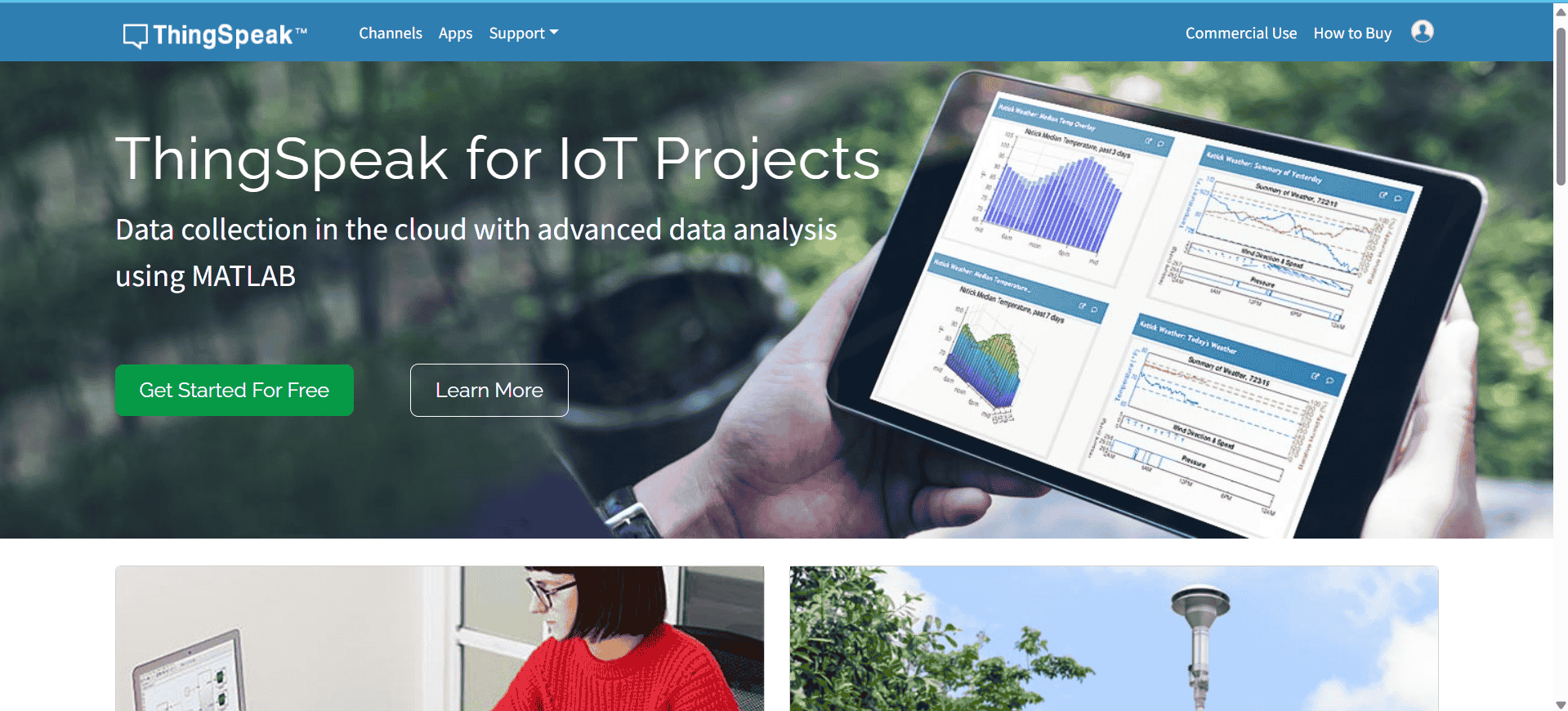
ThingSpeak is an open-source IoT (Internet of Things) analytics platform that allows users to collect, visualize, analyze, and monitor live data from sensors and embedded devices over the internet. It is widely used in IoT projects for cloud-based data communication and real-time monitoring applications. ThingSpeak supports multiple hardware platforms such as Arduino, ESP32, Raspberry Pi, and other Wi-Fi-enabled microcontrollers, making it highly suitable for smart systems and remote monitoring projects. The platform enables devices to send sensor data to cloud channels using APIs and internet connectivity, where the information can be stored, processed, and displayed through graphs, charts, and visual dashboards. In our application interface group assignment, ThingSpeak was used to establish cloud communication between the PCB and the online monitoring system. The ESP32-based board transmitted real-time data such as sensor readings and device status to the ThingSpeak cloud platform through Wi-Fi connectivity. This allowed continuous monitoring and visualization of the system from any location using the internet. One of the major advantages of ThingSpeak is its ability to provide real-time data logging, remote access, and graphical analysis without requiring complex server setup. It also supports MATLAB analytics, which helps process and analyze uploaded data efficiently. By using ThingSpeak, we were able to create a smart and connected application interface that enhanced data accessibility, remote monitoring, and overall system interaction in the project.
Click here to visit Thingspeak
Used Thingspeak to see sensor data:-
We connected the AHT21 (AHT2415C3) temperature and humidity sensor to the XIAO ESP32-C3 board to display environmental data on ThingSpeak. The sensor was connected using the I²C interface, where the SDA pin was connected to GPIO8 and the SCL pin was connected to GPIO9. We created a new channel in ThingSpeak and added two fields: one for temperature and another for humidity. After creating the channel, we obtained the Write API Key and added it to our Arduino code so that the ESP32-C3 could upload the sensor readings to the ThingSpeak cloud.
We wrote the program in the Arduino IDE with the help of ChatGPT and included the required libraries for Wi-Fi, the AHT21 sensor, and ThingSpeak. After connecting the ESP32-C3 to the Wi-Fi network, we uploaded the code to the board. The ESP32-C3 continuously read the temperature and humidity values from the sensor and sent them to the ThingSpeak channel using the API key. The data was successfully displayed as real-time graphs on the ThingSpeak dashboard, allowing us to monitor the sensor readings through a web browser.
3.Web server:-
A web server is a software application (or the computer running that software) that stores, processes, and delivers web pages and other resources to users over a network using the HTTP (Hypertext Transfer Protocol) or HTTPS. When a user enters a website address or IP address into a web browser, the browser sends an HTTP request to the web server. The server receives this request, processes it, and responds by sending the requested webpage, images, CSS, JavaScript files, or other data back to the browser. This client–server communication allows users to interact with websites and web-based applications from any device connected to the same network or the Internet. Web servers can serve both static content, such as HTML pages and images, and dynamic content, which is generated in real time based on user interactions or data received from connected devices. This approach enables real-time remote control of the machine without requiring any additional software installation, making the interface simple, accessible, and platform-independent. The same concept is widely used in Internet of Things (IoT) applications for monitoring and controlling smart devices through a web browser.
Used web server to control stepper motor
We used the web server to control the stepper motor wirelessly through a web browser. We created a simple web page with Motor ON and Motor OFF buttons. After connecting the ESP32-C3 to a Wi-Fi network, the web page was accessed using the board's IP address. When we clicked the Motor ON button, the stepper motor started rotating, and when we clicked the Motor OFF button, the motor stopped successfully. This demonstrated that the stepper motor could be controlled remotely through a web interface using the ESP32-C3 web server.
All code files
Click here to download code files