// WEEK 01
Project Management & Documentation
This week’s assignment focused on project planning, website creation, and version control using Git and GitLab. The goal was to prepare for the final project while learning how to document and publish work professionally online.
GitLab Repository Setup
I created my GitLab repository by logging into GitLab and creating a new project for my website. After that, I initialized Git in my project folder using git init and added my files to the remote repo using git remote add origin "https://gitlab.com/kevinekirezi2005-group".
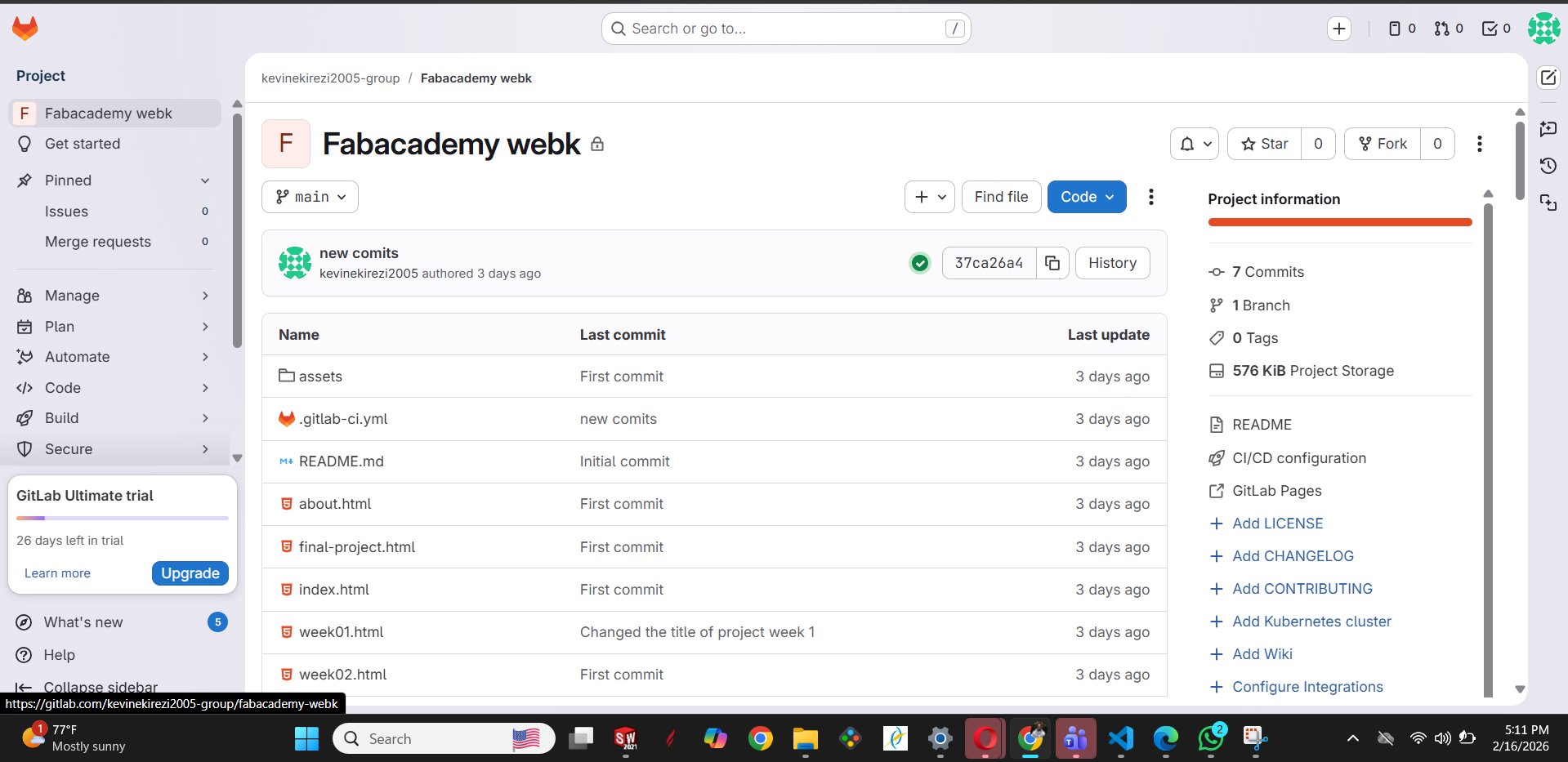
Step 1: Create Blank Project.
Website Development Process.
By using HTML/CSS I was able to create the codes of how my website looks. I started by creating an index.html file inside the public folder, which serves as the homepage of my website.
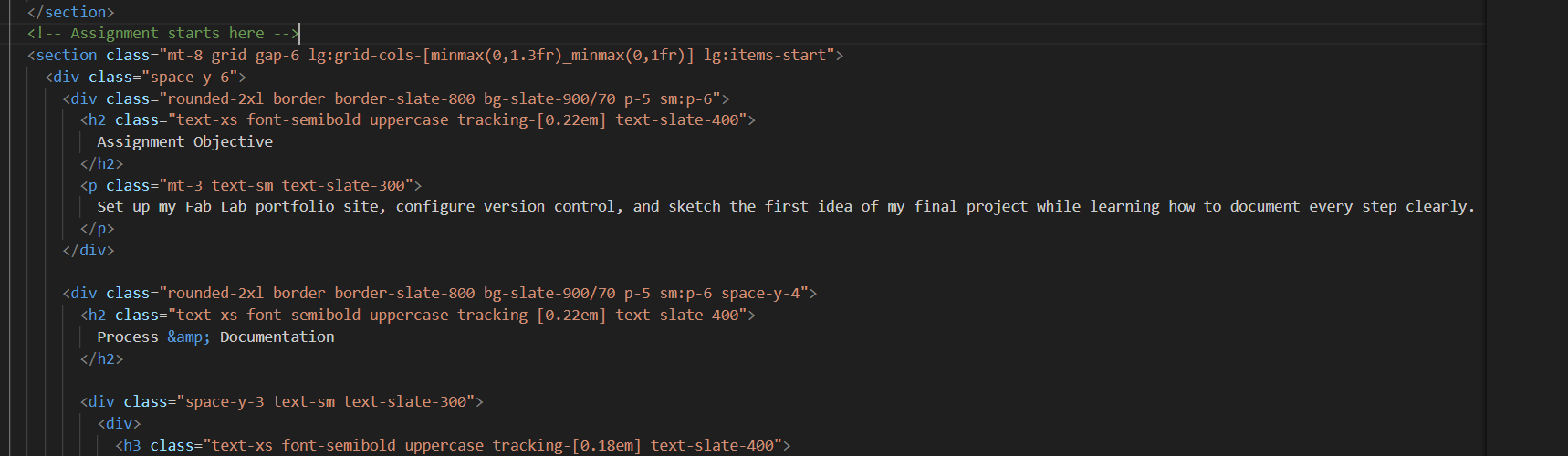
Visual Studio Code Interface.
I used basic HTML structure to organize my content properly. The main tags I used include:
Version Control Learning
During this assignment, I learned how to turn my work into code using HTML and organize it into a website. I also learned how to use Git to push my work online so that other people can view it on the internet.
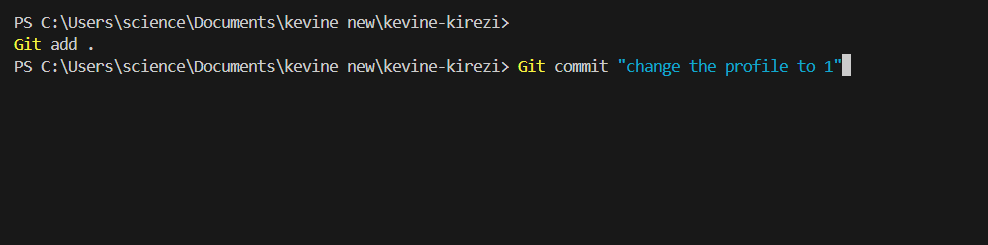
Terminal: Git add . & Git commit.
// Challenges Faced
During this assignment, I faced several challenges:
- Understanding Git commands
- Connecting local repository to GitLab
- Managing branch names [cite: 77]
- Correctly organizing files in the public folder
After practicing and correcting mistakes, I was able to successfully upload my website.
CONCLUSION
This assignment helped me improve my technical skills in website creation and version control. Despite challenges, I successfully created and published my website online. I now feel more confident in documenting and presenting my work professionally.