Writing firmware that runs on microcontrollers to control hardware — reading sensors, processing data, and driving outputs like LEDs and motors under tight memory and power constraints.
Embedded programming is the process of writing firmware that runs on a microcontroller or microprocessor to control hardware components and perform specific tasks. It enables the system to read inputs from sensors, process data, and control outputs such as motors, LEDs, and displays — operating continuously with limited memory and power resources.
During Week 4 of Fab Academy, we dived deep into microcontrollers, explored different programming languages, and wrapped up with a series of assignments.
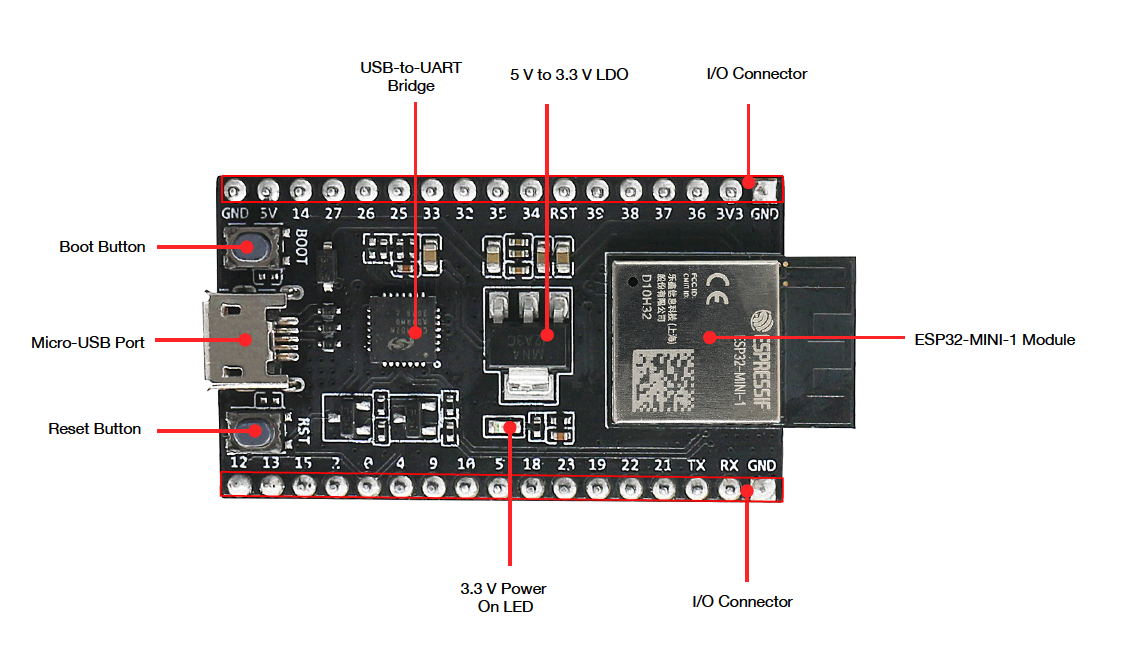
The ESP32 is a powerful and versatile microcontroller with built-in WiFi and Bluetooth, making it ideal for IoT projects. It features multiple GPIO pins, analog and digital inputs, and supports I2C, SPI, and UART communication — all while staying energy-efficient.
| Core | Tensilica Xtensa Dual-Core 32-bit LX6 |
| Voltage | 3.3V |
| Clock Speed | Up to 240 MHz |
| Flash Memory | Typically 4MB |
| SRAM | 520 KB |
| GPIO Pins | Up to 36 configurable |
| ADC | 12-bit ADC (analog inputs) |
| DAC | 2x 8-bit outputs |
| WiFi | 802.11 b/g/n, station, soft-AP, P2P |
| Bluetooth | v4.2 BR/EDR and BLE |
| Power | Ultra-low power sleep modes |
A dual-core, WiFi + Bluetooth capable microcontroller built for the Internet of Things. Low power, high performance, and easy to prototype with.
Serial comms — sensors, GPS, modems
High-speed — displays, SD cards
Multi-device via two wires (SDA & SCL)
Automotive/industrial variants
Motors, LEDs, servos
Analog read and output
Switches, LEDs, relays
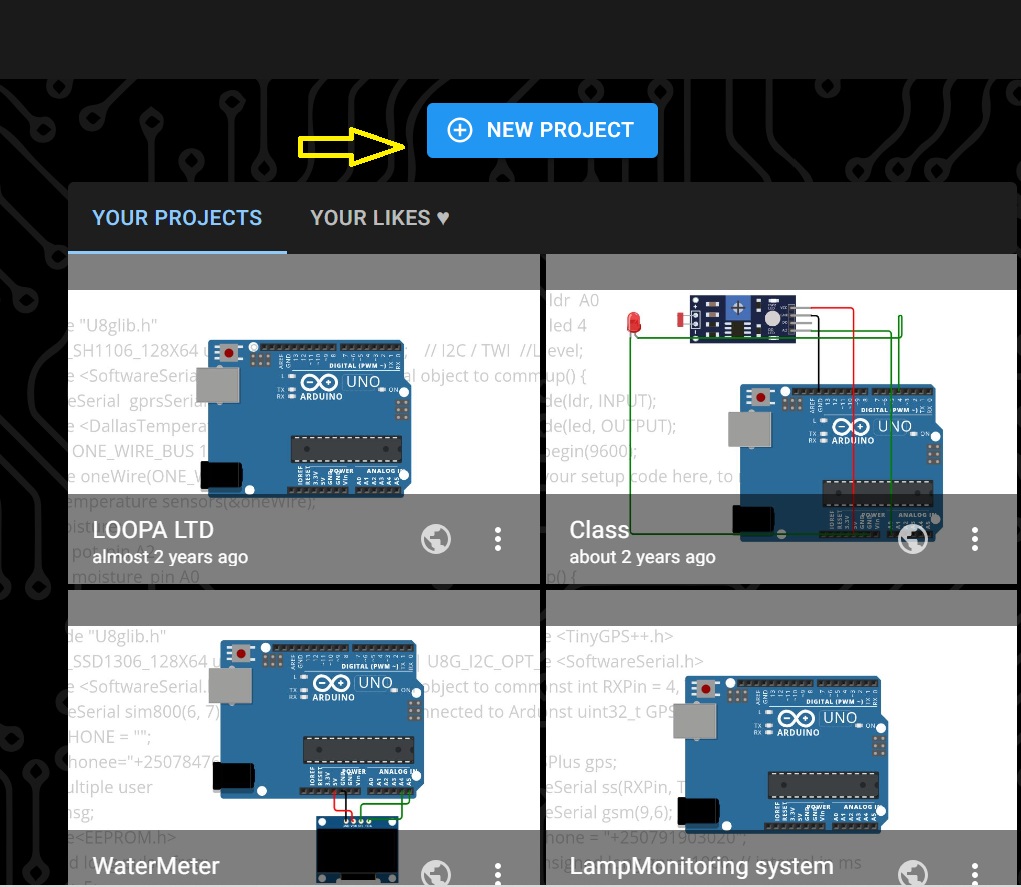
Using Wokwi — a browser-based circuit simulator — to prototype the classic blink LED without any physical hardware. Follow along step by step:
Sign up on Wokwi, then click Create New Project
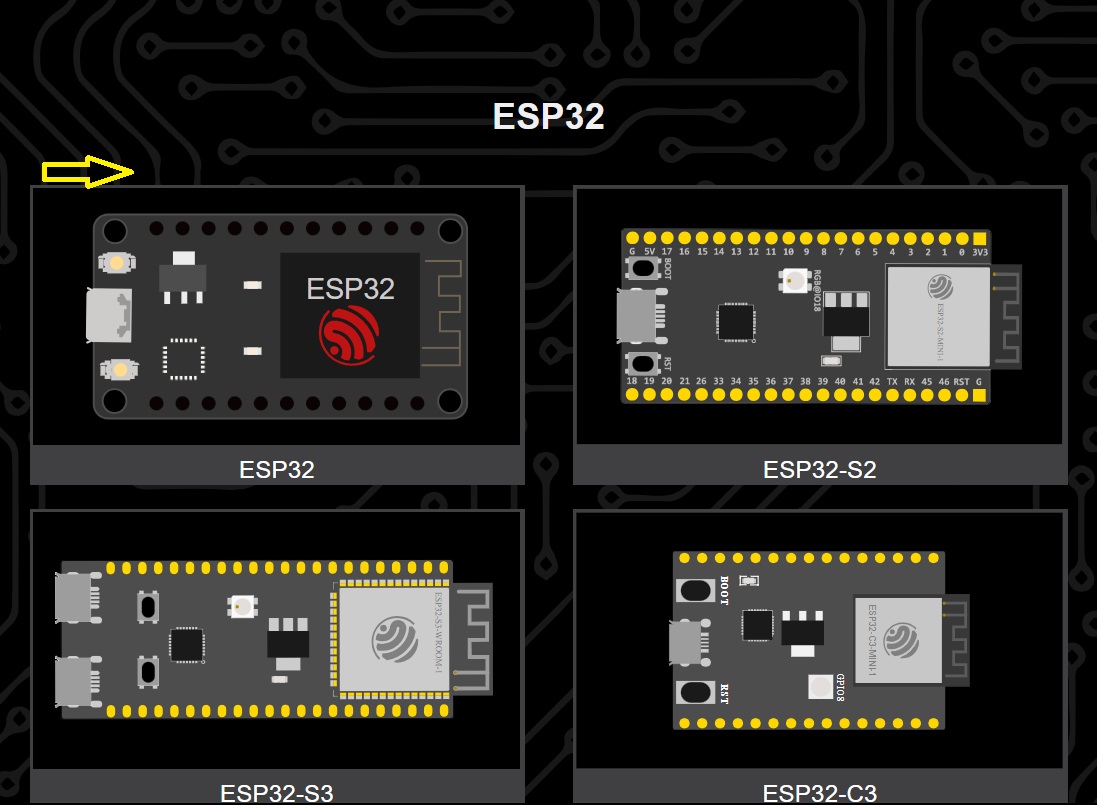
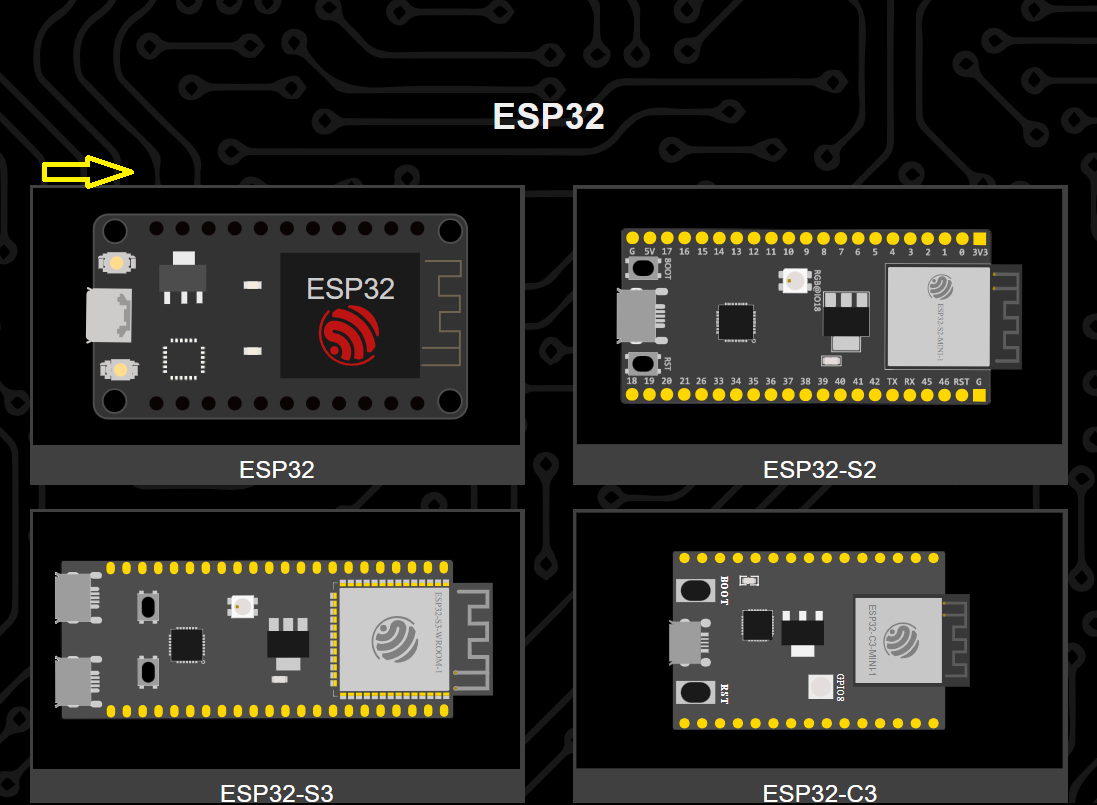
Select ESP32 as the target microcontroller board
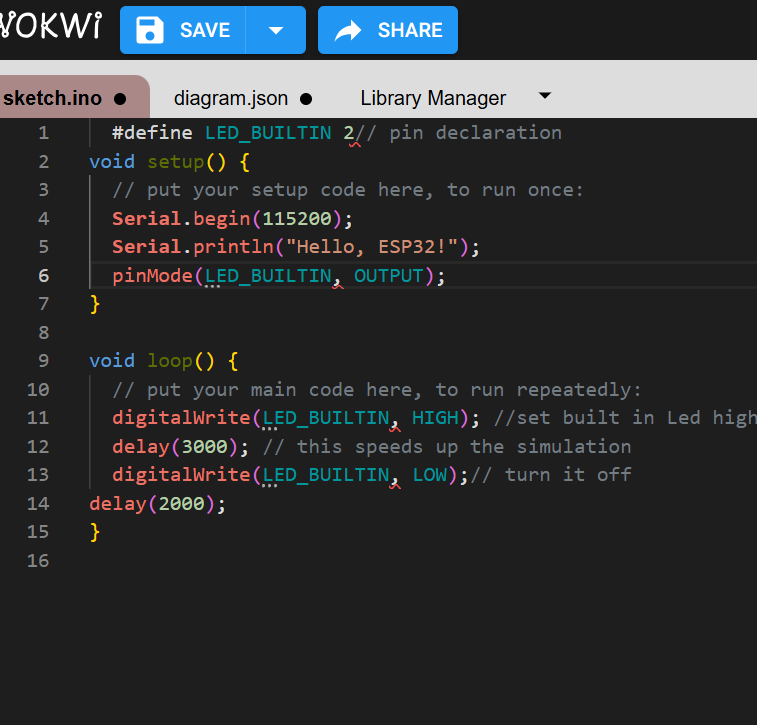
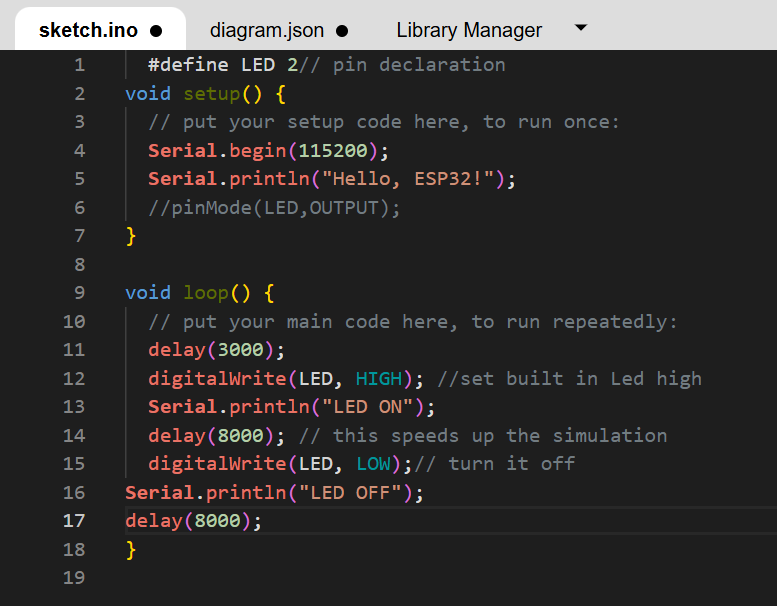
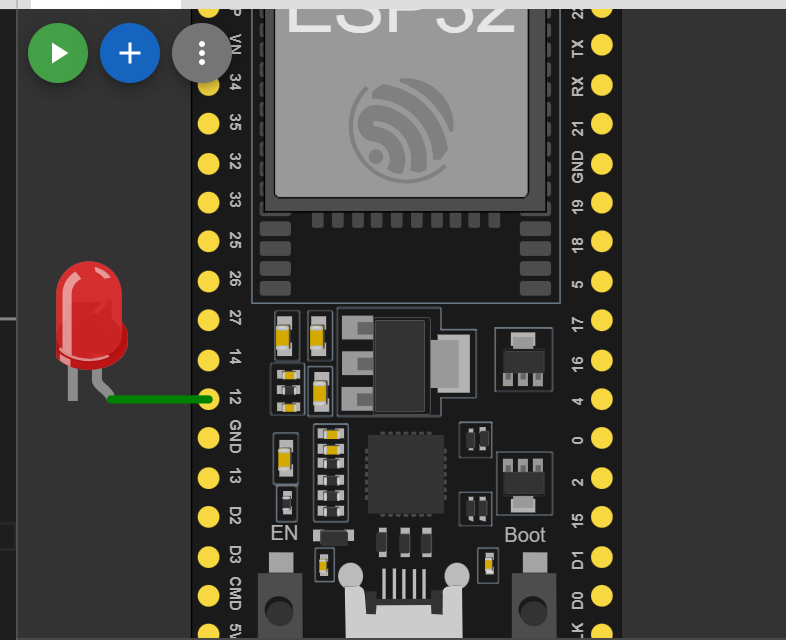
Started testing with the built-in LED — but LED_BUILTIN is a reserved keyword and caused a conflict
Defined a custom pin variable to replace the reserved keyword and resolved the conflict
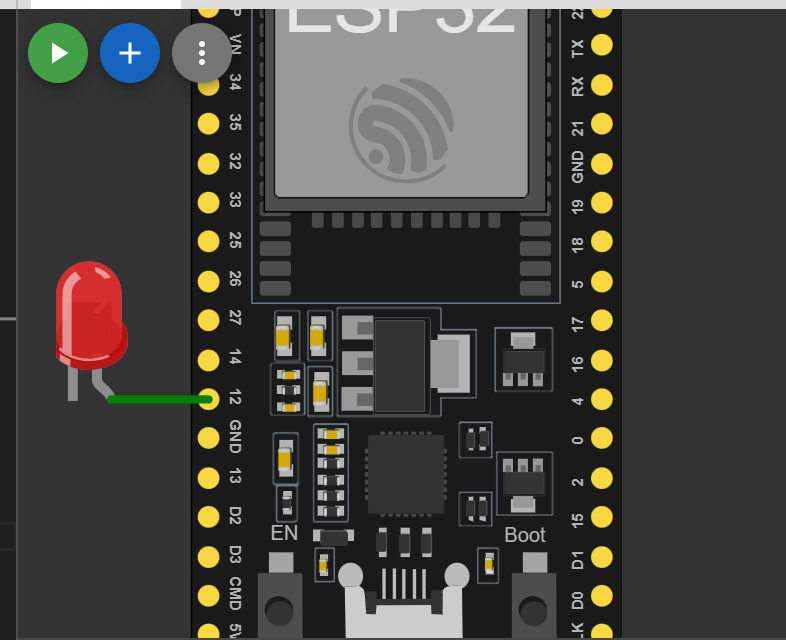
Drew the full circuit schematic inside the Wokwi workspace
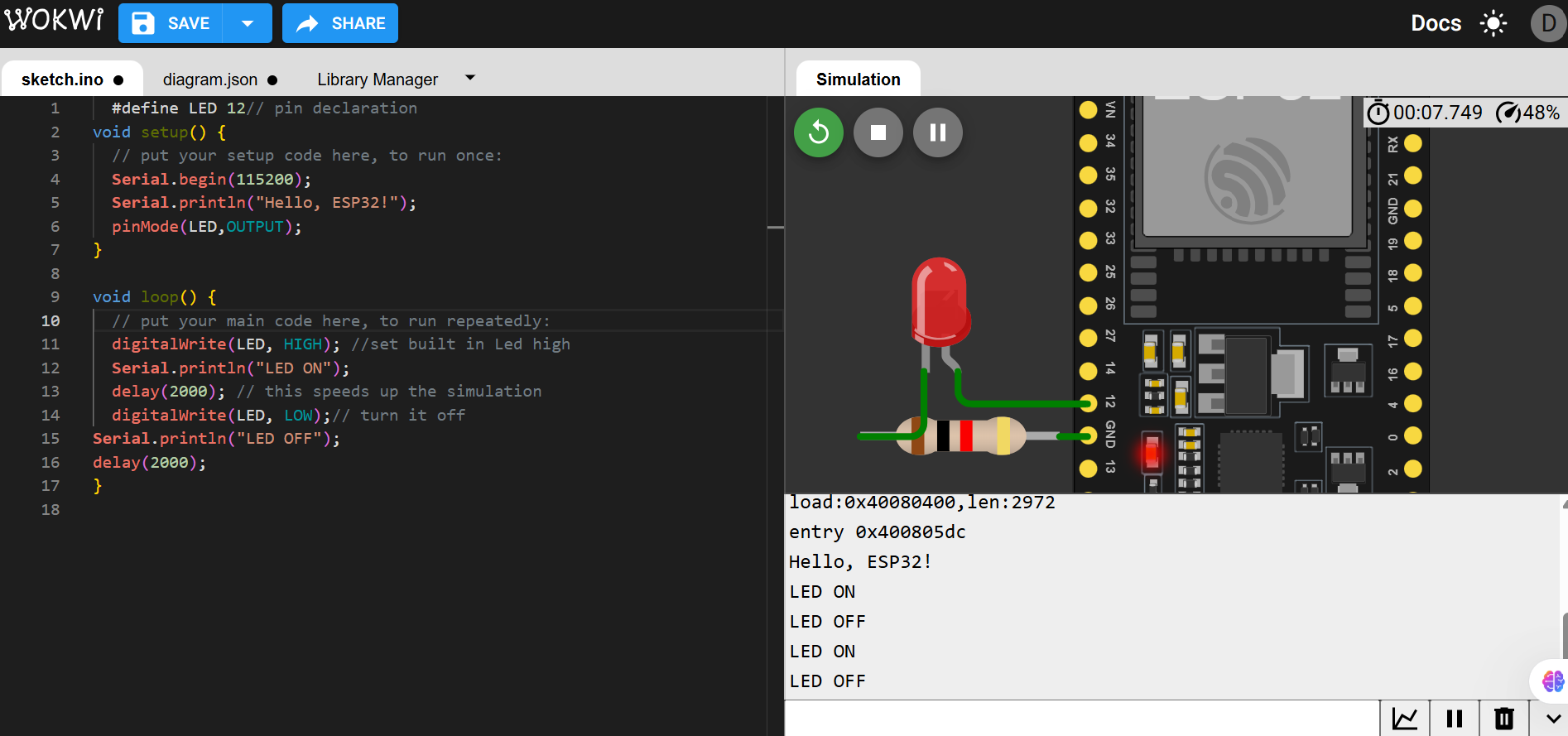
Added a protection resistor — even though ESP32 pin current is limited, this is best practice for circuit safety
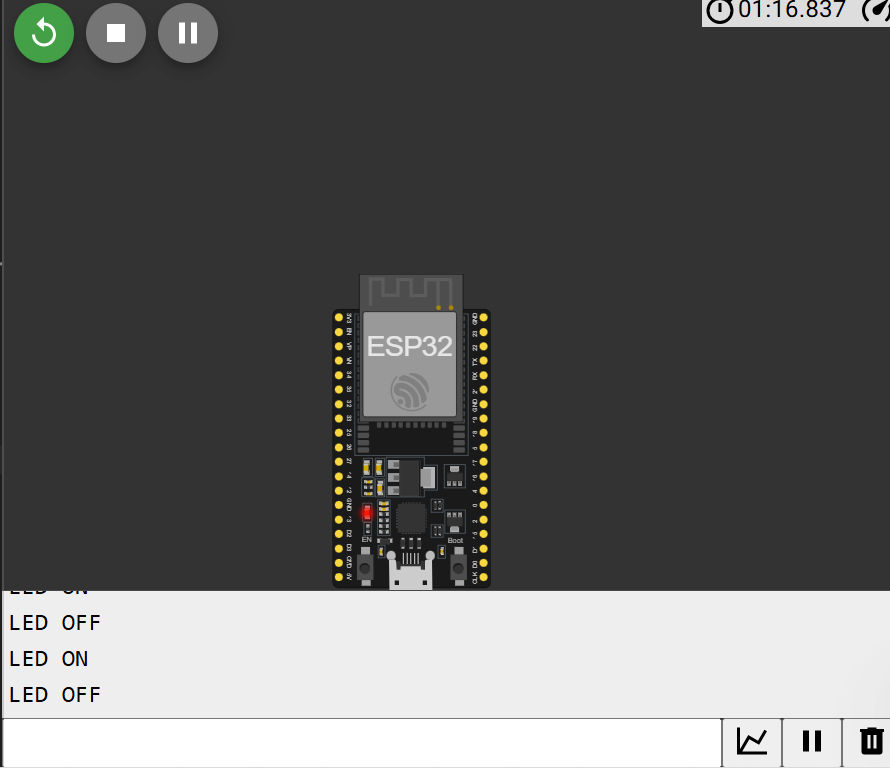
Full Working Demonstration — the LED blinks as programmed
Arduino is a beginner-friendly microcontroller with great input/output support, though it lacks built-in wireless connectivity. Inputs — push buttons, temperature sensors, light sensors, soil moisture sensors — let it sense the environment. Outputs — LEDs, motors, relays, buzzers, displays — let it respond and act.
By processing input data through programmed logic and generating appropriate outputs, Arduino can automate systems for robotics, home automation, and smart agriculture. For this section we used Tinkercad — a browser-based simulator by Autodesk.
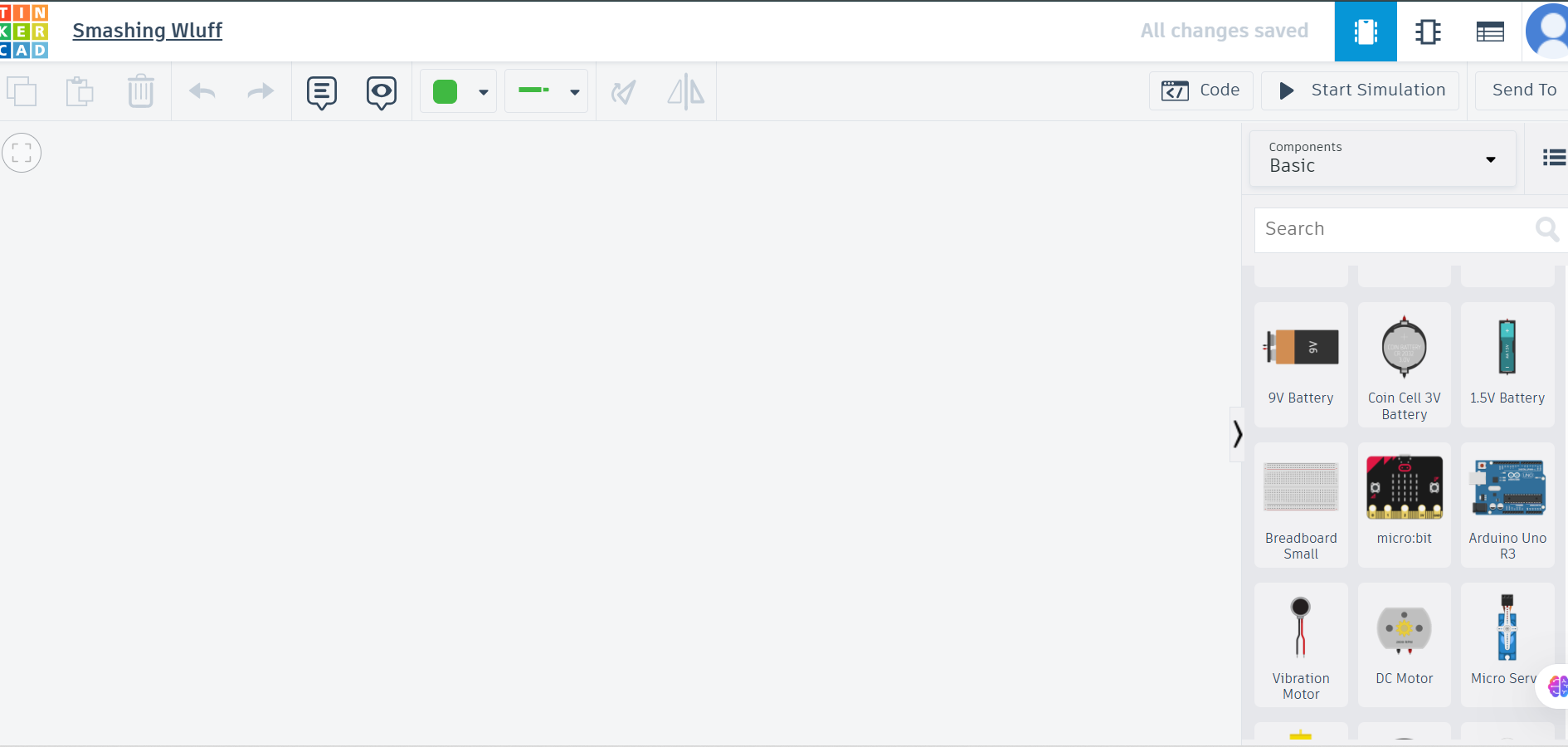
Opened Tinkercad and started with a fresh circuit workspace
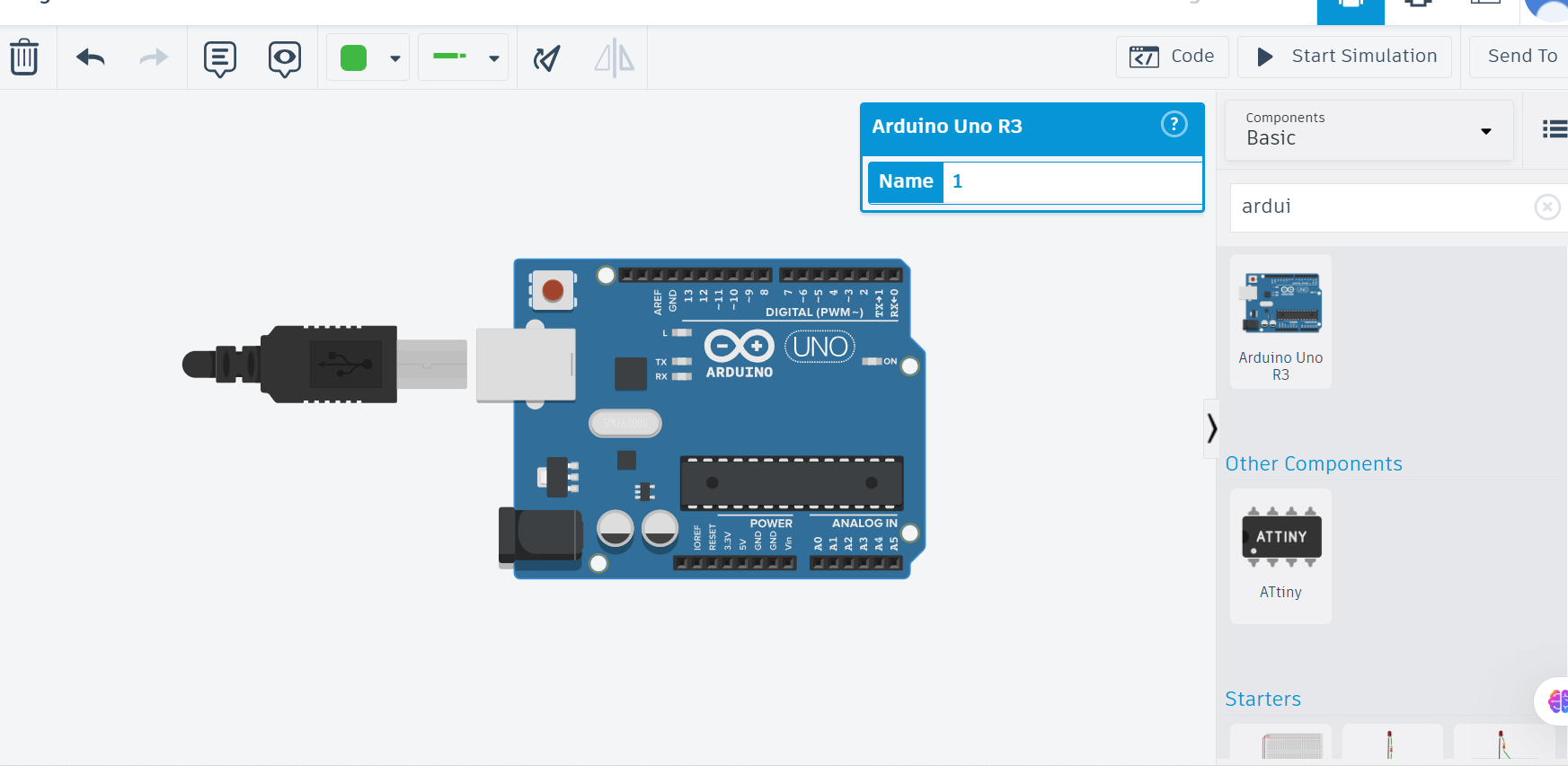
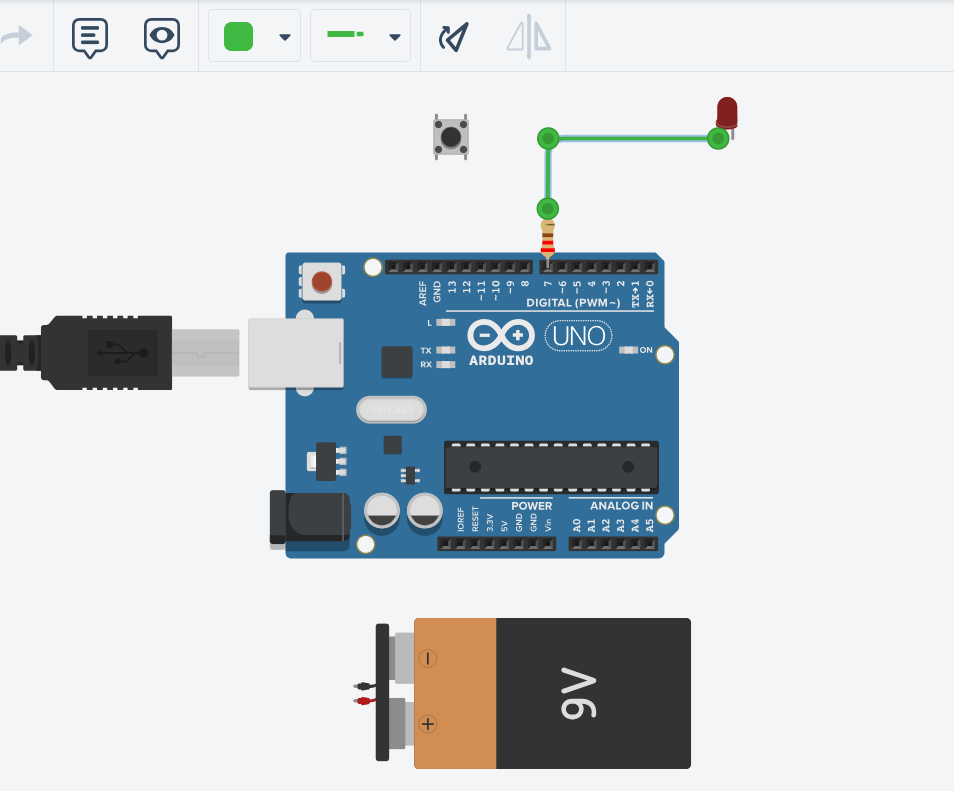
Searched for and added the Arduino board to the workspace
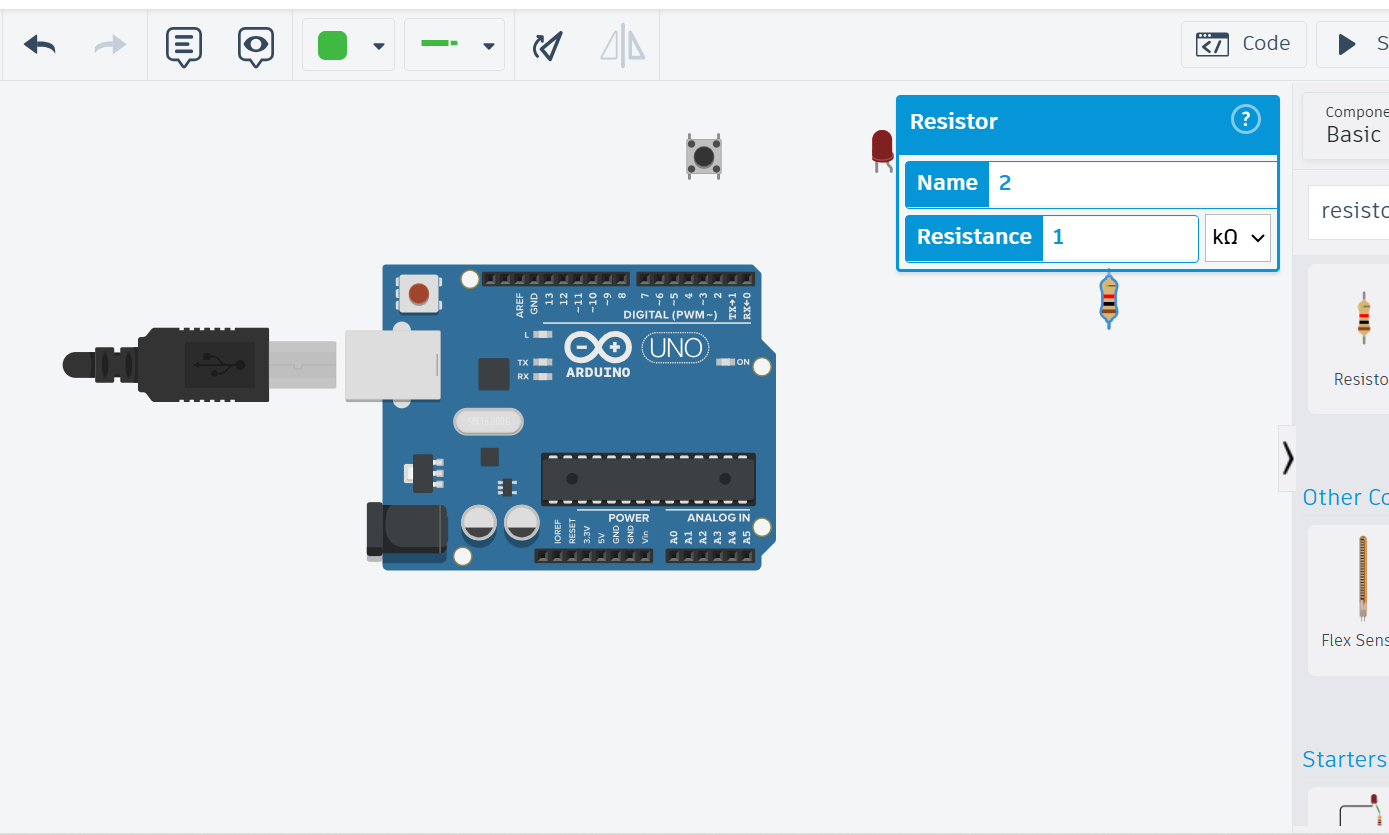
Added remaining components — resistor, battery, LED, and push button
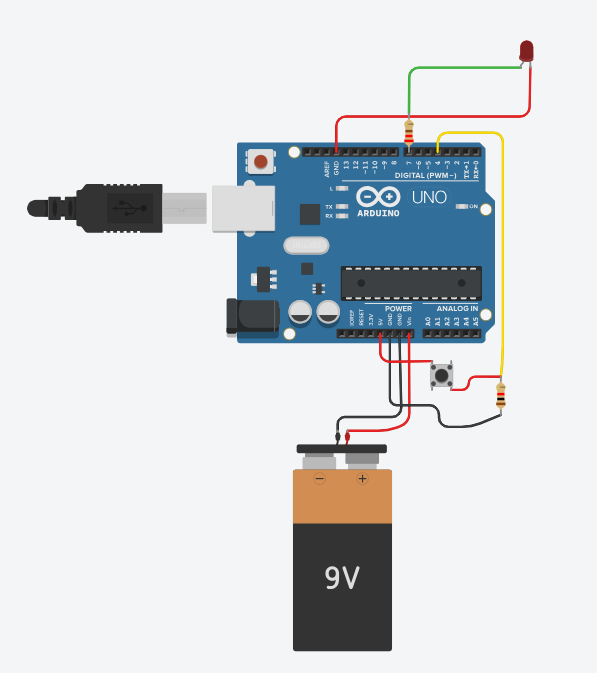
Wired all components together following the circuit diagram
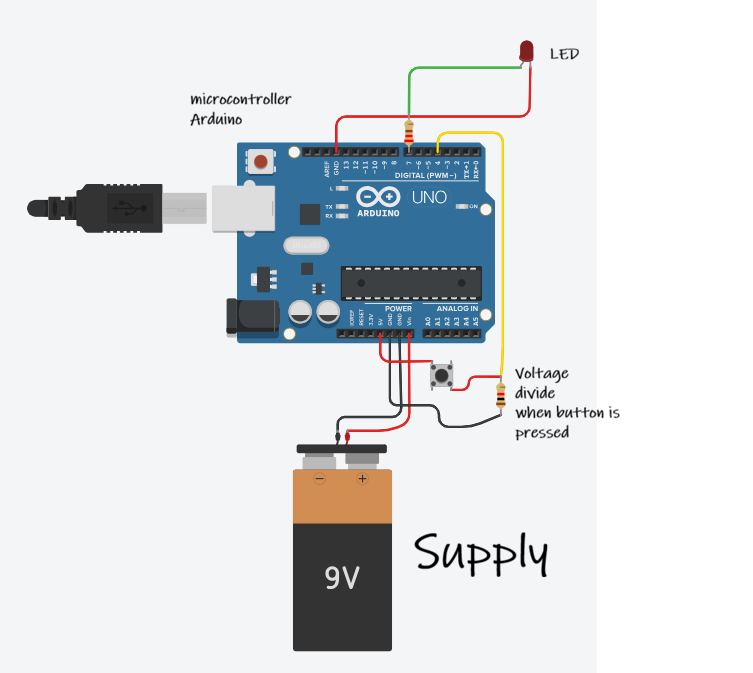
Circuit fully connected and verified
Labelled the circuit for clarity before writing code
Writing the Code — programmed the button input and LED output logic in C++
Simulation — ran the simulation and adjusted the resistor value because the LED brightness was too low
I studied a great deal this week and interacted extensively with inputs and outputs using beginner-friendly microcontrollers. I worked with low-level languages like C++, and I am now building my Python skills to use Thonny IDE as confidently as I use the Arduino IDE.