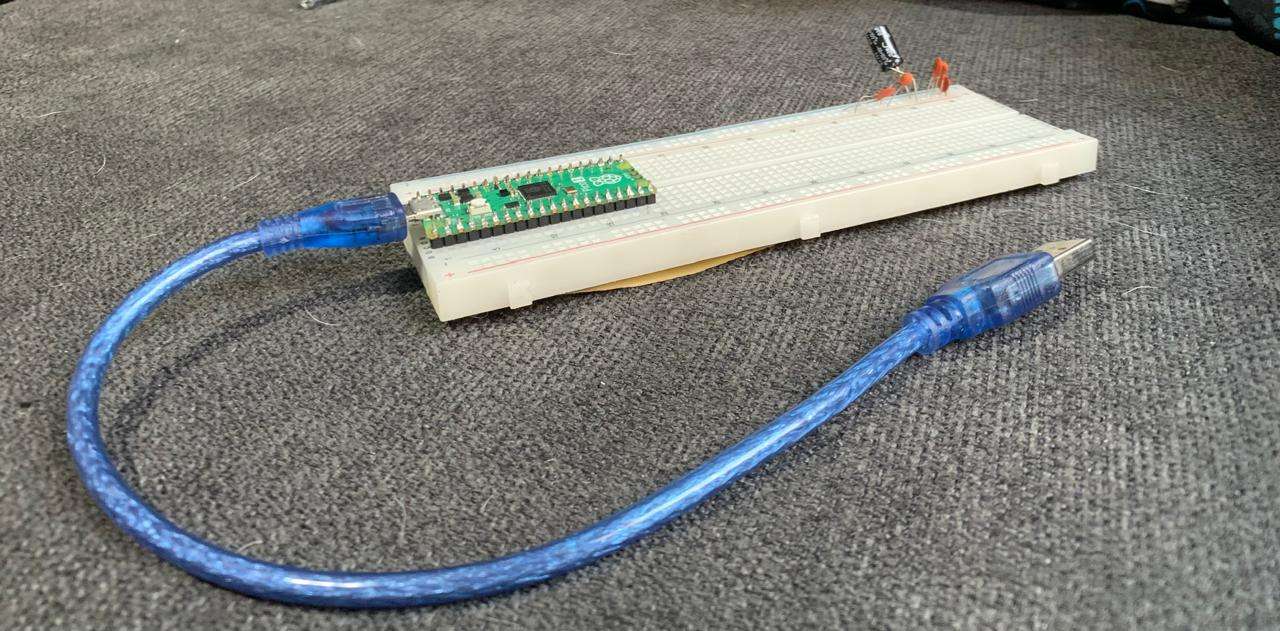
What is Embedded Programming?
It is the art of writing code specifically for hardware that isn't a "traditional" computer. It's about efficiency, real-time response, and controlling every single electron moving through the pins to make a device come to life.
[ THE CONTROLLER: RASPBERRY PI PICO 2 ]
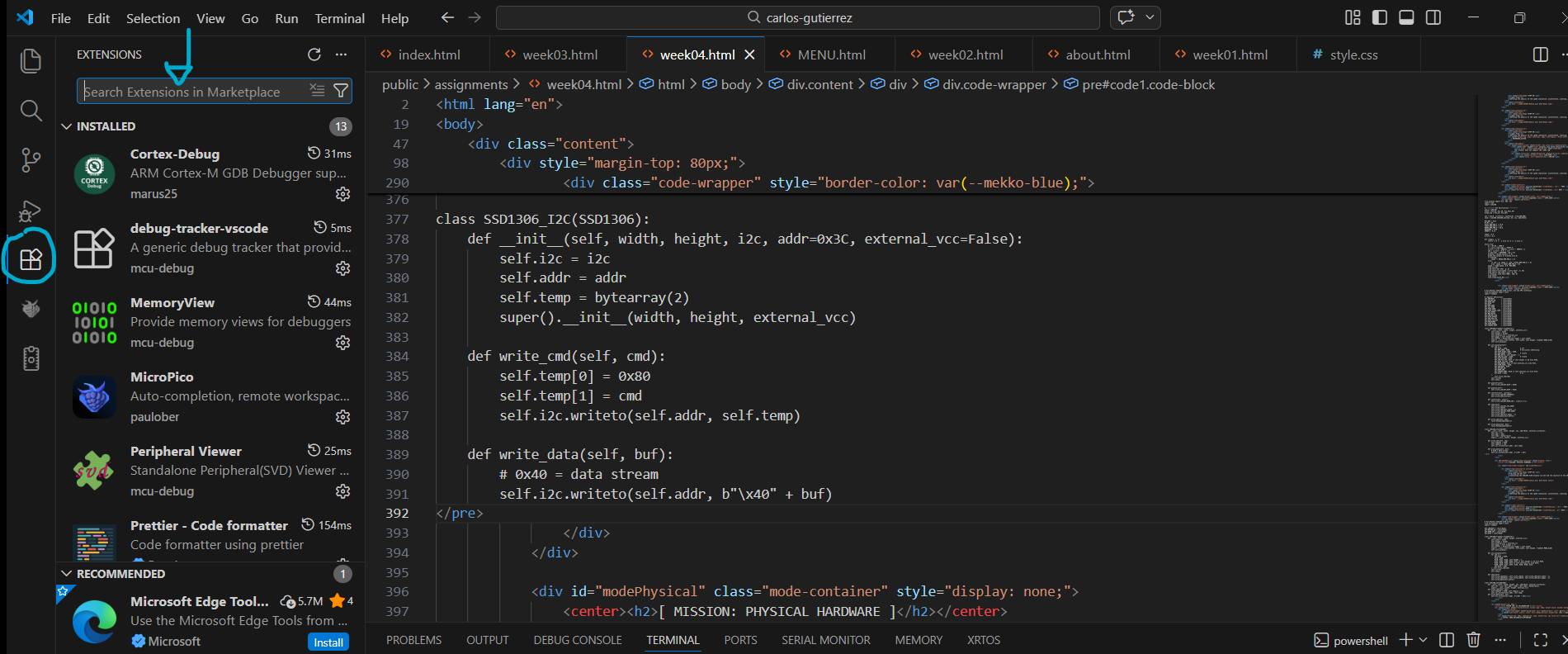
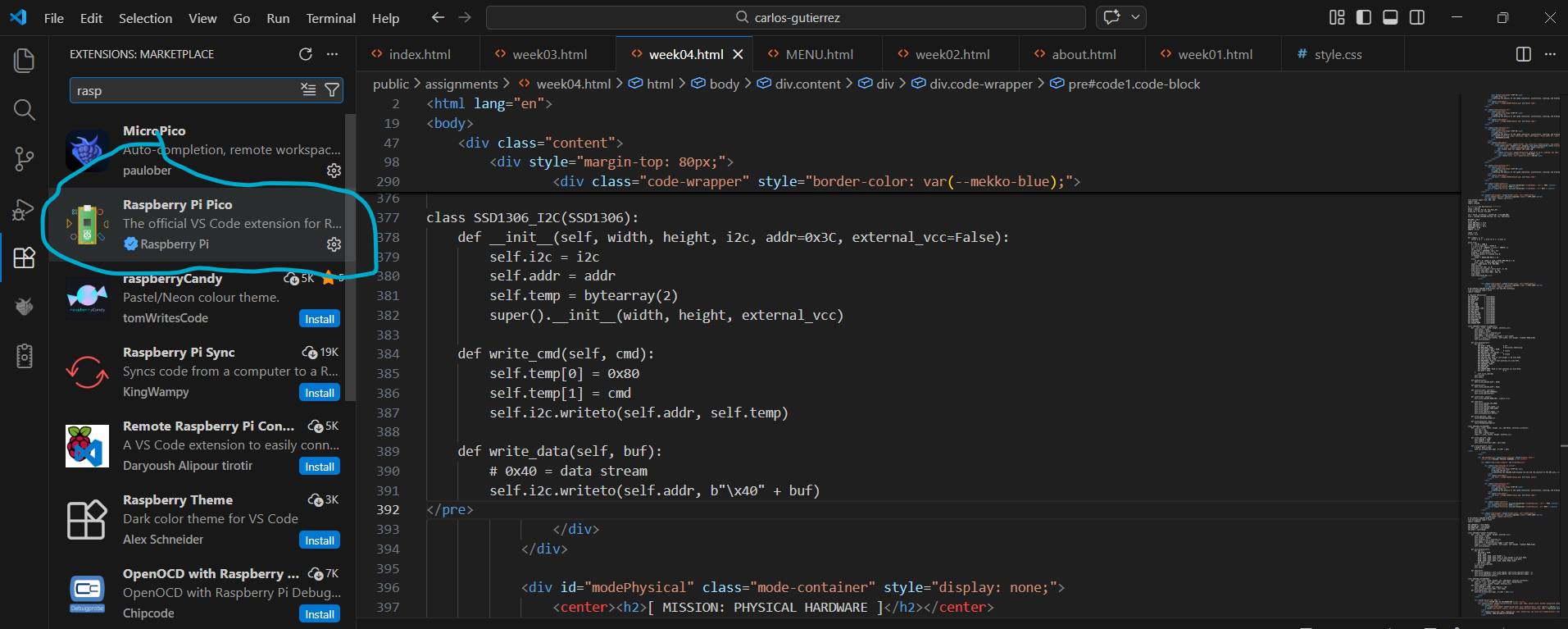
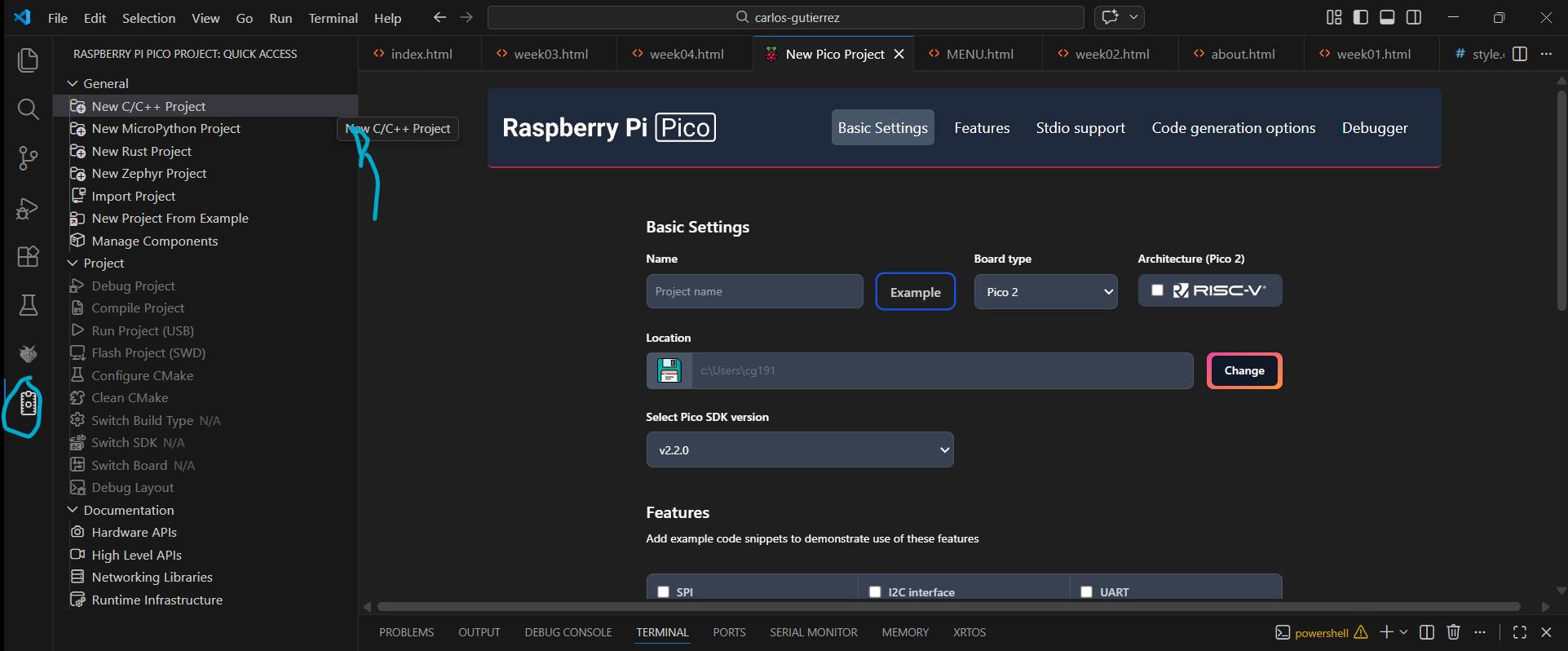
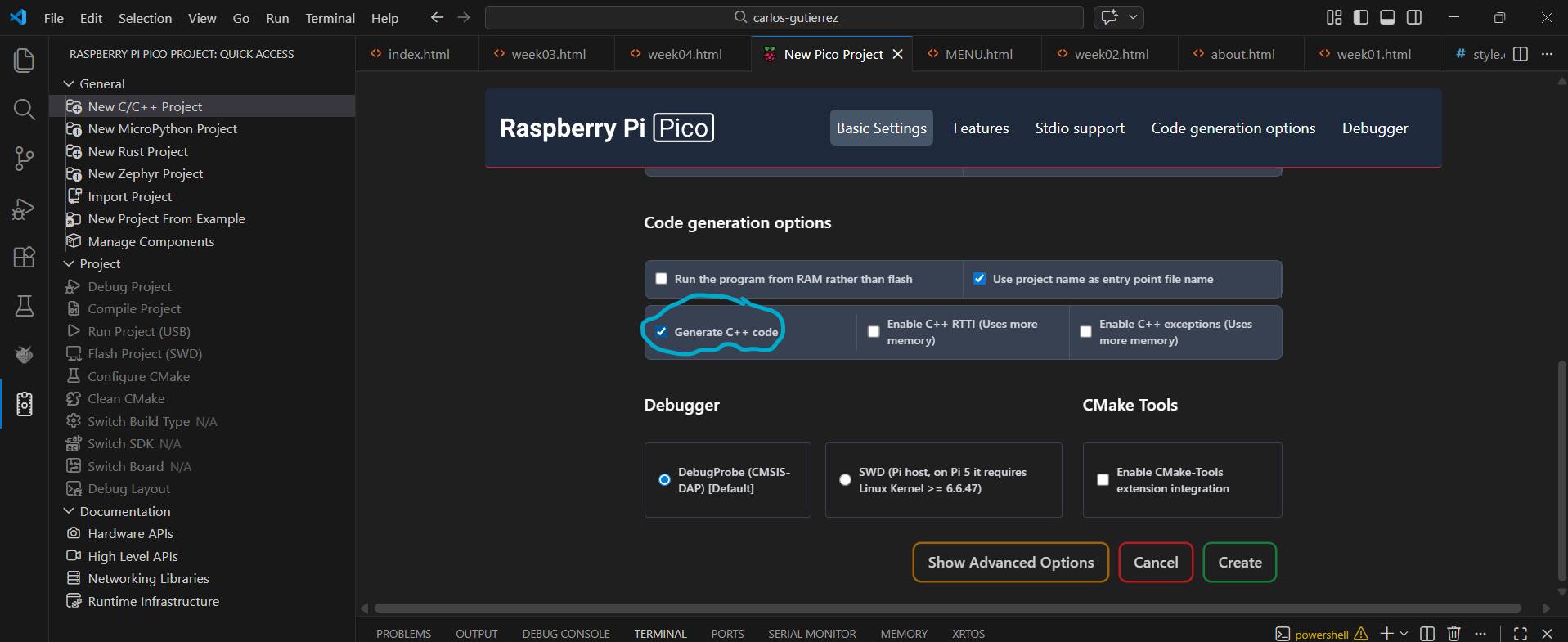
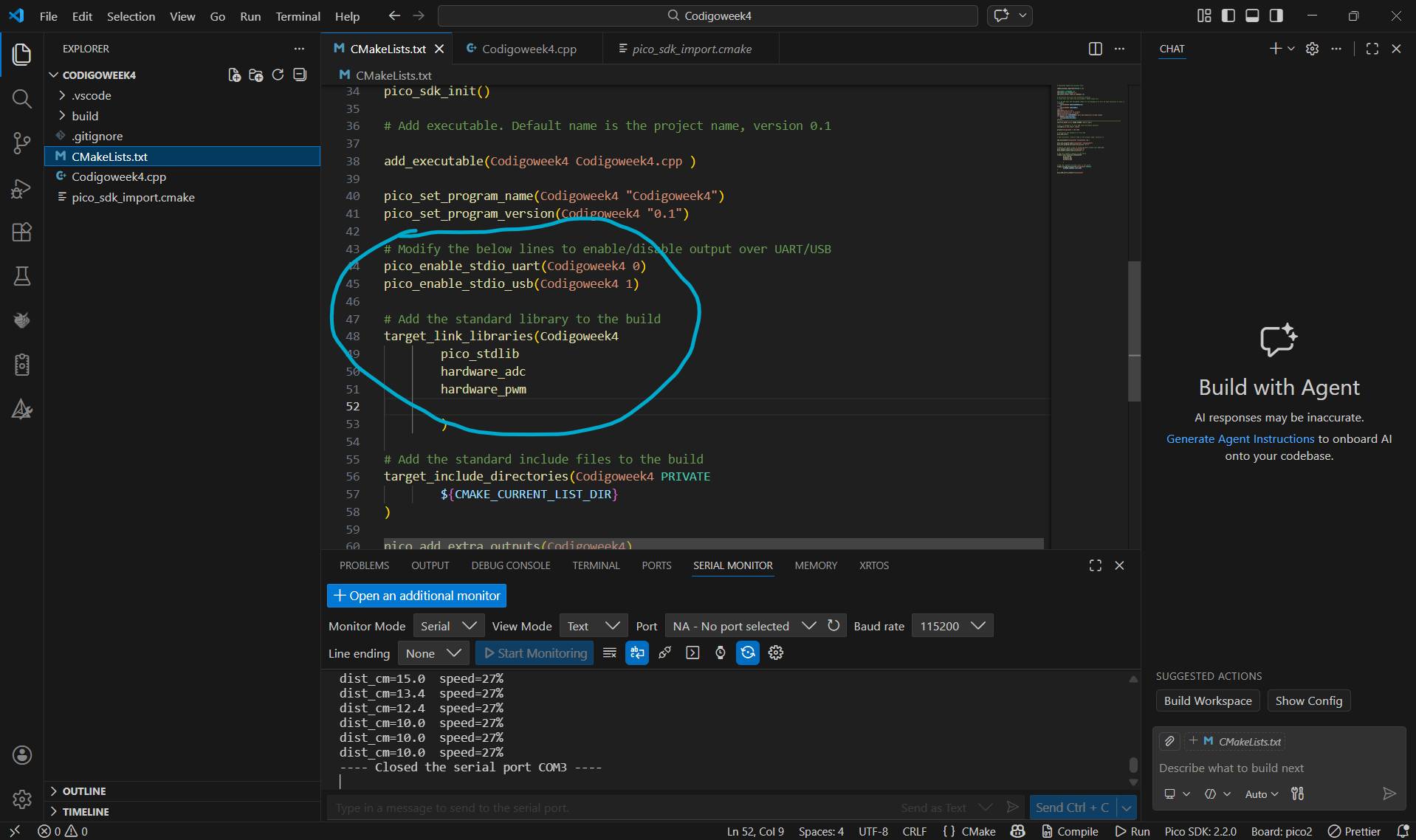
For this mission, I chose the Pico 2. I love the workflow using VS Code with the Pico extension—it makes the process much more professional and streamlined.
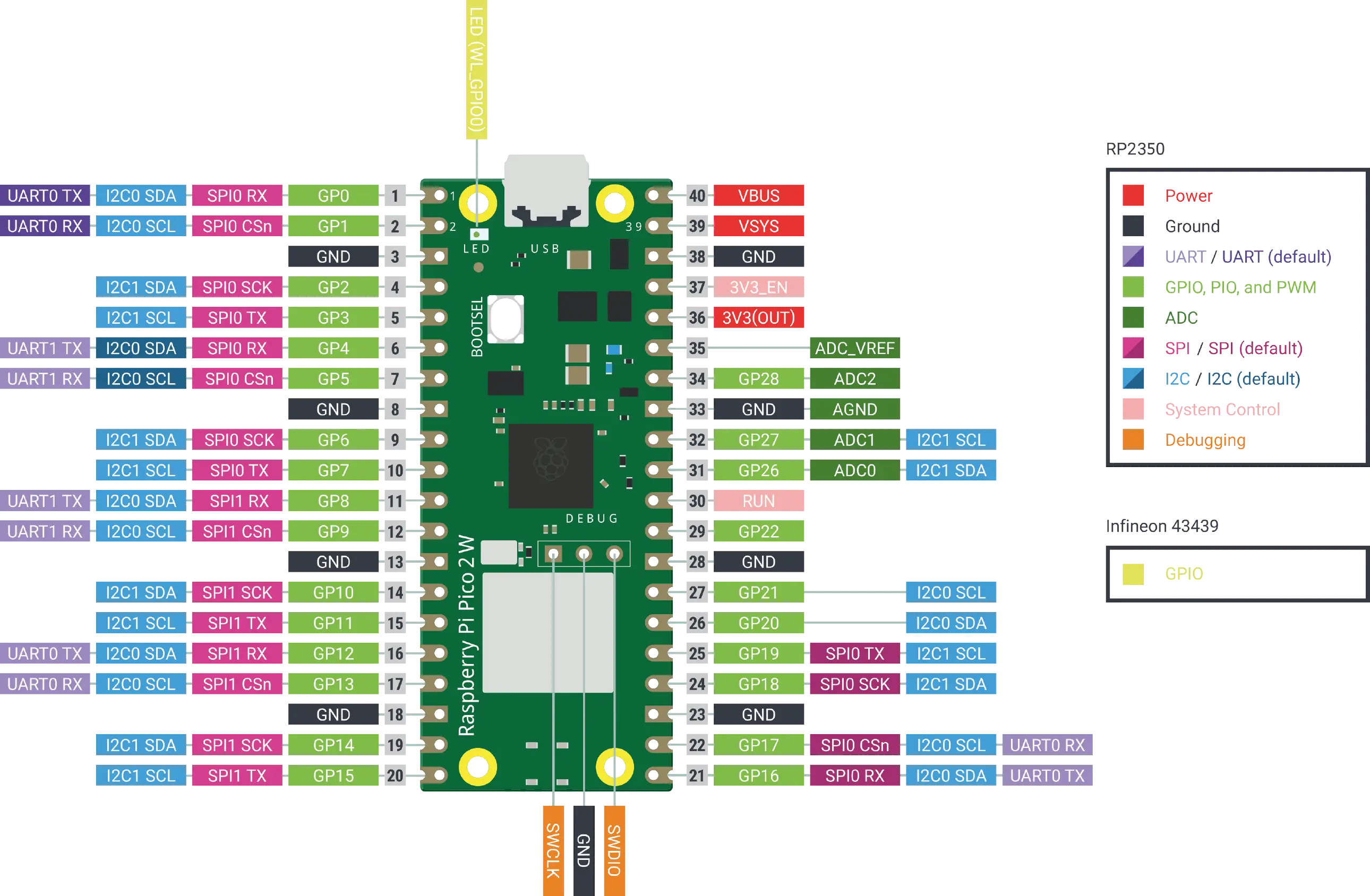
> FIG 01: PINOUT_DIAGRAM
| PIN TYPE | FUNCTION |
|---|---|
| Power | VBUS (5V), 3V3, GND |
| GPIO | General purpose Input/Output (3.3V) |
| ADC | Analog to Digital Converter (12-bit) |
| PWM | Pulse Width Modulation (Motor/LED control) |
| SPECIFICATION | DETAILS |
|---|---|
| Microcontroller | RP2350 (Dual Core ARM Cortex-M33) |
| Clock Speed | 150 MHz |
| Memory (SRAM) | 520 KB Internal |
| Flash Memory | 4 MB Off-chip (via QSPI) |
| Languages | C/C++, MicroPython, Rust |
| Communication | 2x UART, 2x SPI, 2x I2C |
| Features | 8x PIO State Machines |
SELECT EXECUTION ENVIRONMENT.
[ MISSION: WOKWI SIMULATION ]
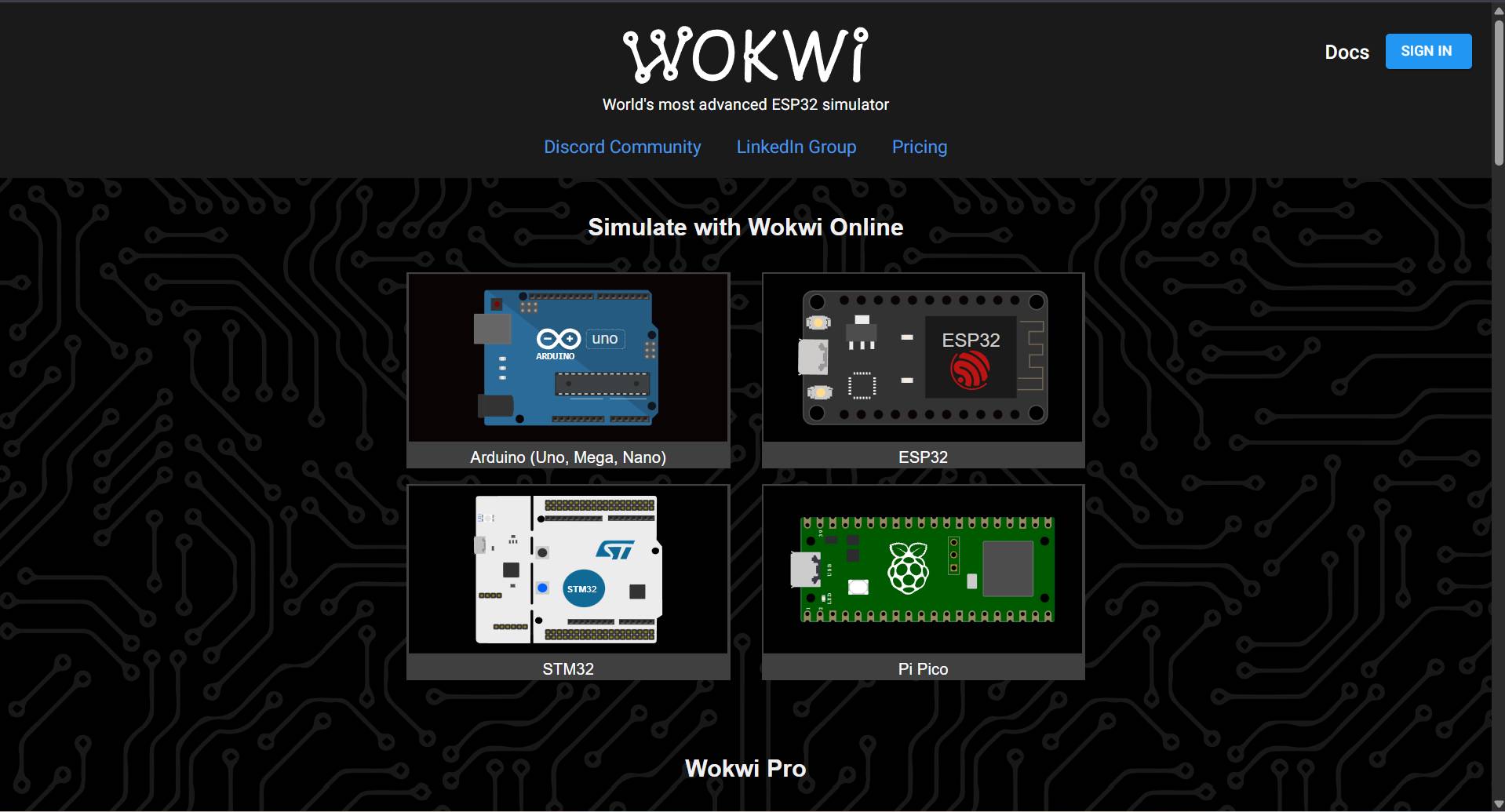
Platform Access
Search for Wokwi in your browser and select the first option. You can choose different microcontrollers; I chose the Raspberry Pi Pico 2 based on my previous experience in class.
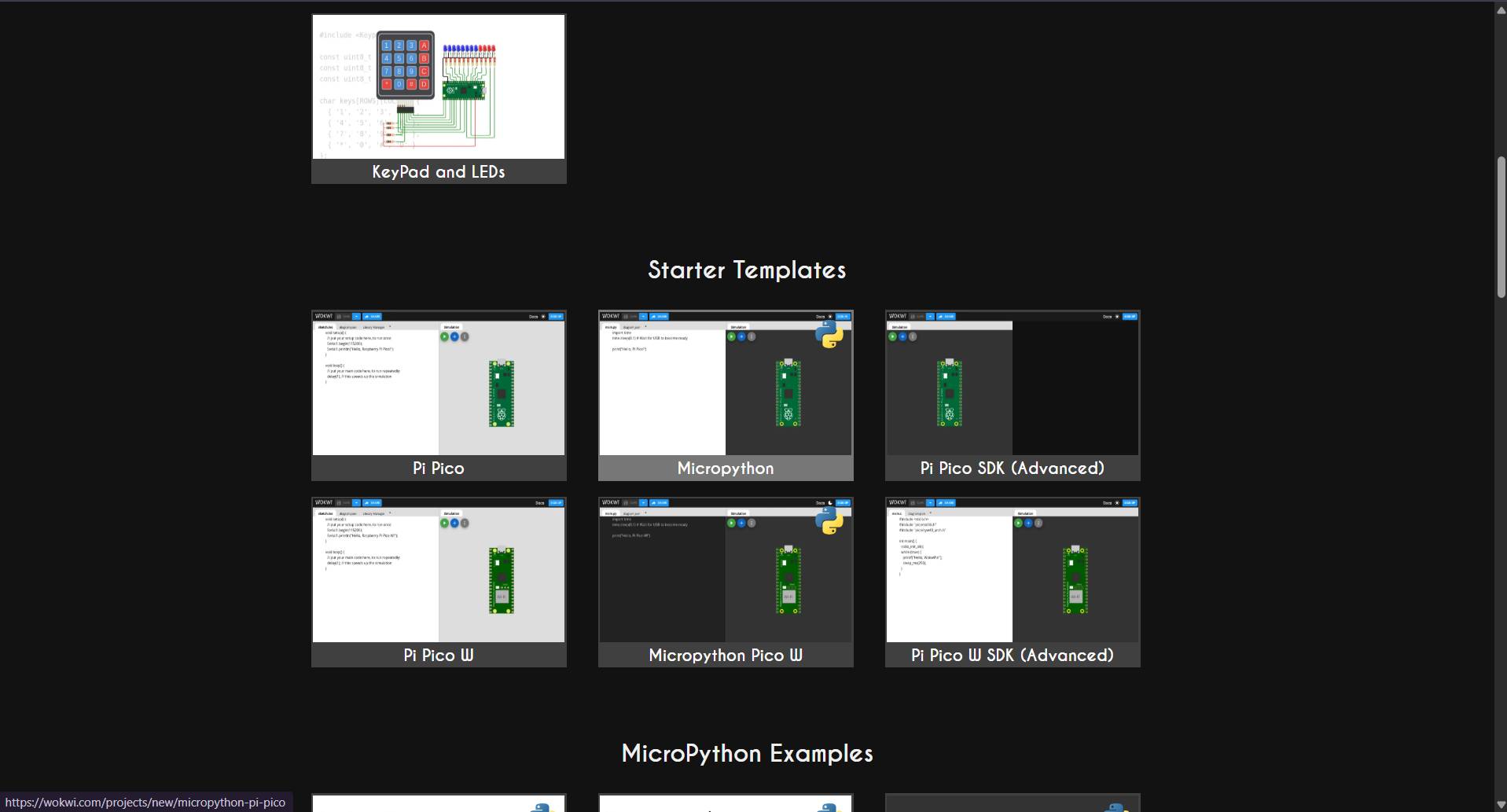
Language Selection
After selecting the board, various templates appear. While C++ is an option, I decided to use MicroPython to experiment further with the language.
Workspace Interface
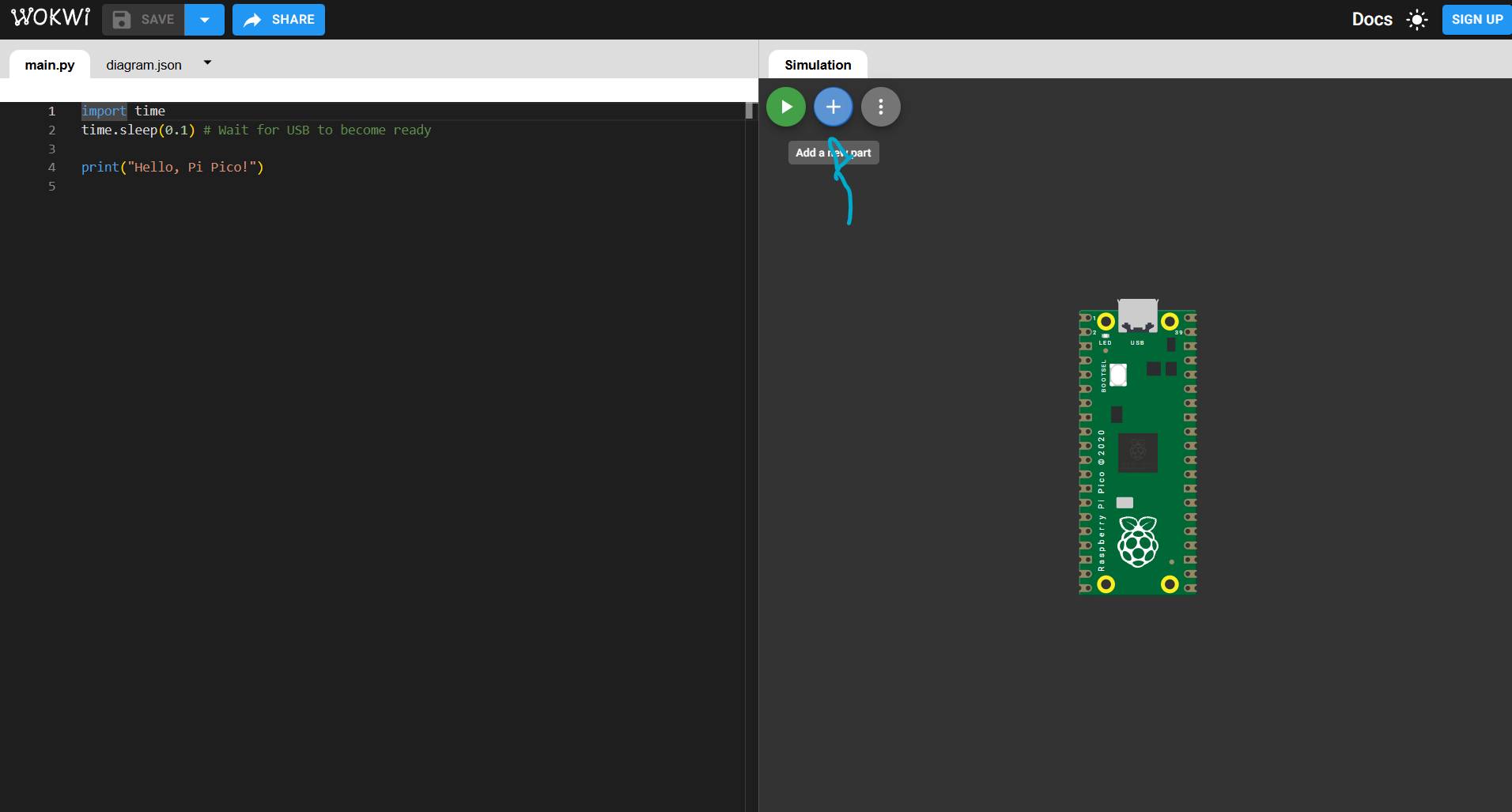
The code editor is on the left. The top bar features a green button to run the code, a blue button to add components, and a gray button for the control panel.
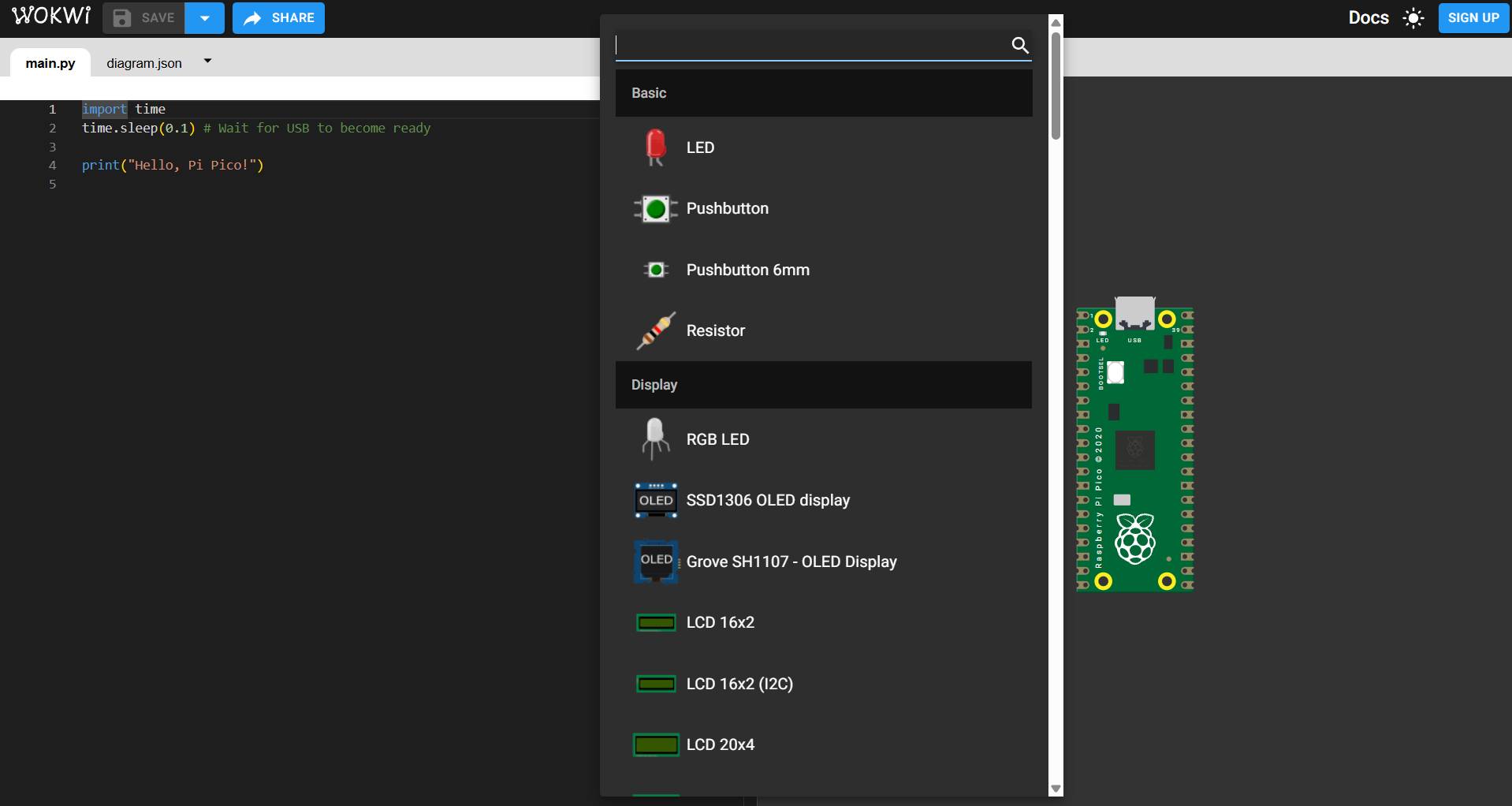
Adding Components
Using the blue "+" button, you can browse and insert various components available in the library to build your virtual circuit.
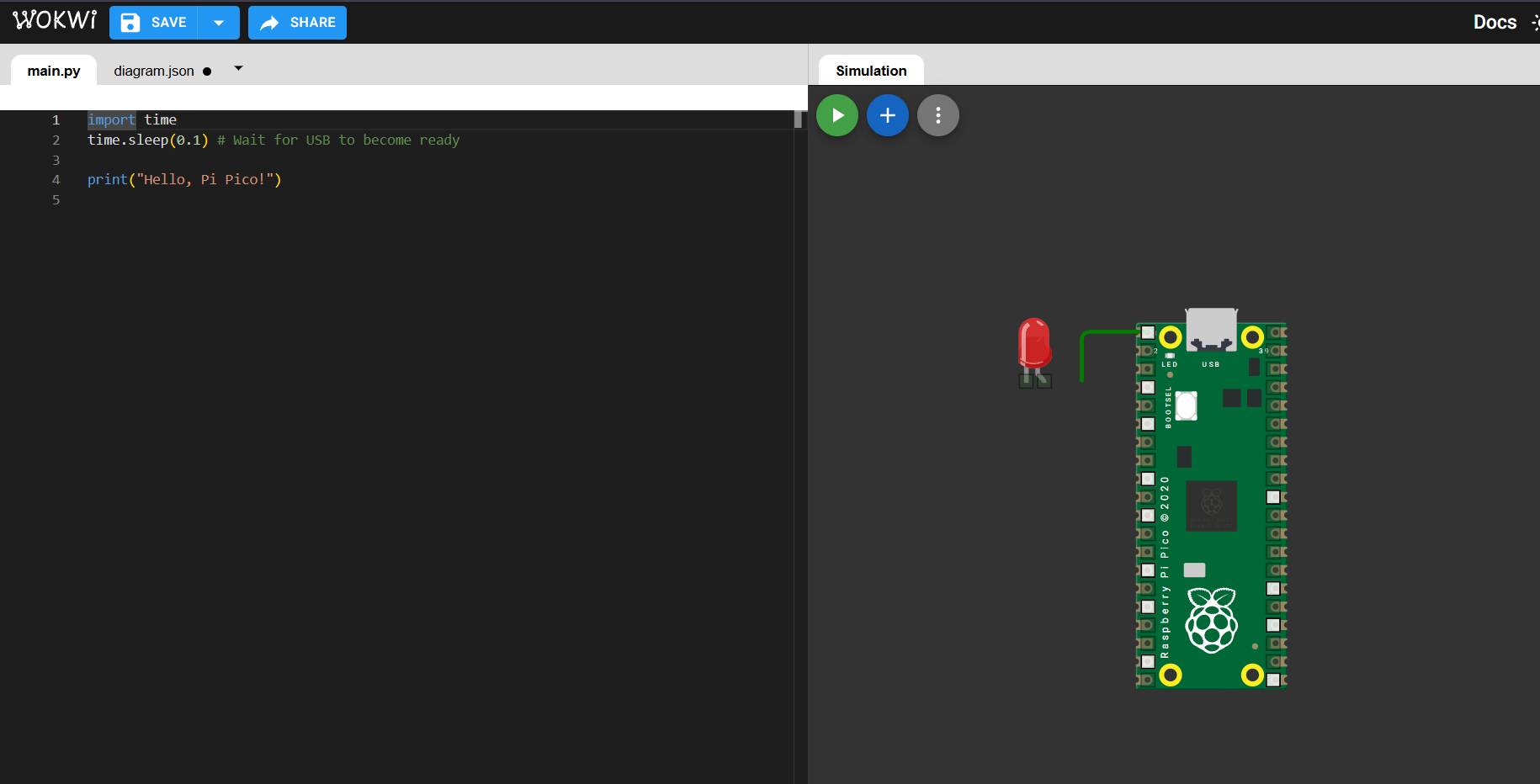
Virtual Wiring
When selecting sensor pins or inputs, Wokwi automatically generates a jumper wire. You just need to click on the target pin to complete the connection.
Full Circuit Build
The final simulation setup includes an OLED SSD1306, a Joystick, an LED with a 230-ohm resistor, and a push button.
> CLOUD_LINK: WOKWI_PROJECT_ACTIVE
Live Interaction
Once the simulation is running, you can interact directly with the components (like moving the joystick) as shown in the video.
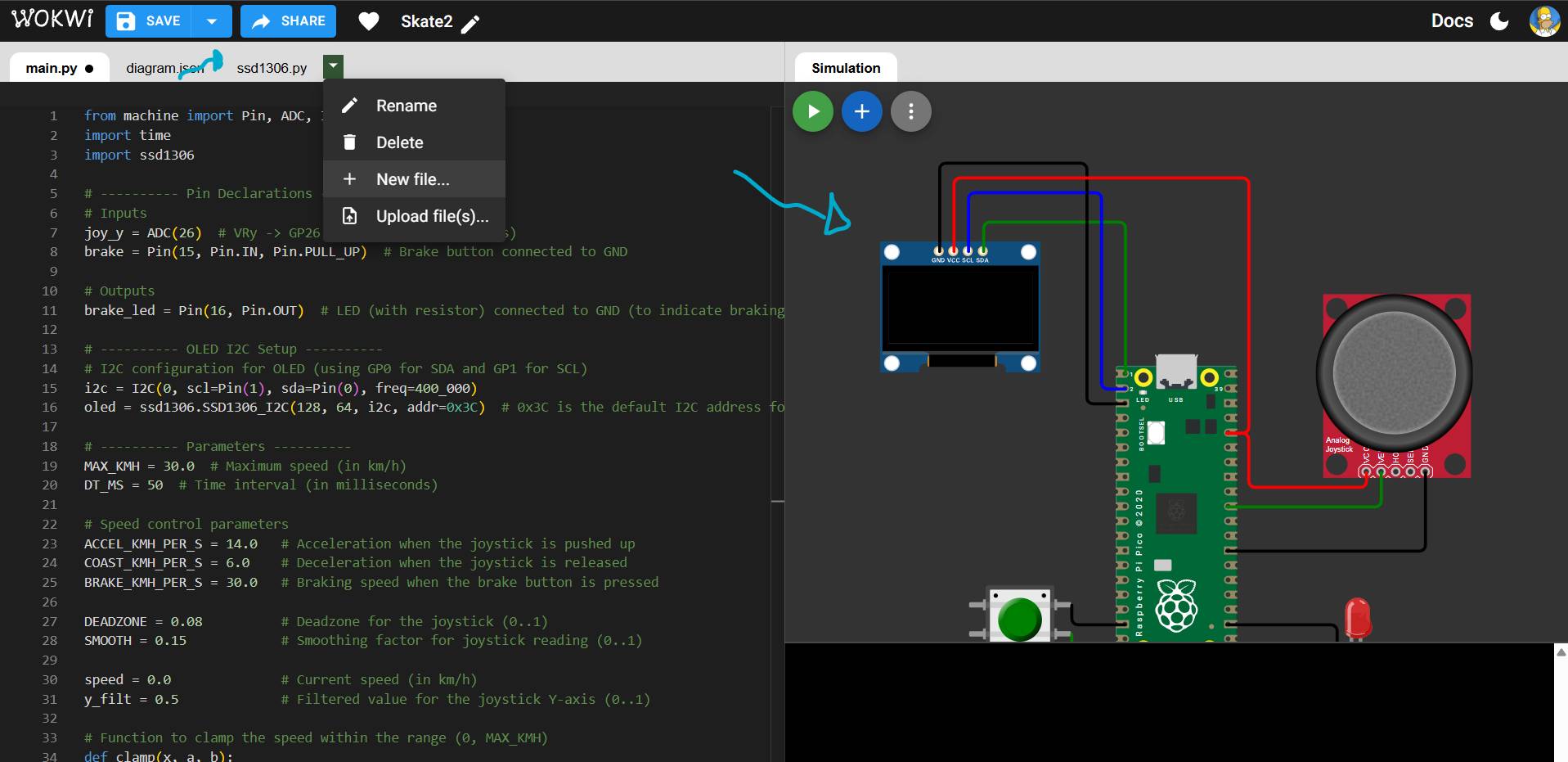
Custom Libraries
For the OLED to work, I needed a specific library. I clicked the arrow next to the file manager and selected "New File" to add it.
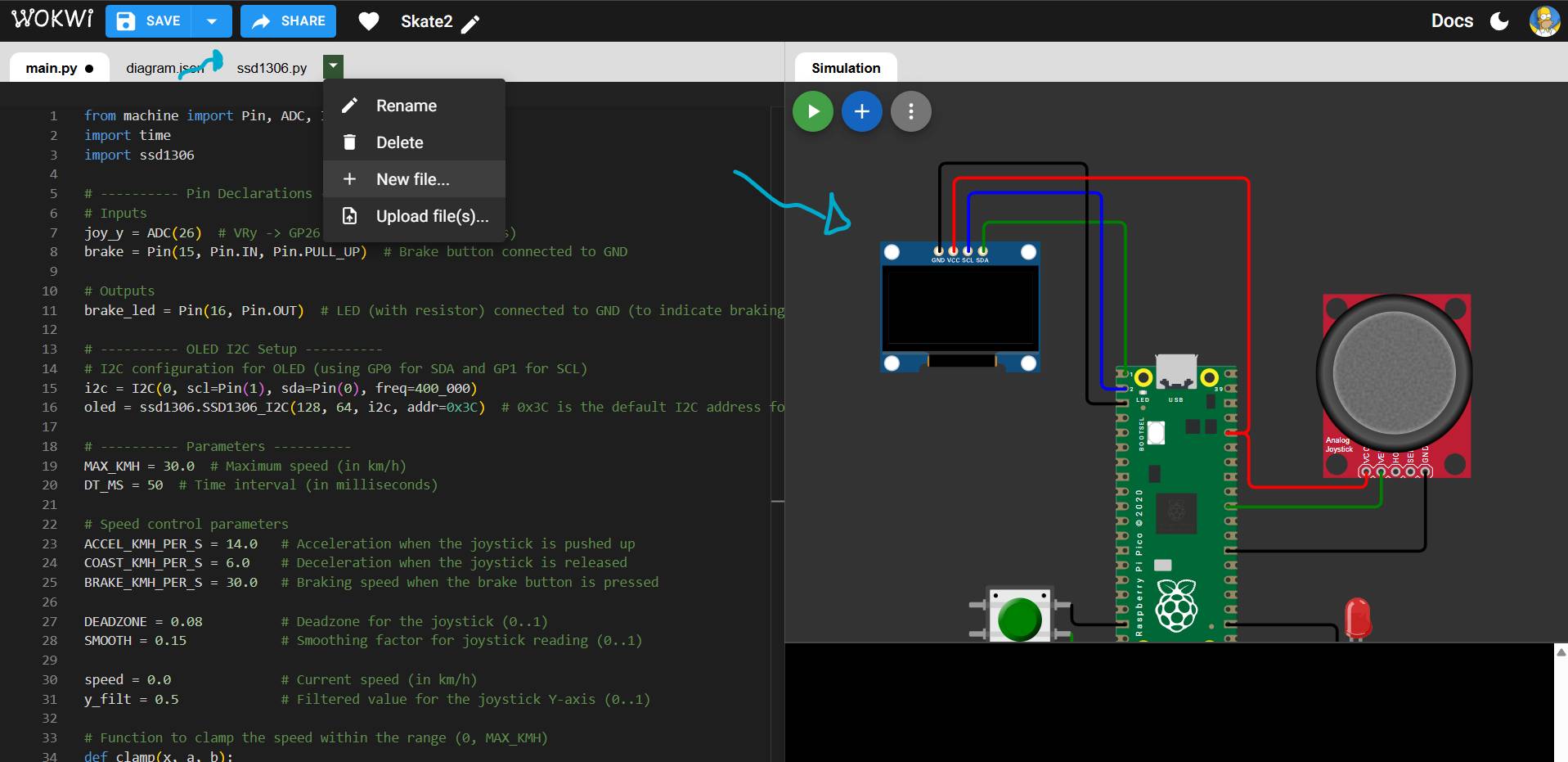
AI Assistance
You can use AI to help generate the necessary driver code for your custom libraries and paste it directly into the new file.
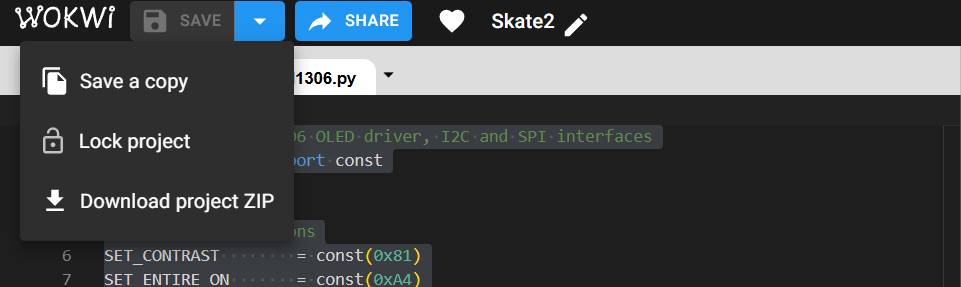
Sharing the Mission
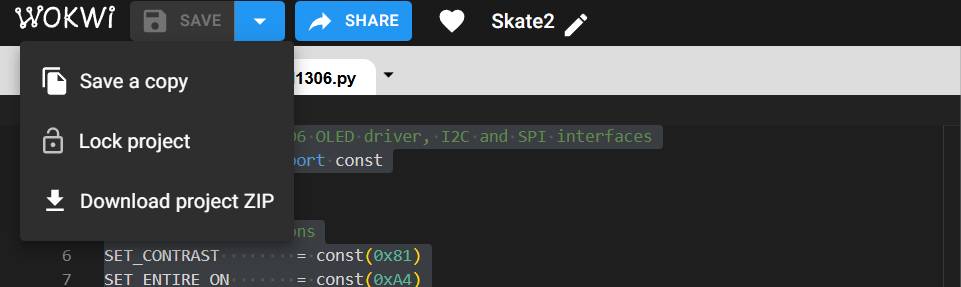
Save your project using the disk icon. Then, use the "Share" (forward) button to copy a link and distribute your simulation.
from machine import Pin, ADC, I2C
import time
import ssd1306

# ---------- OLED ----------
i2c = I2C(0, scl=Pin(1), sda=Pin(0), freq=400_000)
oled = ssd1306.SSD1306_I2C(128, 64, i2c, addr=0x3C)

# ---------- Inputs ----------
joy_y = ADC(26)  # VRy -> GP26 (ADC0)
brake = Pin(15, Pin.IN, Pin.PULL_UP)  # botón a GND

# ---------- Output ----------
brake_led = Pin(16, Pin.OUT)  # LED (con resistencia) a GND

# ---------- Params ----------
MAX_KMH = 30.0
DT_MS = 50

ACCEL_KMH_PER_S = 14.0
COAST_KMH_PER_S = 6.0
BRAKE_KMH_PER_S = 30.0

DEADZONE = 0.08
SMOOTH = 0.15

speed = 0.0
y_filt = 0.5

def clamp(x, a, b):
    return a if x < a else (b if x > b else x)

while True:
    dt = DT_MS / 1000.0

    # leer joystick (0..1)
    y = joy_y.read_u16() / 65535.0
    y_filt = (1.0 - SMOOTH) * y_filt + SMOOTH * y

    # comando -1..+1 (arriba positivo)
    cmd = (y_filt - 0.5) * 2.0
    if abs(cmd) < DEADZONE:
        cmd = 0.0

    braking = (brake.value() == 0)
    brake_led.value(1 if braking else 0)

    # dinámica de velocidad
    if braking:
        speed -= BRAKE_KMH_PER_S * dt
    else:
        if cmd > 0:
            speed += (cmd * ACCEL_KMH_PER_S) * dt
        else:
            speed -= COAST_KMH_PER_S * dt  # sueltas o jalas abajo: desacelera

    speed = clamp(speed, 0.0, MAX_KMH)

    # ---------- OLED ----------
    oled.fill(0)
    oled.text("JOY SPD", 0, 0)
    oled.text(f"{int(speed + 0.5)} km/h", 0, 20)
    oled.text(f"cmd:{cmd:+.2f}", 0, 48)
    if braking:
        oled.text("BRK", 100, 0)
    oled.show()

    time.sleep_ms(DT_MS)
# MicroPython SSD1306 OLED driver, I2C and SPI interfaces
from micropython import const
import framebuf

# register definitions
SET_CONTRAST        = const(0x81)
SET_ENTIRE_ON       = const(0xA4)
SET_NORM_INV        = const(0xA6)
SET_DISP            = const(0xAE)
SET_MEM_ADDR        = const(0x20)
SET_COL_ADDR        = const(0x21)
SET_PAGE_ADDR       = const(0x22)
SET_DISP_START_LINE = const(0x40)
SET_SEG_REMAP       = const(0xA0)
SET_MUX_RATIO       = const(0xA8)
SET_COM_OUT_DIR     = const(0xC0)
SET_DISP_OFFSET     = const(0xD3)
SET_COM_PIN_CFG     = const(0xDA)
SET_DISP_CLK_DIV    = const(0xD5)
SET_PRECHARGE       = const(0xD9)
SET_VCOM_DESEL      = const(0xDB)
SET_CHARGE_PUMP     = const(0x8D)

class SSD1306(framebuf.FrameBuffer):
    def __init__(self, width, height, external_vcc):
        self.width = width
        self.height = height
        self.external_vcc = external_vcc
        self.pages = self.height // 8
        self.buffer = bytearray(self.pages * self.width)
        super().__init__(self.buffer, self.width, self.height, framebuf.MONO_VLSB)
        self.init_display()

    def init_display(self):
        for cmd in (
            SET_DISP | 0x00,               # off
            SET_MEM_ADDR, 0x00,            # horizontal addressing
            SET_DISP_START_LINE | 0x00,
            SET_SEG_REMAP | 0x01,          # rotate
            SET_MUX_RATIO, self.height - 1,
            SET_COM_OUT_DIR | 0x08,        # rotate
            SET_DISP_OFFSET, 0x00,
            SET_COM_PIN_CFG, 0x12 if self.height == 64 else 0x02,
            SET_DISP_CLK_DIV, 0x80,
            SET_PRECHARGE, 0x22 if self.external_vcc else 0xF1,
            SET_VCOM_DESEL, 0x30,
            SET_CONTRAST, 0xFF,
            SET_ENTIRE_ON,
            SET_NORM_INV,
            SET_CHARGE_PUMP, 0x10 if self.external_vcc else 0x14,
            SET_DISP | 0x01                # on
        ):
            self.write_cmd(cmd)
        self.fill(0)
        self.show()

    def poweroff(self):
        self.write_cmd(SET_DISP | 0x00)

    def poweron(self):
        self.write_cmd(SET_DISP | 0x01)

    def contrast(self, contrast):
        self.write_cmd(SET_CONTRAST)
        self.write_cmd(contrast)

    def invert(self, invert):
        self.write_cmd(SET_NORM_INV | (invert & 1))

    def show(self):
        self.write_cmd(SET_COL_ADDR)
        self.write_cmd(0)
        self.write_cmd(self.width - 1)
        self.write_cmd(SET_PAGE_ADDR)
        self.write_cmd(0)
        self.write_cmd(self.pages - 1)
        self.write_data(self.buffer)

    def write_cmd(self, cmd):
        raise NotImplementedError

    def write_data(self, buf):
        raise NotImplementedError

class SSD1306_I2C(SSD1306):
    def __init__(self, width, height, i2c, addr=0x3C, external_vcc=False):
        self.i2c = i2c
        self.addr = addr
        self.temp = bytearray(2)
        super().__init__(width, height, external_vcc)

    def write_cmd(self, cmd):
        self.temp[0] = 0x80
        self.temp[1] = cmd
        self.i2c.writeto(self.addr, self.temp)

    def write_data(self, buf):
        # 0x40 = data stream
        self.i2c.writeto(self.addr, b"\x40" + buf)
[ SYSTEM LOG: AI COLLABORATION ]
"Optimized technical tables and unified slider layout for cross-environment consistency."
"Help me to improove the controls of the video logs"