Assignment requirements
Group assignment
- Test an input device(s)'s analog levels and digital signals (As a minimum, you should demonstrate the use of a multimeter and an oscilloscope
- Document your work on the group work page and reflect on your individual page what you learned
Individual assignment
- Measure something: add a sensor to a microcontroller board that you have designed and read it
Progress status
Test an input device analog levels and digital signals
Add a sensor to a microcontroller board that you have designed and read it
Upload source files.
1) Introduction
Closing gaps
- Learn about input devices
- Interact more with Arduino IDE
- Discuss the group project
- Develop the individual project
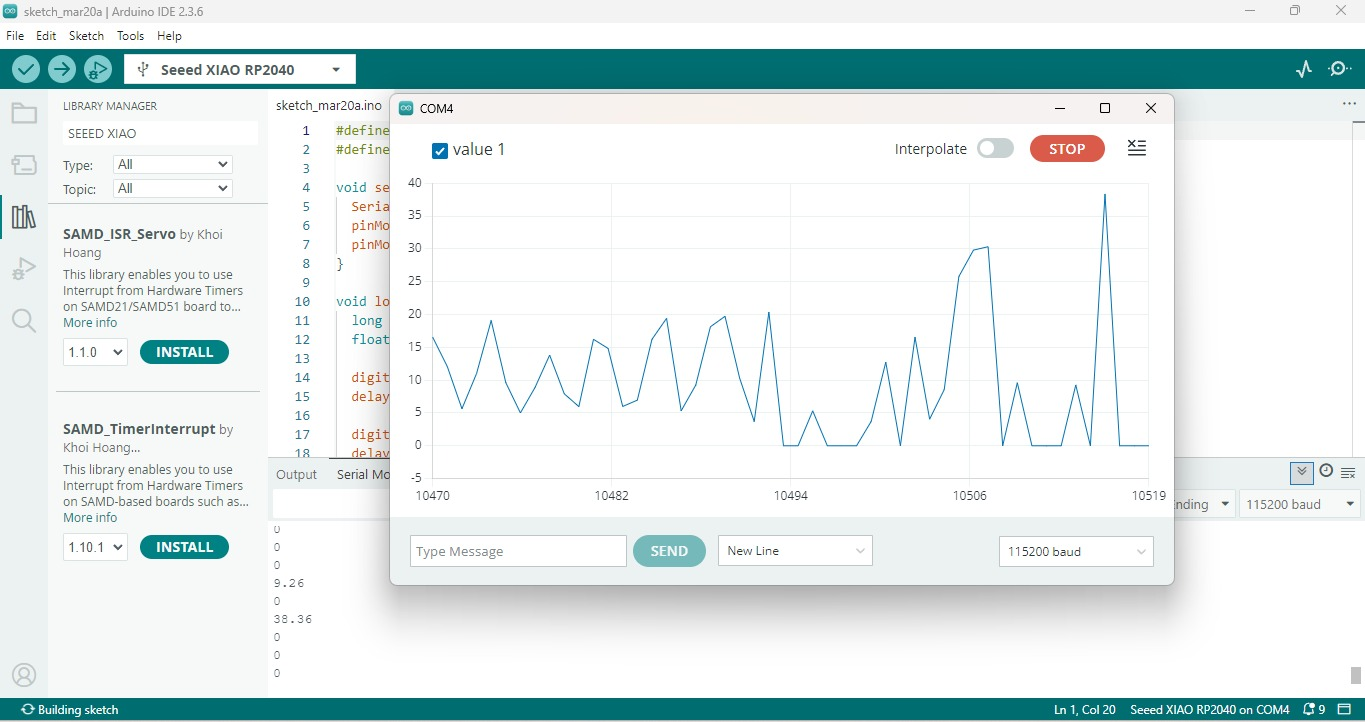
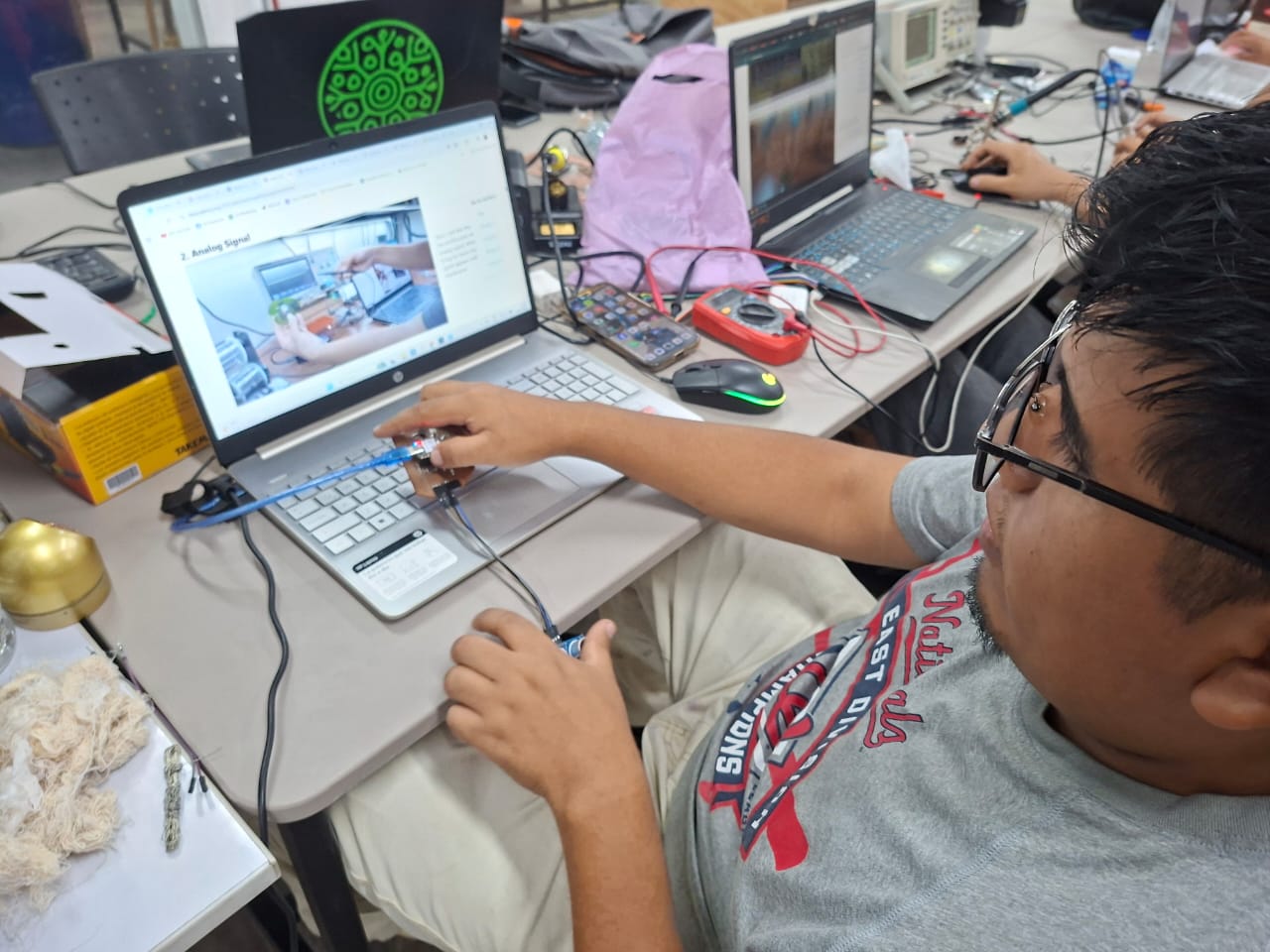
2) Group assignment 1 - Test an input devices (analog & digital)
For more details visit Fab Lab Peru Week 9 Group assignment
Project idea
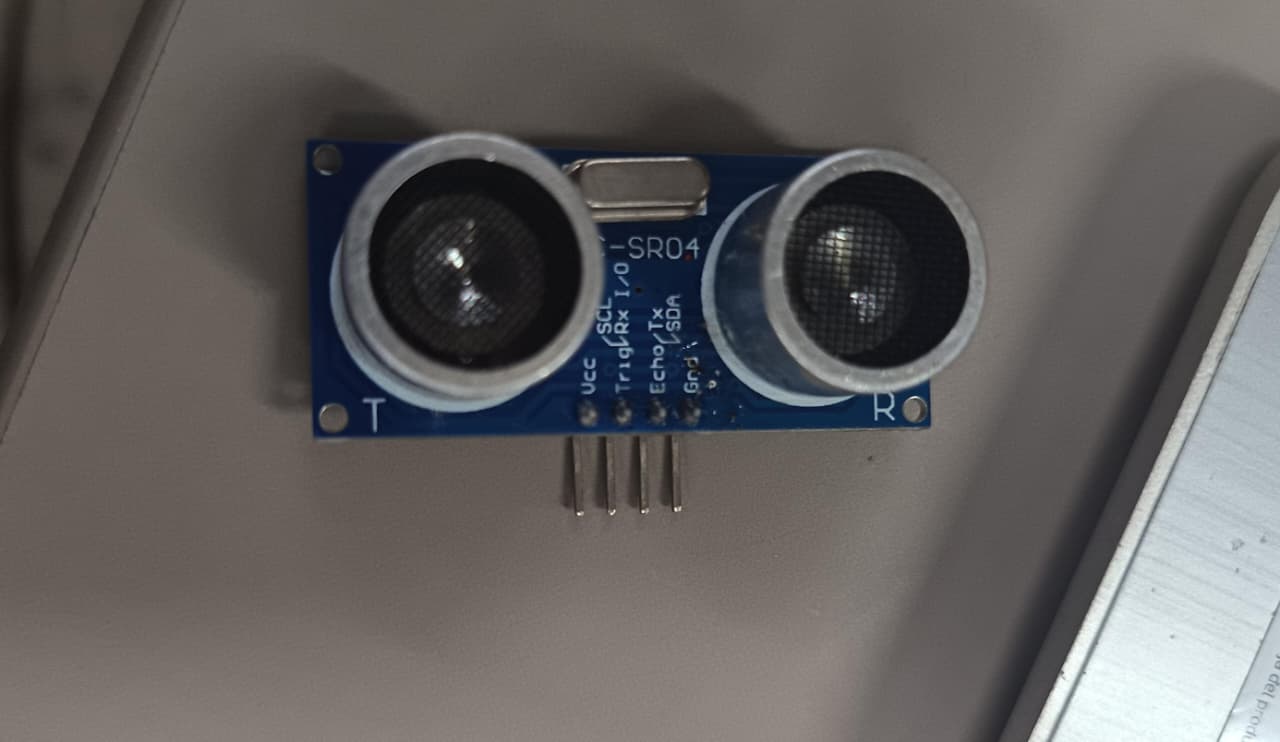
- Ultrasonic HC-SR04 sensor module
- Measures distance using sound waves
- Includes transmitter and receiver
- Range: 2 cm to 500 cm
- Pins: Vcc, Trig, Echo, GND
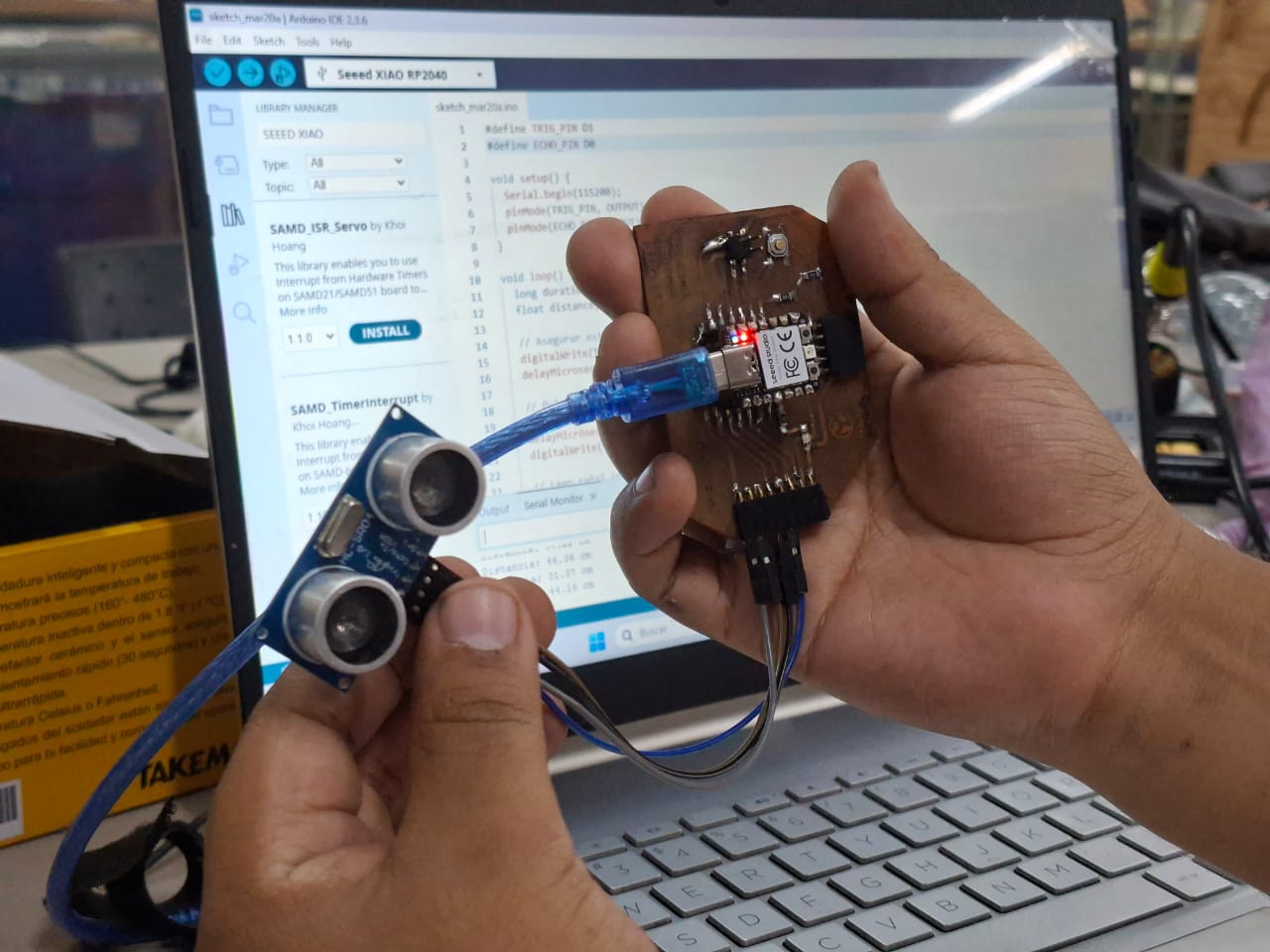
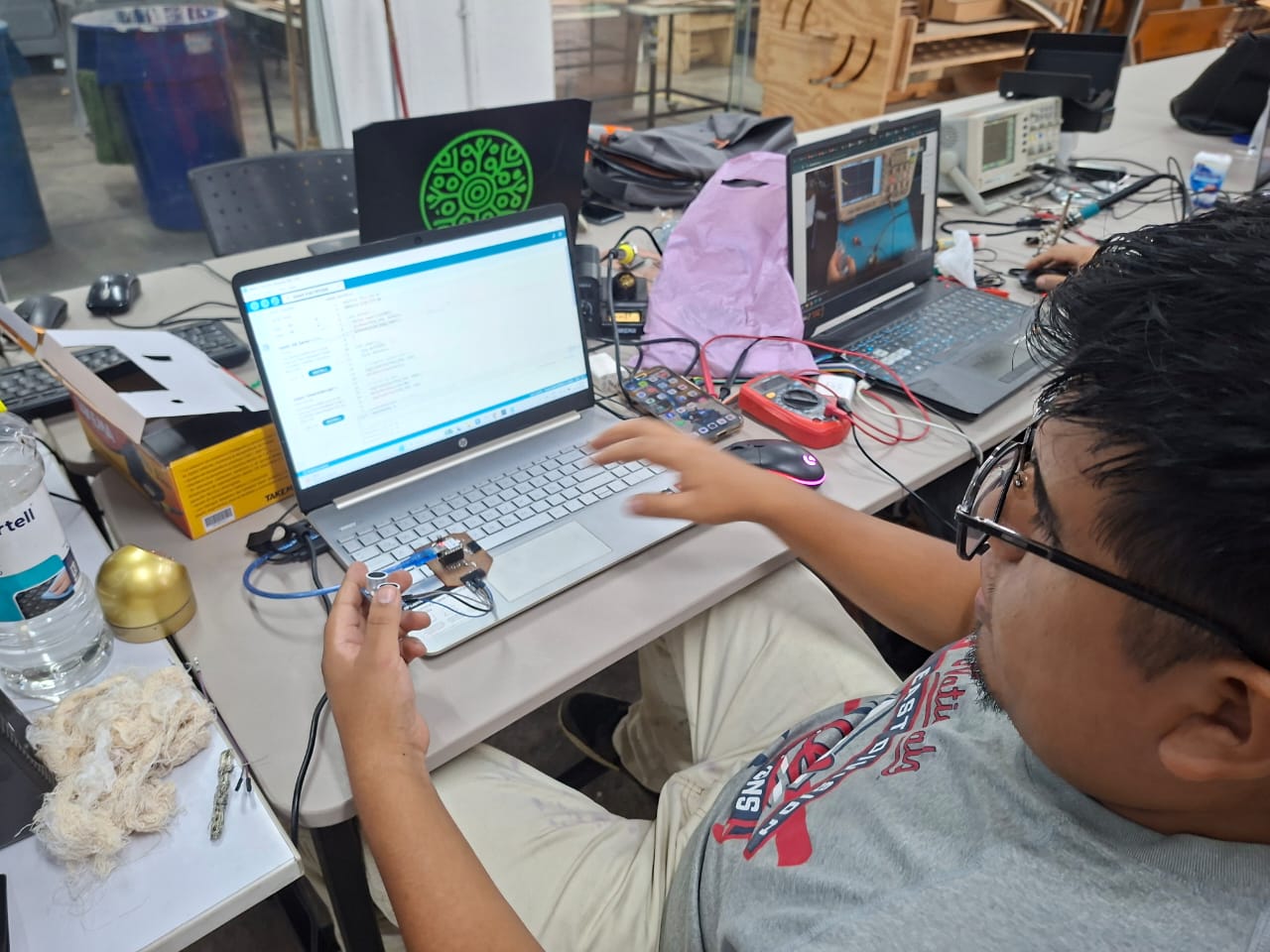
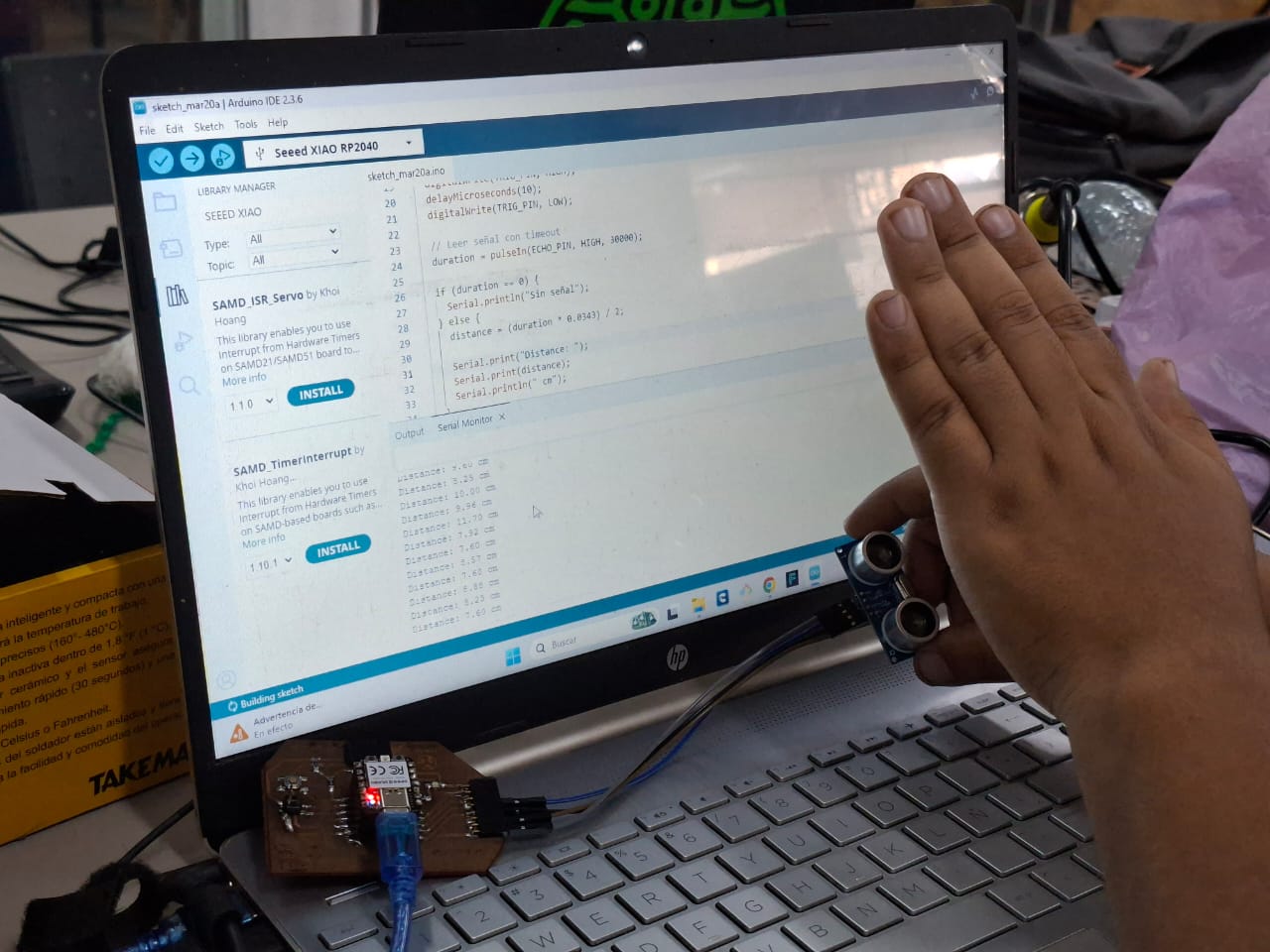
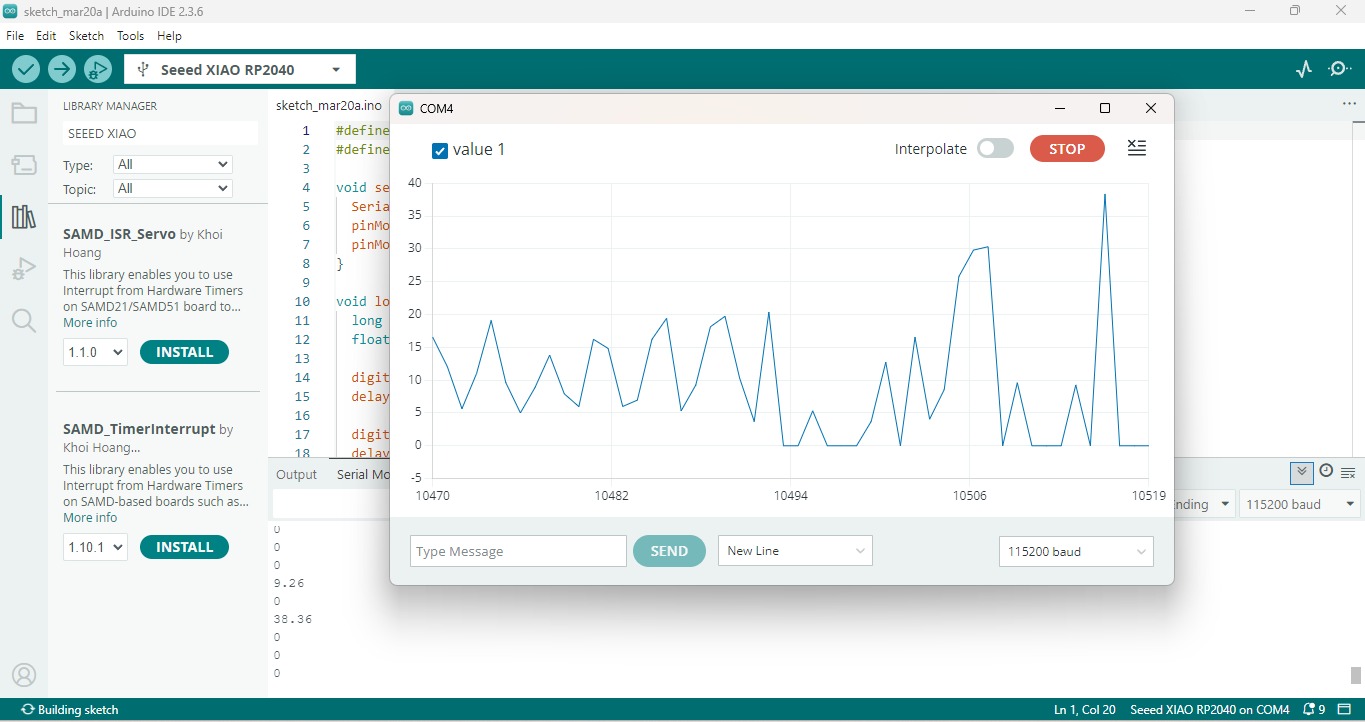
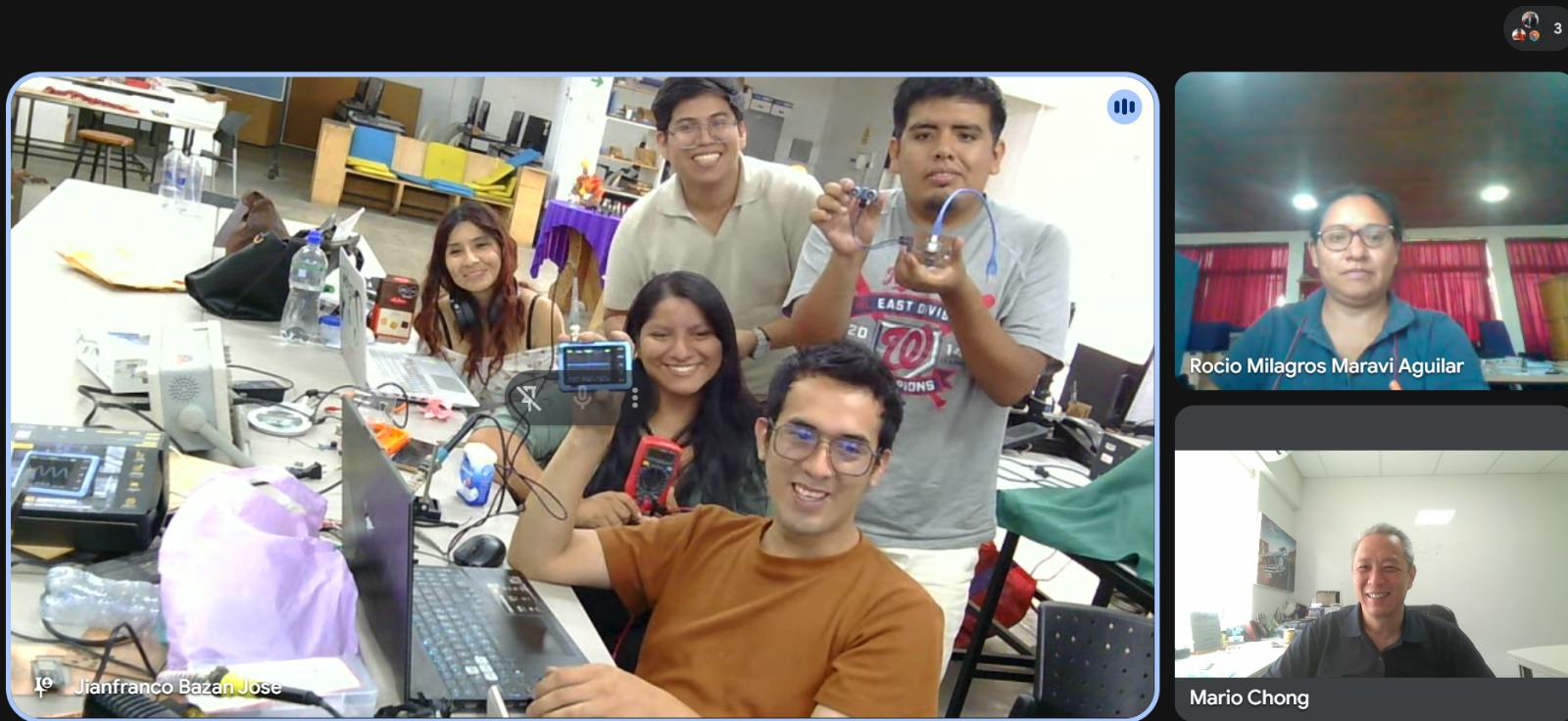
Video demonstration
3) Group assignment 2 - Test an input devices (analog & digital)
More information at Fab Lab Peru - Group Assignment: https://fabacademy.org/2026/labs/lima/#page-top
Project idea
- Distance detection
- Driving ability - 15mA with adjustable potentiometer
- Brightness - Adjustable
- Detect - brightness and light intensity
- Analog and digital output
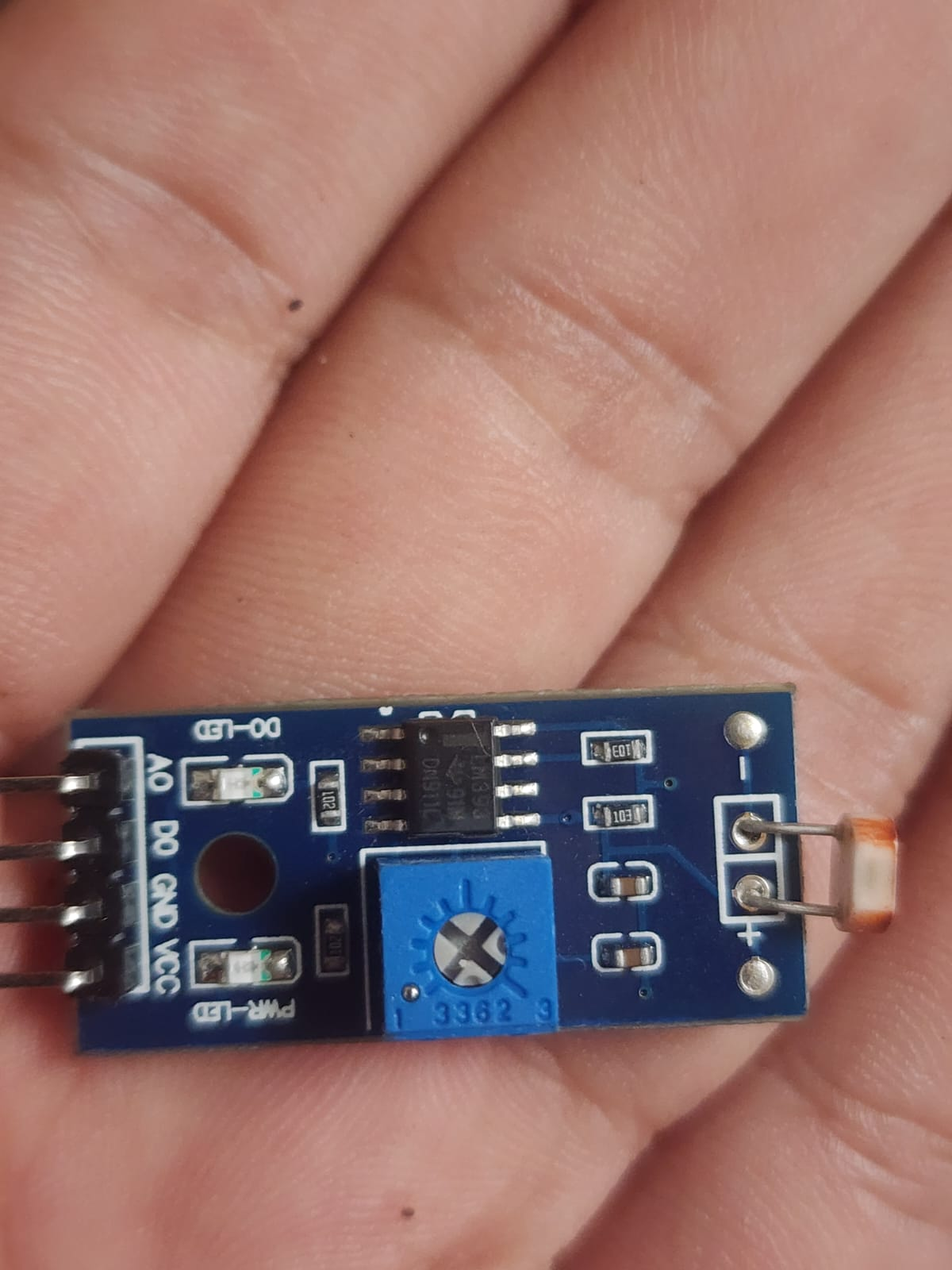
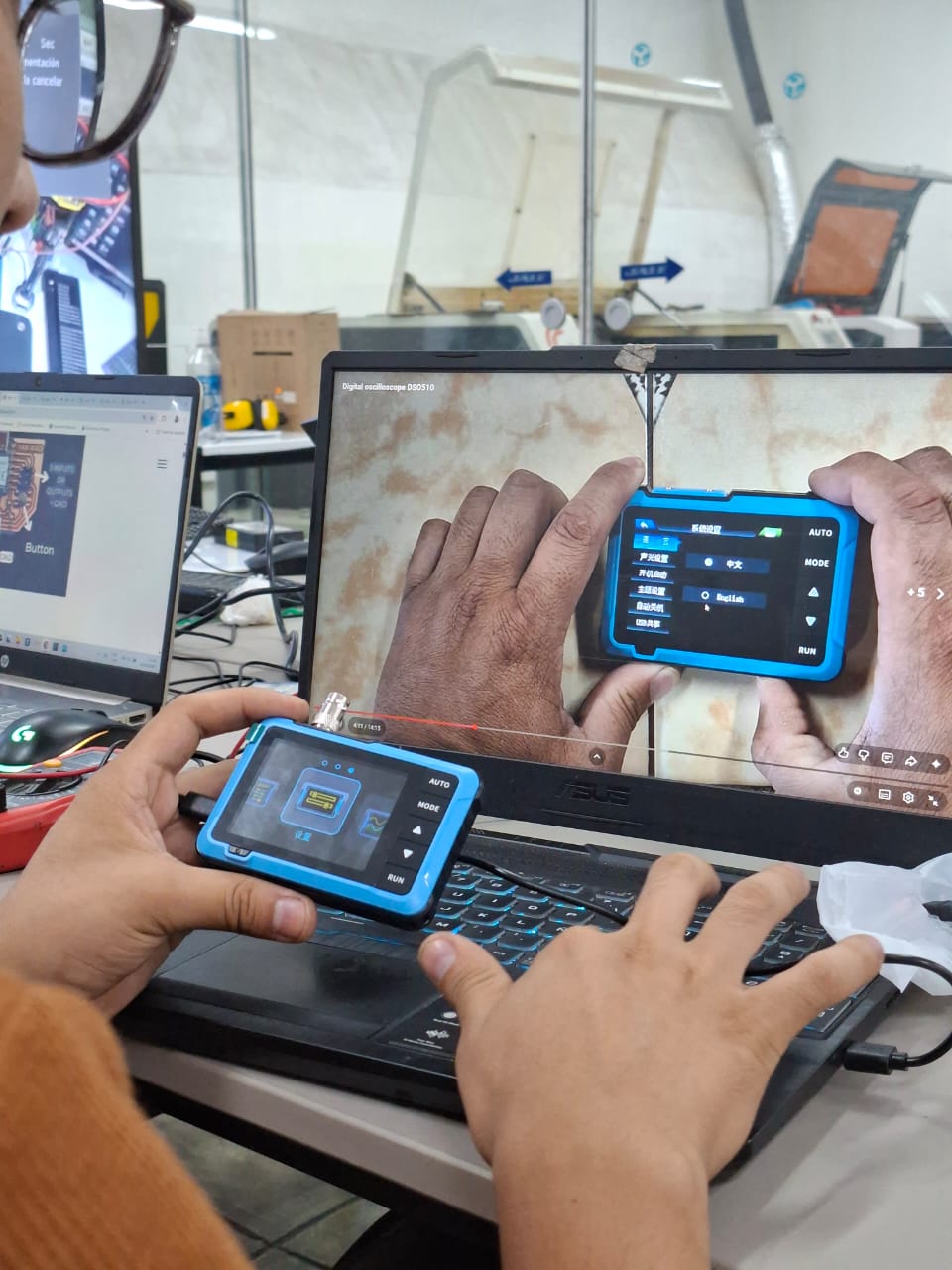
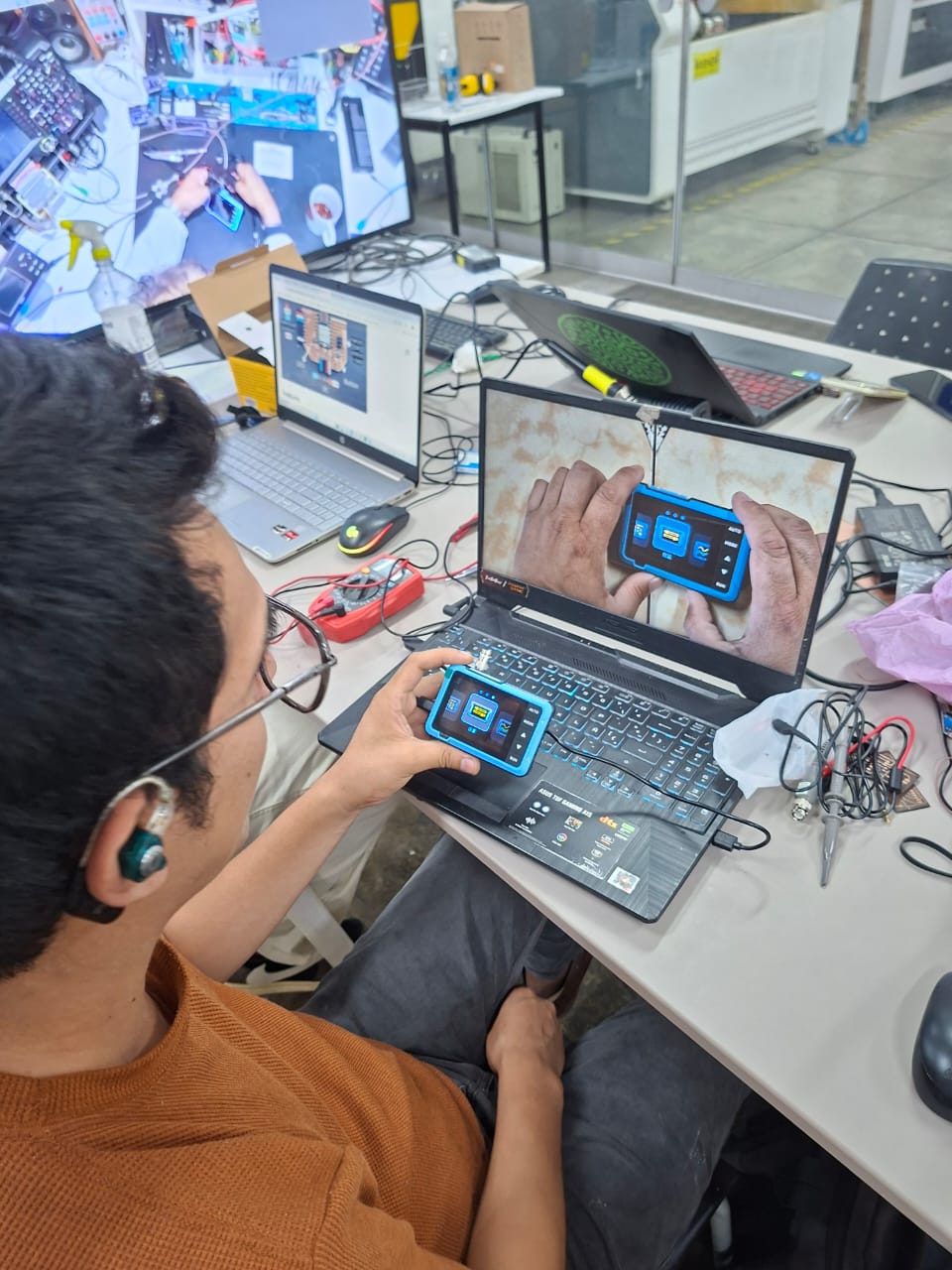
Video demonstration
4) Individual assigment
Problems
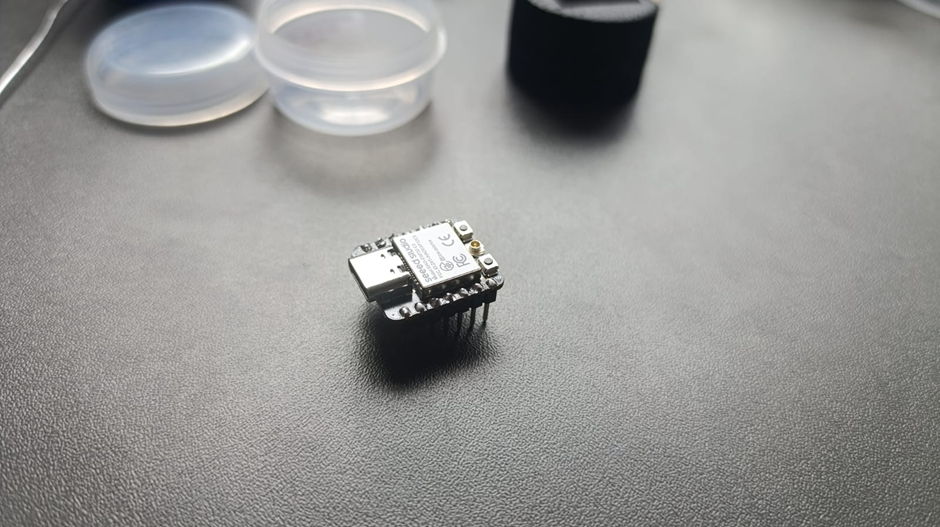
Designed microcontroller board doesn't work
Posible solution - make a new board
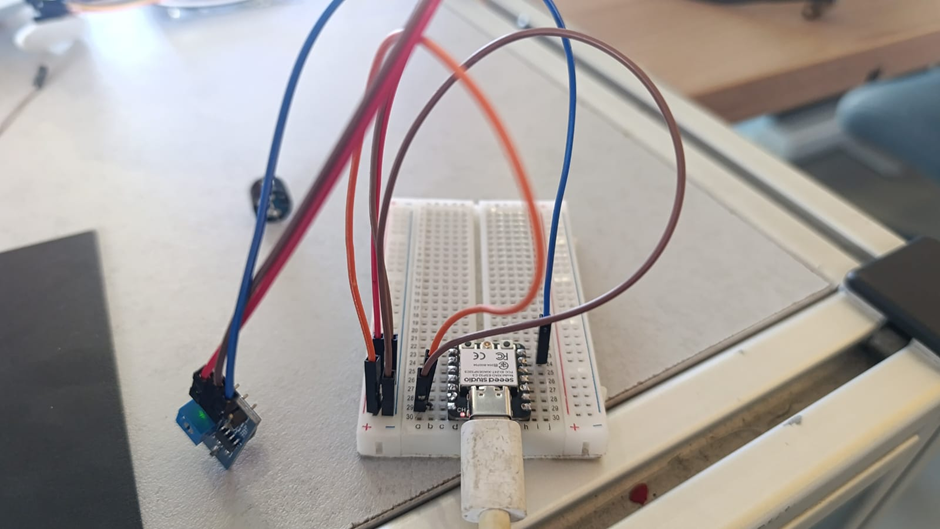
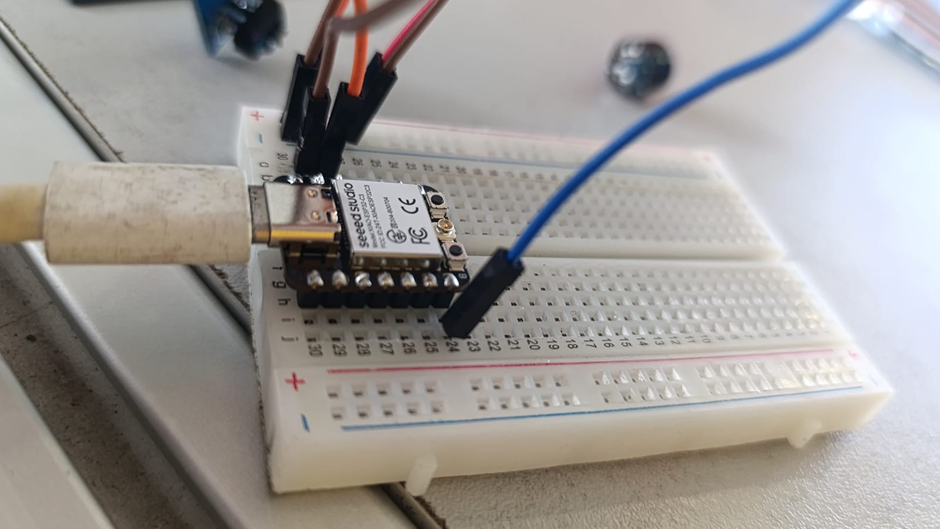
Step 1 - Protoboard
Mesasure something with the microcontroller Xiao ESP32 C3
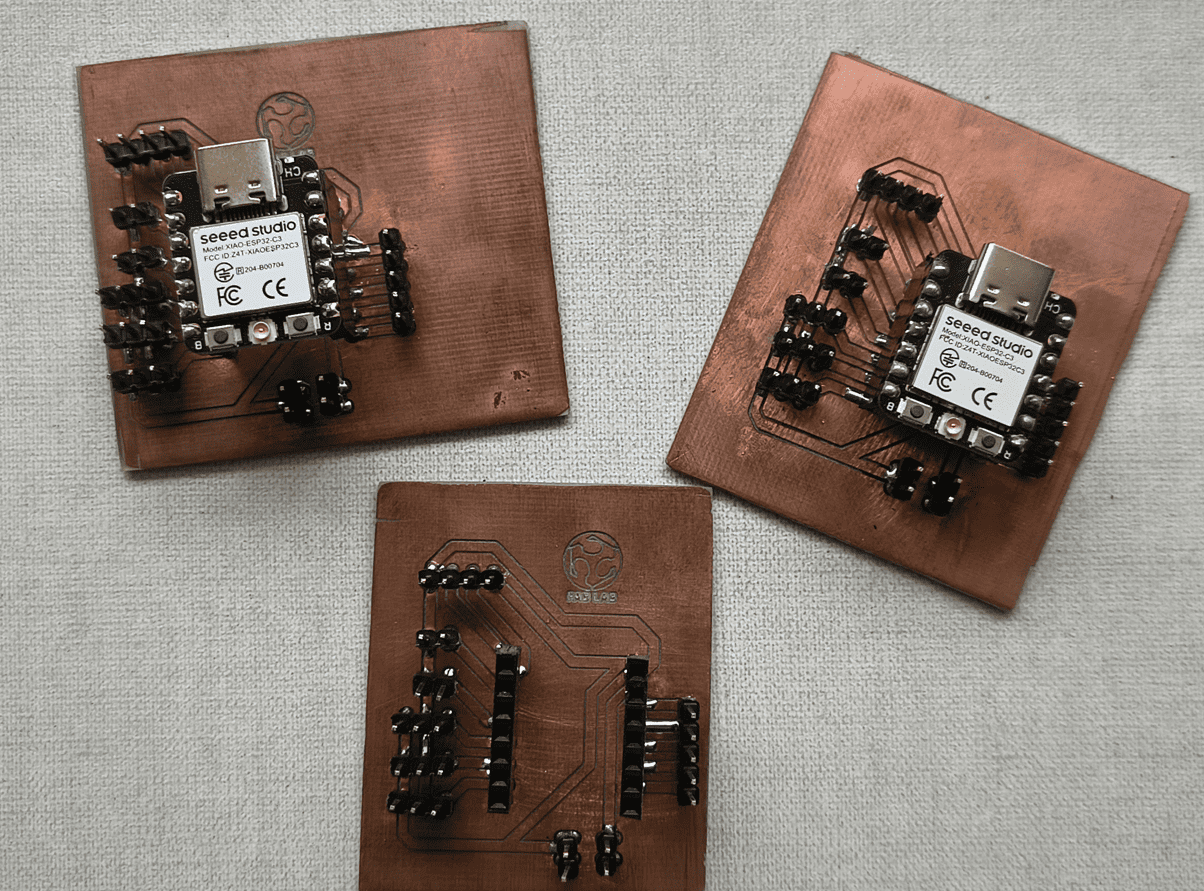
Step 2 - Repeat with a new board
Measure and test devices using a multimeter or an oscilloscope
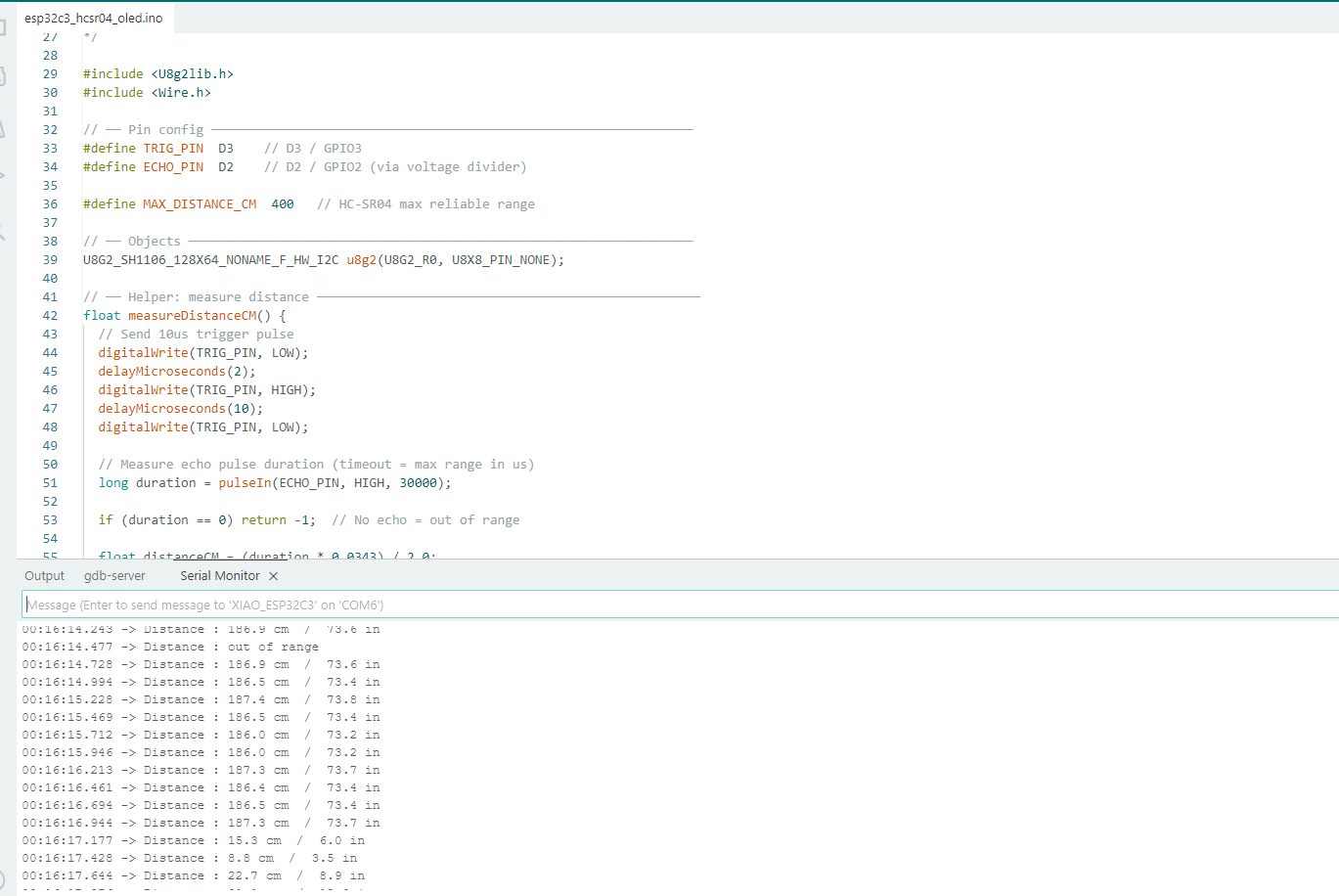
// TCRT5000L reflective optical sensor
            // Input devices
            // Board: Seeed Studio XIAO ECP 32 C3

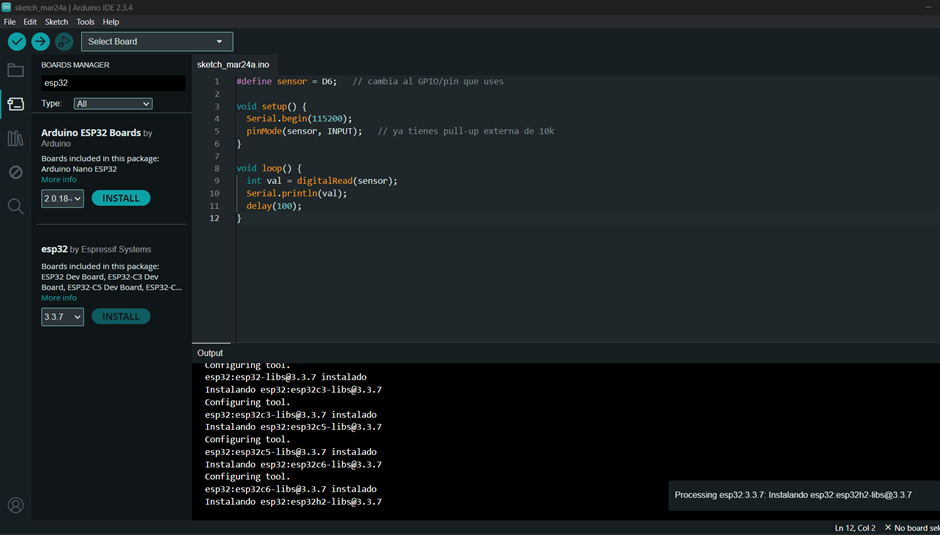
            #define sensor = D6;   // cambia al GPIO/pin que uses

            void setup() {
                  Serial.begin(115200);
                  pinMode(sensor, INPUT);
            }

            void loop() {
                  int val = digitalRead(sensor);
                  Serial.println(val);
                  delay(100);
              }
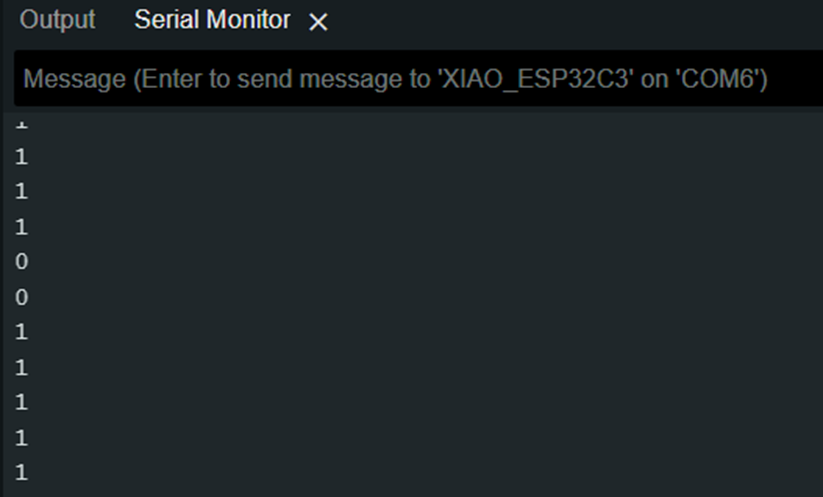
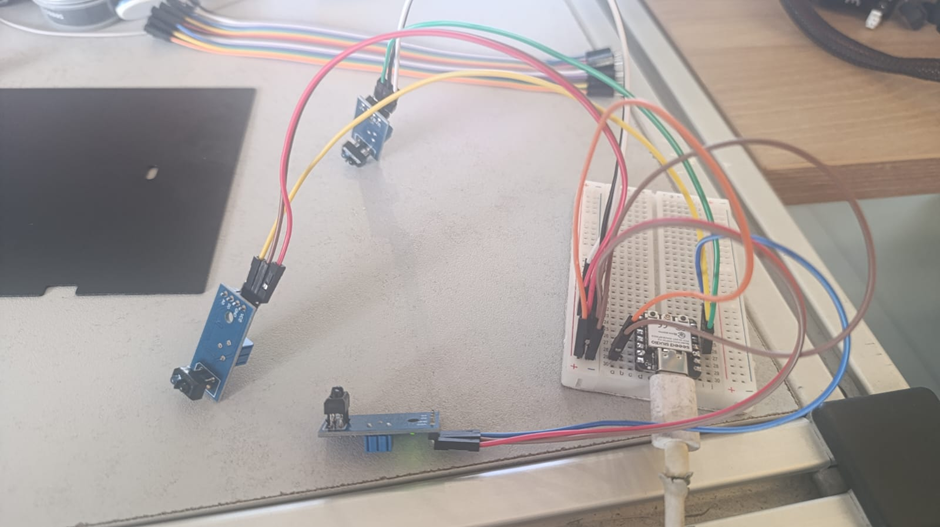
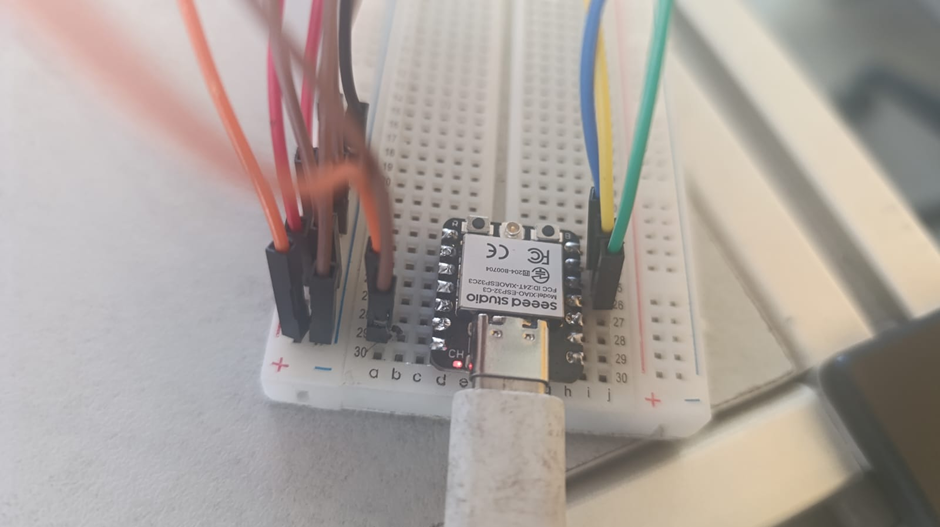
// Using three TCRT5000L reflective optical sensor
            // Input devices
            // Board: Seeed Studio XIAO ESP 32 C3

              #define sensor1 D6   // cambia al GPIO/pin que uses
              #define sensor2 D5   // cambia al GPIO/pin que uses
              #define sensor3 D4   // cambia al GPIO/pin que uses

              void setup() {
                  Serial.begin(115200);
                  pinMode(sensor1, INPUT);
                  pinMode(sensor2, INPUT);
                  pinMode(sensor3, INPUT);
              }

              void loop() {
                  int val1 = digitalRead(sensor1);
                  int val2 = digitalRead(sensor2);
                  int val3 = digitalRead(sensor3);

              if(val1==1){
                  Serial.println("izquierda");
                  }
              else if(val2==1){
                  Serial.println("centro");
               }
              else if(val3==1){
                   Serial.println("derecha");
              }
              else{
                    Serial.println("error");
              }
              delay(100);
              }
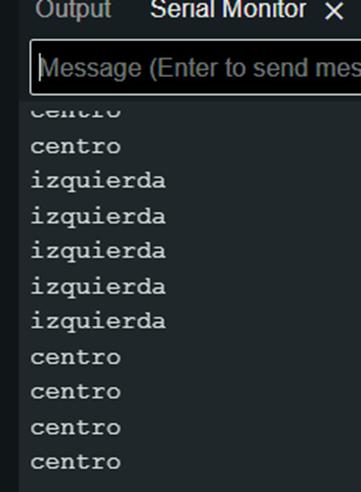
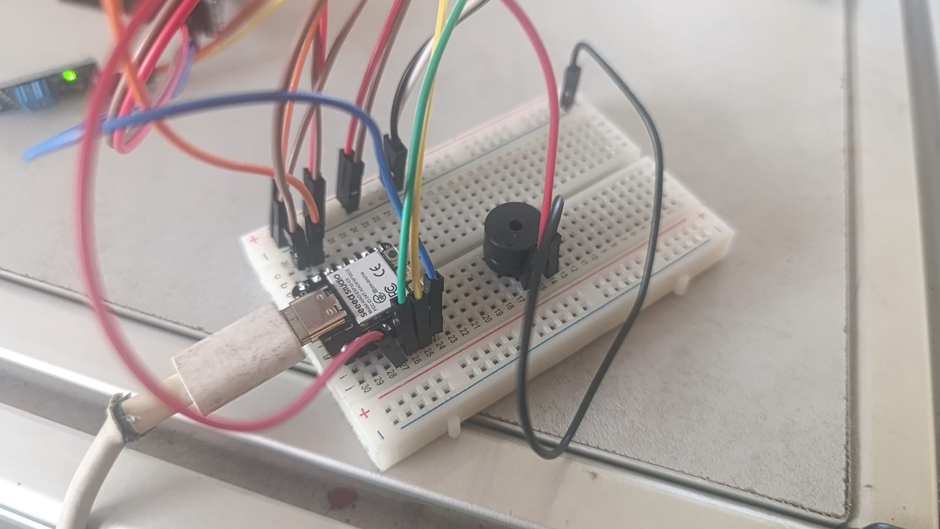
// Using three TCRT5000L reflective optical sensor & buzzer - Center or not
              // Input devices
              // Board: Seeed Studio XIAO ESP 32 C3

              #define sensor1 D6   // cambia al GPIO/pin que uses
              #define sensor2 D5   // cambia al GPIO/pin que uses
              #define sensor3 D4   // cambia al GPIO/pin que uses


              void setup() {
                  Serial.begin(115200);
                  pinMode(sensor1, INPUT);
                  pinMode(sensor2, INPUT);
                  pinMode(sensor3, INPUT);
                  pinMode(D3, OUTPUT);
              }

              void loop() {
                int val1 = digitalRead(sensor1);
                int val2 = digitalRead(sensor2);
                int val3 = digitalRead(sensor3);
                if(val1==1){
                  Serial.println("izquierda");
                    digitalWrite (D3, HIGH);
                    delayMicroseconds (5000);
                    digitalWrite (D3, LOW);
                    delayMicroseconds (100000);
                }
                else if(val2==1){
                  Serial.println("centro");
                }
                else if(val3==1){
                  Serial.println("derecha");
                    digitalWrite (D3, HIGH);
                    delayMicroseconds (5000);
                    digitalWrite (D3, LOW);
                    delayMicroseconds (100000);
                }
                else{
                  Serial.println("error");
                    digitalWrite (D3, HIGH);
                    delayMicroseconds (5000);
                    digitalWrite (D3, LOW);
                    delayMicroseconds (100000);
                }
                delay(100);
              }
4.1) Additional individual assigment
Details
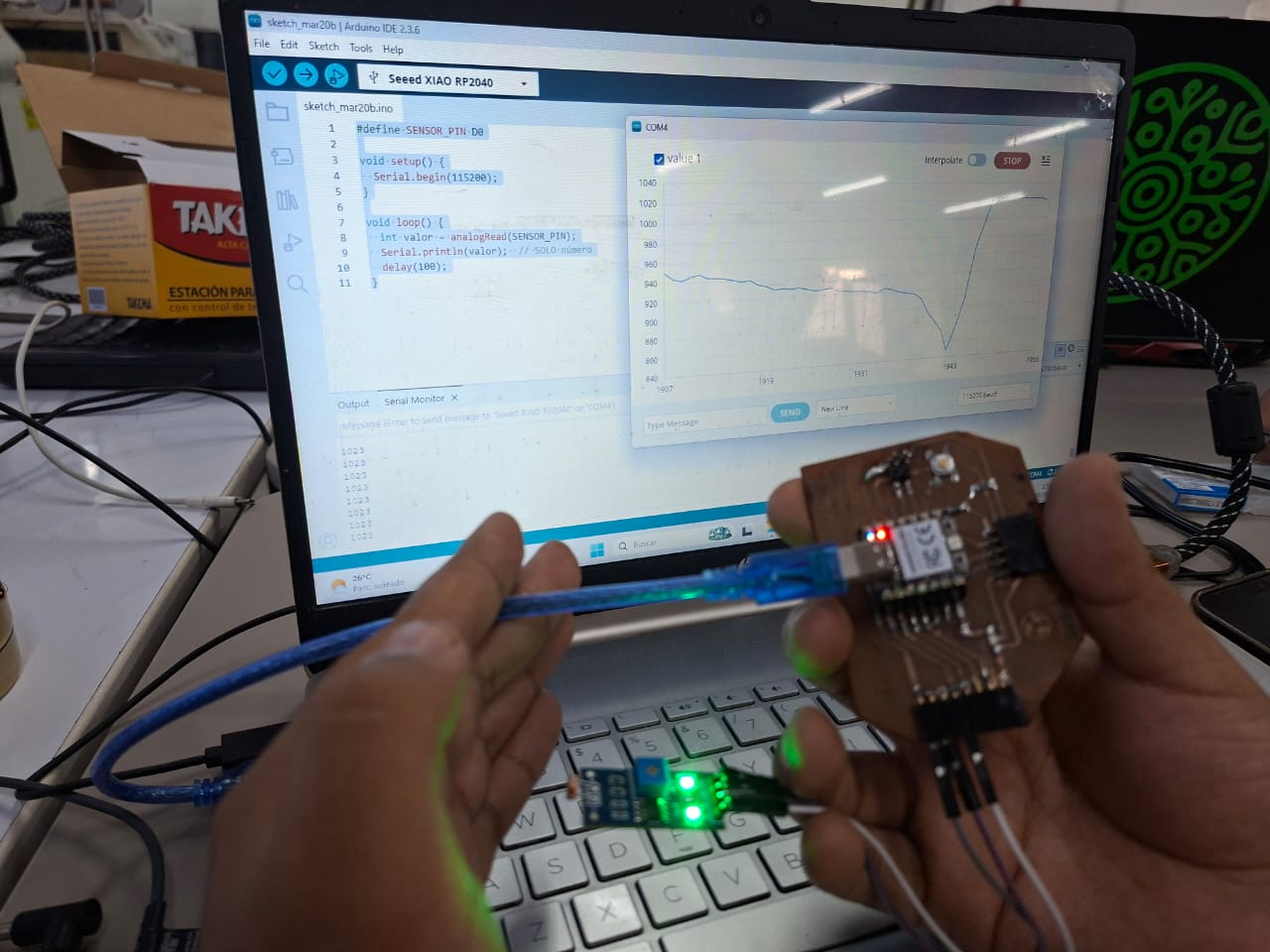
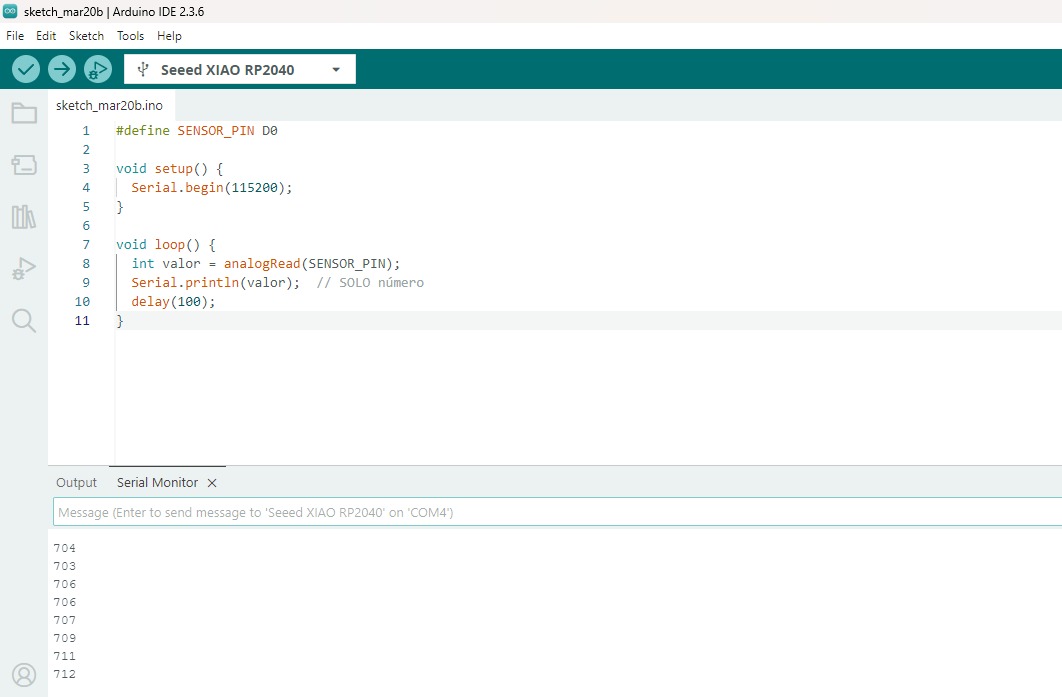
Designed microcontroller board read real
Showed output - serial monitor valuess
Included code
Demostrate that its works
We repeated the demonstration in Week 10. Input/Output devices were connected.
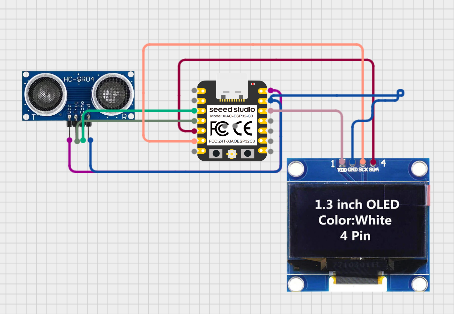
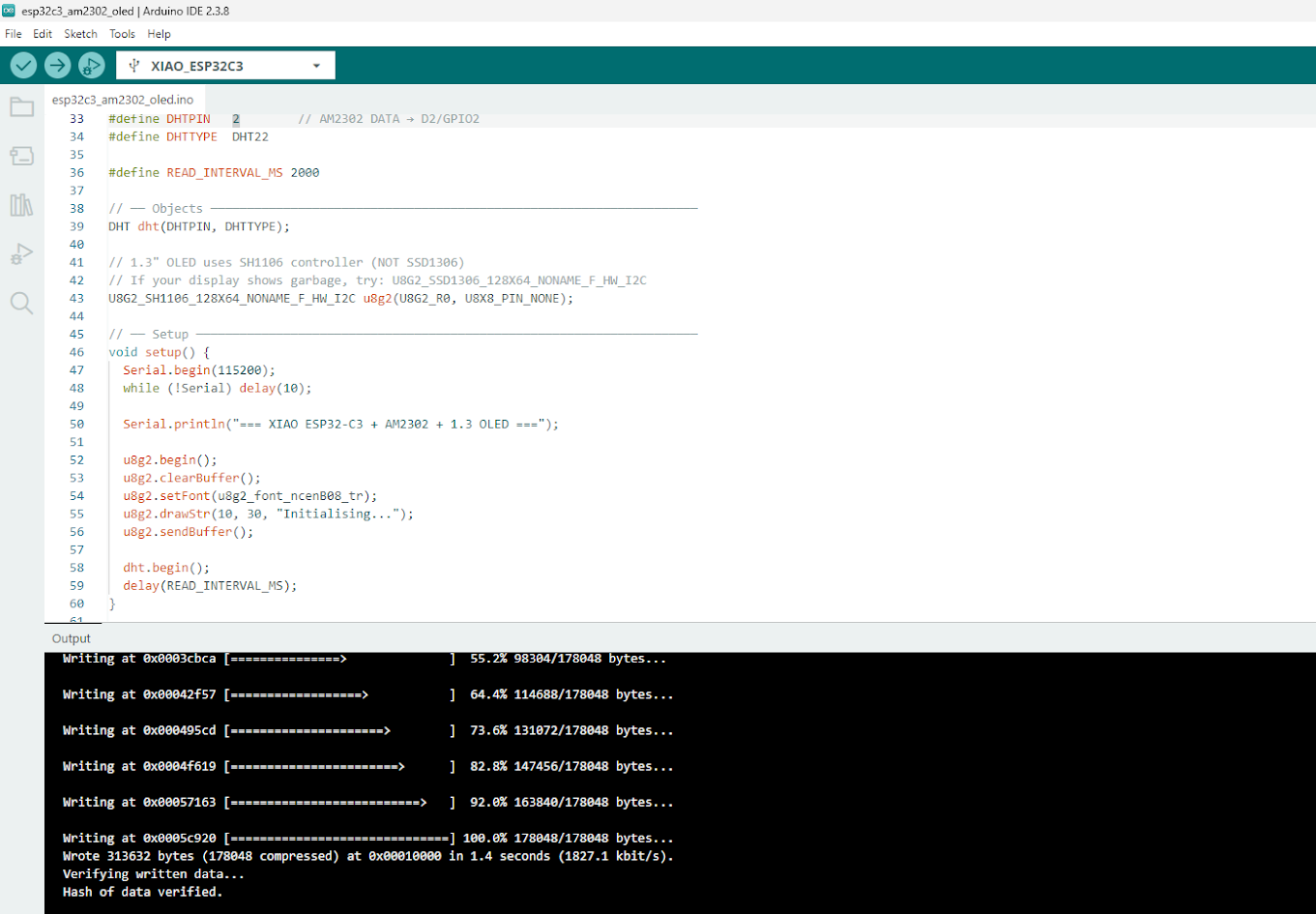
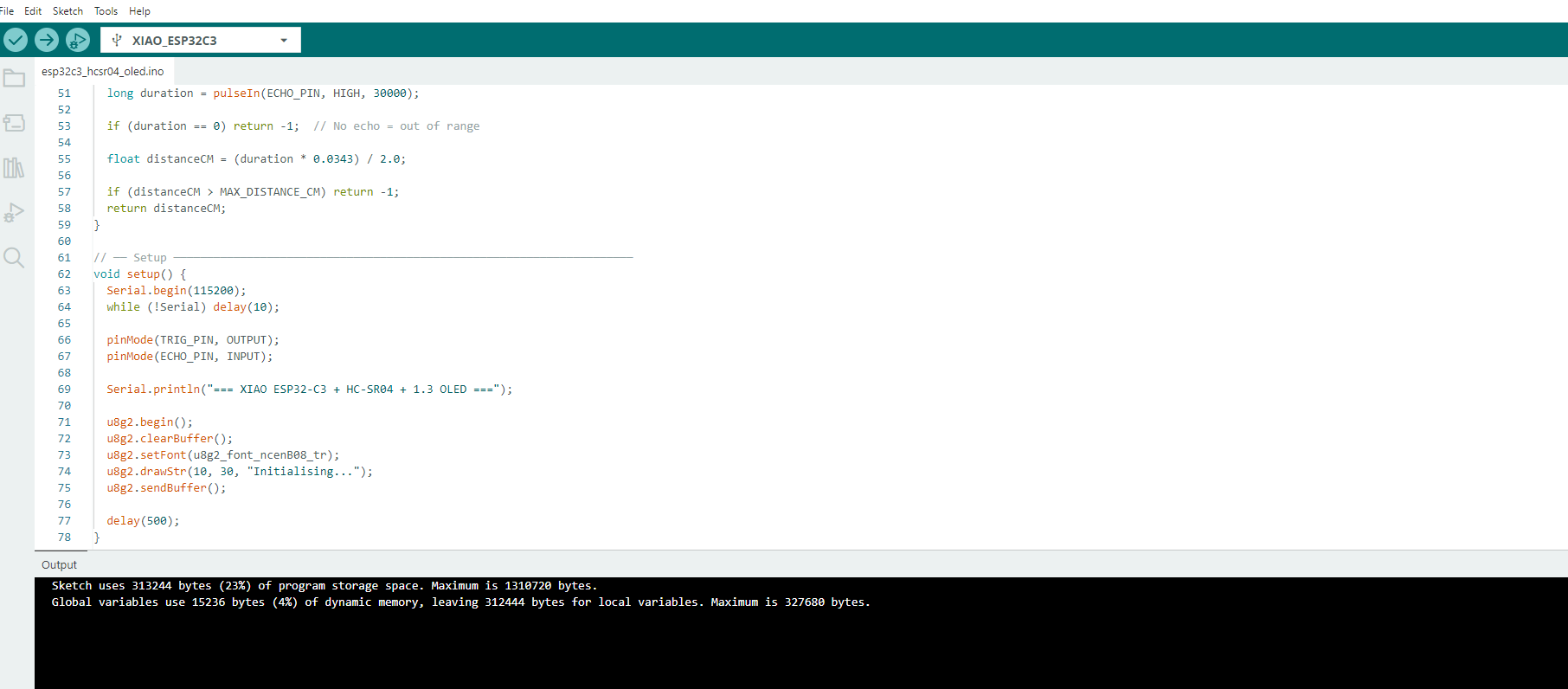
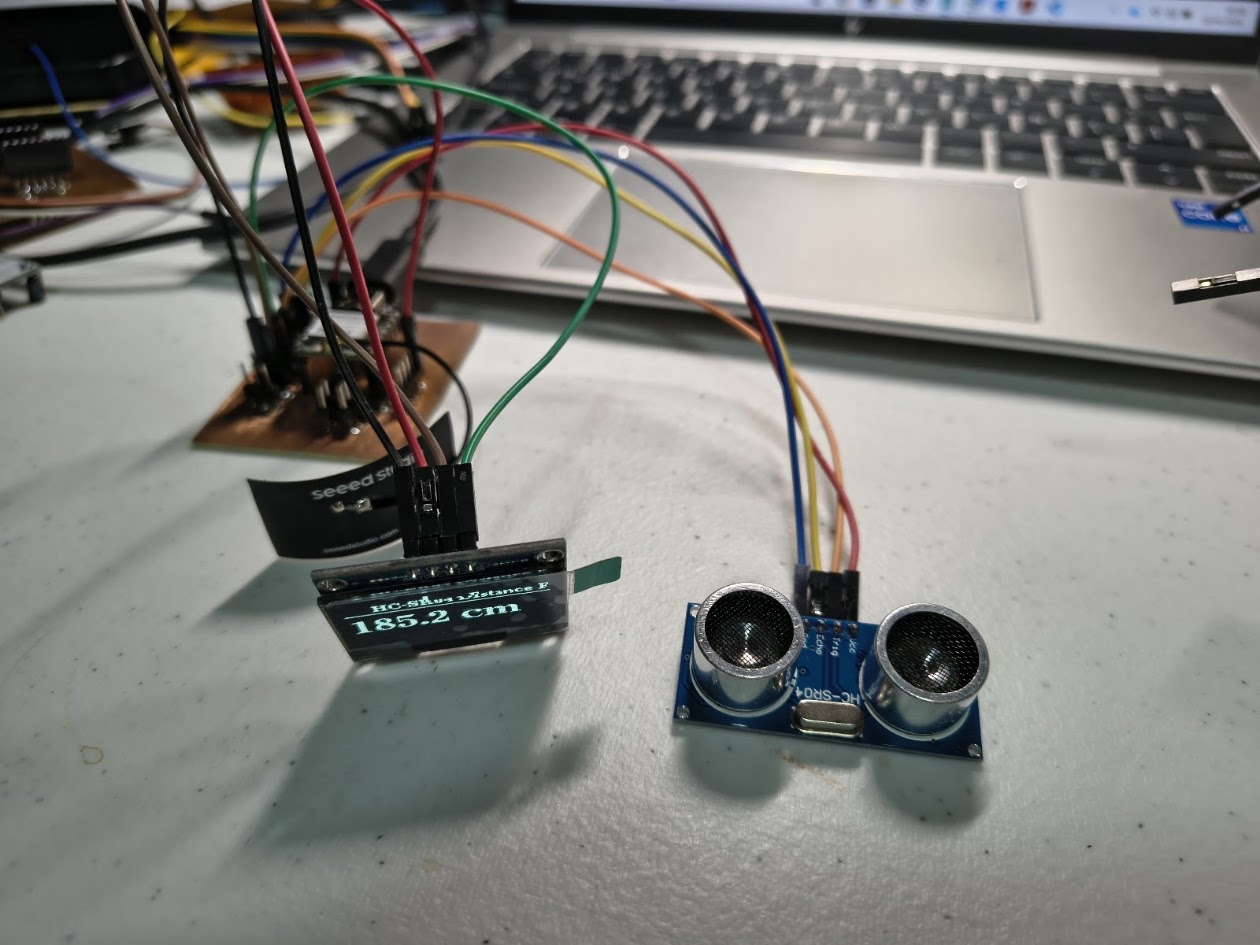
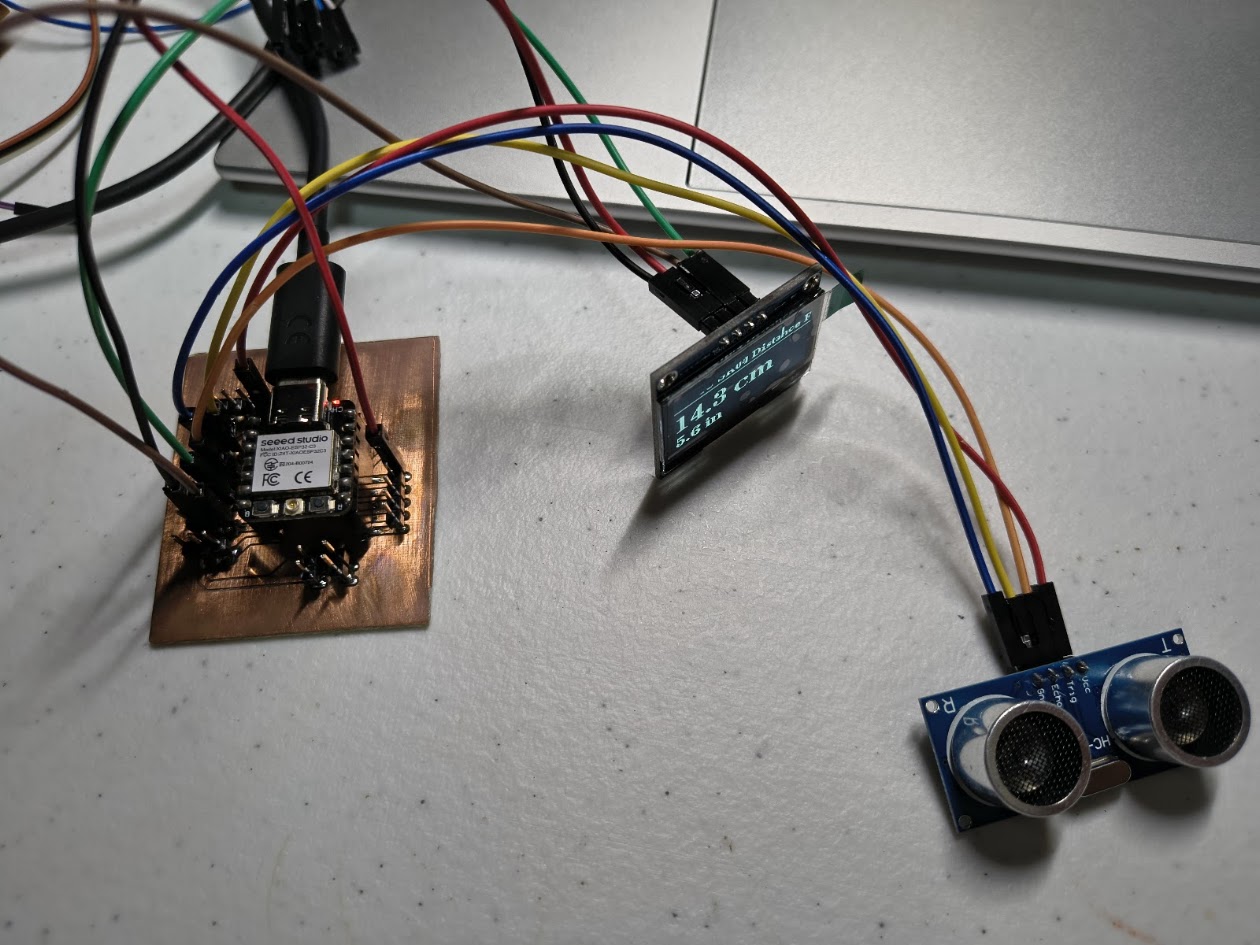
                    ESP32-C3 (Xiao) + HC-SR04 Ultrasonic + 1.3" OLED I2C
                    -------------------------------------------------------
                    Board   : Seeed Studio XIAO ESP32-C3
                    Sensor  : HC-SR04 Ultrasonic Distance Sensor
                    Display : 1.3" OLED SH1106 I2C

                    HC-SR04 Wiring:
                      HC-SR04 VCC  → 5V
                      HC-SR04 GND  → GND
                      HC-SR04 TRIG → D3 (GPIO3)
                      HC-SR04 ECHO → D2 (GPIO2)  via voltage divider (see below!)

                    !! HC-SR04 ECHO outputs 5V — ESP32-C3 is NOT 5V tolerant !!
                    !! Use a voltage divider on ECHO pin:                       !!
                    !!   ECHO → 1kΩ → D2 (GPIO2)                               !!
                    !!                       └── 2kΩ → GND                     !!

                    OLED I2C Wiring:
                      OLED VCC → 3.3V
                      OLED GND → GND
                      OLED SDA → D4 (GPIO4)
                      OLED SCL → D5 (GPIO5)

                    Libraries needed:
                      - U8g2  by oliver
                  */

                  #include
                  #include

                  // ── Pin config ────────────────────────────────────────────────────────────────
                  #define TRIG_PIN  D3    // D3 / GPIO3
                  #define ECHO_PIN  D2    // D2 / GPIO2 (via voltage divider)

                  #define MAX_DISTANCE_CM  400   // HC-SR04 max reliable range

                  // ── Objects ───────────────────────────────────────────────────────────────────
                  U8G2_SH1106_128X64_NONAME_F_HW_I2C u8g2(U8G2_R0, U8X8_PIN_NONE);

                  // ── Helper: measure distance ───────────────────────────────────────────────────
                  float measureDistanceCM() {
                    // Send 10us trigger pulse
                    digitalWrite(TRIG_PIN, LOW);
                    delayMicroseconds(2);
                    digitalWrite(TRIG_PIN, HIGH);
                    delayMicroseconds(10);
                    digitalWrite(TRIG_PIN, LOW);

                    // Measure echo pulse duration (timeout = max range in us)
                    long duration = pulseIn(ECHO_PIN, HIGH, 30000);

                    if (duration == 0) return -1;  // No echo = out of range

                    float distanceCM = (duration * 0.0343) / 2.0;

                    if (distanceCM > MAX_DISTANCE_CM) return -1;
                    return distanceCM;
                  }

                  // ── Setup ─────────────────────────────────────────────────────────────────────
                  void setup() {
                    Serial.begin(115200);
                    while (!Serial) delay(10);

                    pinMode(TRIG_PIN, OUTPUT);
                    pinMode(ECHO_PIN, INPUT);

                    Serial.println("=== XIAO ESP32-C3 + HC-SR04 + 1.3 OLED ===");

                    u8g2.begin();
                    u8g2.clearBuffer();
                    u8g2.setFont(u8g2_font_ncenB08_tr);
                    u8g2.drawStr(10, 30, "Initialising...");
                    u8g2.sendBuffer();

                    delay(500);
                  }

                  // ── Main Loop ─────────────────────────────────────────────────────────────────
                  void loop() {
                    float distCM = measureDistanceCM();
                    float distIN = distCM / 2.54;

                    // ── Serial output ──
                    if (distCM < 0) {
                      Serial.println("Distance : out of range");
                    } else {
                      Serial.print("Distance : ");
                      Serial.print(distCM, 1);
                      Serial.print(" cm  /  ");
                      Serial.print(distIN, 1);
                      Serial.println(" in");
                    }

                    // ── OLED display ──
                    u8g2.clearBuffer();

                    // Title
                    u8g2.setFont(u8g2_font_ncenB08_tr);
                    u8g2.drawStr(18, 12, "HC-SR04 Distance Fab");
                    u8g2.drawHLine(0, 15, 128);

                    if (distCM < 0) {
                      u8g2.setFont(u8g2_font_ncenB12_tr);
                      u8g2.drawStr(10, 42, "Out of range");
                    } else {
                      char lineCM[20], lineIN[20];
                      snprintf(lineCM, sizeof(lineCM), "%.1f cm", distCM);
                      snprintf(lineIN, sizeof(lineIN), "%.1f in", distIN);

                      u8g2.setFont(u8g2_font_ncenB18_tr);   // big font for cm
                      u8g2.drawStr(0, 42, lineCM);

                      u8g2.setFont(u8g2_font_ncenB12_tr);   // smaller for inches
                      u8g2.drawStr(0, 62, lineIN);
                    }

                    u8g2.sendBuffer();

                    delay(200);  // update 5x per second for smooth readings
                  }
Video demonstration
4.2) Additional individual assignment 2
Details
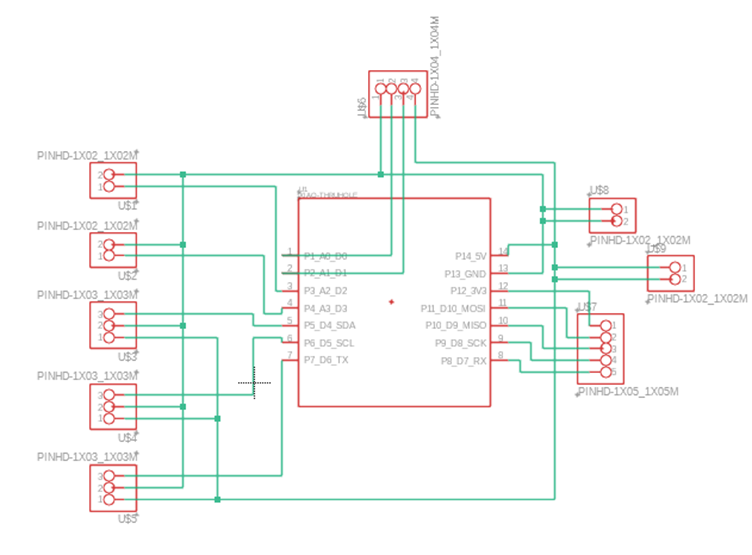
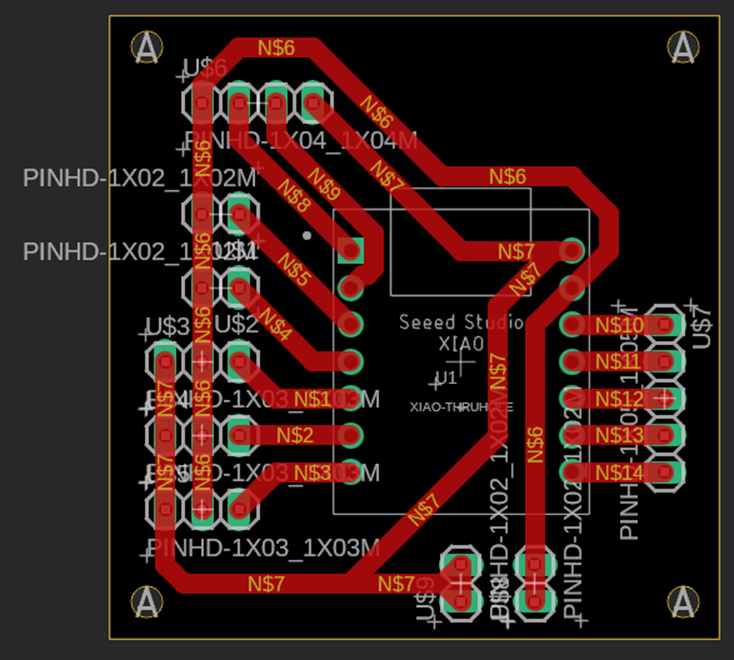
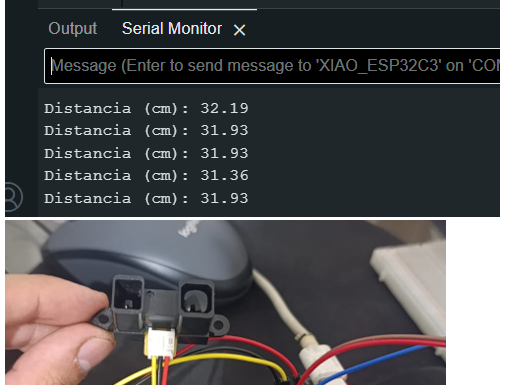
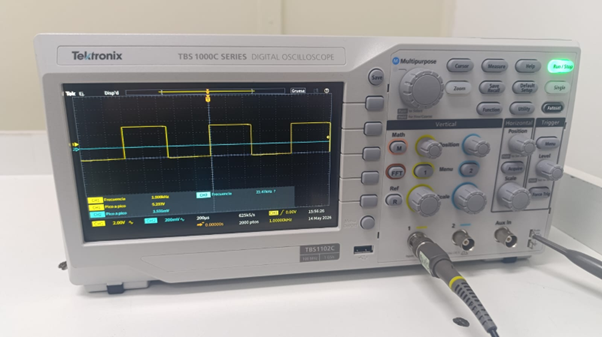
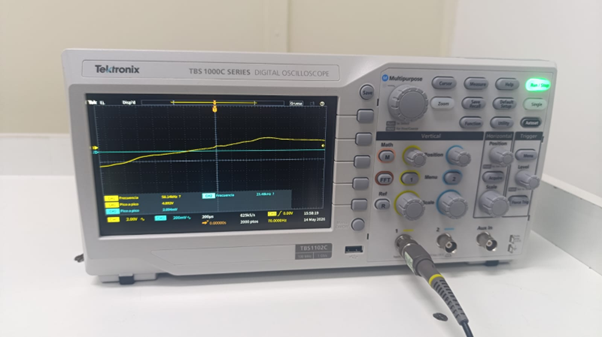
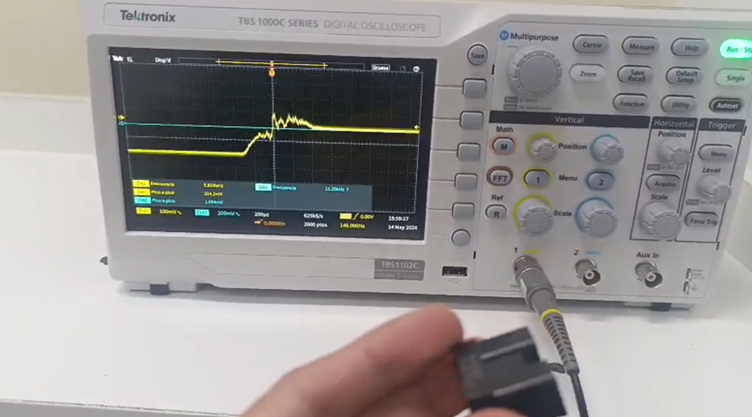
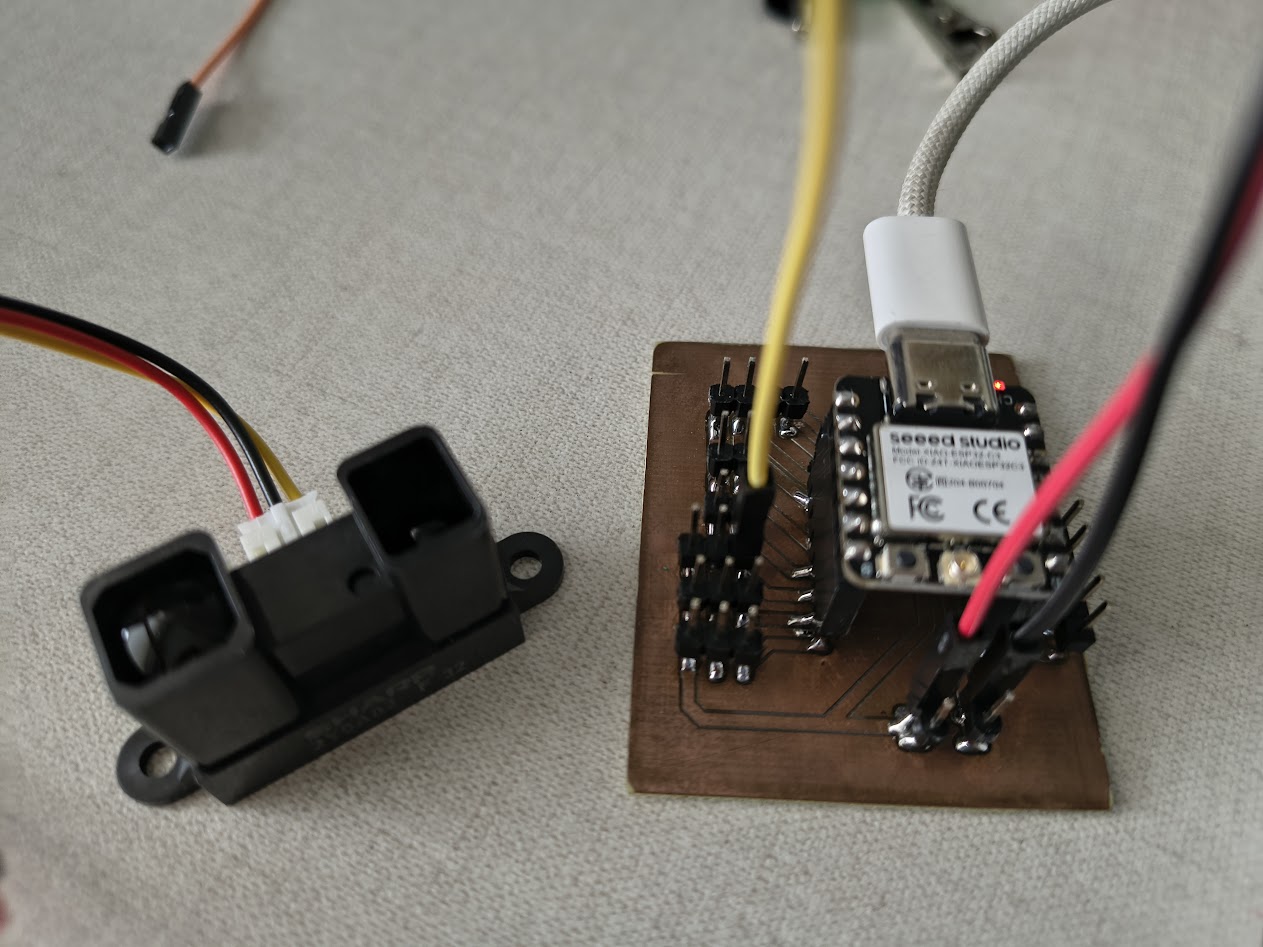
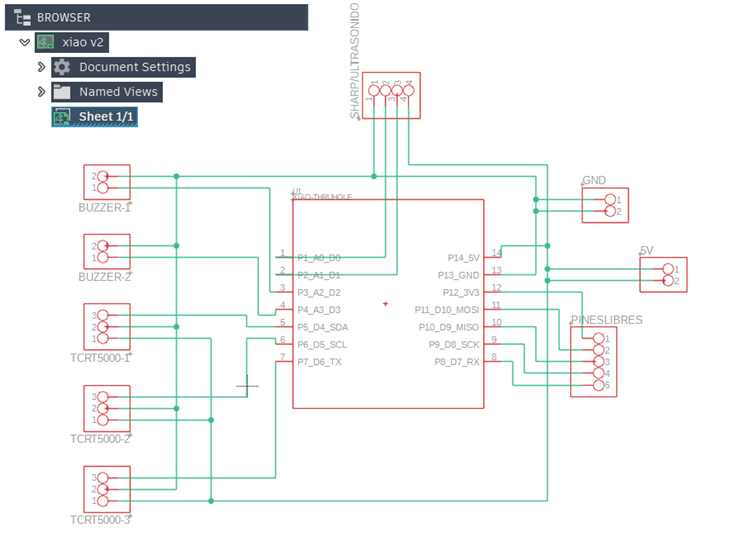
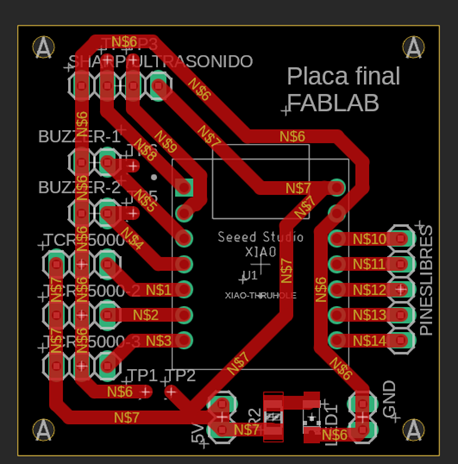
Use your own PCB, show: schematic, working with sensor
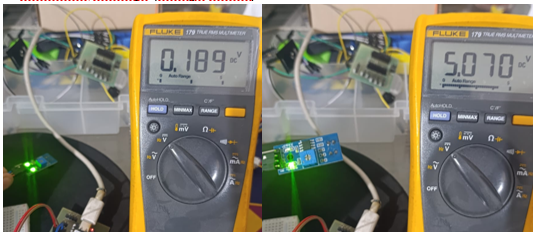
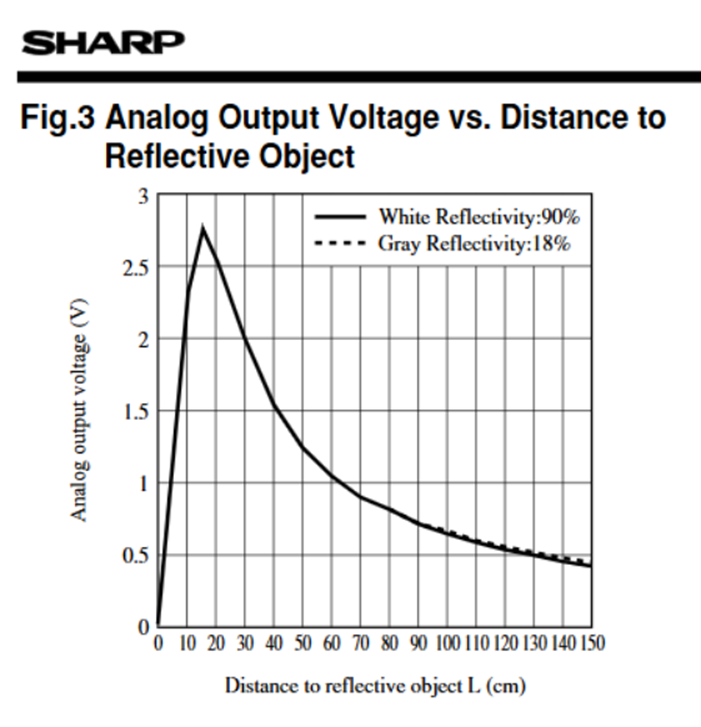
Add mesasure reading - voltaje value
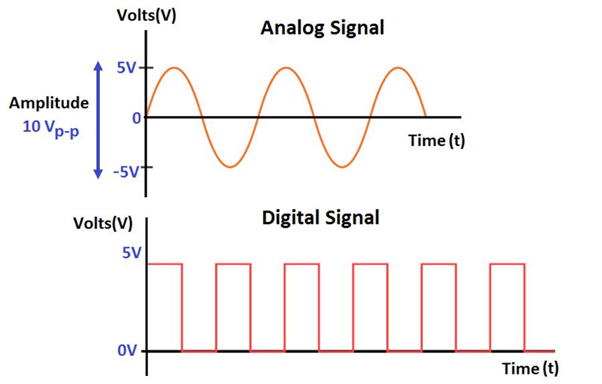
Explain analog & digital signals
Add circuit diagram
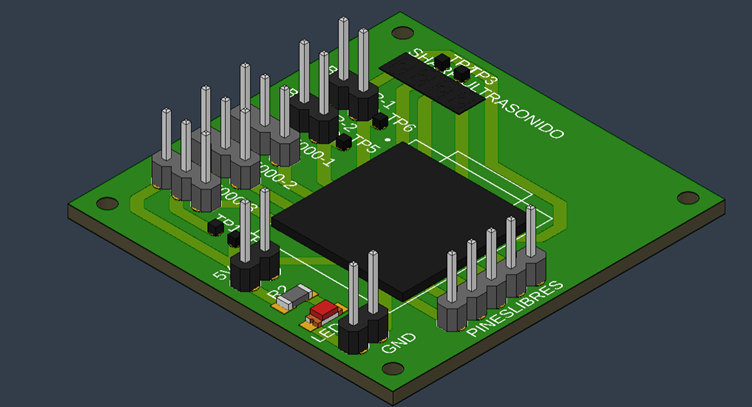
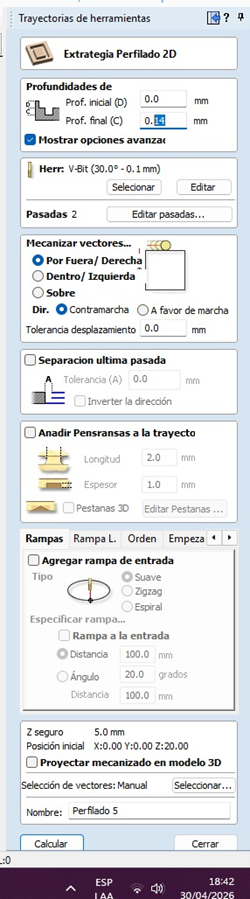
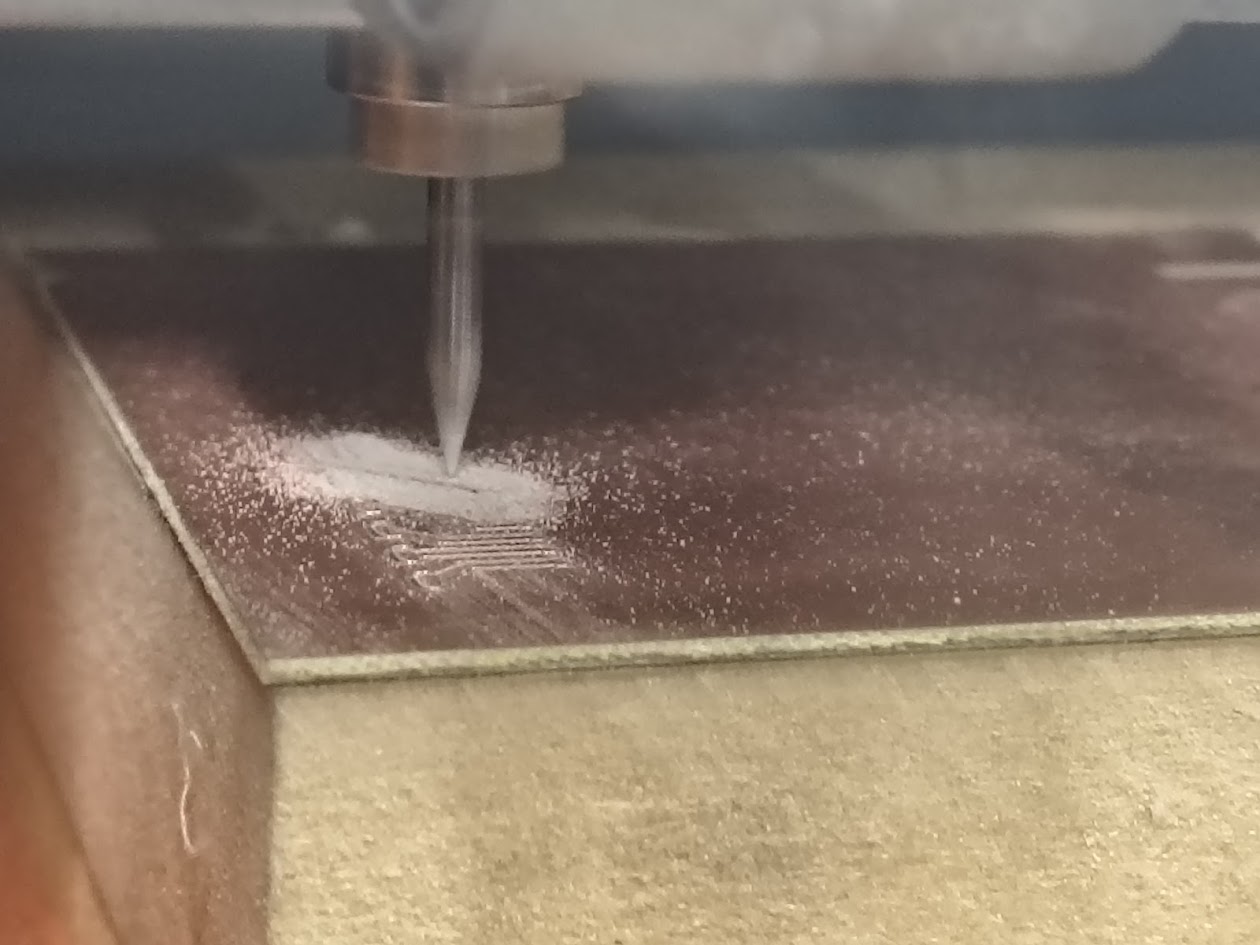
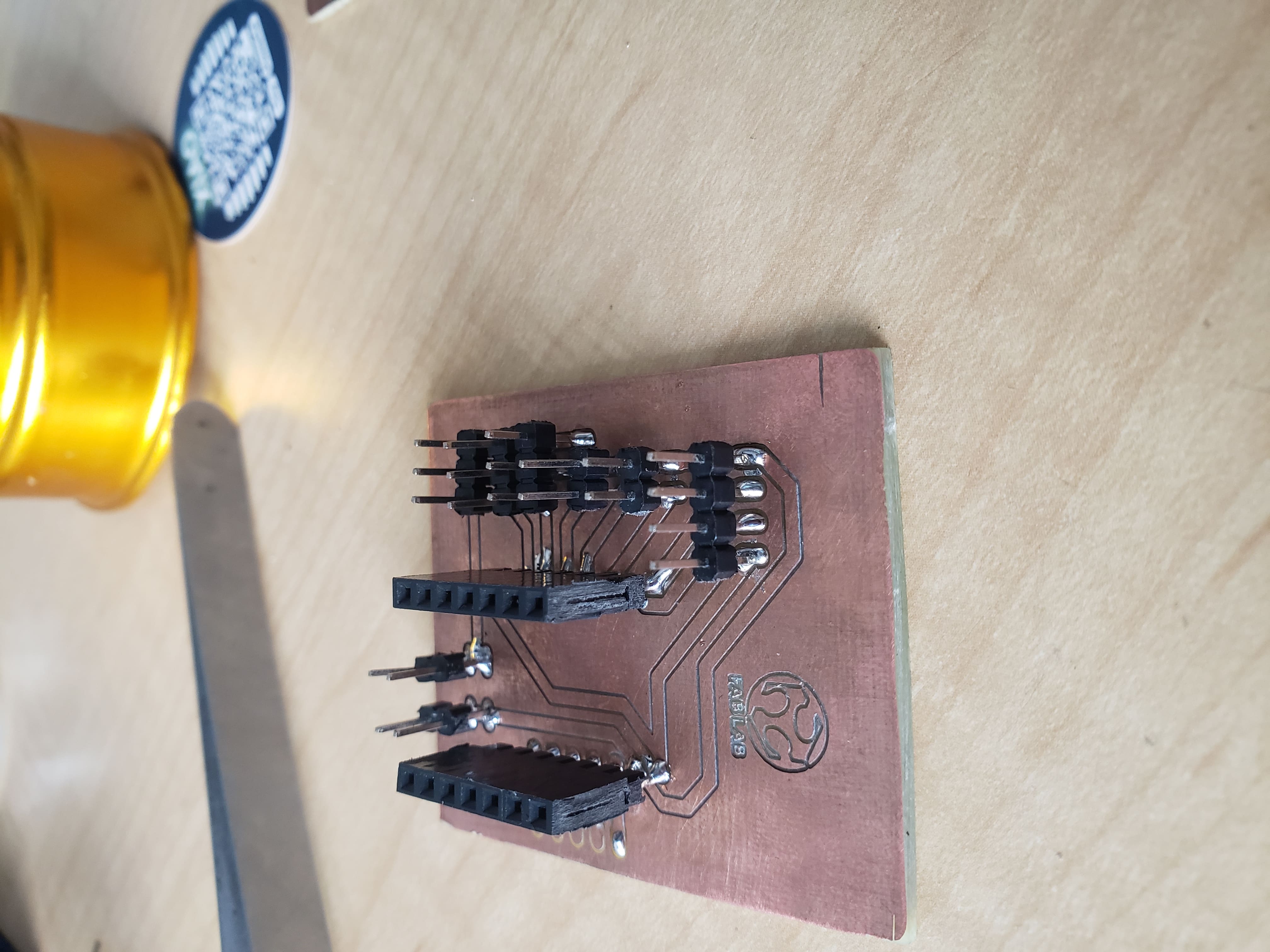
5) Final project advance
Running
Explore devices
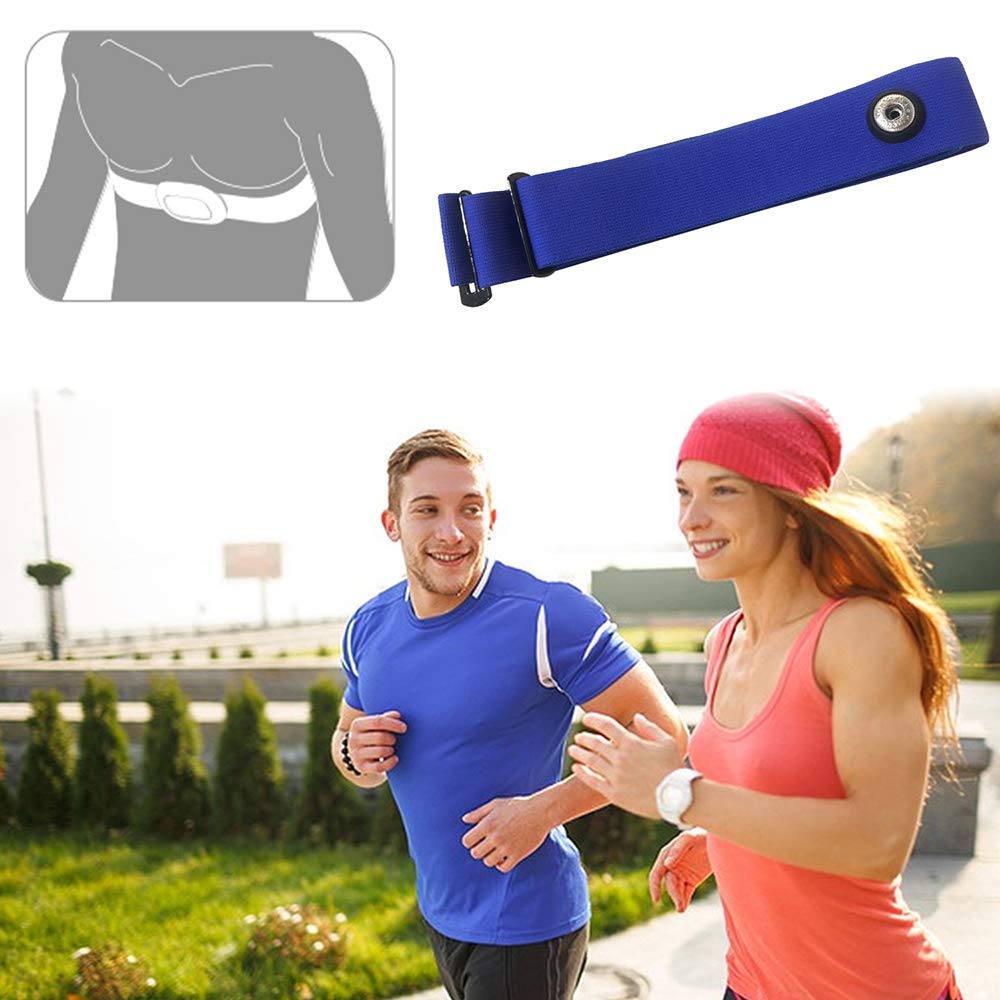
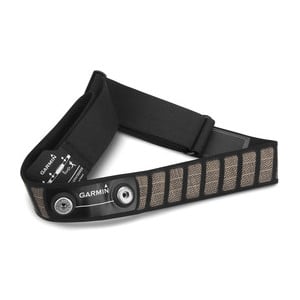
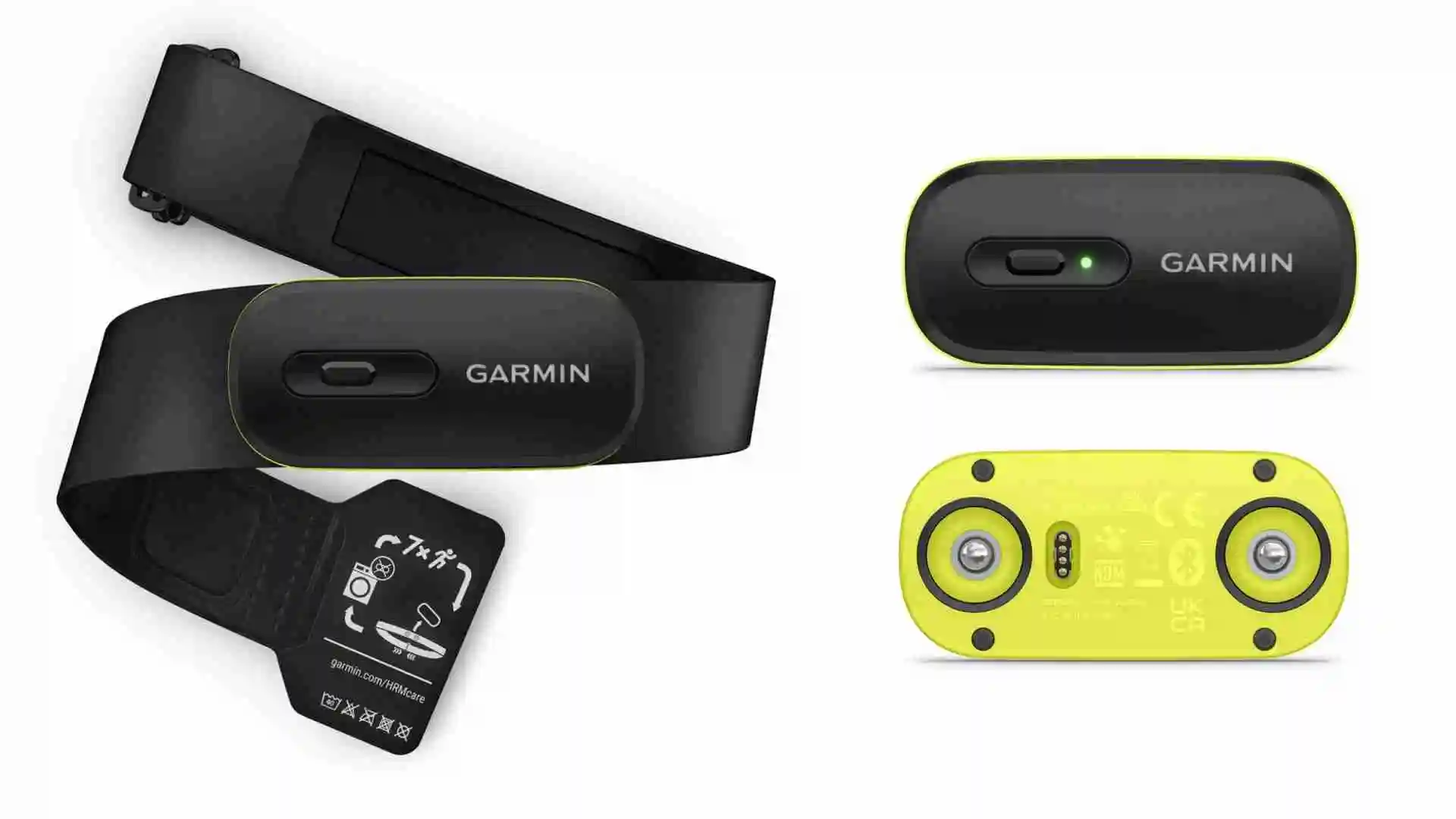
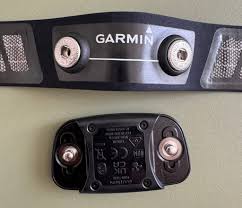
Found more band for runners
Swimming
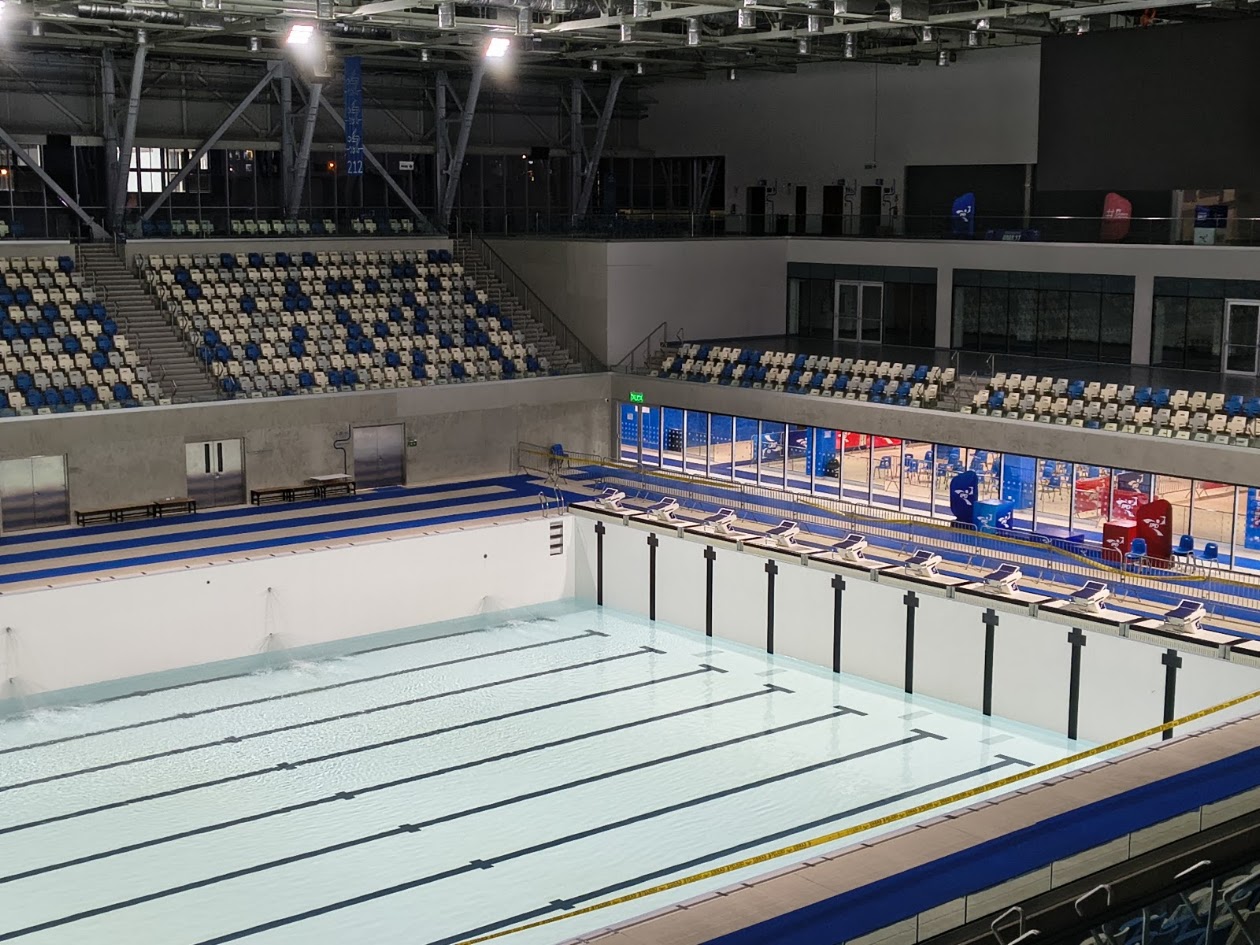
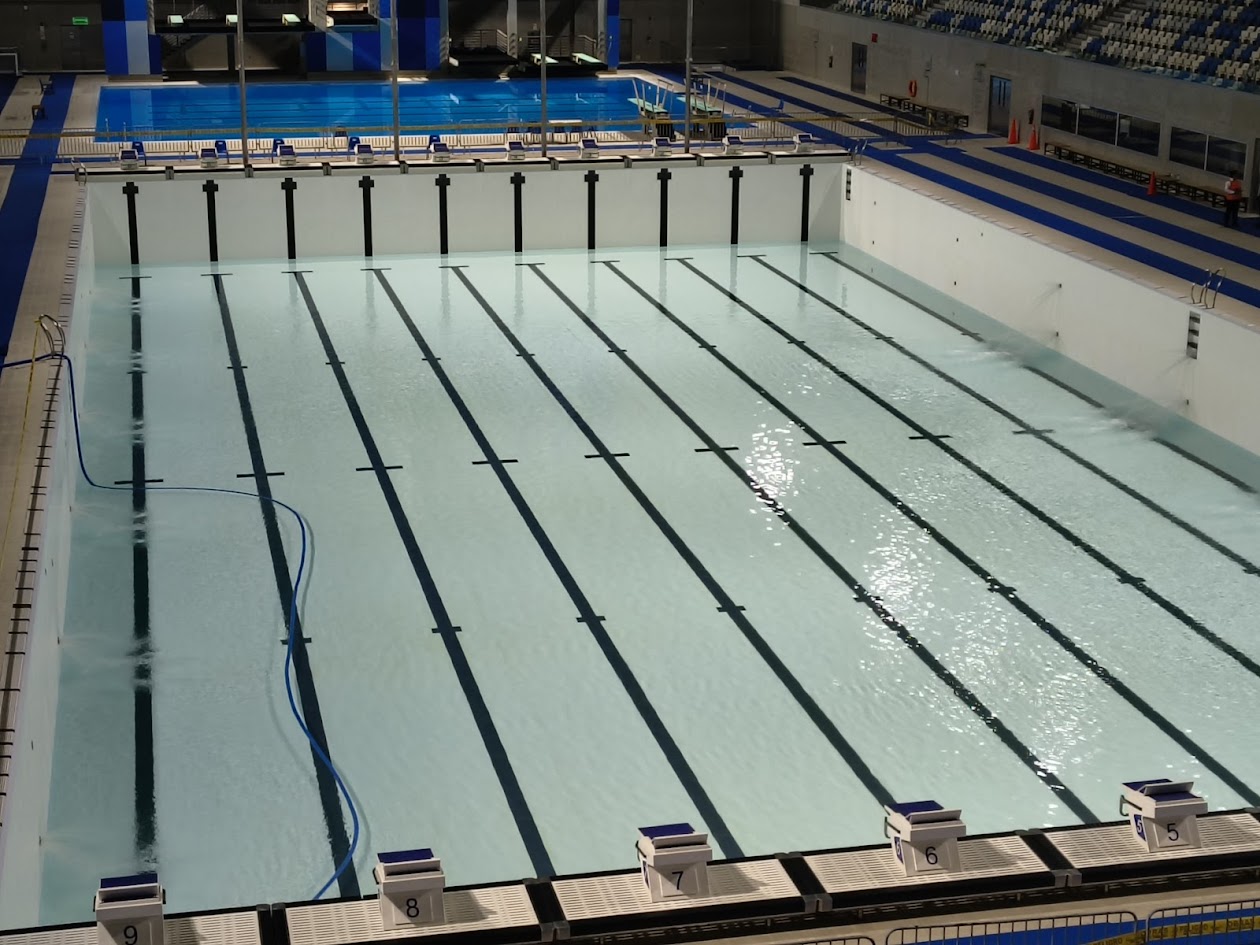
Explore an olympic pool
Devices
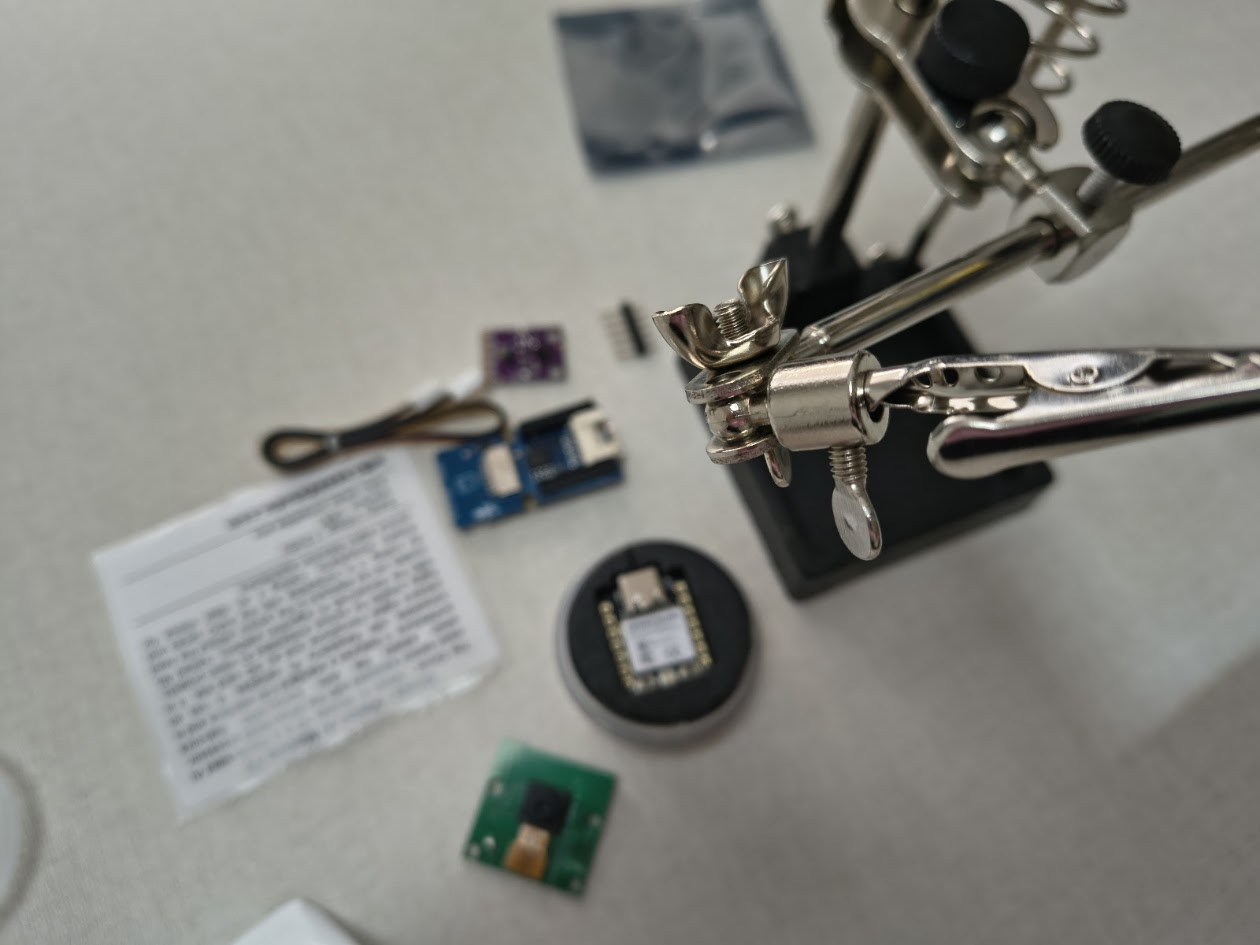
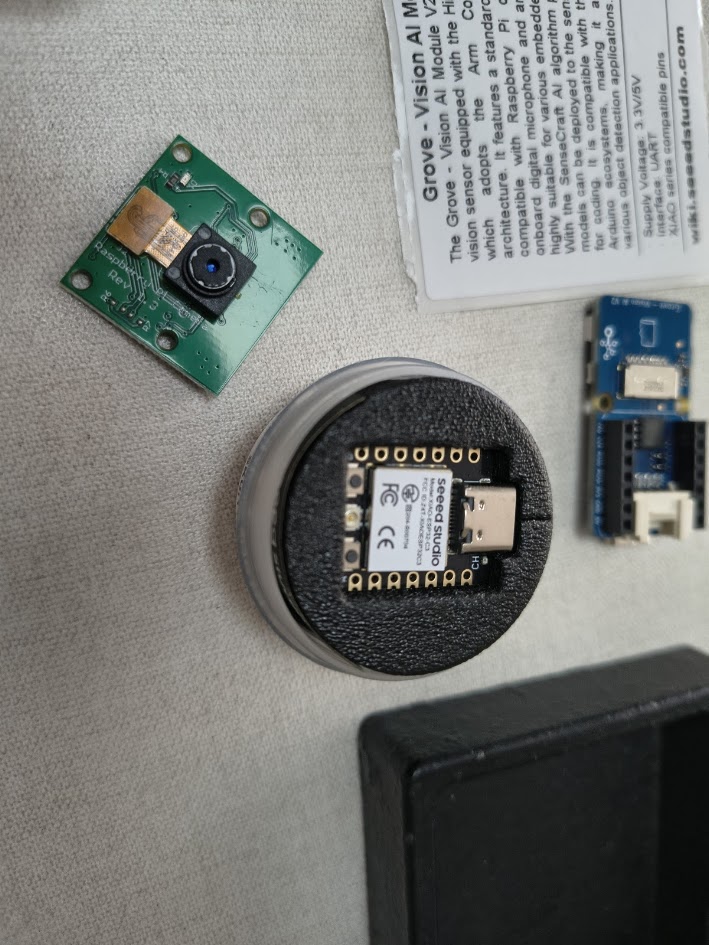
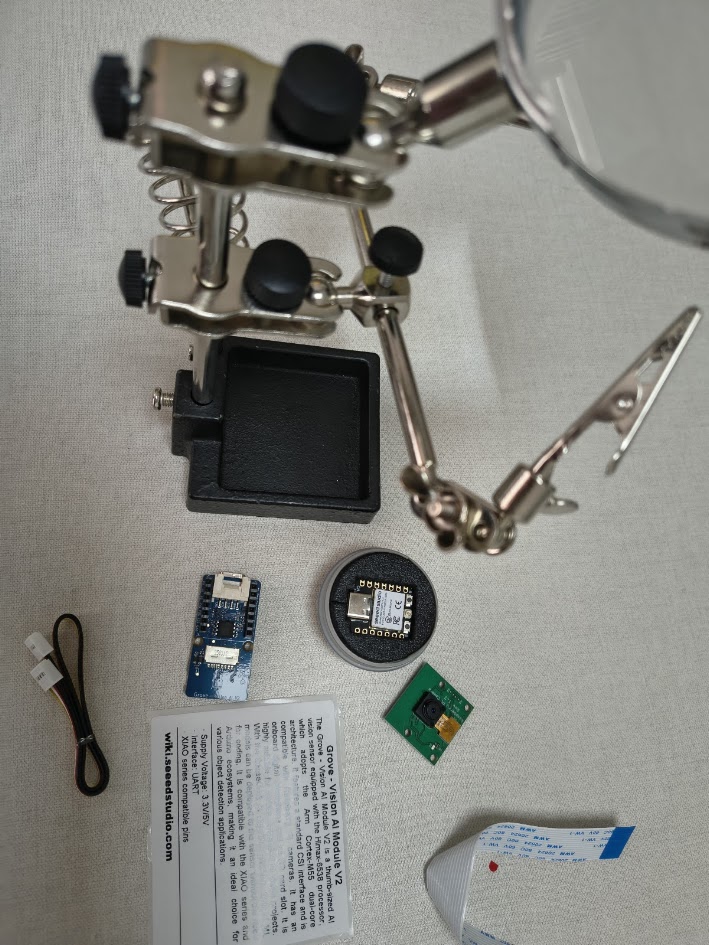
Grove Vision AI V2-HX6538 Processor
Camera CSI OV5647
Color and gesture sensor - RGB GY-9960-3.3 APDS-9960
6) Final results
- Linked to the group assignment page
- Documented what you learned
- Documented your design and fabrication process
- Explain how your code works
- Explained any problems and how you fixed them
- Include original design filess and source code
- Included a 'hero shot' of your board
7) References files
We learn how to design, make and test a PCB with sensor. Files: in each section