3. Computer-Controlled Cutting
Group Assignment
- do your lab’s safety training
- characterize your lasercutter’s focus, power, speed, rate, kerf, joint clearance and types
1. Safety Training
Before operating the laser cutter, we completed the safety training.
2. Our Laser Cutter
We used the Universal VLS 2.30 at Fablab Kannai.
- Work area: 406×305×102 mm (16”×12”×4”)
- 30W CO2 laser

We studied the laser cutter characteristics in the following order, because each step produces a parameter that the next step depends on:
- Focus — correct focal distance must be set first; all subsequent cuts depend on it
- Power / Speed / Rate — characterized at correct focus; the optimal settings are then used for all test cuts
- Kerf — measured with the optimal settings; the kerf value feeds directly into the clearance formula
- Joint Clearance — calculated from the measured kerf to find the best-fitting slot width
3. Focus
Focus must be determined first — an incorrect Z height defocuses the beam and makes power/speed results unreliable.
We used the focus test file from the 2021 Fablab Kannai Group Assignment. The lens focal length is 2.0” (50.8 mm). We used 5 mm cardboard with an initial Z height of 3.0 mm, then adjusted in 0.1 mm steps to find the sharpest cut.
We ran the focus test at Power 60% and Power 50% to observe how focus changes interact with power.

4. Power, Speed, Rate
With focus confirmed, we next found the optimal power/speed/PPI settings — these settings will be used for every cut in the kerf and clearance tests that follow.
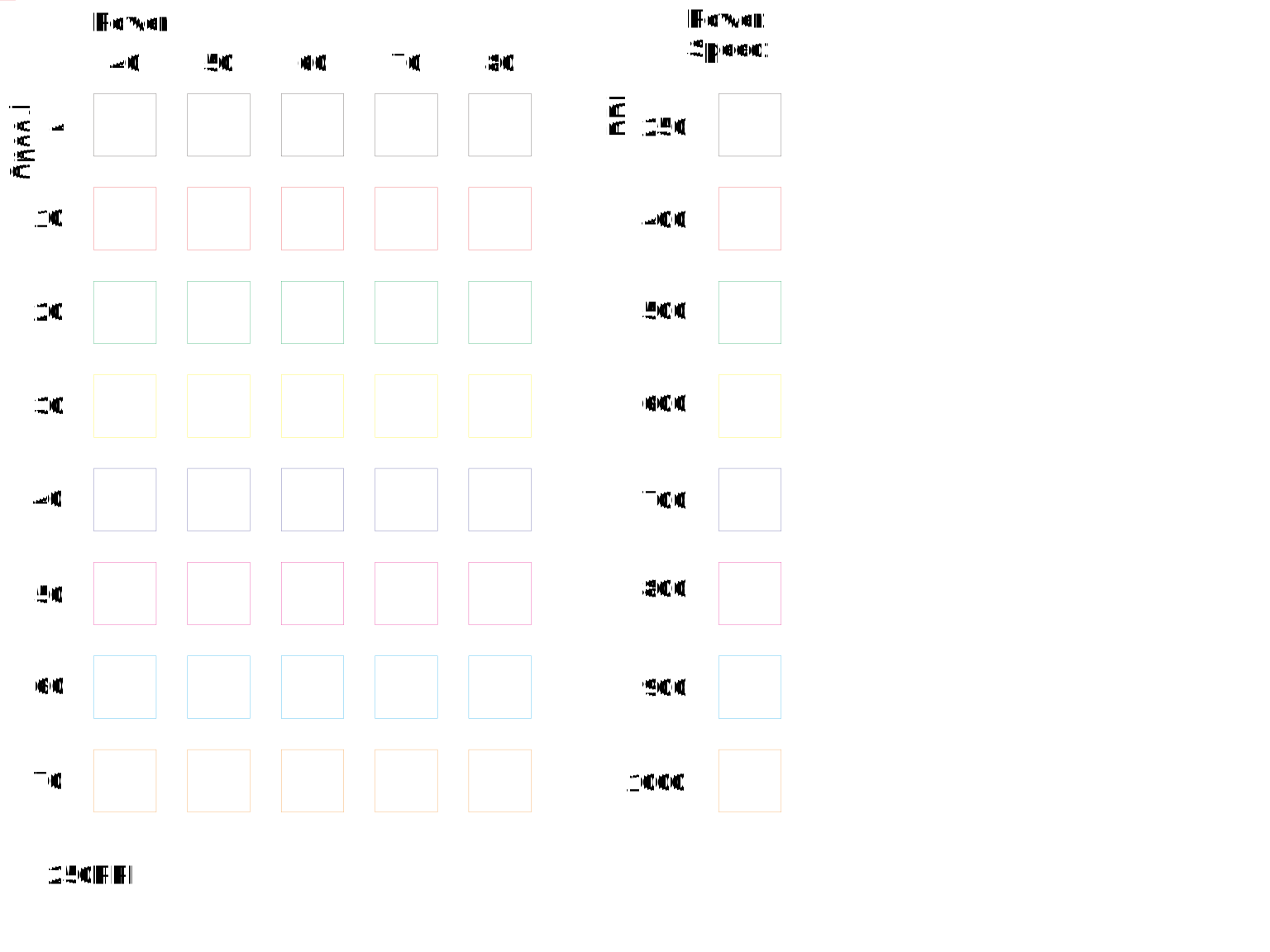
We used CorelDRAW with the power/speed/PPI test file. The grid tested Power (40–80%) against Speed (4–40%) at PPI values from 250 to 600.

The laser is controlled via the VLS 2.30 software. Cut and engrave settings are assigned per color layer.

After cutting the full grid, we compared results:
Best setting for 5 mm cardboard: Power 80%, Speed 10%, PPI 250

5. Kerf
With the optimal cut settings established, we measured kerf — the width of material the laser removes per cut. This value is needed to calculate the correct slot width for joinery in the next step.
To minimize measurement error we cut a 10-strip test piece and measured all strips together with a digital caliper, and divided by 10 to get the kerf value.


Kerf calculation:
| Parameter | Value |
|---|---|
| Design width (10 strips) | 100 mm |
| Measured width | 97.89 mm |
| Total material removed | 2.11 mm |
| Kerf (÷ 10) | 0.211 mm |
6. Joint Clearance
Finally, using the kerf value (0.211 mm) measured above, we designed the clearance test — the slot width formula is:
design slot width = material thickness + clearance - kerf
By varying the clearance value across the comb teeth we could find which value gives the best fit. We used the comb joint clearance test file; each tab has a slightly different slot width so we could compare fits in one cut.
First, we applied the kerf parameter we just calculated.

Then we confirmed the other parameters.

Then we exported the surface as an SVG using the Shaper Utility plugin.


Too loose — When we pressed the second slot (5.00 mm) together, the clearance was too loose:

Best fit — pieces slot together snugly at the 4.90 mm slot. Considering the 0.211 mm kerf, the actual gap is 5.111 mm:

Design Files
We reused the design files from the 2021 Fablab Kannai Group Assignment.
Focus test

Power / Speed / Rate test
Kerf test
Joint clearance test