Rendering in Lumion
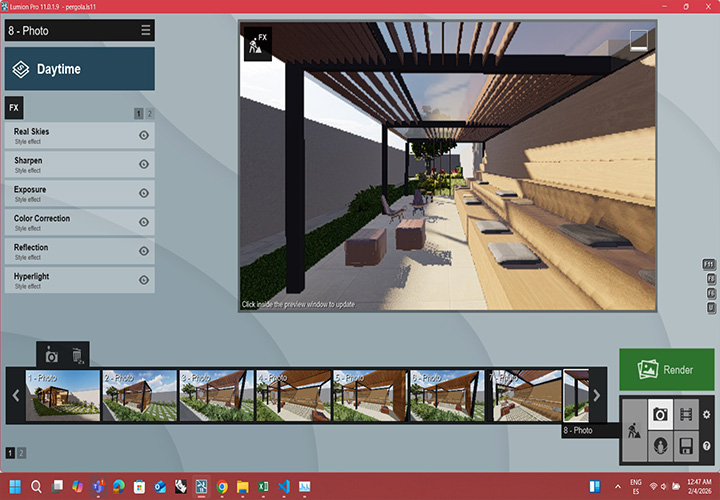
... fast, easy, and intuitive. Thanks to LiveSync, you can visualize high-quality environments in real-time, avoiding more complex workflows.
The core of this artifact is to create a "living" space that interacts with its users—specifically children. I want to explore how a physical structure can influence or reflect childhood emotions through sensory inputs and outputs, such as: Interactive Lighting: Responsive color palettes based on movement or touch. Kinetic Elements: Subtle physical shifts or modularity that adapt to the user. Atmospheric Design: Creating a sense of sanctuary or play through geometry and materiality.
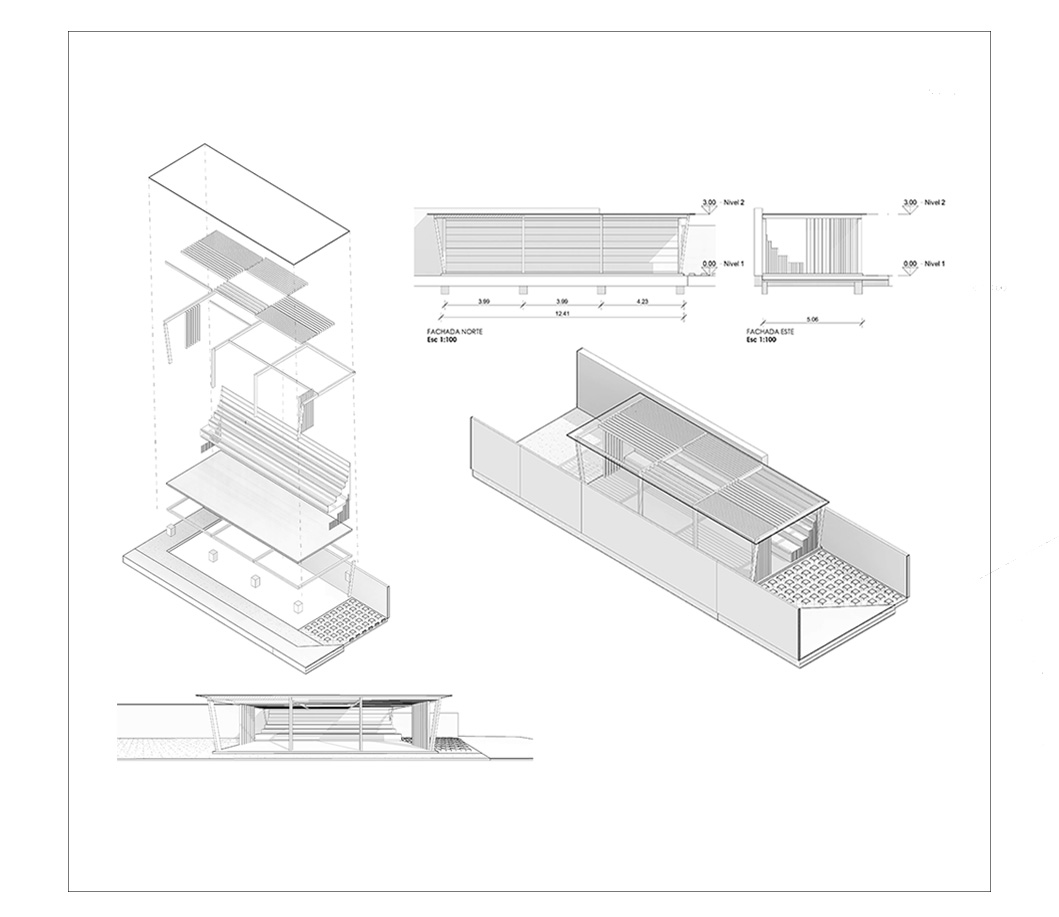
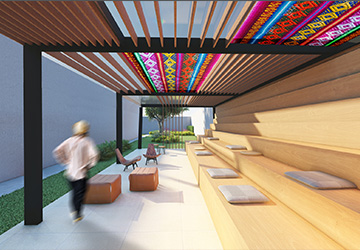
For this second assignment, I decided to bridge my previous design experience with the new tools I am mastering. I worked on a project that I have partially developed: The Design of an External Student Commons for a University.
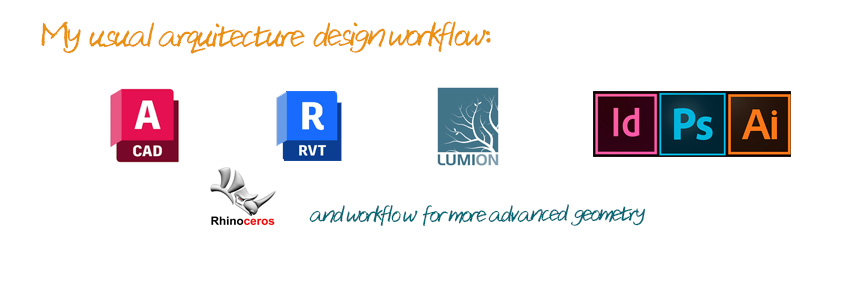
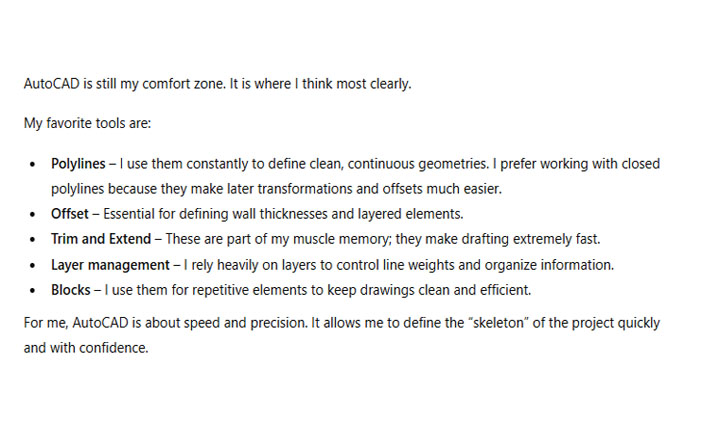
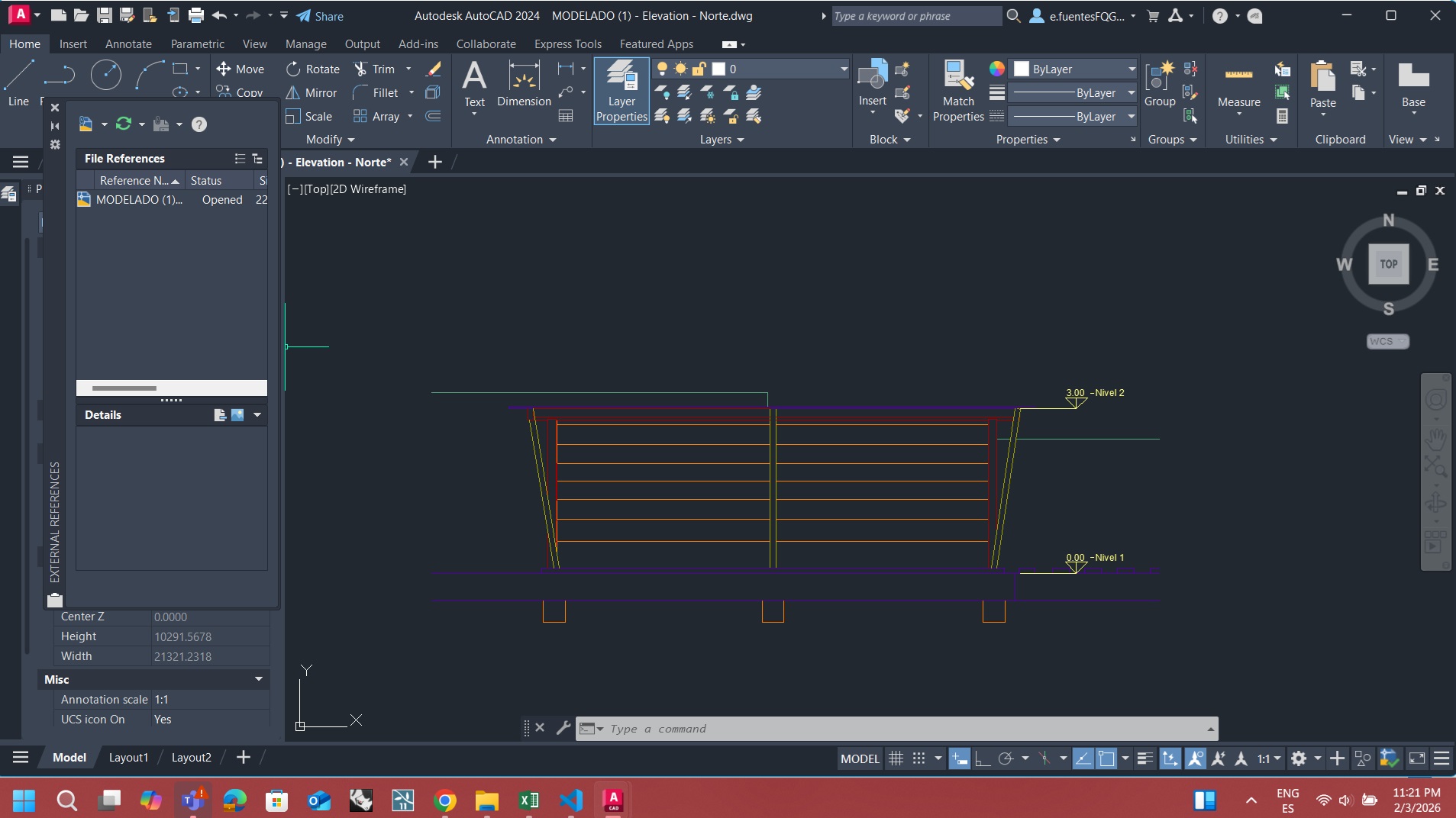
In my design process, I usually work with a workflow that mixes the "classics" with more advanced modeling tools, choosing each one based on its specific strengths. I almost always start with AutoCAD. Since it was the first program I mastered during my early years of architecture school, it is still my favorite way to quickly lay down the "bones" of a project. The main advantage here is definitely speed and 2D precision; I consider it the most agile way to define dimensions. However, the downside is its 3D interface, which is quite clunky and makes it hard to visualize the sensitive, spatial experience I want to create for children.
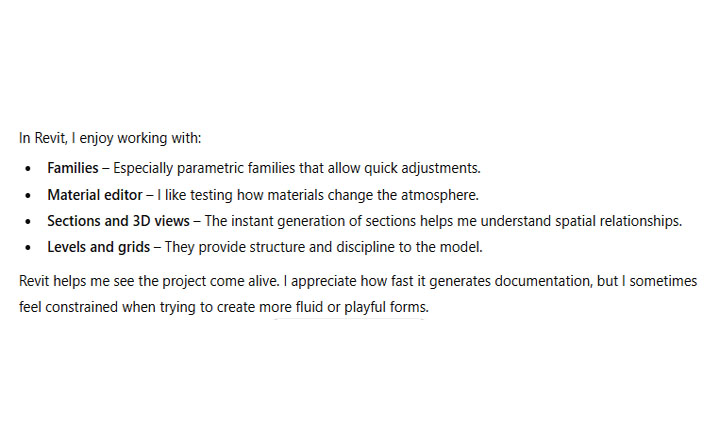
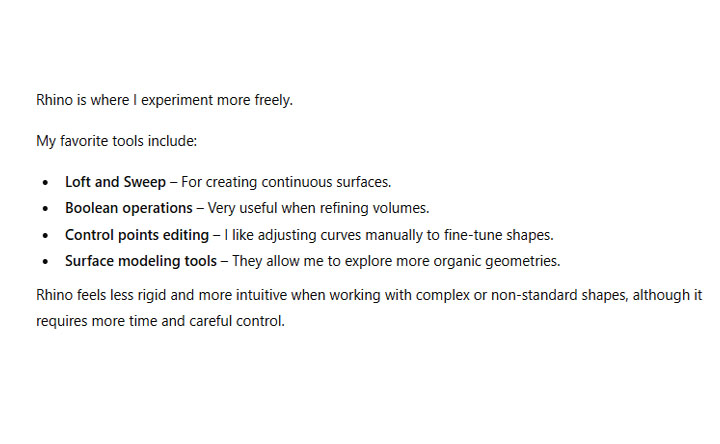
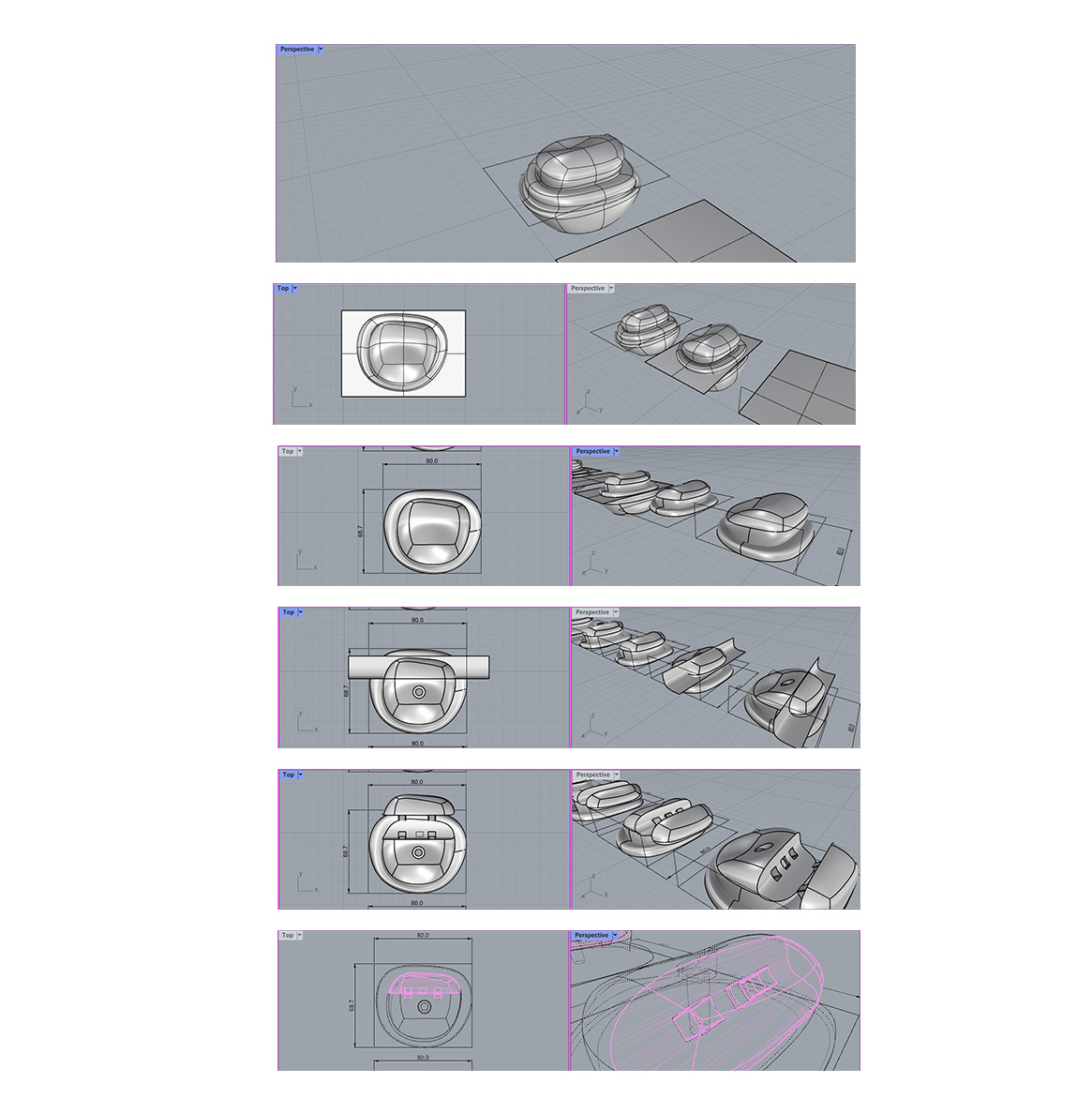
To make the project more realistic, I link my CAD files into Revit. I usually work with both programs simultaneously; linking them allows me to see the project materialize in 3D almost instantly. The biggest pro of Revit is how quickly it handles materials, technical sections, and the overall "feeling" of the building. But it has a significant limitation: it can be quite stiff and difficult when you're trying to create "masses" or complex surfaces. It’s great for standard walls and floors, but not so much for experimental or fluid shapes. When the design gets more organic or needs that "extra" level of detail that Revit can't handle, I jump into Rhino. It is much more intuitive for complex geometry, even if the process takes a bit more time. Finally, I go back to AutoCAD for the "make-up" phase—polishing the line weights and symbols to get the professional 2D look I want.
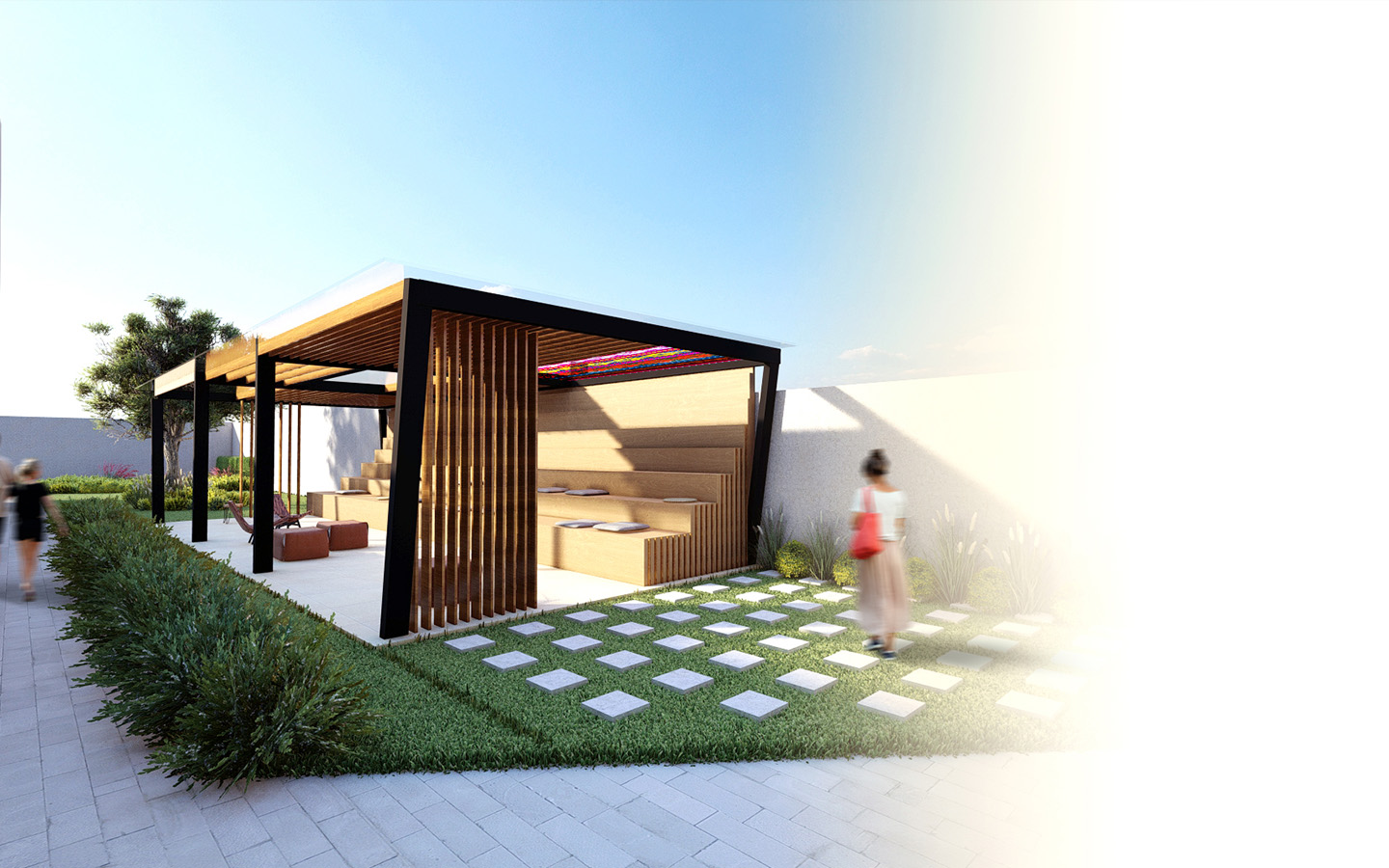
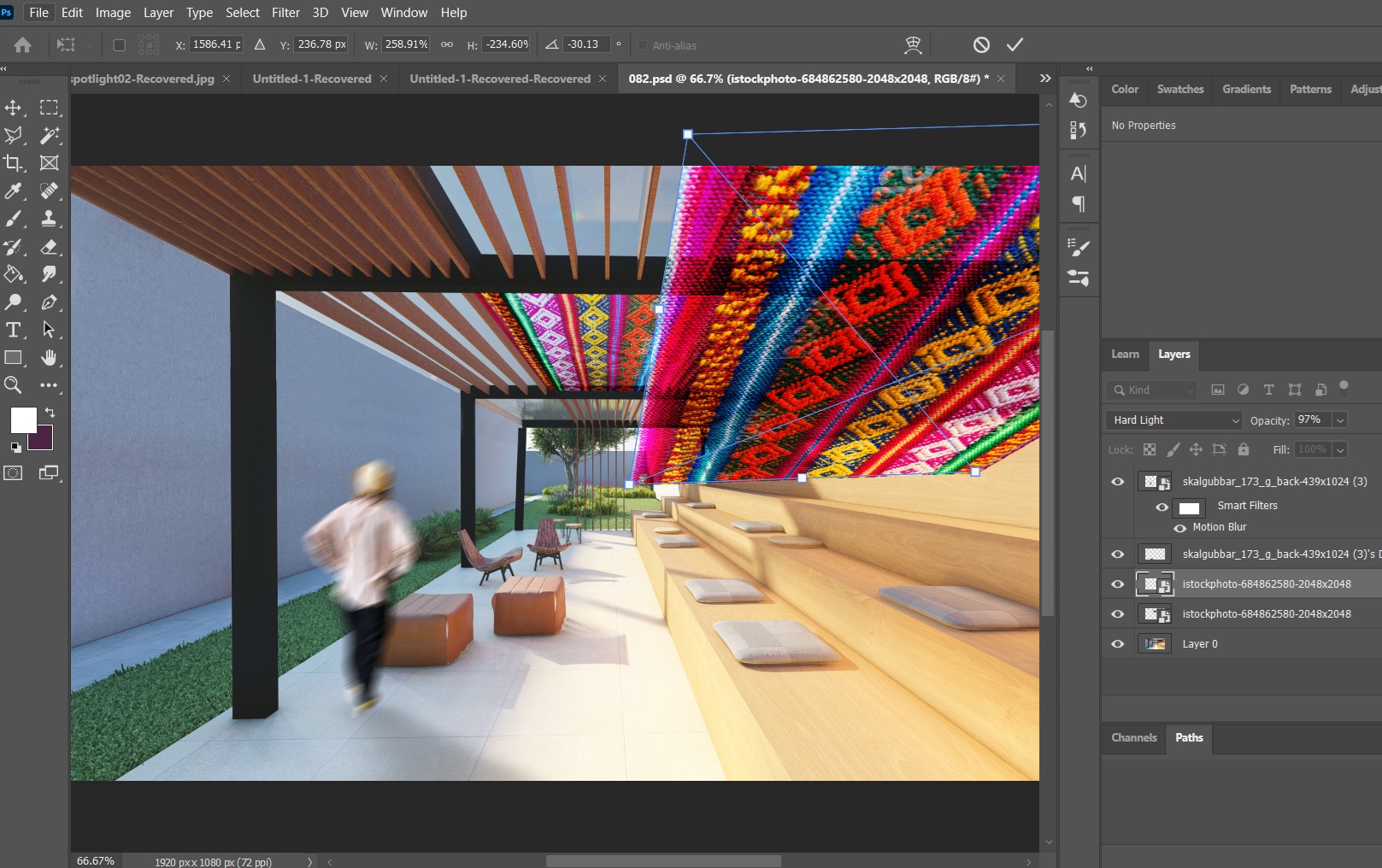
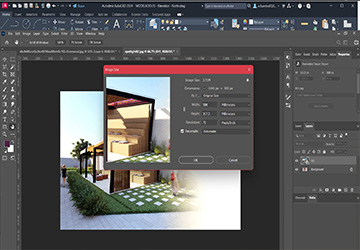
My favorite phase is definitely post-production and rendering. When I'm short on time, I usually work with Lumion using the LiveSync feature with Revit. It's incredibly efficient because I can see the materials and lighting change in real-time as I adjust the model. Once the base render is ready, I take it into Photoshop for post-production. This is where the project really comes to life—adding textures, atmosphere, and those small details that make the image feel "alive." The only struggle here is the file size; Photoshop files can get very heavy, which isn't ideal for web documentation. To keep everything organized for presentations, I use InDesign. Instead of pasting images, I link them to keep the file manageable. However, for this Fab Academy documentation, I’ve had to be extra careful with web optimization. I’ve reduced the image sizes and set the resolution to 72 DPI, ensuring that the webpage loads quickly without losing the essence of the design. This allows me to overlay my visuals onto the website template smoothly without crashing the browser.
... fast, easy, and intuitive. Thanks to LiveSync, you can visualize high-quality environments in real-time, avoiding more complex workflows.
...it offers so many tools and filters that allows to add the textures and atmosphere needed to make my images truly come alive.
...using tool 'Export for Web'or reducing the resolution to 72 DPI and adjusting the quality to keep the files light without losing detail."
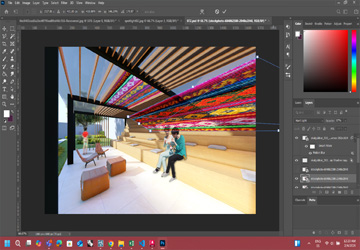
...the result of this entire process, showinghow the design will look and feel once the interactive lighting and materials are brought to life.