Week 16: Wildcard Week
Planted May 11, 2026

Overview
This week was the wildcard week. I created something I wanted to create in a long time. A STAR TREK SHIRT. Though for the first time ever I chose Picard over Kirk, for those who know.)
Individual Assignment
Tools and materials
this weeks machine of choice was the Brother PR680W onto the process.
After getting the star trek next generation logo I imported it into adobe illisturator
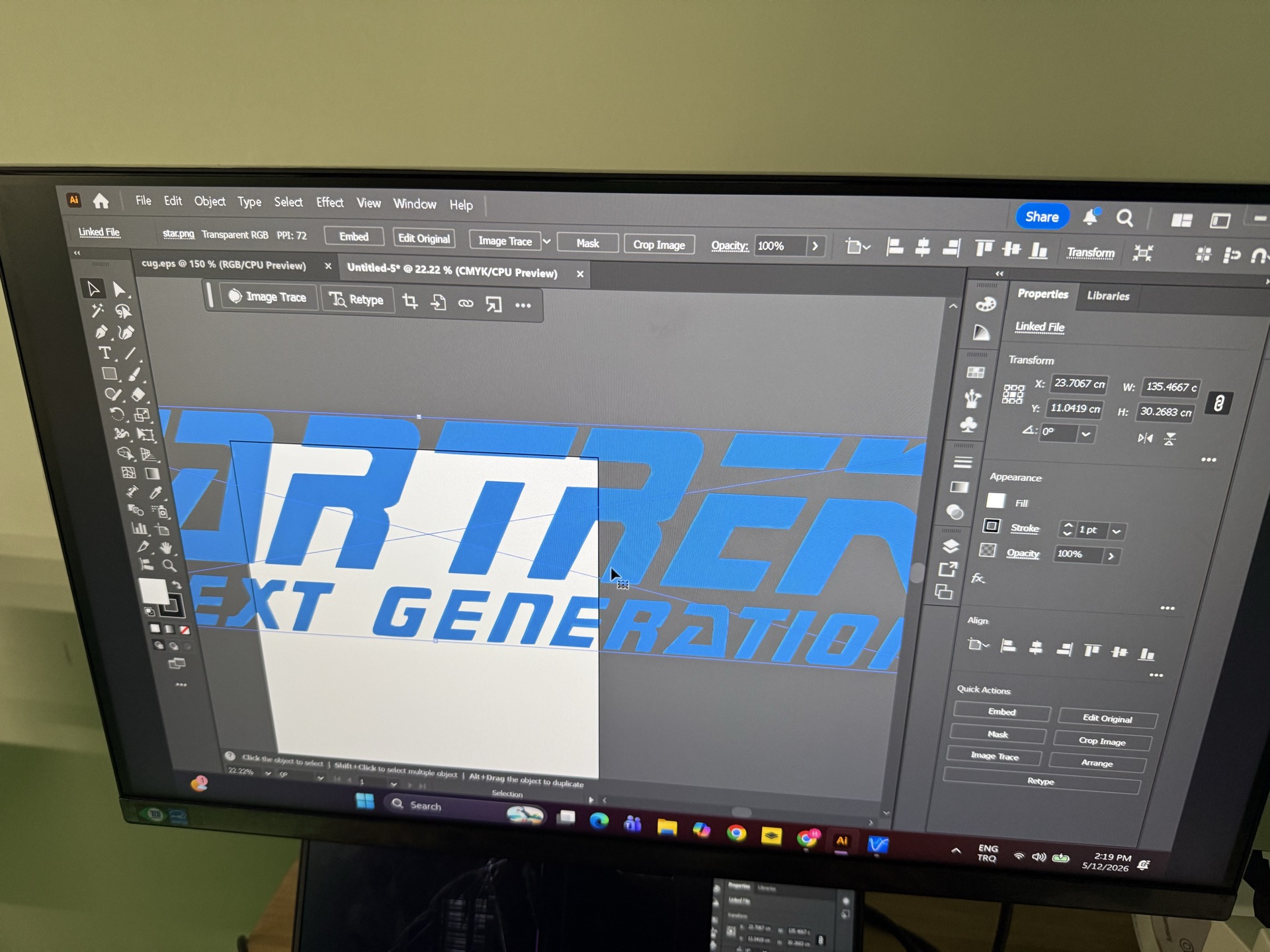
Then I resized it
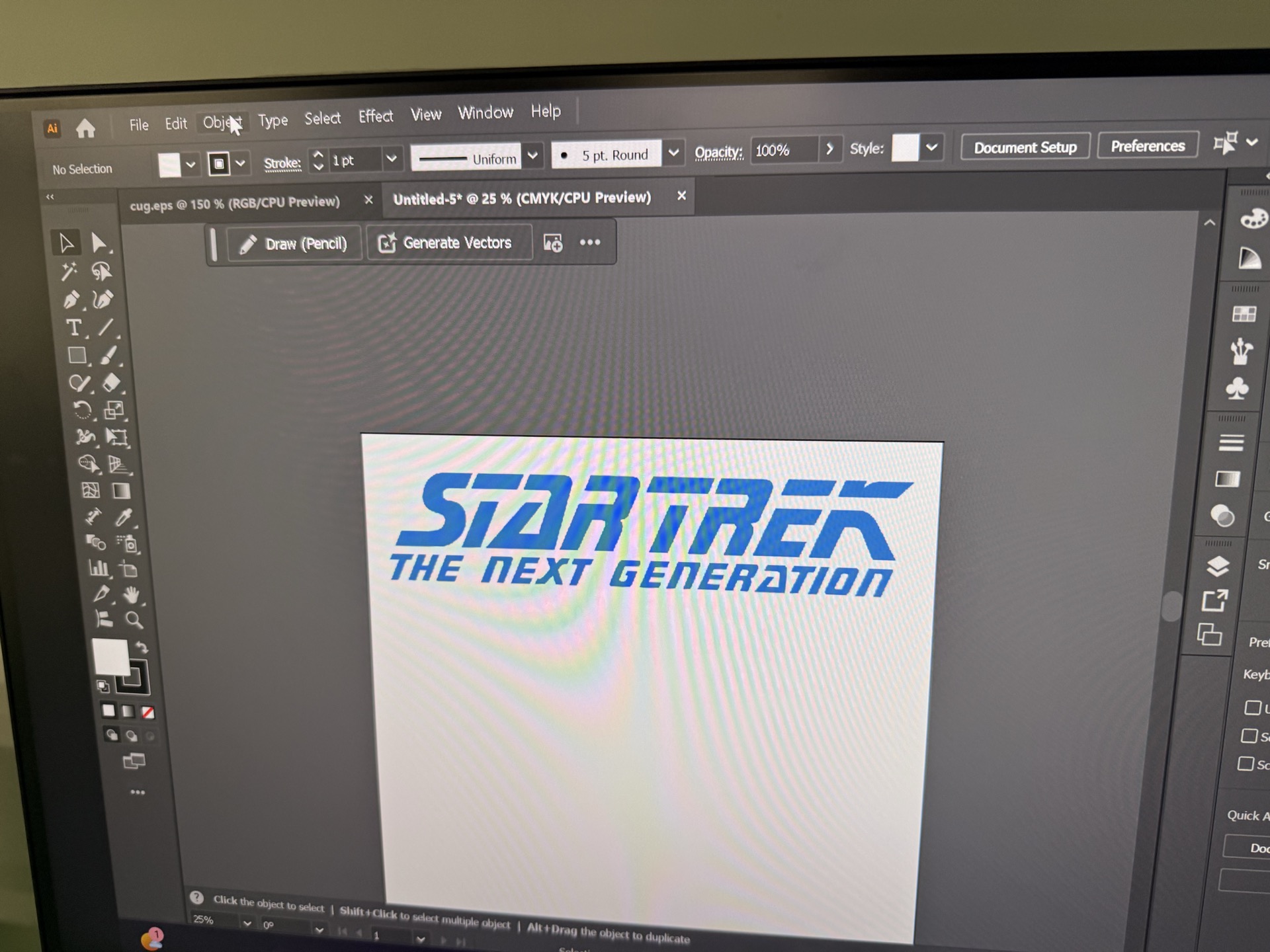
Next I rasterized it
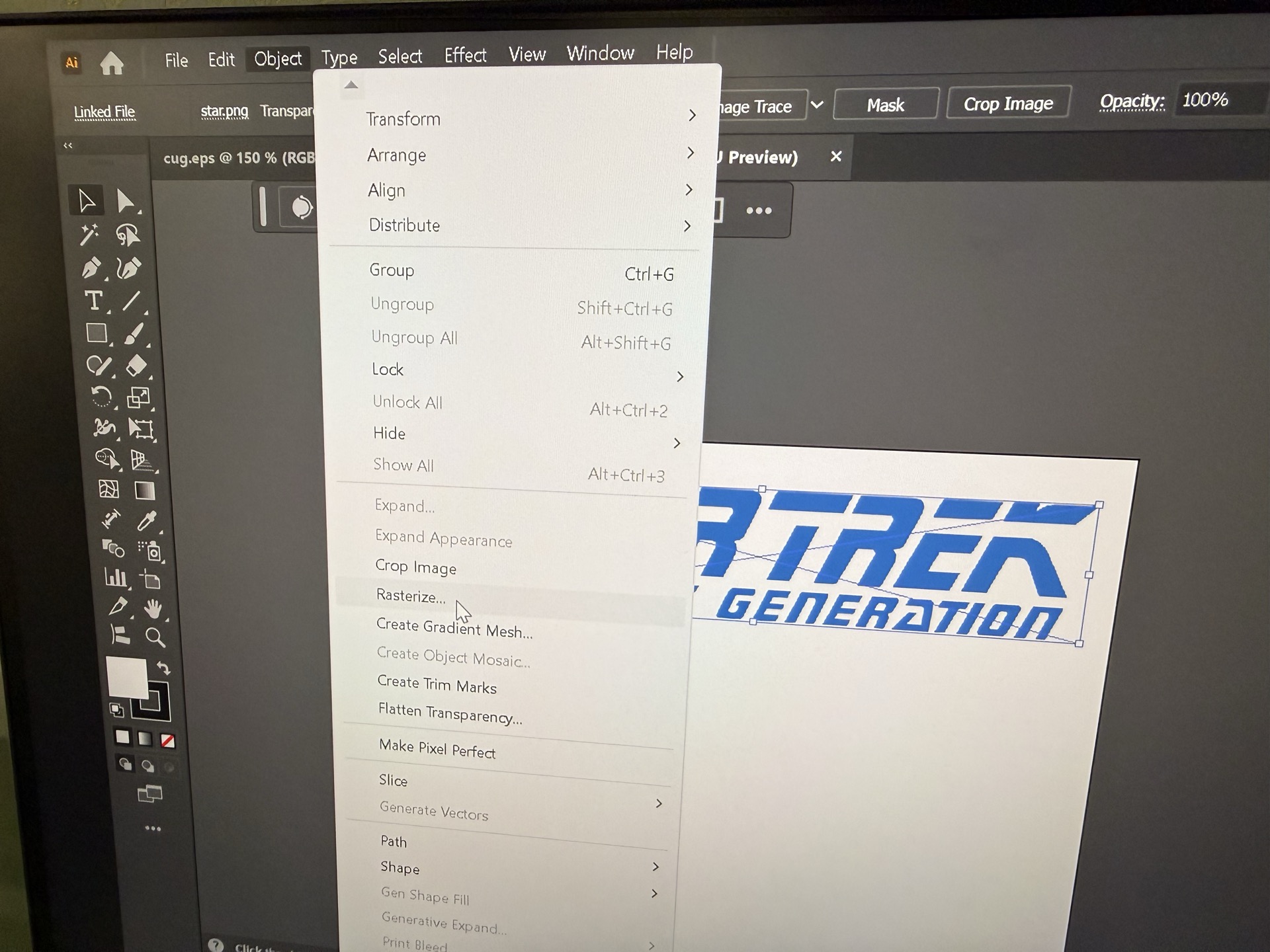
next I exported the rasterized image and opened PE Design, brothers design software.
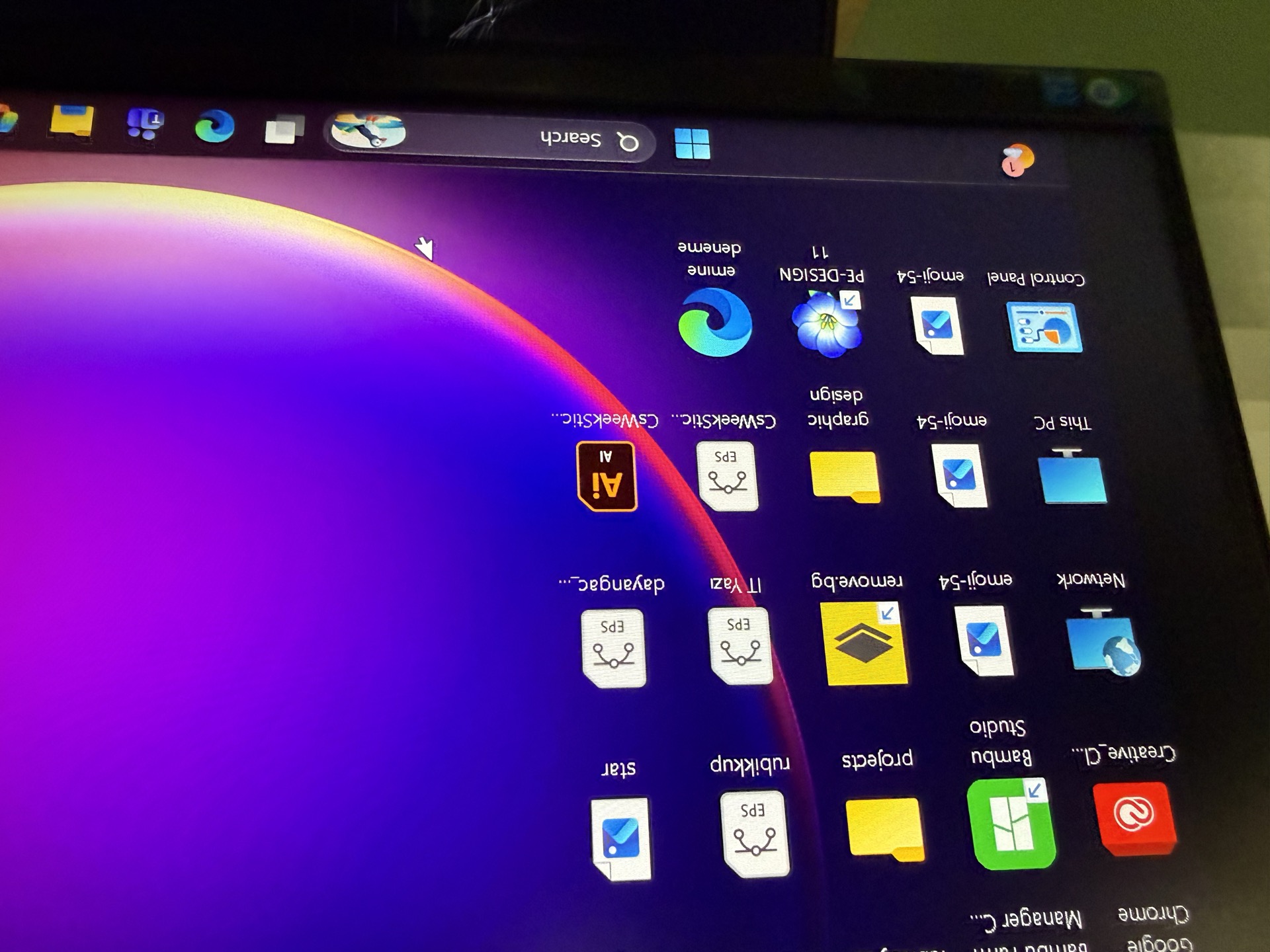
design software 101
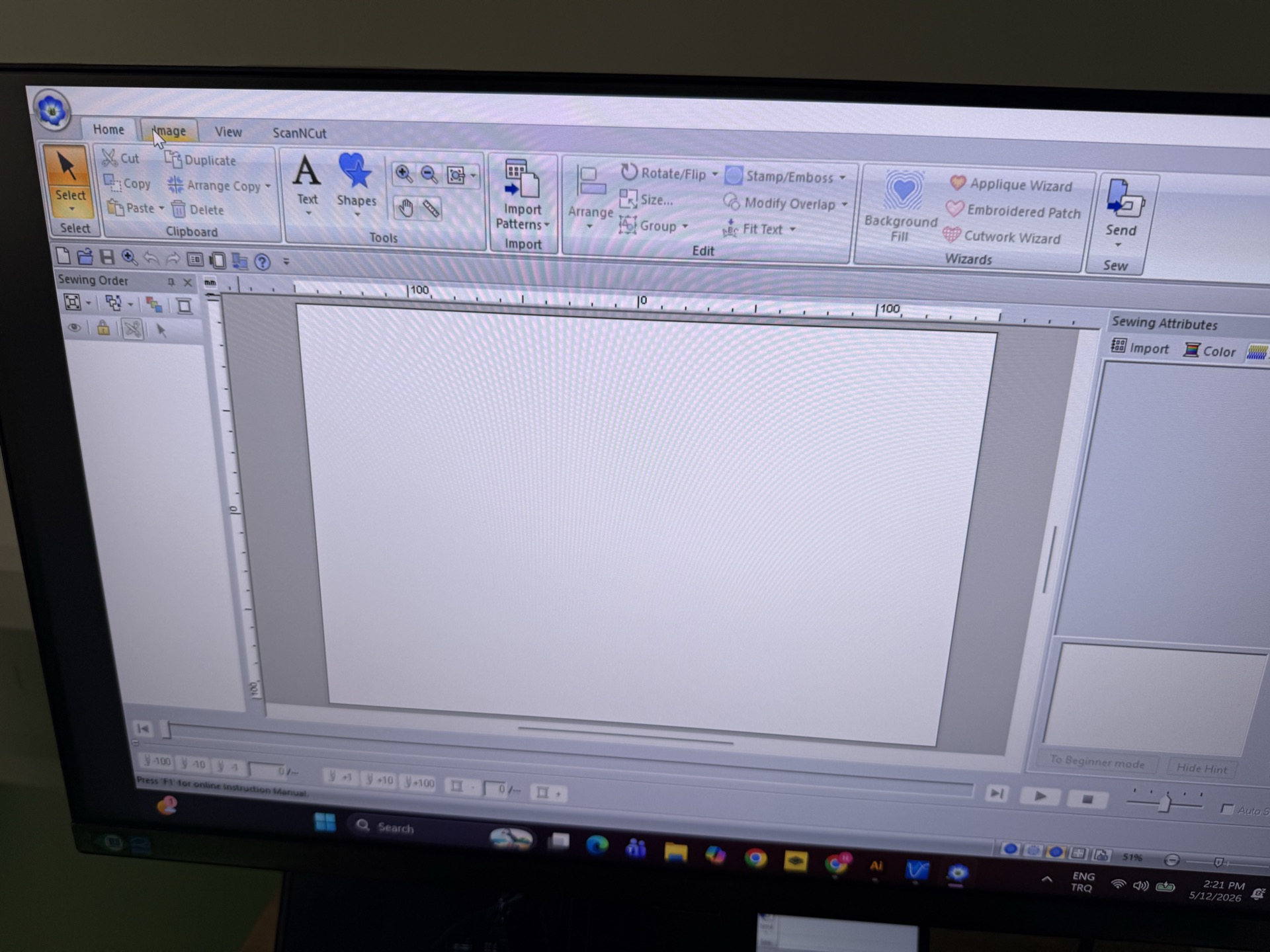
then I said auto patch to properly open the design
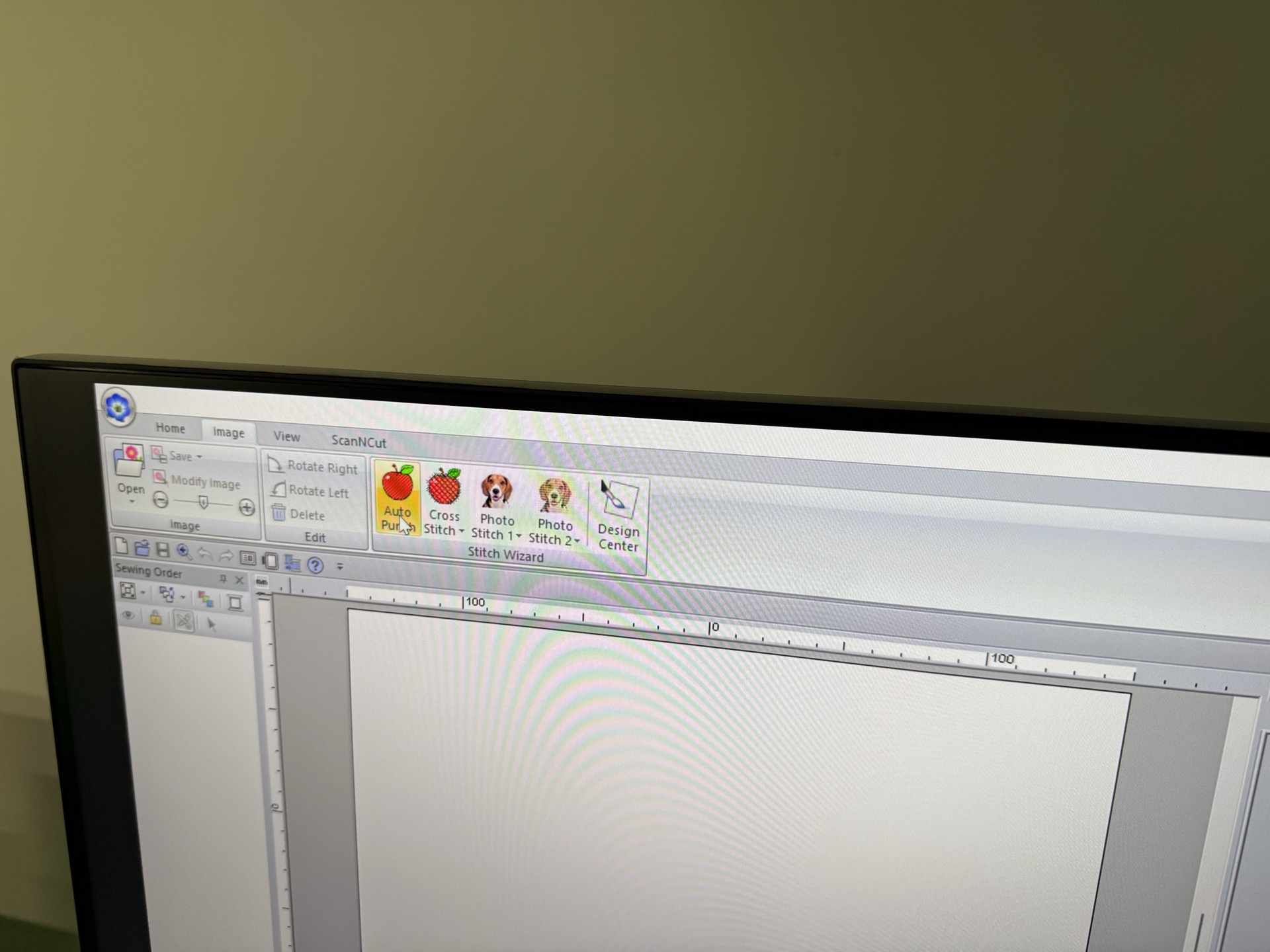
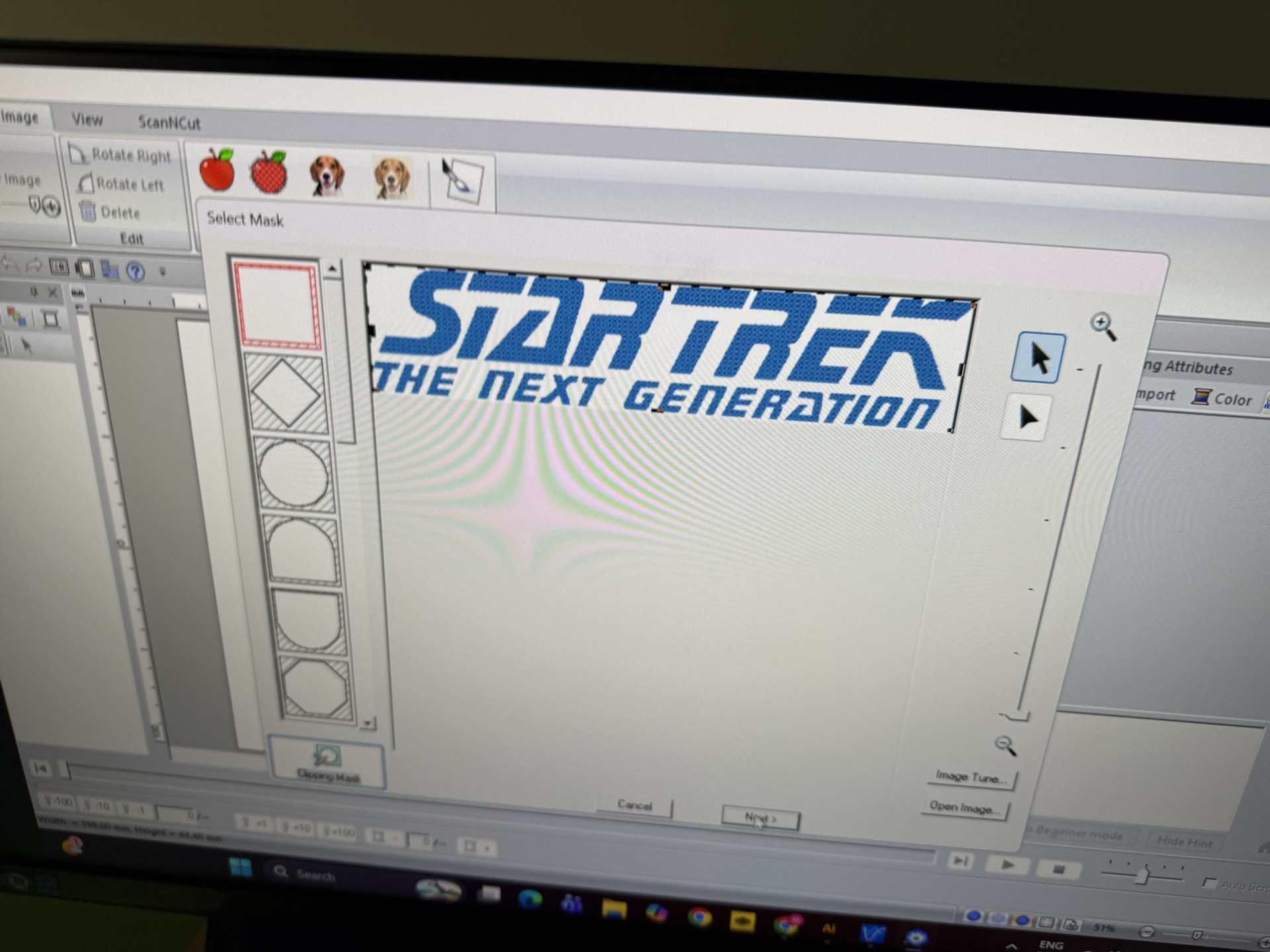
Then I framed it
next I selected the appropriate color
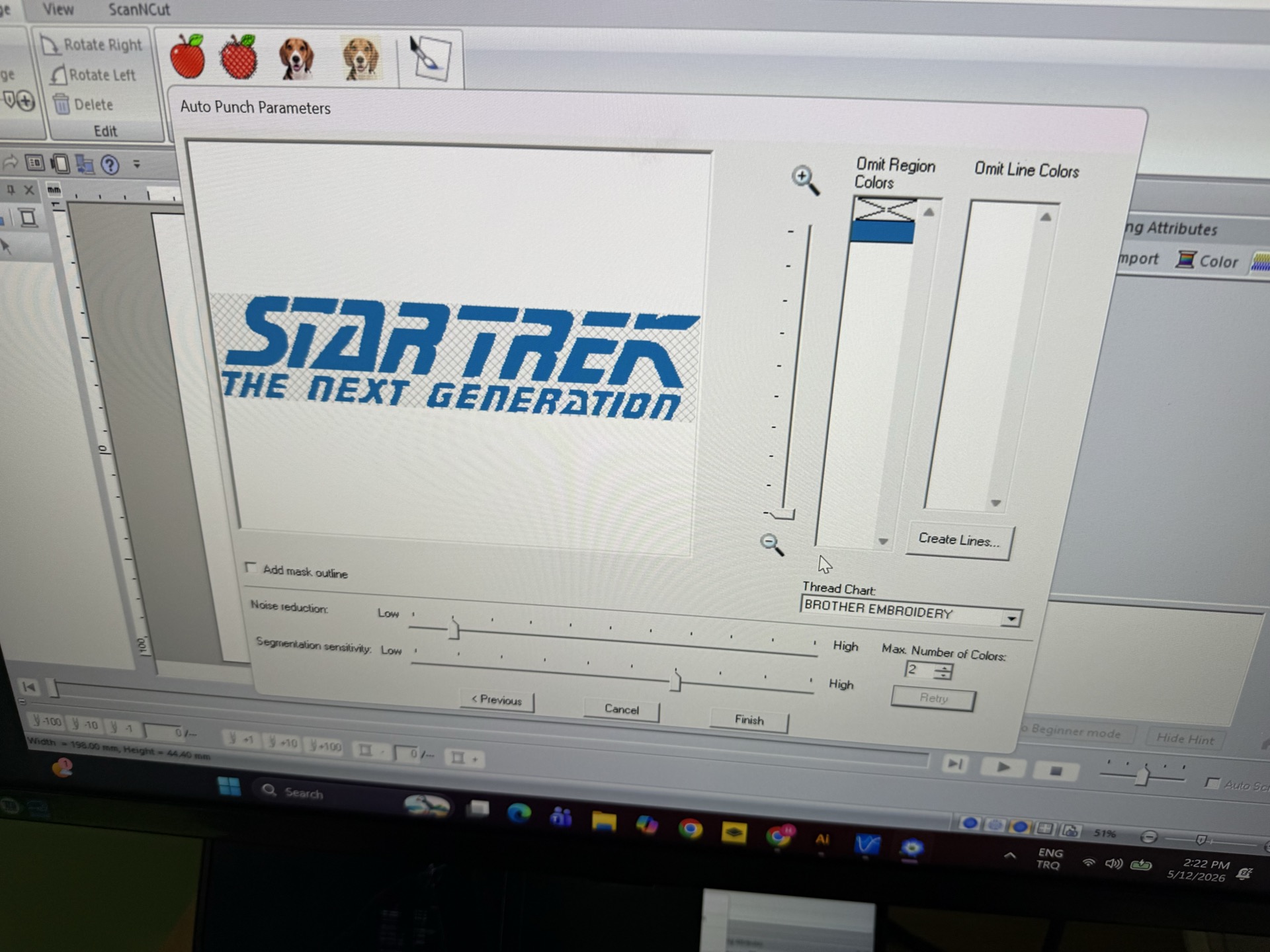
post setup
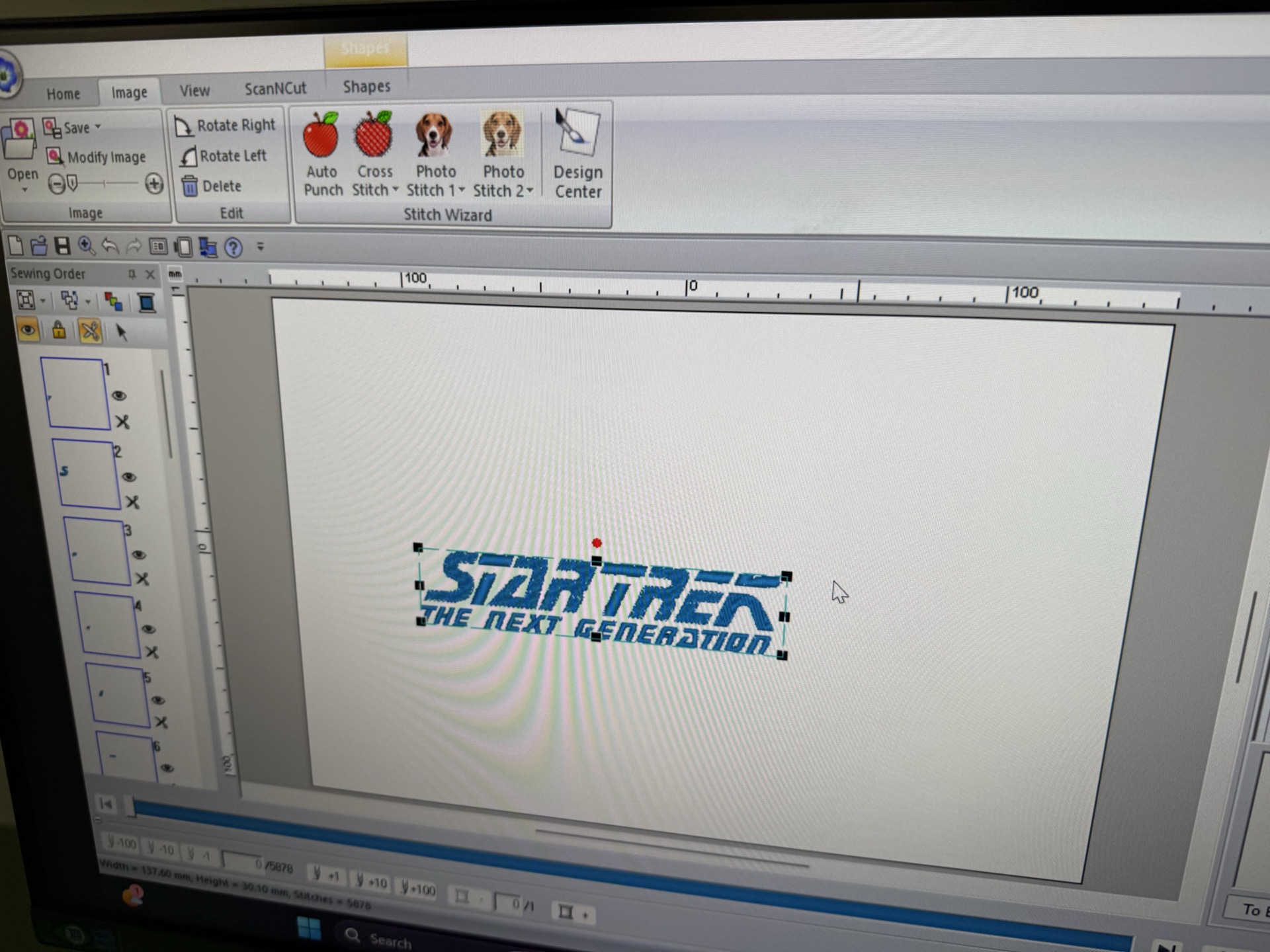
then I decided to do a fill stich to fill the letters
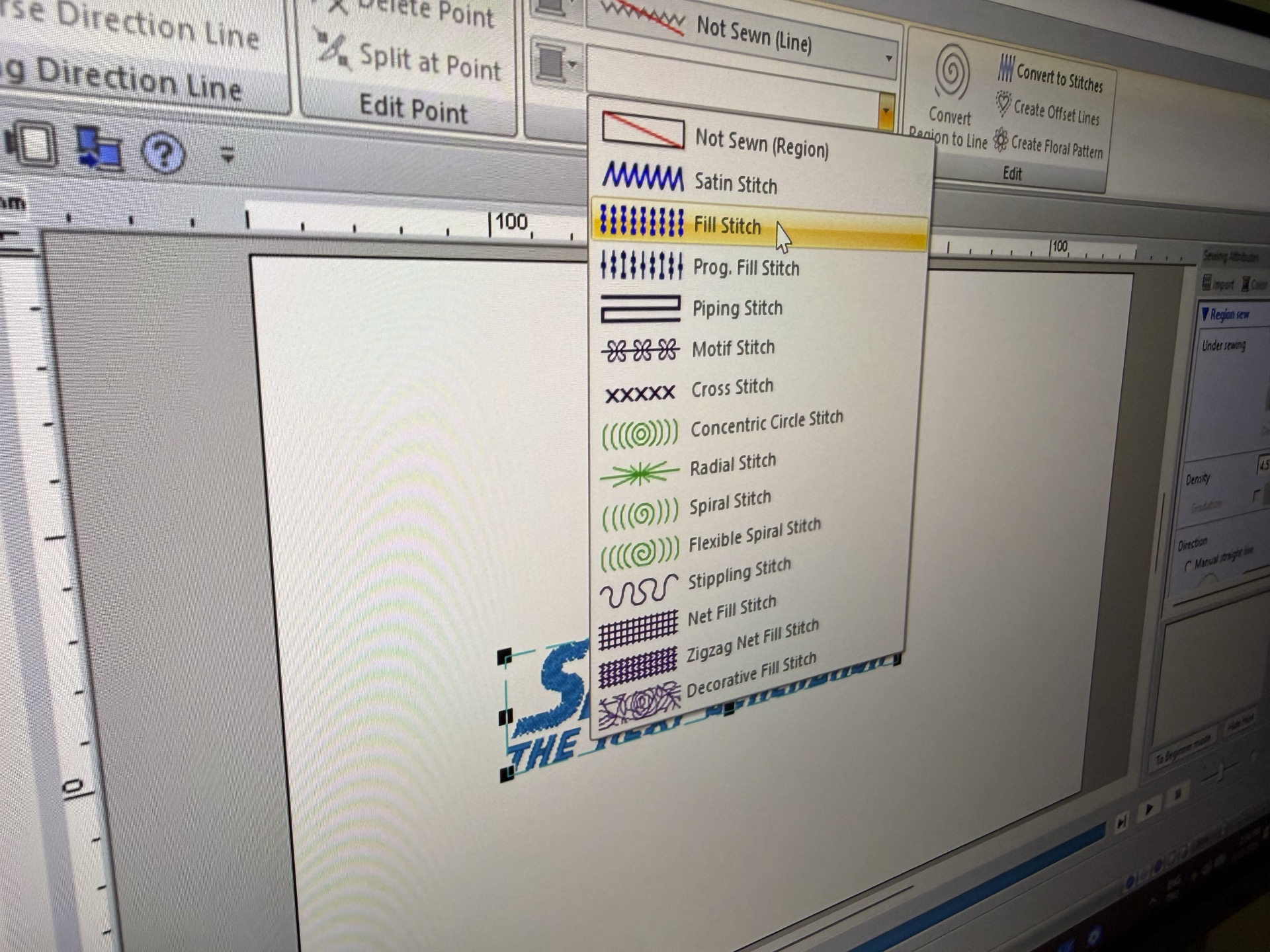
Also I had some ball filled areas left, using not sewn stich option I removed them
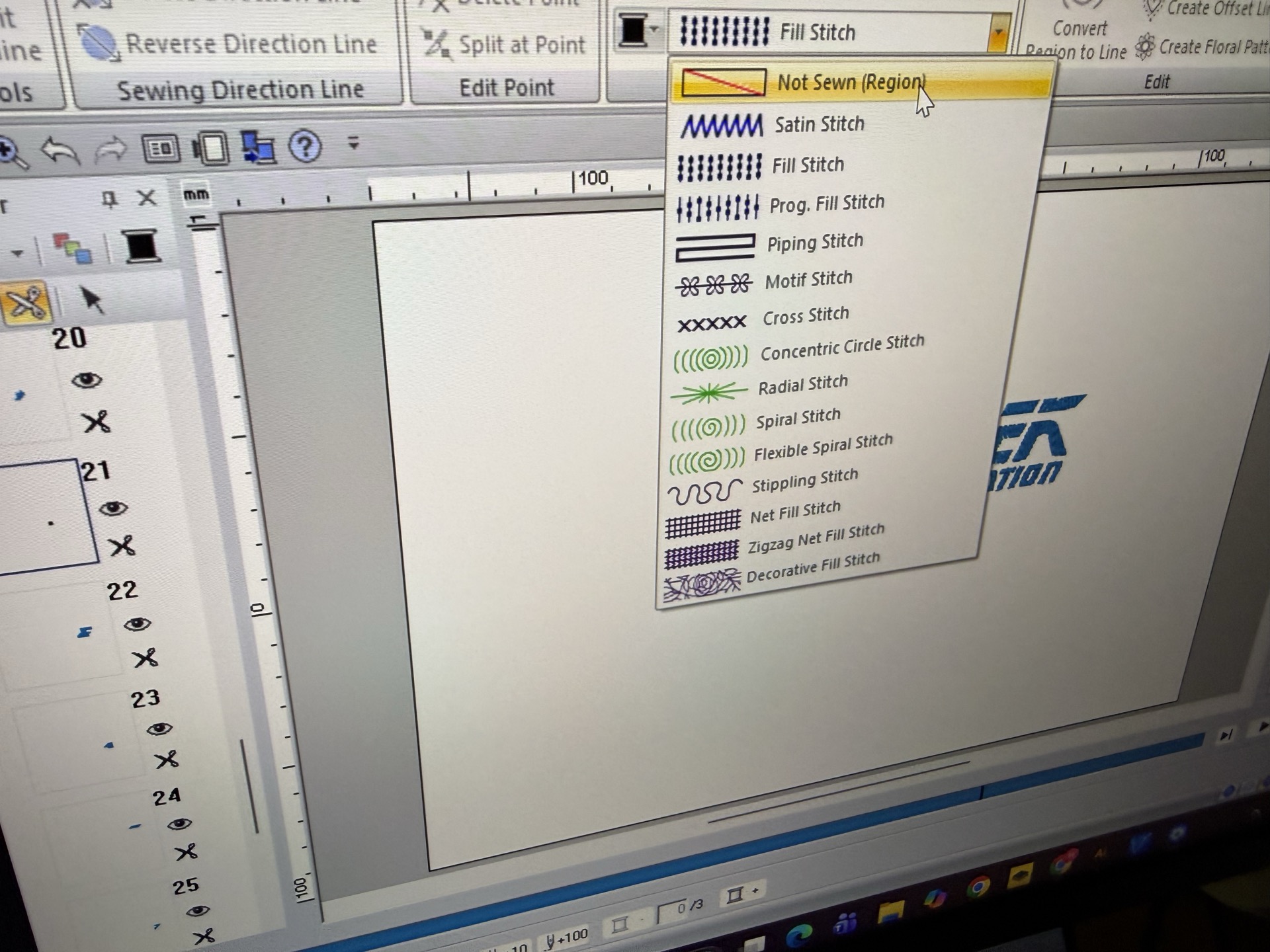
next I exported it
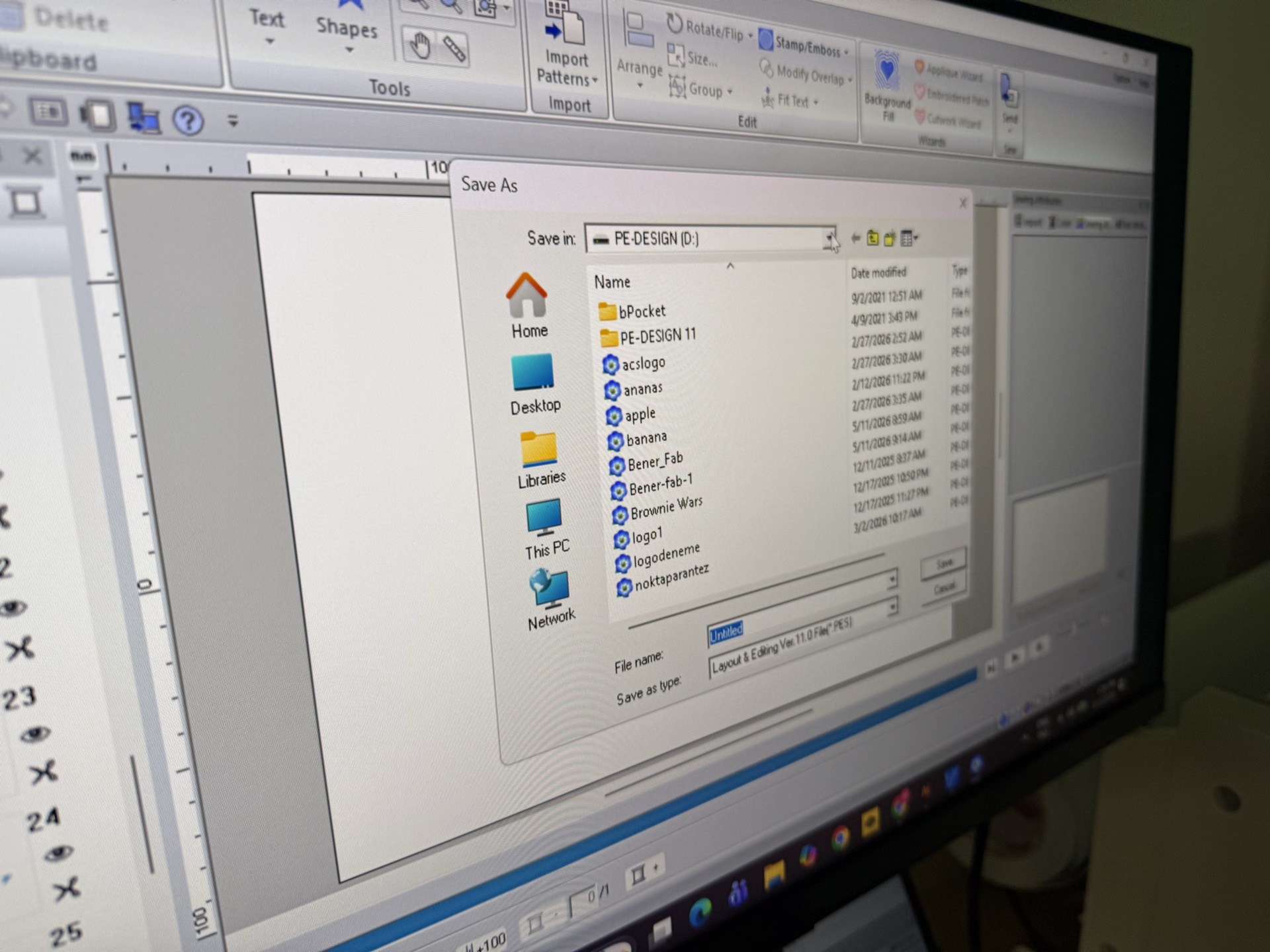
Then it was onto opening the machine via the back button
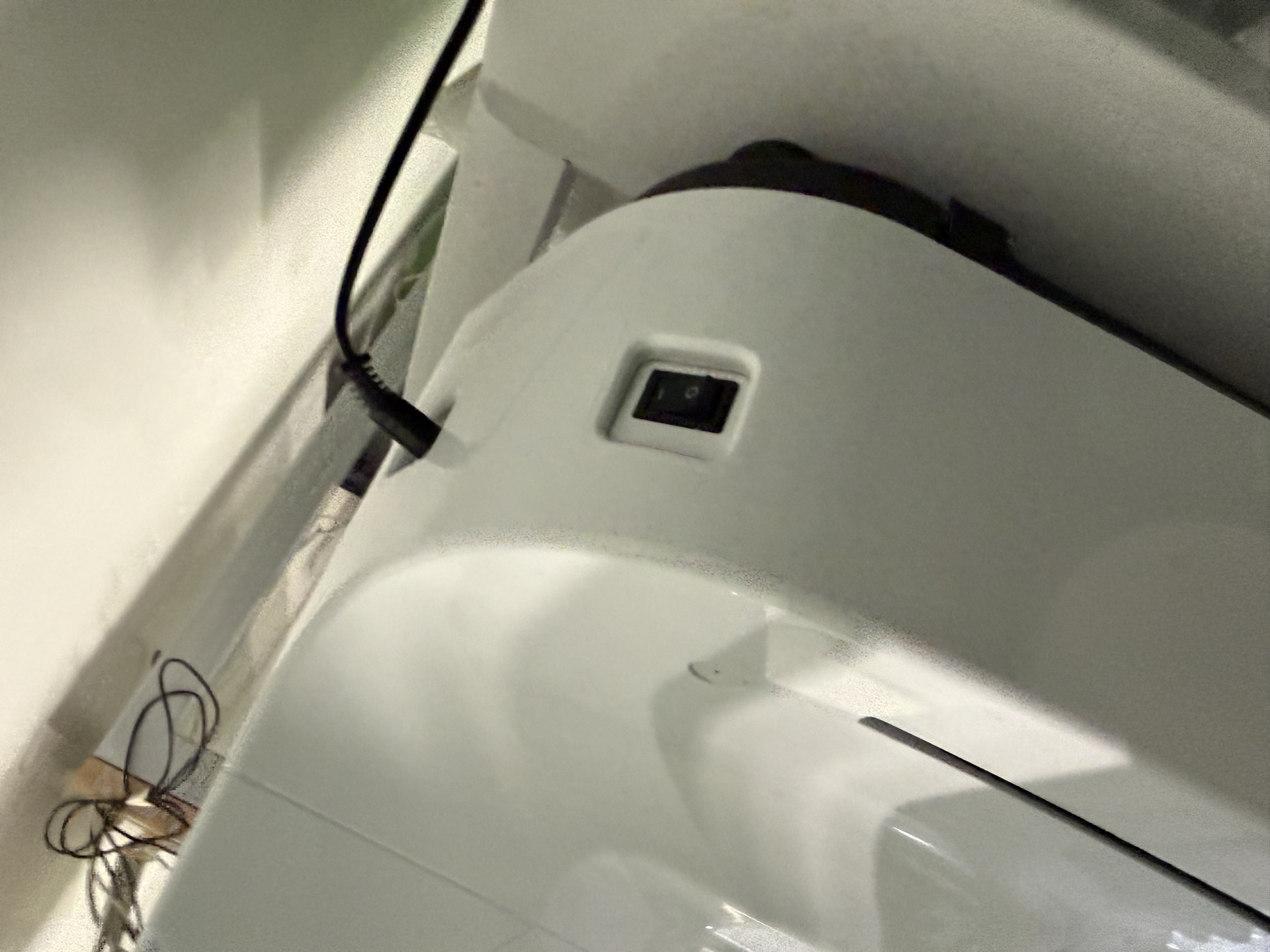
the machine. Brother PR680W.
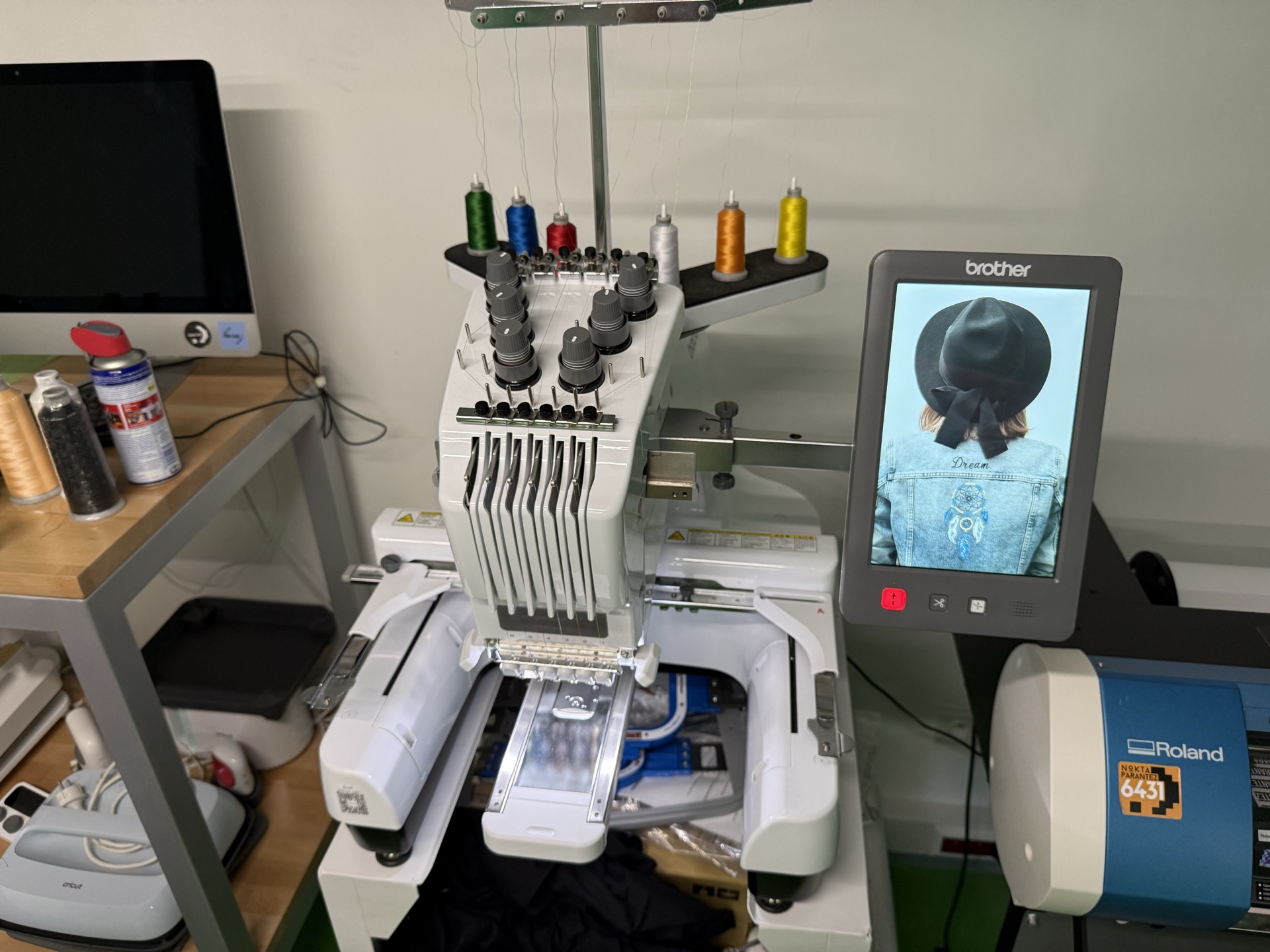
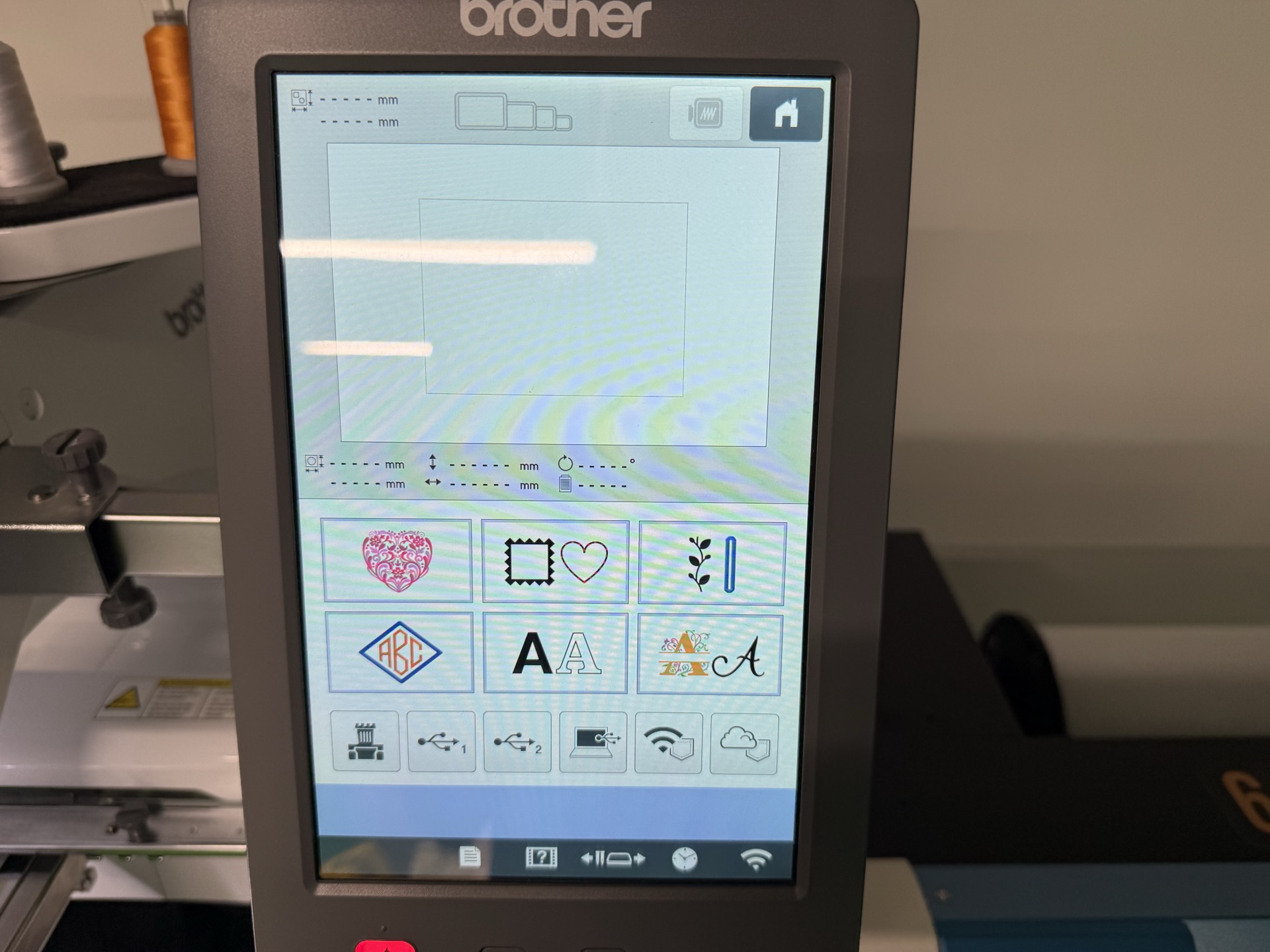
it was onto the interface
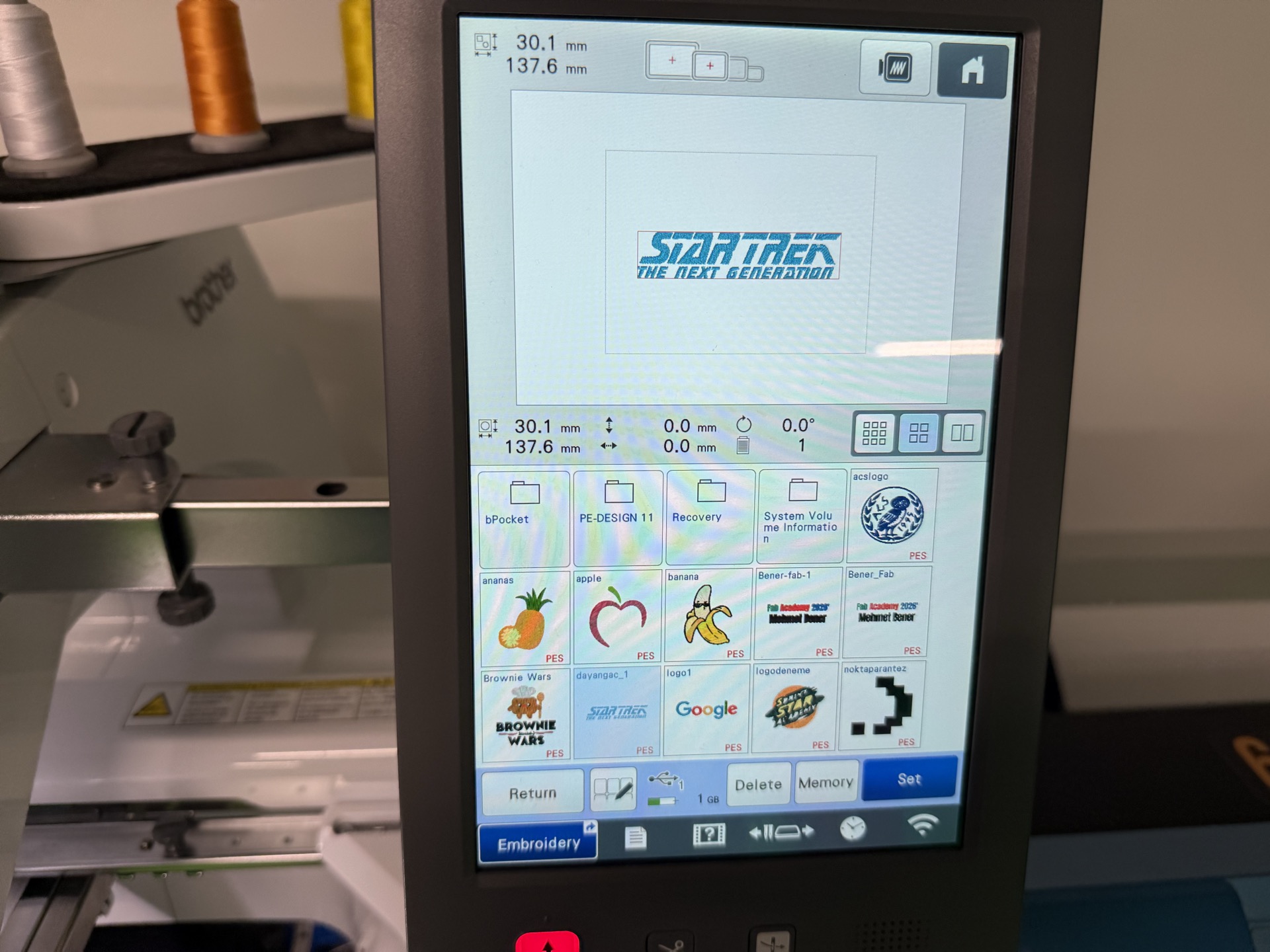
next I imported my design
next I selected the intended surface, a shirt
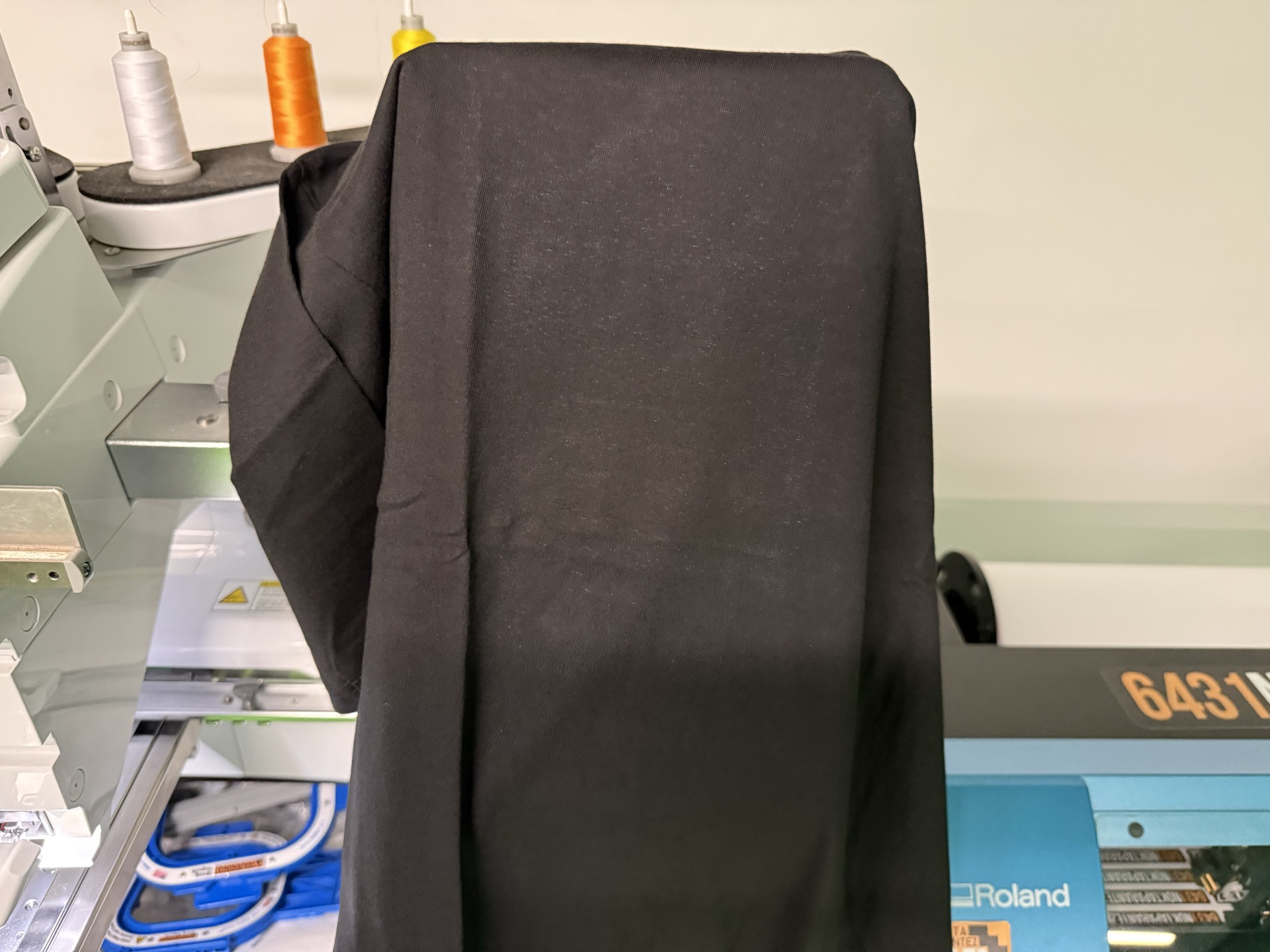
then I found the cloth base
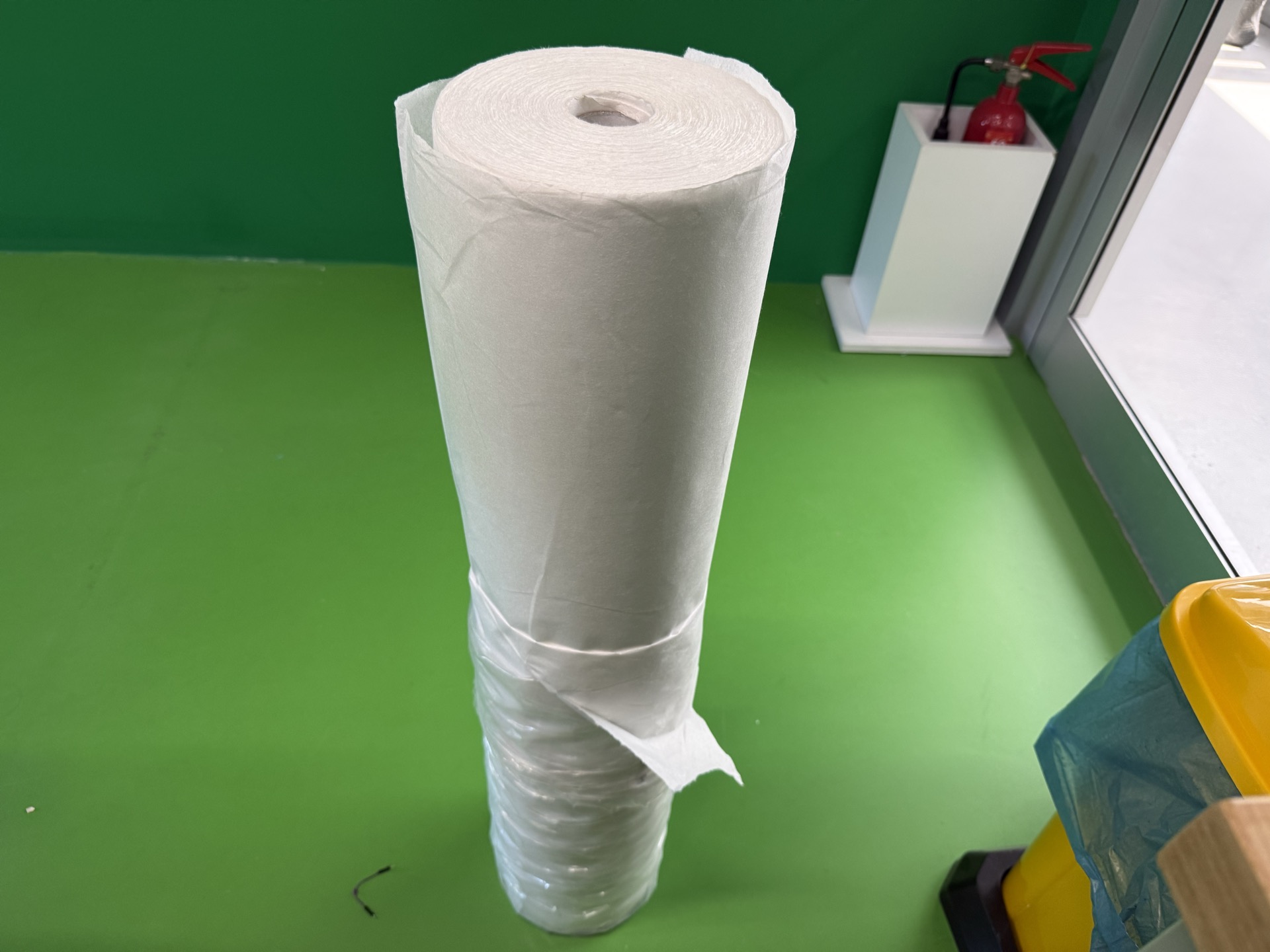
cut it
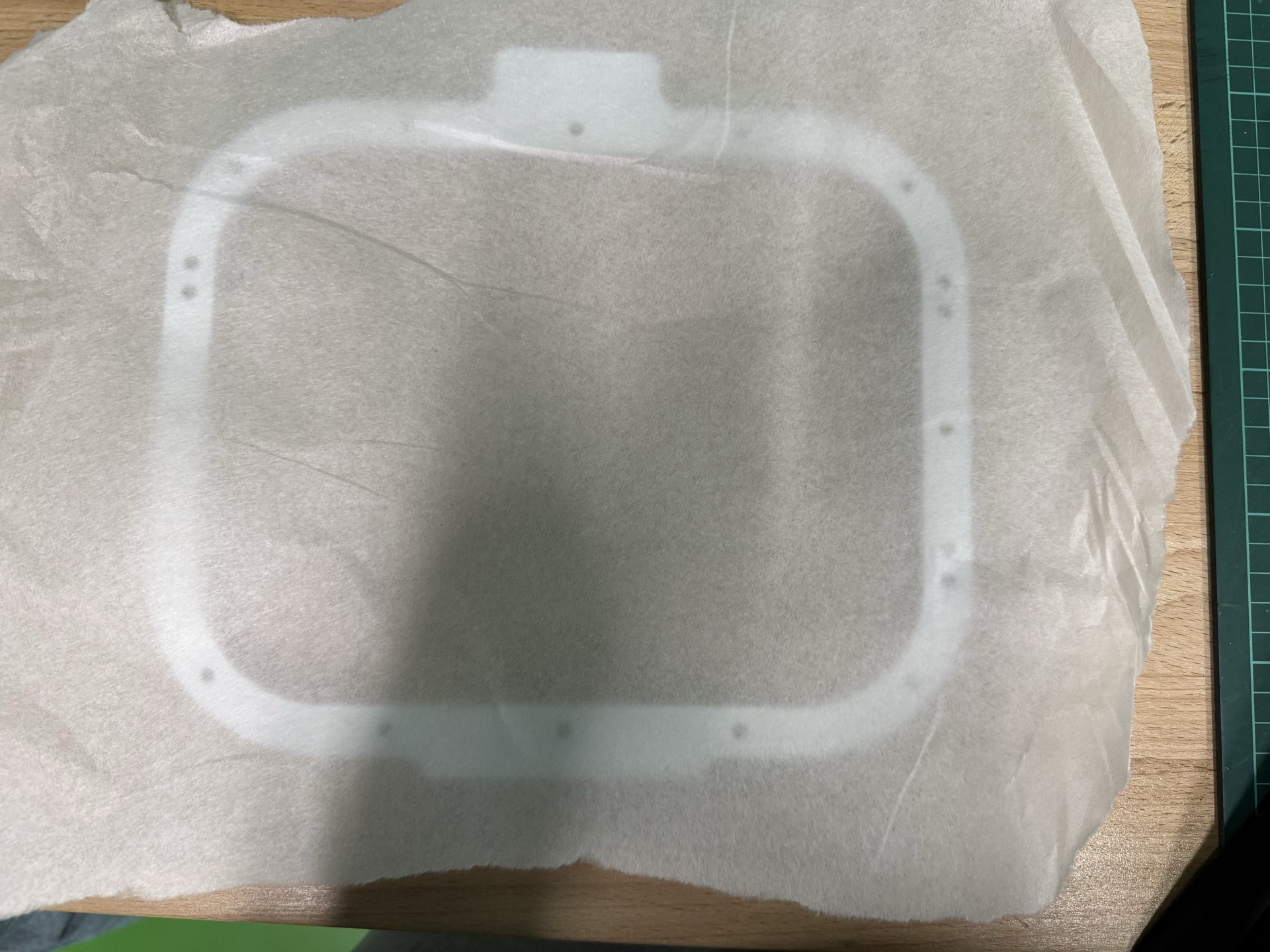
put it onto the “holder” and inserted into the shirt as below
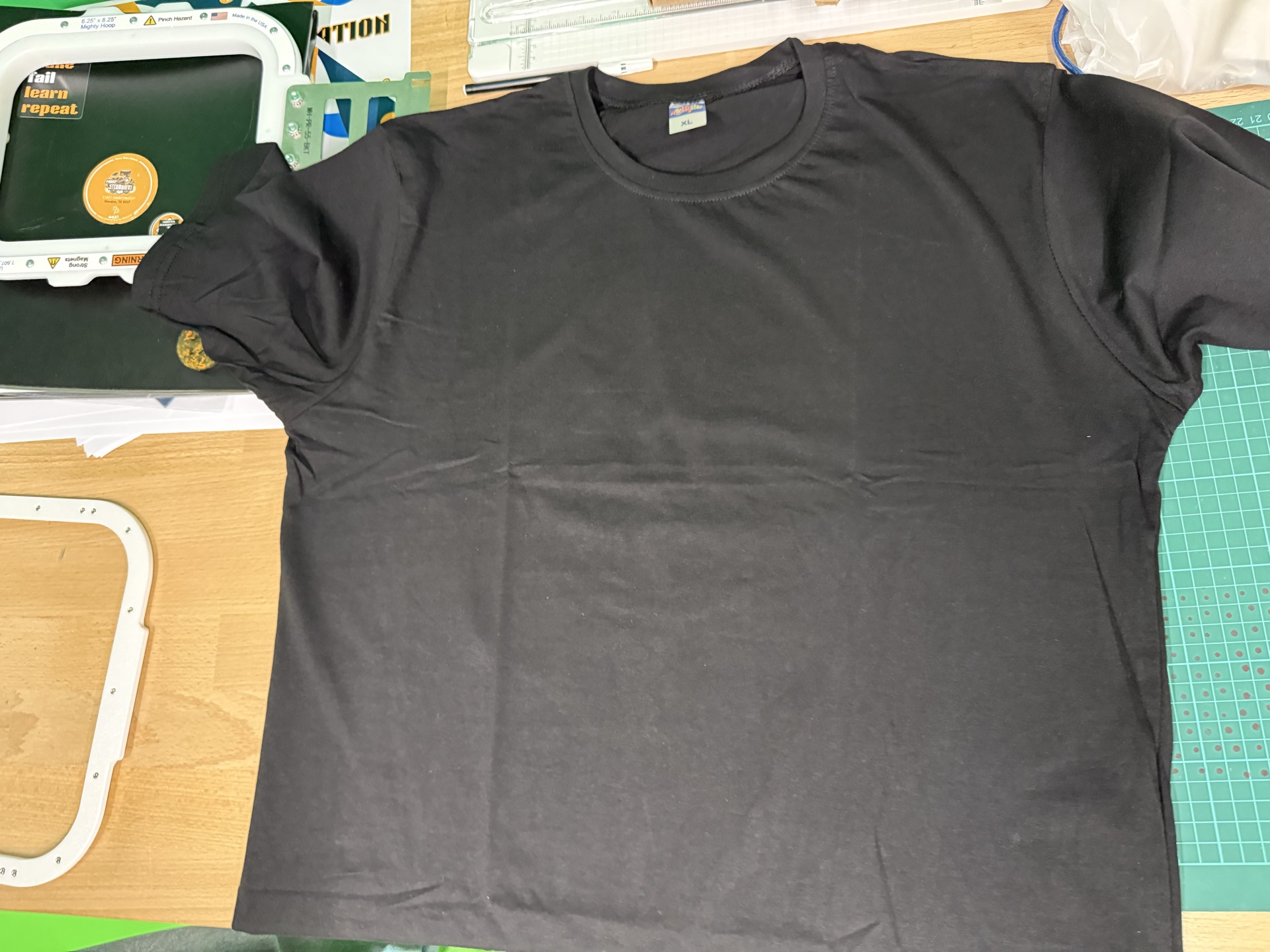
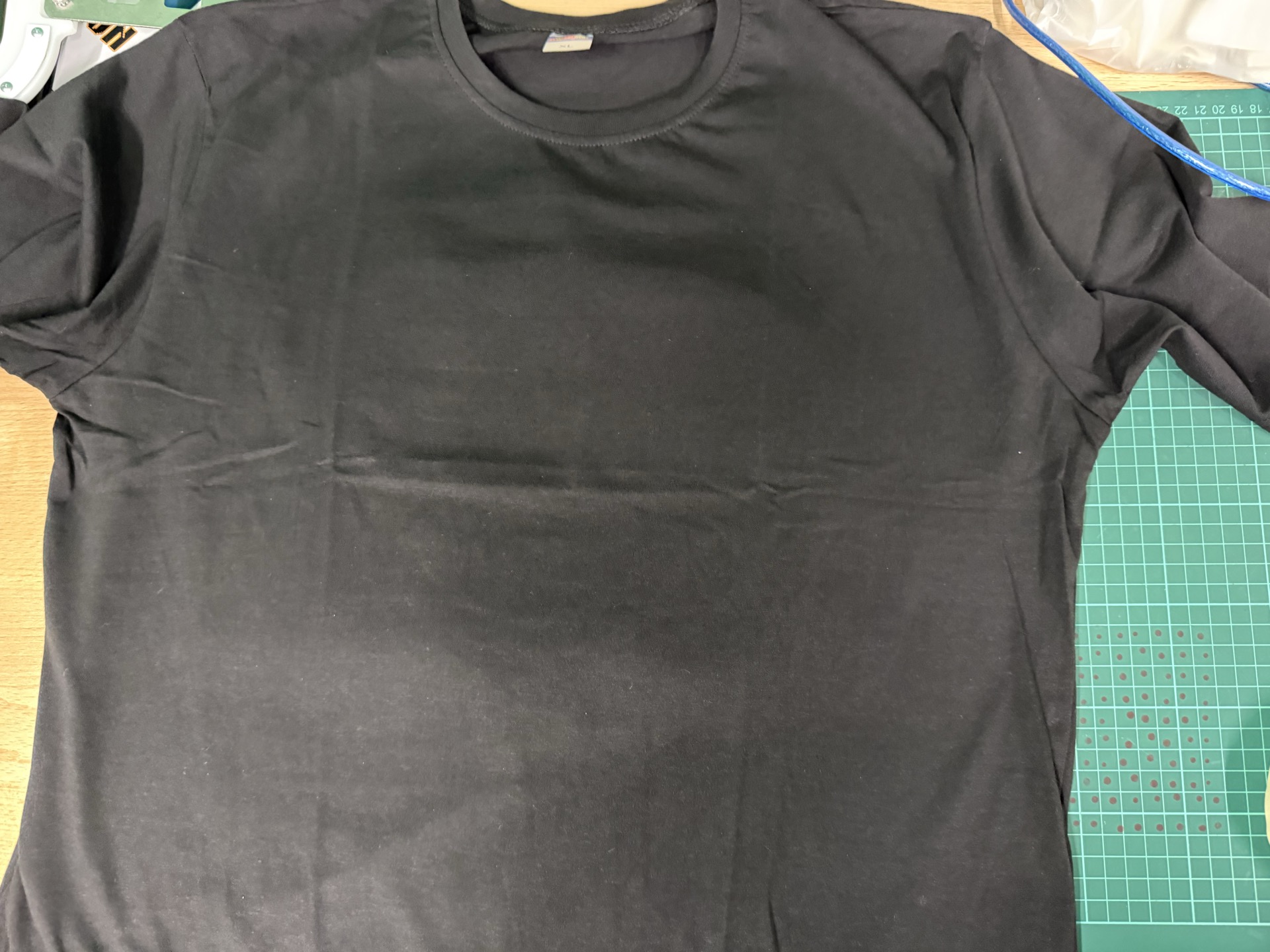
Next I added the top holder to hold it in place
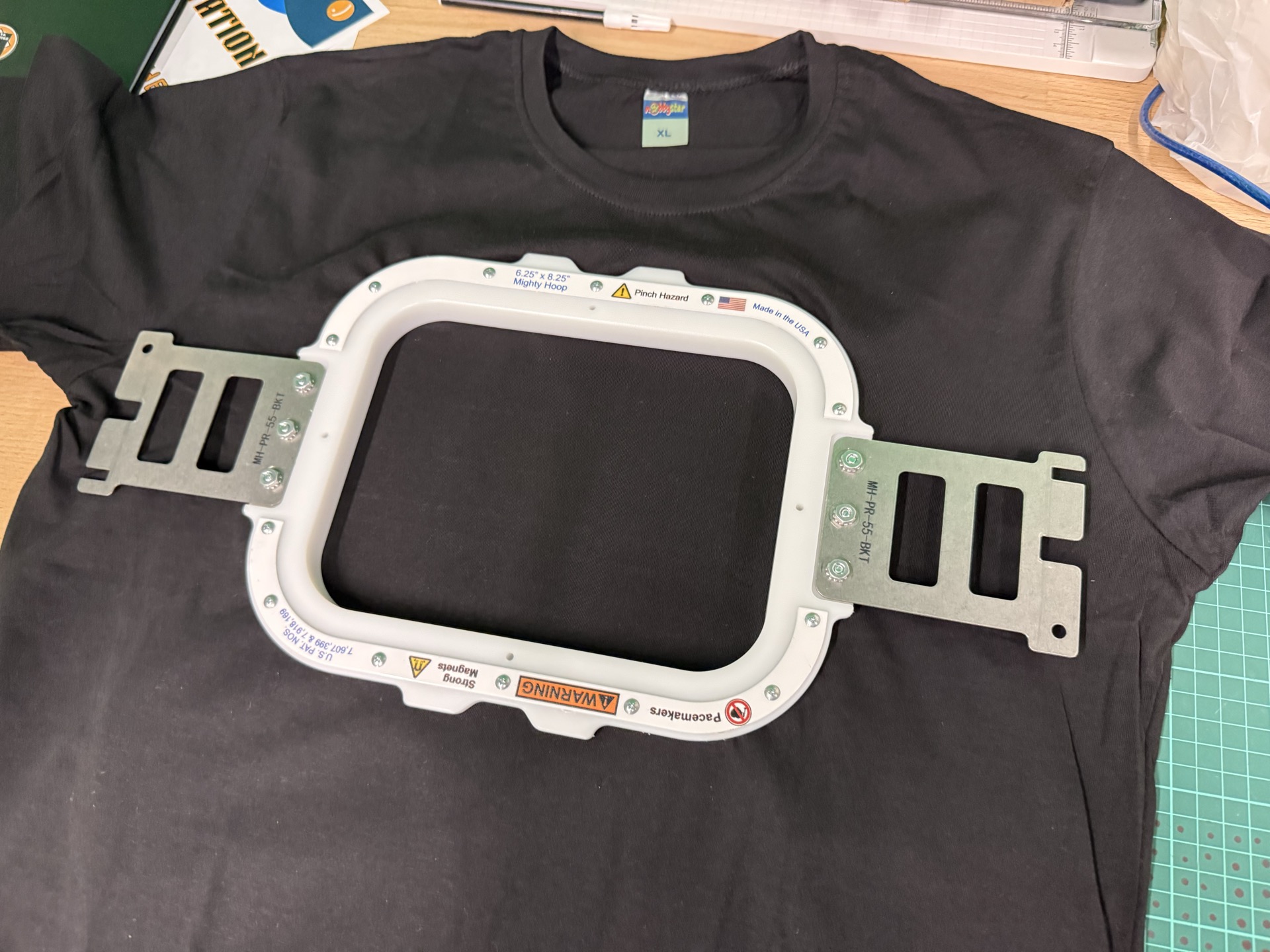
next I inserted it into the machine
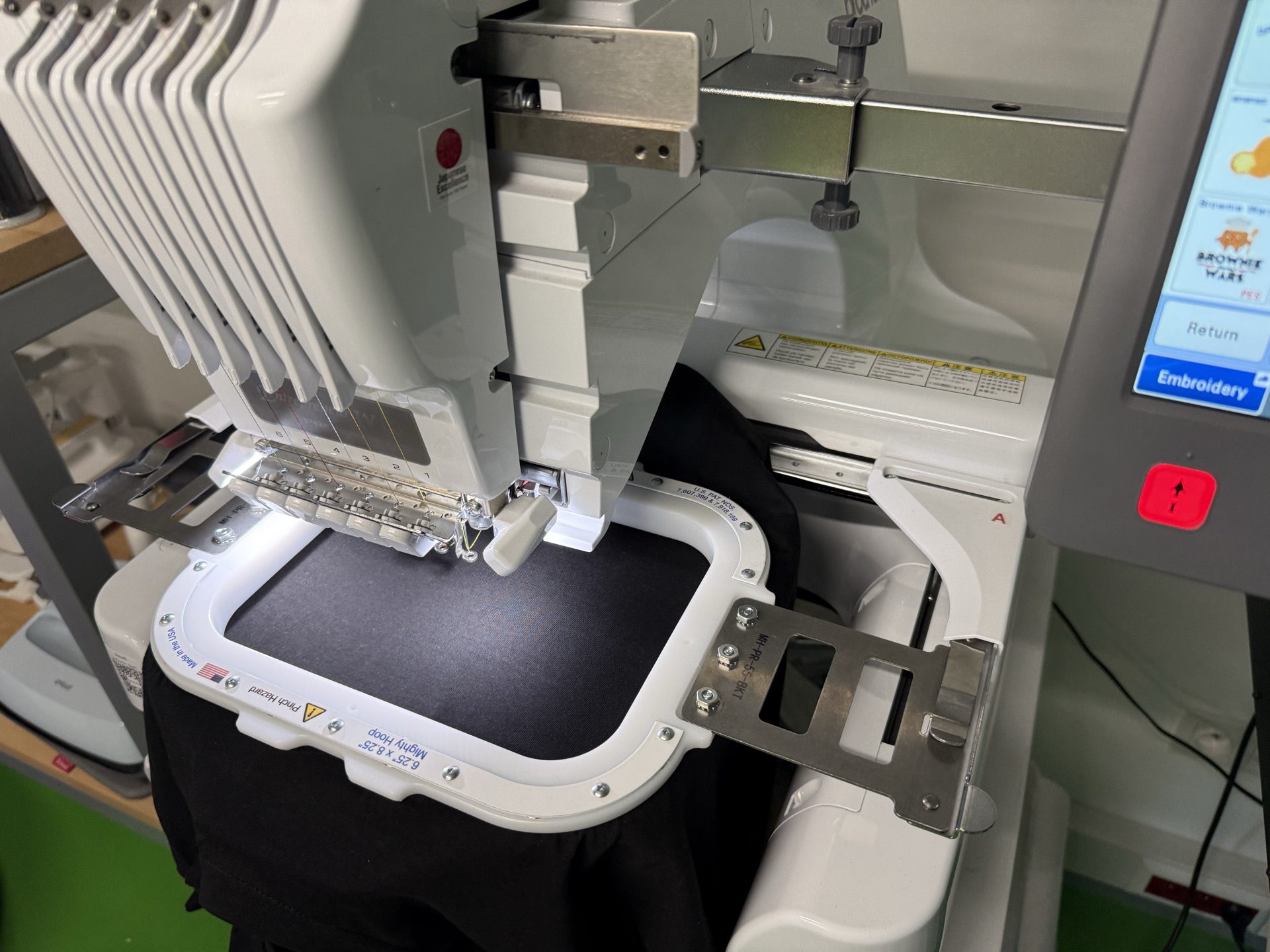
selected the correct thread
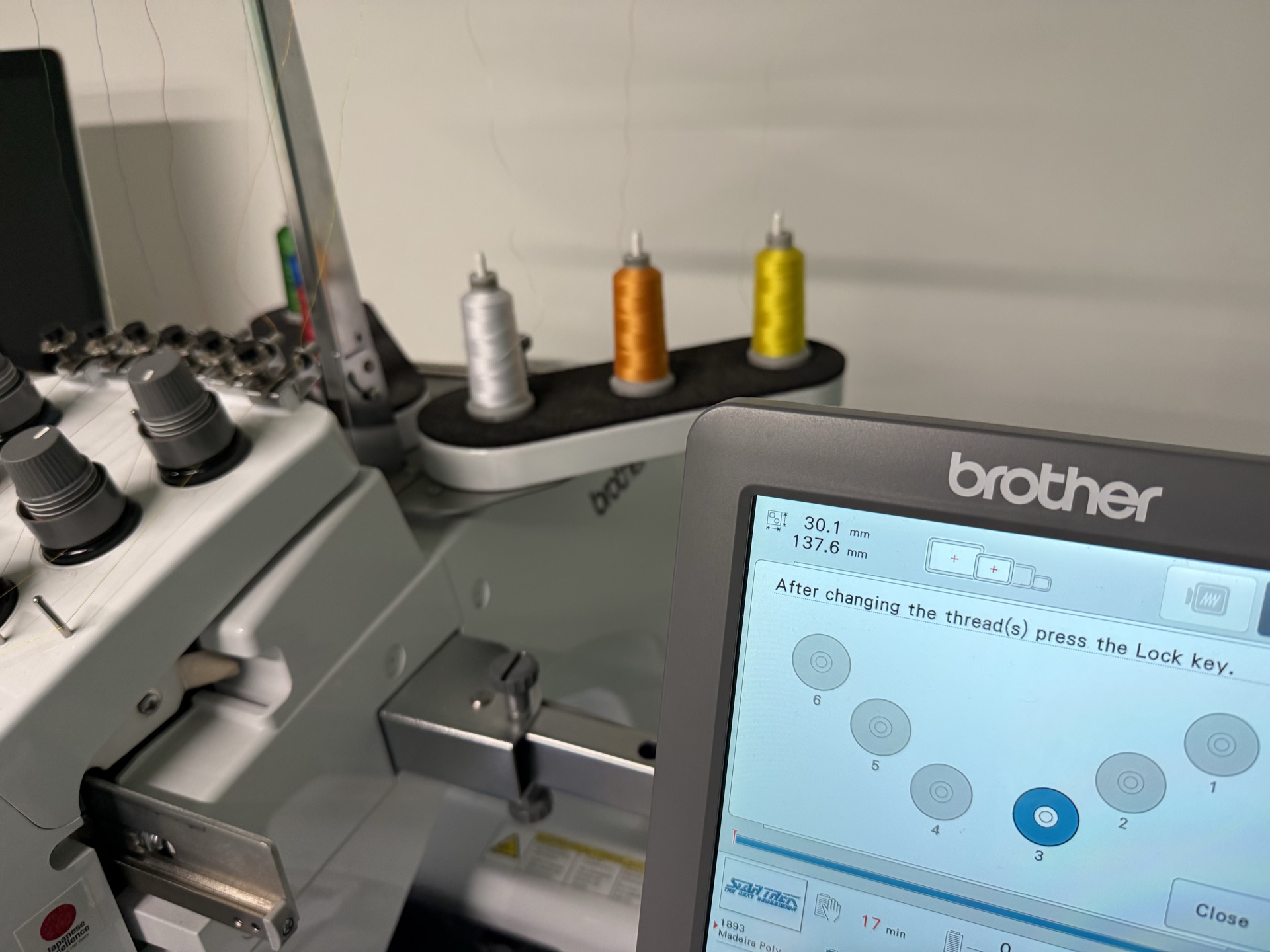
selected the correct color for the selected slot
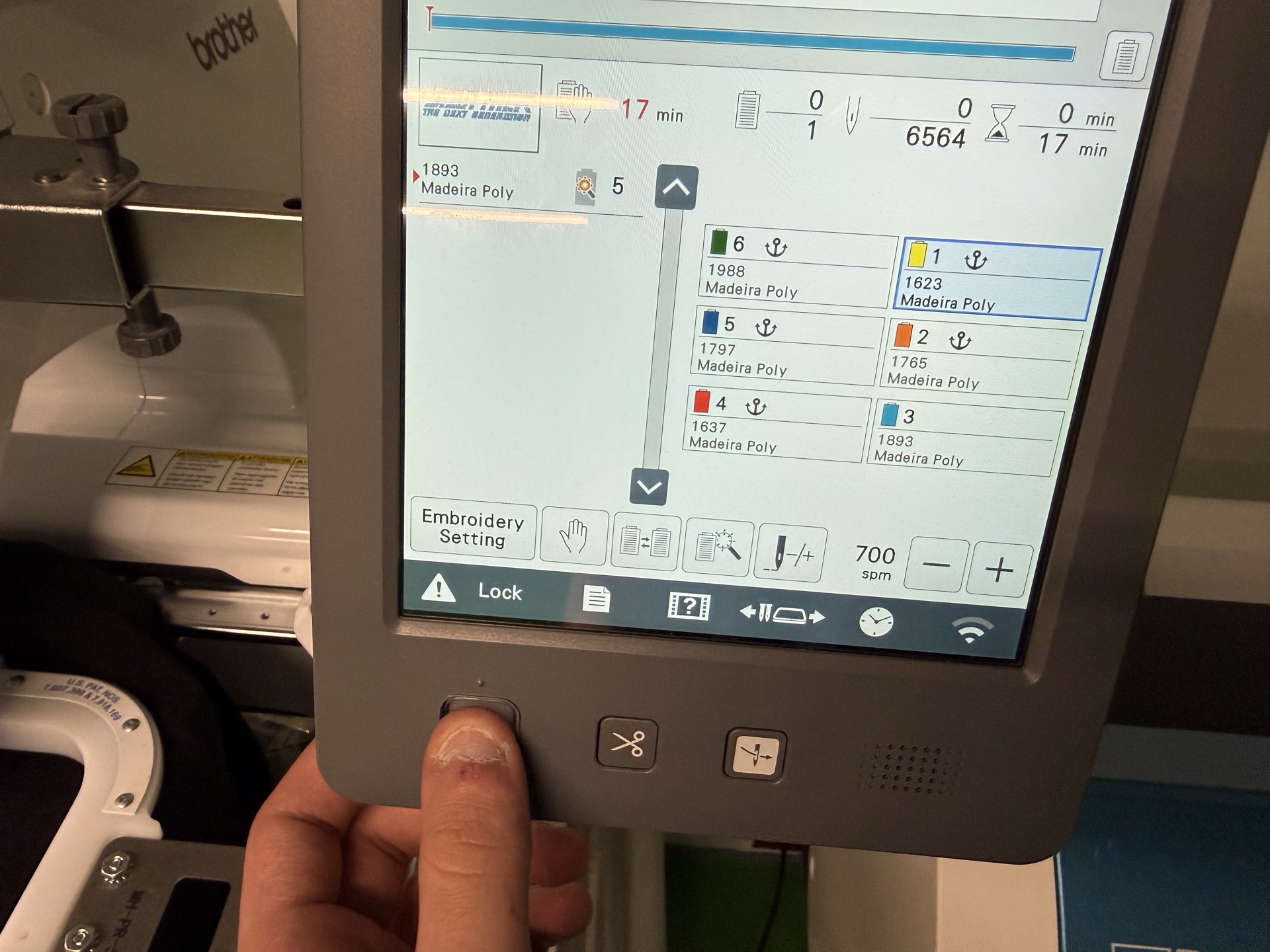
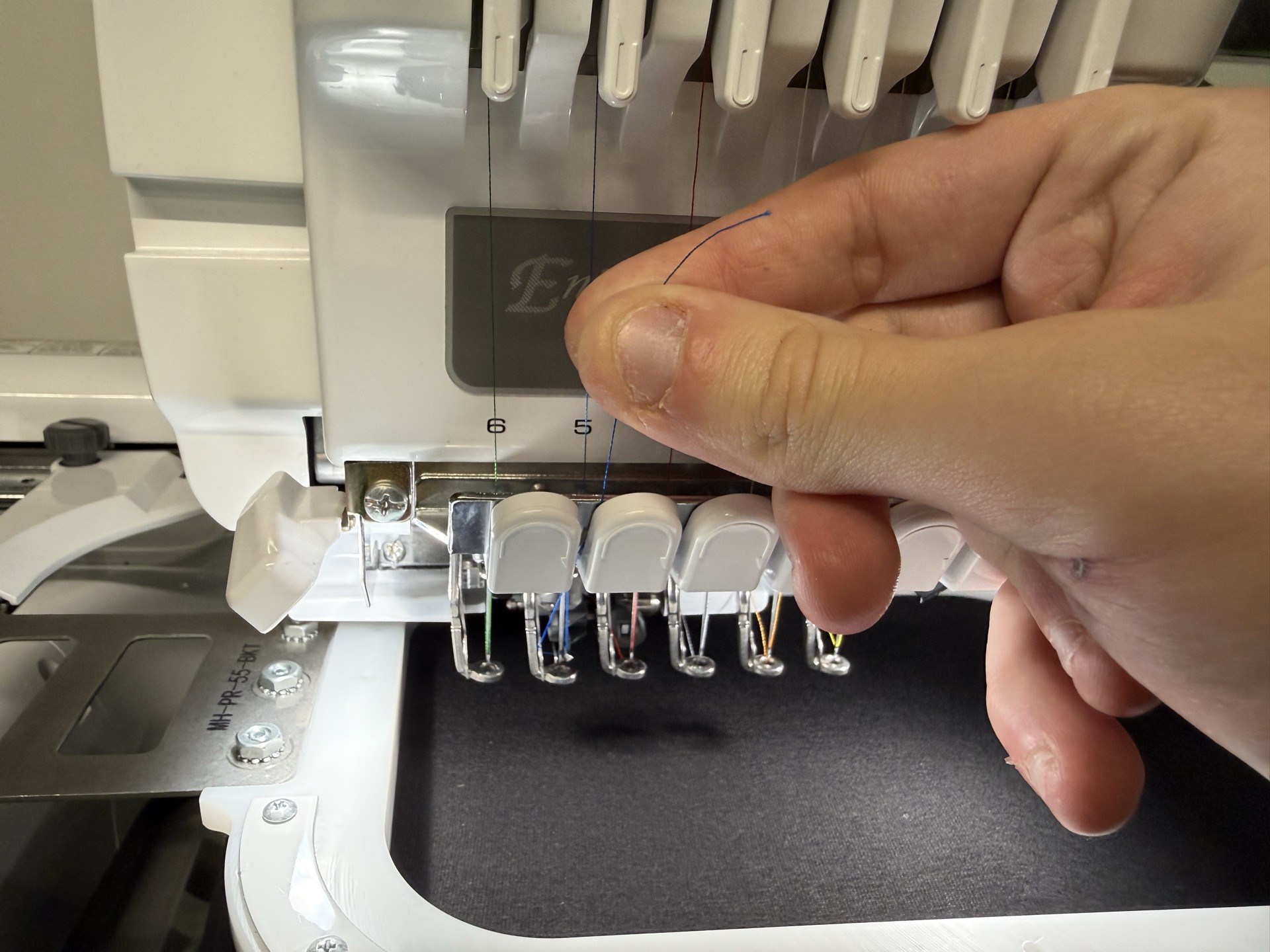
then I wrapped the thread around the needle
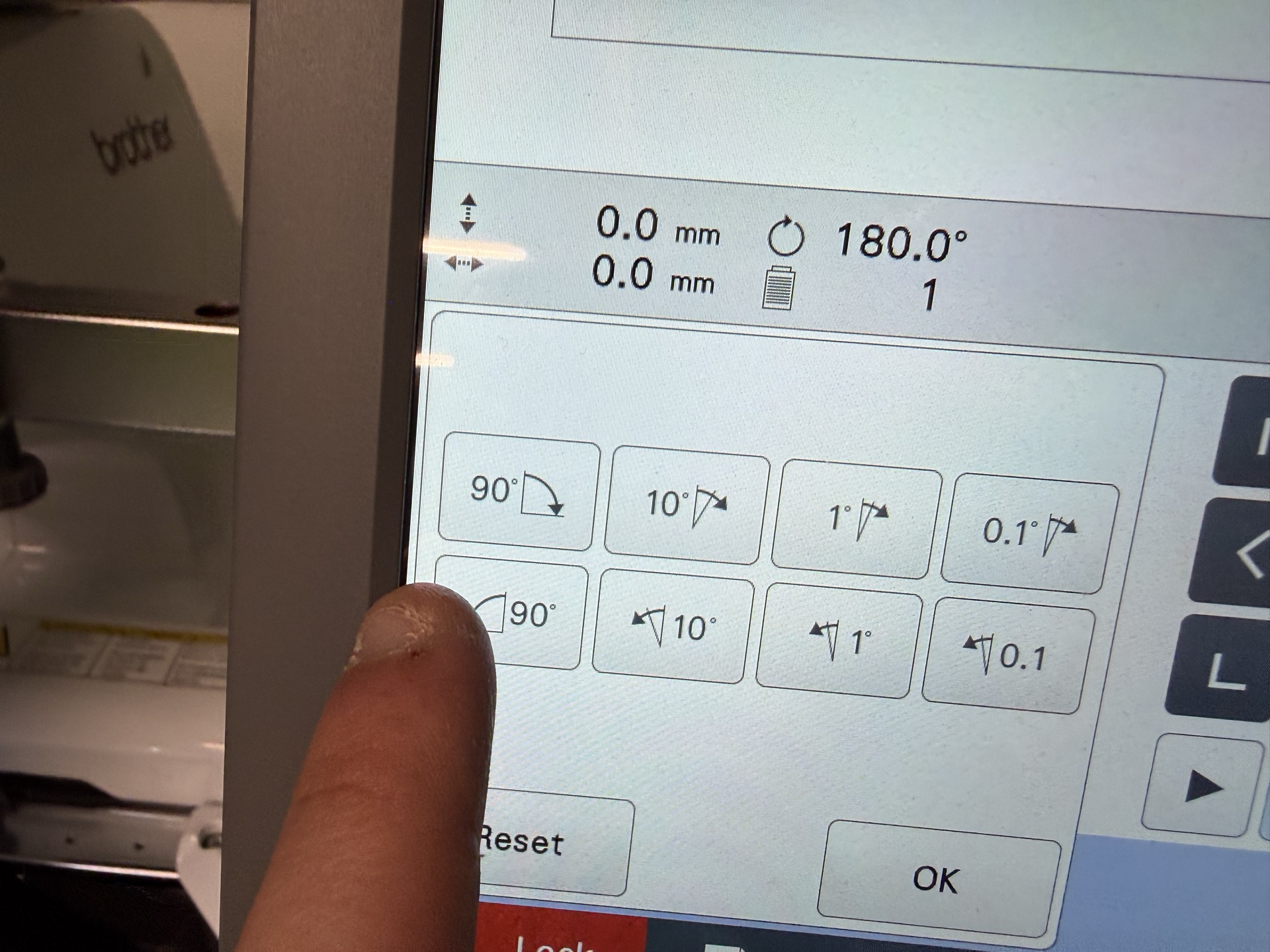
Next I realized that I forgot the rotate the design thus it would have printed upside down
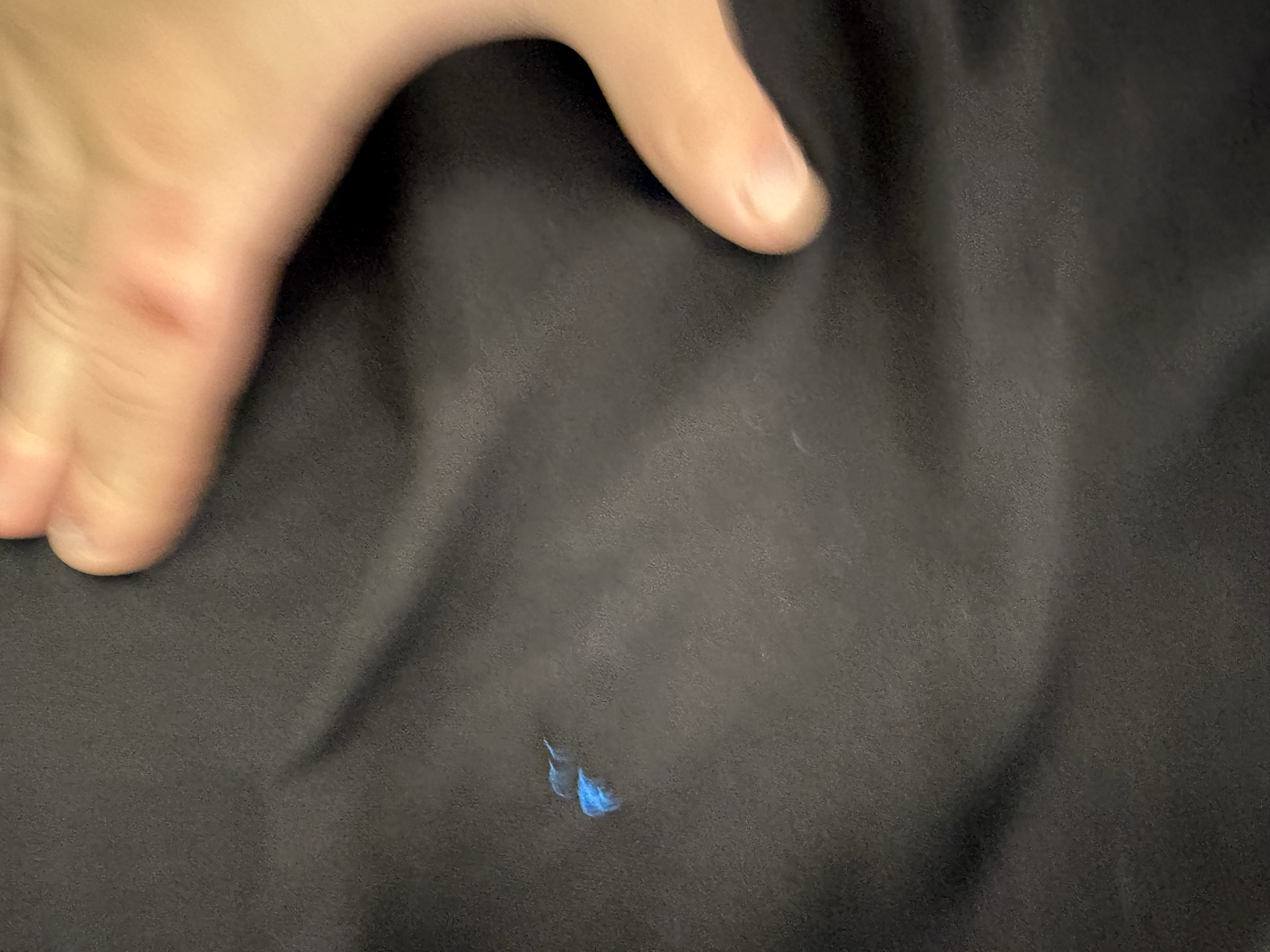
then I rotated it 180 and then restarted
some cutting videos
1
2
3
then I pulled the excess cloth base out and it was ready to go
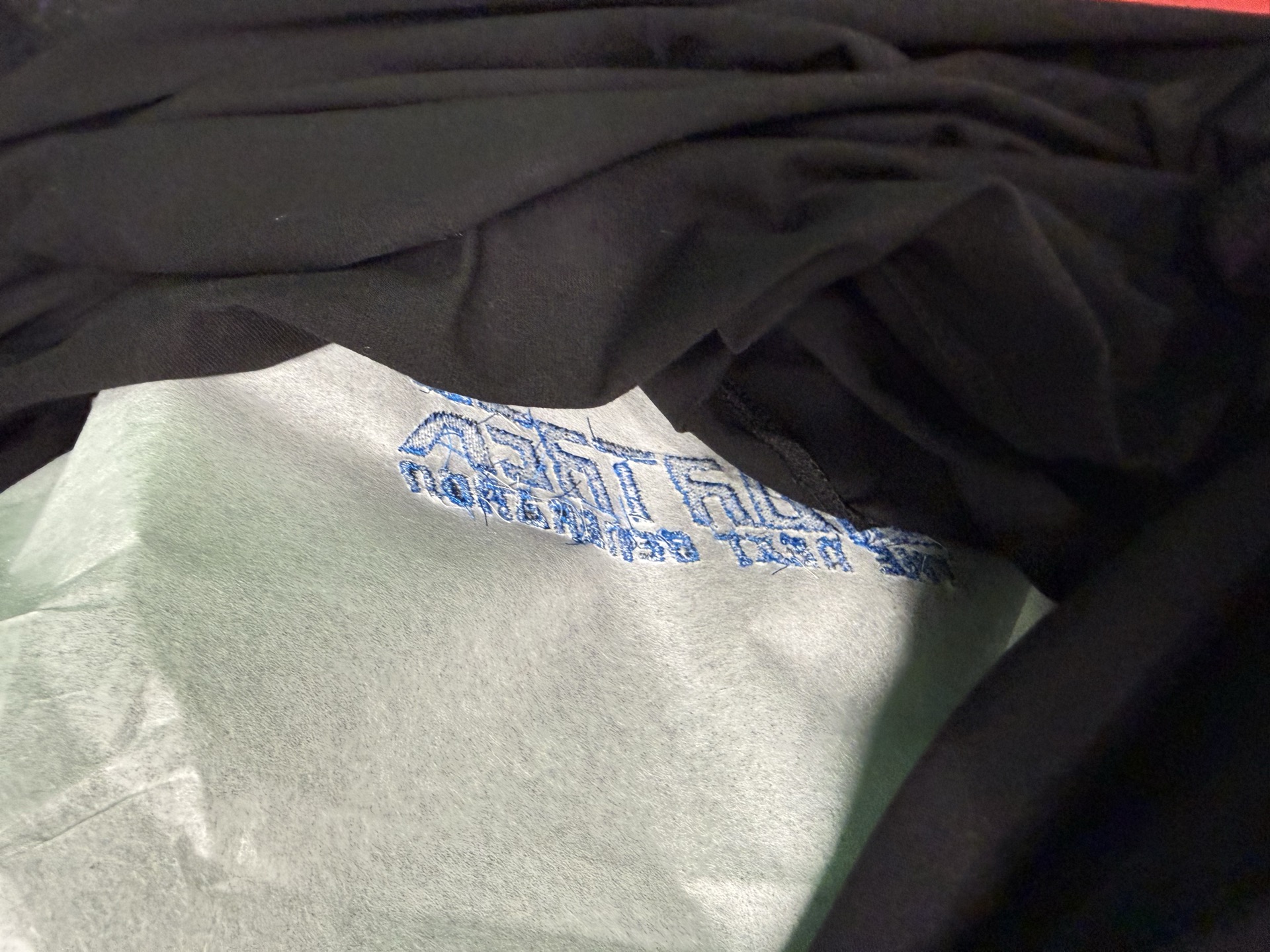
final result
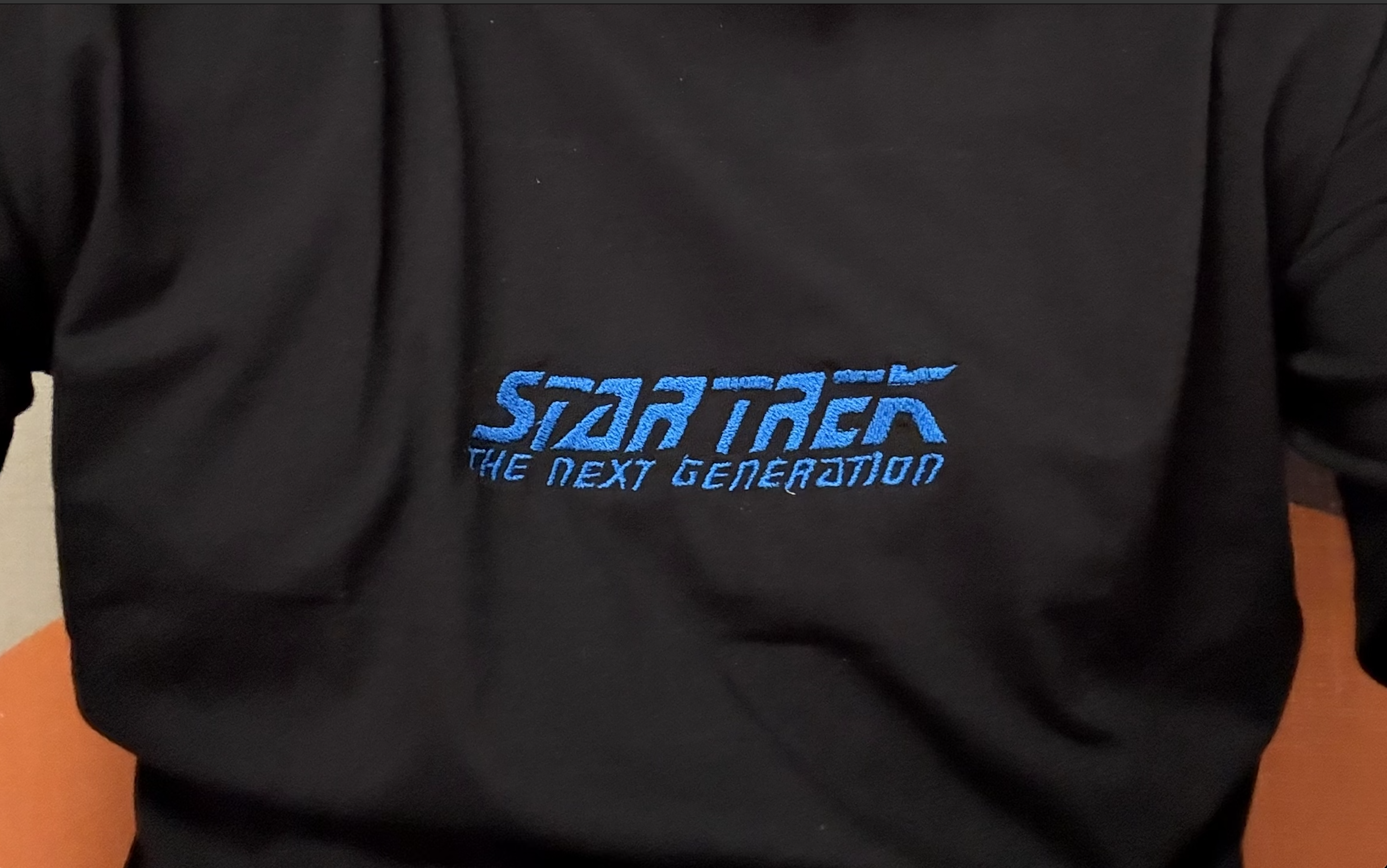
Reflection
Overall, it was a fun week, I learned a new process and obtained high quality Star Trek merch