Week 02 – Computer Aided Design
Planted February 3, 2026
This week I have to make only CAD (Computer Aided Design). I made one more sketch of my design. Firstly, this was an introduction to the situation, and I did all of my CAD in Fusion 360. I did all of this to see what my final project would look like in 3D and 2D, and I raised the hood with a 2D design using an Apple pencil in an app named Notability. This is how it looked
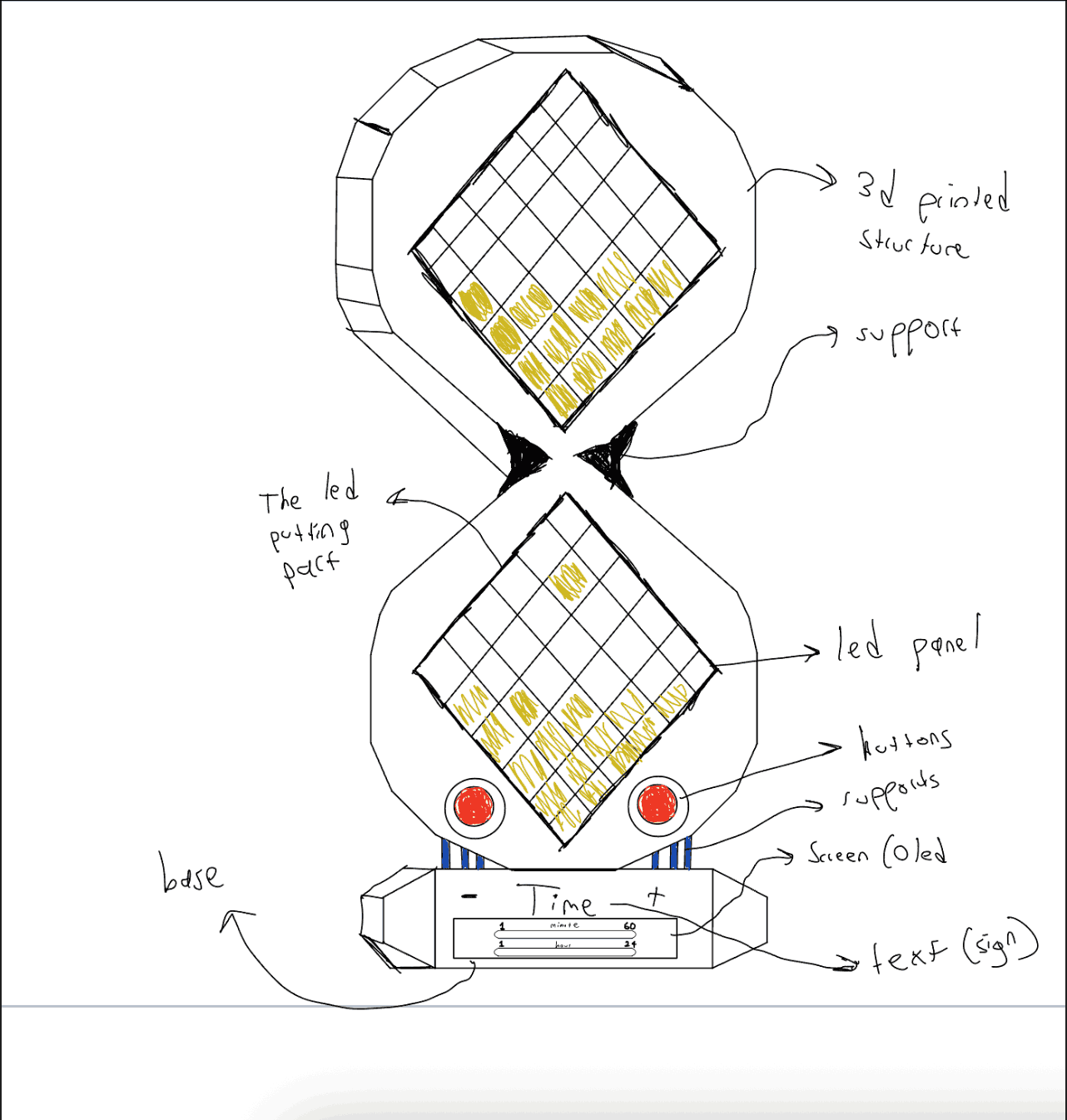
Hero Shot
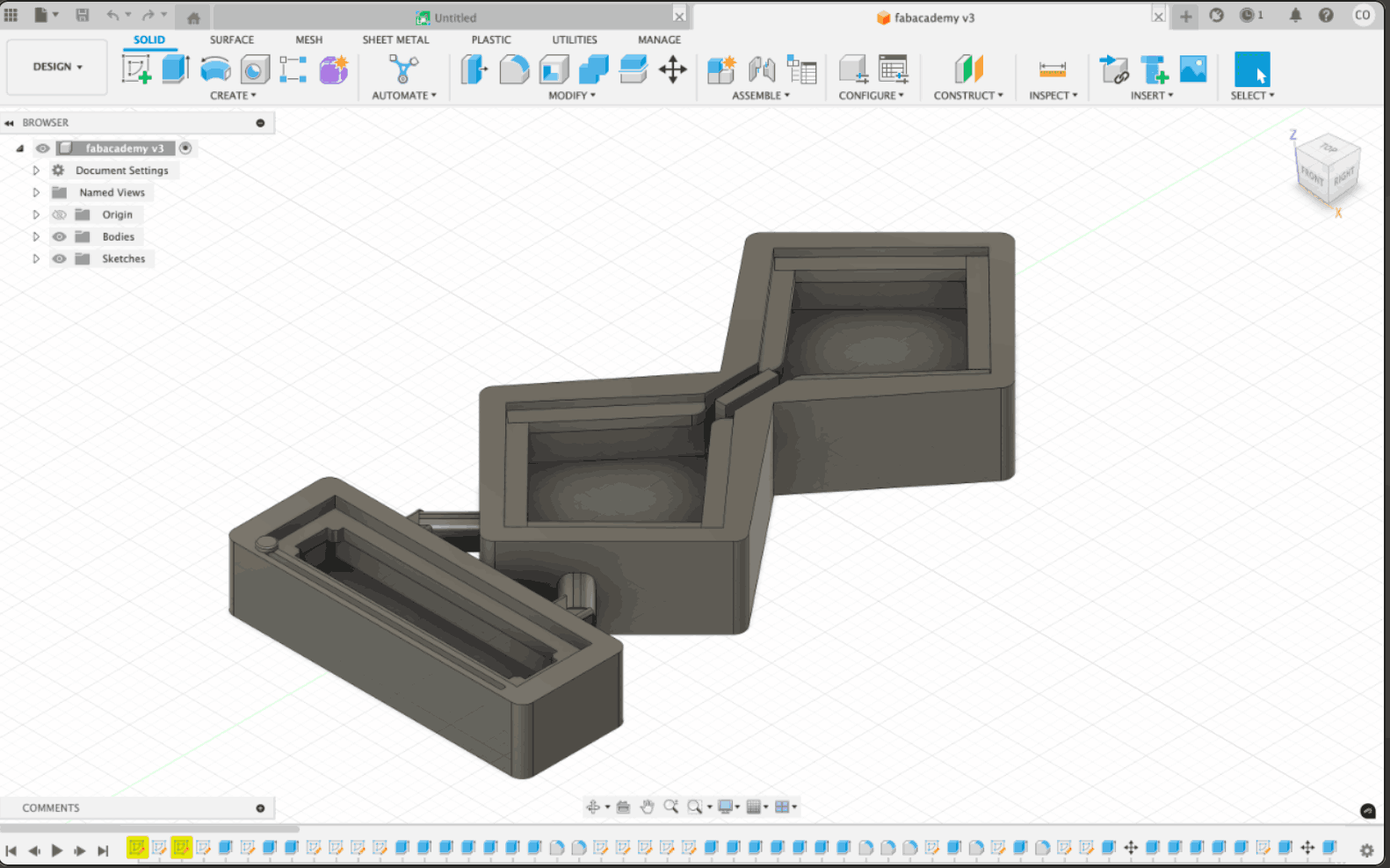
2D Details
In 2D, there are 2 options that you can use. The first one is using a pc based software with using blocks such as square, diamond, triangle, hexagon, octagon, and rectangle. I was going to use the pc way, but I trusted my design ability with a pen, and because of that, I used Notability (normally an iPad-based note-taking app), and this is the second type of 2D material: a digital pen with a device or pencil and paper.
3D Details
In 3D i had no experience and i watch bunch of tutorials and i learned bunch of things here are the most curical information i learned when i was designing my model with a slider bar parts for to put the led panels and space for PCB, wires and etc. !
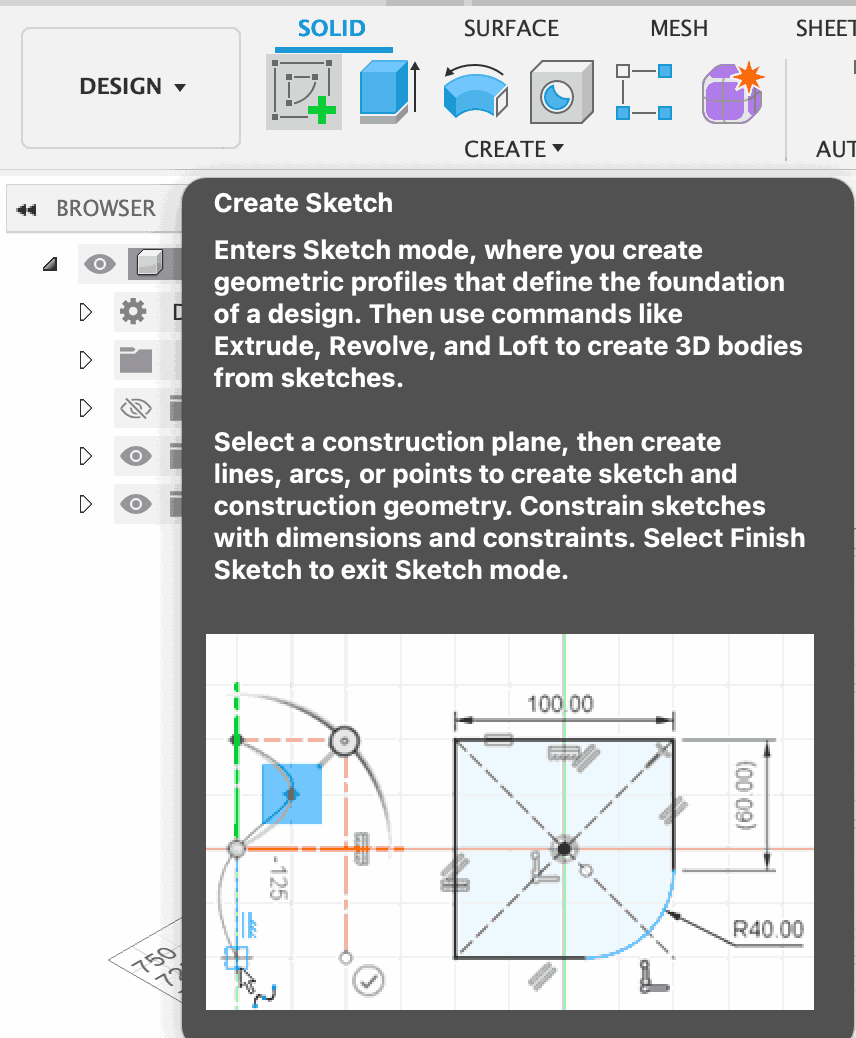
In this photo, there is a button named create sketch and this is the most important thing about 3D, because you make the 2D sketch into 3D with the button on the right of create sketch named “Extrude”. Secondly, when I was creating my design, I used a mirror in Sketch to have a more consistent line length and angles. And here is the video of my design process from zero to hero in just 40 seconds with an animation."
All Sketches
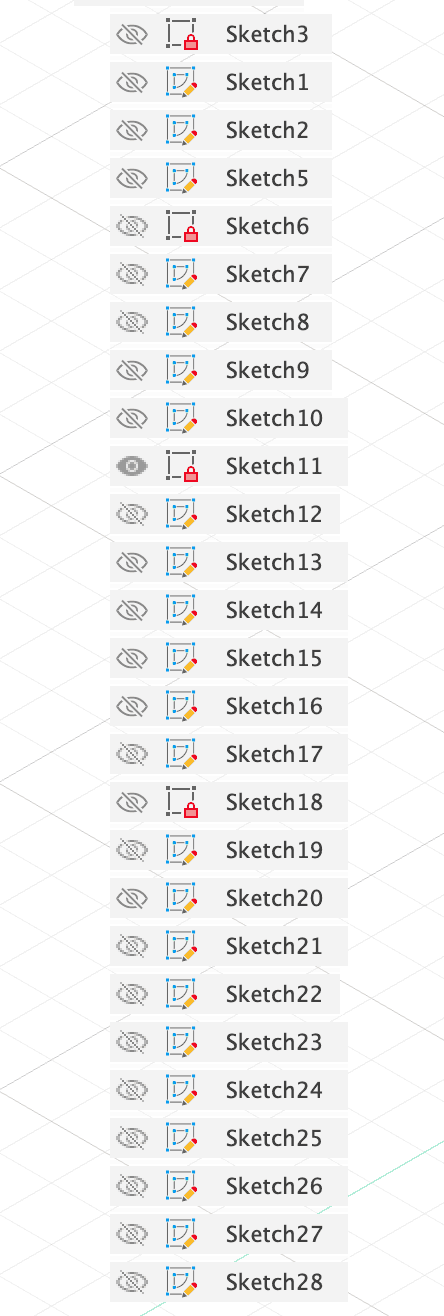
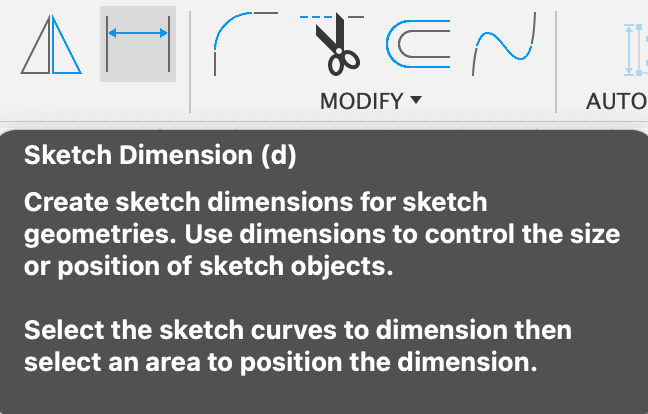
After all these sketches, I extrude them and round their corners or fillet them to have a better appearance. And about the most bottom part, the most bottom part is going to be the part that I am going to put the LED screen that is going to show time and take inputs from the slider at the very, very bottom (but probably I am going to remove the slider part to add a intractable screen with a slider). Also about CAD, when making designs i recommend using specific lengths and it can be done with this button and with selectting the line that has the name “Sketch Dimension”, and there is a button on the left that has 2 triangles, which is the mirror button that i mentioned, and u can use the buton with firstly selecting the line you want to mirror secondly selecting the line/axis that is going to get reflected.
What i learned?
How to use CAD for design
How to create a sketch from scratch with a pencil
The features of programs (fusion and notability)
And I learned that using Fusion 360 is the origin for 3D design and modeling. Besides, I learned that parapetmrics is so important and crucial for 3D to have the perfect design with perfect length, width, etc.