home
home
CORA
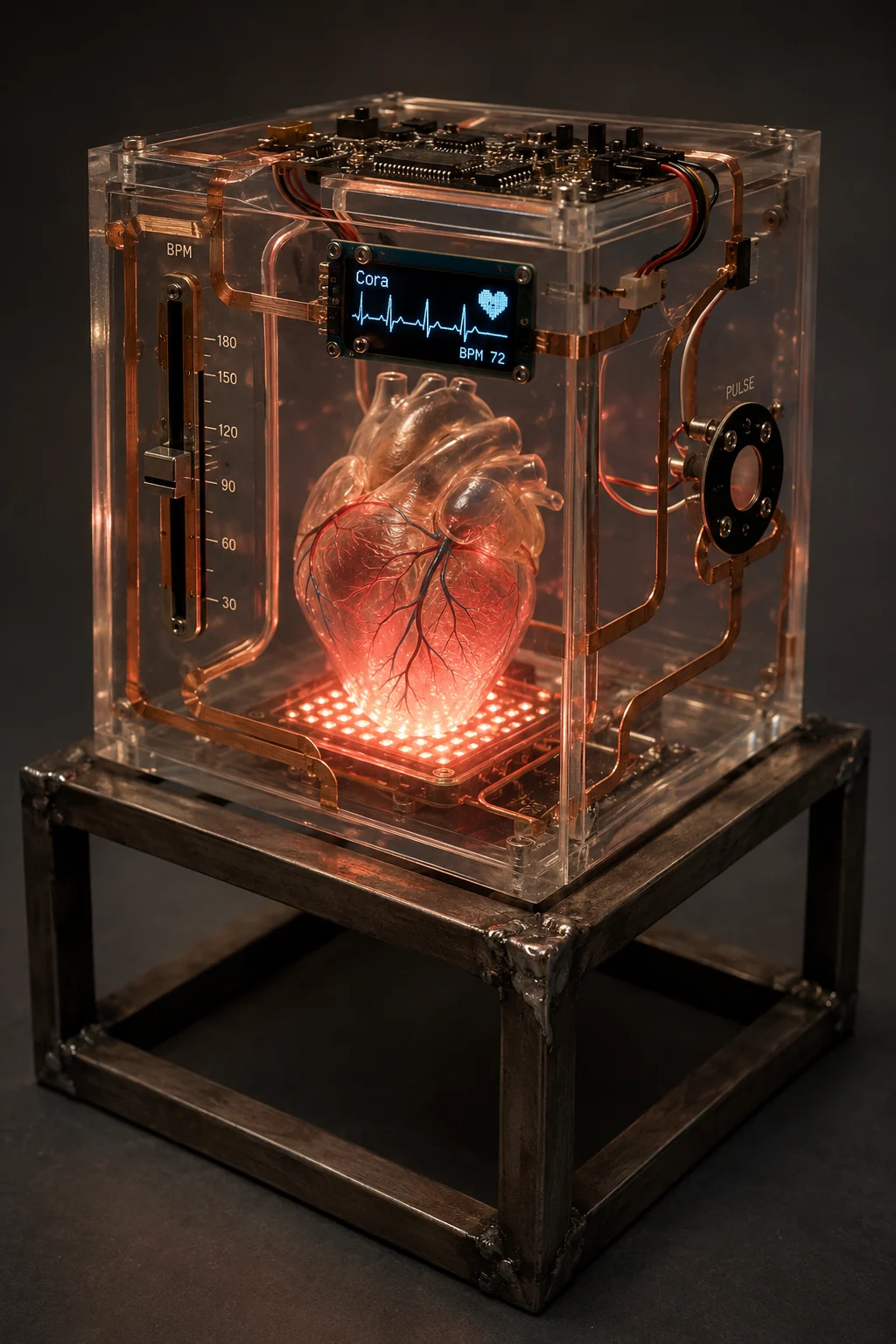 (generated by ChatGPT)
Overview
CORA is...
Materials
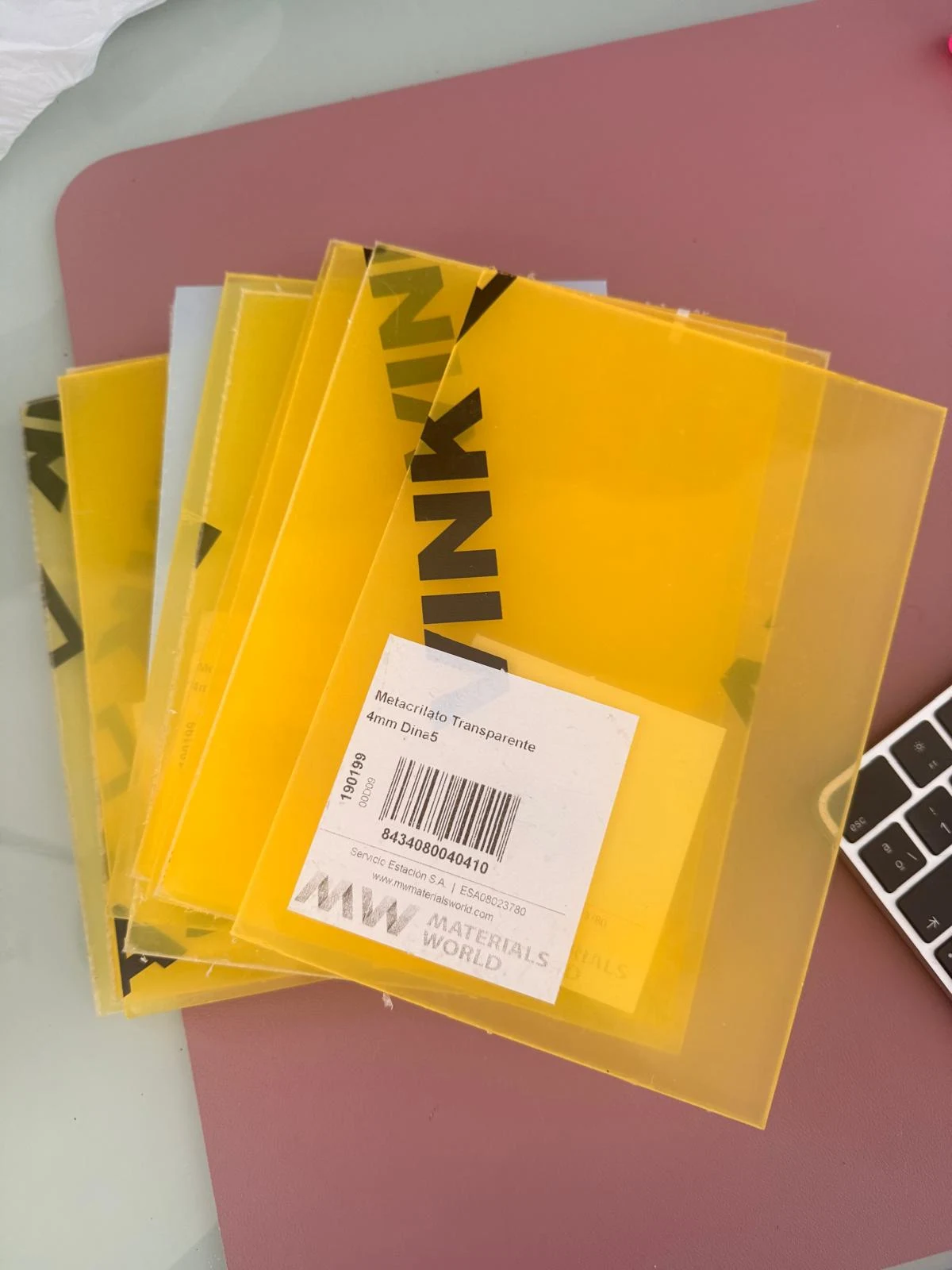
→ 5mm acrylic, 150x200mm stock pieces
→ plastic (PLA) - positive.
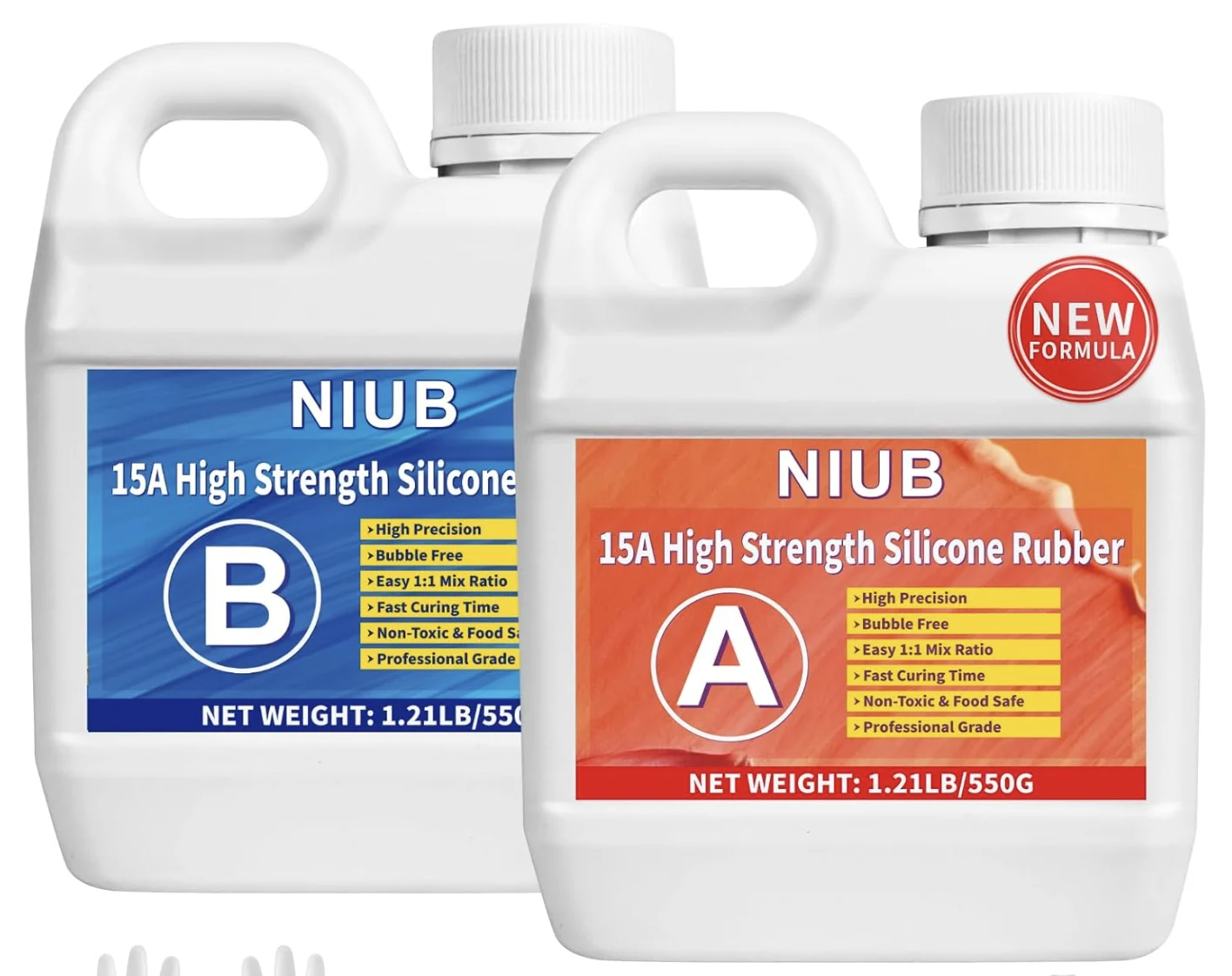
→ Translucent Silicone: Molding Silicone, 15 Amp, 1.25 kg, Liquid, Self-Venting, Food Safe, Easy Mold Release, Low Viscosity
Weekly Knowledge Applied
Week 6 - Kicad board design
→ downloading the 1000uF aluminium electrolytic capacitor footprint and symbol from the link provided by Neil
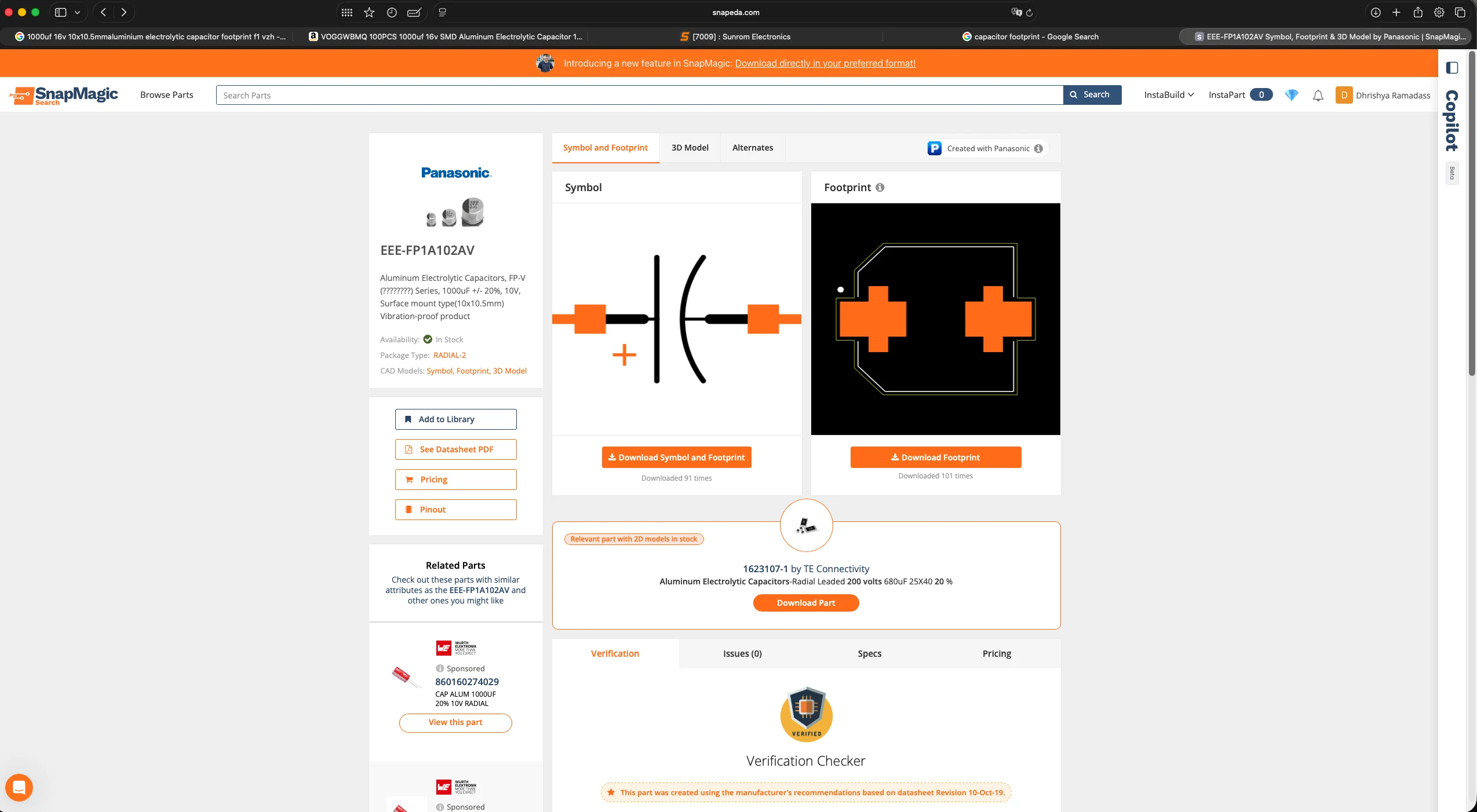
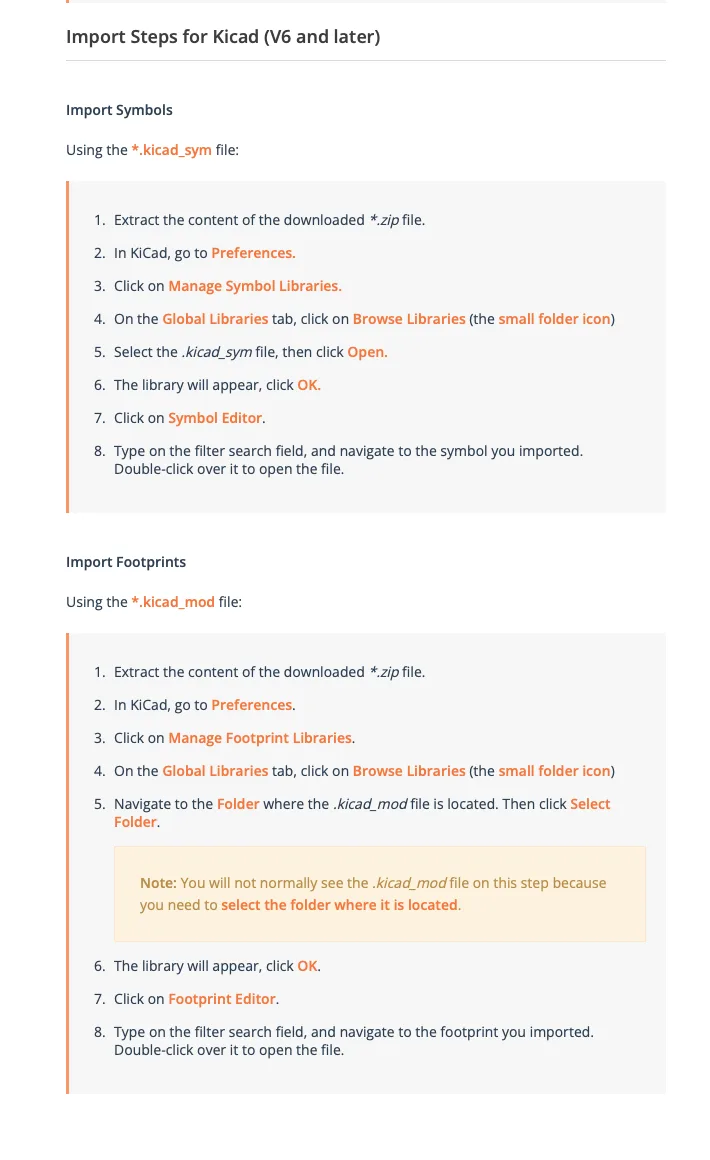
→ importing 1000uF aluminium electrolytic footprint and symbol into KiCad
→ kicad schematic first iteration
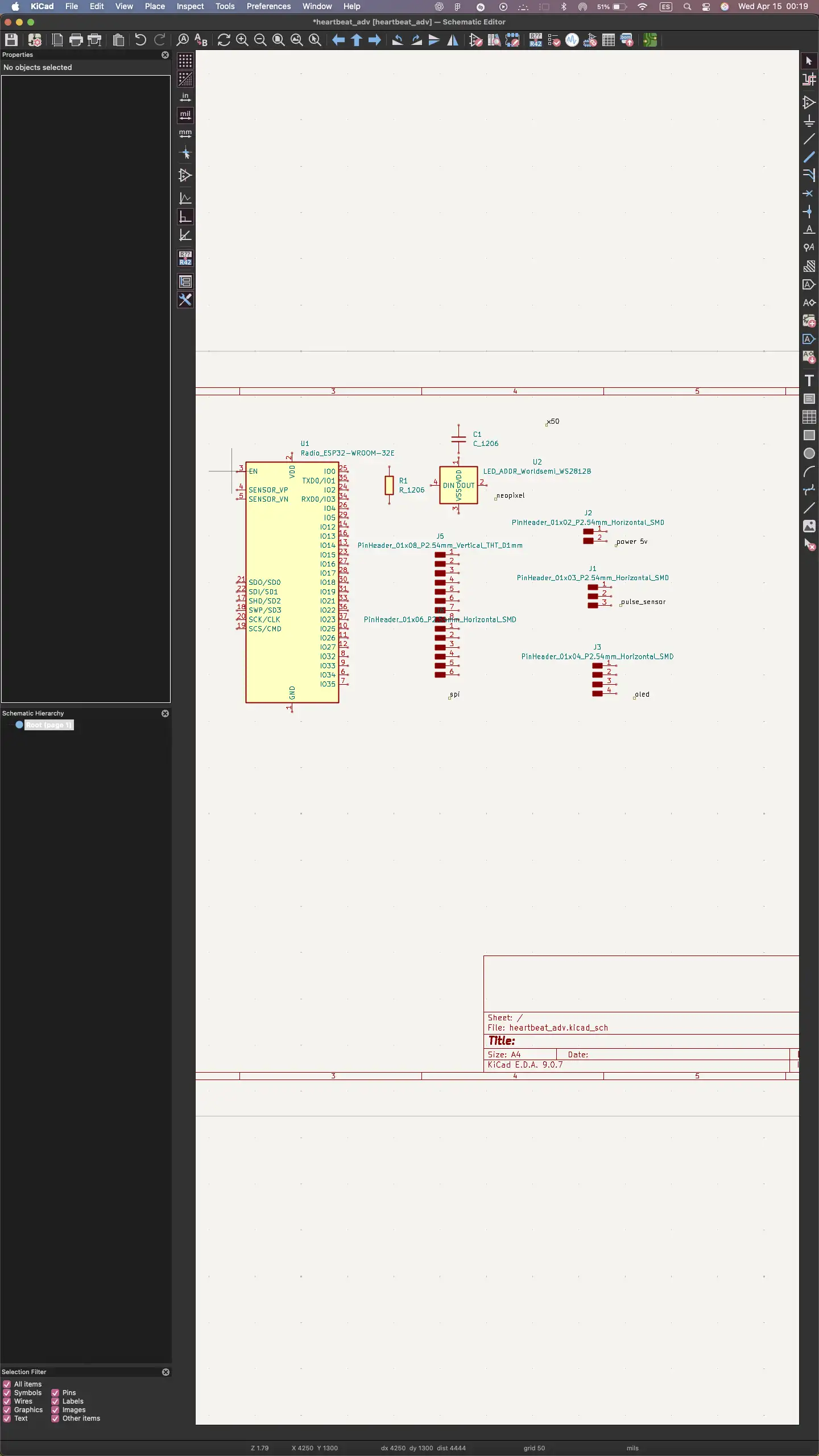
→ kicad schematic connector hearts
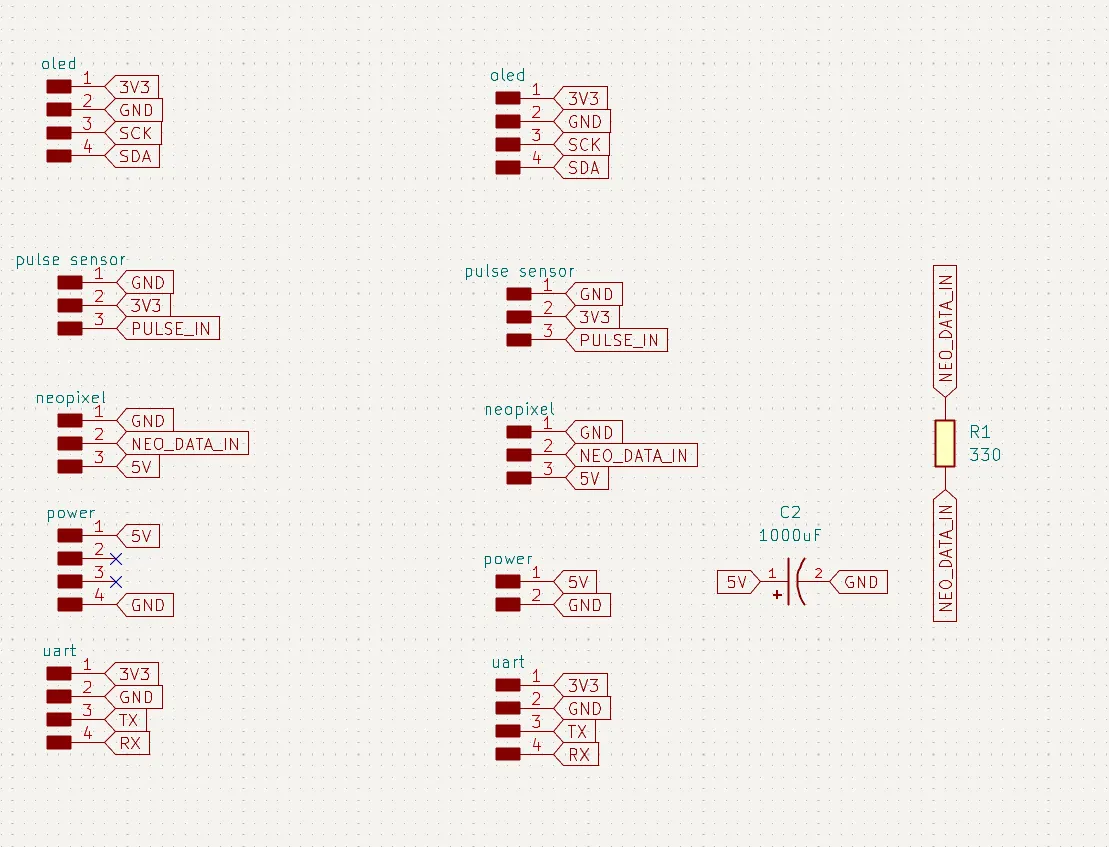
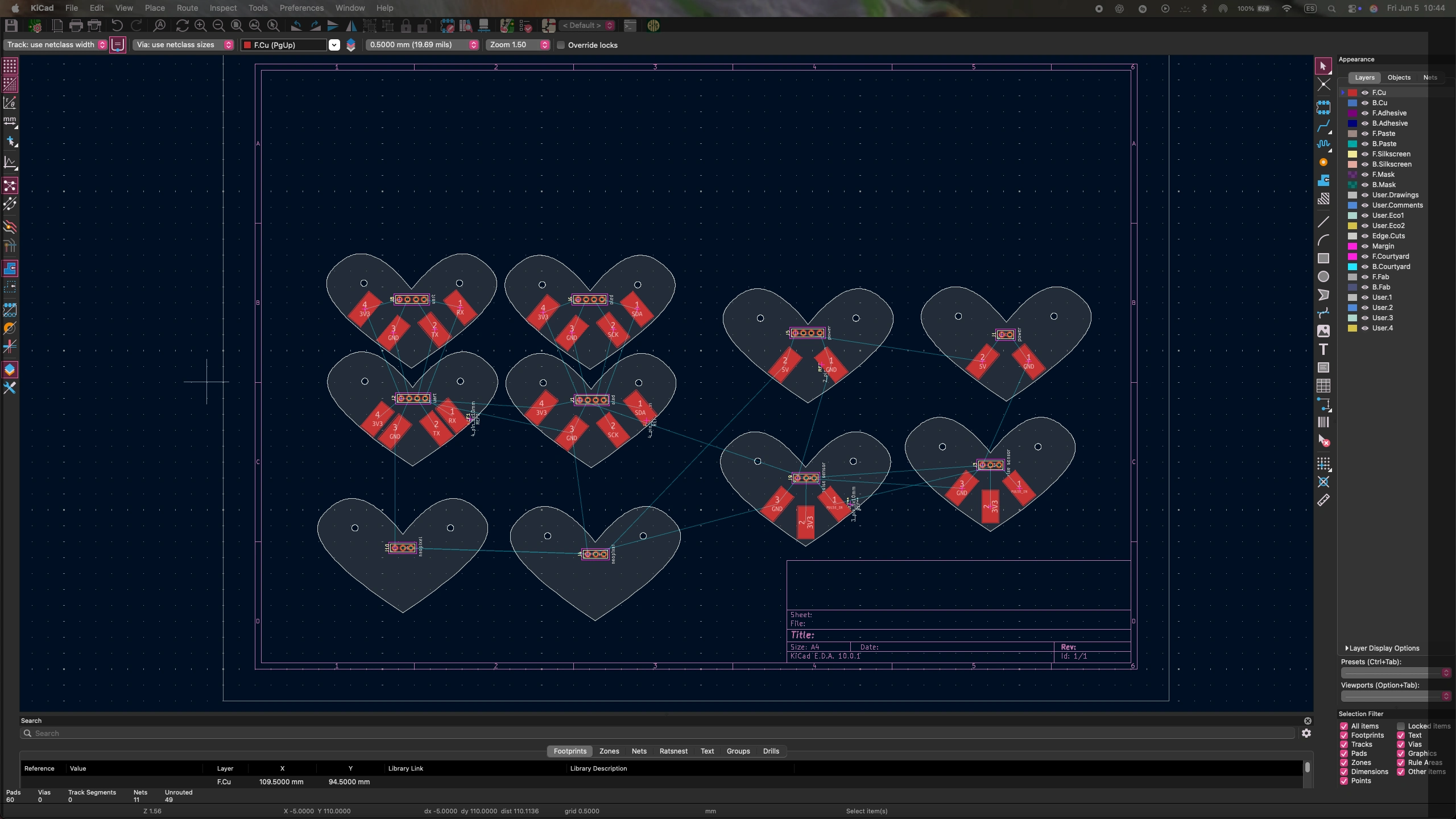
→ designing the connector heart schematic and board
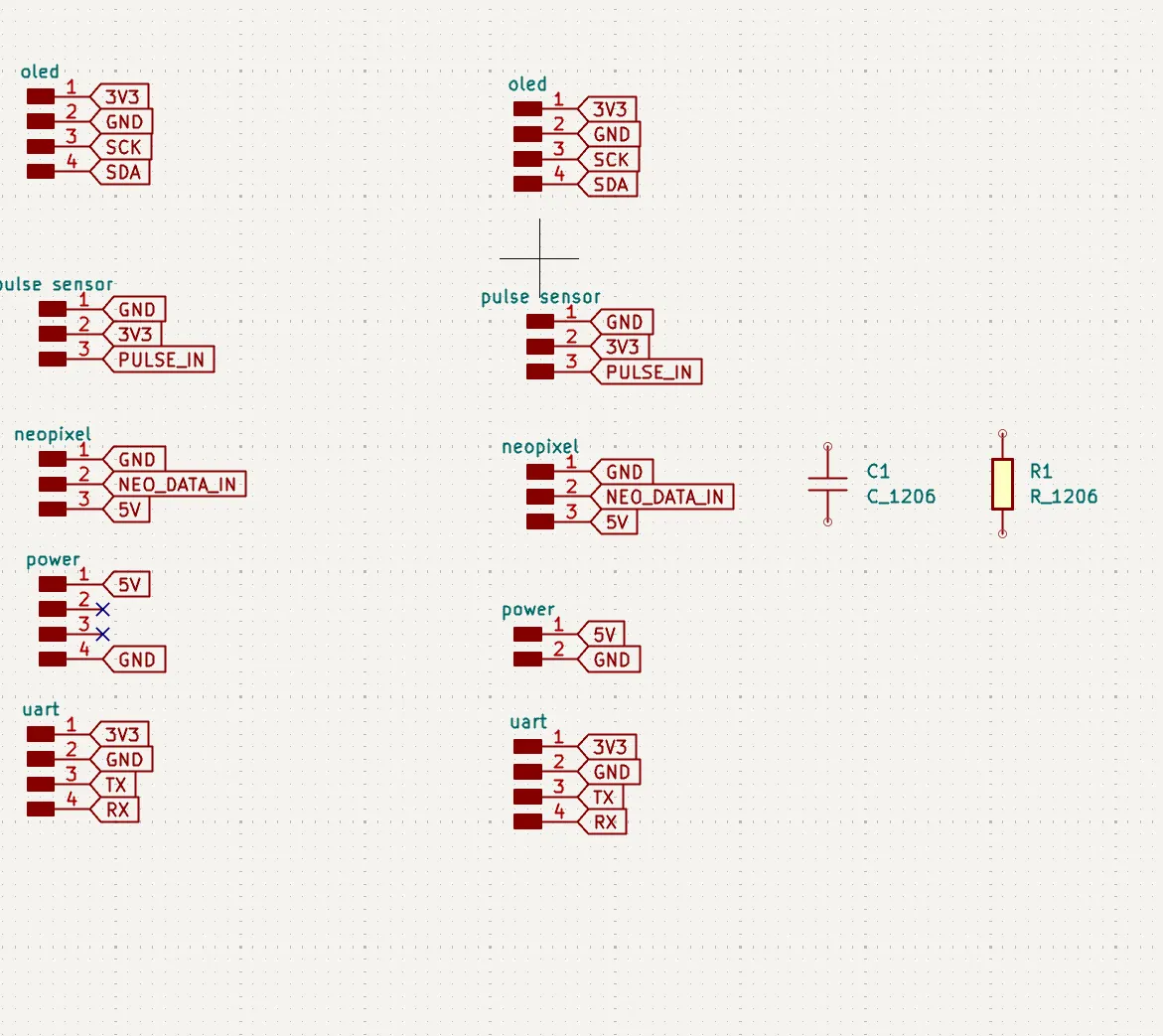
→ schematic for connector heart
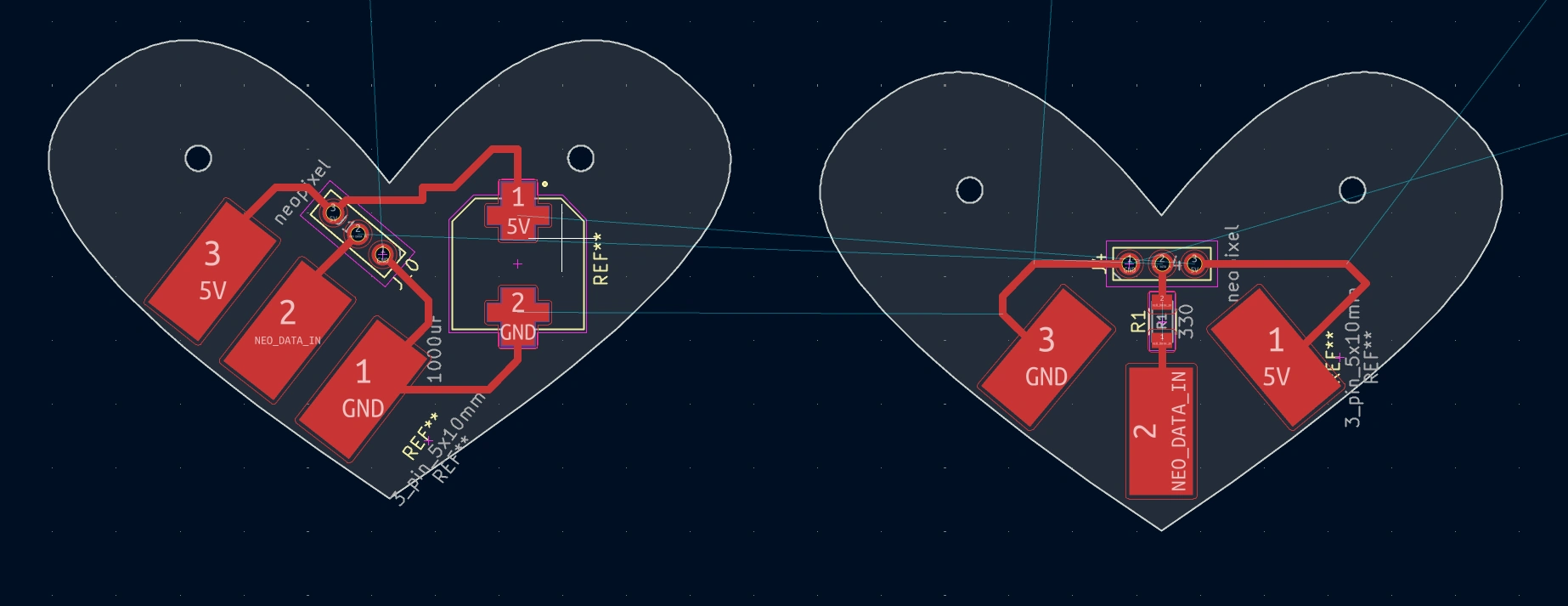
→ neo pixel connector
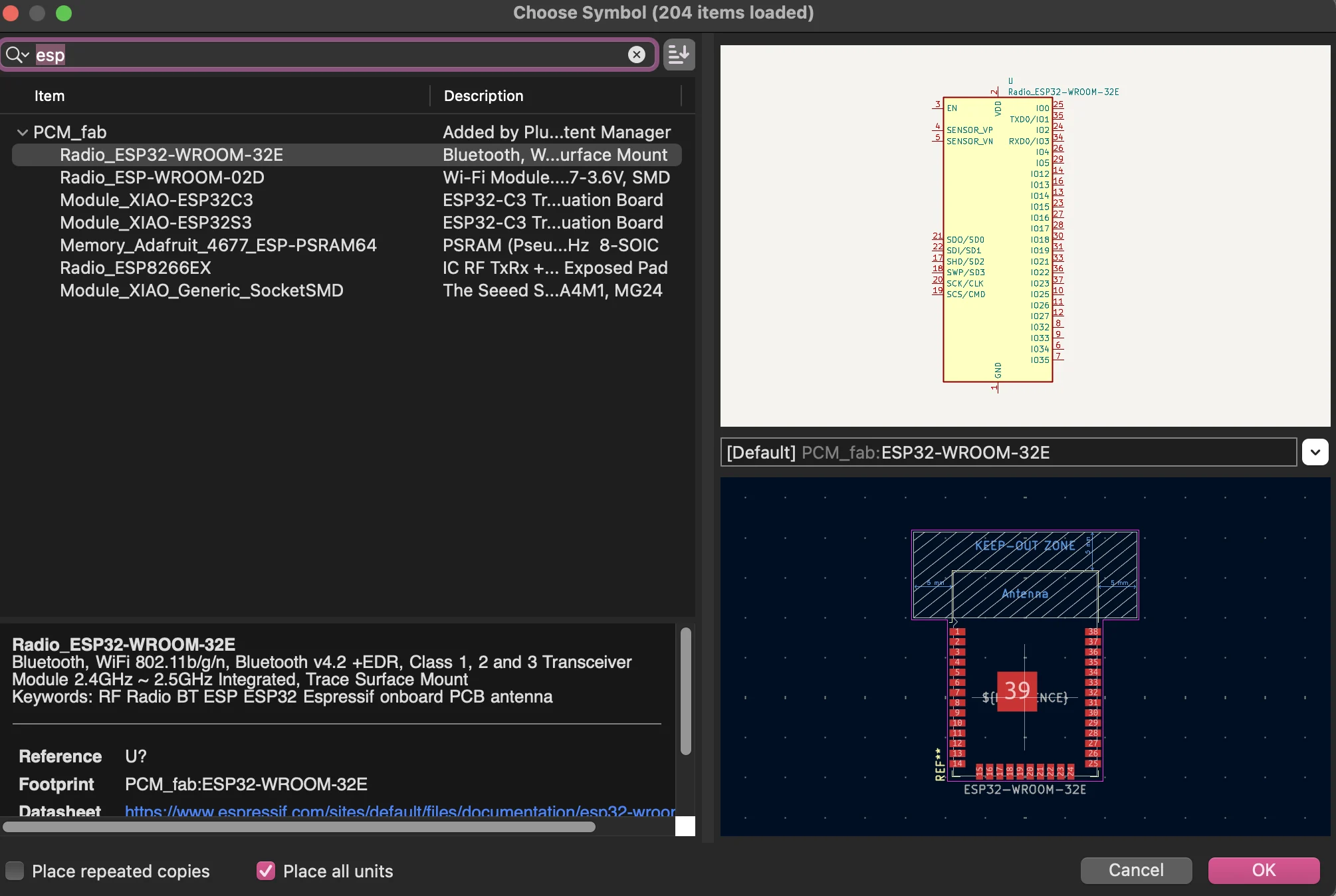
→ creating the ESP32 component
→ exporting the board design to 3D and importing it into Rhino
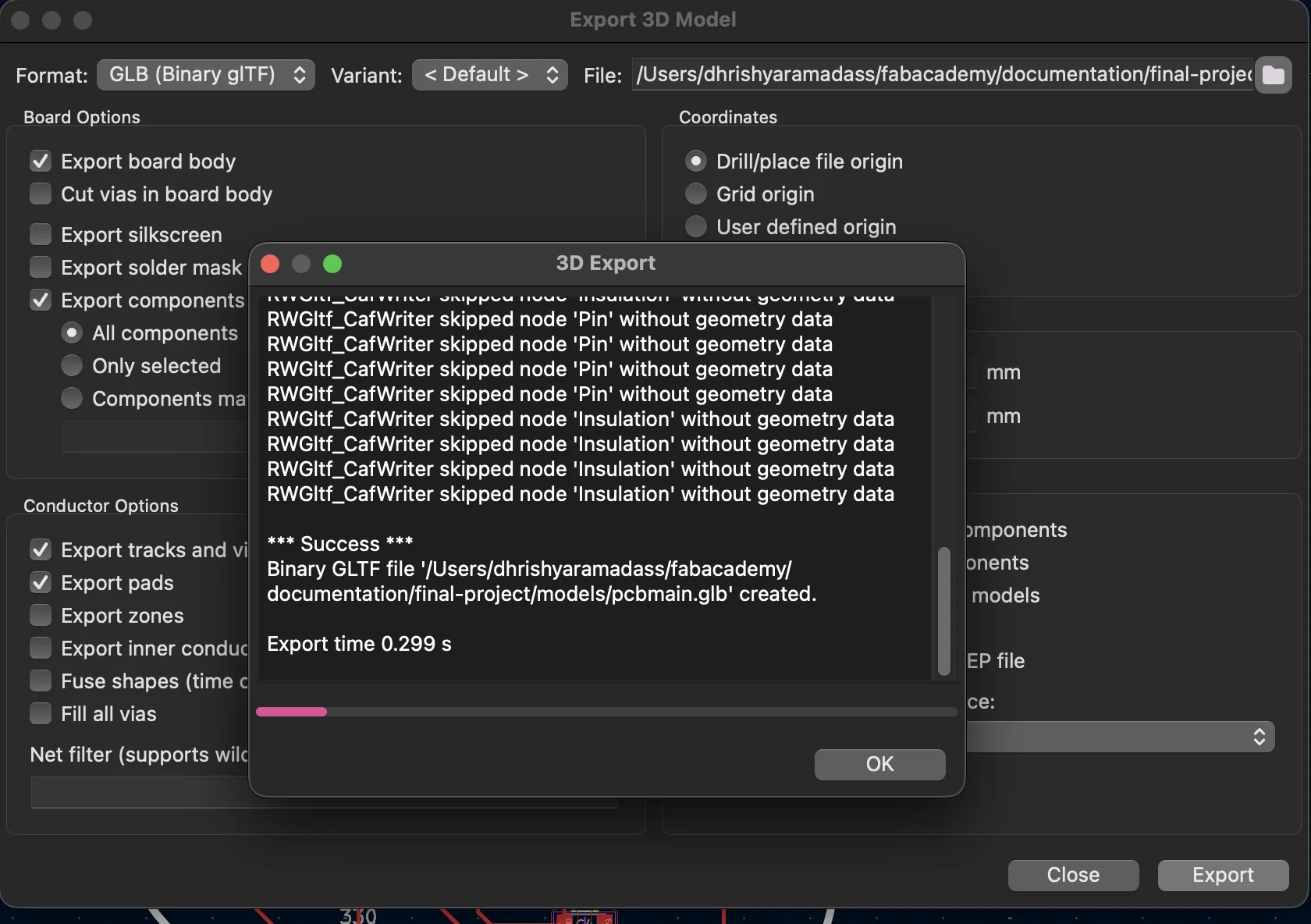
→ exporting the 3D model
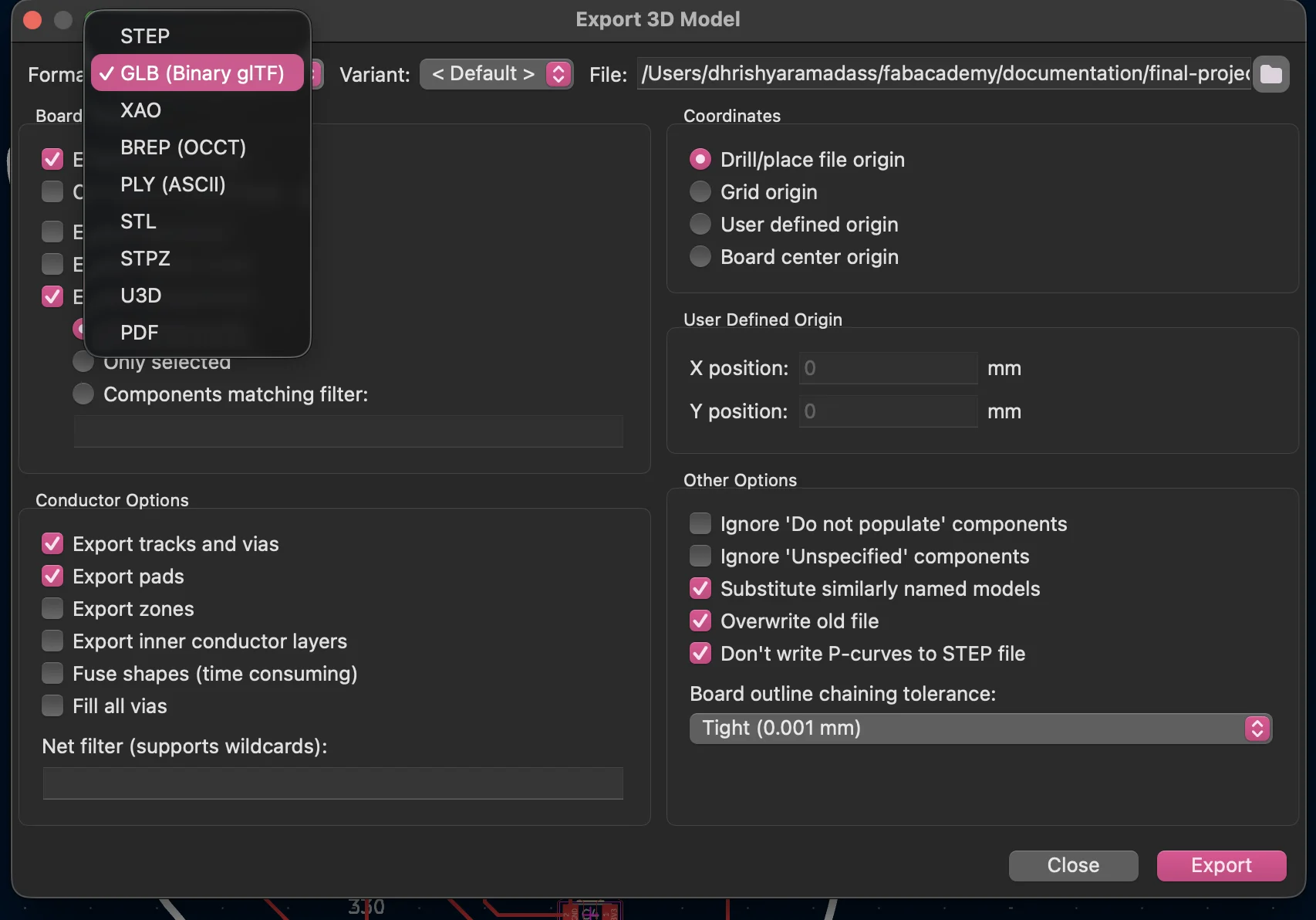
→ exporting the 3D model
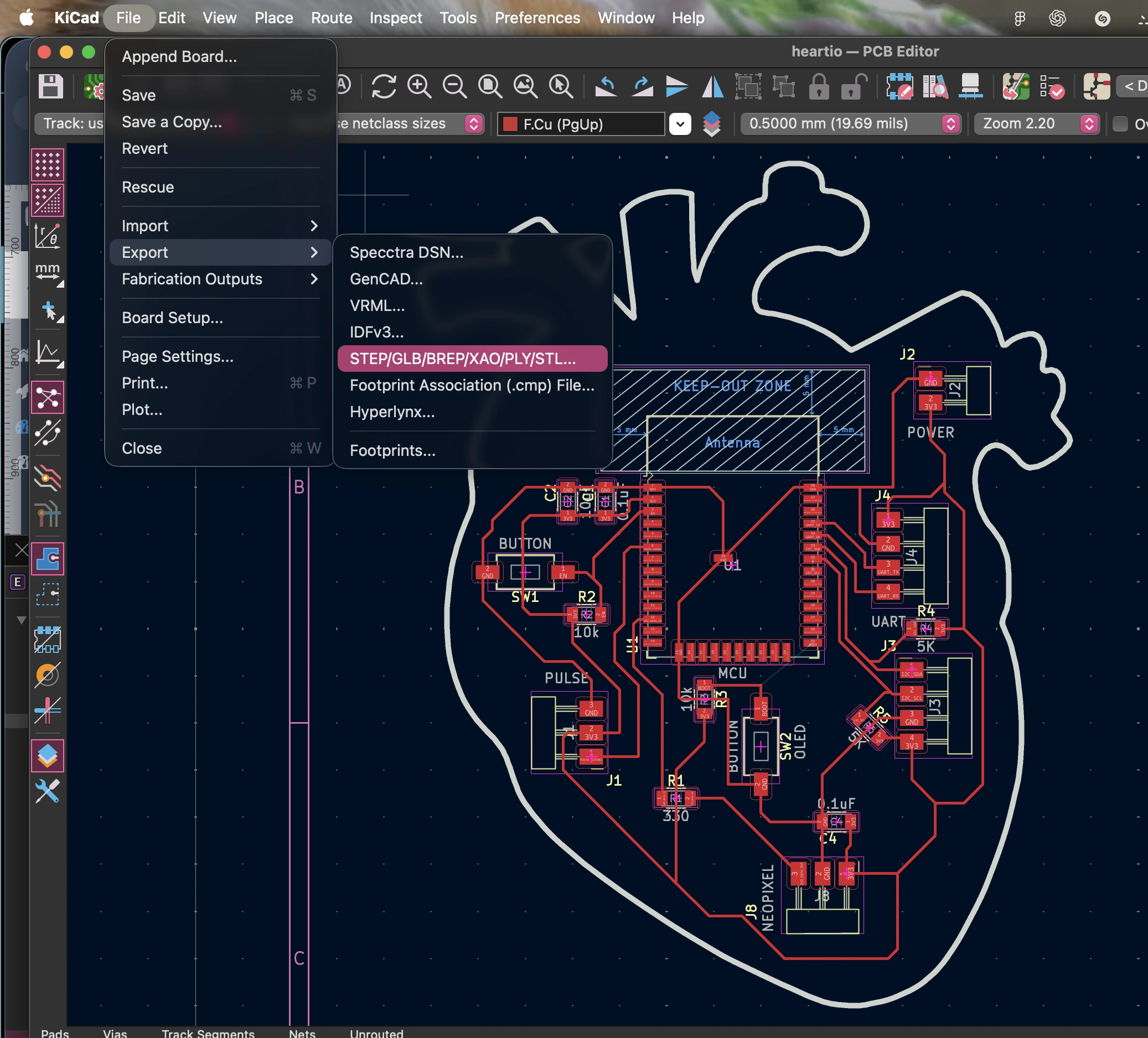
→ PCB version 2
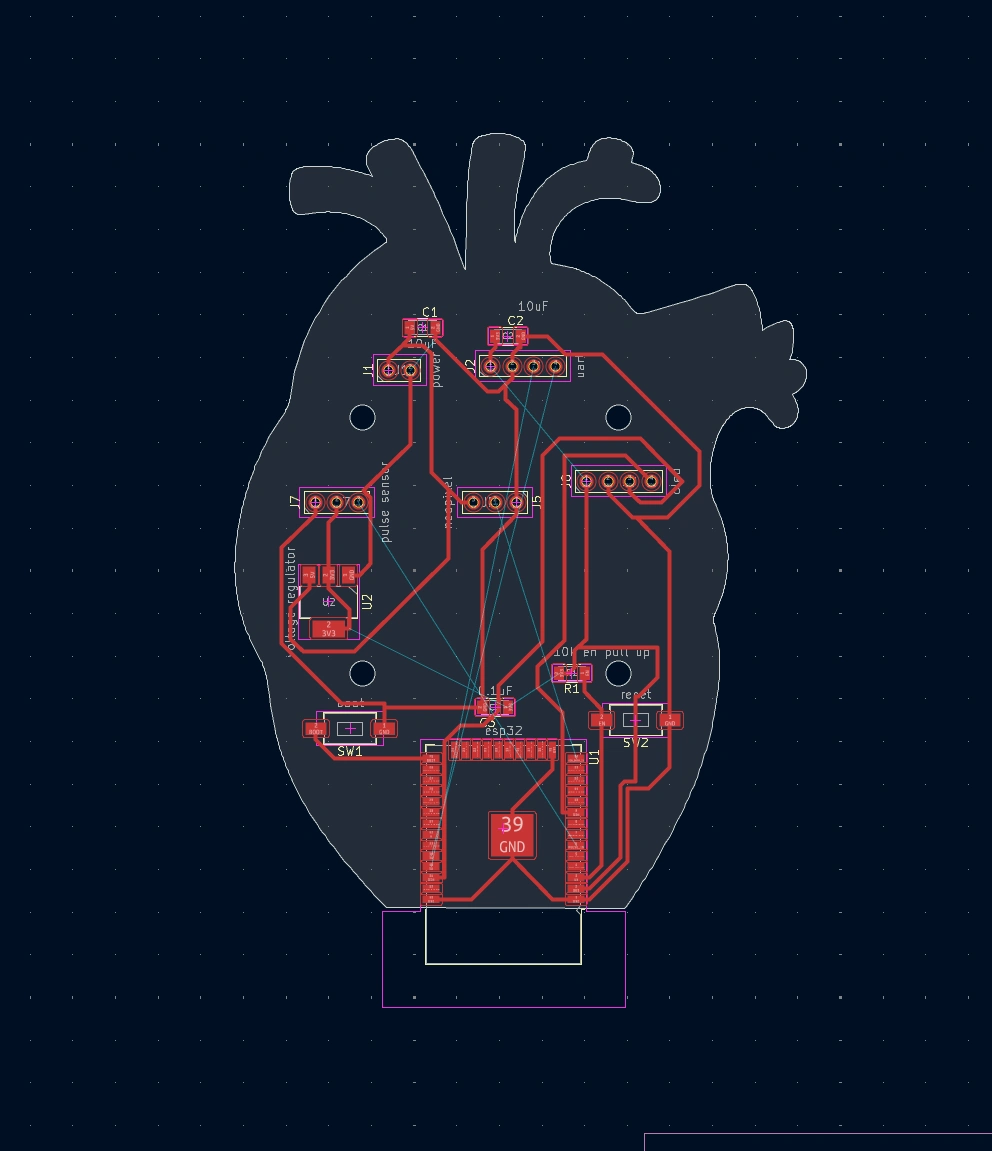
→ PCB version 3 - final version for production
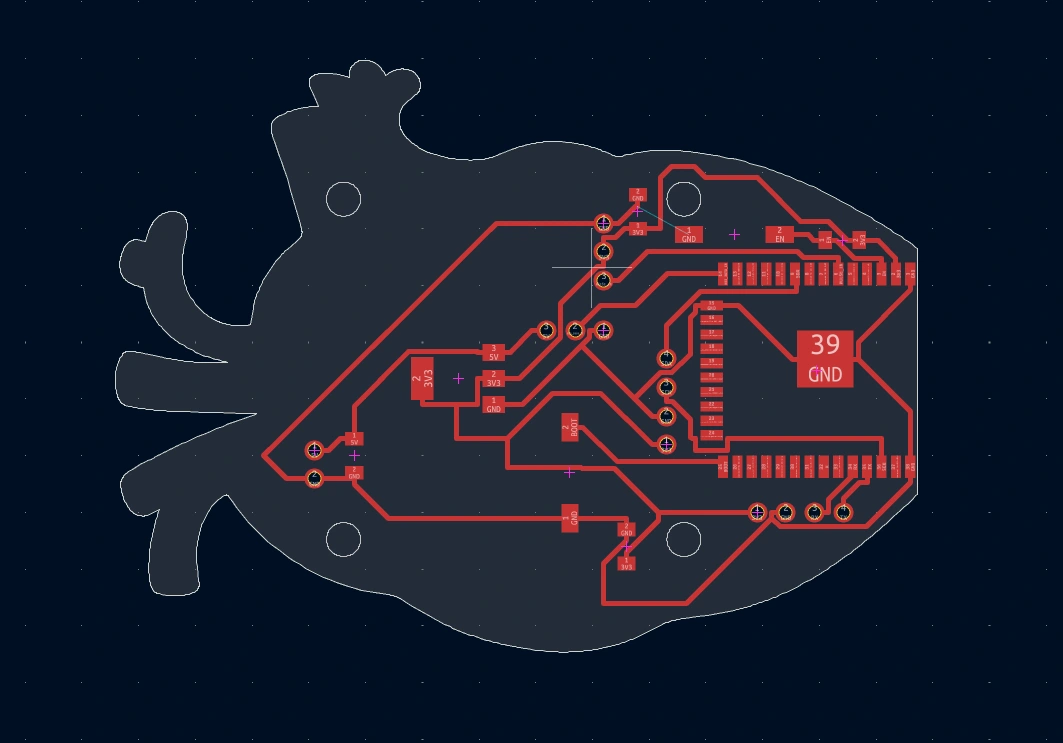
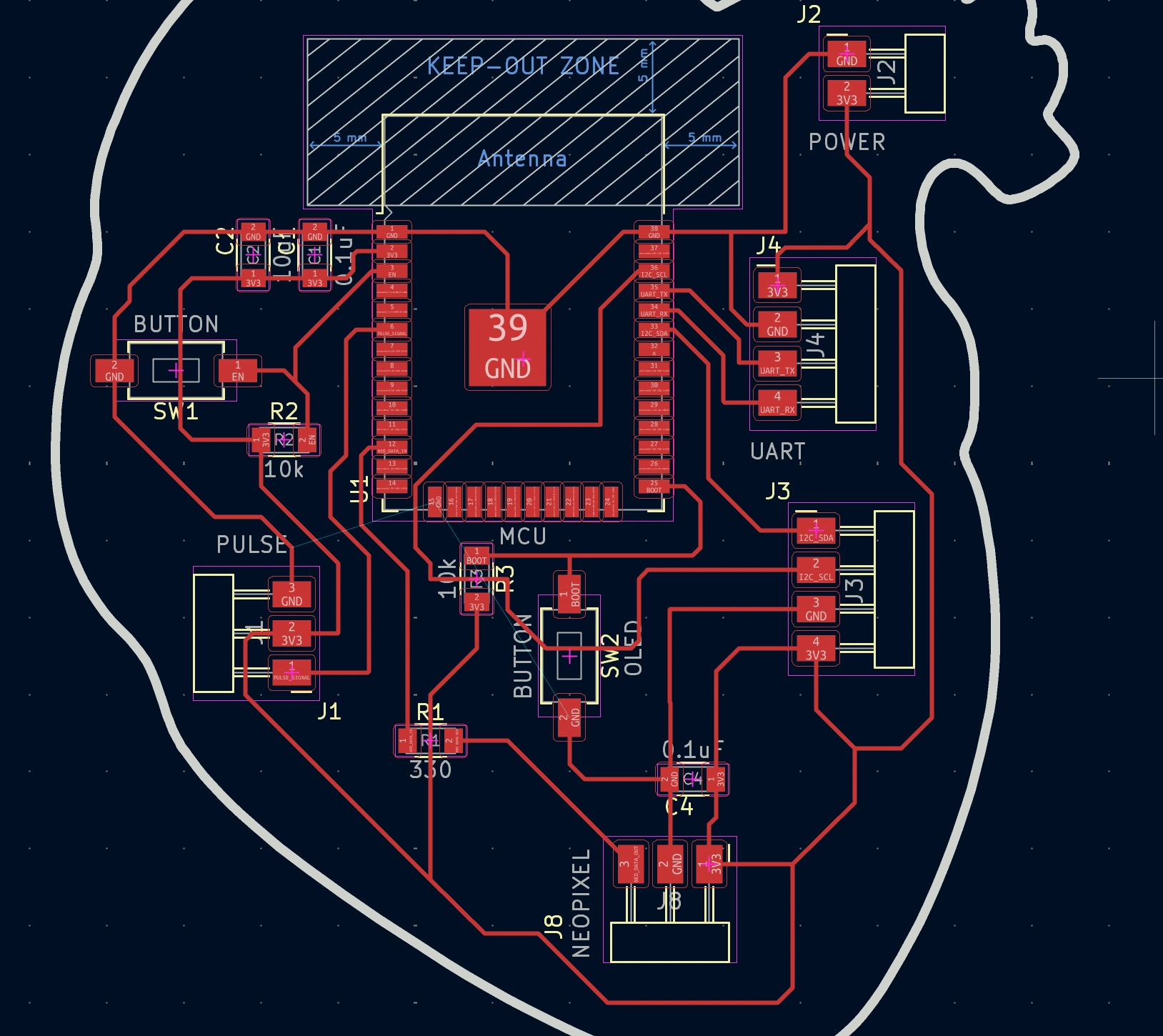
Week 8 - Kicad board production
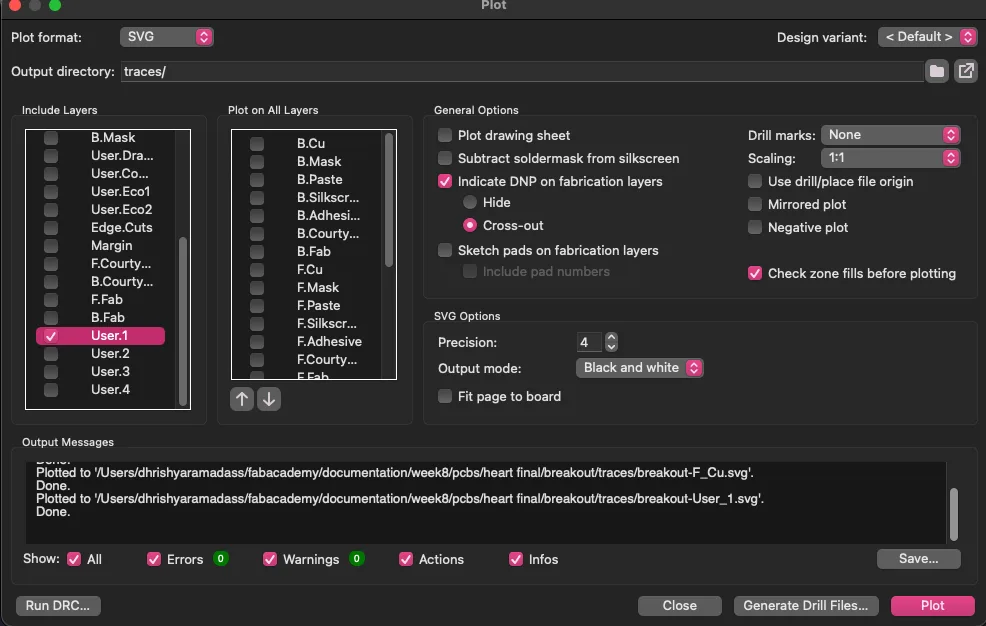
→ steps for exports for mods
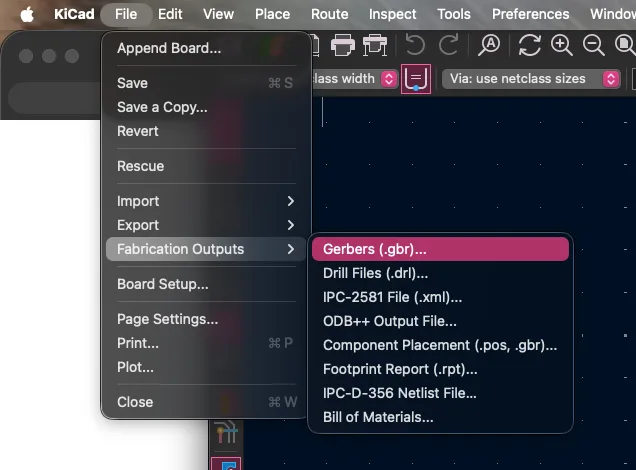
→ export for mods
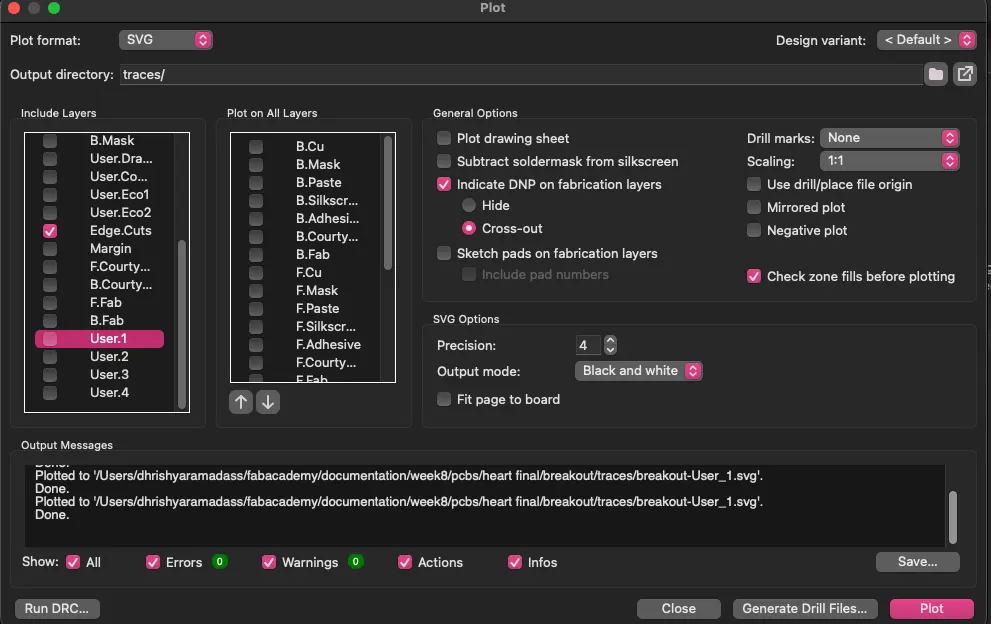
→ mods calculate tool path
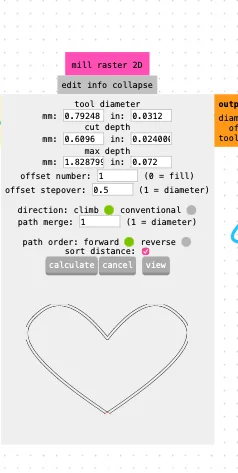
→ tool selection for cutting
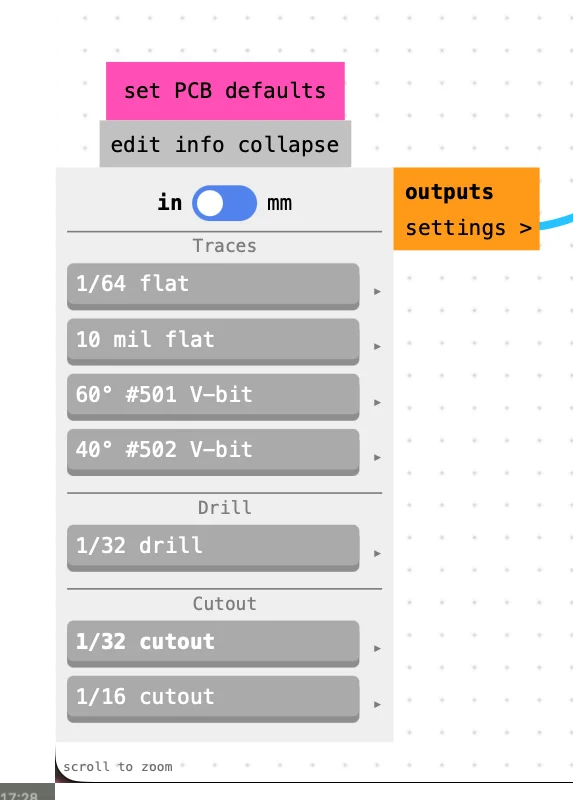
→ cutting file export main
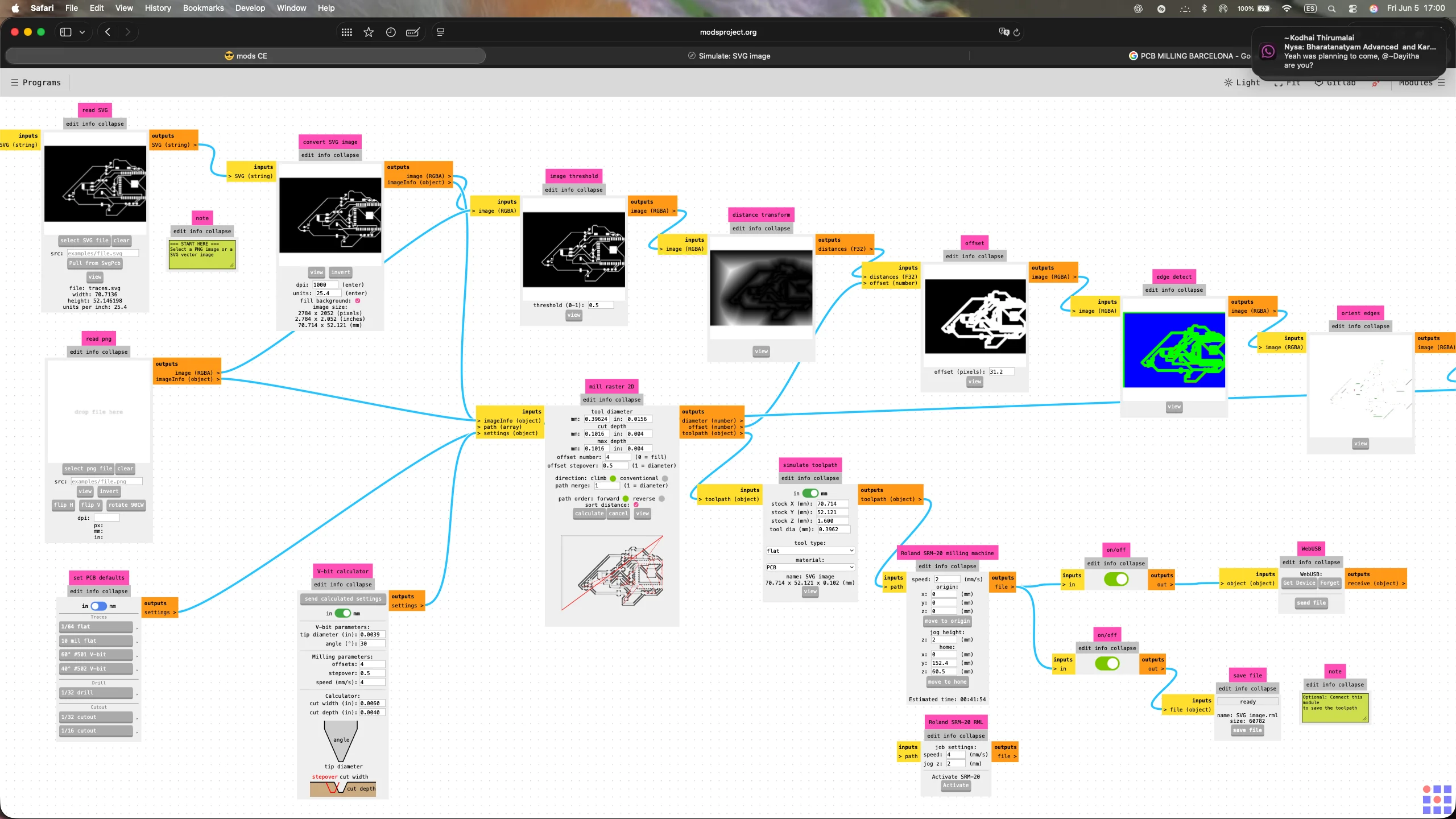
→ cutting file setting origin
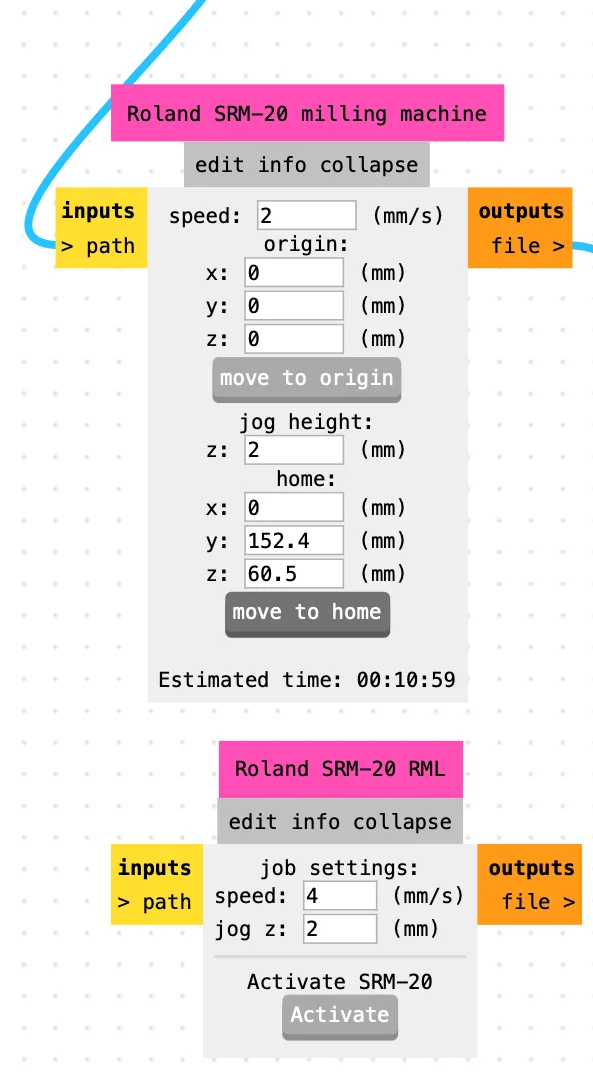
→ cutting file
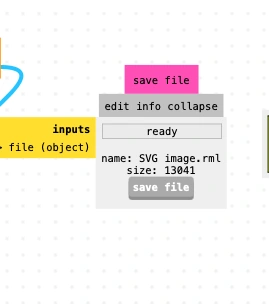
→ export before cutting
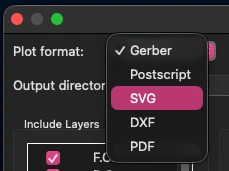
→ export cutting file traces
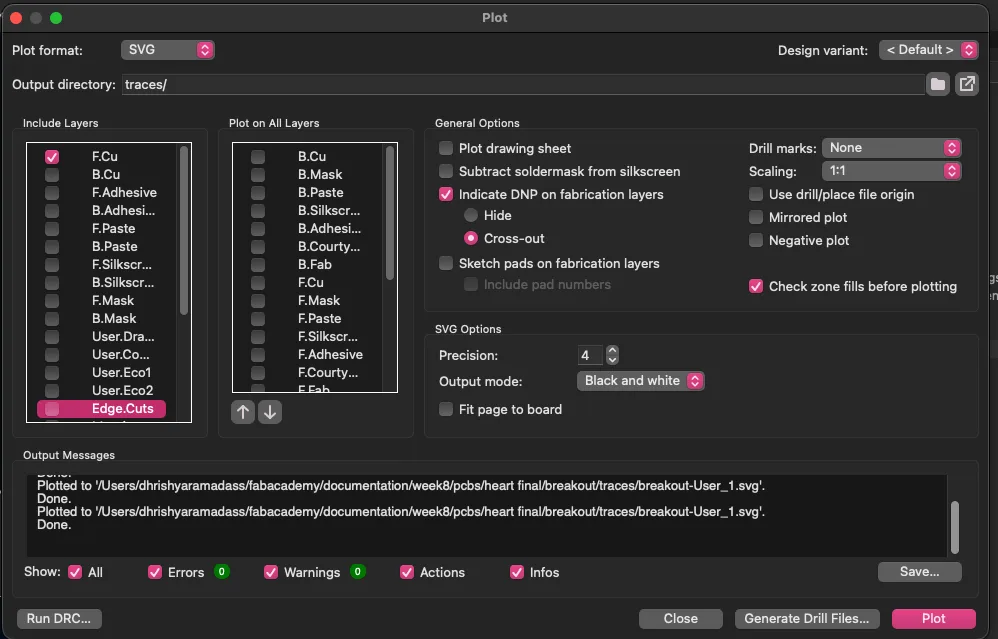
→ export for cutting 2
Week 10 - Output Devices
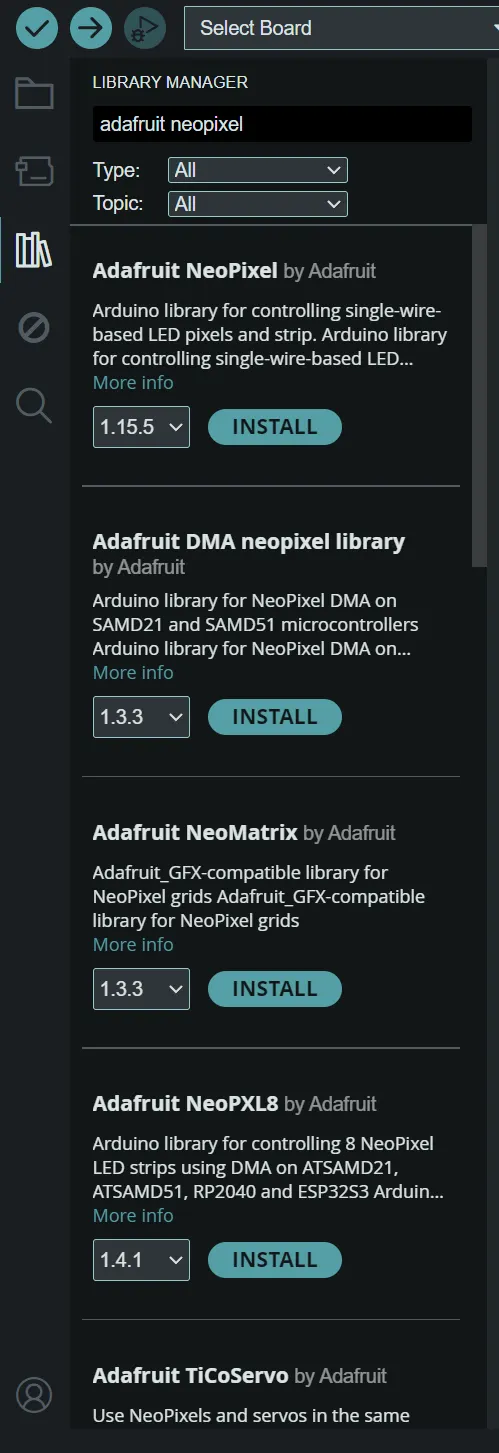
→ adding library for testing NeoPixel
Week 14 - Casting and Moulding
→ designing silicone heart mould in Rhino
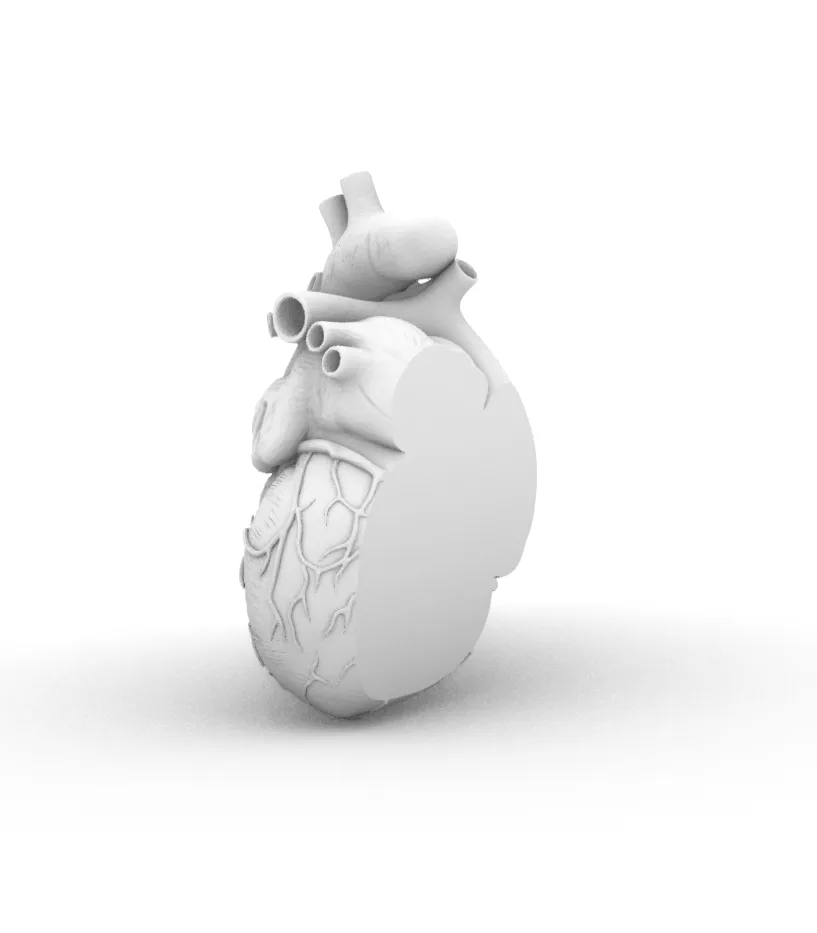
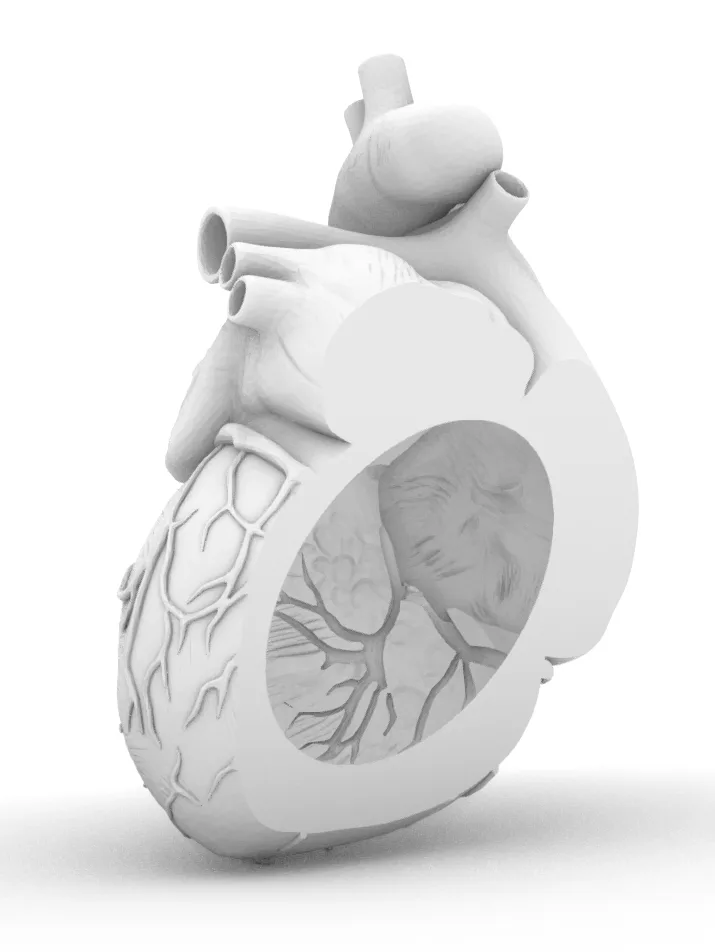
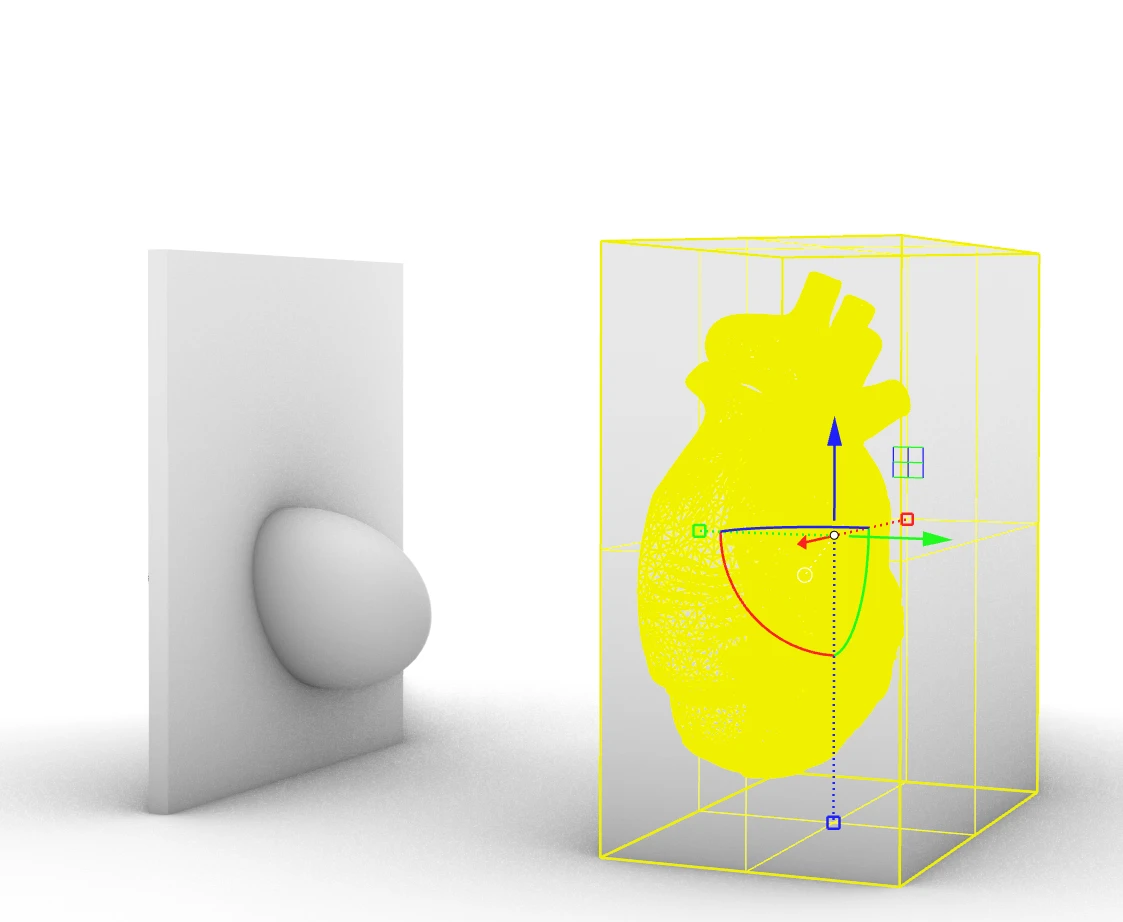
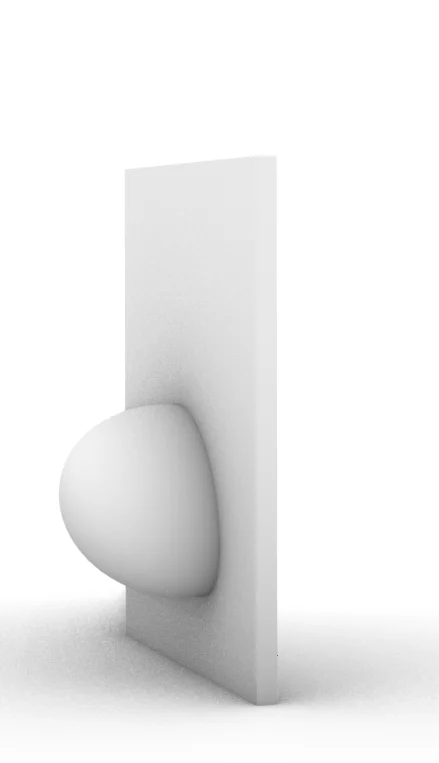
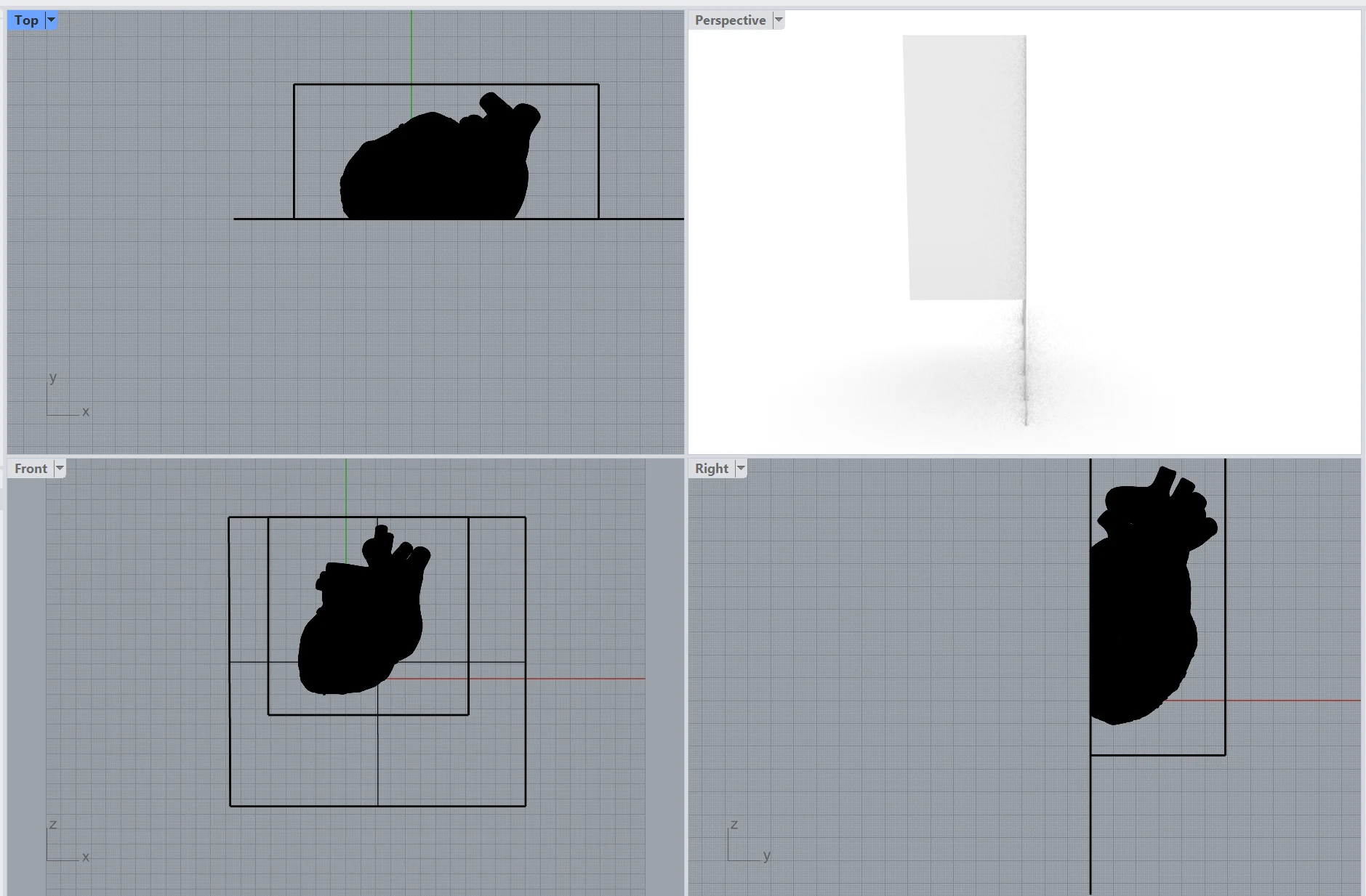
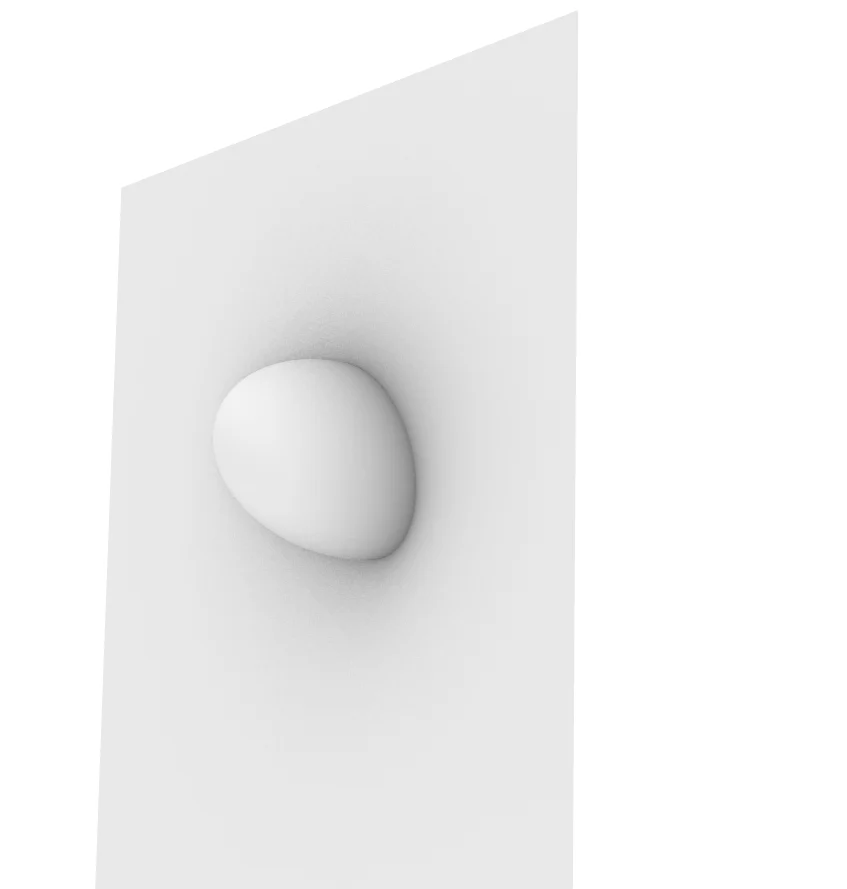
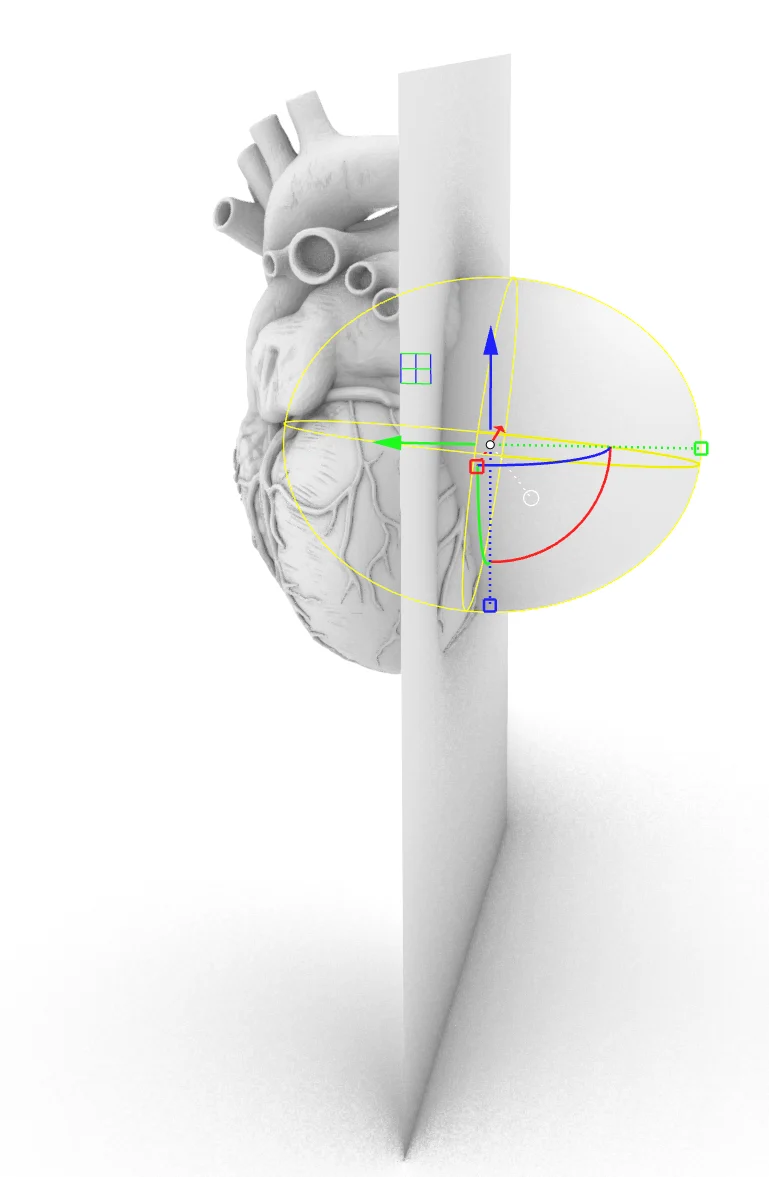
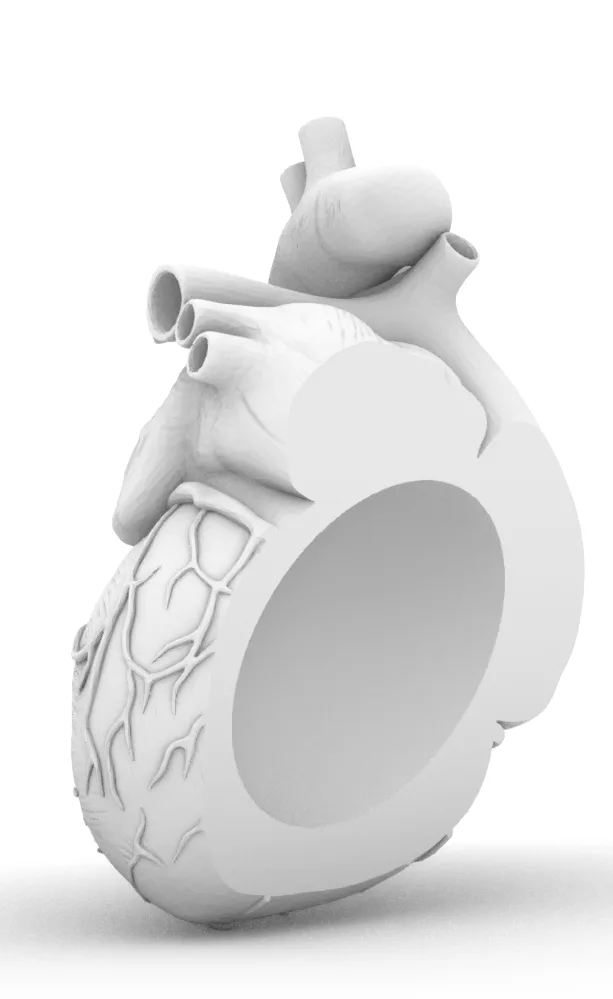
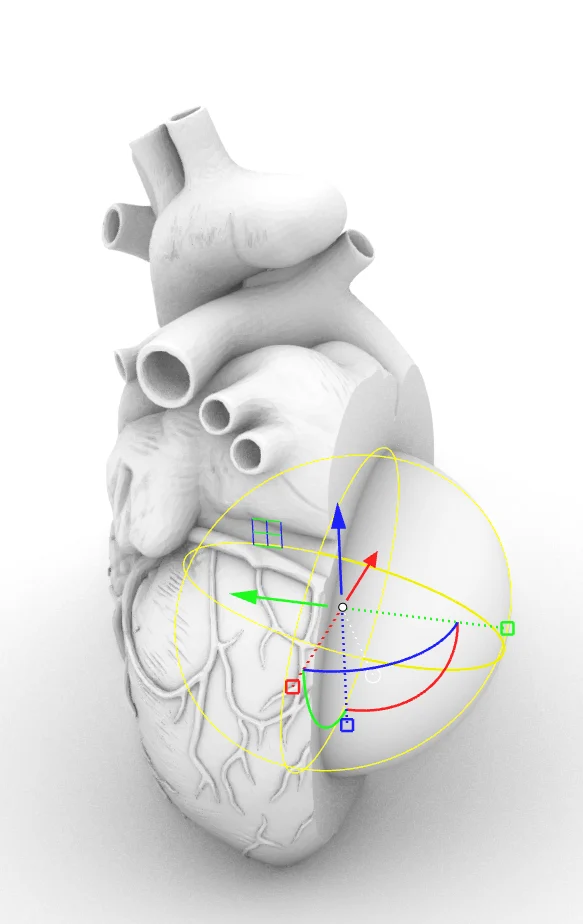
→ heart mould model with negative space lid
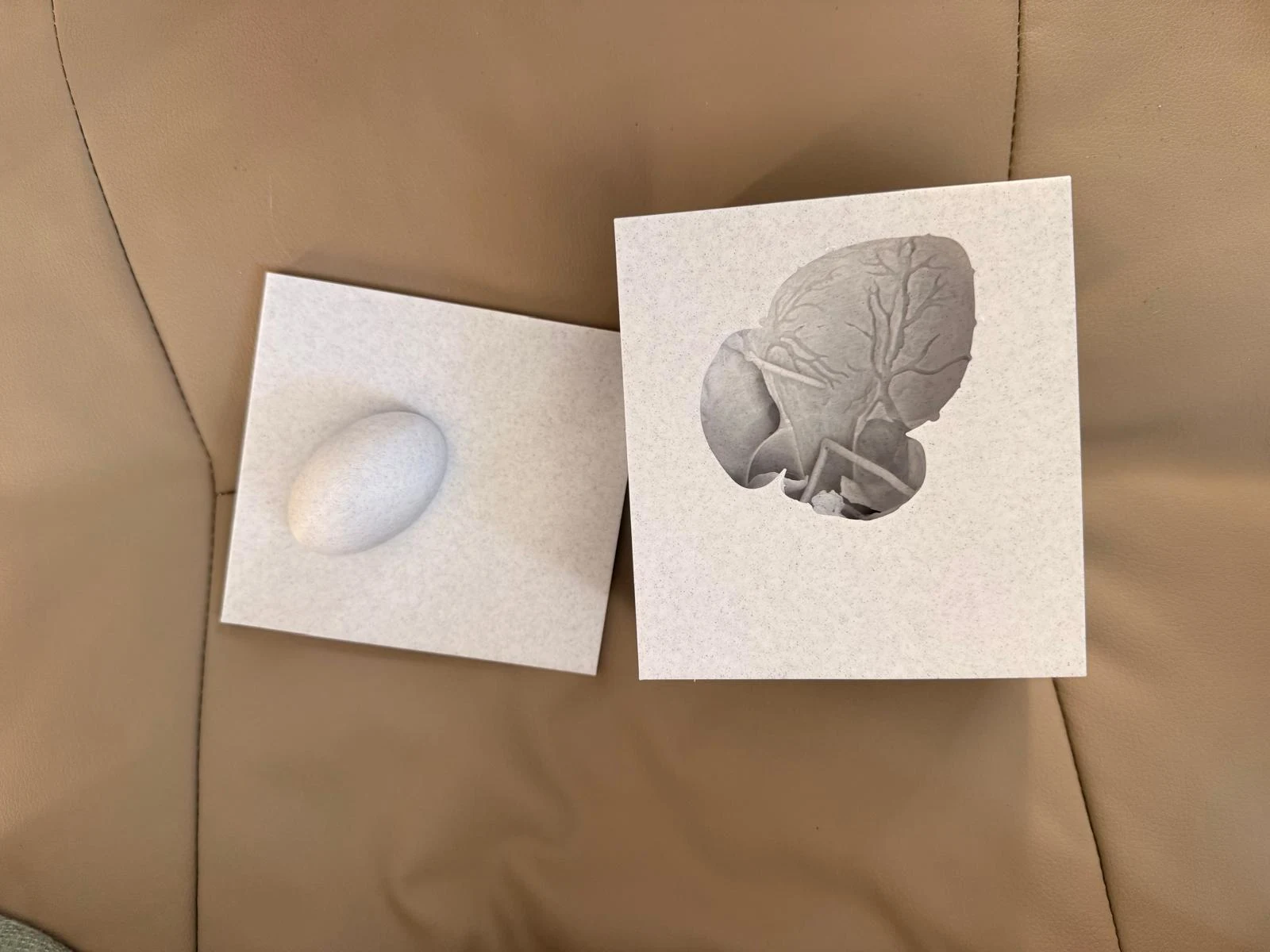
→ mixing silicone for heart
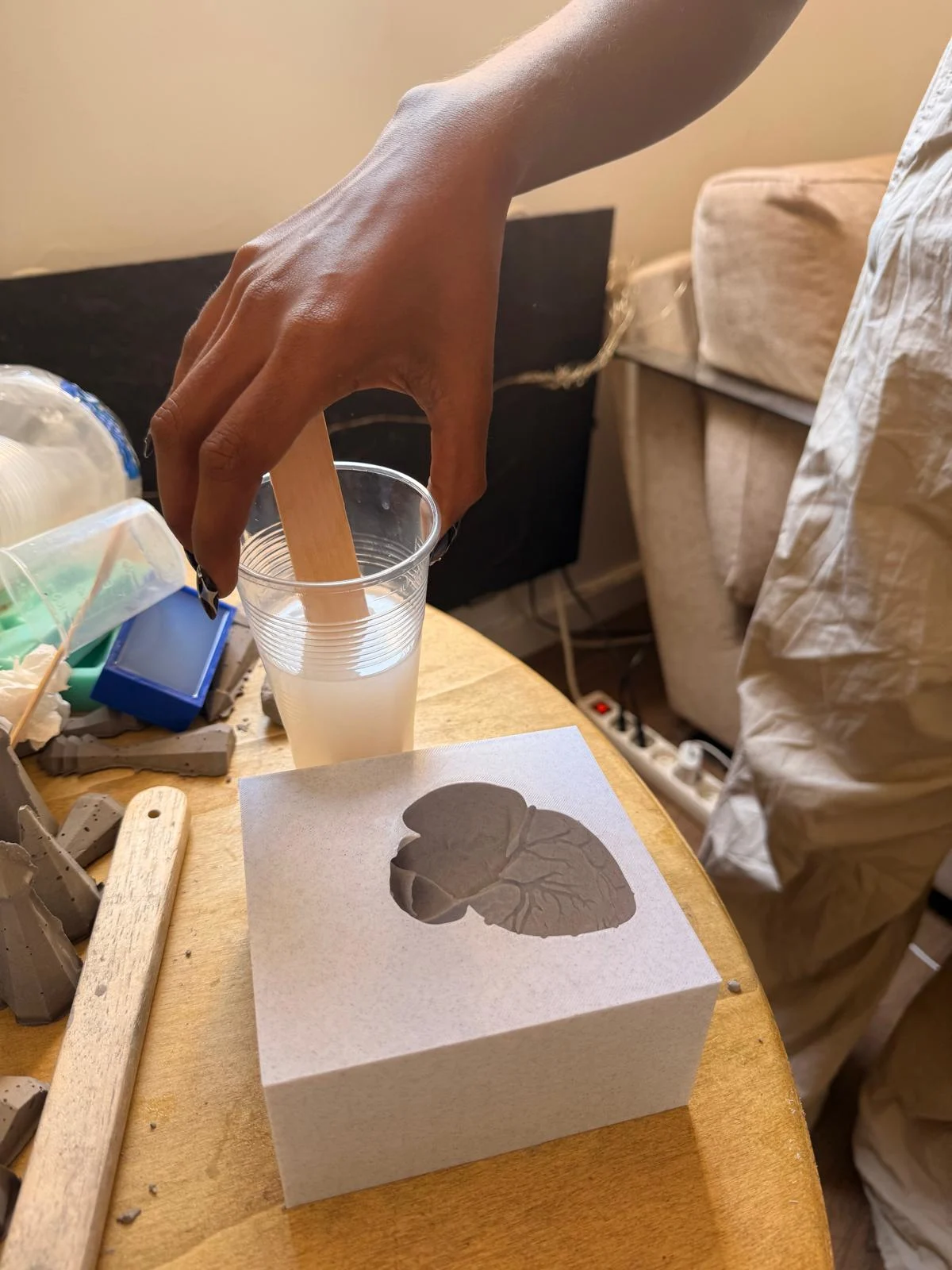
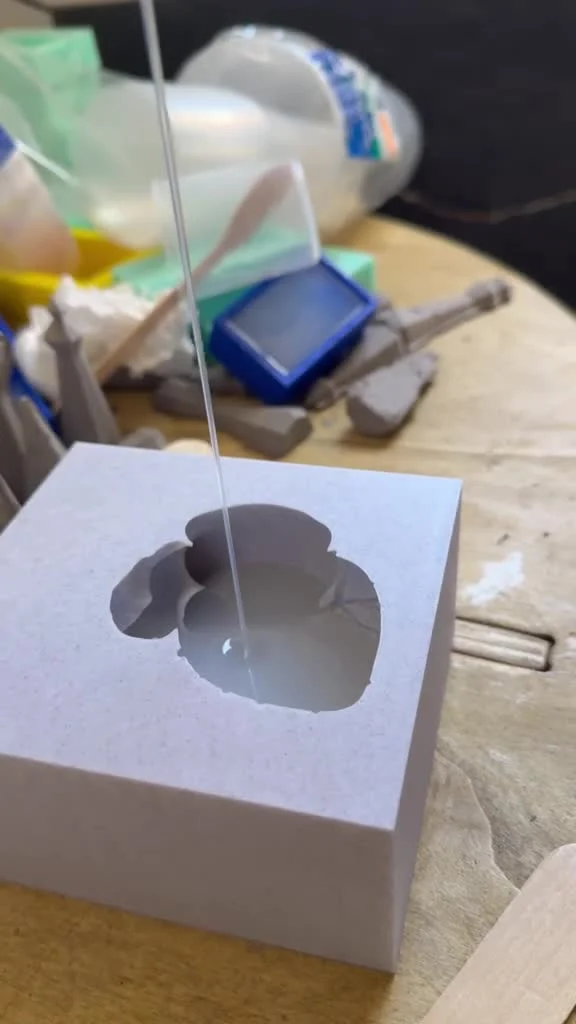
→ pouring silicone into the mould. Poured from a height to achieve thin silicone stream to reduce air pockets/bubbles
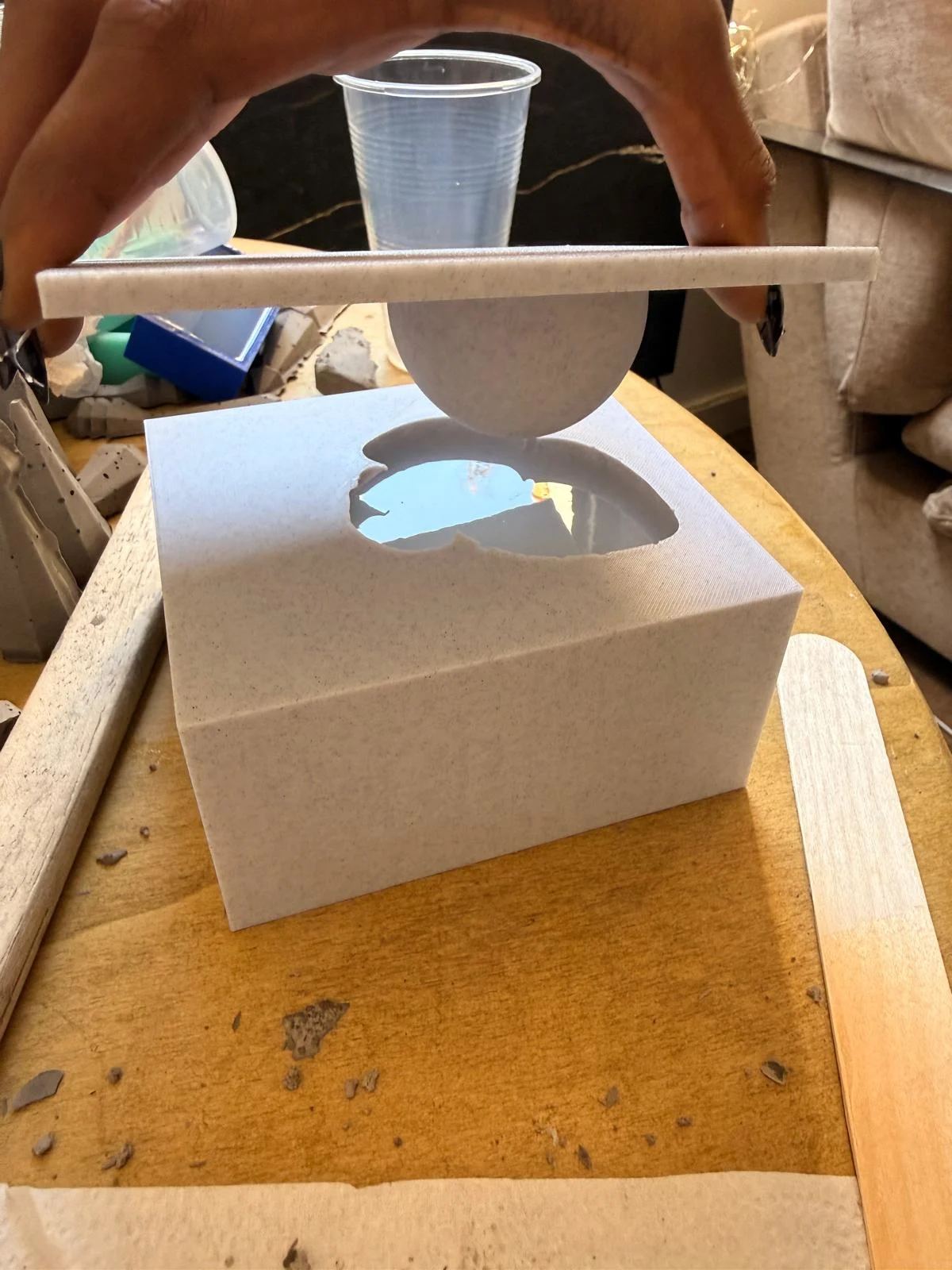
→ placing negative space lid
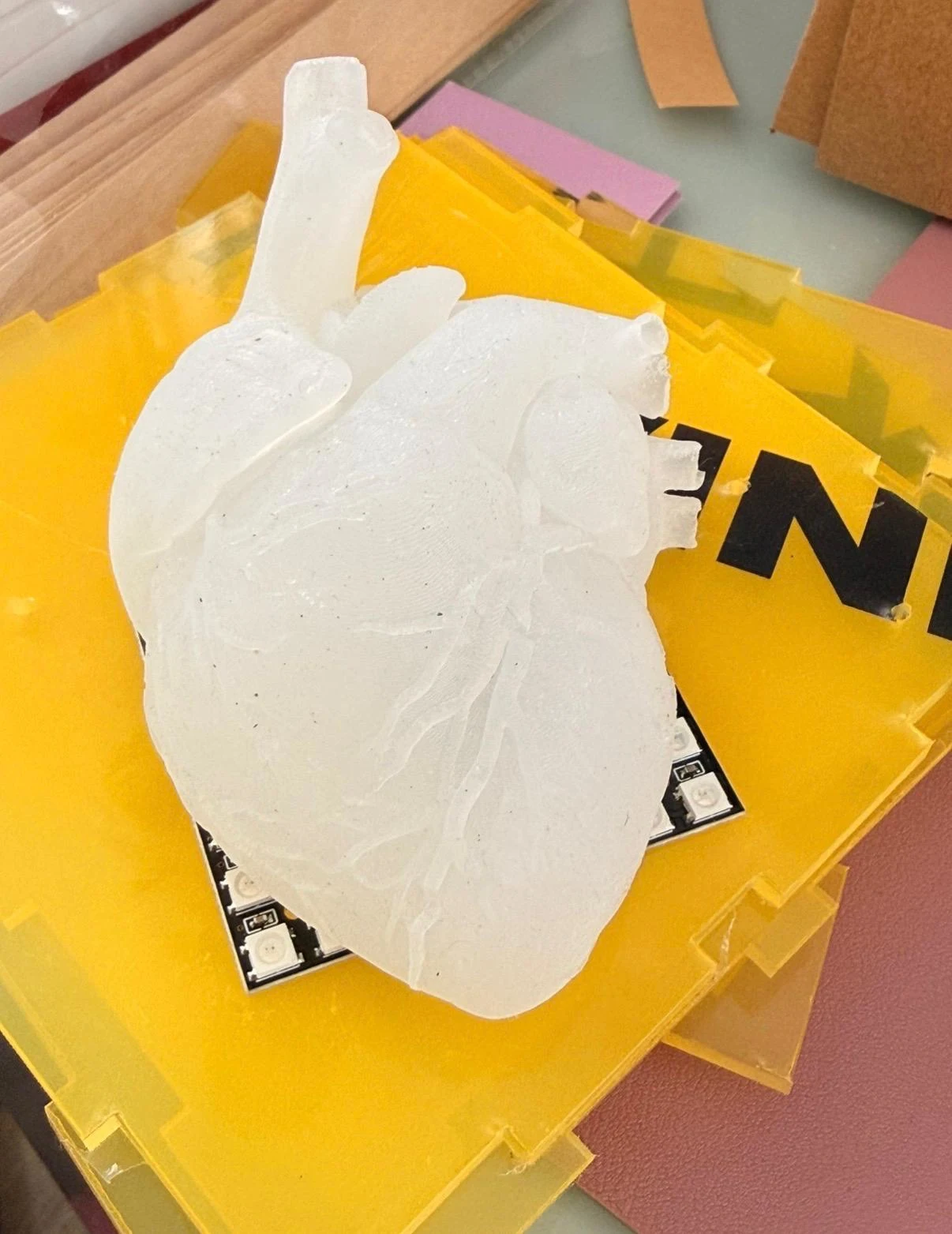
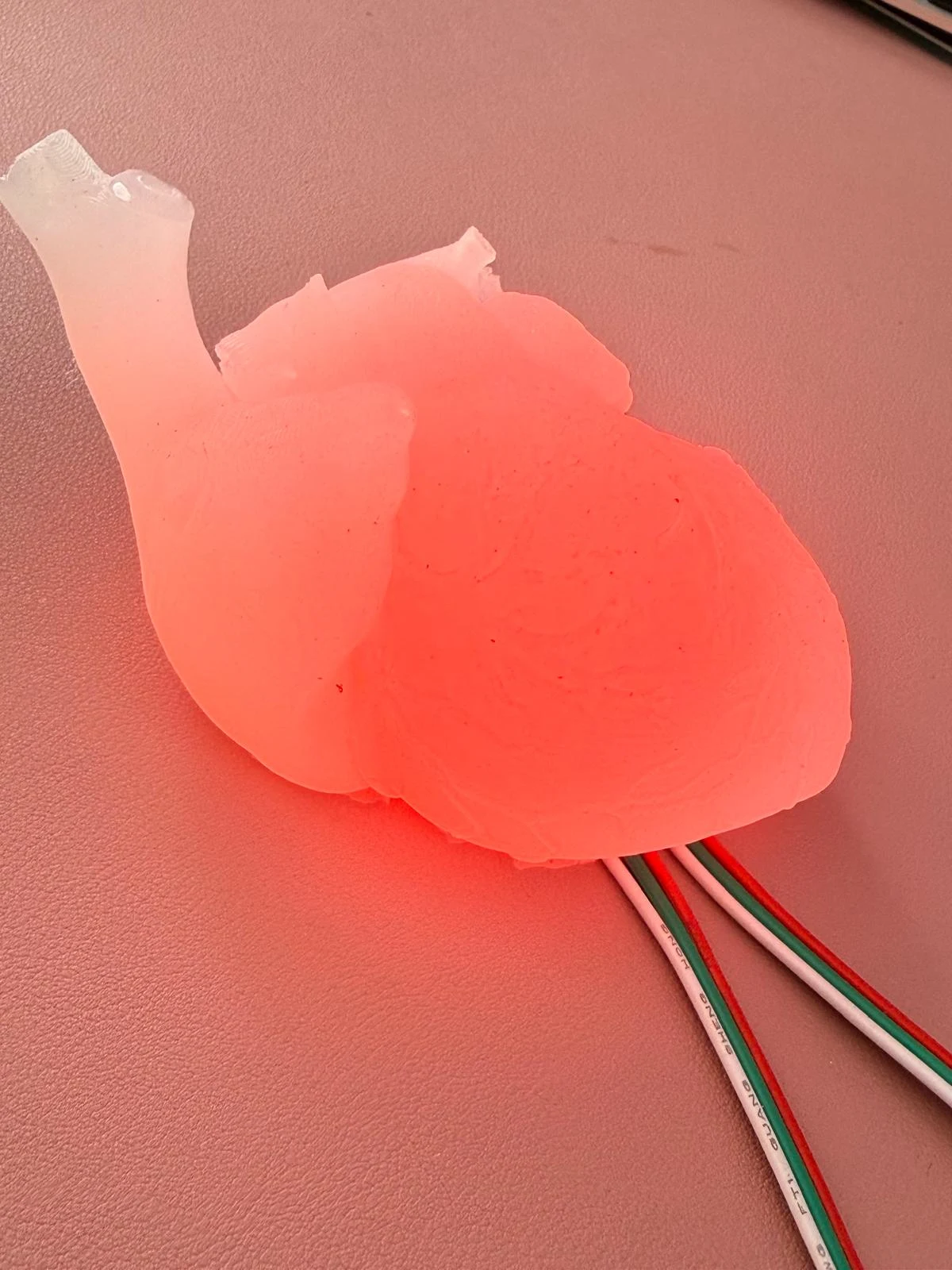
Final silicone heart
Week 16 - Systems Integration
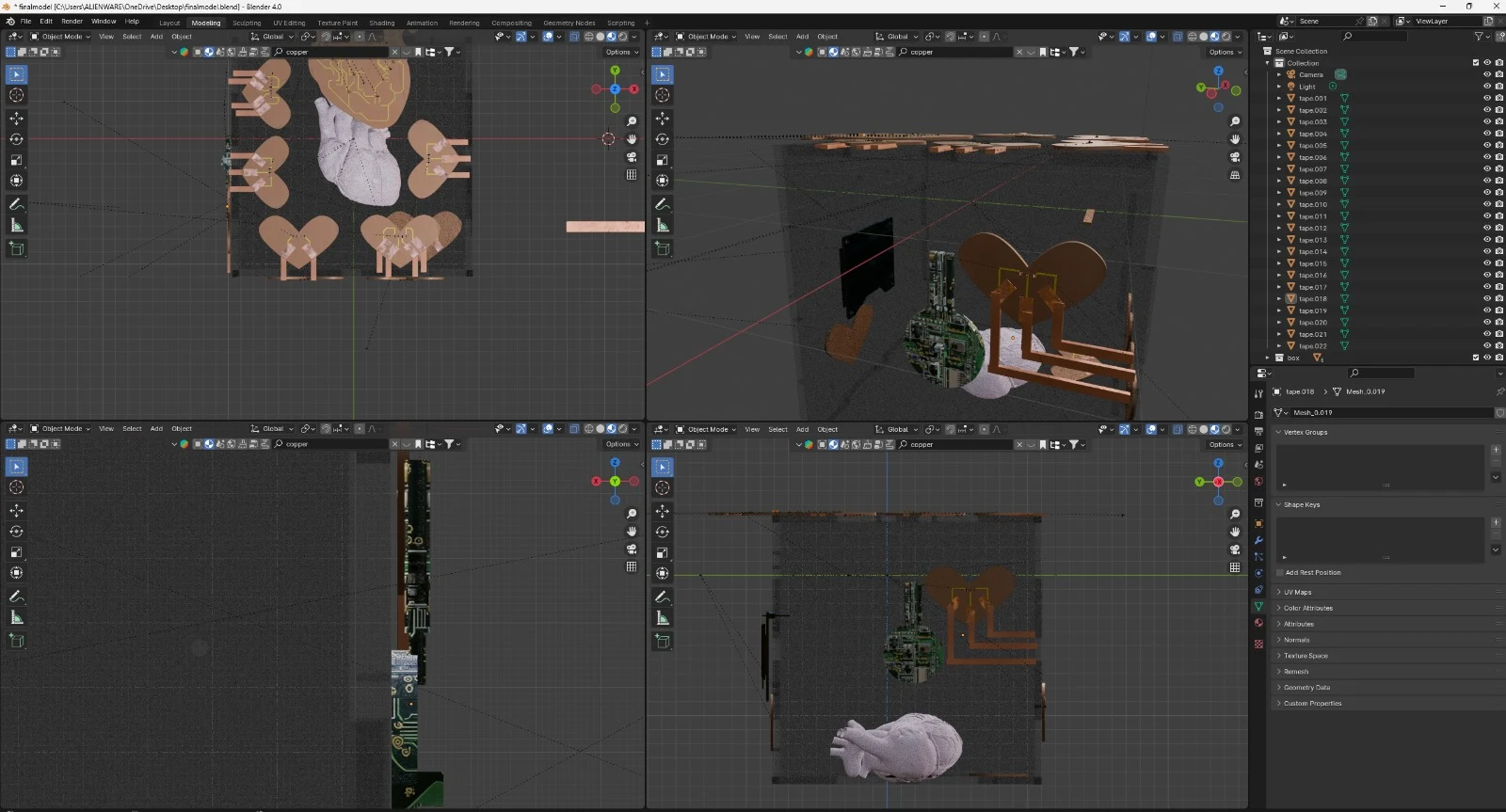
→ designing the enclosure in Rhino and Blender
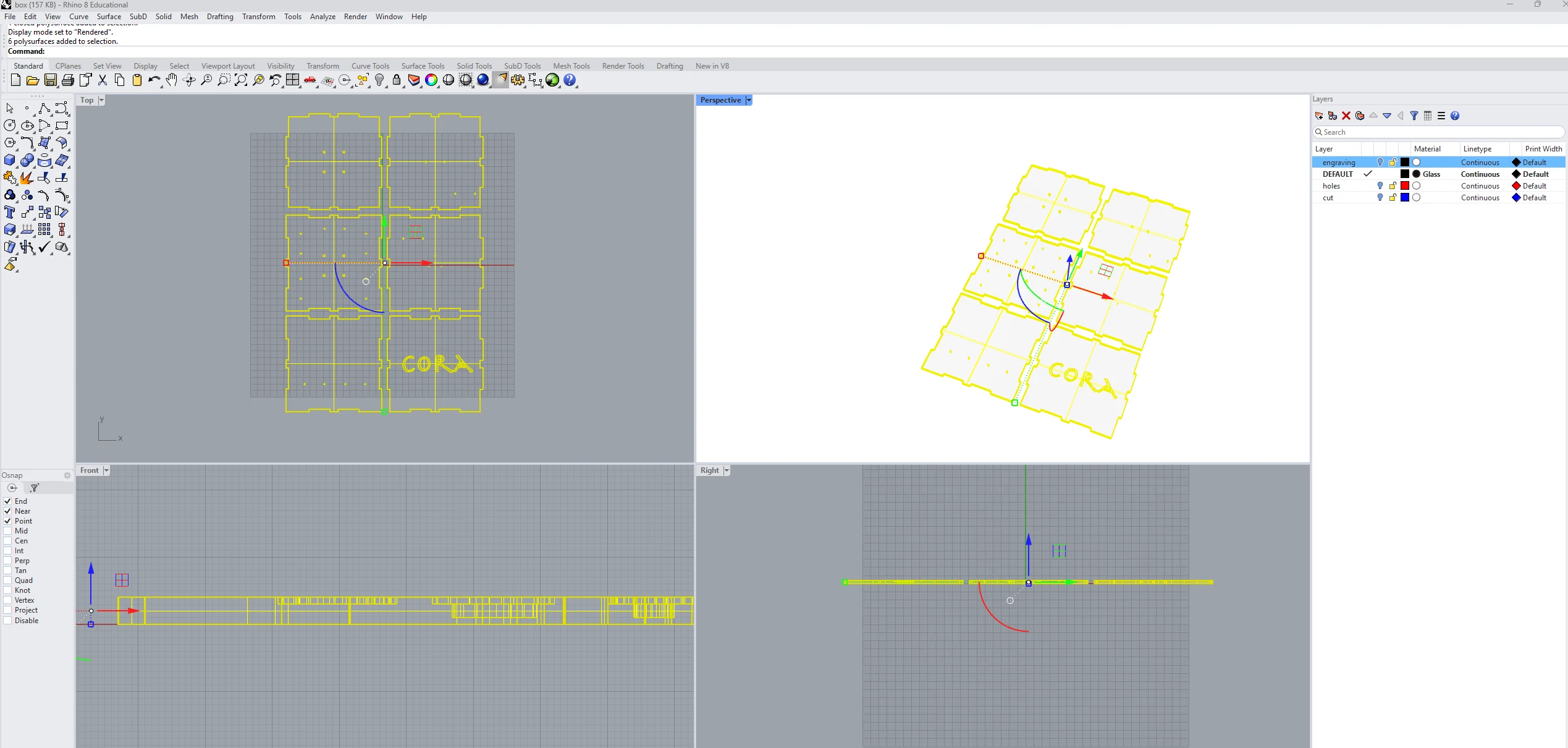
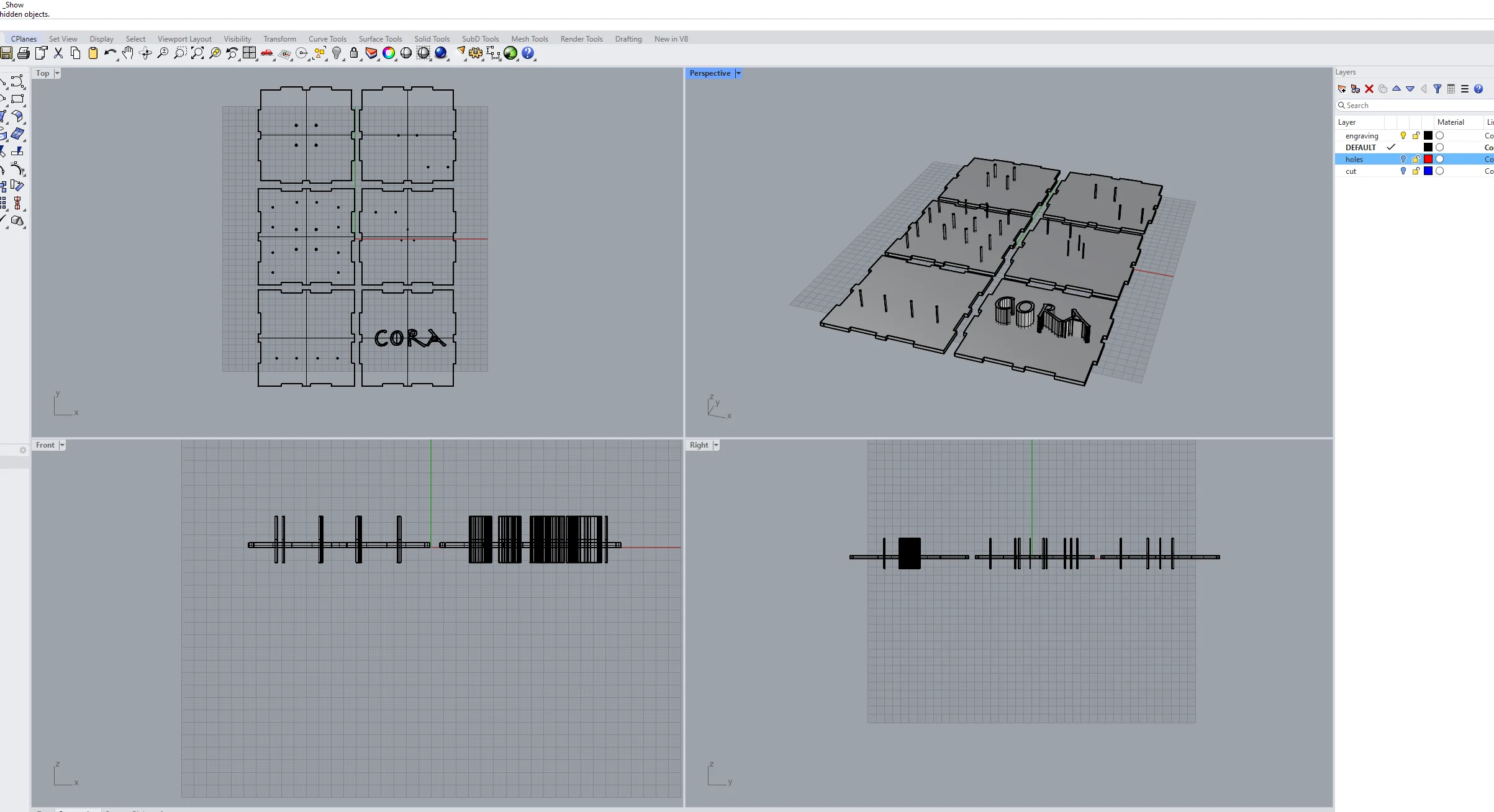
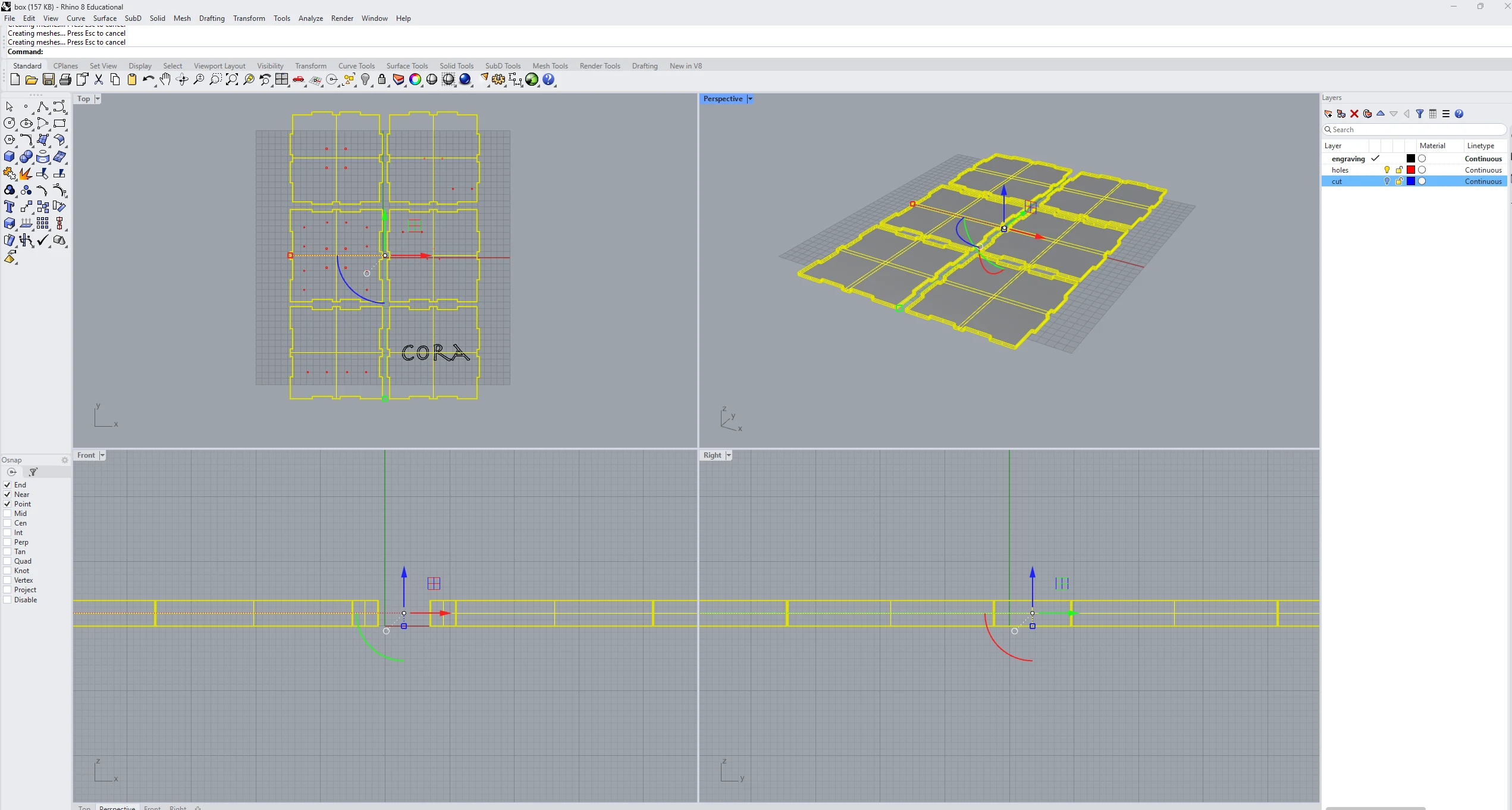
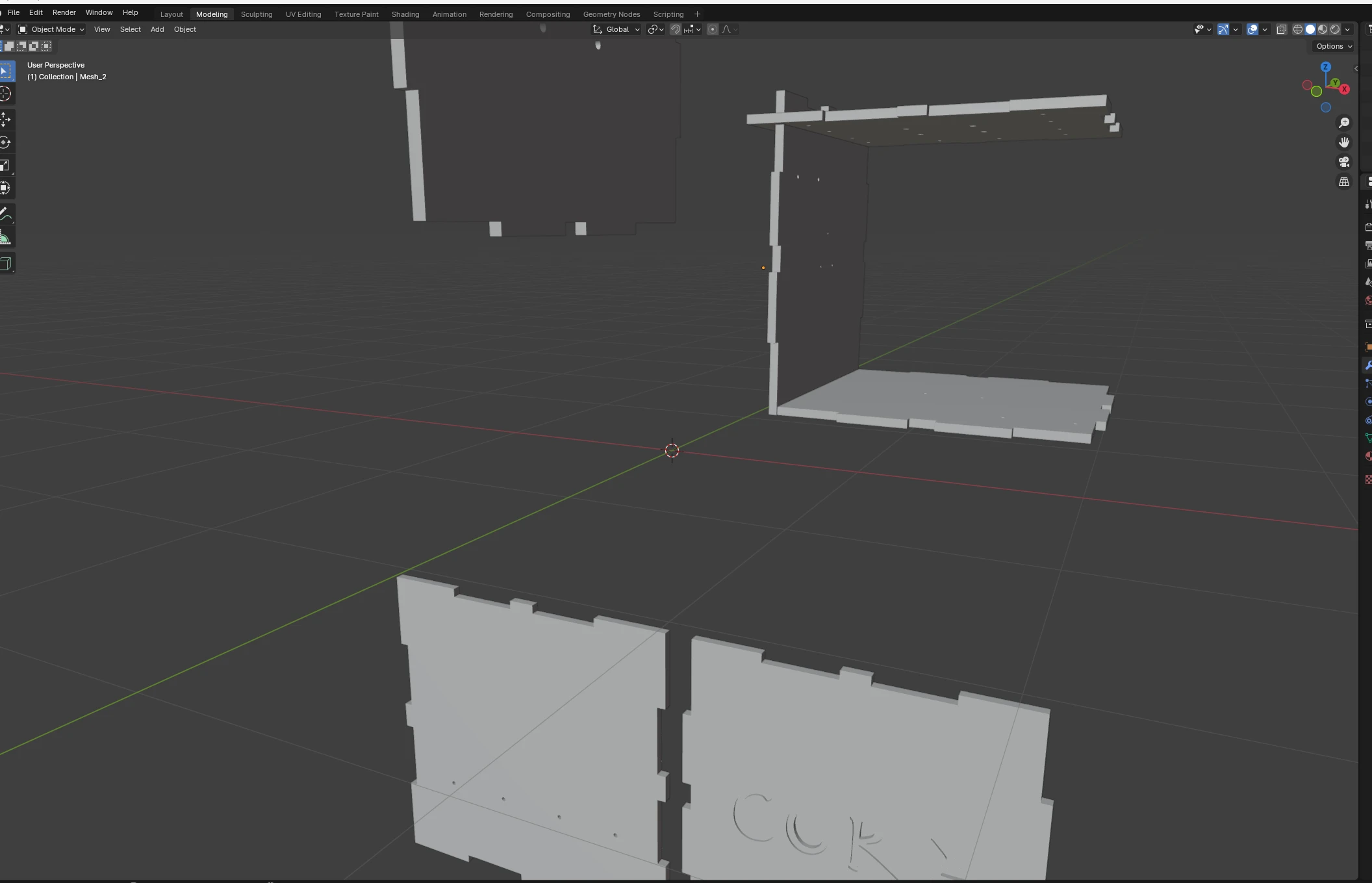
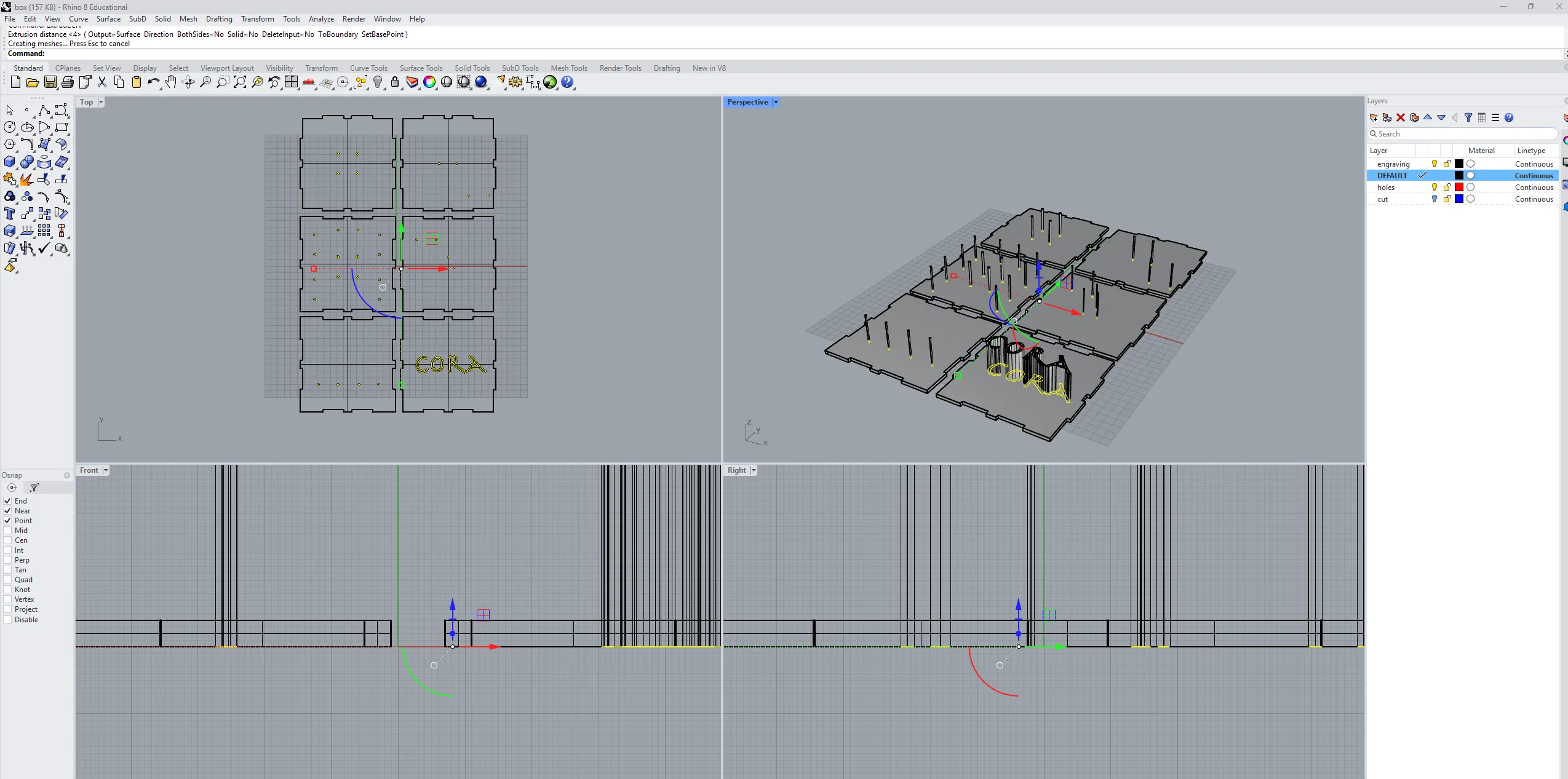
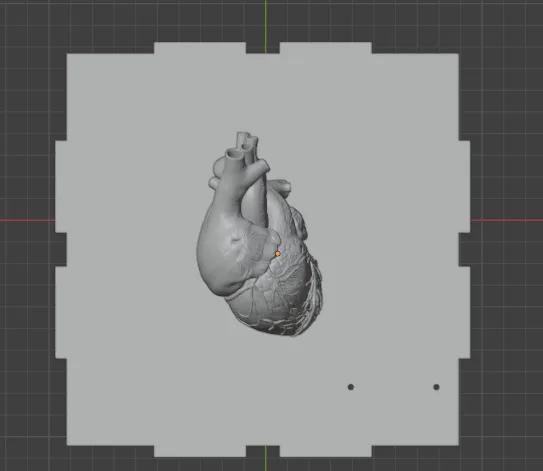
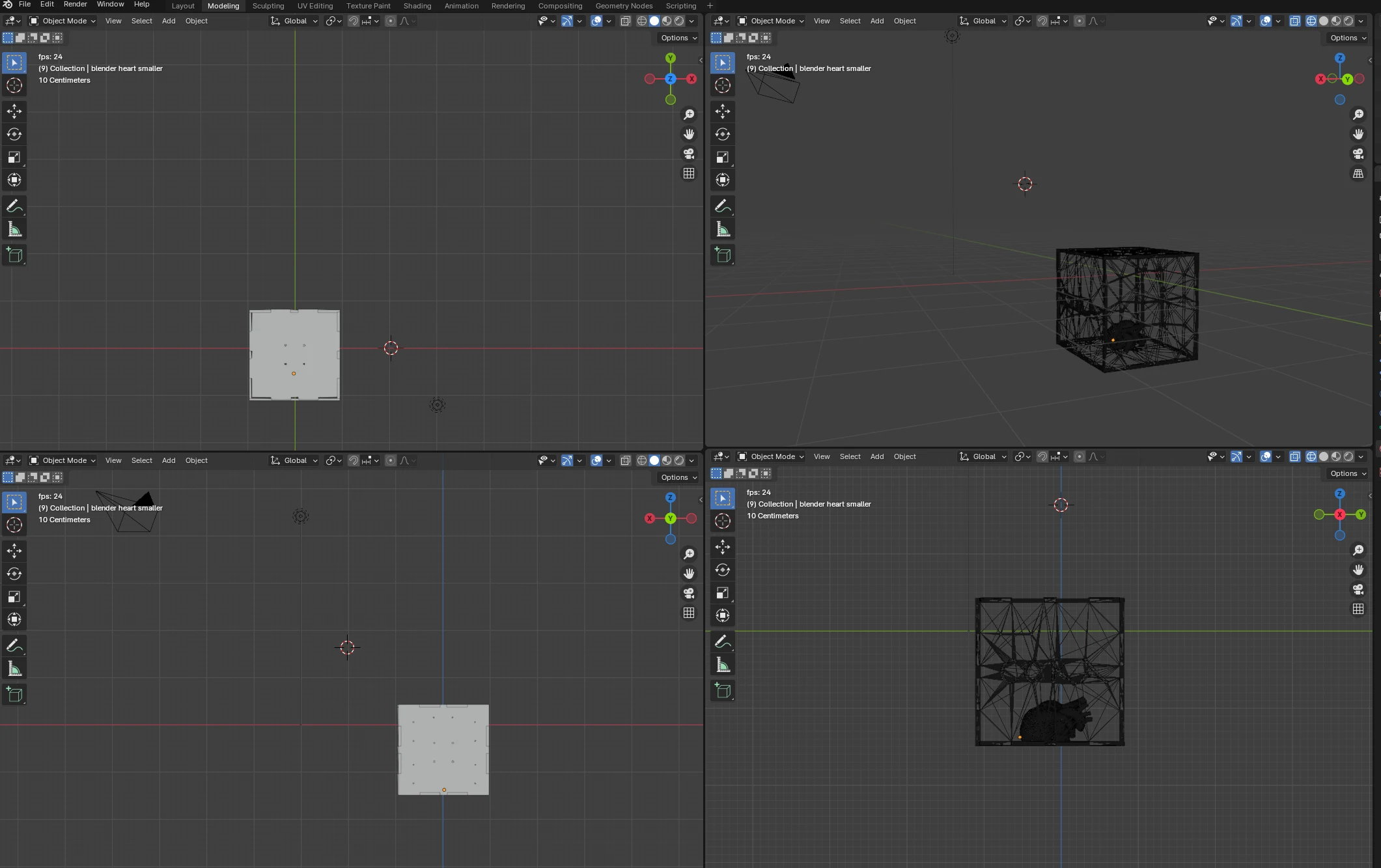
→ modelling final project with all components
Week 3 - The enclosure
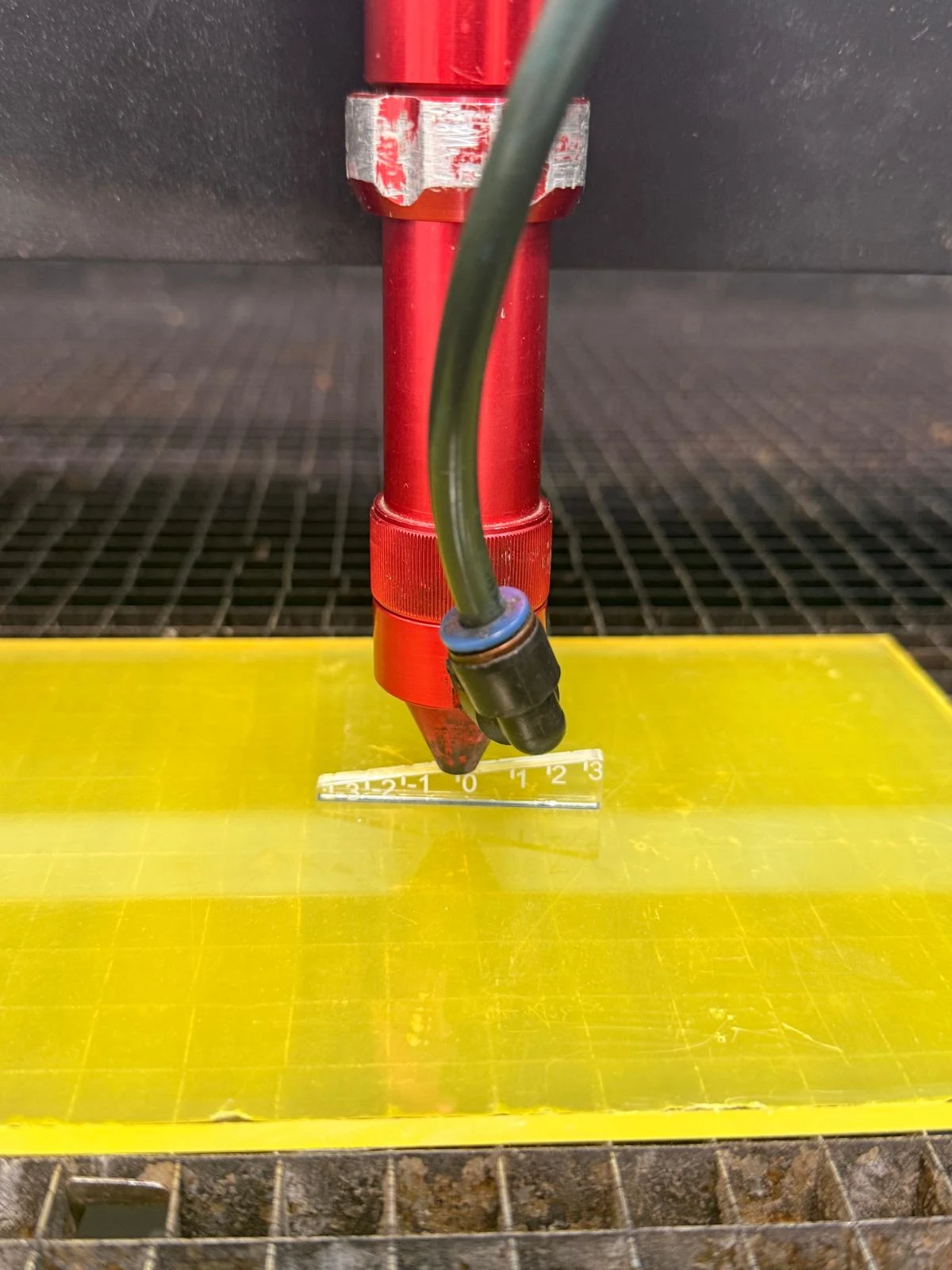
→ focusing the laser
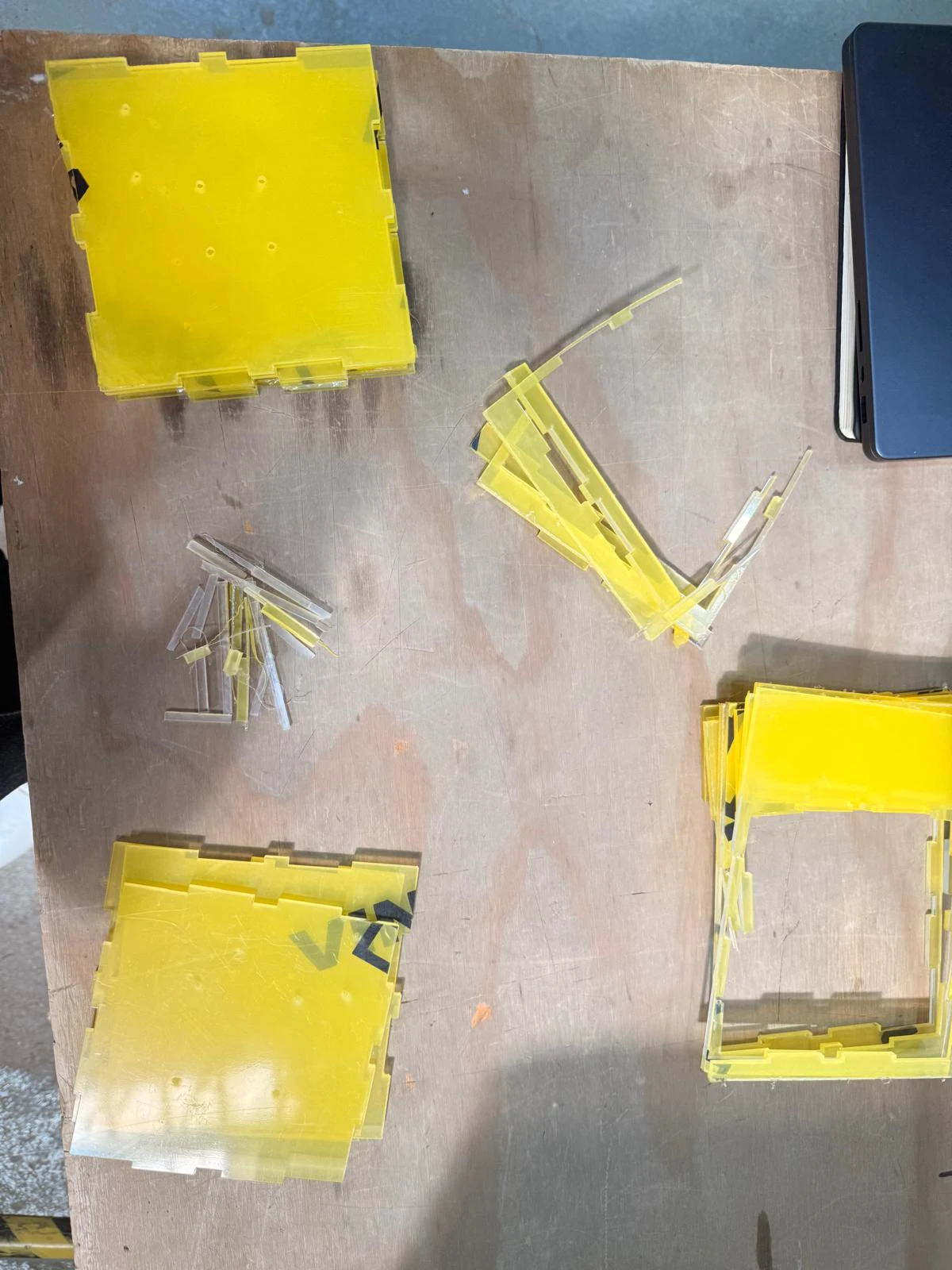
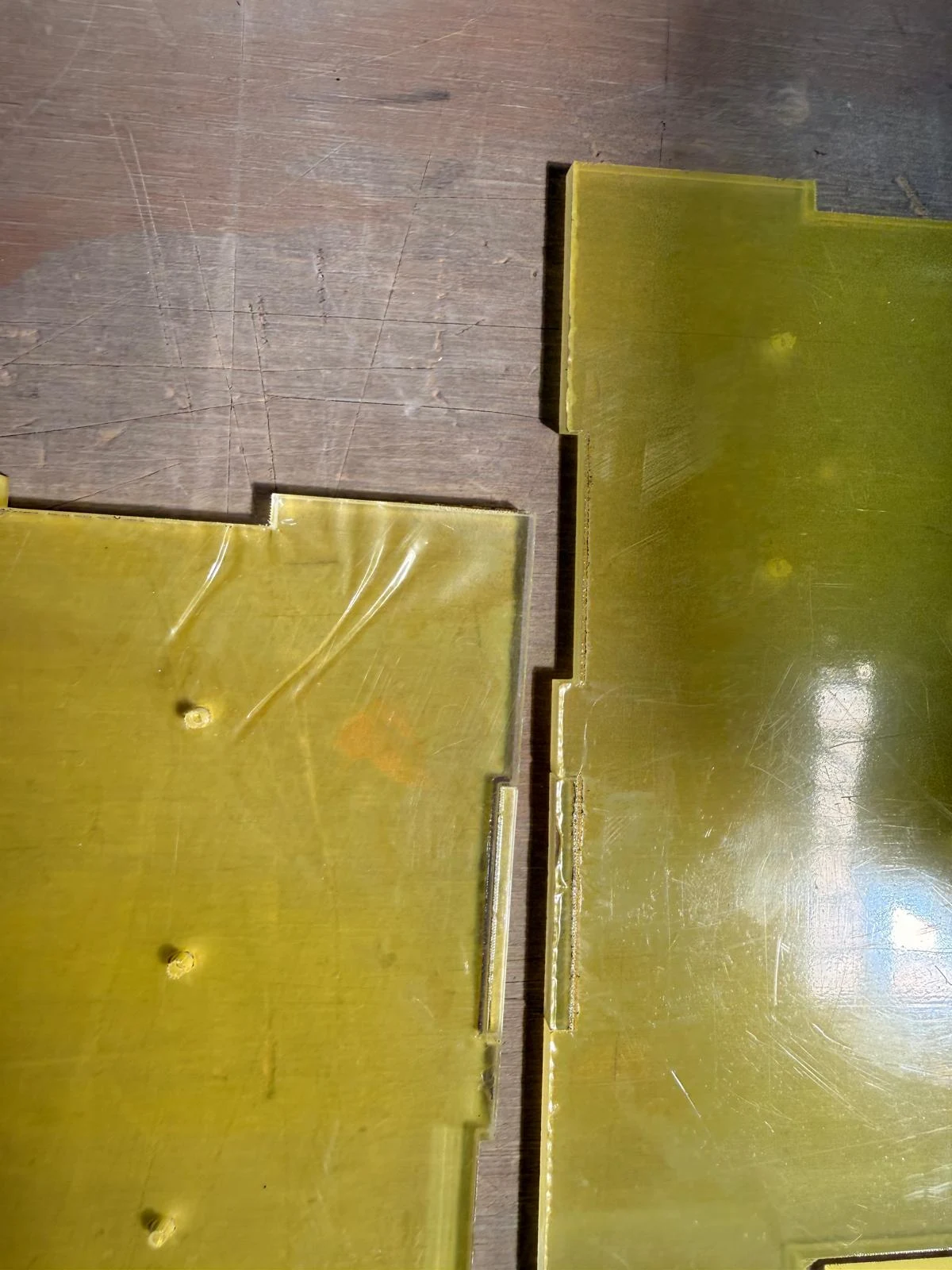
→ Issue: the model was too close to the edge of the material
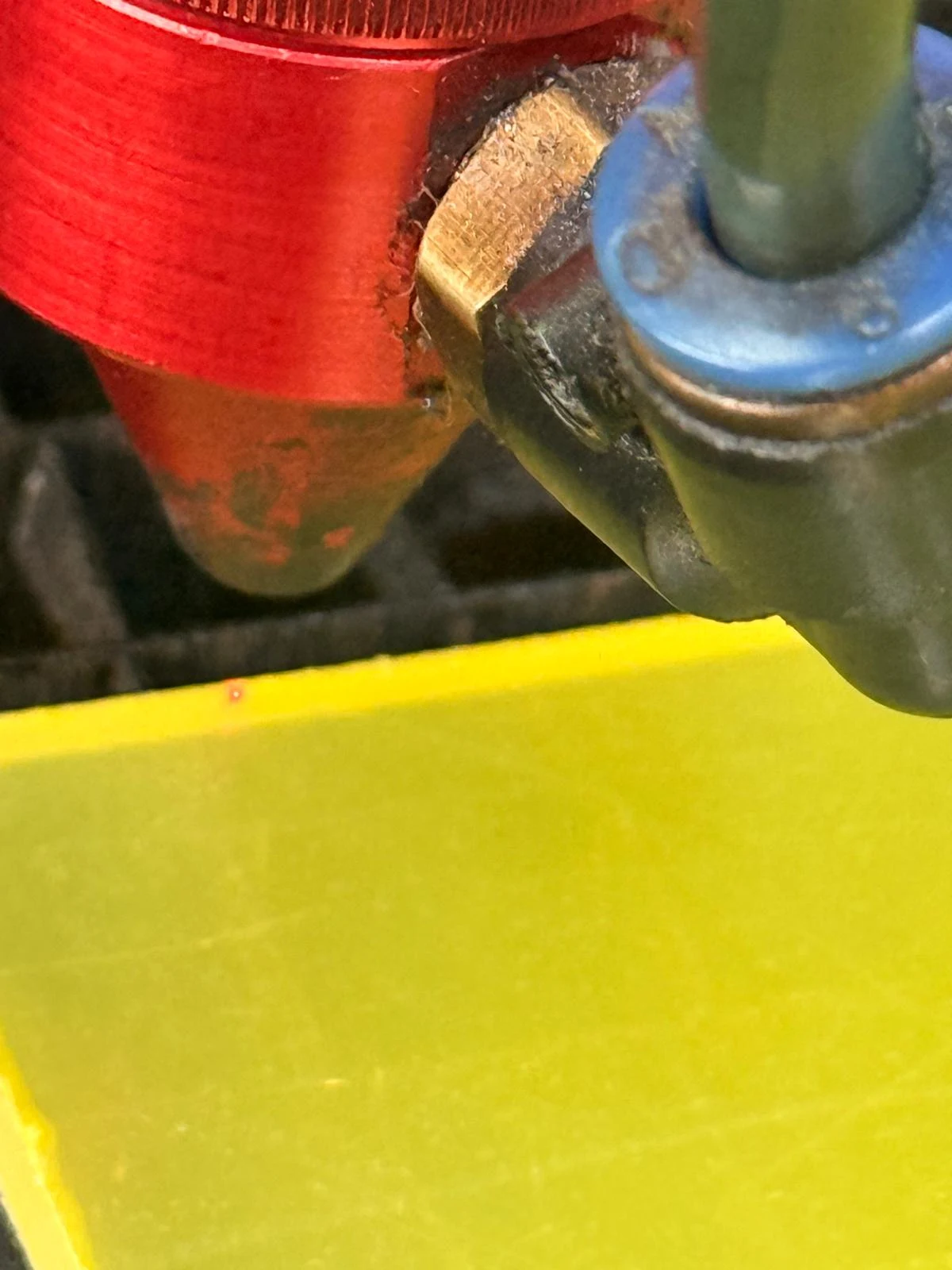
→ putting the laser at the edge of the acrylic to address the issue
→ laser cutting the enclosure sides
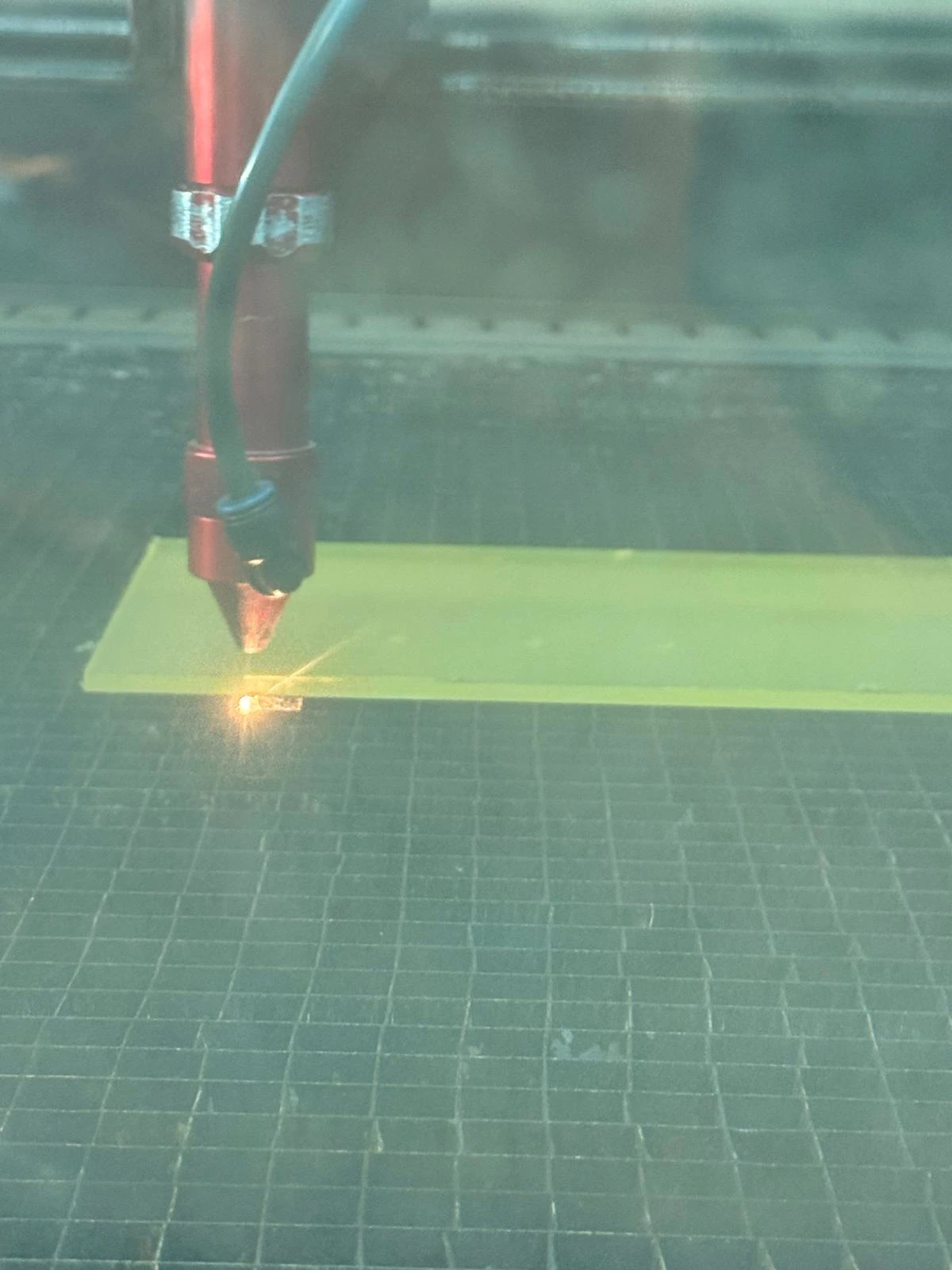
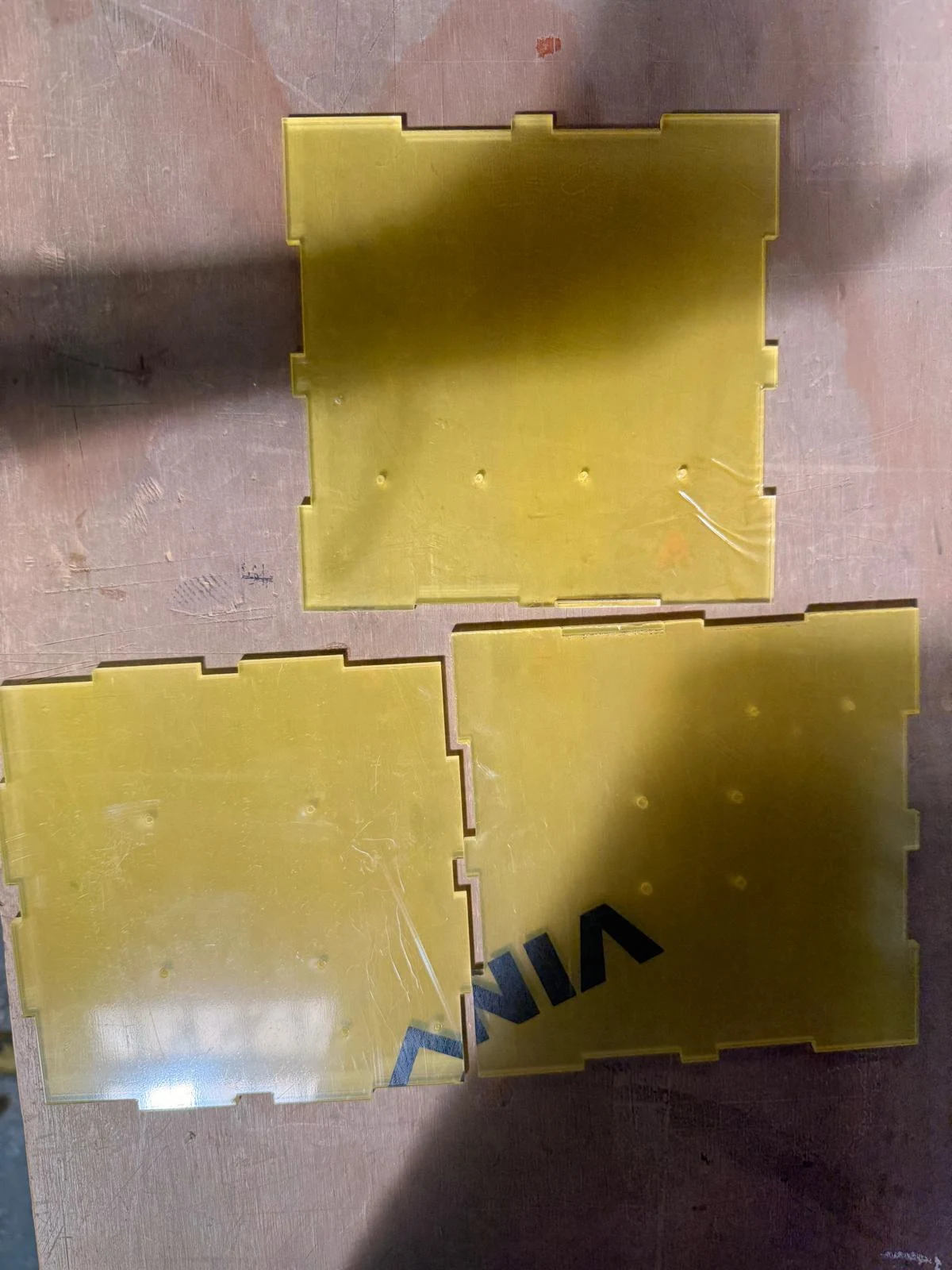
→ enclosure sides cut