Welcome to Fab Lab Vestmannaeyjar site
This group assignment was to characterize our lasercutter.
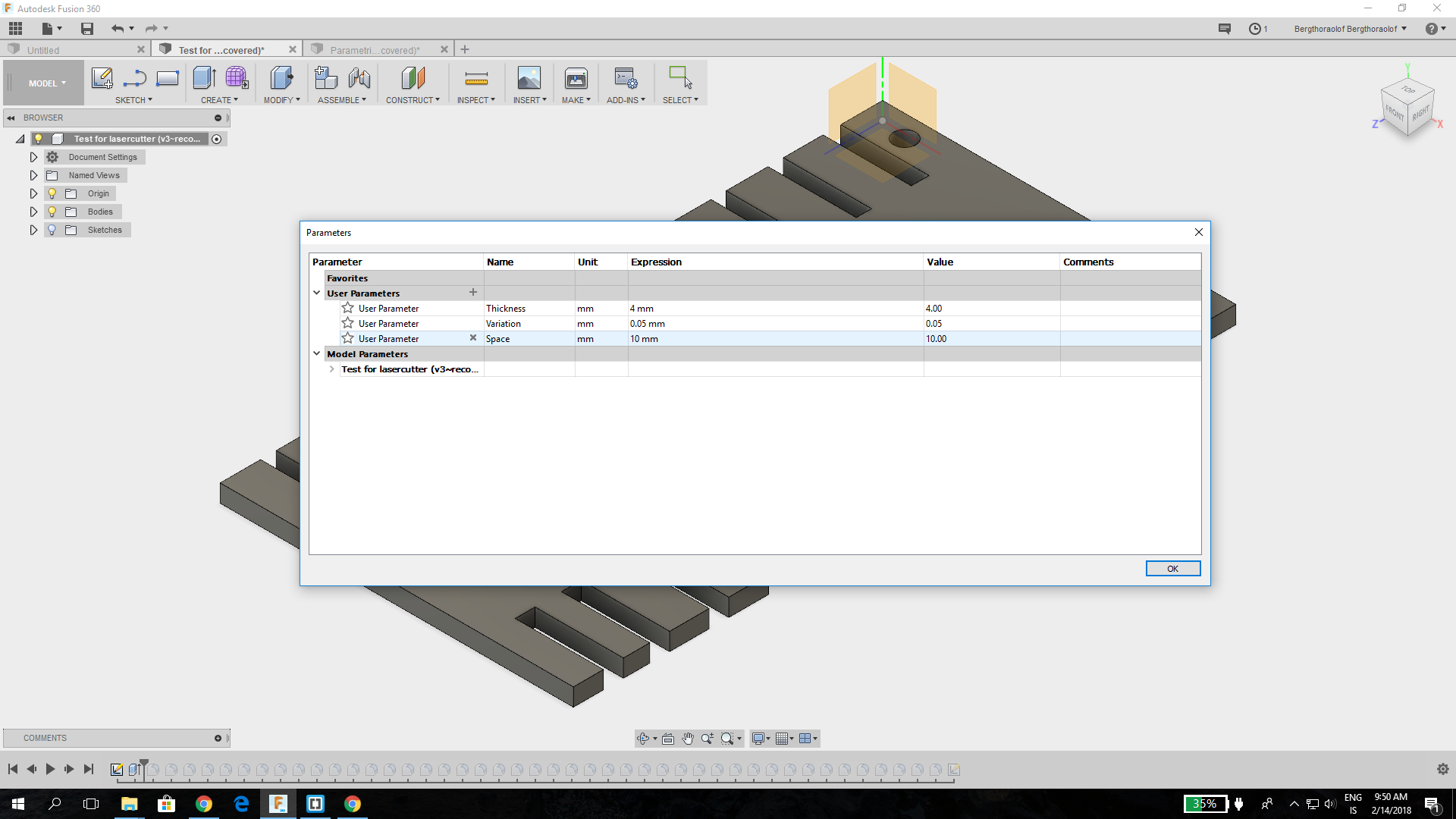
We started by making a parametric press fit test for the lasercutter in Fusion 360. To make it parametric we went into change parameter and added 3 parameters, the thickness of the material, the variation between the slots (which we had 0.05 mm) and the space in between them.
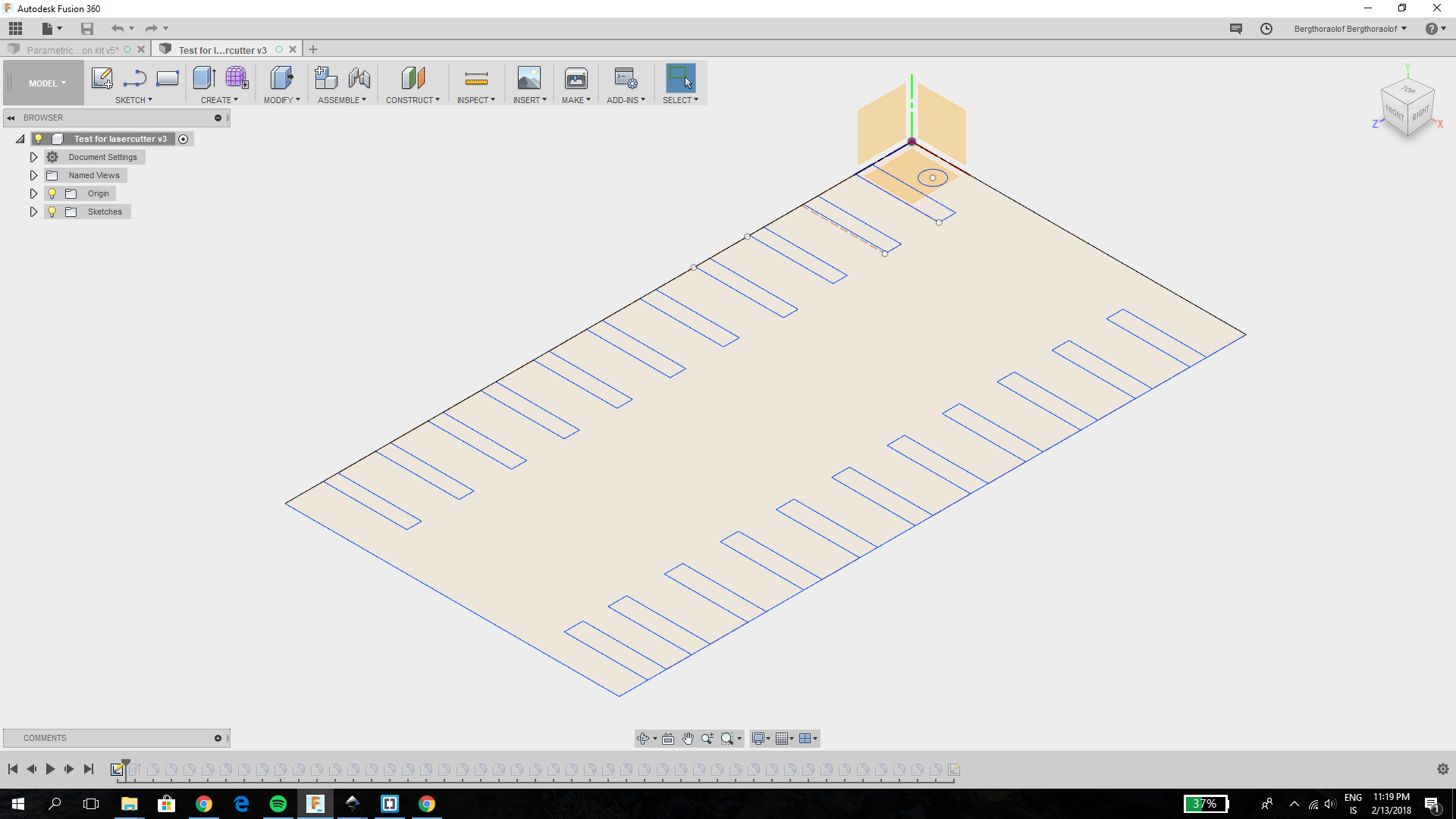
Then we drew a rectangular sketch and many little rectangles on the side with the height thickness, thickness-(variation), thickness-(2*variation) and so on. We also made slots with the height thickness+(variation), thickness+(2*variation) etc. We used construction lines for the space between the slots.
Then we extruded it up the thickness of the material.
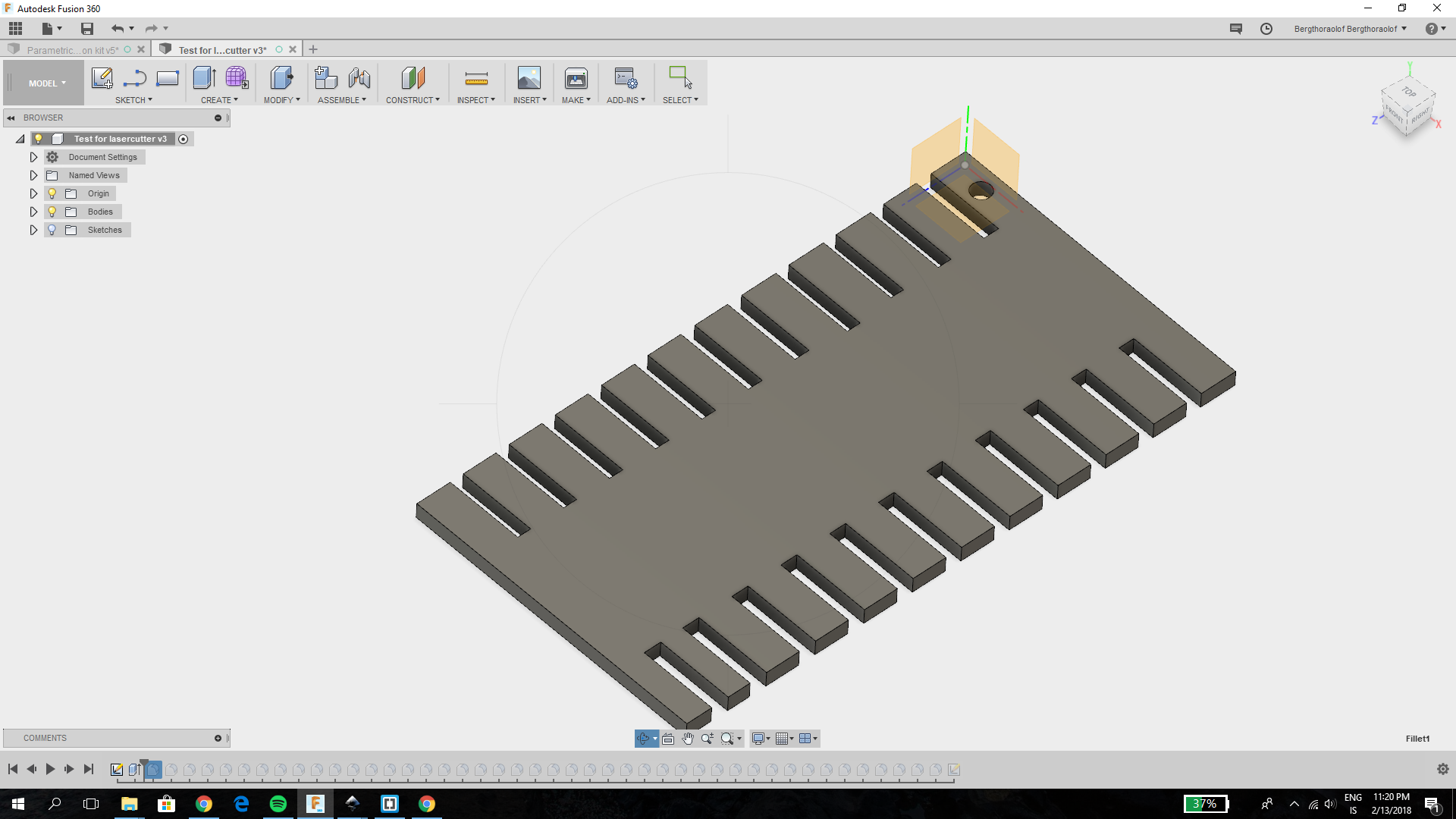
We were going to make the test parametric but for some reason when we went to change the parameters to see if they worked a few of the slots didn´t change. We are not sure what happened but we are working on figuring that out so we can make the test for more materials for example wood.
To get it into Inkscape we created a new sketch on the surface of the body, rightclicked on the sketch and clicked save as DXF. Then we imported it into Inkscape, added numbers indicating the height of the slots, made the stroke paint of the outlines red (R-255, G-0, B-0) and the stroke style 0.02 mm and cut it in the lasercutter.
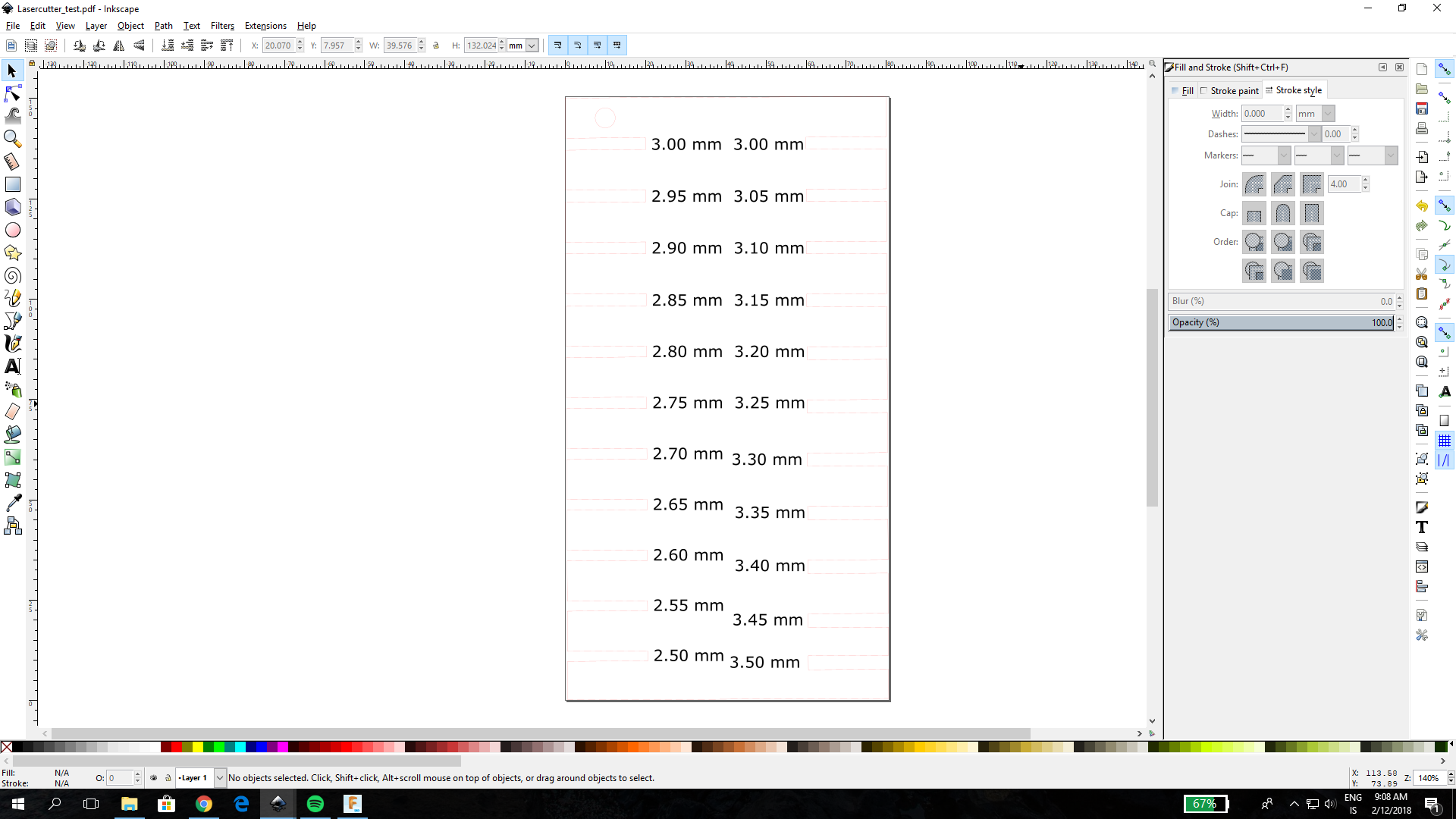
Here is how the first try looks

We also wanted to make a test with chamfers like Neil recommended in the lecture to see if that would be better so we went back into the model in Fusion and added fillets on the edges of the slots.
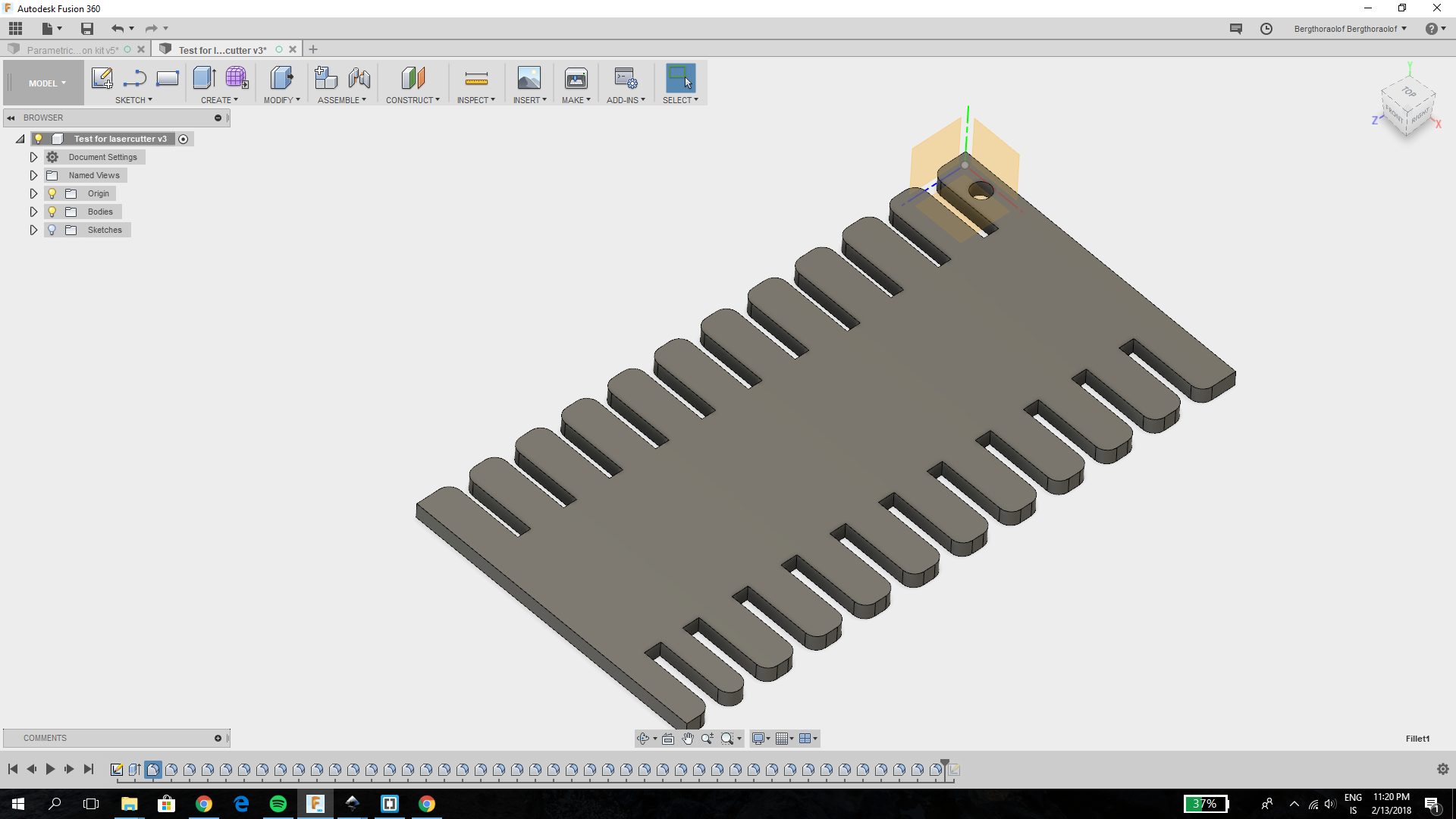
Then we saved it as DXF imported it into Inkscape and made it ready to cut in the lasercutter.
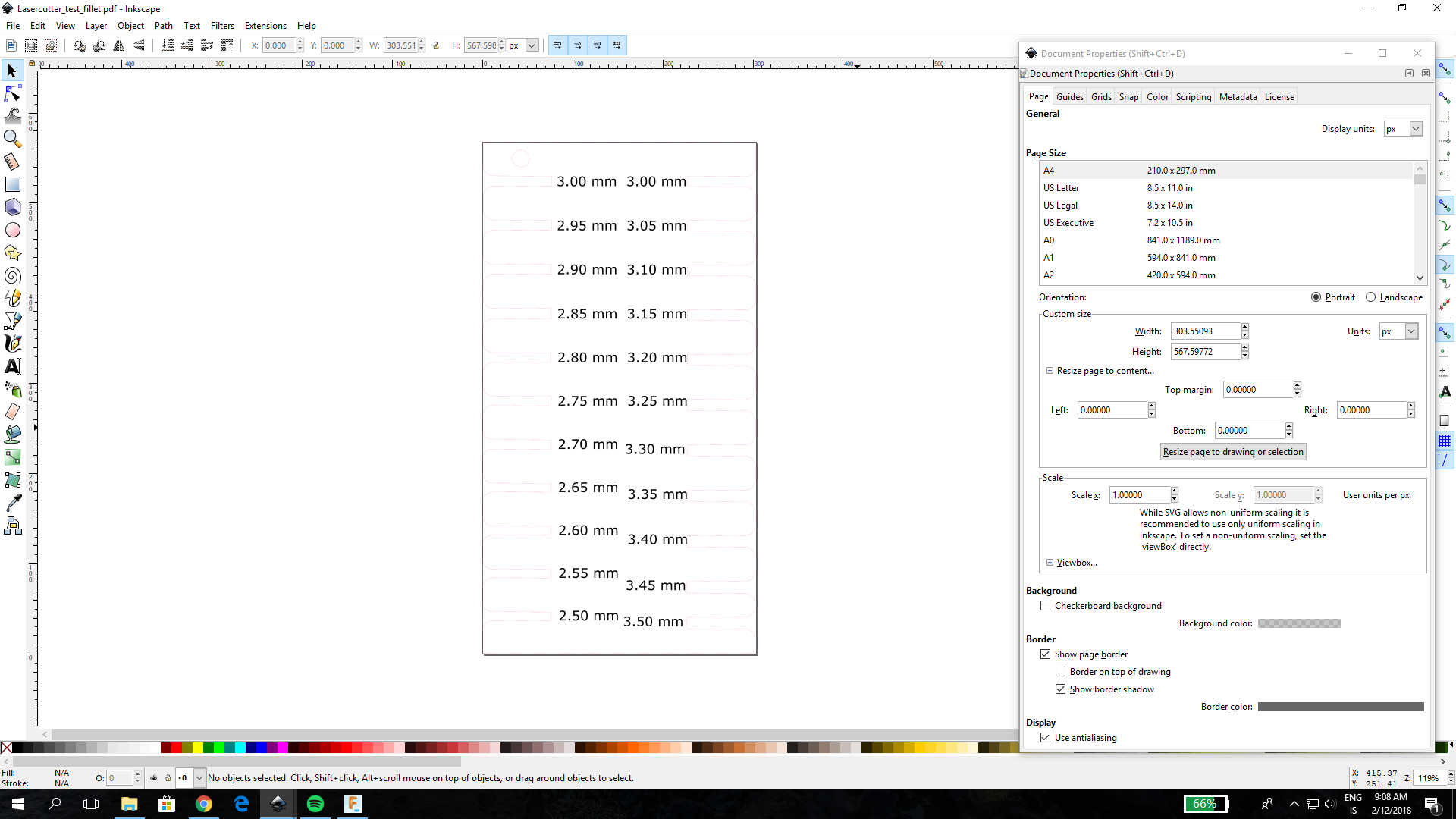

We tried cutting in both coloured and clear plexi glass because the clear plexi has some different properties from the coloured plexi and we wanted to see whether there was any difference between the two. In our opinion the best size for the slot for the coloured was 2.75 mm. 2.80 mm also works but it is less fitted and much more likely to fall apart. For the clear plexi glass the best size for the slot was 2.70 but 2.75 also works.


We also made a test to try the power and speed settings on the laser cutter. We went into Inkscape, created a circle with many smaller circles inside it all in different colours (so we could use colourmapping) and wrote different settings next to each circle. The first time we tried to cut it the the settings written on it didn´t match the colours they were supposed to so it got all mixed up. That happened because when we went to align and distribute in Inkscape the circles moved from the settings they were supposed to be next to. When we went to cut it the second time the material wasn't correctly measured so the test didn't fit on it. The third time we accidentally set the colourmapping so that the big circle was cut before the smaller ones. That resulted in the circle tilting to the side and the material caught on fire. But we just turned of the laser cutter and the fire went out.
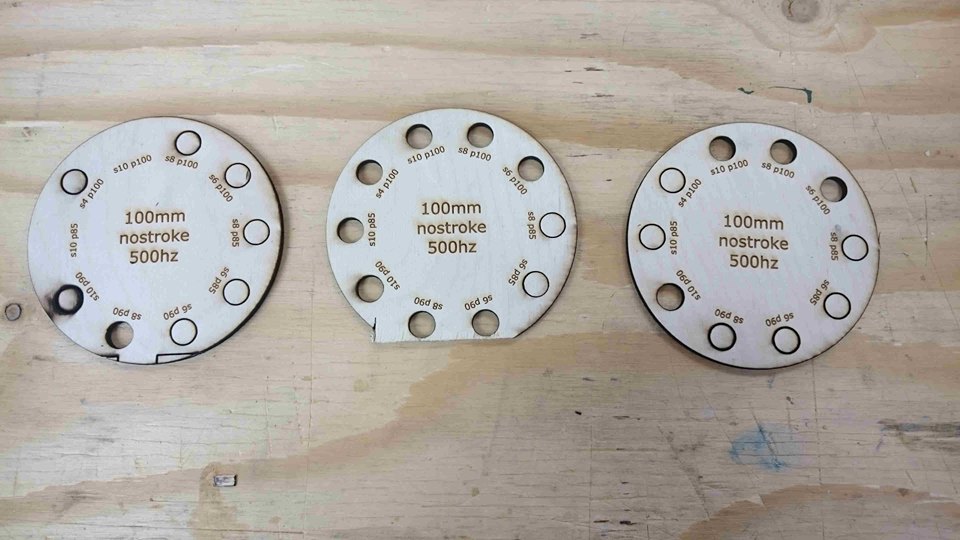
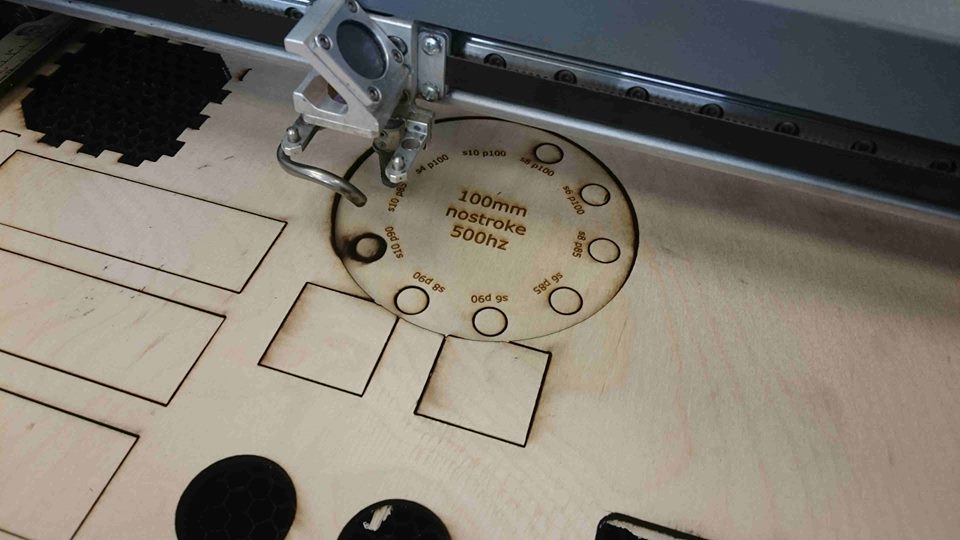
Then when we went to cut it for the forth time it finally worked like we meant for it to work.
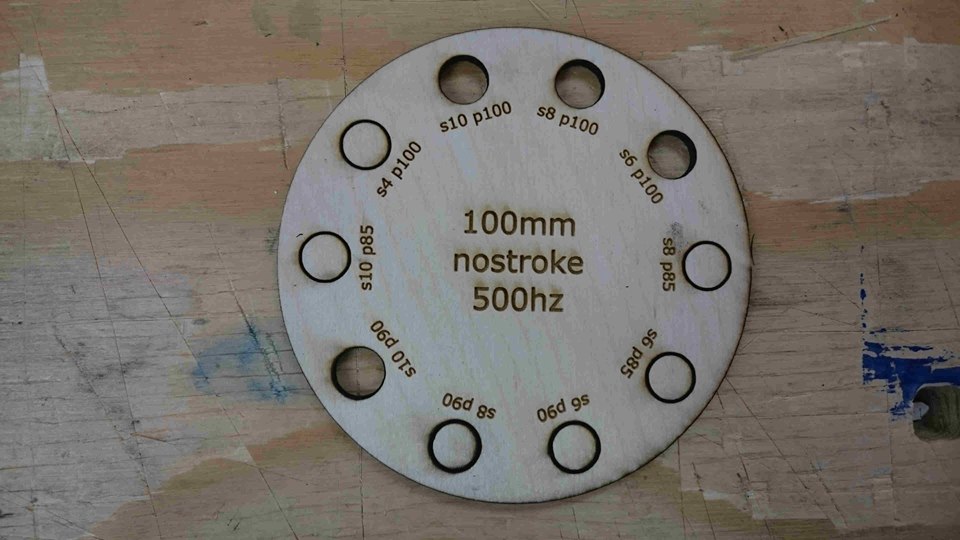
The setting that burned the material the least but still cut through it was speed 8 and power 100 but speed 6 and power 100 also works.
Press-fit test f3d Fusion 360.
Press-fit test svg Inkscape.
Press-fit test pdf file ready to cut.
Press-fit test chamfer svg Inkscape.
Press-fit test chamfer pdf file ready to cut.