Exercise 02: Computer-Aided Design
Computer-Aided Design Assignment
- Model (draw, render, animate, simulate, ...) a possible final project, and post it on your class page with original 2D and 3D files.
My Process (2D Design)
:: February 4, 2018 ::
Our assignment this week was to model a possible final project and use various 2D and 3D tools to accomplish this task. For the 2D portion, I began by getting comfortable working between two software, Illustrator and Rhinoceros. My friend Naf asked me if I could help him design a radiator cover for his home. I thought this would be a great project for this week's assignment. He sent me a .png file of a pattern he liked for the radiator cover but needed it to be modified to be less porous, so that his future baby wouldn't be able to stick his/her fingers through the cover.
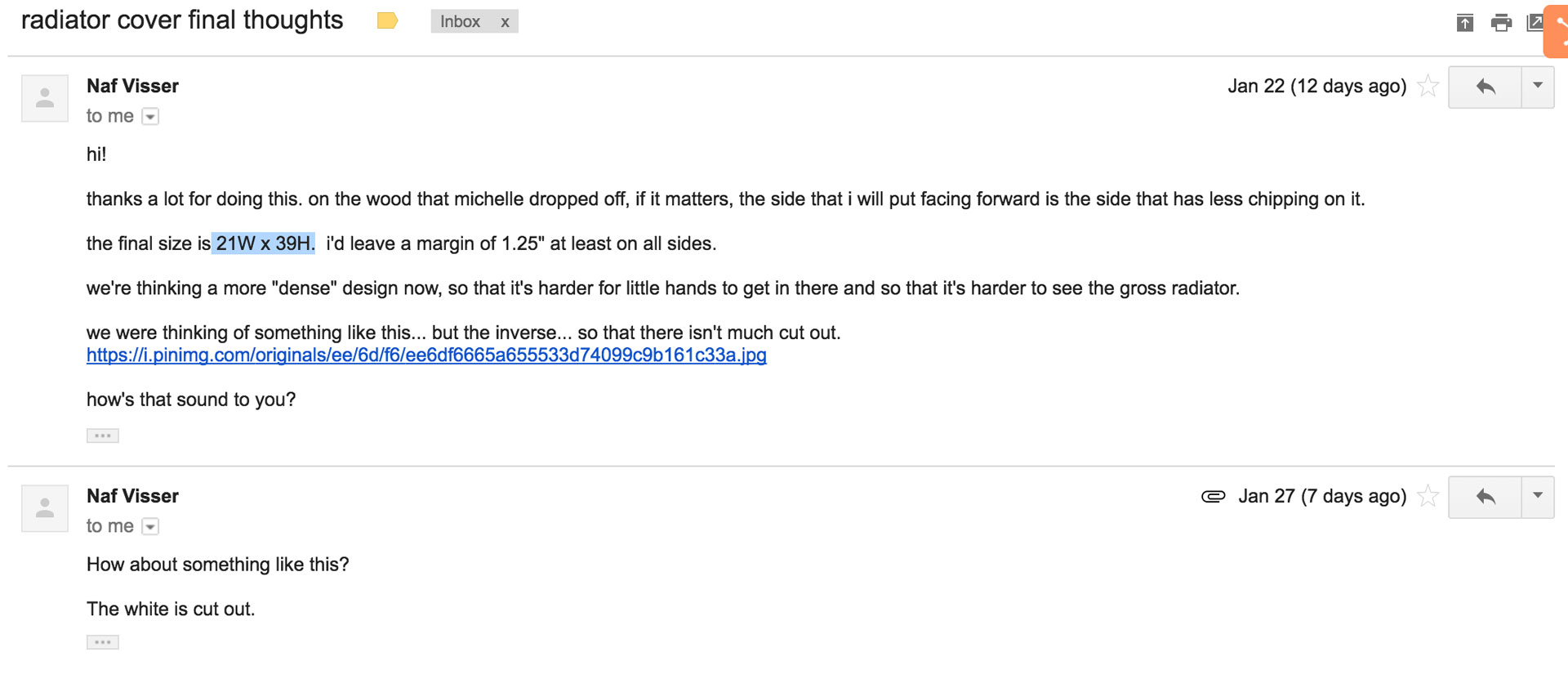
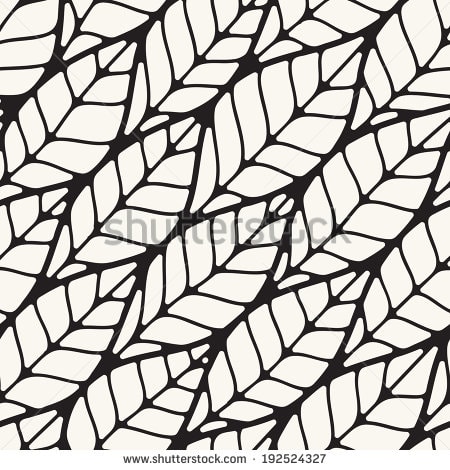
My first step was taking the pattern image and bringing it into Illustrator to edit it. I did an image trace to convert the image into a vector file and began to manipulate the components until I was happy with a base pattern. I will use this base pattern and replicate it. I then exported the file using a .DXF format so that I could use it in Rhino. Since the pattern will spread over a plywood sheet that is 21W x 39H, I needed to replicate it over a larger area. In Rhino I replicated the base pattern to cover the area.
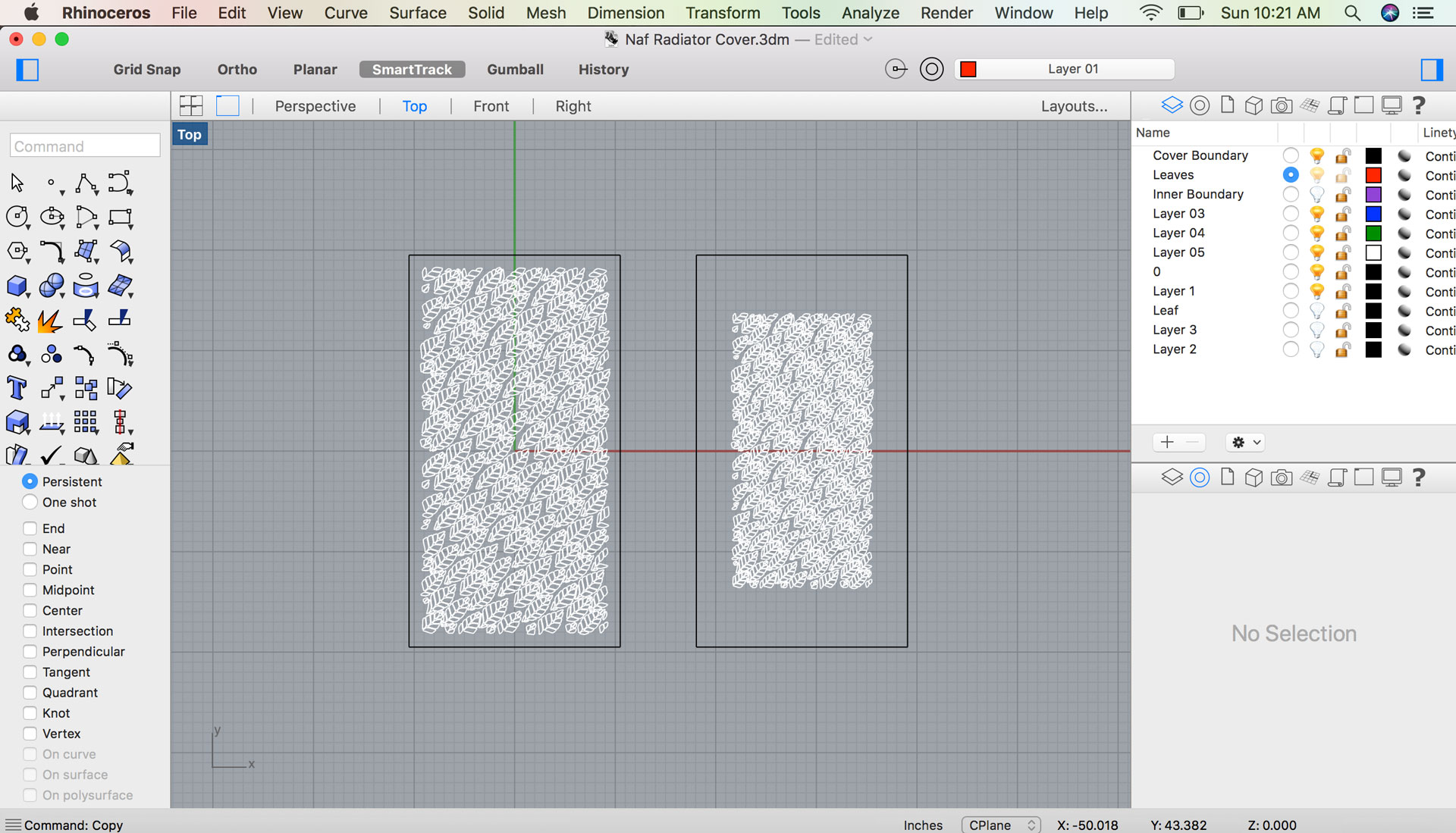
After the pattern was generated, I exported the file in .DXF format to bring it back into Illustrator and vary the scale of each of leaves, one at 80% and another at 70%. I'm going to have Naf decide which of the two patterns he likes and then laser cut that version onto a piece of 1/4" plywood.
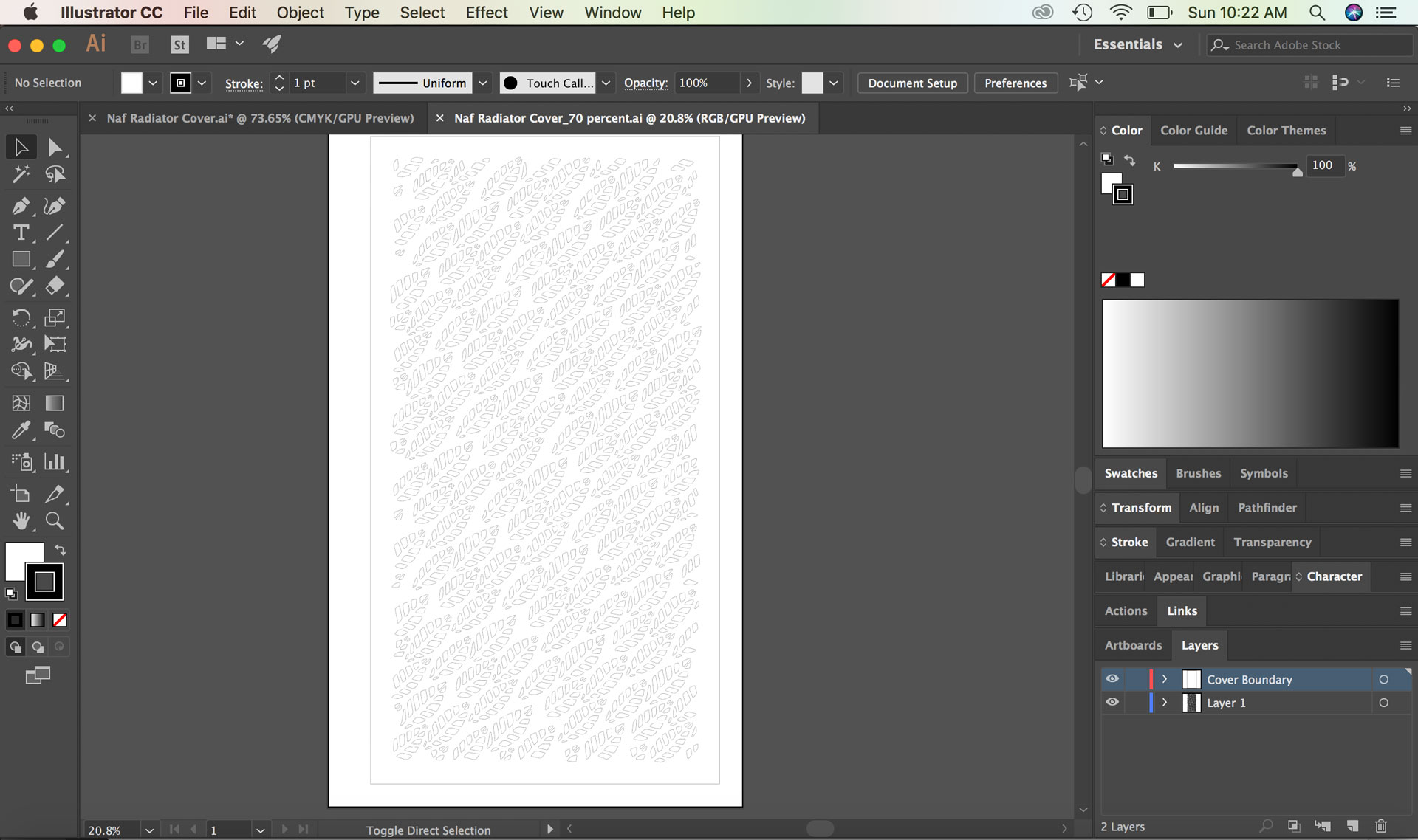
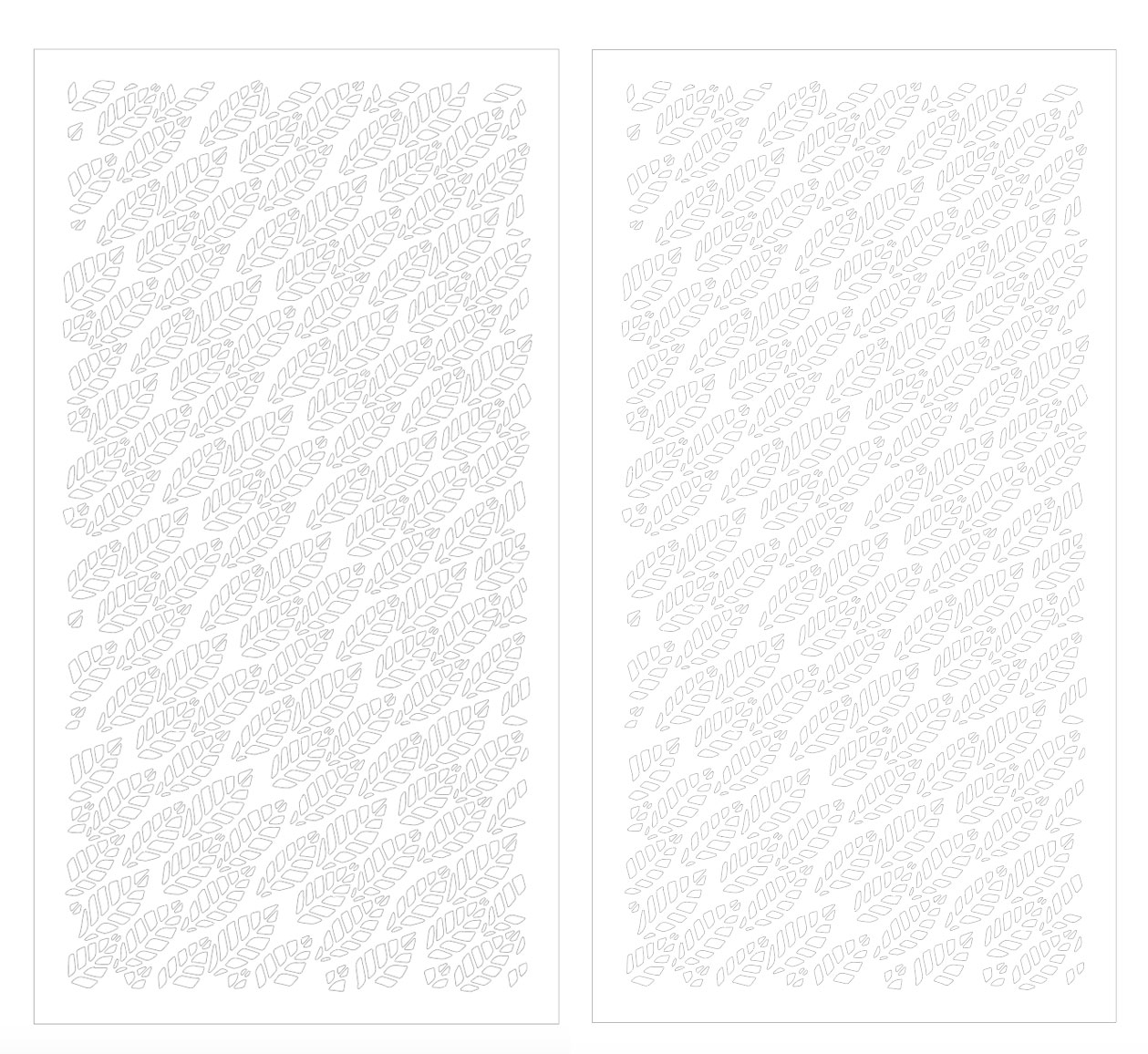
Download the radiator cover Illustrator file.
My Process (3D Design)
:: February 4, 2018 ::
For the 3D portion of our assigment, I decided to translate the 2D radiator cover into a 3D model. I inserted the .DXF file into Fusion 360 and extruded it to see what the pattern would look like in 3D.
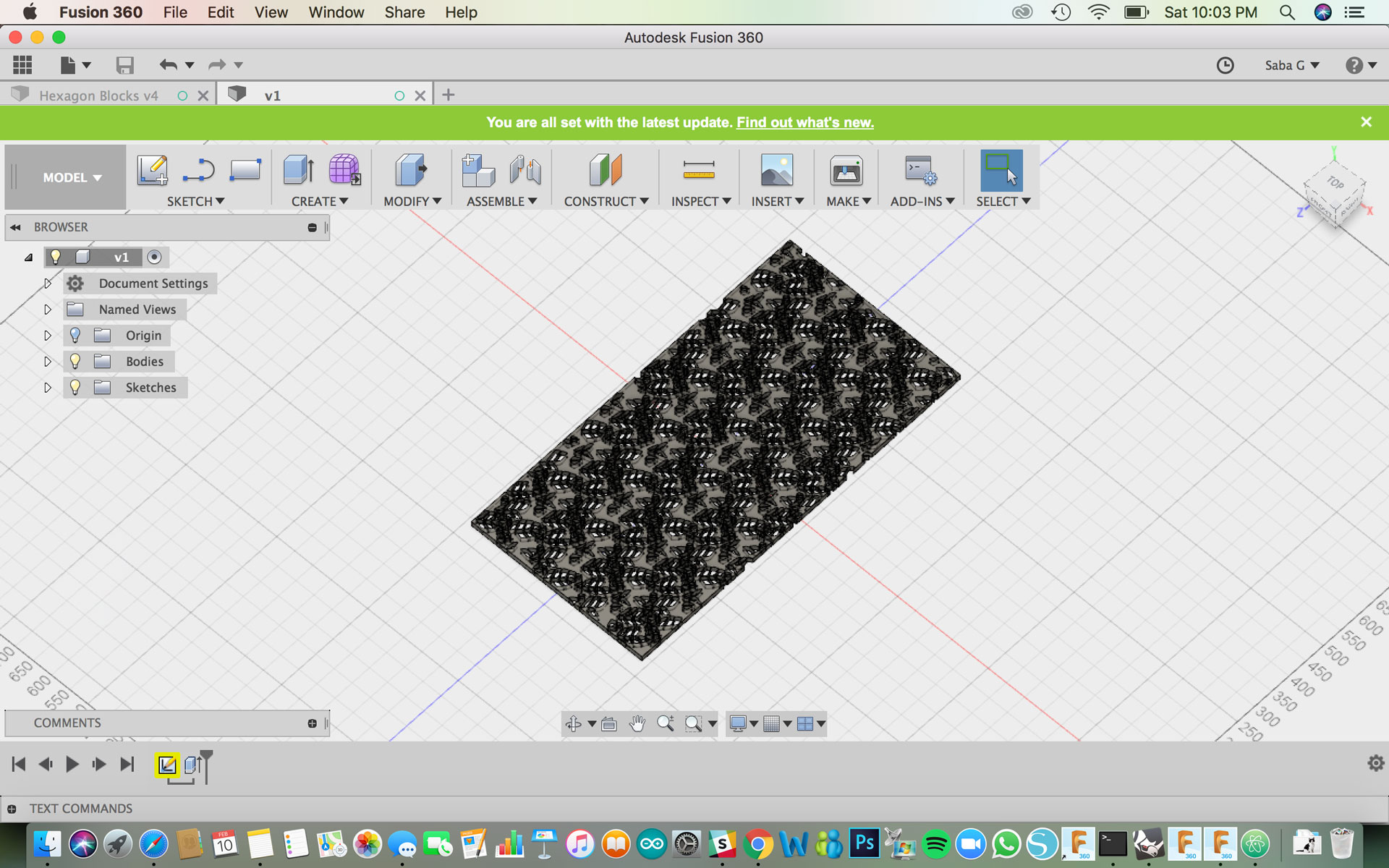
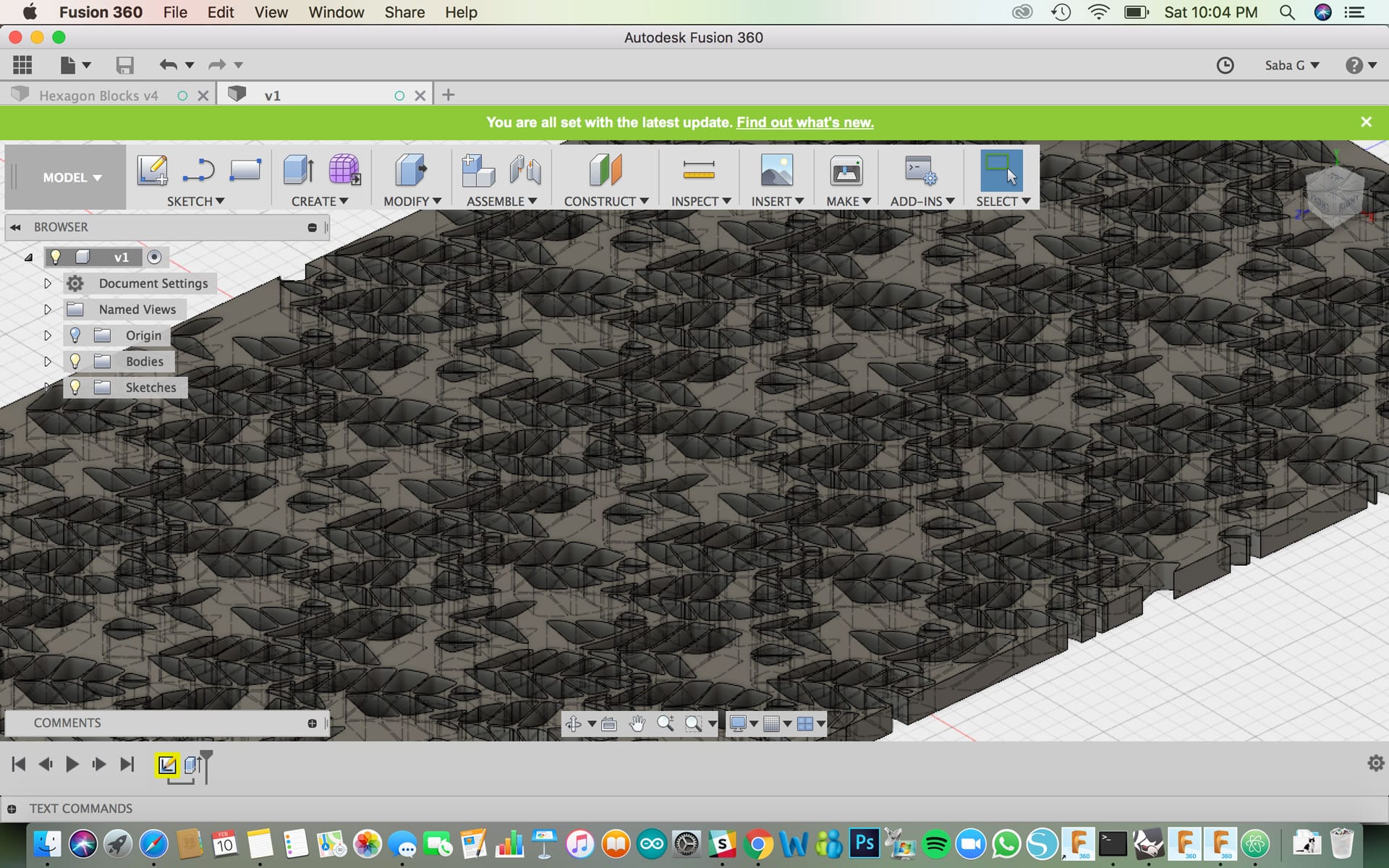
Download the radiator 3d model file made in Fusion 360.
Click to download Fusion 360 .f3d file.
Evaluate Software
Between Fusion 360 and Rhino, I see good applications for both software in my process. Depending on what I’m doing, I plan to utilize both. I prefer the quick and efficient drafting feature in Rhino, especially when working in a 2D environment. I was able to use the genetla work space to test out different variations for designs all in one file. In regards to Fusion 360, I really like the parametric modeling features embedded in the software. It’s really adaptable for 3D modeling, especially when designing and prototyping smaller scale parts. For larger scale work, such as designing building or large scale installations, I prefer to use Rhino. I found the layering in Rhino to be quite useful for the early design phase and testing out and seeing different options by turning layers on and off. Fusion 360 was more difficult to embed multiple models in the same space, although I did find the component feature to be useful for parts assembly with multiple parts coming together.